ERP Software Pricing Explained: What Are You Really Paying For?

Investing in ERP software is a significant business decision, yet pricing is often misunderstood. Many organizations focus only on the upfront license or subscription fee, overlooking the broader costs involved. A clear understanding of ERP pricing helps businesses budget accurately, avoid surprises, and select a solution that supports long-term growth.
How ERP Pricing Models Work
ERP providers offer different pricing approaches based on deployment and usage.
- Subscription pricing : Common for cloud ERP, billed monthly or annually by user or module
- Perpetual licensing : A one-time purchase, typically for on-premise deployments
- Usage-based pricing : Fees based on transactions, data volume, or system activity
Each model impacts scalability, flexibility, and long-term cost differently.
Licensing and System Access
A large portion of ERP costs is tied to user access and functionality. This usually includes:
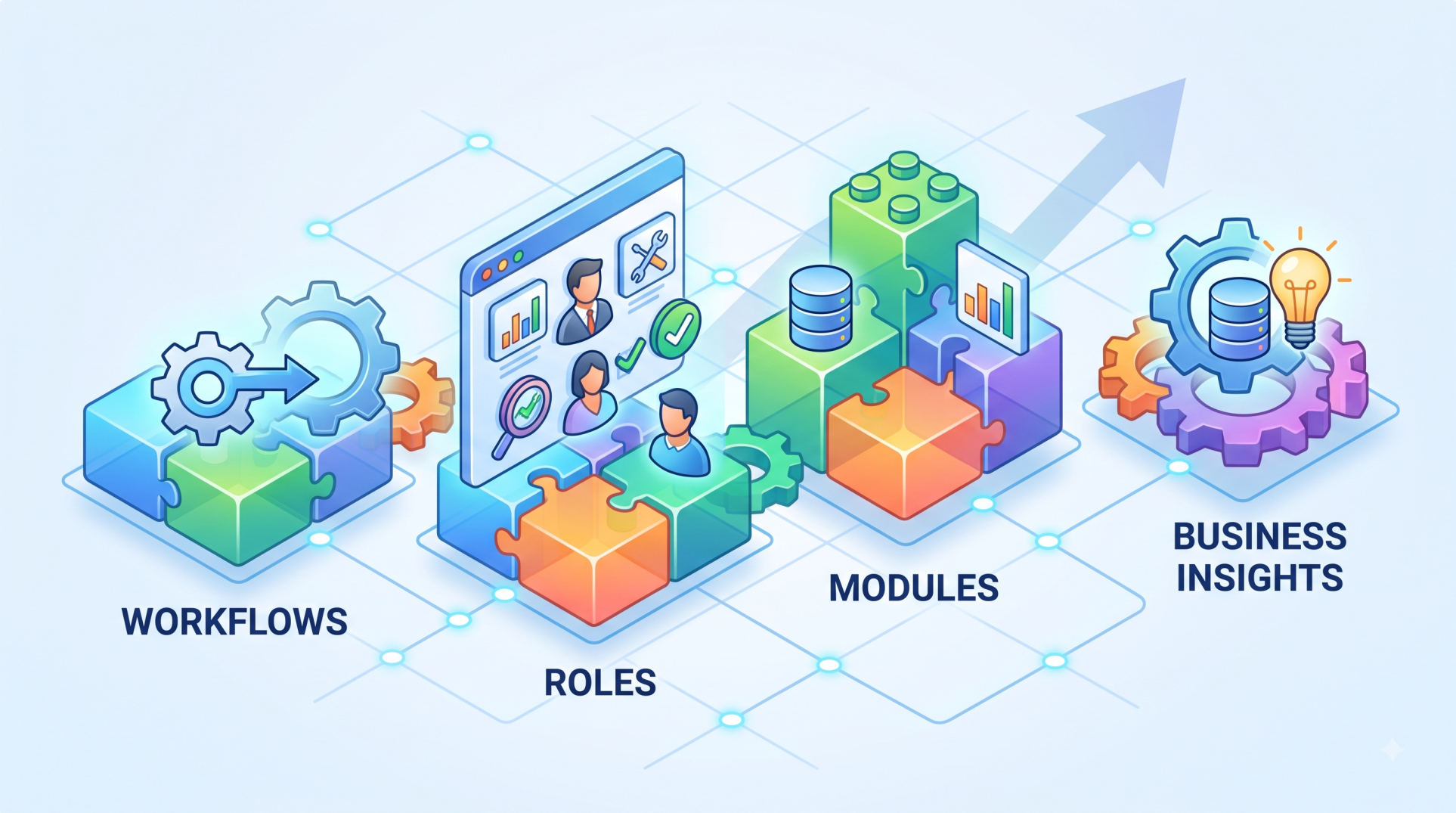
- Number of users and assigned roles
- Access to standard and advanced modules
- Role-based dashboards and permissions
As user count and feature depth increase, so does the total investment.
Implementation and Deployment Costs
Implementation is often one of the biggest ERP expenses.
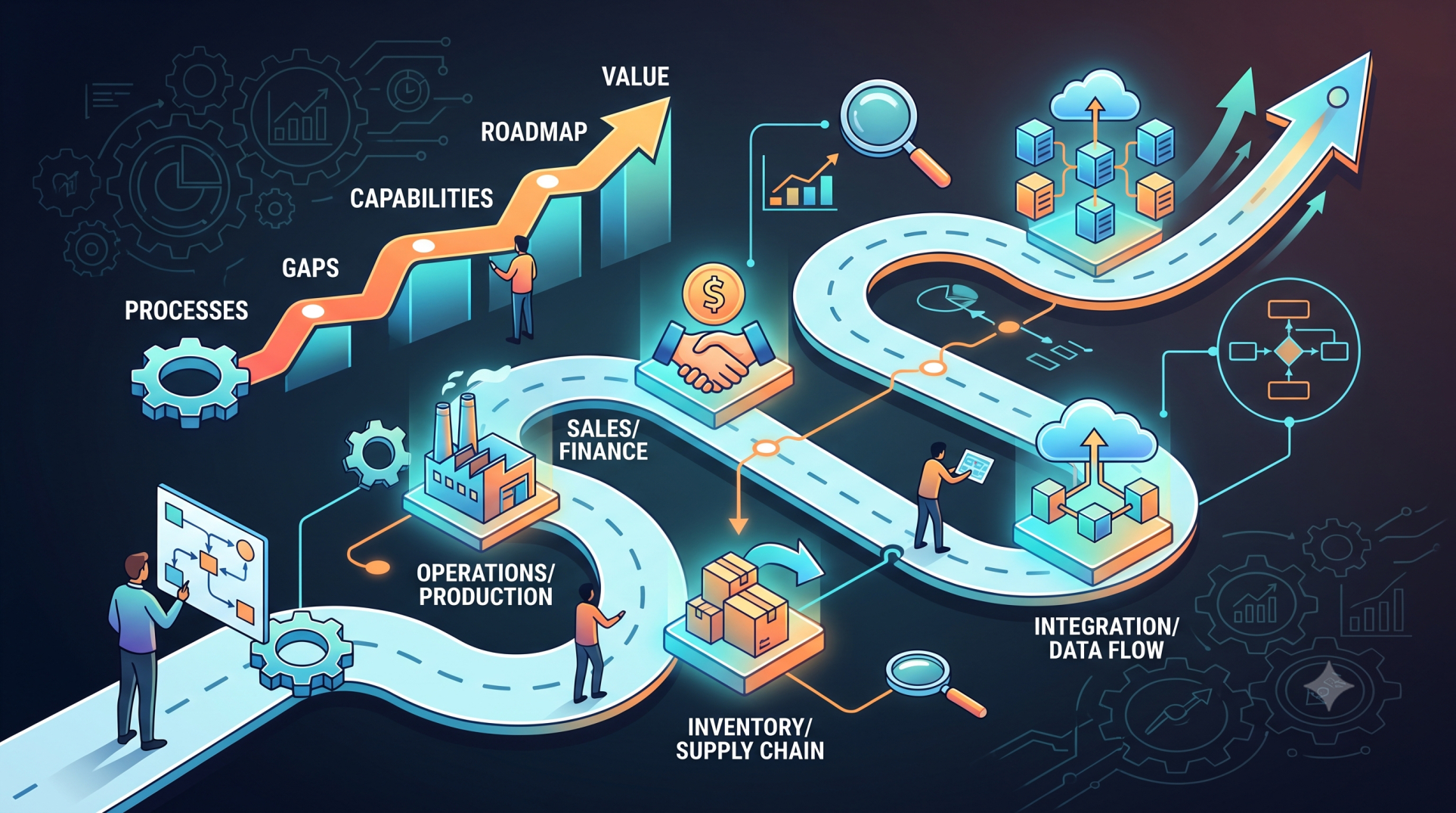
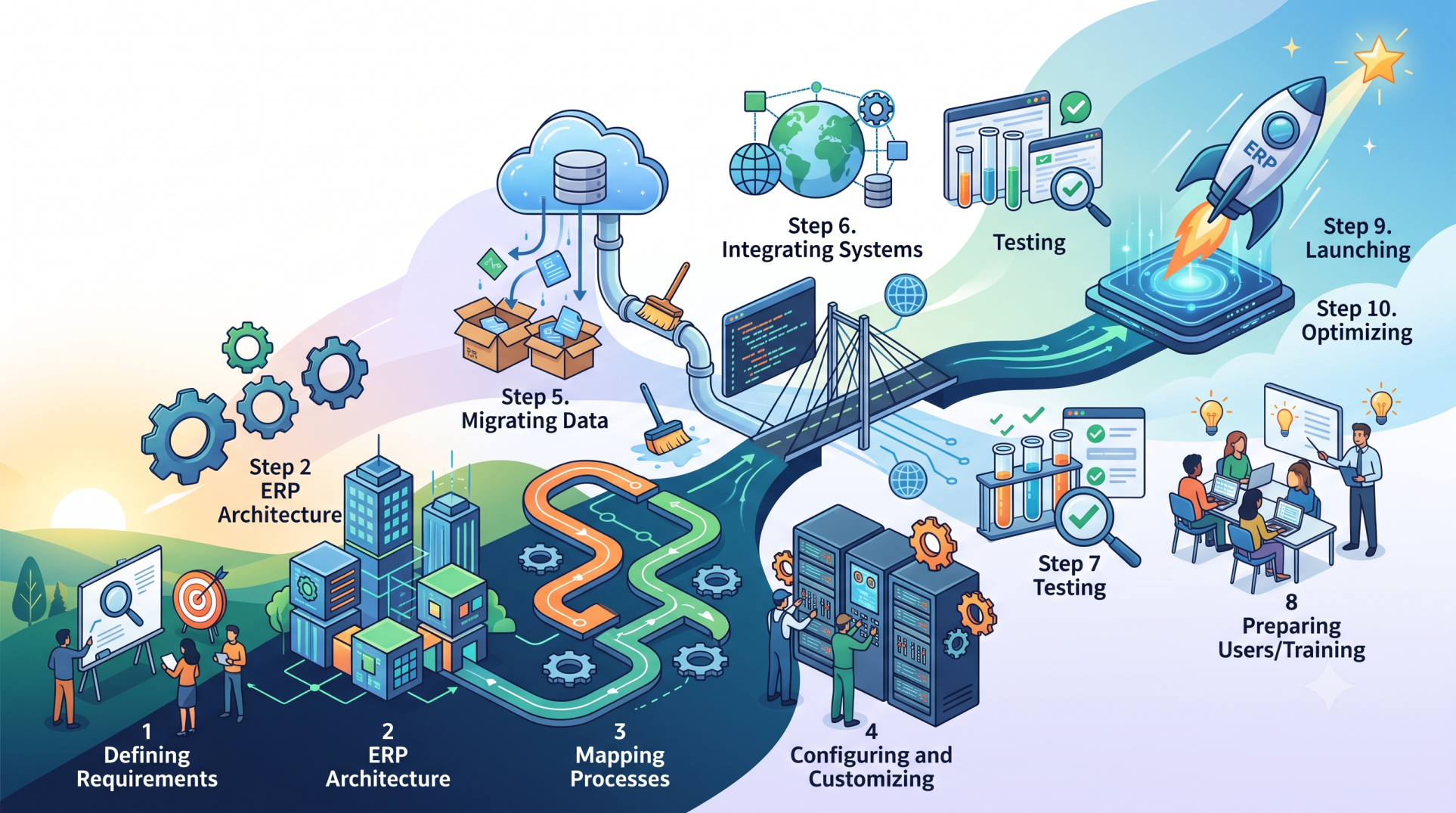
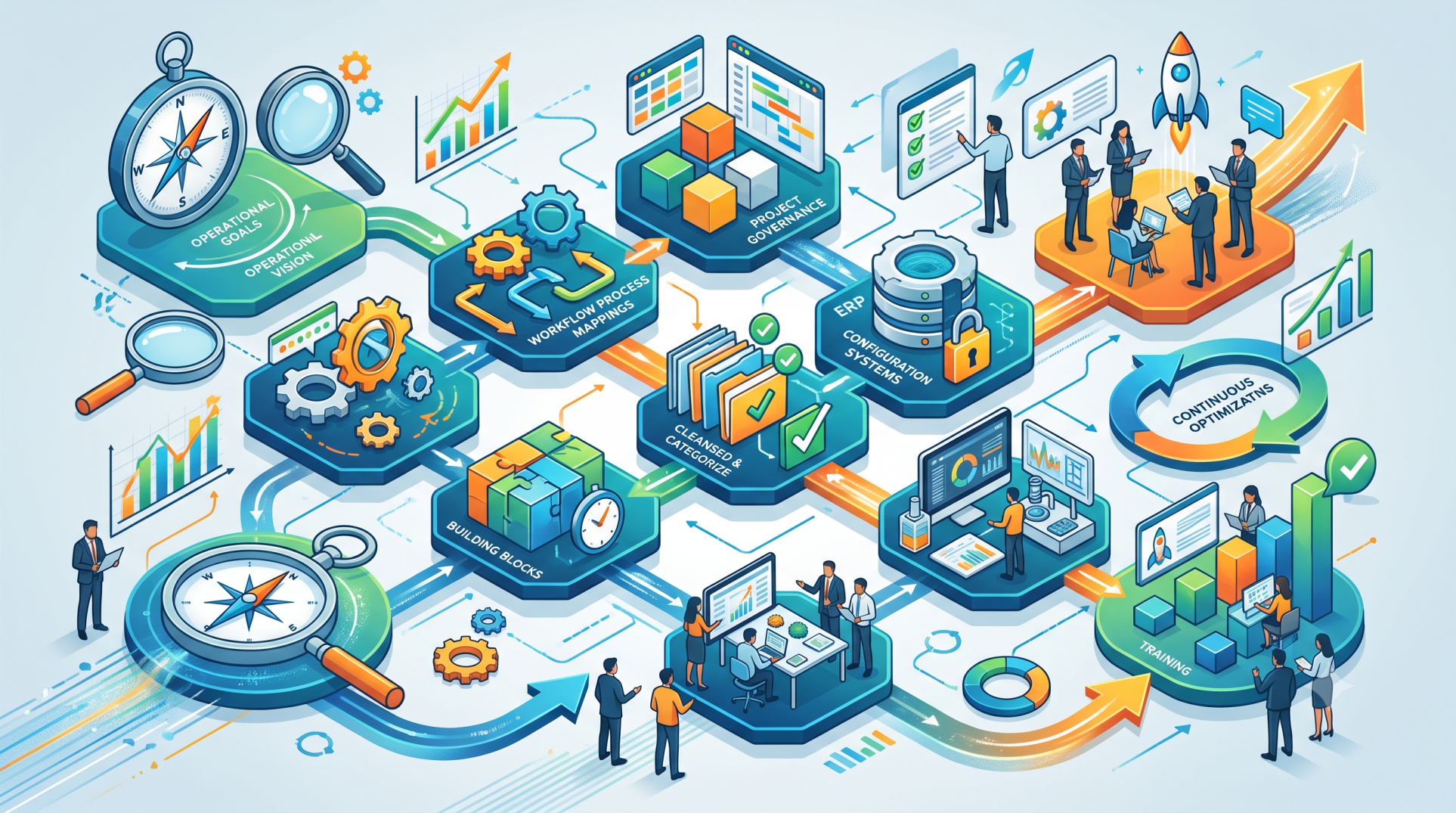
- Configuring the system to fit business processes
- Migrating data from existing systems
- Custom workflows and system integrations
- Testing, launch, and post-go-live support
Proper implementation ensures the ERP delivers value from the start.
Customization and Integration Costs
No two businesses operate the same way. Customization may involve:
- Industry-specific processes and workflows
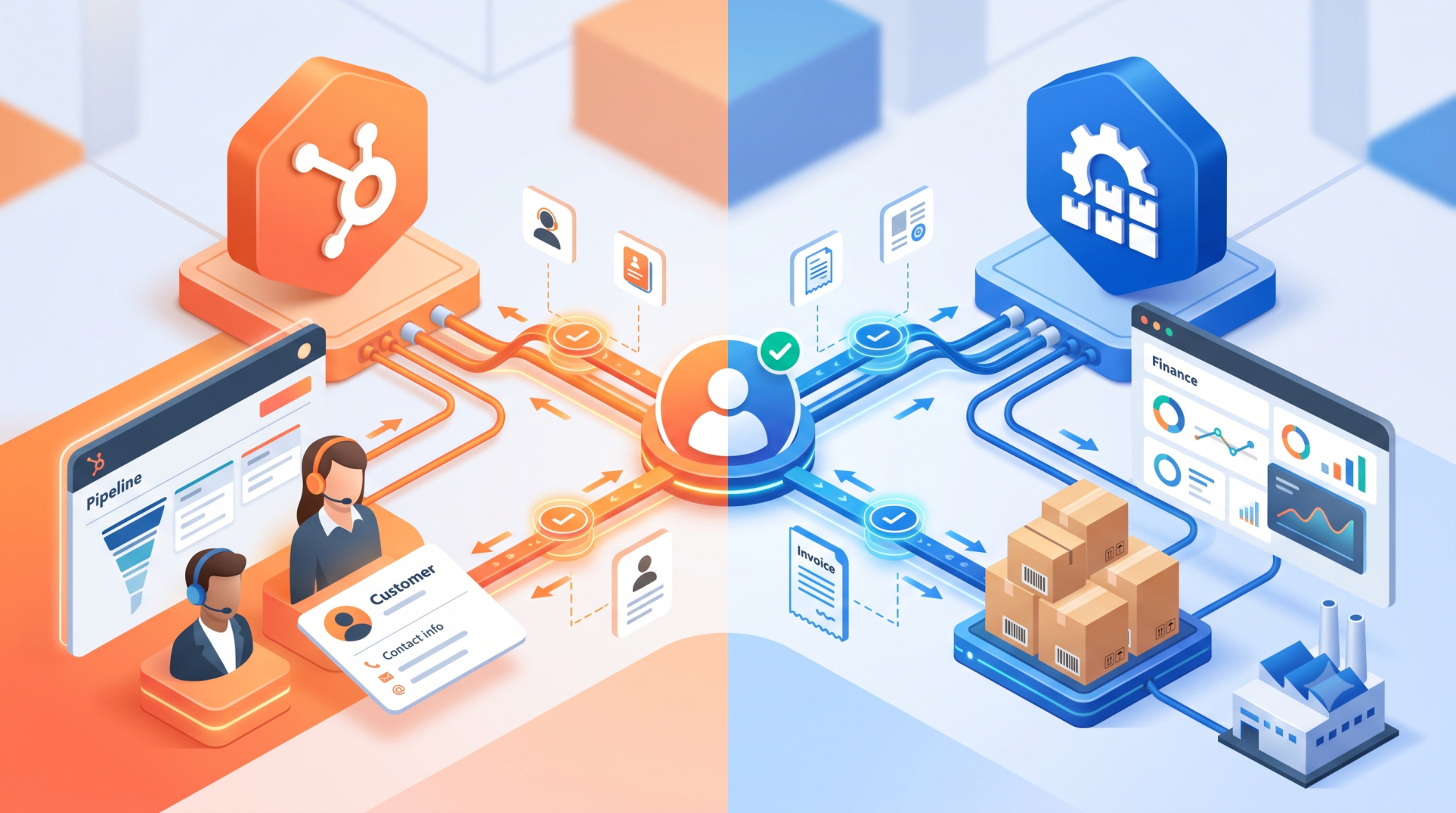
- Integration with CRM, e-commerce, or payroll platforms
- API development and third-party connections
While these services add cost, they significantly improve efficiency and usability.
Training and Change Management
User adoption plays a critical role in ERP success.
- Employee training sessions
- User documentation and learning resources
- Change management support
Strong training programs reduce errors and speed up return on investment.
Ongoing Support and Maintenance
ERP expenses continue after deployment.
- Technical support and helpdesk services
- Software updates and security patches
- System monitoring and performance optimization
Cloud ERP often includes these services, while on-premise systems may charge separately.
Infrastructure and Hosting Expenses
Infrastructure costs depend on deployment type.
- Hardware, servers, and networking for on-premise ERP
- Cloud hosting and data storage fees
- Backup, recovery, and security solutions
These costs ensure system stability and data protection.
Hidden Costs to Consider
Some ERP expenses are not always clear upfront.
- Extra user licenses or feature upgrades
- Premium or priority support plans
- Advanced analytics and reporting tools
- Compliance and regulatory updates
Clarifying these early helps avoid unexpected budget increases.
Final Thoughts
ERP pricing includes far more than software access. It reflects implementation, customization, training, support, and long-term system reliability. By understanding the complete cost structure, businesses can compare solutions more accurately and invest in an ERP platform that delivers lasting value not just short-term savings.
See more blogs
You can all the articles below