Balancing Customization and Standardization in ERP
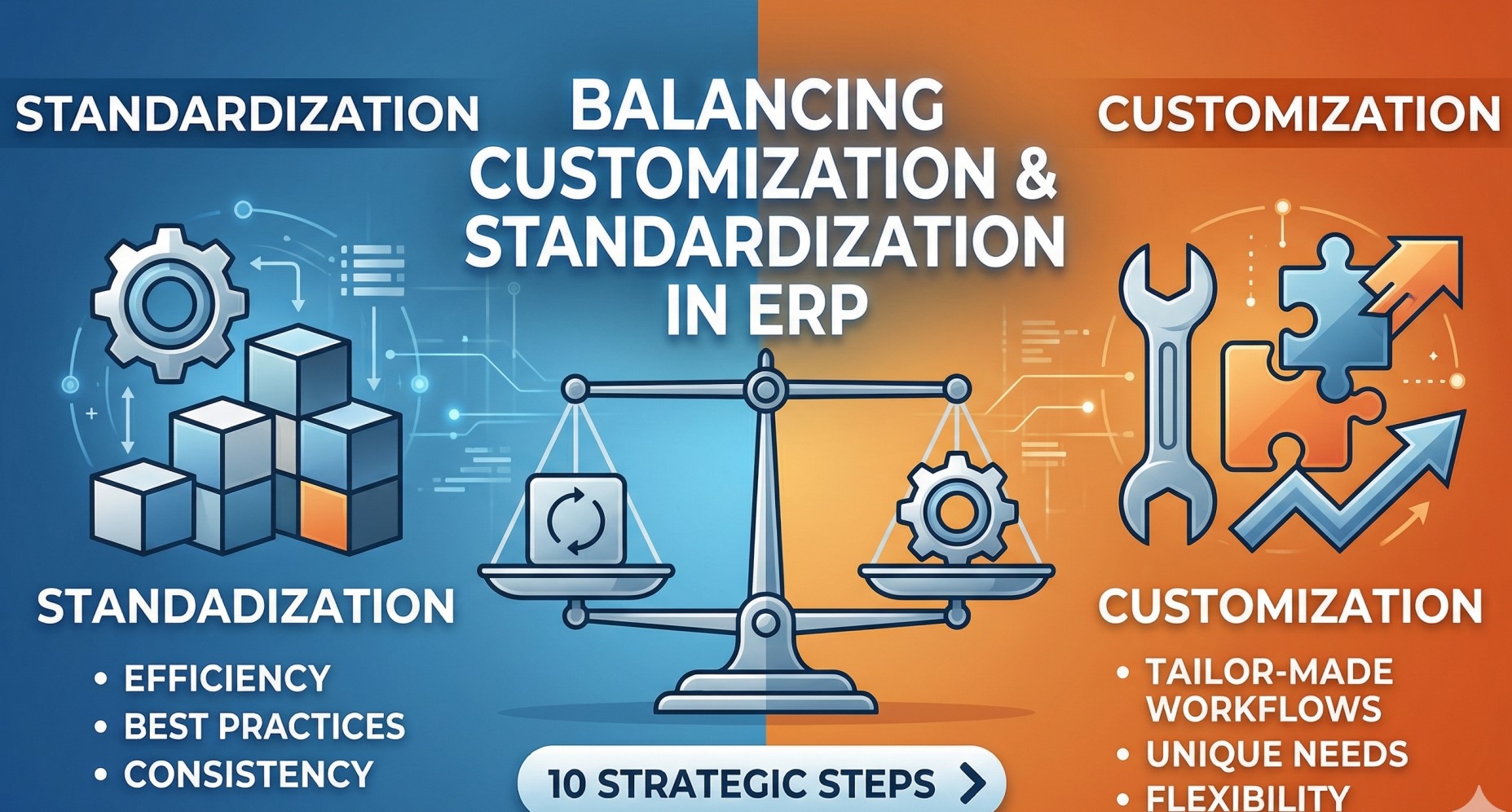
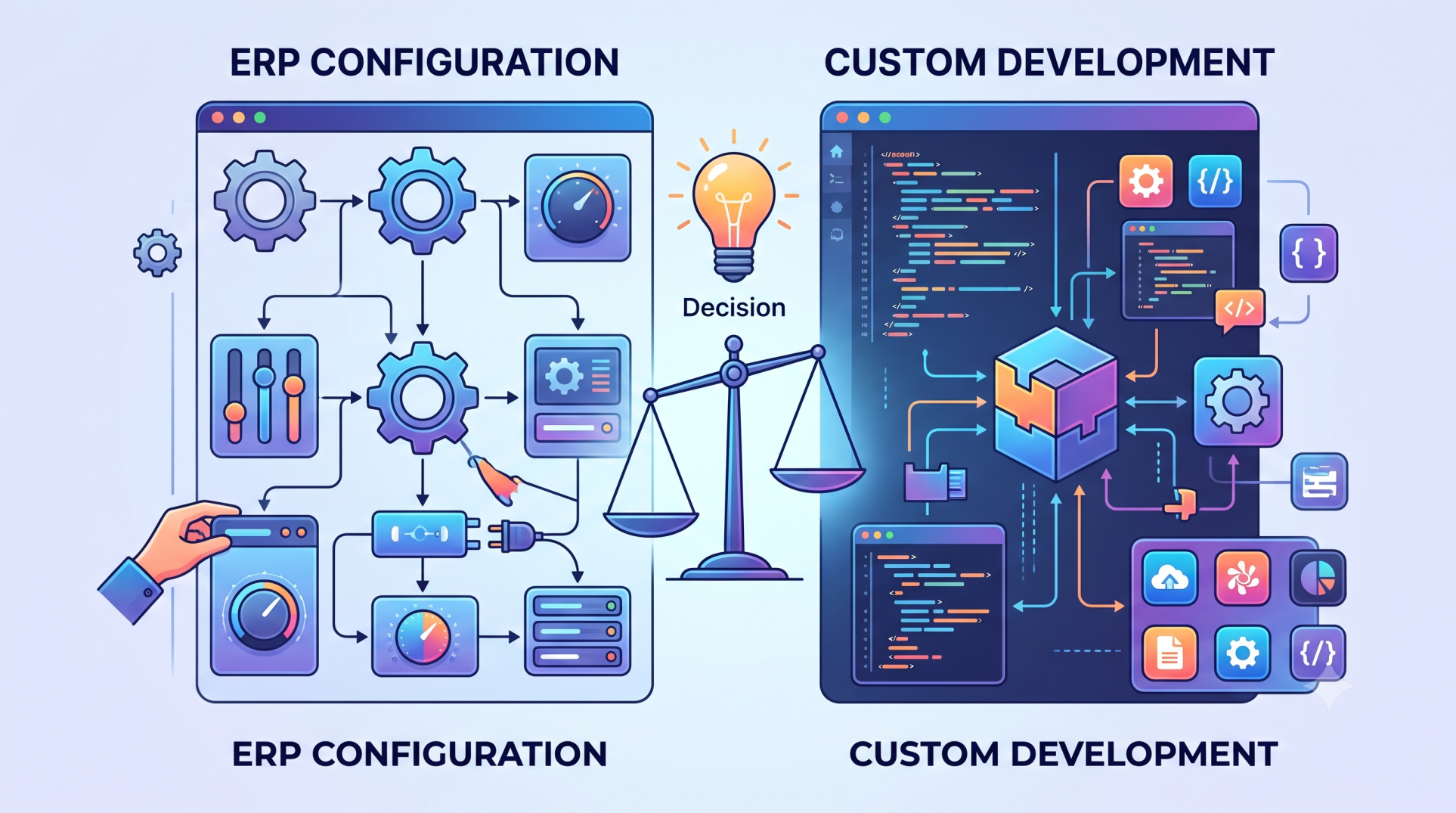
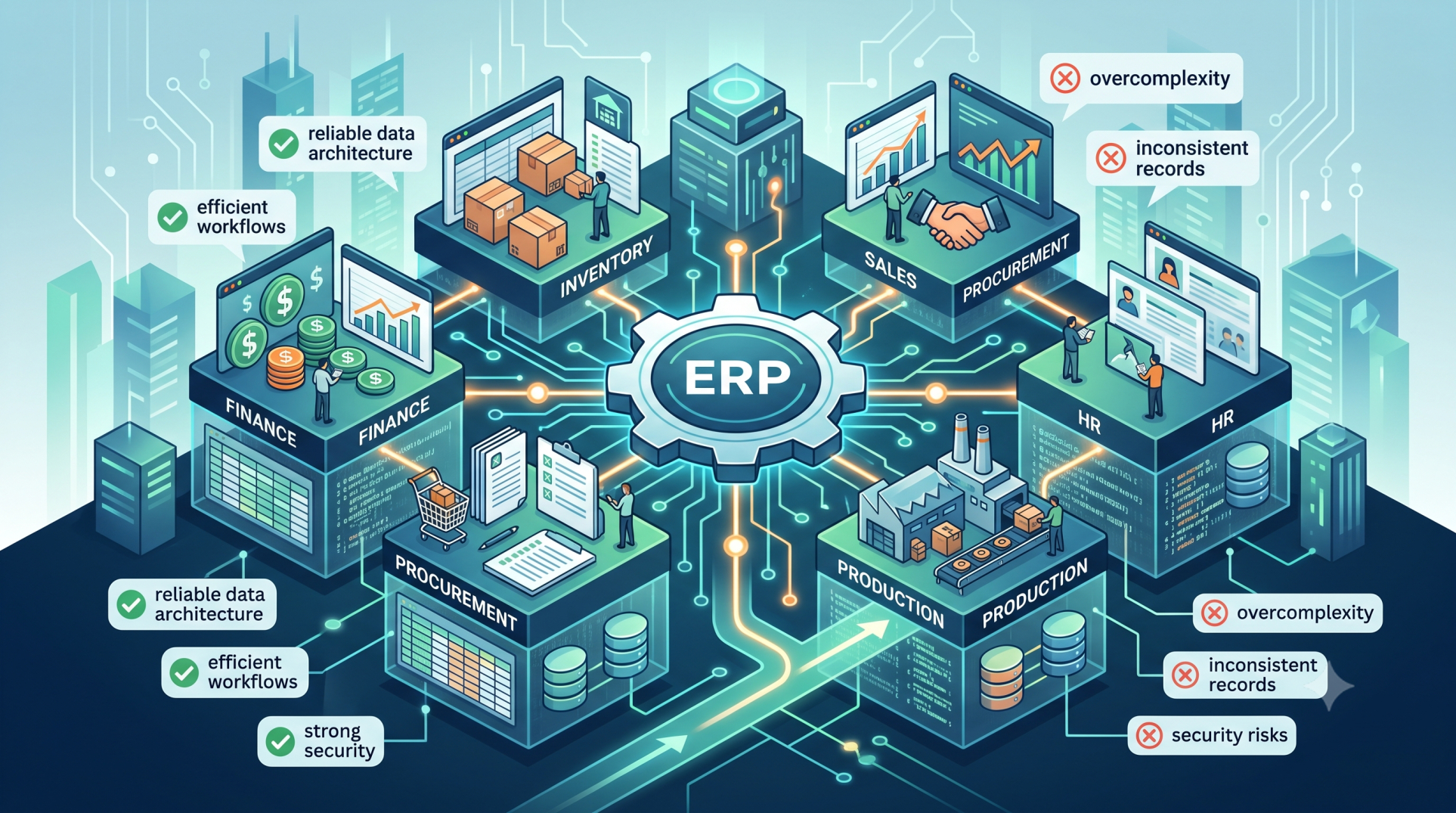
Enterprise Resource Planning systems are built to integrate and optimize business operations, yet organizations often face a key challenge: determining the right level of customization versus standardization. Customization enables alignment with unique processes, while excessive changes can introduce complexity and higher costs. Standardization improves efficiency and scalability but may restrict flexibility. Striking the right balance is critical for achieving sustainable ERP success.
Step 1: Understanding Standardization in ERP 📐
• Uses predefined workflows and industry best practices ✔️
• Reduces deployment time and system complexity ⏱️
• Maintains consistency across teams and operations 🔁
• Simplifies training and onboarding processes 🎓
• Enables smoother upgrades and ongoing maintenance 🔧
Step 2: Understanding Customization in ERP 🛠️
• Tailors the system to meet specific business needs 🎯
• Supports unique workflows and competitive positioning 🧩
• Improves usability for specialized roles 👤
• Addresses functional gaps in standard features 🚧
• Aligns the system with industry-specific requirements 🏭
Step 3: Risks of Over-Customization ⚠️
• Raises implementation and maintenance costs 💰
• Creates reliance on specialized technical resources 👨💻
• Complicates upgrades and future system changes 🔄
• Increases risk of instability and performance issues 📉
• Limits compatibility with standard integrations 🔗
Step 4: Risks of Excessive Standardization ⚖️
• May fail to support unique operational needs 🚫
• Forces inefficient workarounds for users 🔁
• Reduces flexibility in changing business conditions 🌐
• Limits differentiation in competitive environments 🏁
• Impacts user satisfaction and productivity 📊
Step 5: Identifying What Should Be Standardized 📊
• Core finance and accounting operations 💼
• Shared workflows across departments 🔄
• Compliance and regulatory processes ⚖️
• Data models and reporting structures 🗂️
• Routine and repeatable business tasks 🔁
Step 6: Identifying Where Customization Adds Value 💡
• Customer-facing and revenue-driving processes 💰
• Industry-specific operational requirements 🏭
• Unique approval workflows or decision logic 🧠
• Differentiated service or delivery models 🚀
• Advanced reporting or analytical capabilities 📈
Step 7: Configurable Alternatives to Customization ⚙️
• Use built-in configuration instead of custom code 🧩
• Leverage modular add-ons and extensions 🔌
• Adopt low-code or no-code tools 🧠
• Utilize workflow engines for process adjustments 🔄
• Avoid direct modifications to core system logic 🚫
Step 8: Strategic Decision Principles 🎯
• Standardize processes that do not drive competitive advantage 📊
• Customize only where it supports differentiation 🚀
• Focus on long-term maintainability over short-term gains 🧱
• Align ERP decisions with broader business strategy 🏢
Step 9: Managing Customization Over Time 🔄
• Maintain clear documentation of all changes 📄
• Periodically reassess relevance as needs evolve 🔍
• Remove or simplify outdated customizations 🧹
• Validate compatibility before upgrades ⚙️
• Establish governance for new customization requests 🛡️
Step 10: Building a Balanced ERP Strategy 🏗️
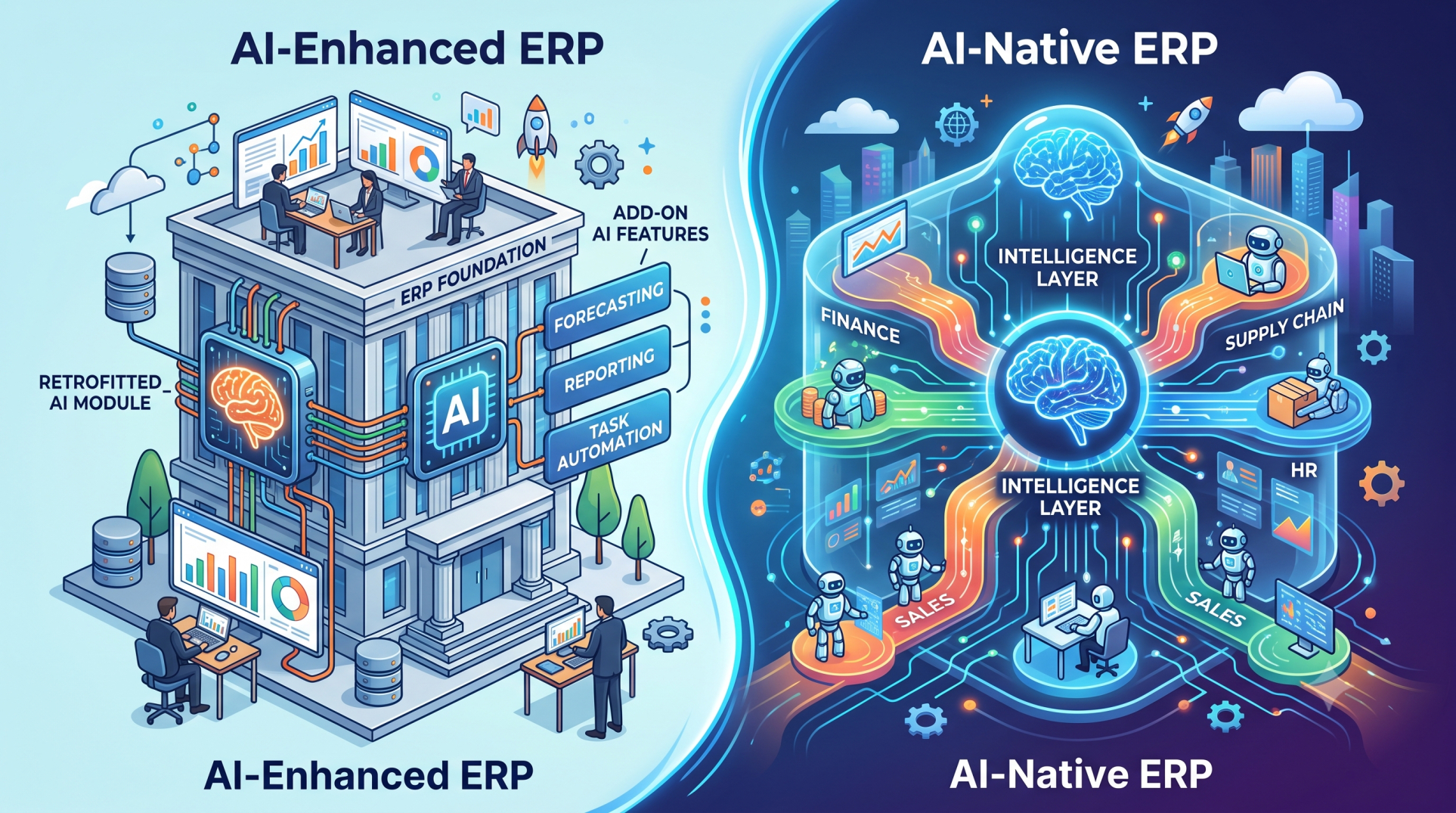
• Blend standardized processes with selective customization ⚖️
• Align business and IT stakeholders on priorities 🤝
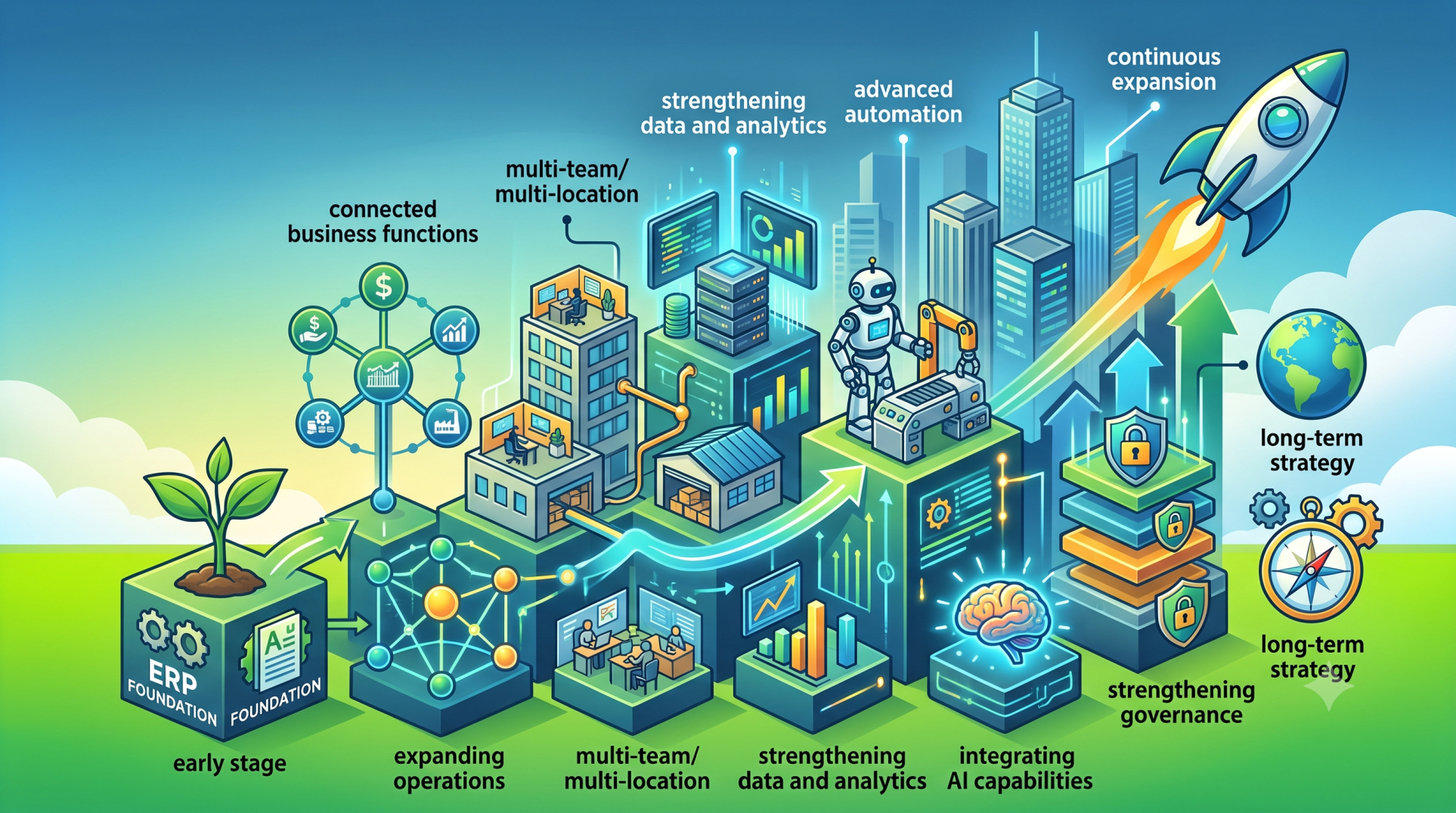
• Design for scalability and future expansion 📈
• Maintain flexibility without sacrificing stability 🛡️
• Develop a roadmap for continuous improvement 🗺️
Conclusion
Balancing customization and standardization in ERP is a strategic decision that influences efficiency, cost, and long-term adaptability. By standardizing core operations and selectively customizing areas that create business value, organizations can achieve both operational stability and competitive differentiation. A structured and well-governed approach ensures ERP systems remain scalable, maintainable, and aligned with evolving business objectives.
See more blogs
You can all the articles below