Identity Governance in ERP Environments
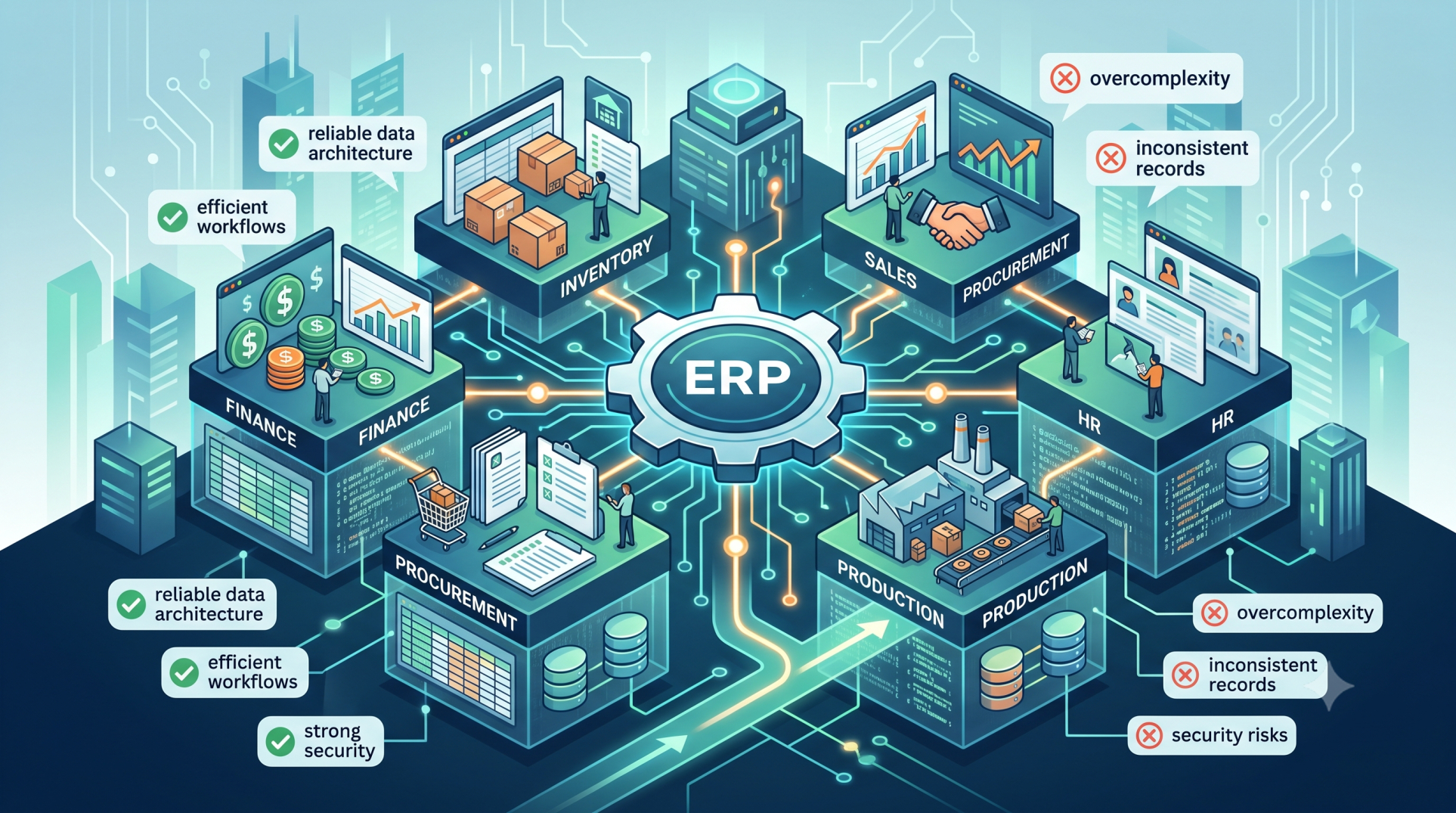
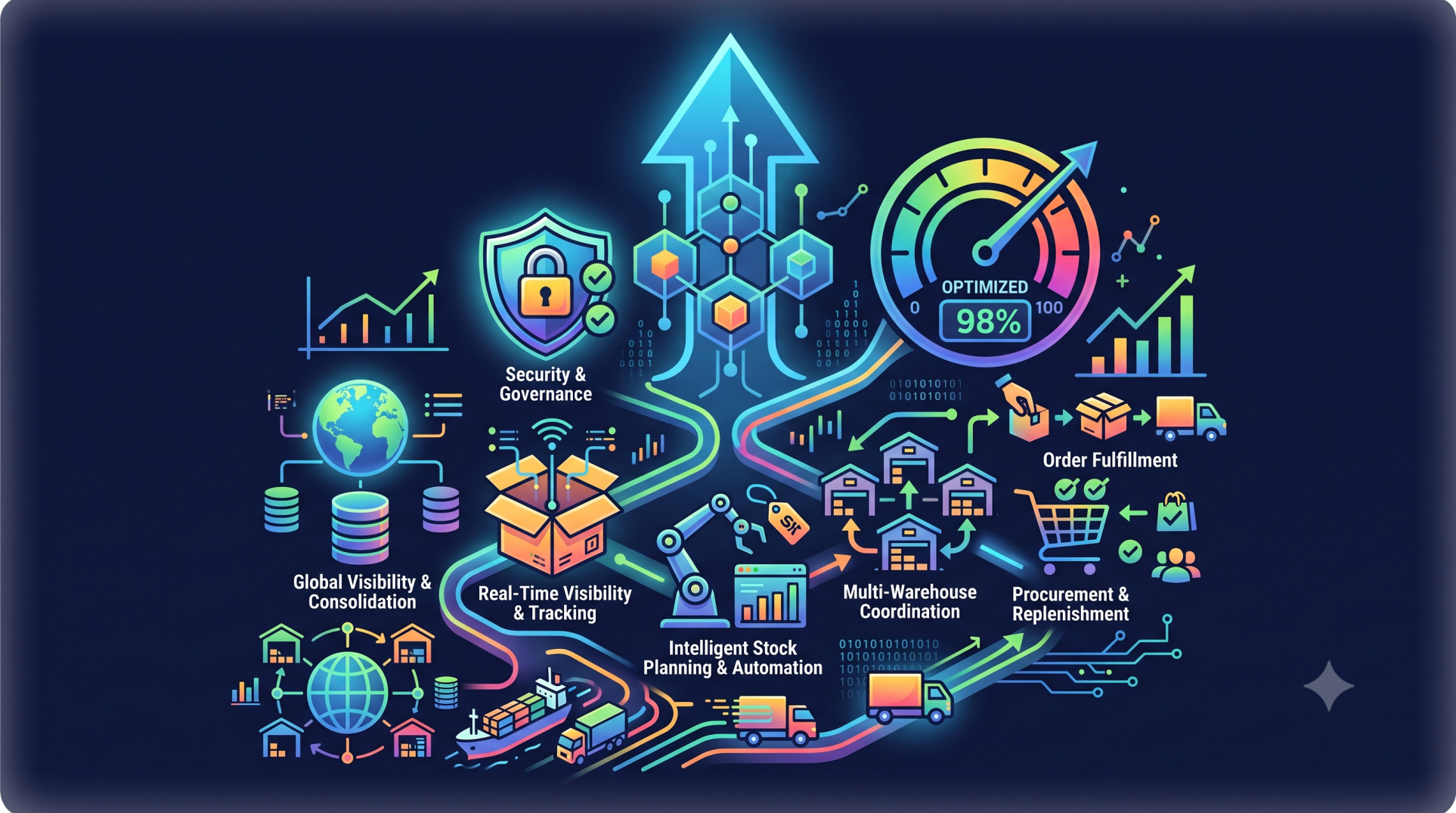
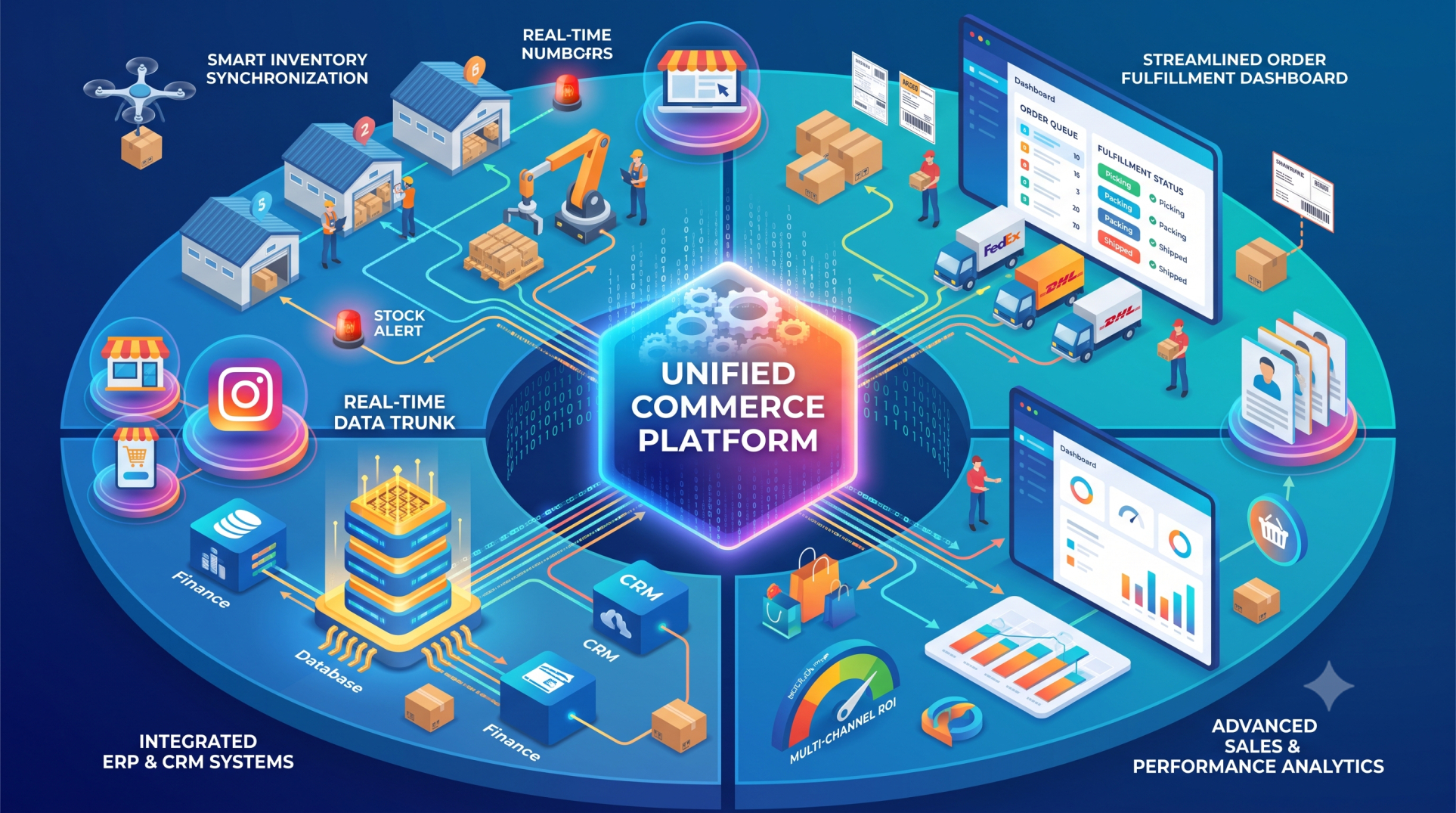
As ERP systems become the backbone of enterprise operations, managing who has access to what—and why—has become a critical priority. Identity Governance ensures that users, roles, and permissions are properly controlled, monitored, and aligned with business policies. A strong governance framework reduces security risks, supports compliance, and ensures that access to sensitive data remains appropriate and auditable.
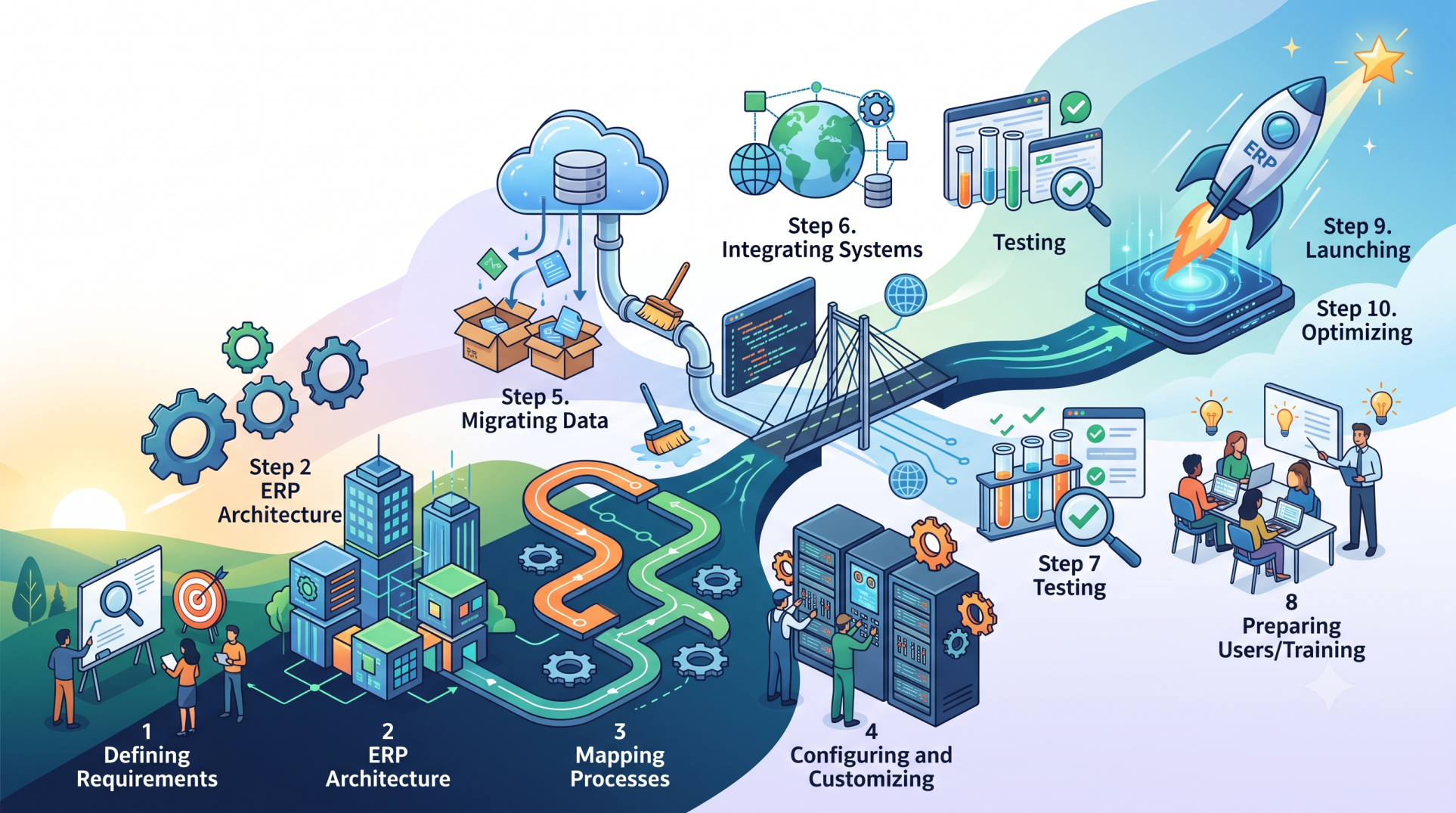
Step 1: Defining Identity Governance Objectives 🔐
• Establish clear policies for user access and role management 🔐
• Align identity governance with business and compliance requirements 📜
• Define accountability for access approvals and reviews 👤
• Ensure least-privilege access across all ERP modules ⚖️
• Create a framework for continuous monitoring and control 🔍
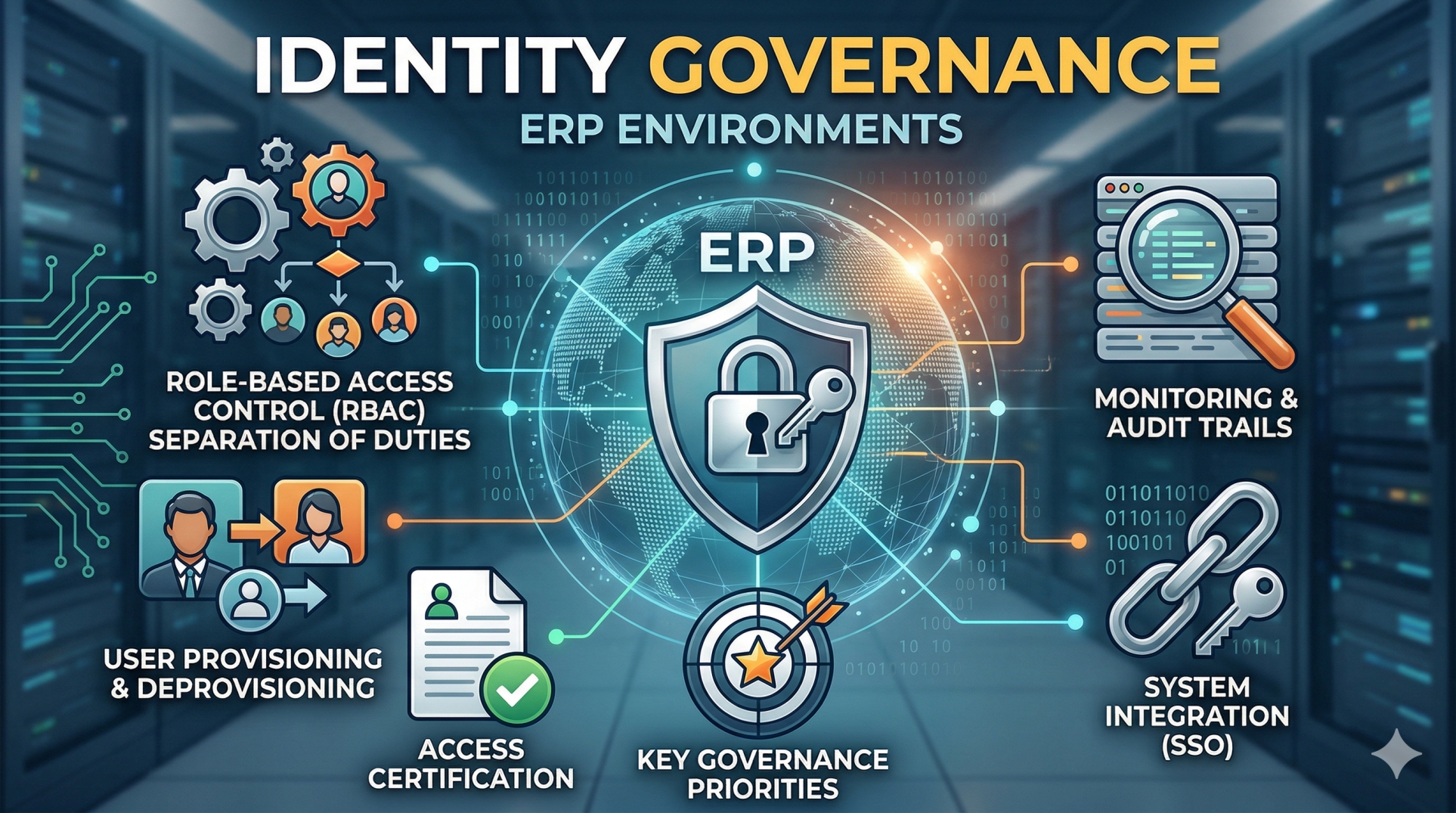
Step 2: Role-Based Access Control (RBAC) Design 🧩
• Define roles based on job functions and responsibilities 🧩
• Assign permissions aligned with business needs and workflows ⚙️
• Avoid excessive privilege accumulation across roles 🚫
• Maintain clear separation of duties (SoD) ⚖️
• Regularly review and refine role definitions 🔄
Step 3: User Provisioning and Deprovisioning 👥
• Automate user onboarding based on role assignments 🤖
• Ensure timely removal of access during offboarding 🚪
• Integrate with HR systems for lifecycle management 🔗
• Reduce manual errors in access provisioning ❌
• Maintain accurate and up-to-date user records 📂
Step 4: Access Certification and Reviews 📋
• Conduct periodic reviews of user access rights 📋
• Validate that permissions remain relevant to job roles ✔️
• Identify and remove unnecessary or outdated access 🚫
• Document approvals for audit and compliance purposes 🧾
• Enable automated certification workflows 🔄
Step 5: Segregation of Duties (SoD) Management ⚖️
• Identify conflicting roles and access combinations ⚖️
• Prevent users from performing incompatible functions 🚫
• Implement controls to detect and resolve violations 🔍
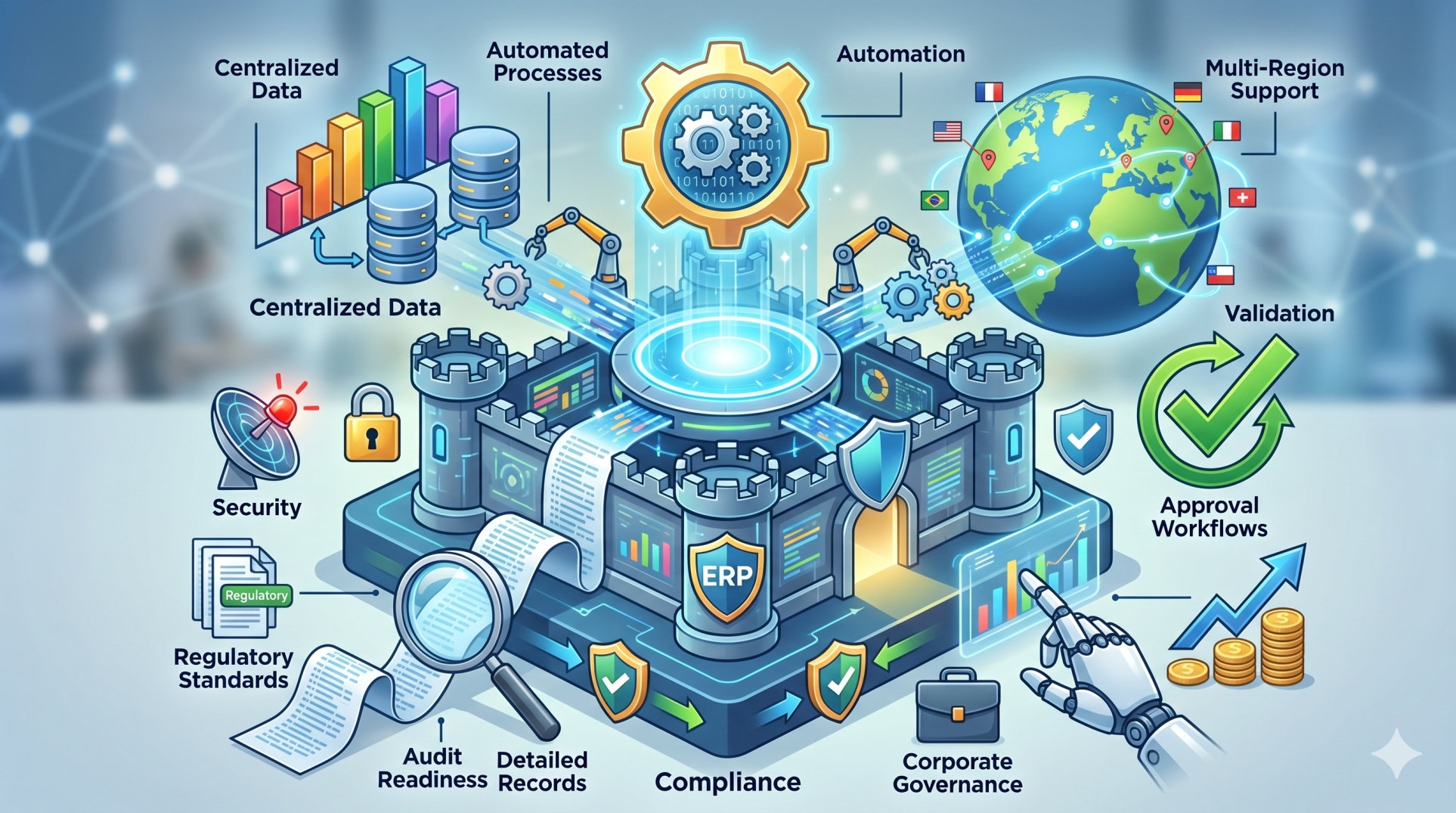
• Maintain compliance with regulatory standards 📜
• Continuously monitor SoD risks across the system 🔄
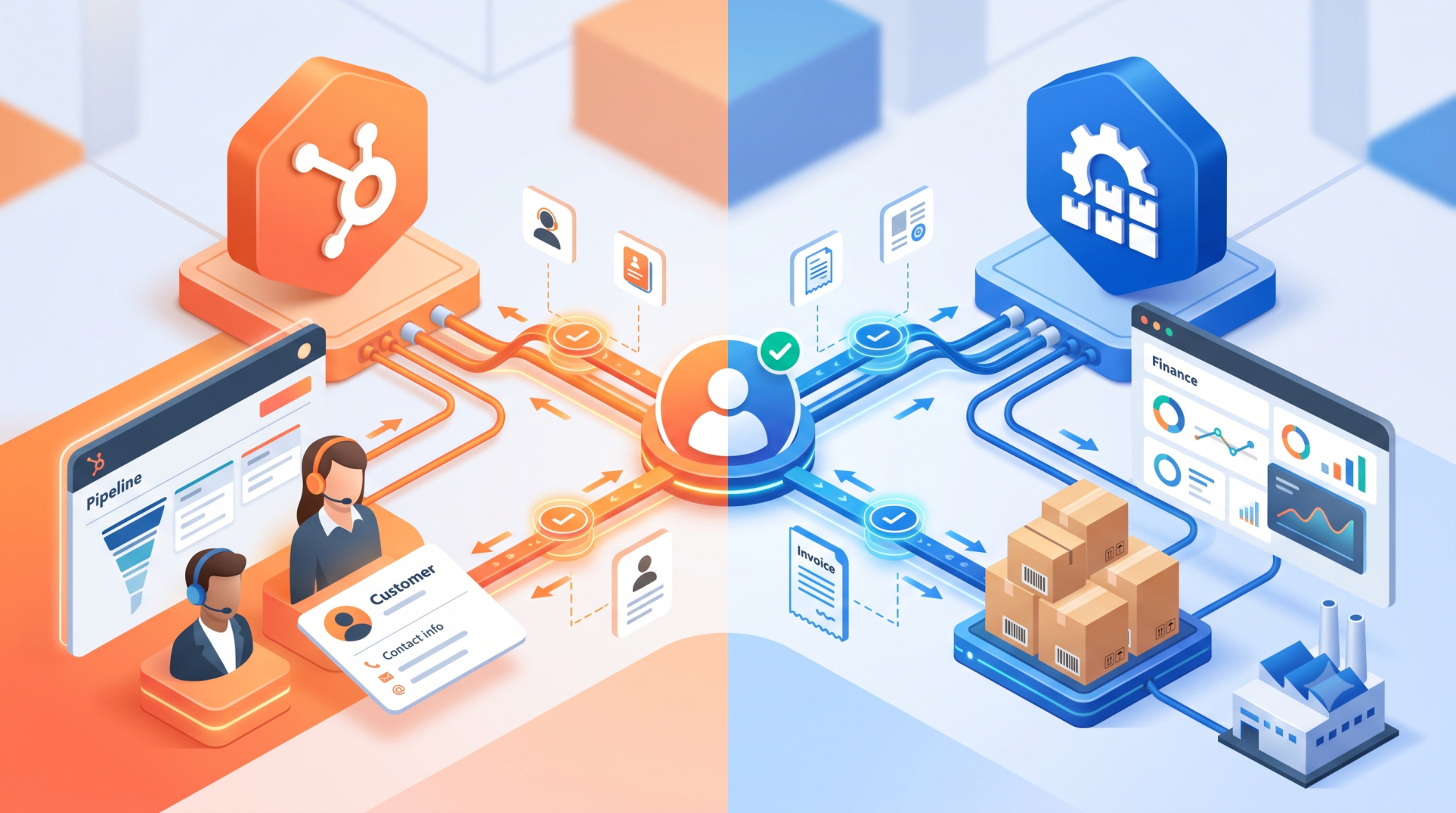
Step 6: Identity Integration Across Systems 🔗
• Integrate ERP identity management with other enterprise systems 🔗
• Enable single sign-on (SSO) for seamless access 🔑
• Synchronize identities across platforms in real time ⏱️
• Ensure consistent access policies across applications 🧠
• Support scalable identity management as systems grow 📈
Step 7: Monitoring and Audit Trails 📊
• Track user activities and access changes in real time 📊
• Maintain detailed audit logs for compliance 🔍
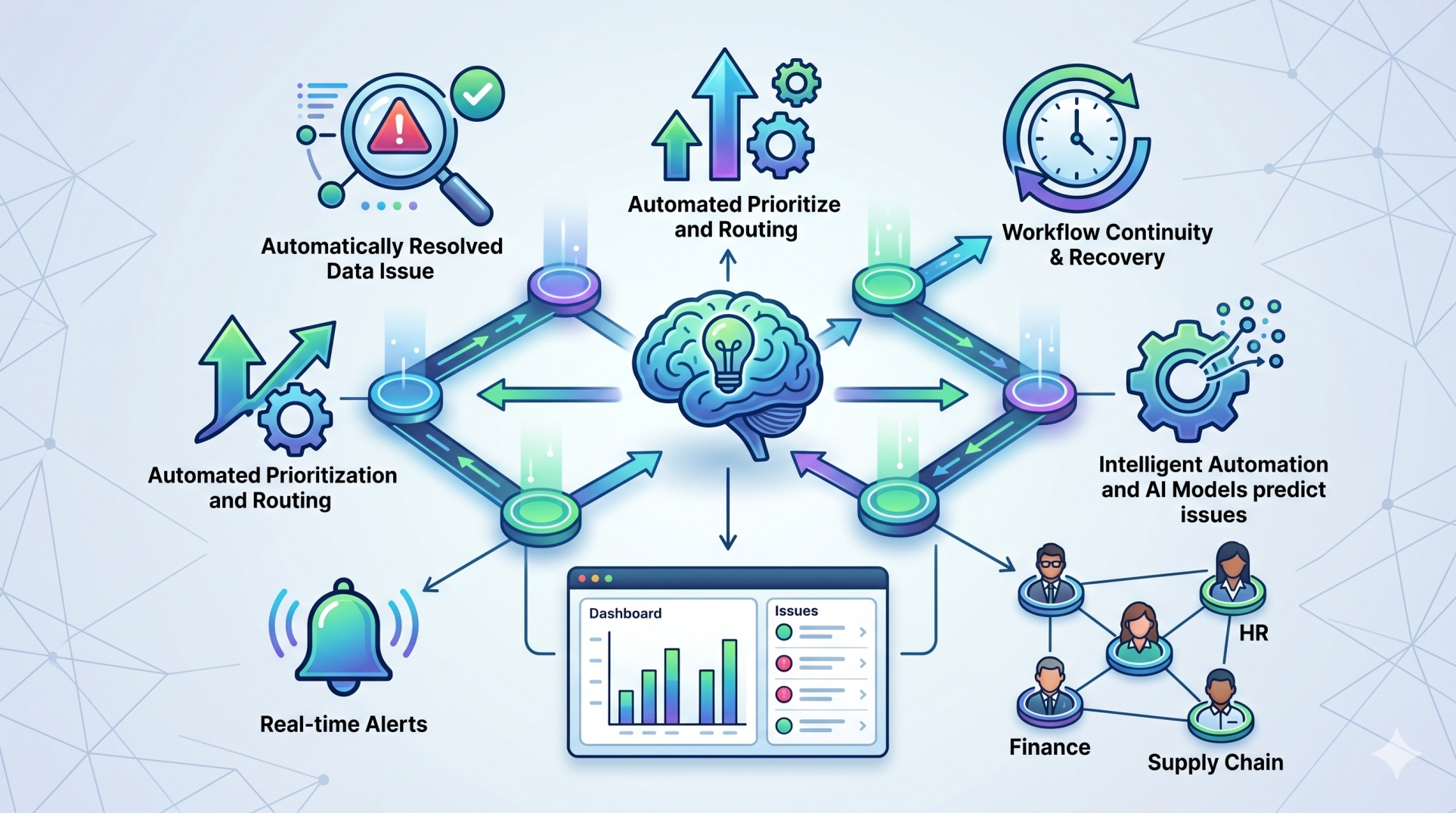
• Detect unusual access patterns or anomalies ⚠️
• Enable quick investigation of security incidents 🚨
• Support regulatory audits with accurate records 📜
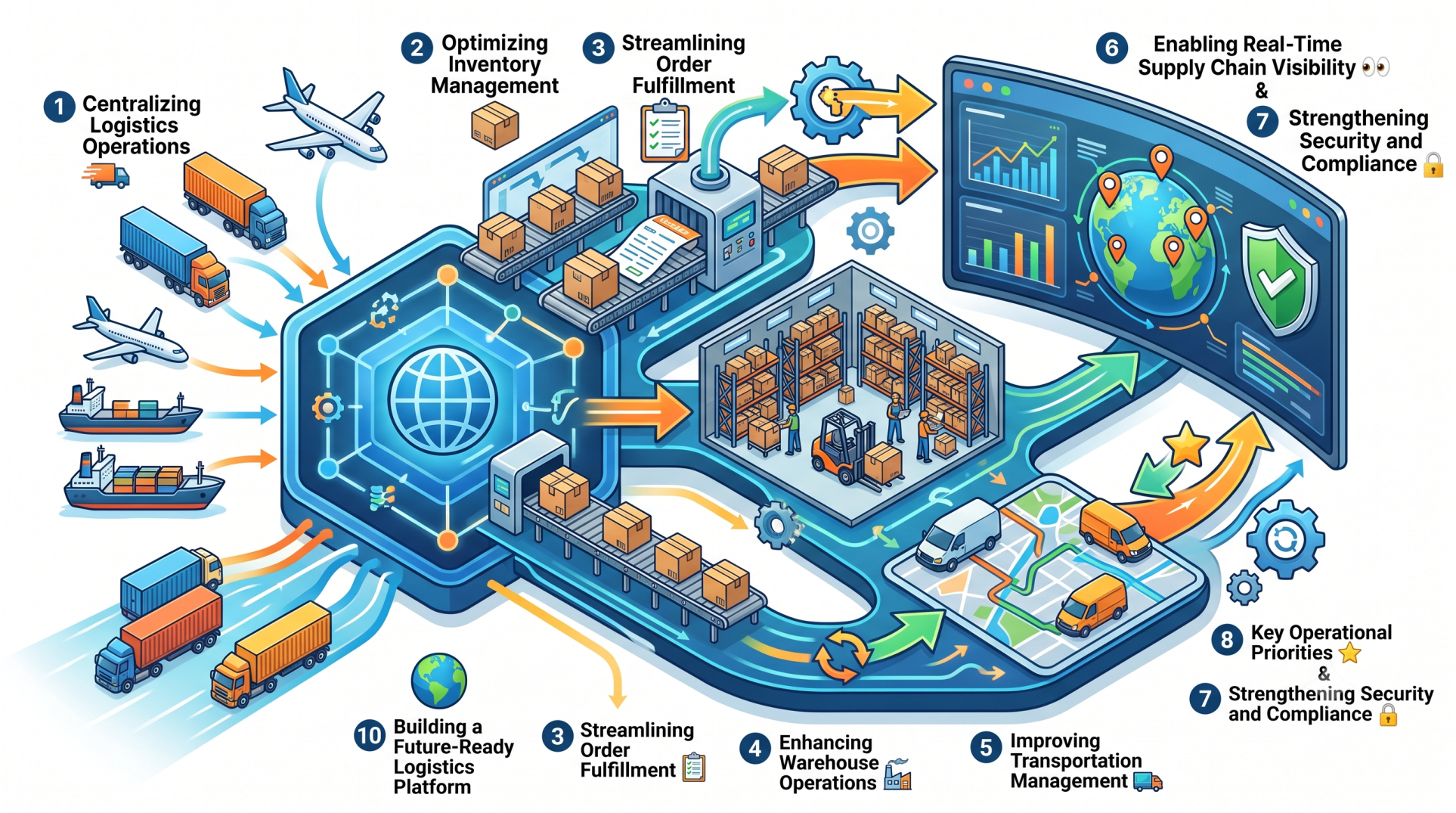
Step 8: Key Governance Priorities 🎯
• Strong access control and policy enforcement 🔐
• Continuous visibility into user activity 👁️
• Compliance with security and regulatory standards 📜
• Scalable identity management framework 🚀
Step 9: Handling Exceptions and Temporary Access 🔄
• Manage temporary access requests with defined time limits ⏳
• Ensure proper approval workflows for exceptions ✔️
• Monitor and revoke temporary permissions after use 🚫
• Maintain audit records of exception handling 📂
• Prevent misuse of elevated access privileges ⚠️
Step 10: Building a Secure Identity Ecosystem 🛡️
• Design identity governance to scale with business growth 📈
• Incorporate advanced security measures like MFA 🔐
• Use analytics to improve access control decisions 📊
• Continuously update policies based on risk insights 🔄
• Strengthen overall ERP security posture 🛡️
Conclusion
Identity Governance in ERP environments is essential for maintaining security, compliance, and operational integrity. By implementing structured access controls, continuous monitoring, and automated processes, organizations can ensure that the right users have the right access at the right time. A strong identity governance framework not only protects sensitive data but also supports scalable and secure enterprise growth.
See more blogs
You can all the articles below