Phased ERP Rollouts for Global Enterprises

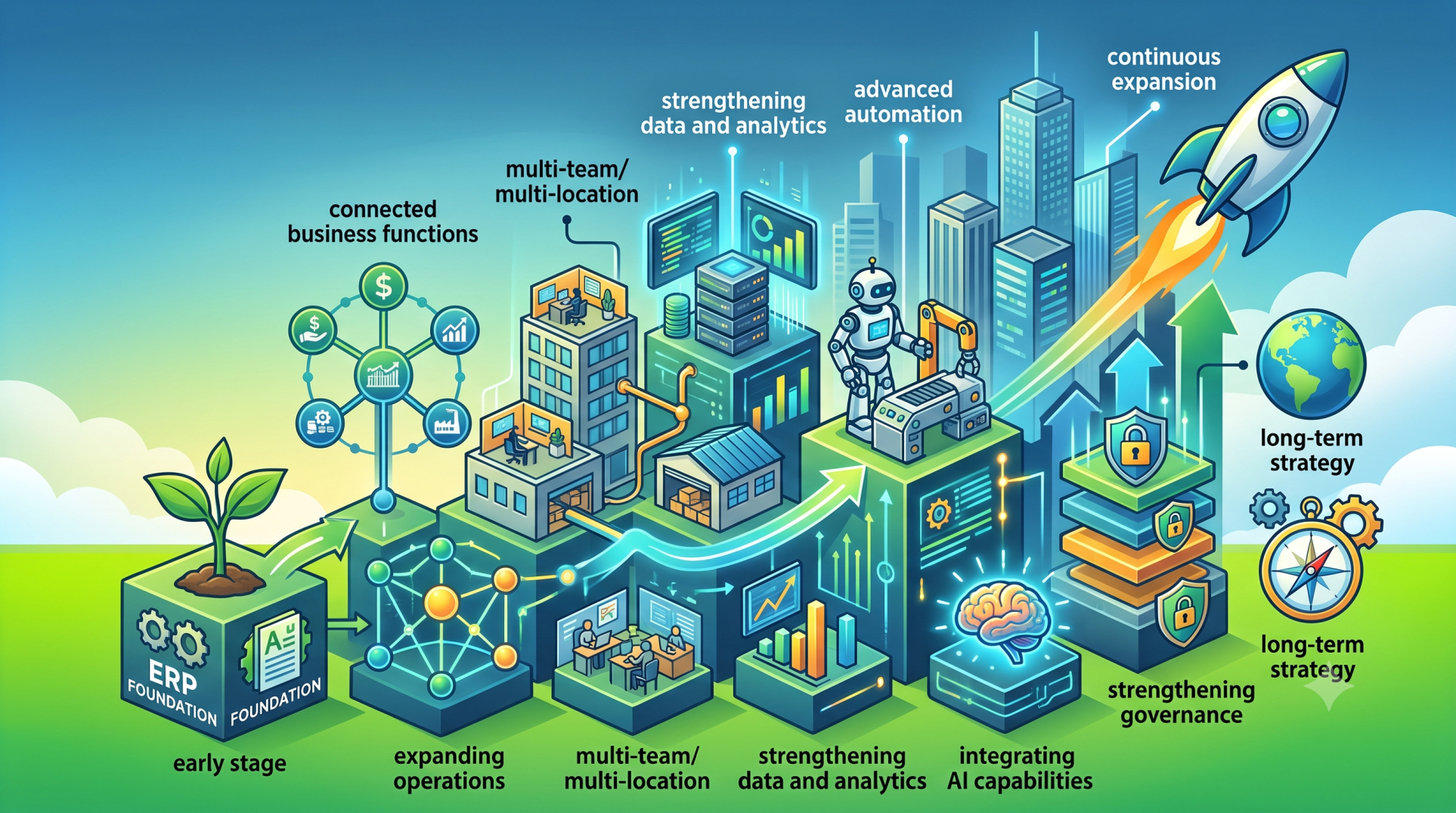
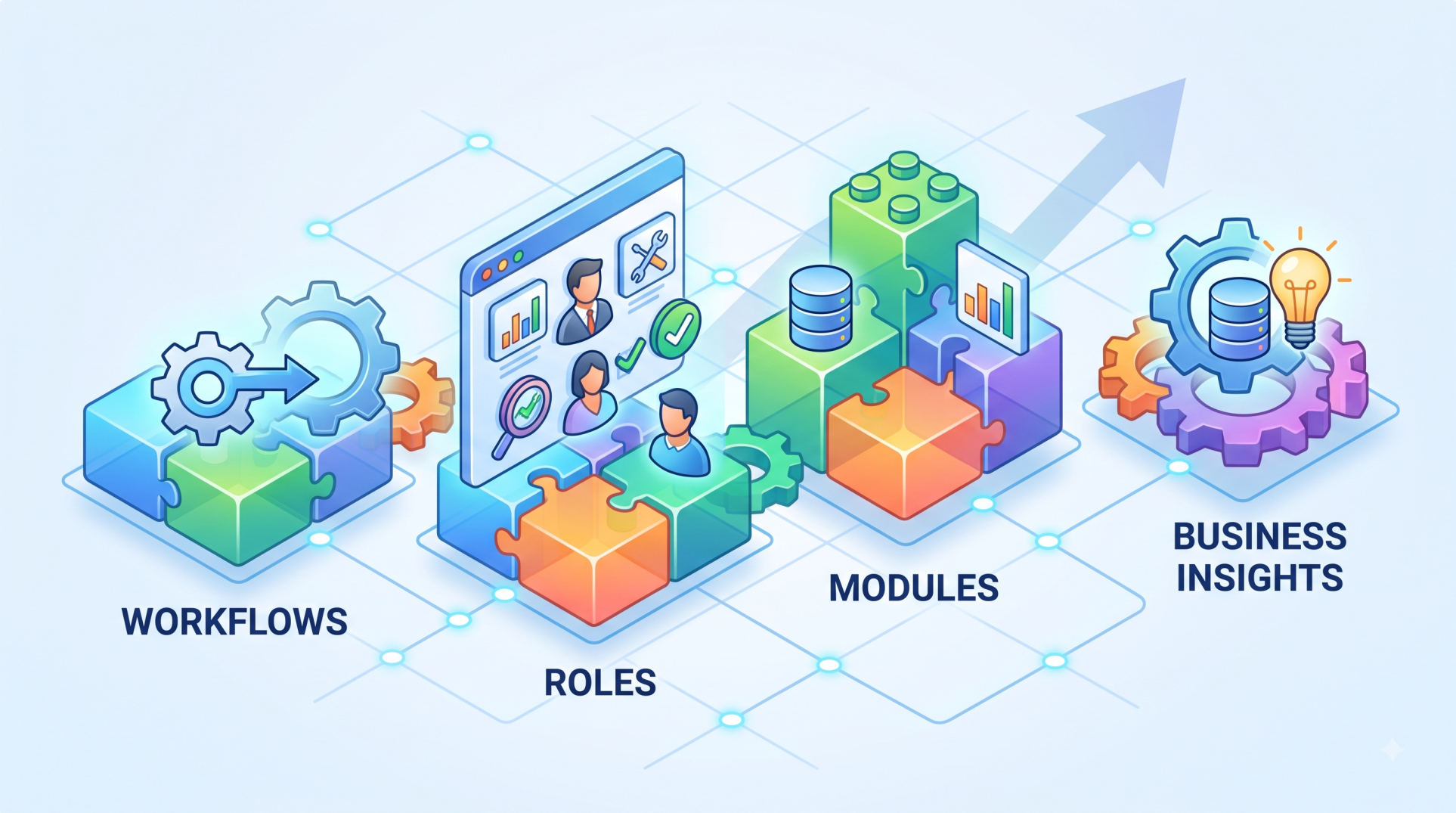
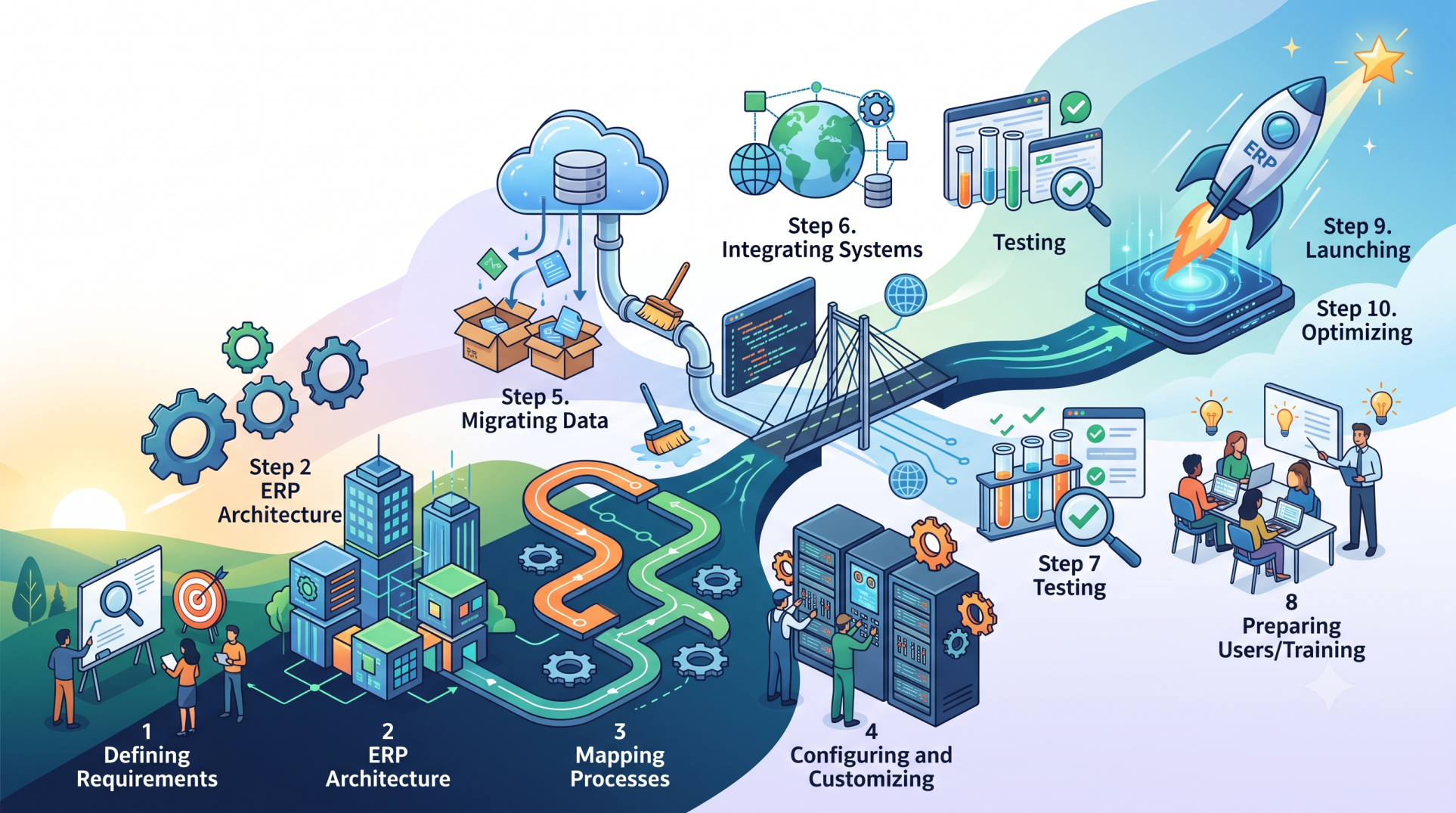
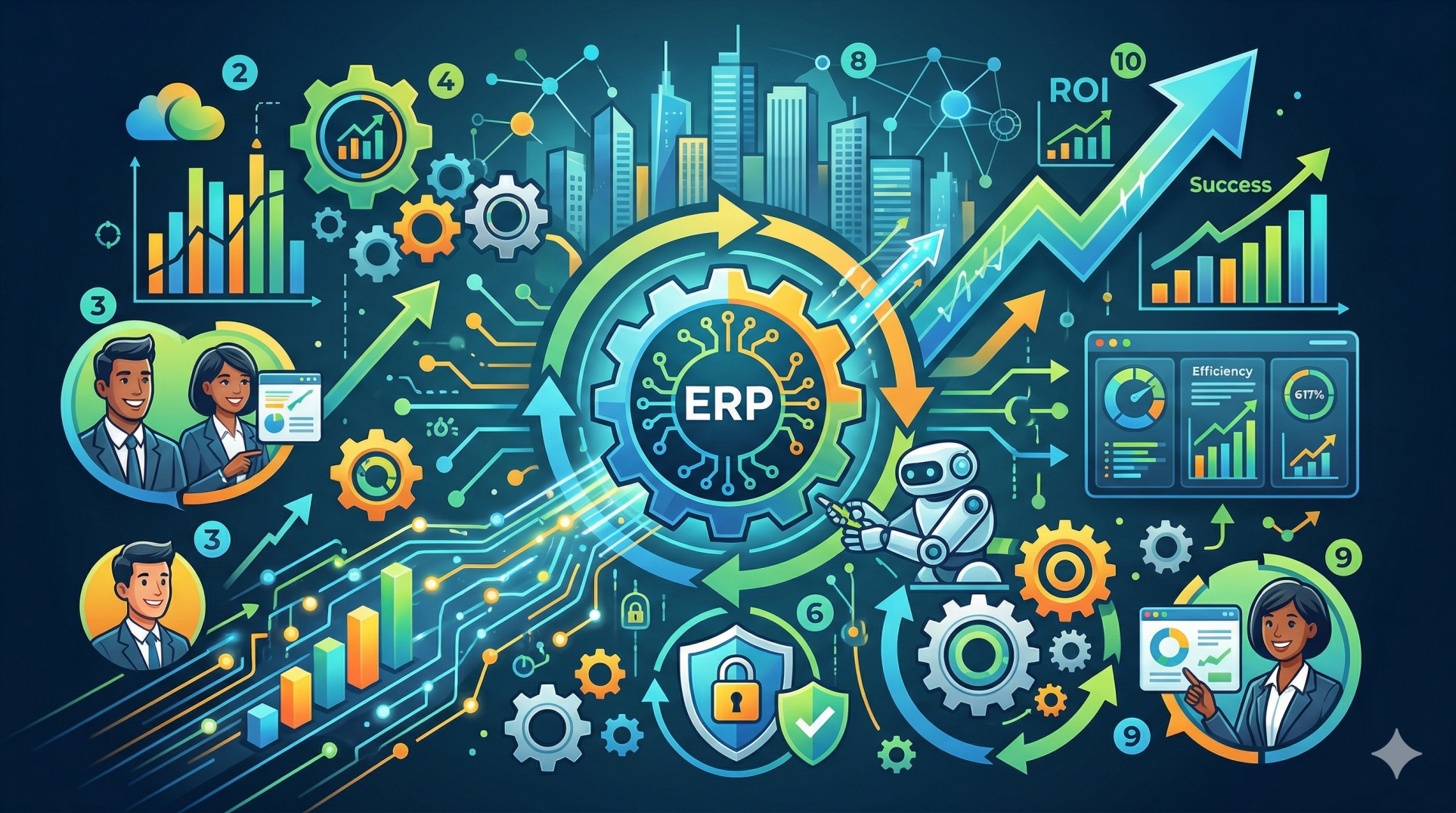
Implementing an ERP system across a global organization is a large-scale transformation that impacts operations, people, and technology simultaneously. A phased rollout strategy minimizes risk by introducing the system in structured stages instead of deploying everything at once. This method allows organizations to manage complexity, validate system performance, and refine execution based on real-world insights.
Step 1: Why Phased Rollouts Are Essential for Global ERP 🌍
• Reduces implementation risk across regions and business units ⚠️
• Enables controlled validation before full deployment 🧪
• Minimizes disruption to ongoing business operations 🔄
• Supports gradual user onboarding and training 🎓
• Provides flexibility to identify and resolve issues early 🔍
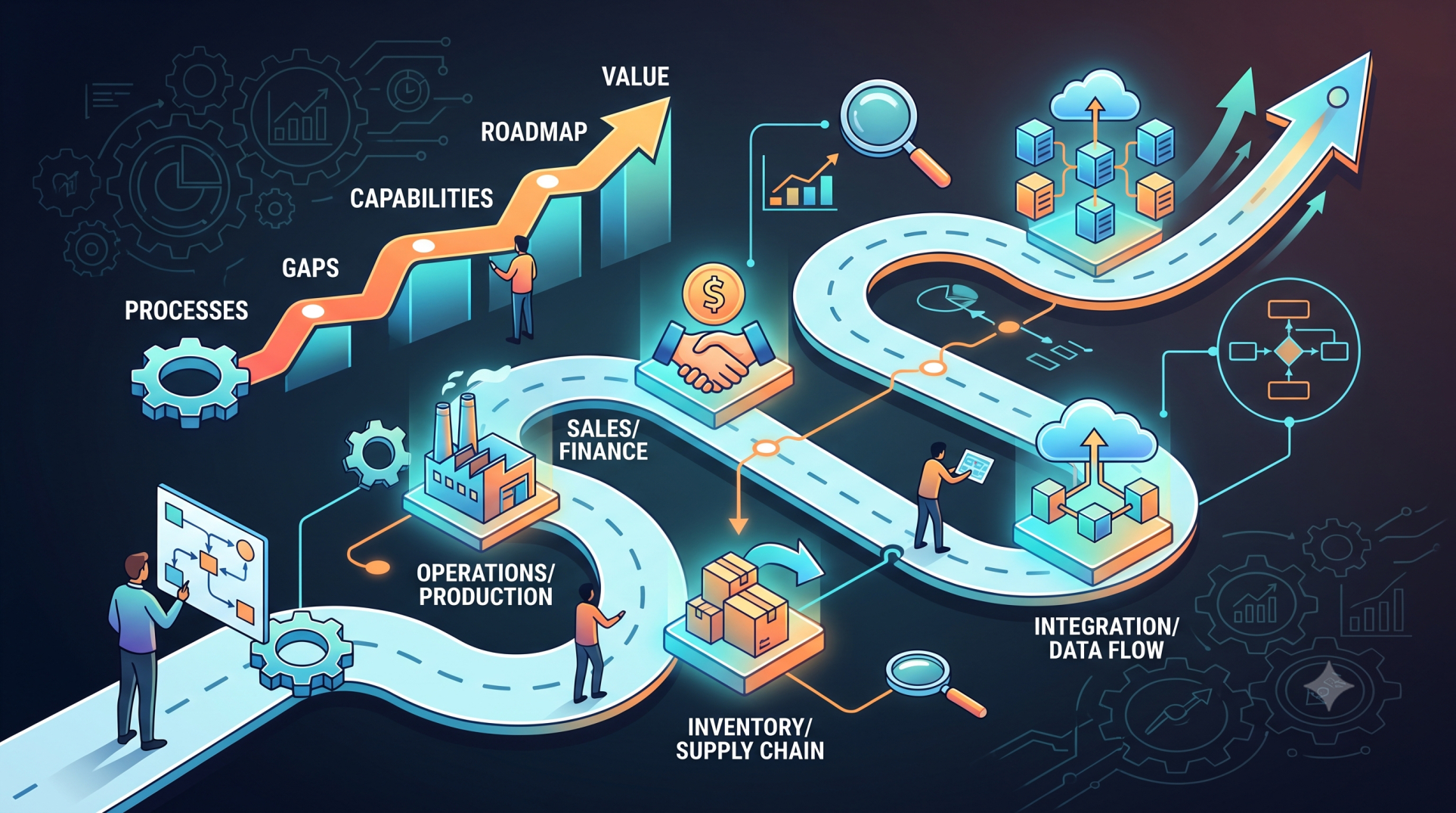
Step 2: Defining Rollout Strategy and Scope 📊
• Determines rollout approach by geography, function, or business unit 🗺️
• Prioritizes regions based on strategic importance 📌
• Aligns rollout sequence with organizational readiness 🧠
• Establishes clear timelines and measurable milestones ⏱️
• Balances implementation speed with risk control ⚖️
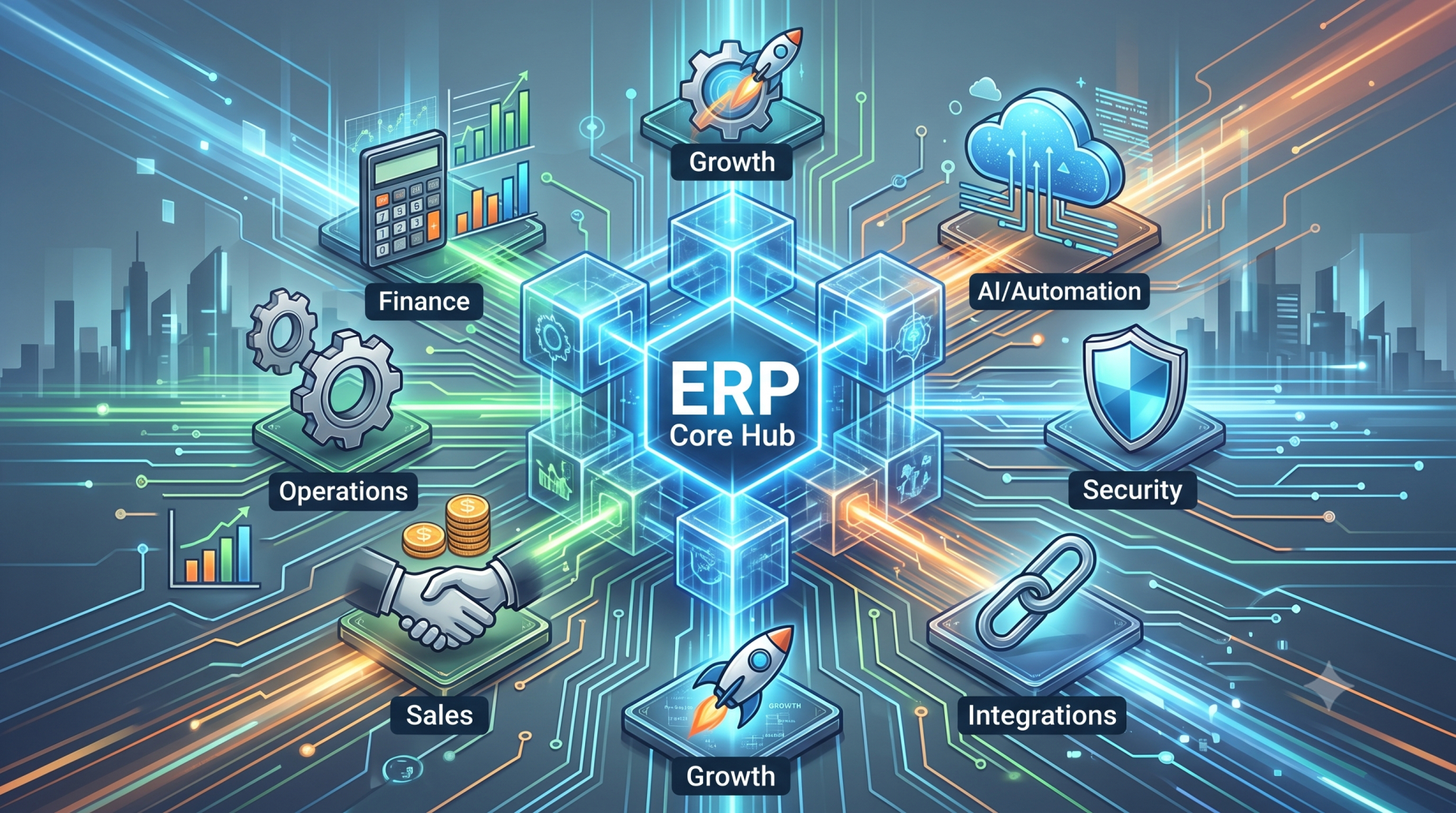
Step 3: Building a Strong Core ERP Foundation 🏗️
• Establishes standardized processes and data models 📐
• Defines global templates for consistency across deployments 📄
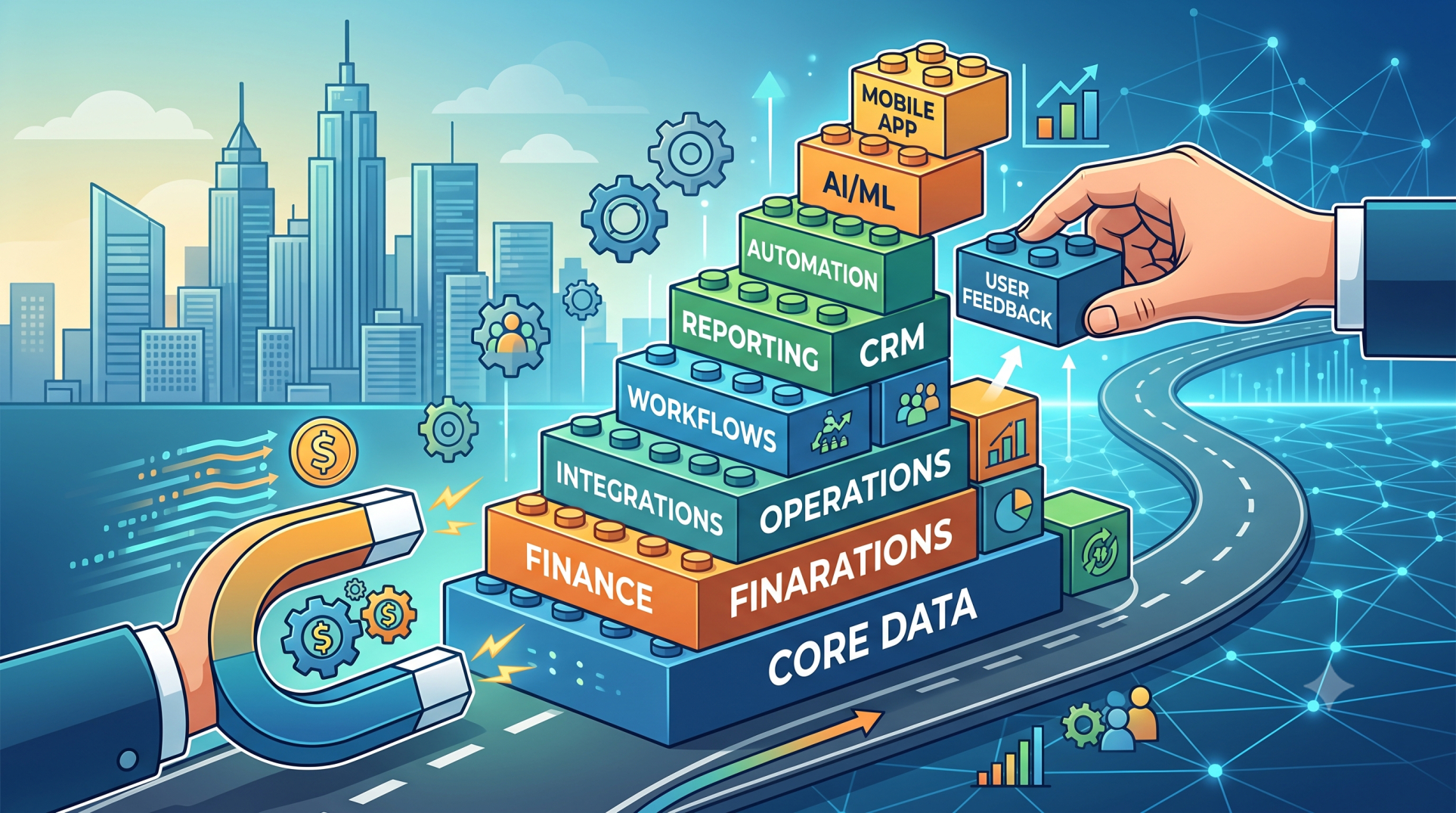
• Configures core modules before expanding functionality ⚙️
• Ensures system scalability for future phases 📈
• Creates a stable baseline for all subsequent rollouts 🧩
Step 4: Localization and Regional Adaptation 🌐
• Adapts configurations to meet local regulatory requirements ⚖️
• Supports regional financial, tax, and reporting standards 💰
• Incorporates language and cultural considerations 🗣️
• Aligns global frameworks with local operational needs 🔗
• Maintains balance between standardization and flexibility ⚖️
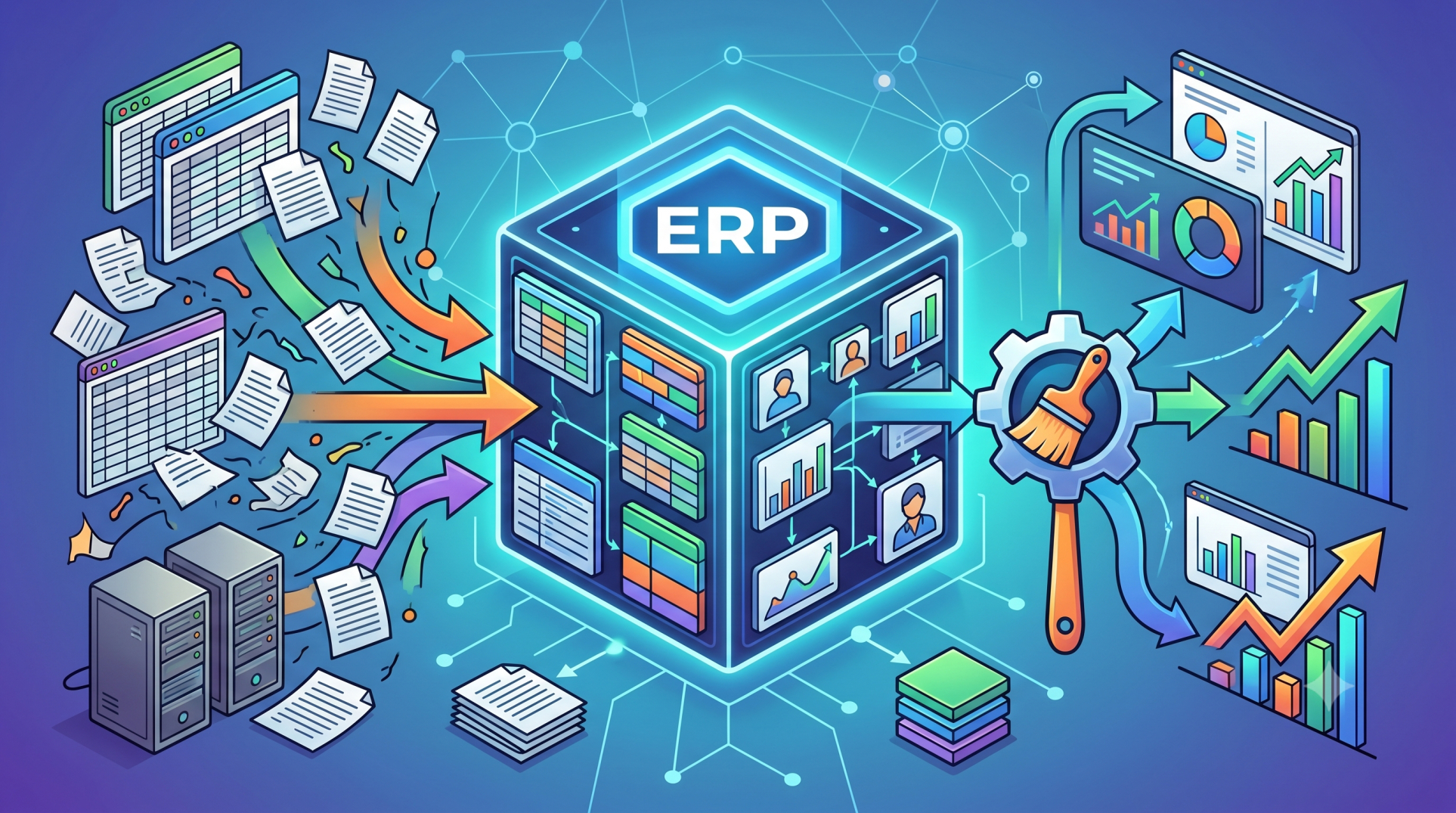
Step 5: Data Migration and Validation 📦
• Transfers legacy data into the new ERP environment 🔄
• Cleans and standardizes data prior to migration 🧹
• Verifies accuracy and completeness of migrated data ✔️
• Ensures consistency across systems and regions 🔗
• Reduces risk of data-related disruptions ⚠️
Step 6: Change Management and User Enablement 👥
• Prepares teams for new workflows and system usage 🎓
• Delivers role-specific training and support programs 📘
• Communicates value, expectations, and outcomes clearly 📣
• Encourages adoption through structured onboarding 🚀
• Reduces resistance to organizational change 🔄
Step 7: Testing, Simulation, and Pre-Go-Live Readiness 🧪
• Conducts end-to-end testing across all system modules 🔍
• Simulates real-world scenarios and operational loads ⚙️
• Identifies and resolves issues before deployment 🛠️
• Validates integrations with existing platforms 🔗
• Ensures full readiness for production environments ✅
Step 8: Monitoring and Stabilization 📊
• Tracks system performance and user adoption metrics 📈
• Resolves high-priority issues immediately after go-live ⚡
• Maintains operational stability and continuity 🛡️
Step 9: Iterative Rollout and Continuous Improvement 🔁
• Applies lessons learned from earlier rollout phases 🧠
• Refines configurations and processes for future deployments ⚙️
• Improves efficiency with each rollout cycle 📈
• Accelerates implementation in later stages ⚡
• Strengthens organizational capability and confidence 💪
Step 10: Governance and Global Alignment 🏛️
• Establishes centralized oversight for ERP strategy 📊
• Maintains consistency across regions and business units 🔗
• Defines roles, responsibilities, and decision frameworks 👥
• Ensures compliance with global standards ⚖️
• Supports long-term sustainability of the system 🌱
Conclusion
Phased ERP rollouts offer a structured and low-risk approach to implementing complex systems across global enterprises. By deploying in controlled stages, organizations can validate performance, adapt to regional requirements, and ensure successful adoption. This strategy not only reduces operational disruption but also builds a scalable foundation for sustained growth and continuous improvement.
See more blogs
You can all the articles below