ERP Plugin Architectures Explained
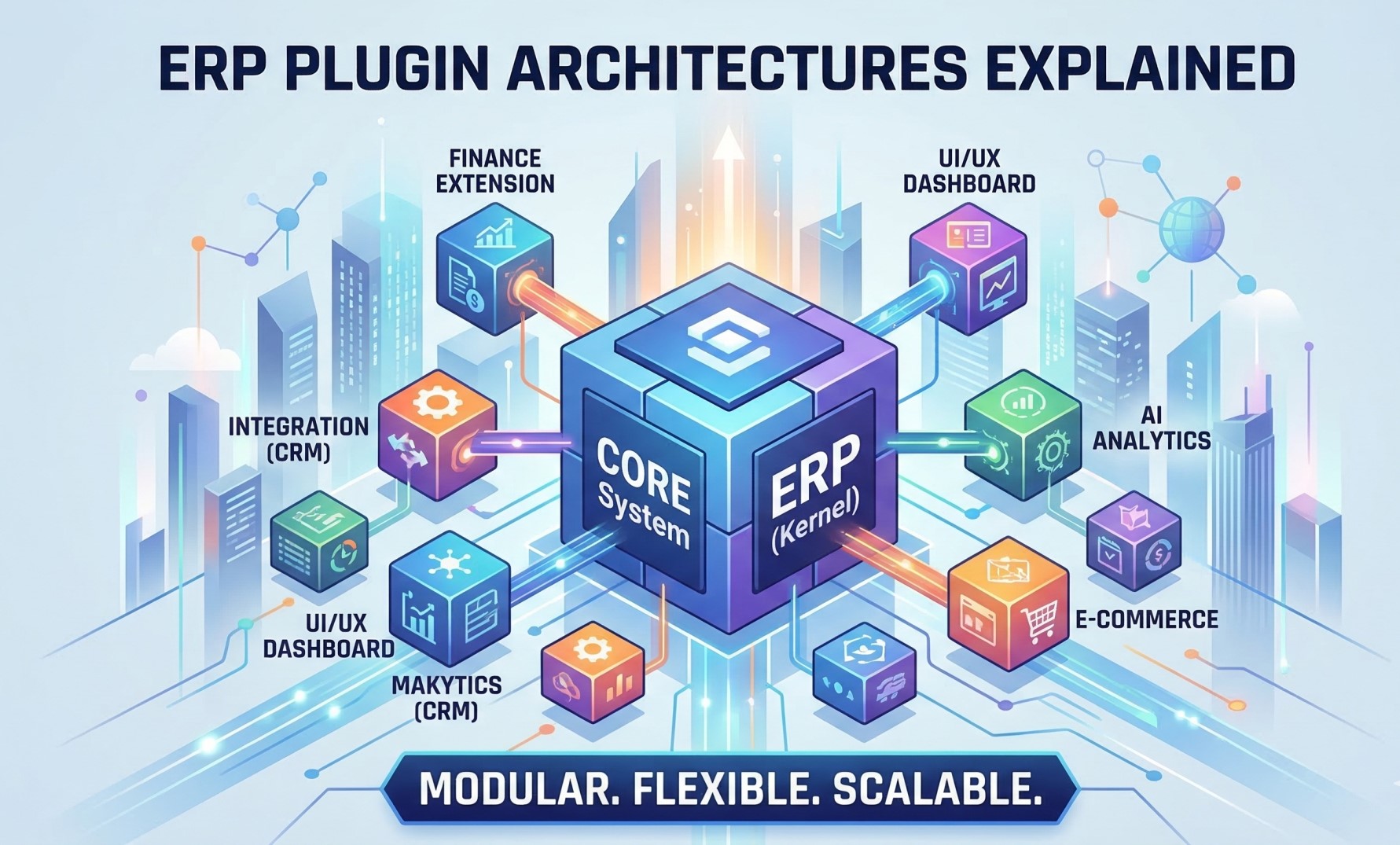
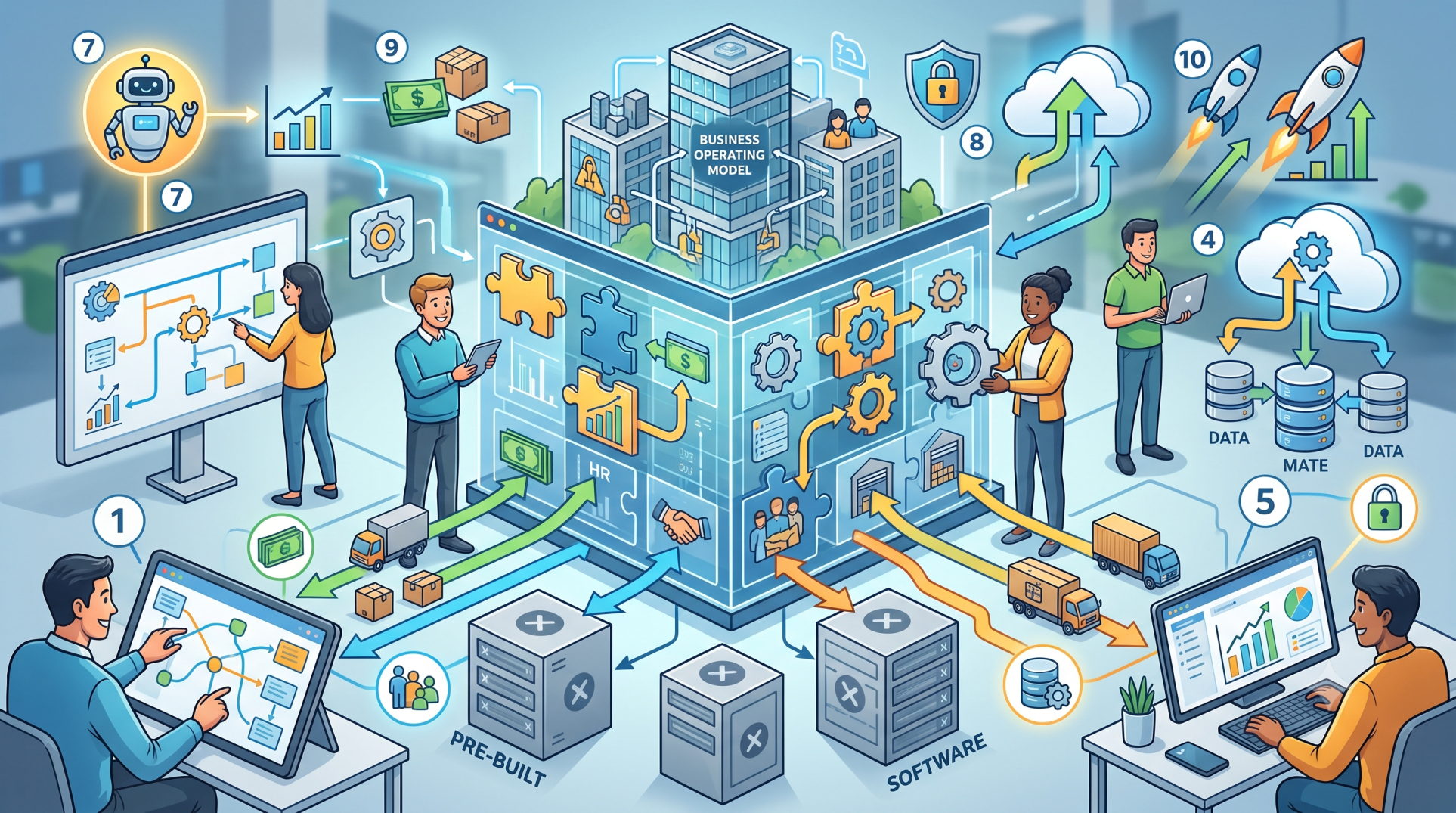
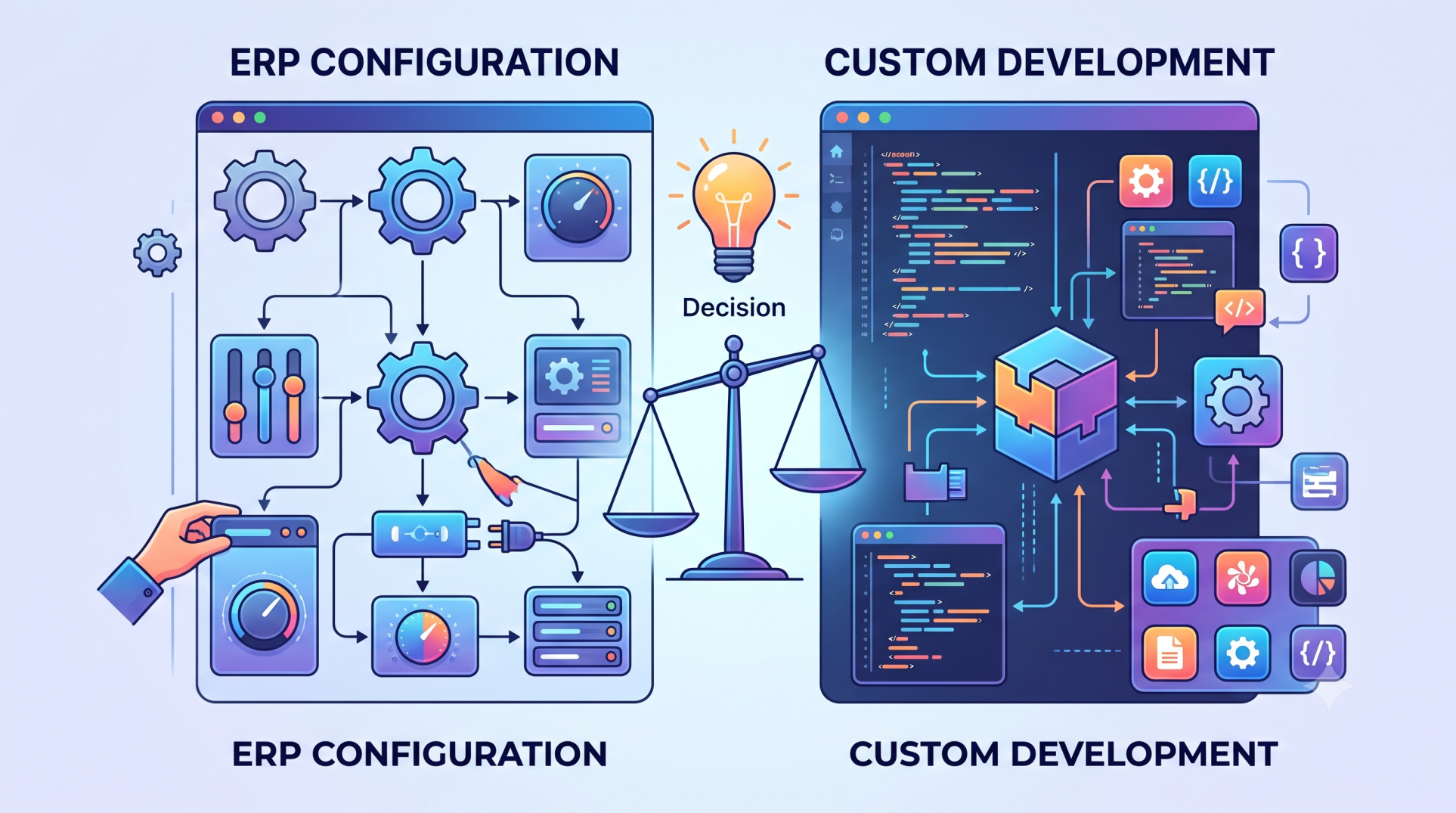
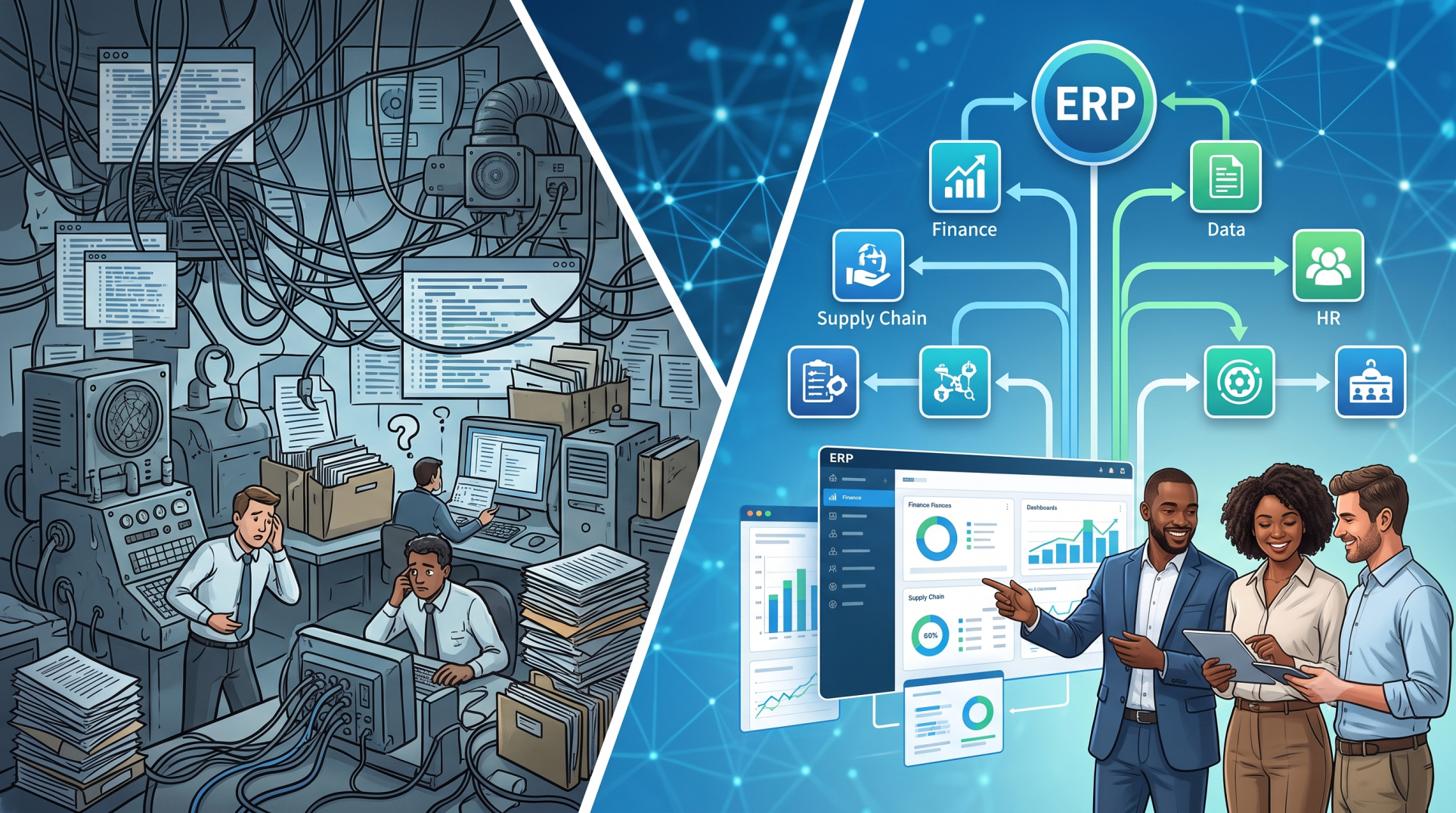
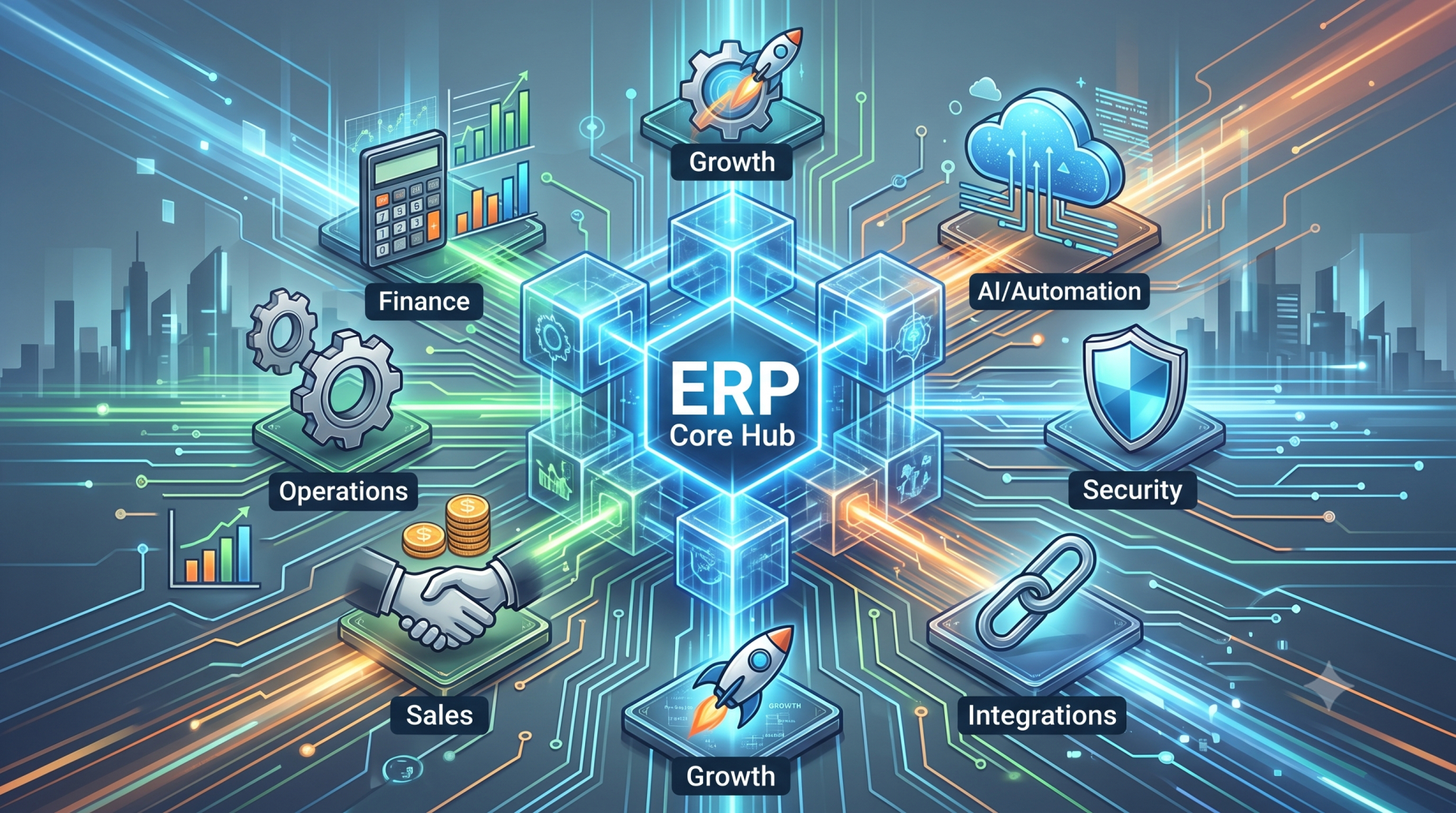
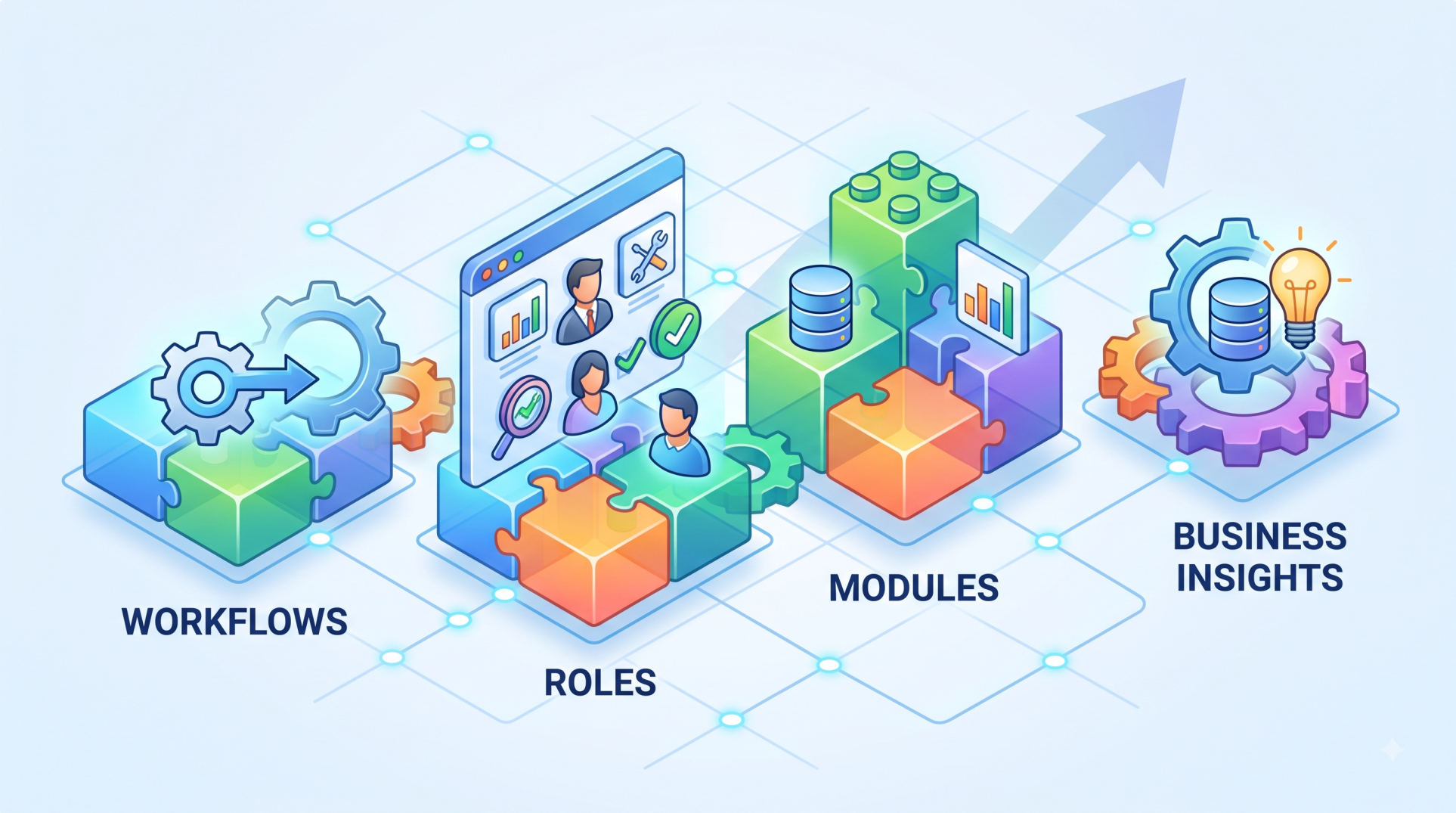
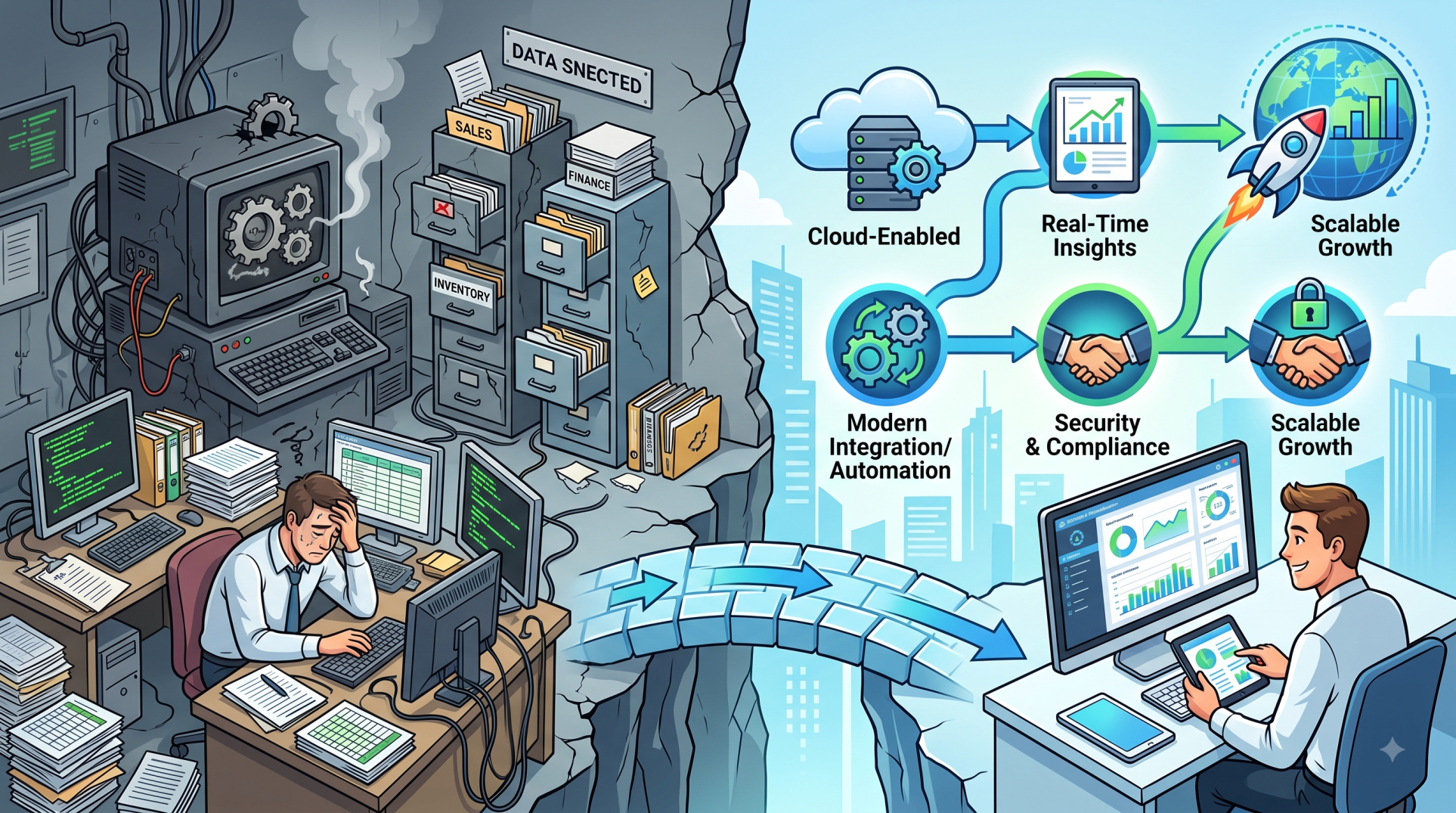
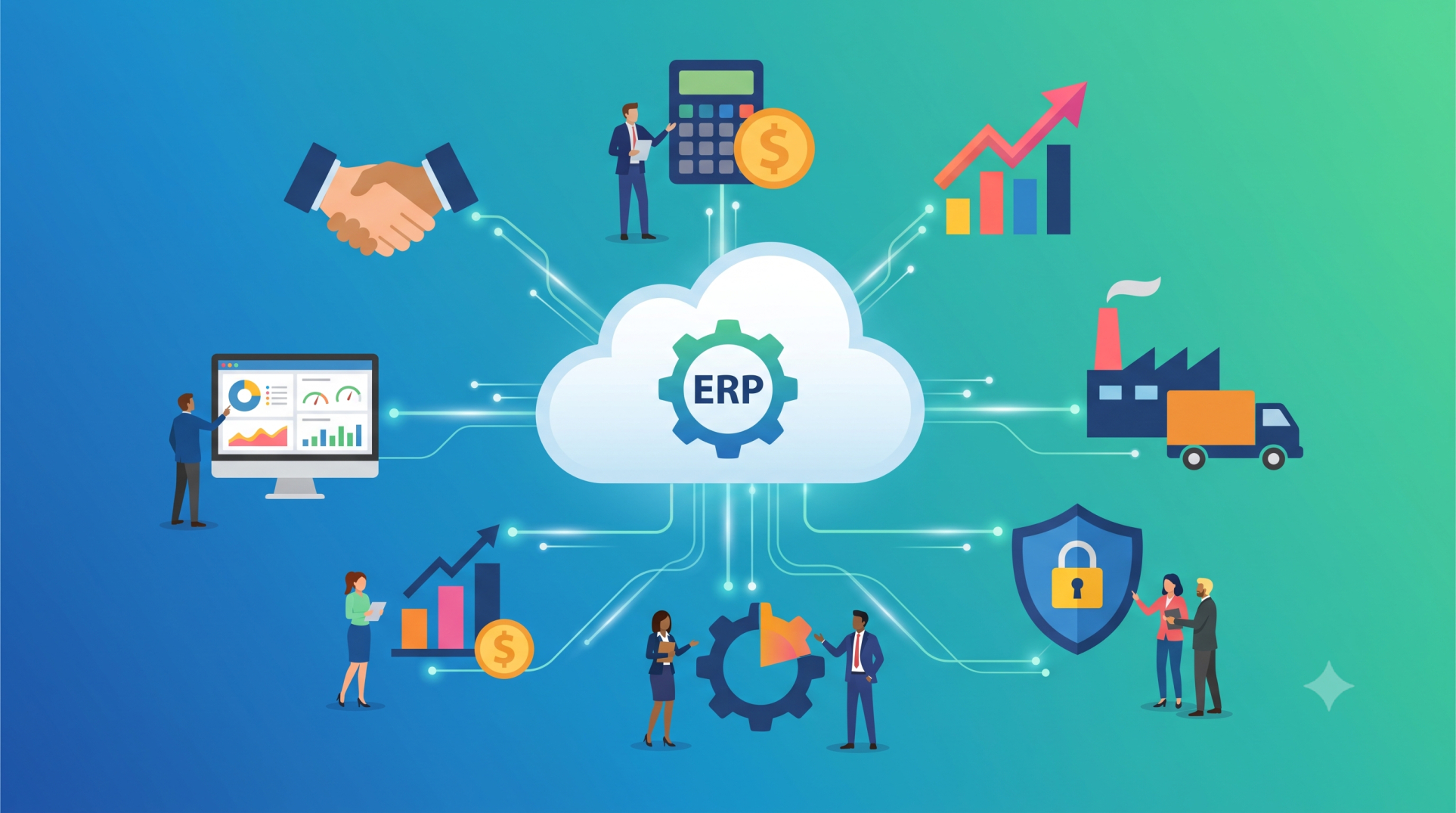
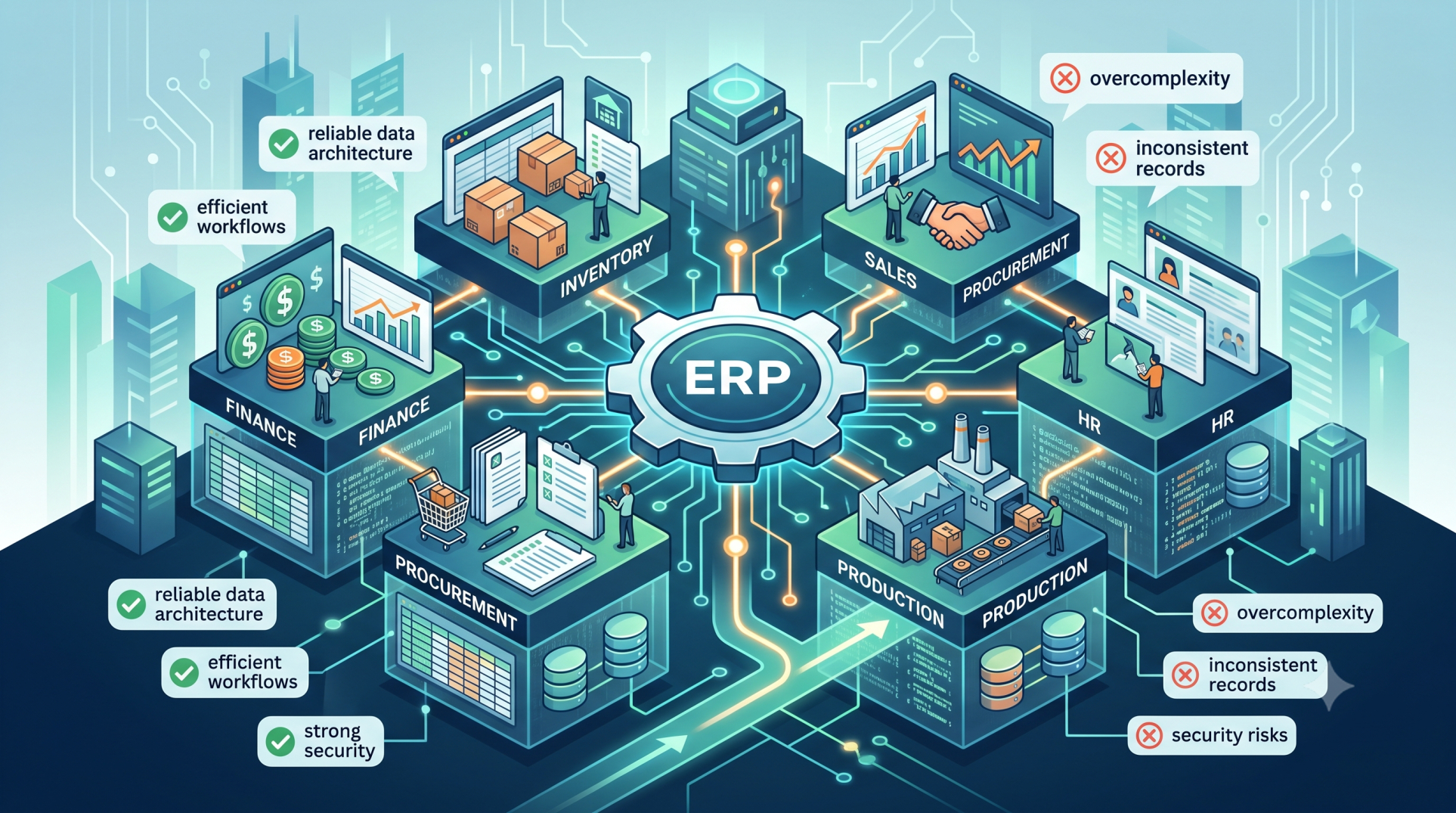
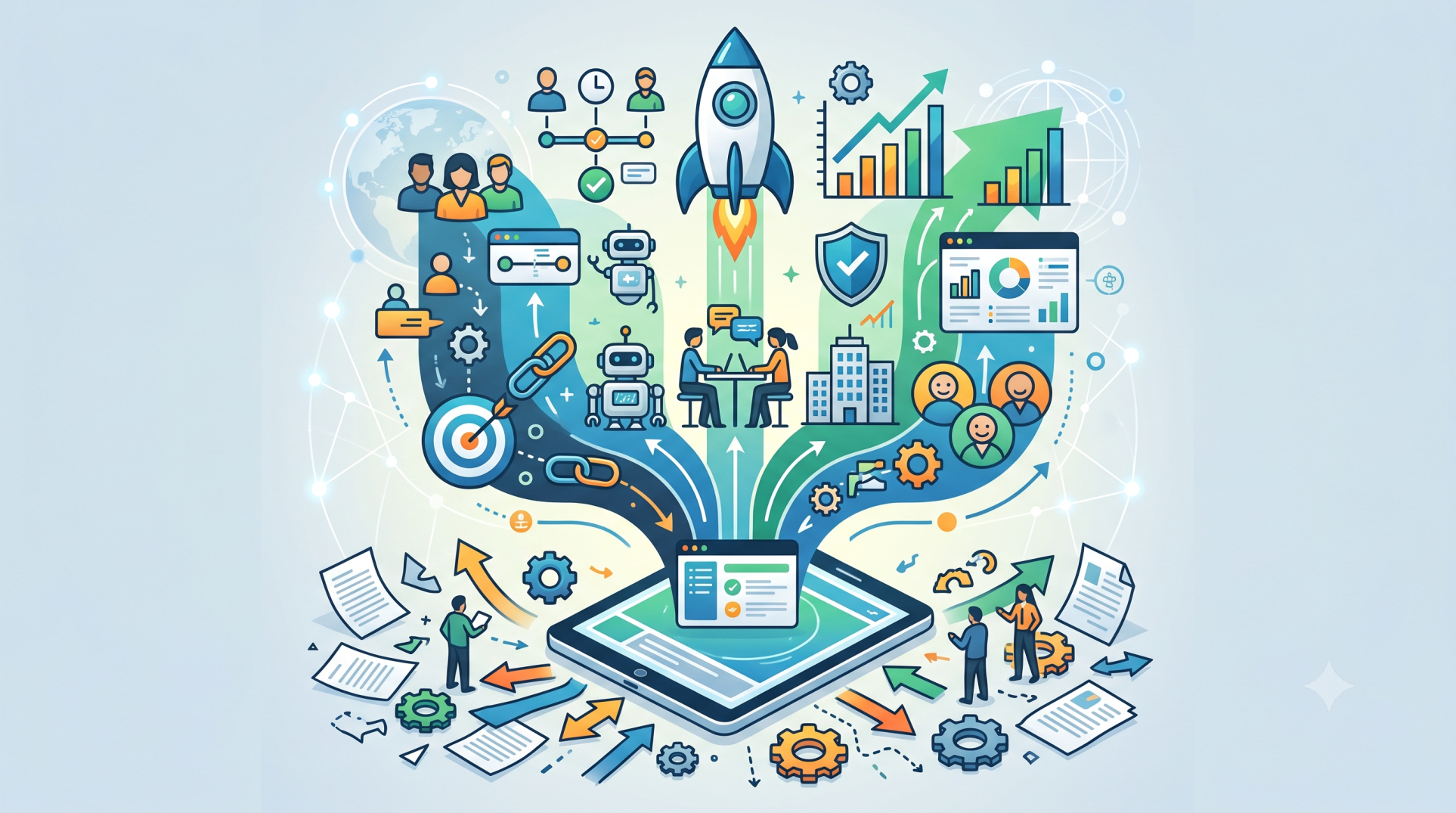
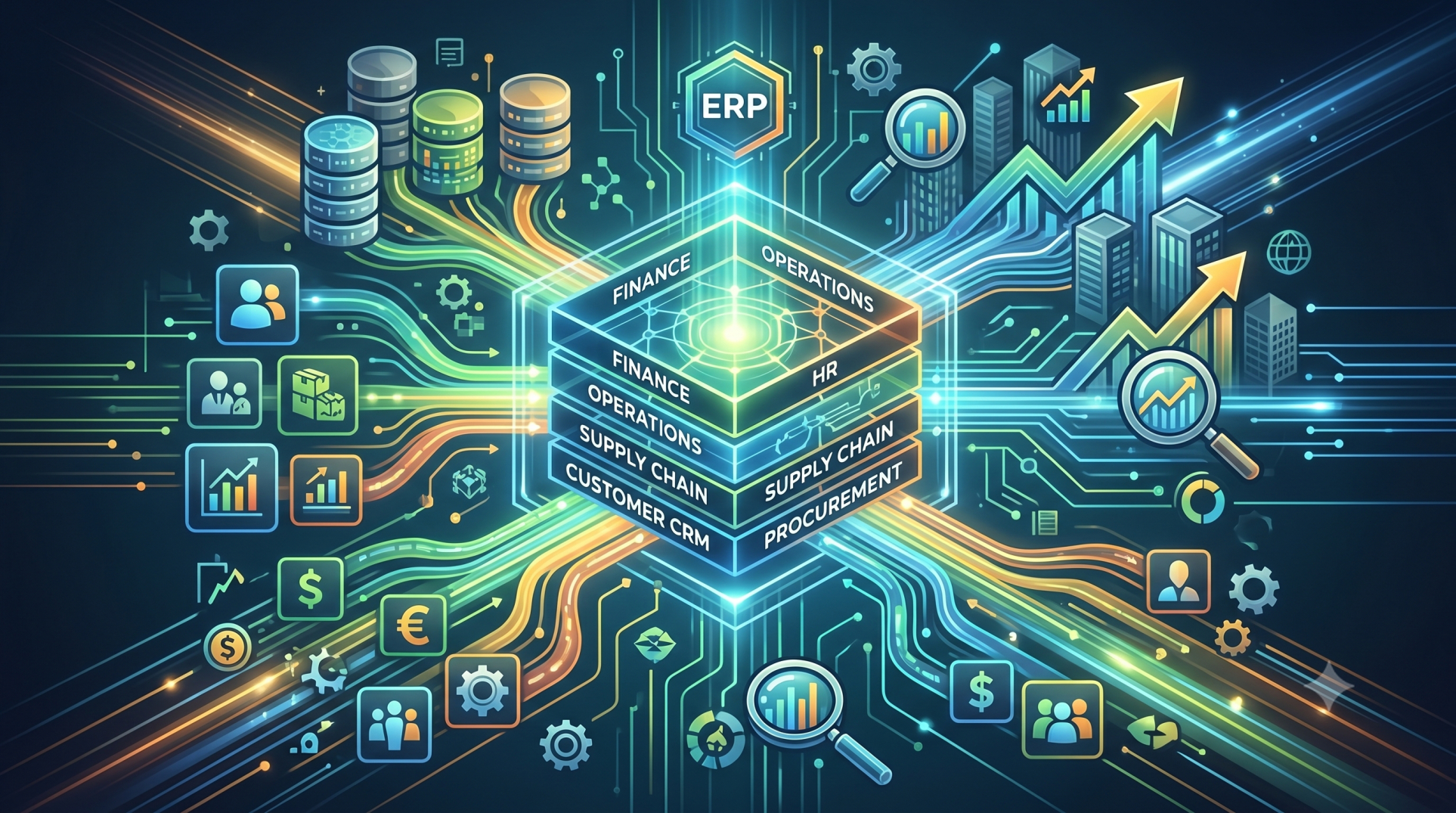
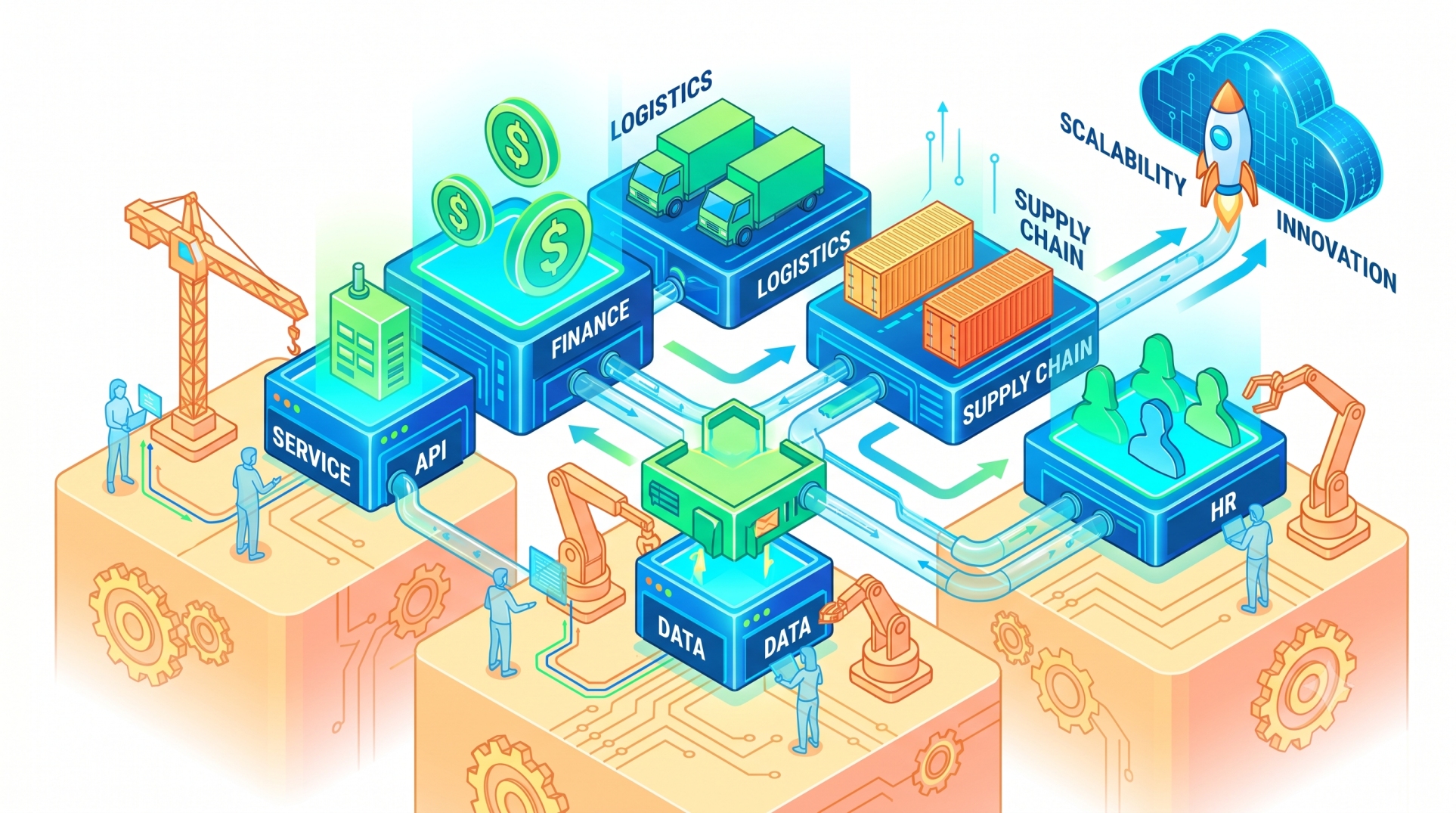
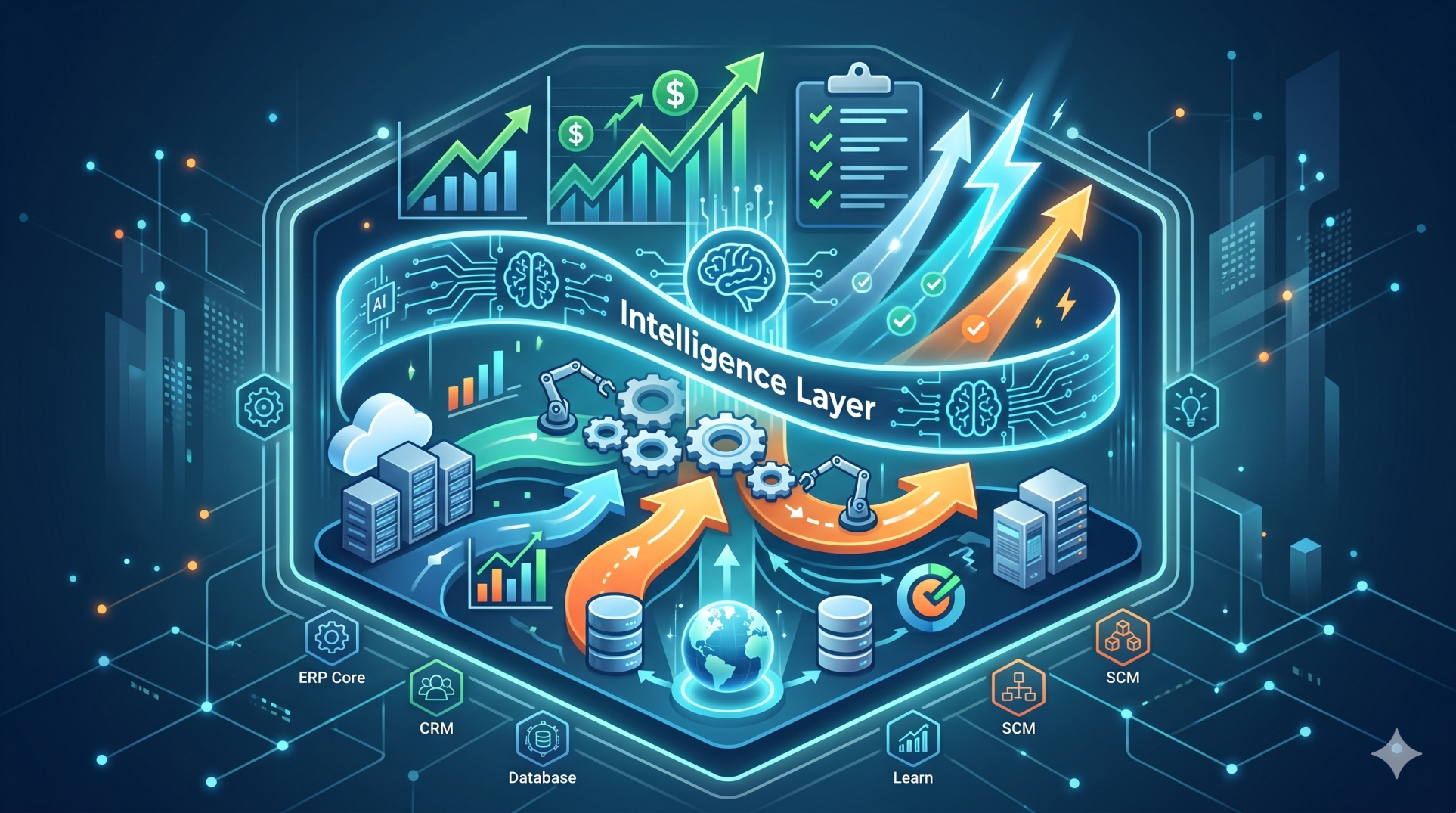
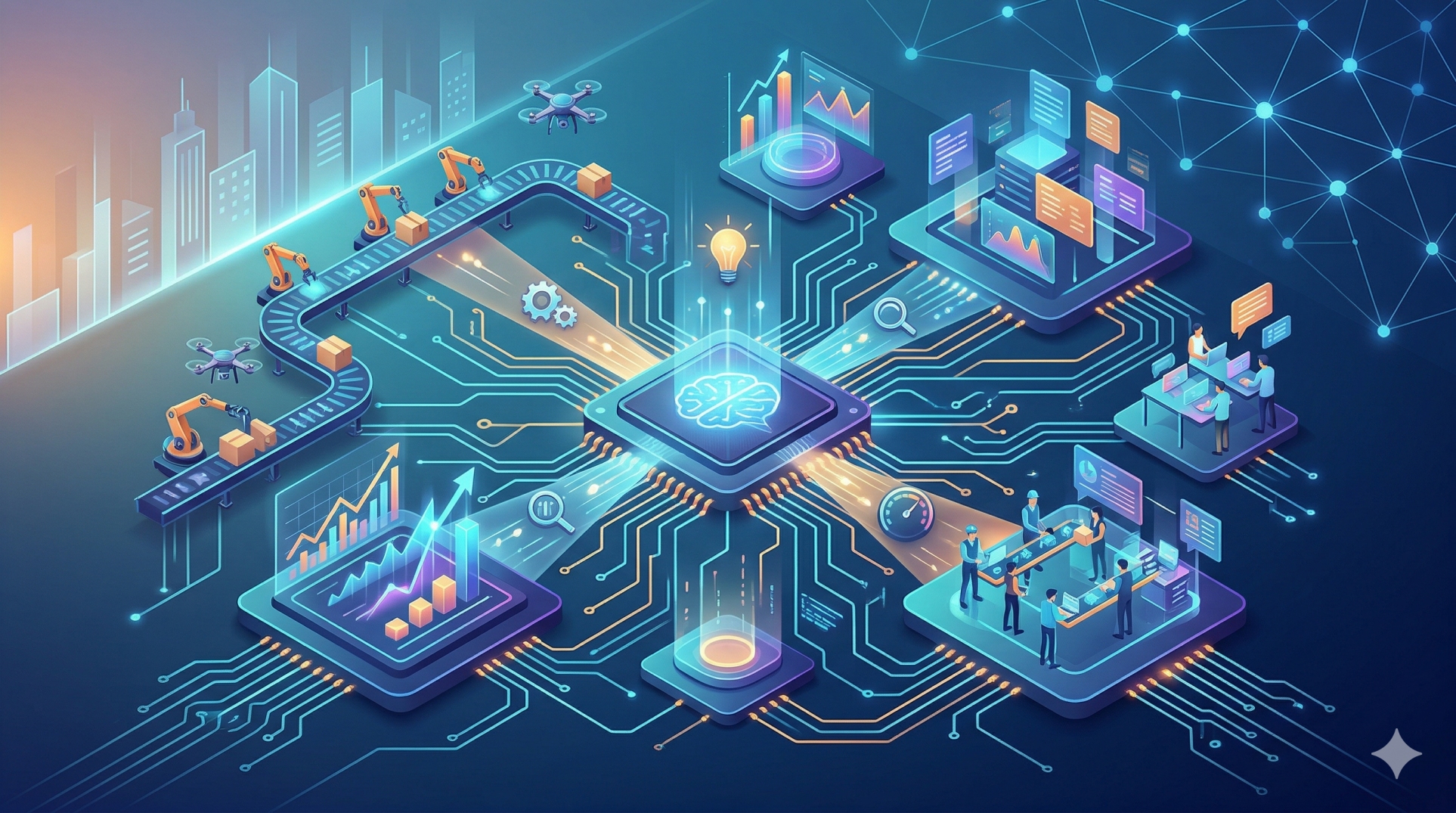
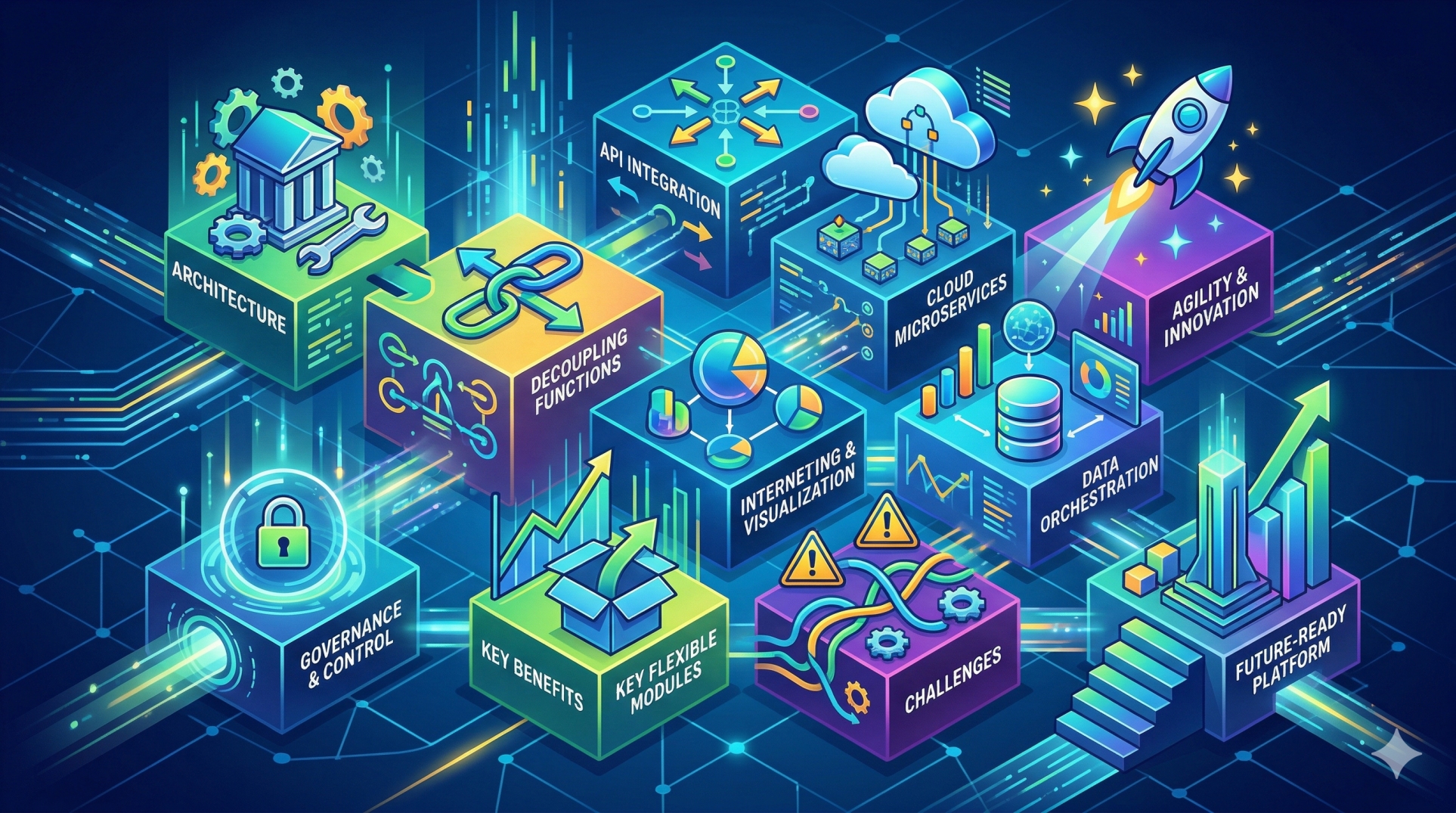
Modern ERP platforms have shifted from rigid, monolithic systems to flexible, extensible ecosystems. Plugin architectures play a key role in this evolution by allowing organizations to extend ERP capabilities without altering the core system. This enables faster innovation, simplified customization, and scalable growth while preserving system stability.
Step 1: What Is an ERP Plugin Architecture 🧩⚙️
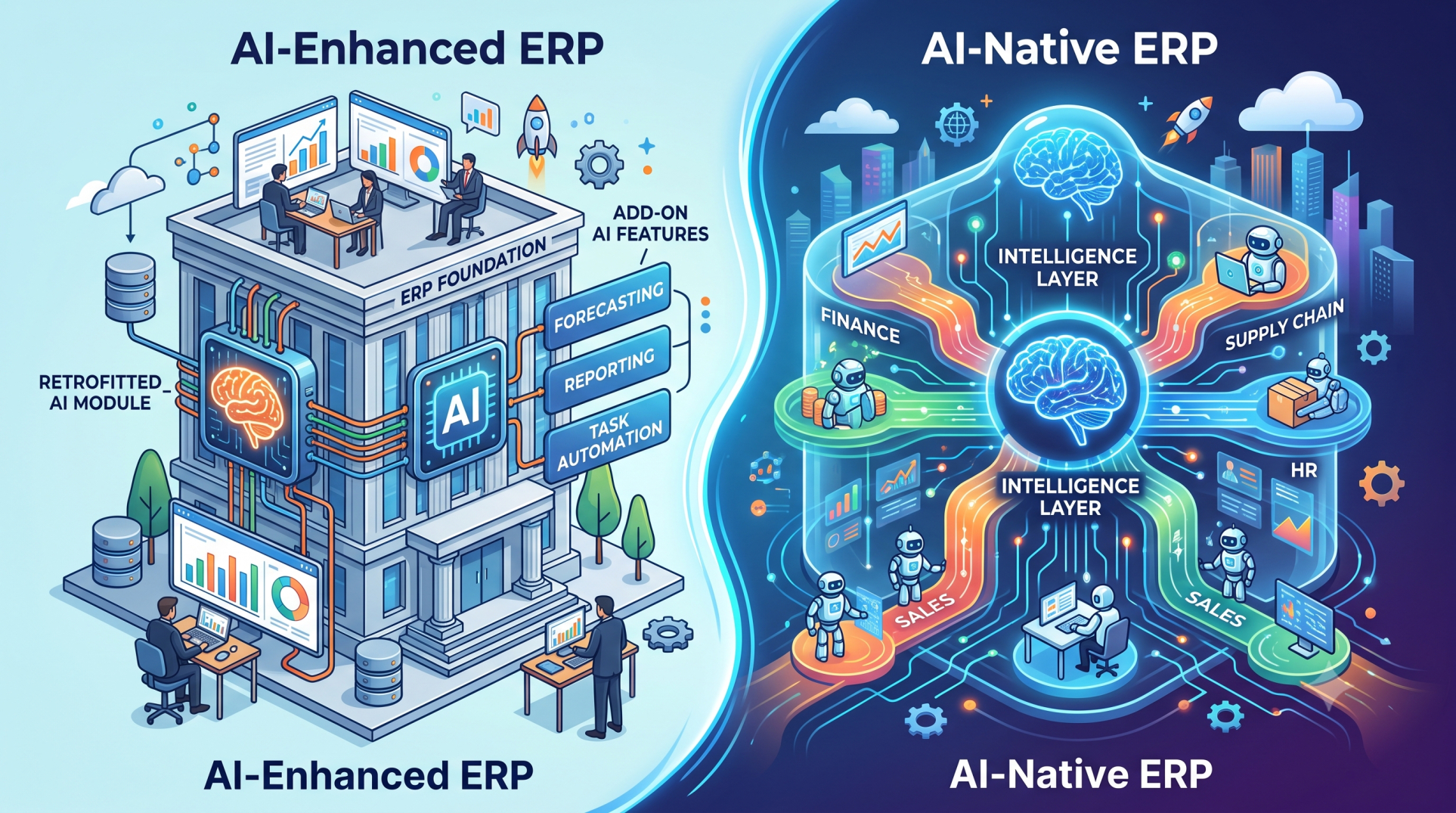
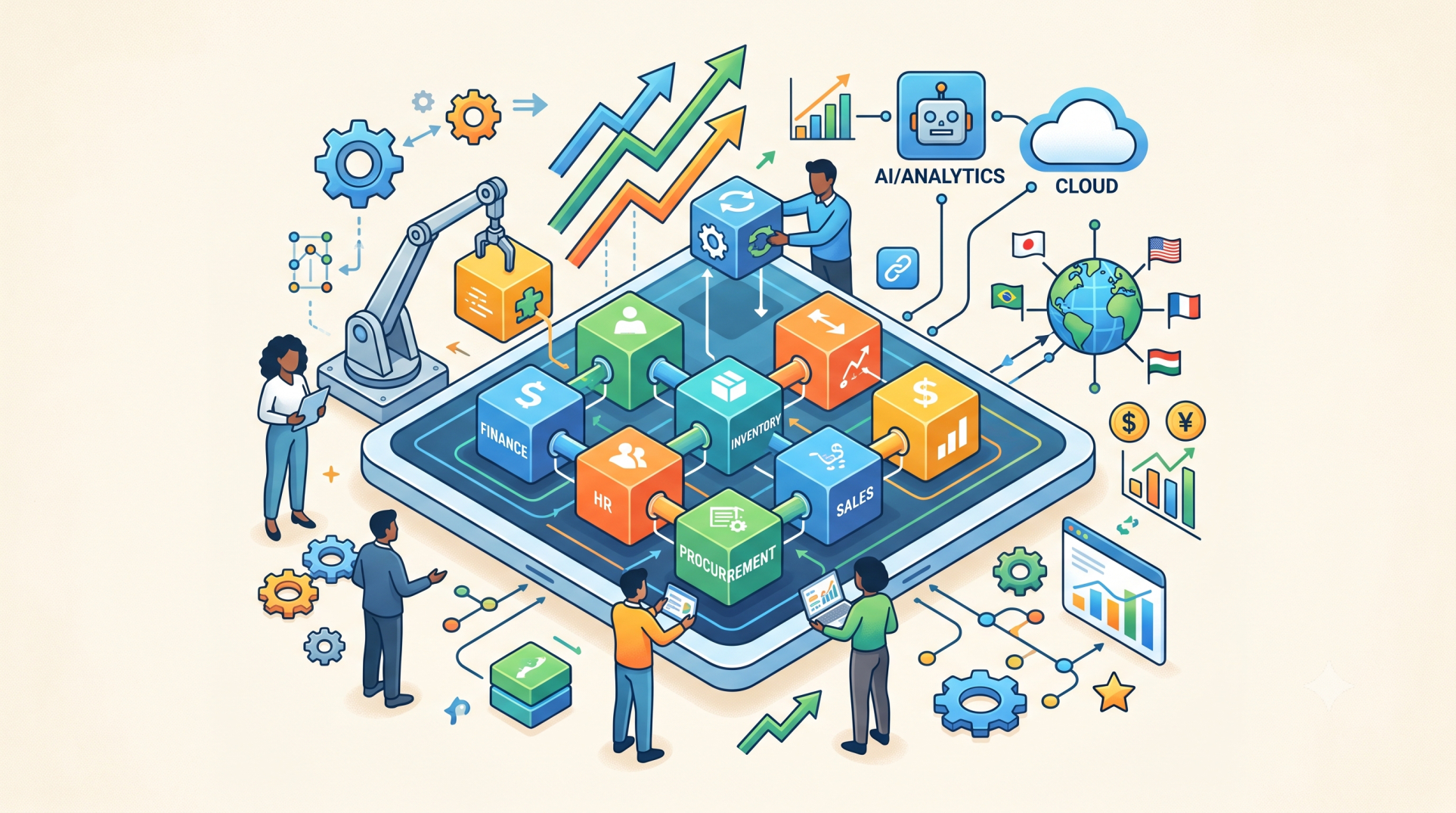
• A plugin architecture enables external modules to extend ERP functionality 🔌
• The core ERP remains stable while plugins introduce additional features 🏗️
• Plugins function as independent, loosely coupled components 🔗
• They can be developed, deployed, and updated independently 🚀
• This model minimizes risk compared to modifying core systems ⚠️
Step 2: Core Components of Plugin Architecture 🏗️🧠
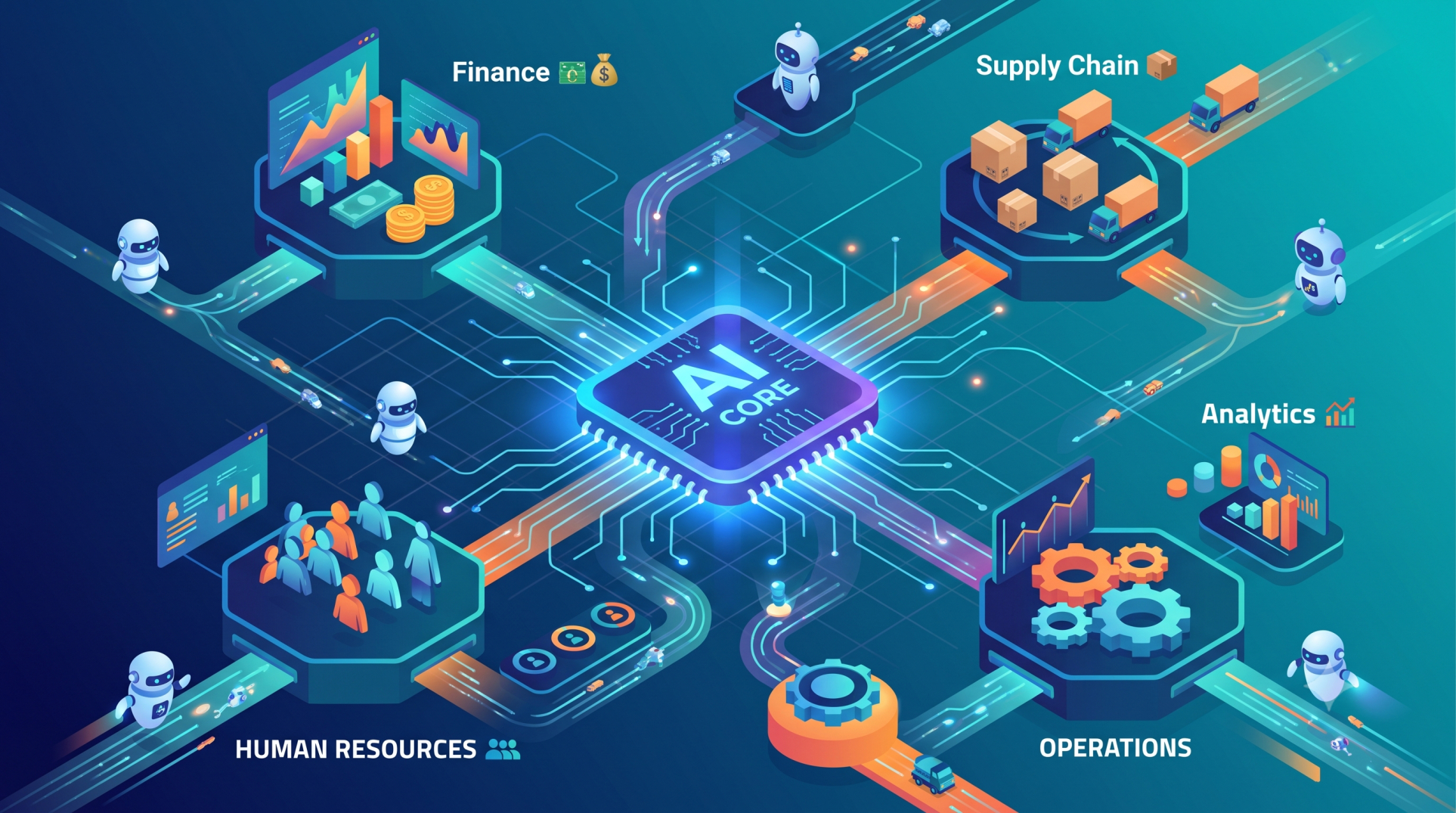
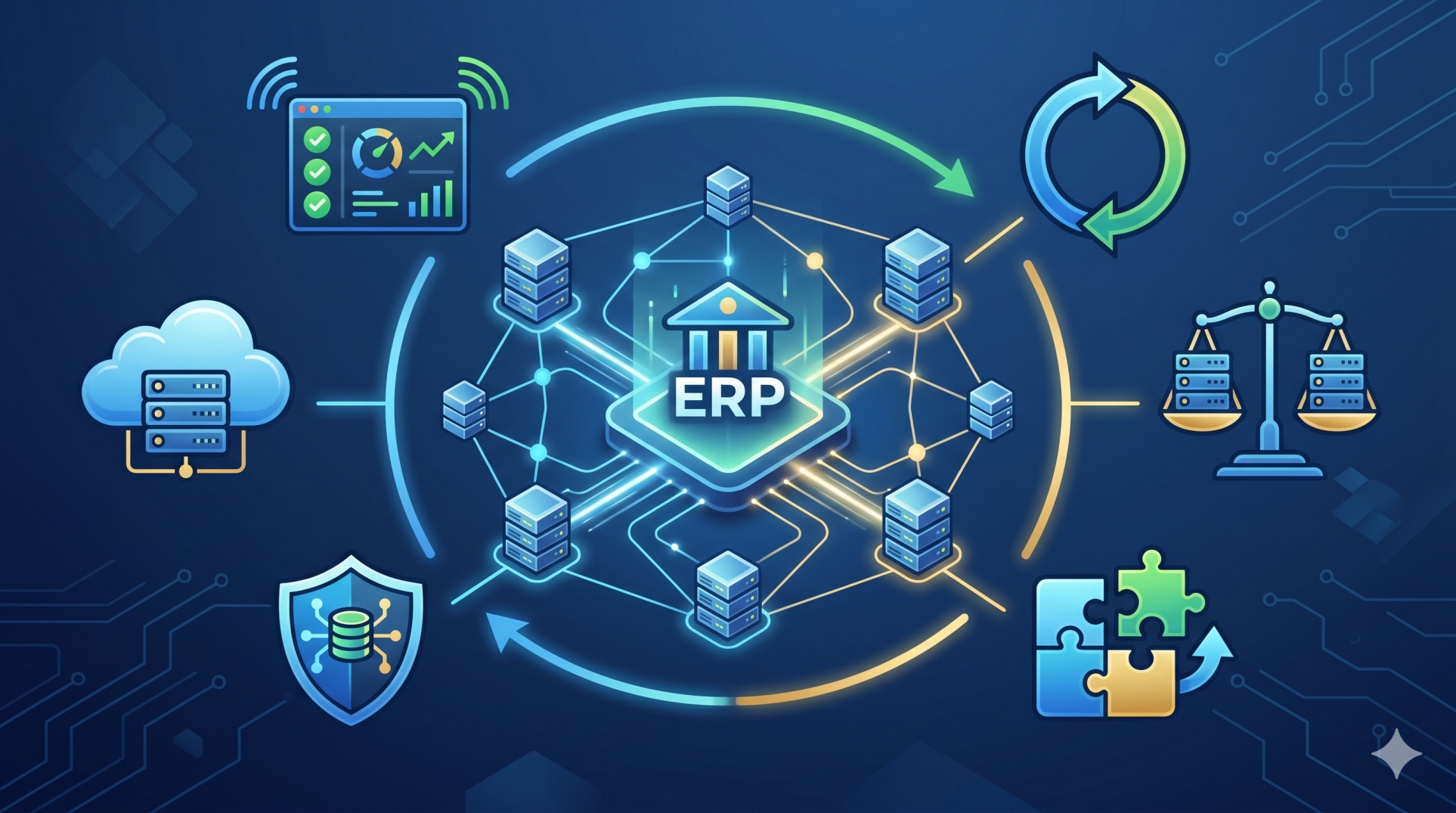
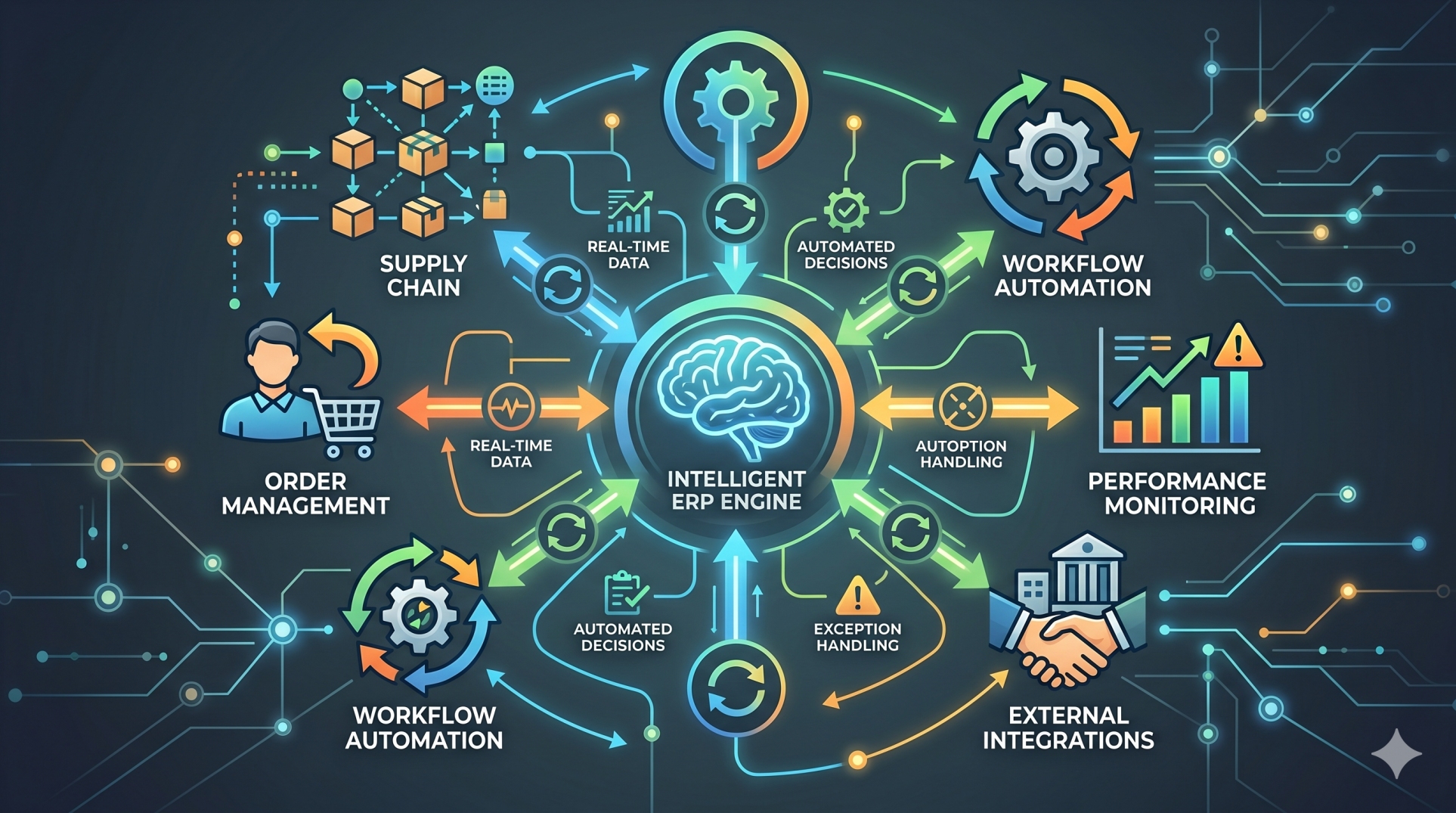
• Core System (Kernel): Handles essential ERP processes and workflows ⚙️
• Plugin Interface (API/SDK): Defines how plugins communicate with the system 🔗
• Plugin Manager: Manages installation, activation, and lifecycle of plugins 📦
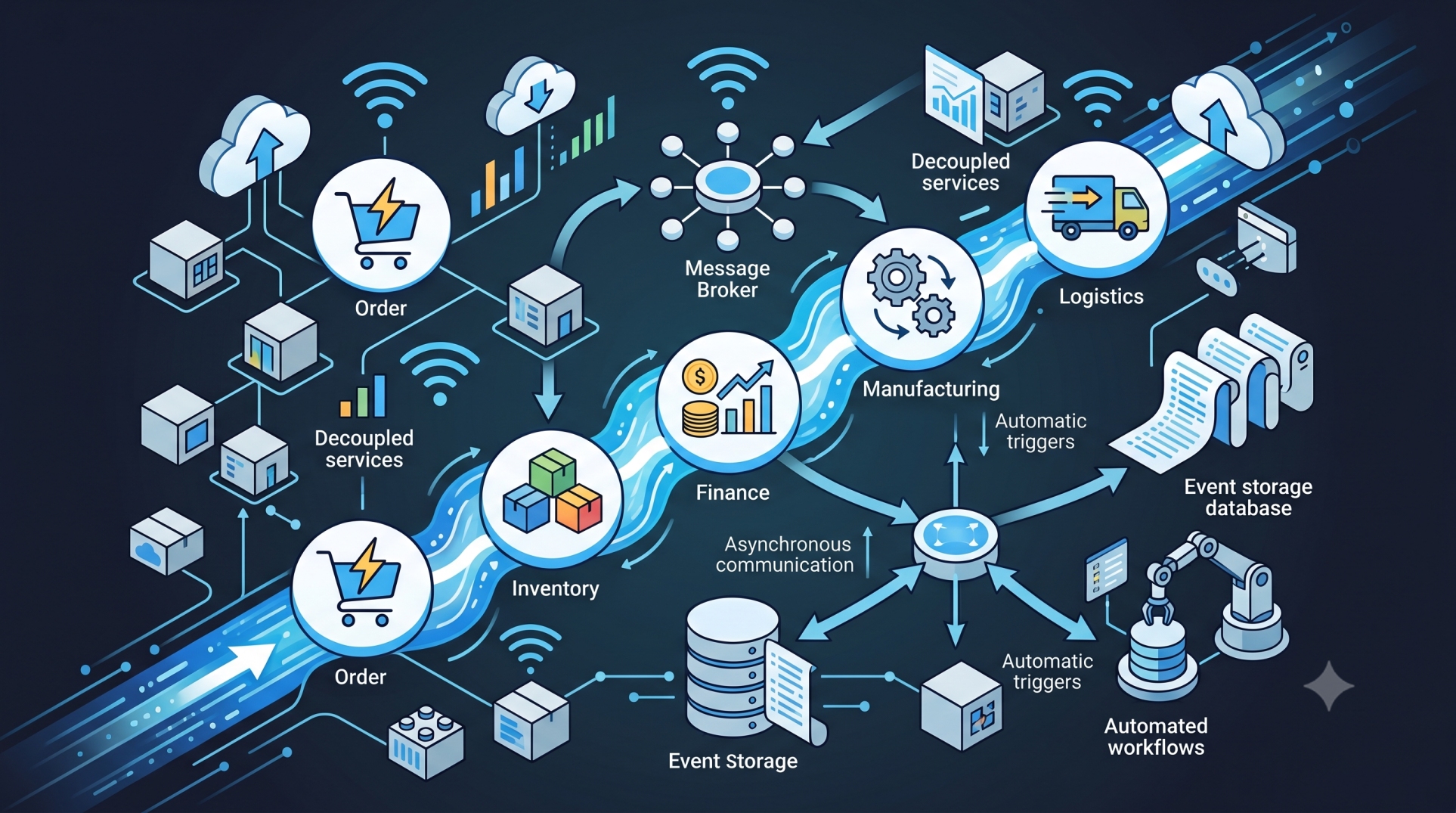
• Event Bus: Facilitates communication between core system and plugins 🔄
• Security Layer: Ensures access control, permissions, and data protection 🔐
Step 3: Types of ERP Plugins 🧰📦
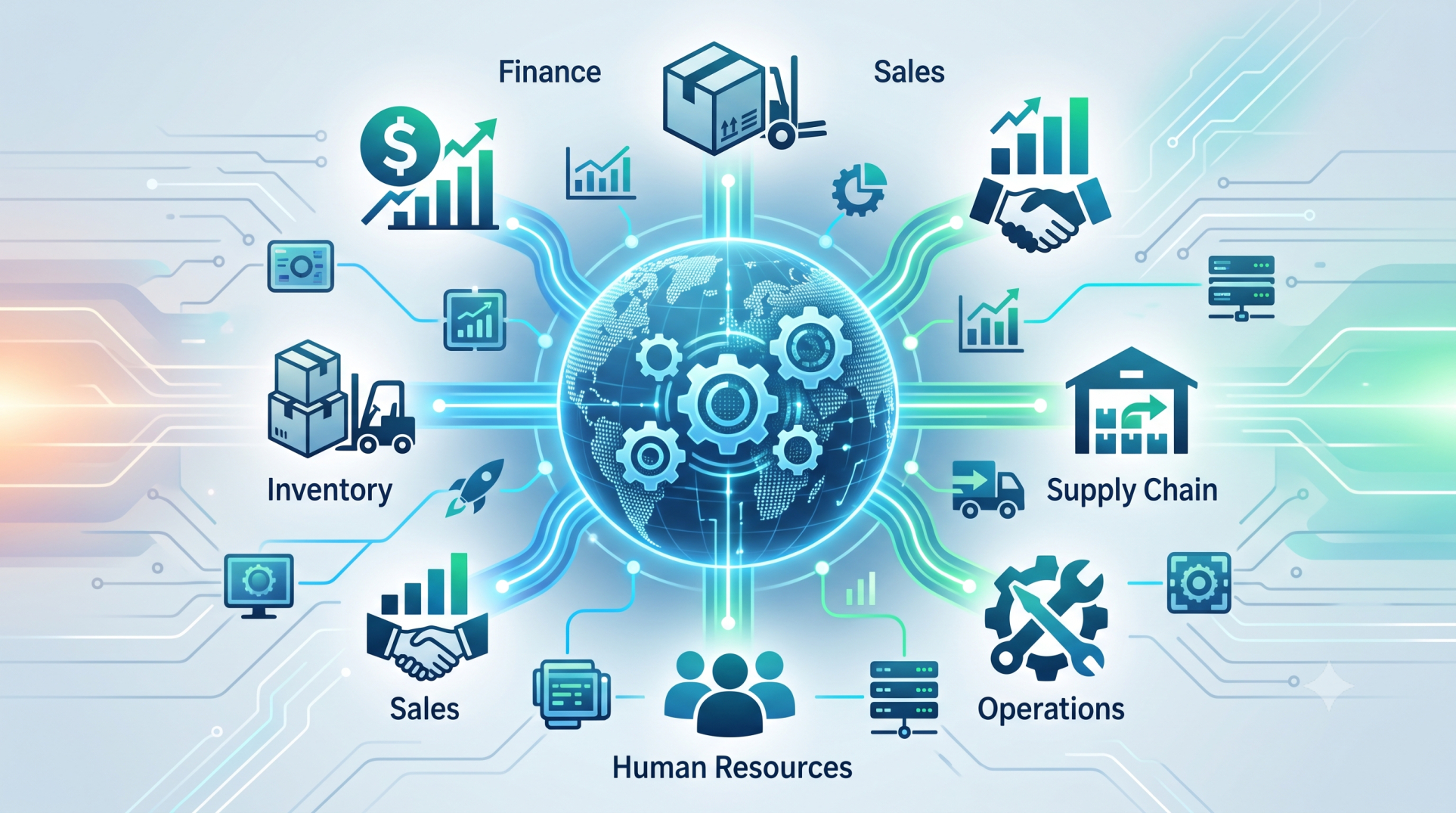
• Functional plugins (e.g., inventory extensions, finance modules) 📊
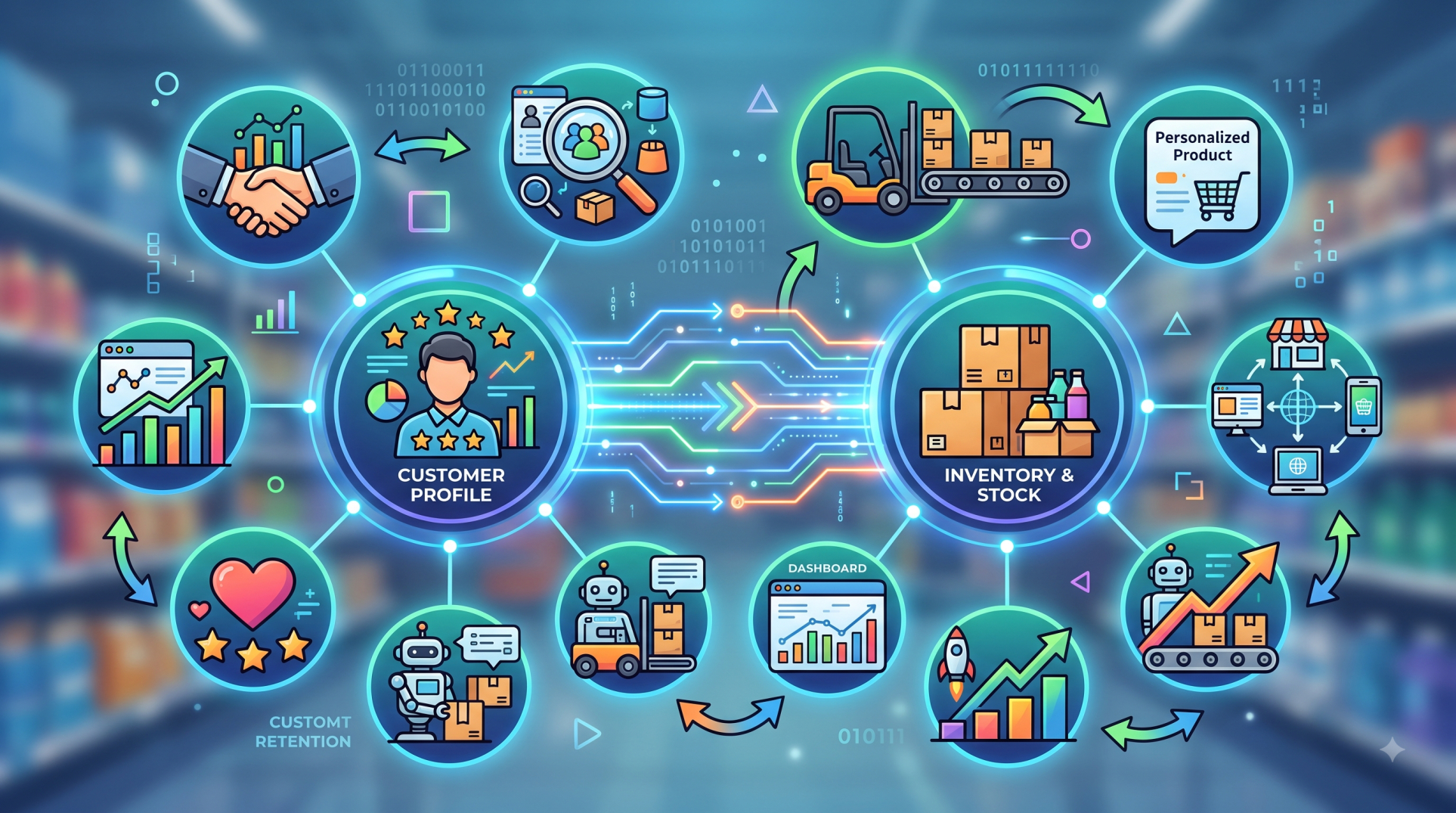
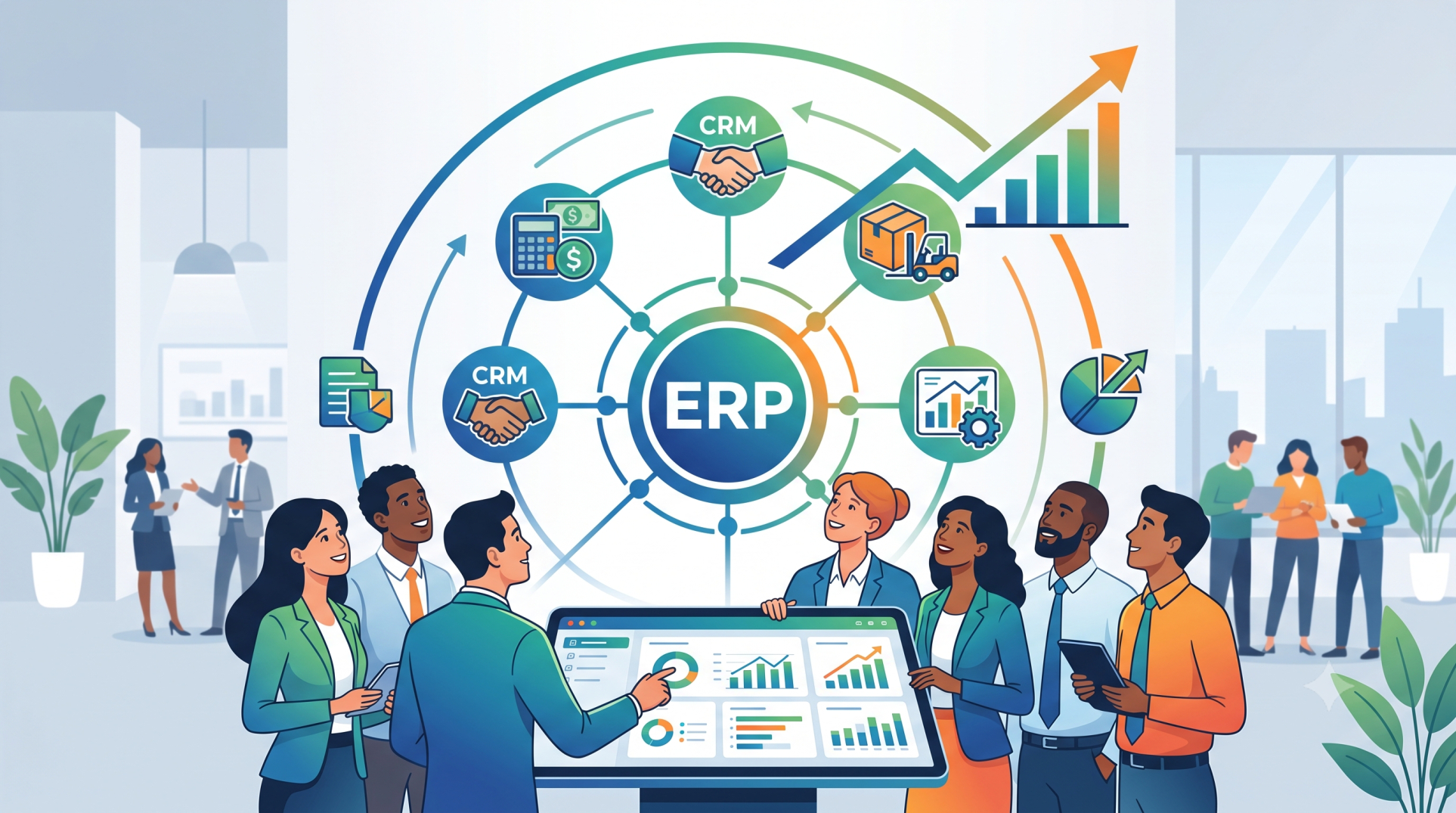
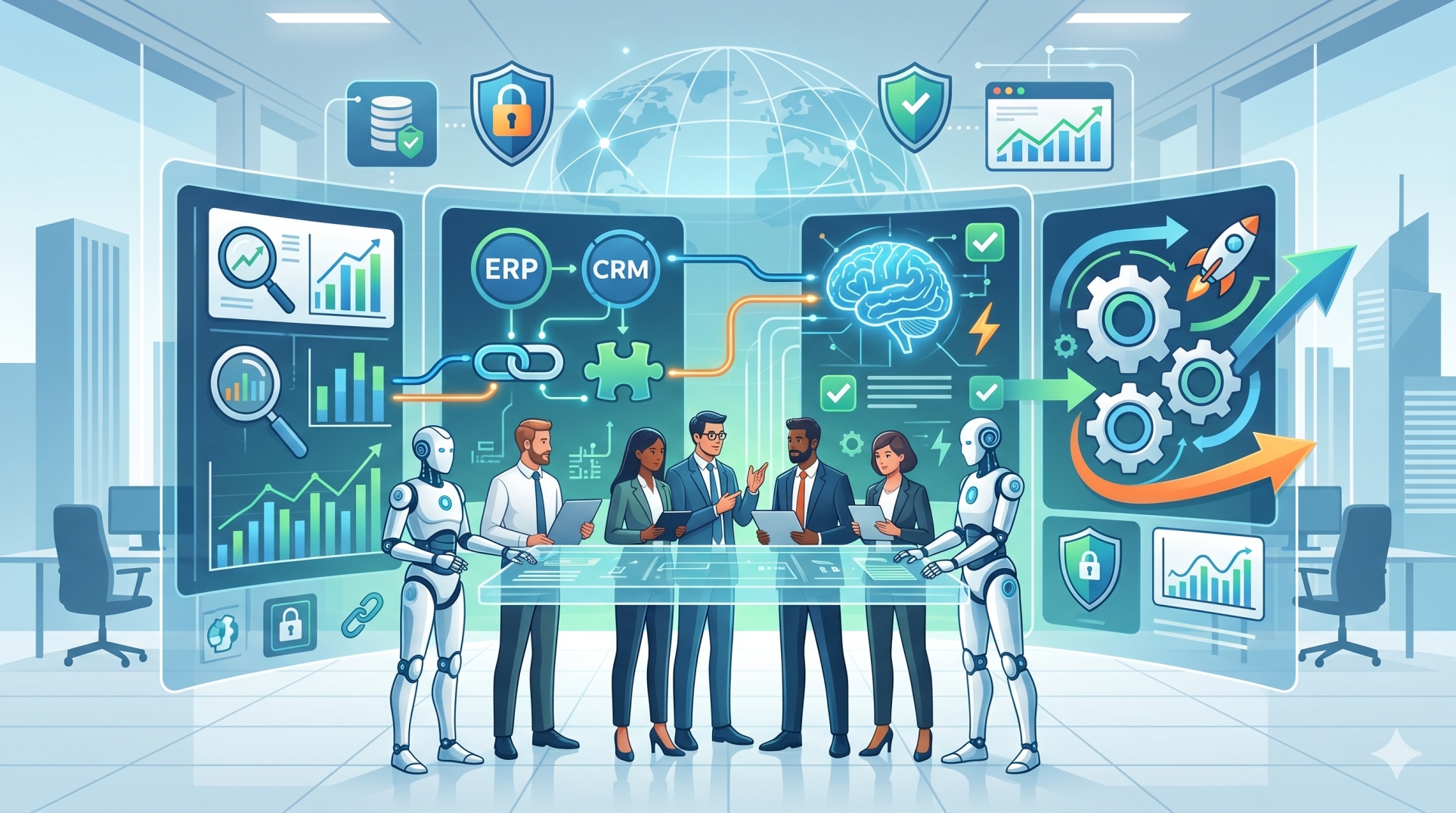
• Integration plugins (connect ERP with CRM, payment gateways, or external tools) 🔗
• UI/UX plugins (custom dashboards, reports, and interfaces) 🖥️
• Automation plugins (workflow triggers and rules engines) ⚙️
• Analytics plugins (AI insights, reporting tools, forecasting models) 📈
Step 4: How Plugin Integration Works 🔄🧩
• Plugins register with the ERP system through defined interfaces 📌
• They respond to system events or trigger actions when required ⚡
• Data exchange occurs via APIs or shared data models 🔗
• Plugins operate independently without disrupting core processes 🏗️
• Version compatibility ensures smooth functioning across updates 🔄
Step 5: Benefits of Plugin-Based ERP Design 🚀📊
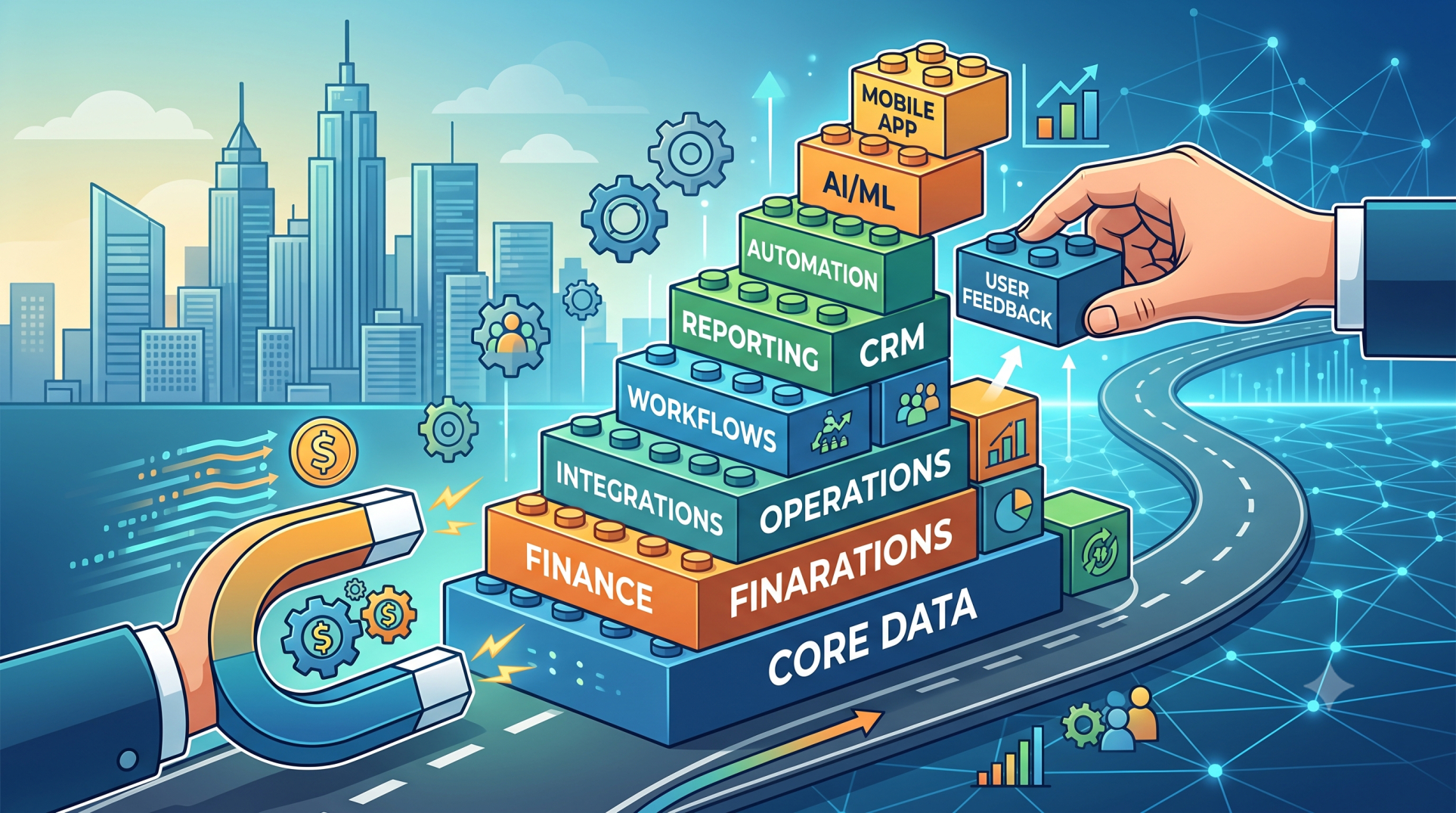
• Enables faster customization without changing core code ⚡
• Reduces upgrade conflicts and maintenance complexity 🔧
• Supports scalable architecture aligned with business growth 📈
• Simplifies testing and deployment of new features 🧪
• Encourages innovation through modular development 🧠
Step 6: Challenges and Considerations ⚠️🧩
• Managing compatibility across different ERP versions 🔄
• Maintaining consistent performance with multiple plugins ⚙️
• Preventing conflicts between overlapping plugin functionalities 🚫
• Ensuring strong security and access control measures 🔐
• Governing plugin quality and lifecycle effectively 📋
Step 7: Best Practices for Implementation ✅📘
• Use standardized APIs and clearly defined interfaces 🔗
• Provide comprehensive documentation for plugin development 📚
• Implement strict versioning and dependency management 🧩
• Continuously monitor plugin performance and system impact 📊
• Establish governance policies for plugin approval and usage 🏛️
Step 8: Real-World Use Cases 🌍💼
• Implementing region-specific tax and compliance modules 🌐
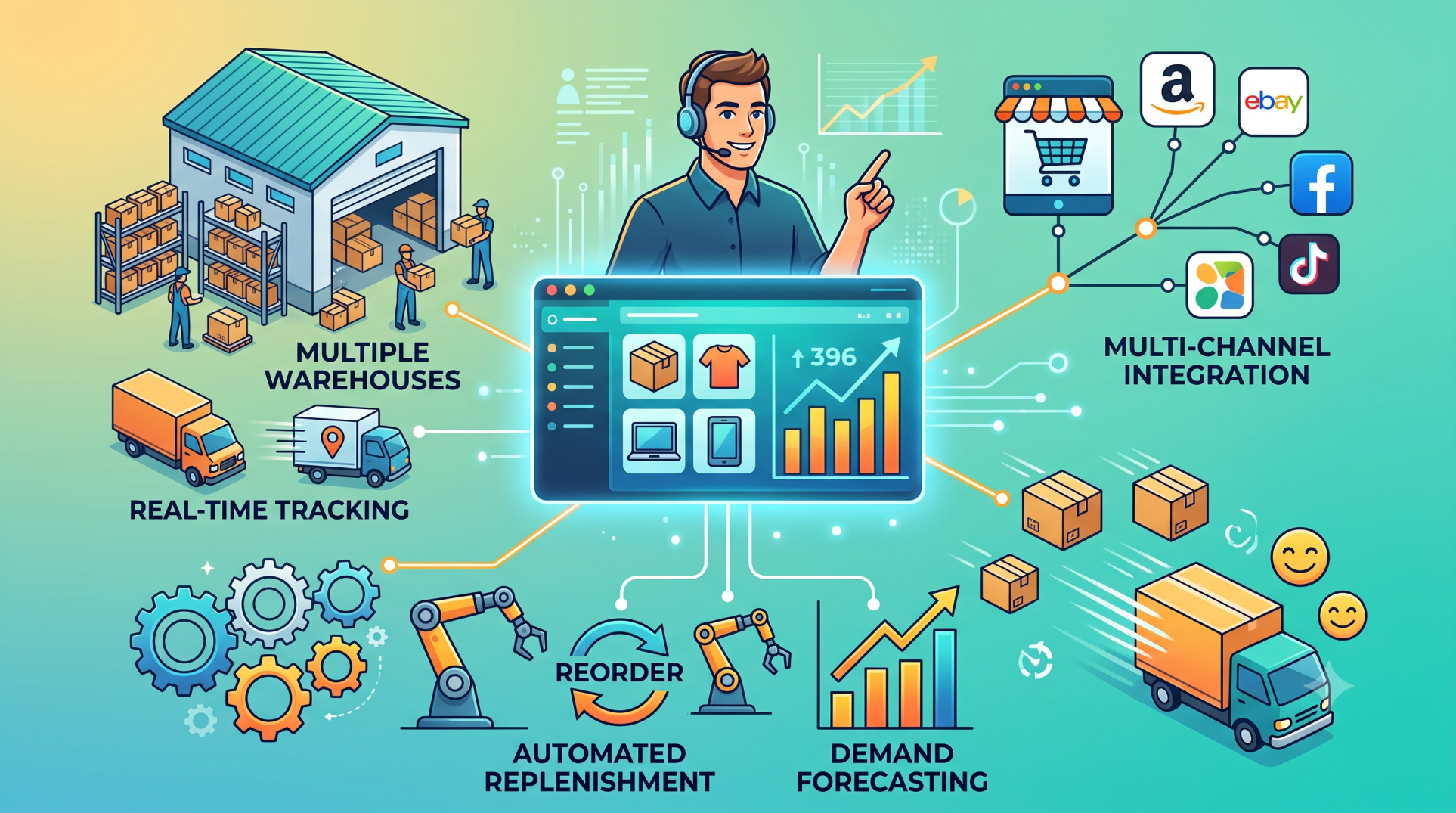
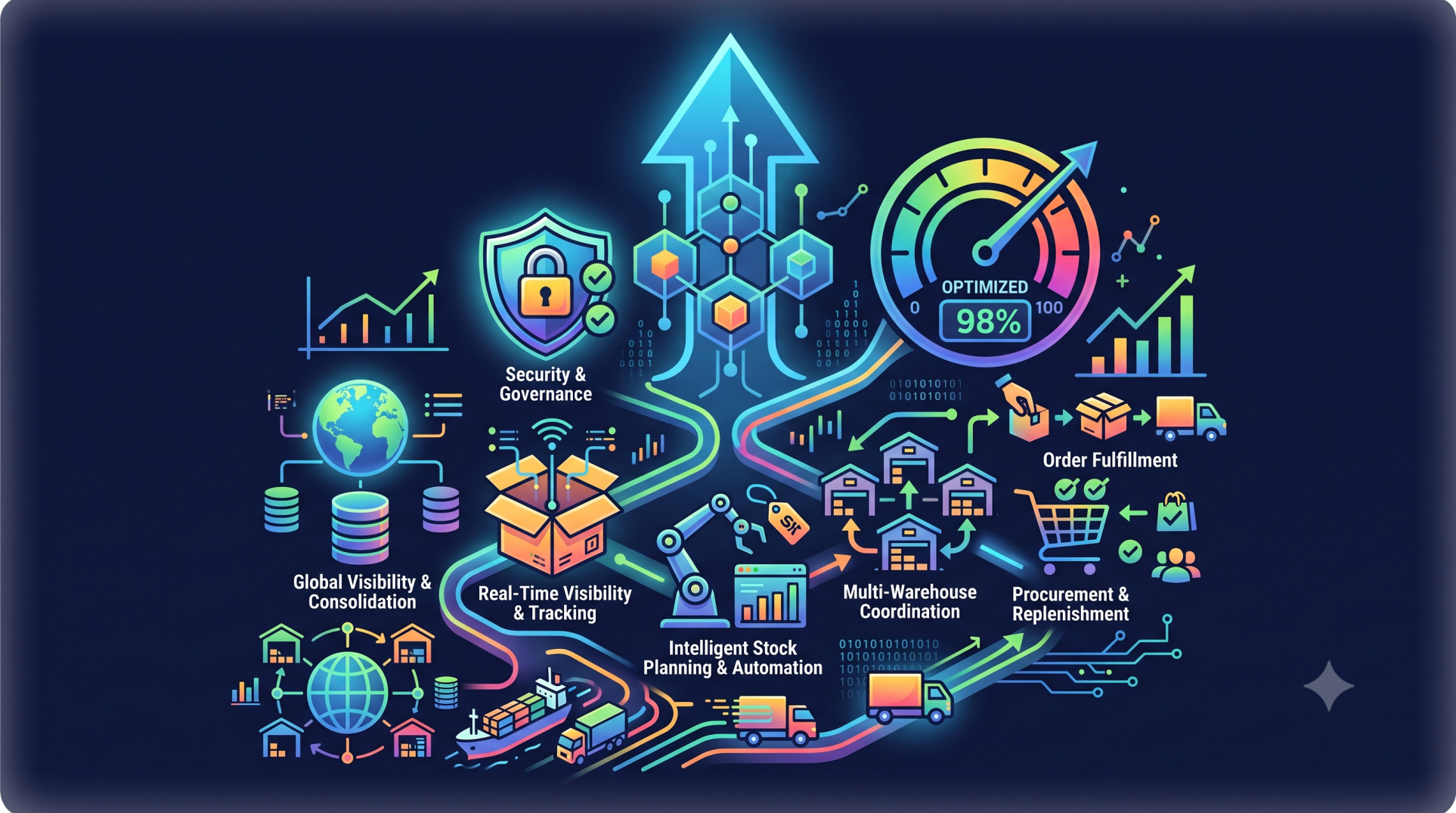
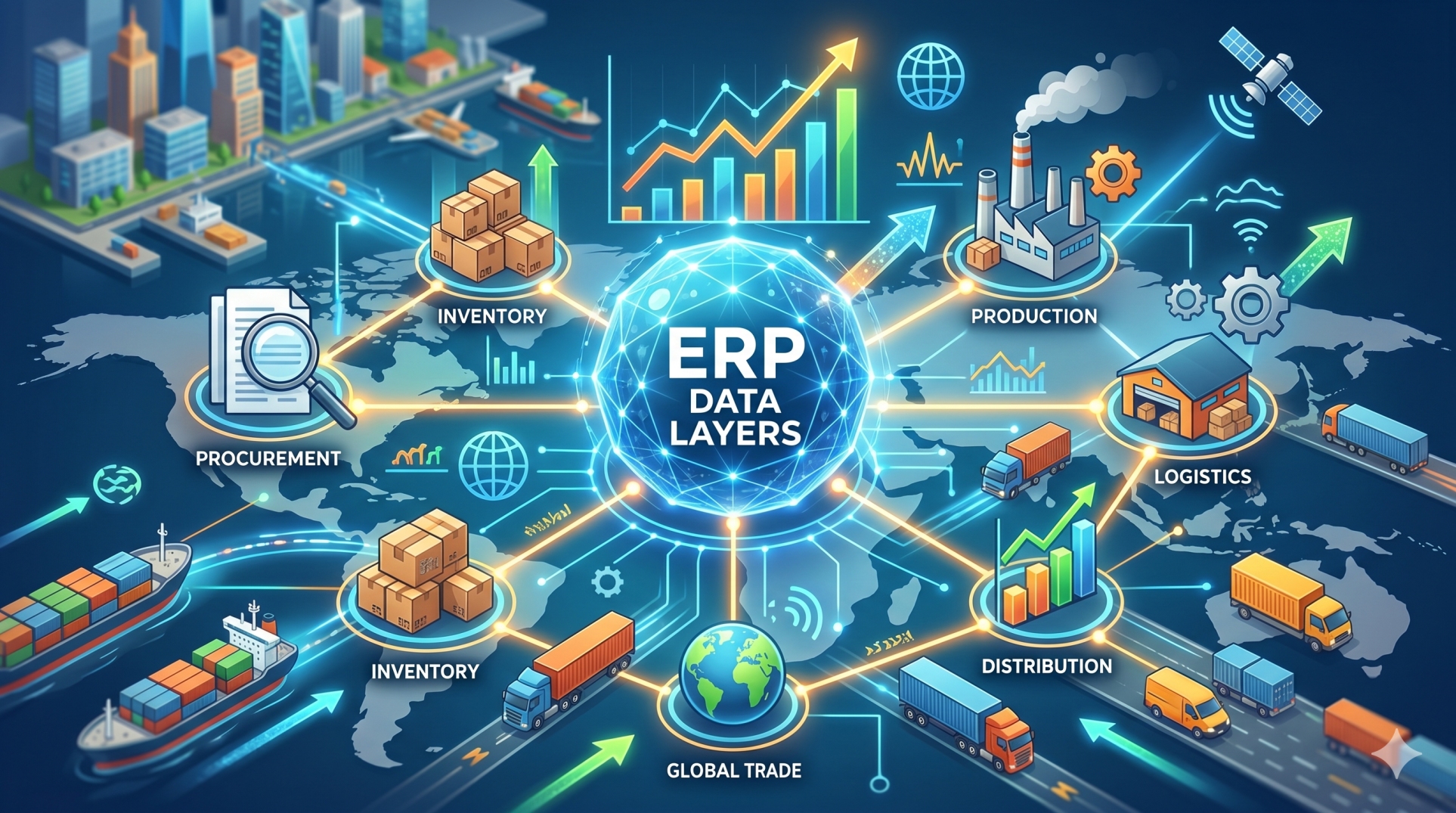
• Integrating third-party logistics and warehouse systems 🚚
• Building custom dashboards for business intelligence 📊
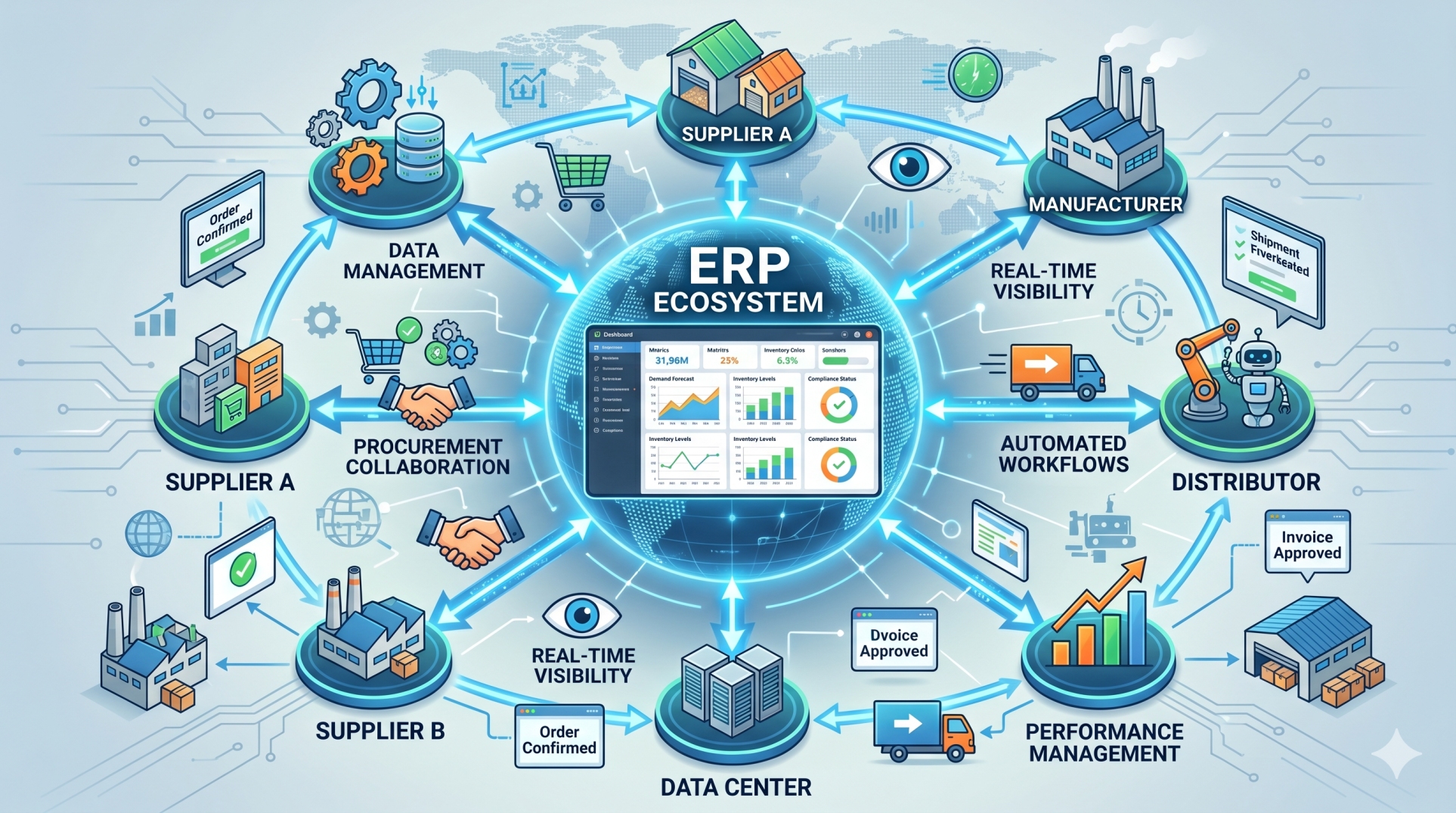
• Automating approval workflows across departments 🔄
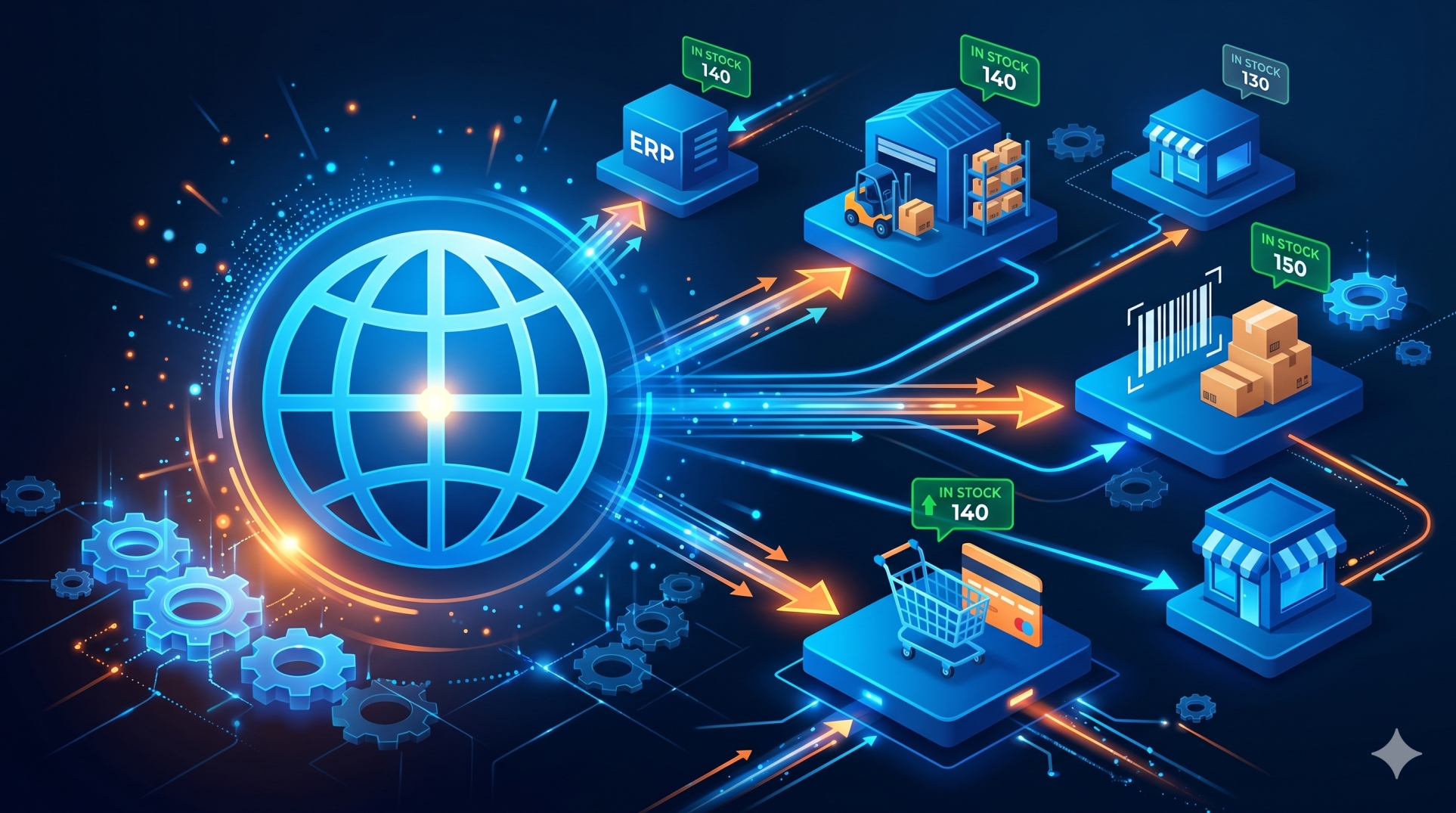
• Connecting ERP systems with e-commerce or marketplace platforms 🛒
Step 9: Future Trends in ERP Plugin Ecosystems 🔮⚙️
• Expansion of low-code and no-code plugin development 🧩
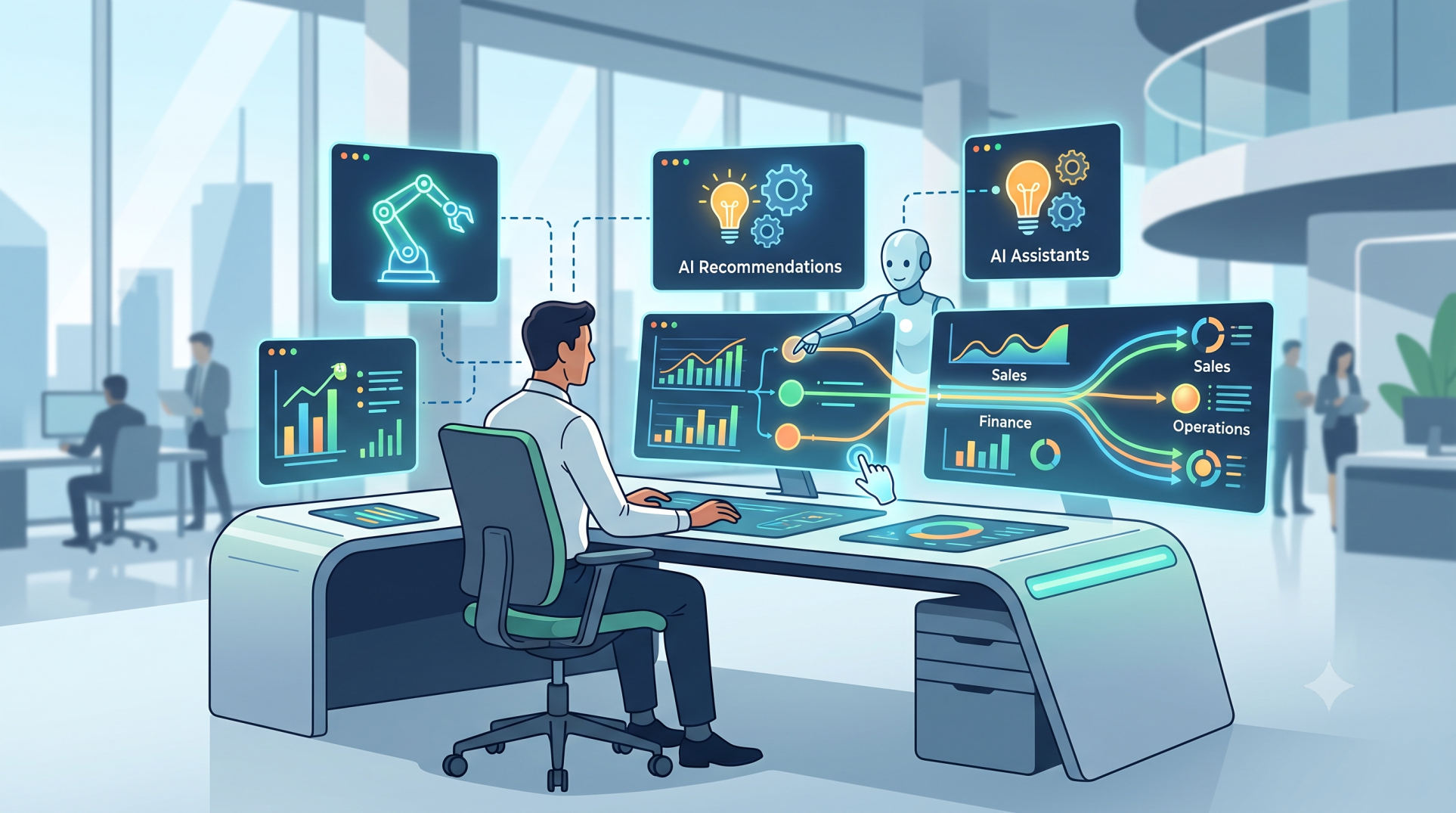
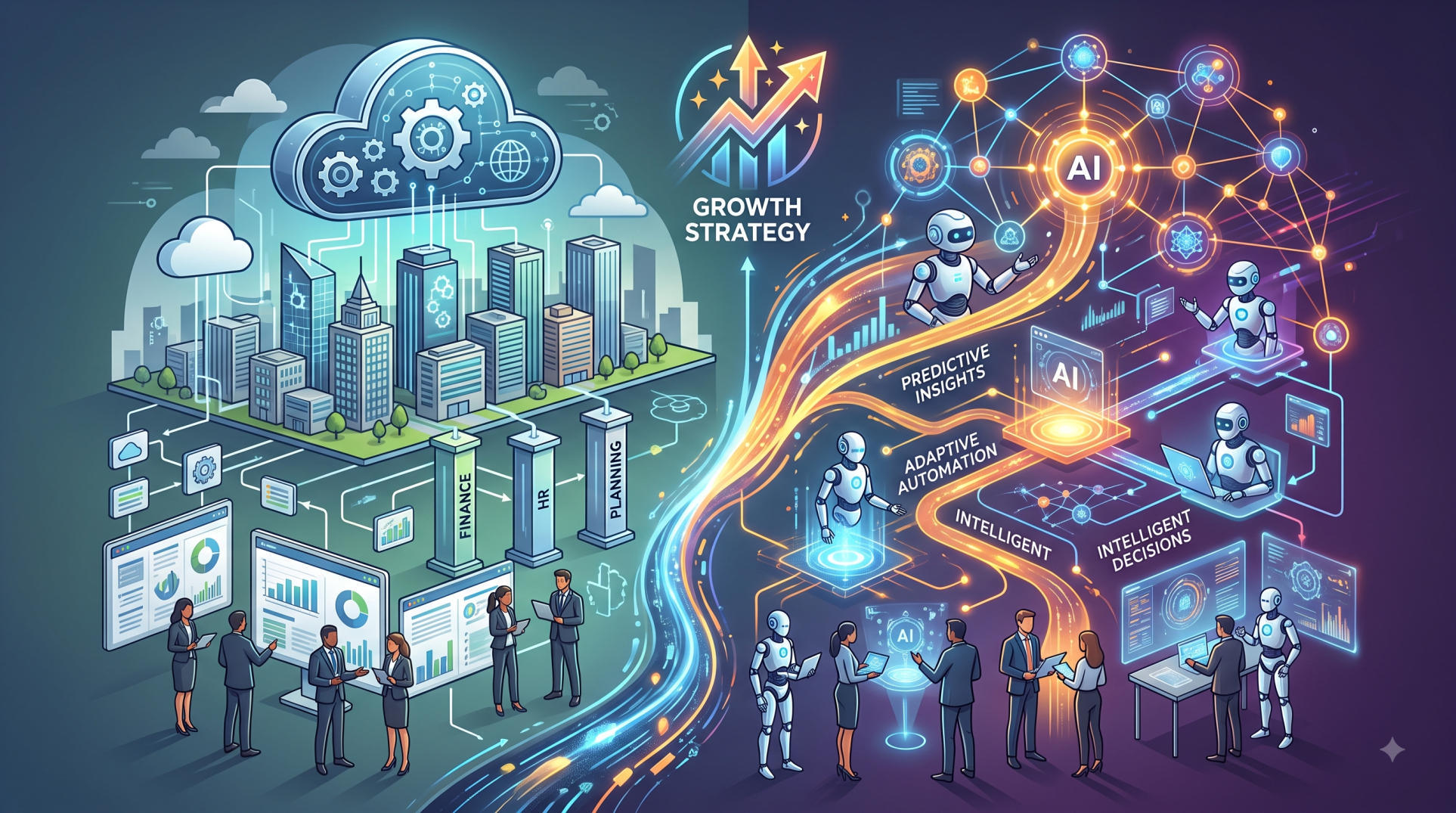
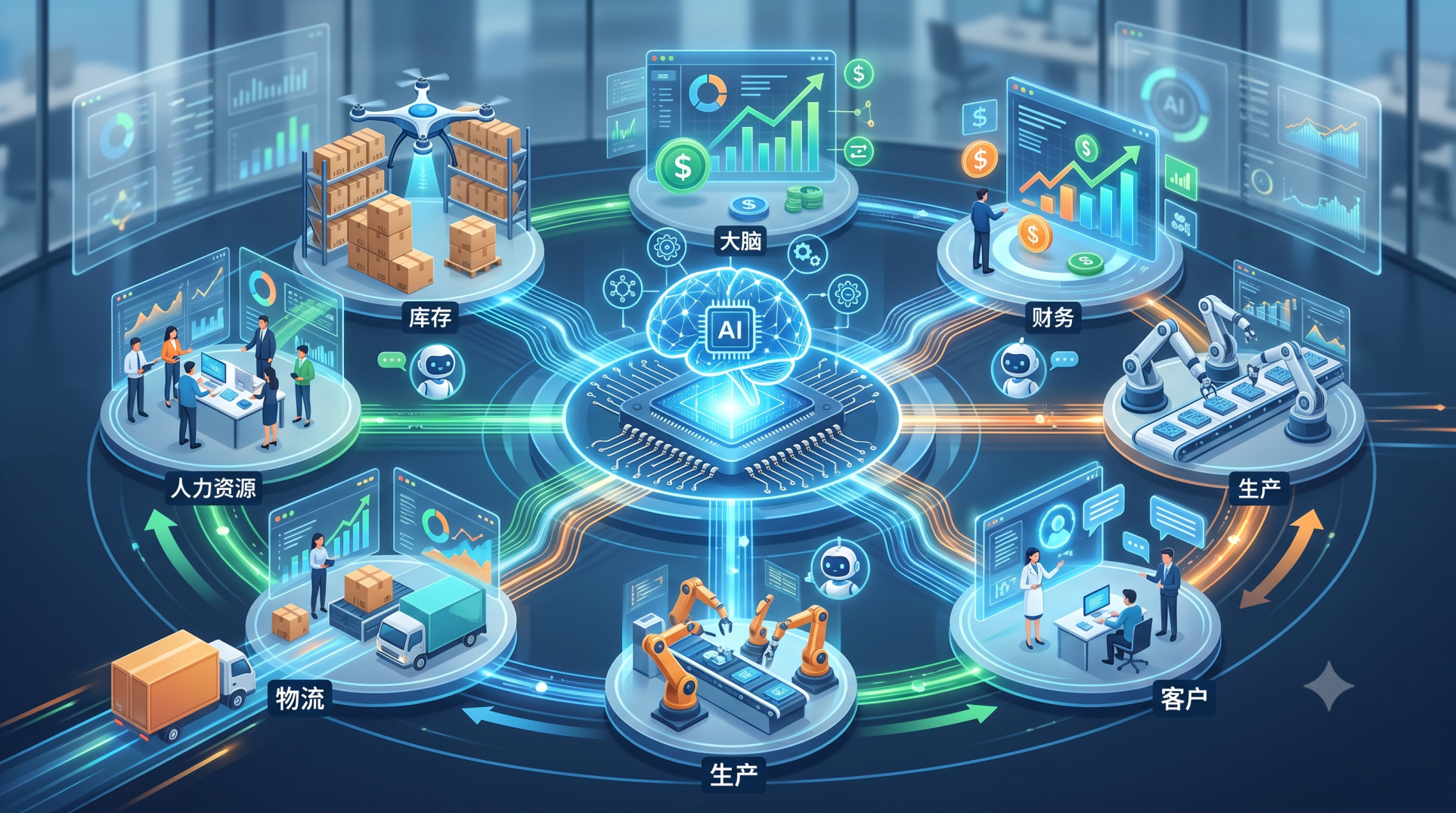
• AI-powered plugins for predictive insights and automation 🤖
• Emergence of marketplace-driven plugin ecosystems 🏪
• Adoption of microservices-based ERP extensions 🧱
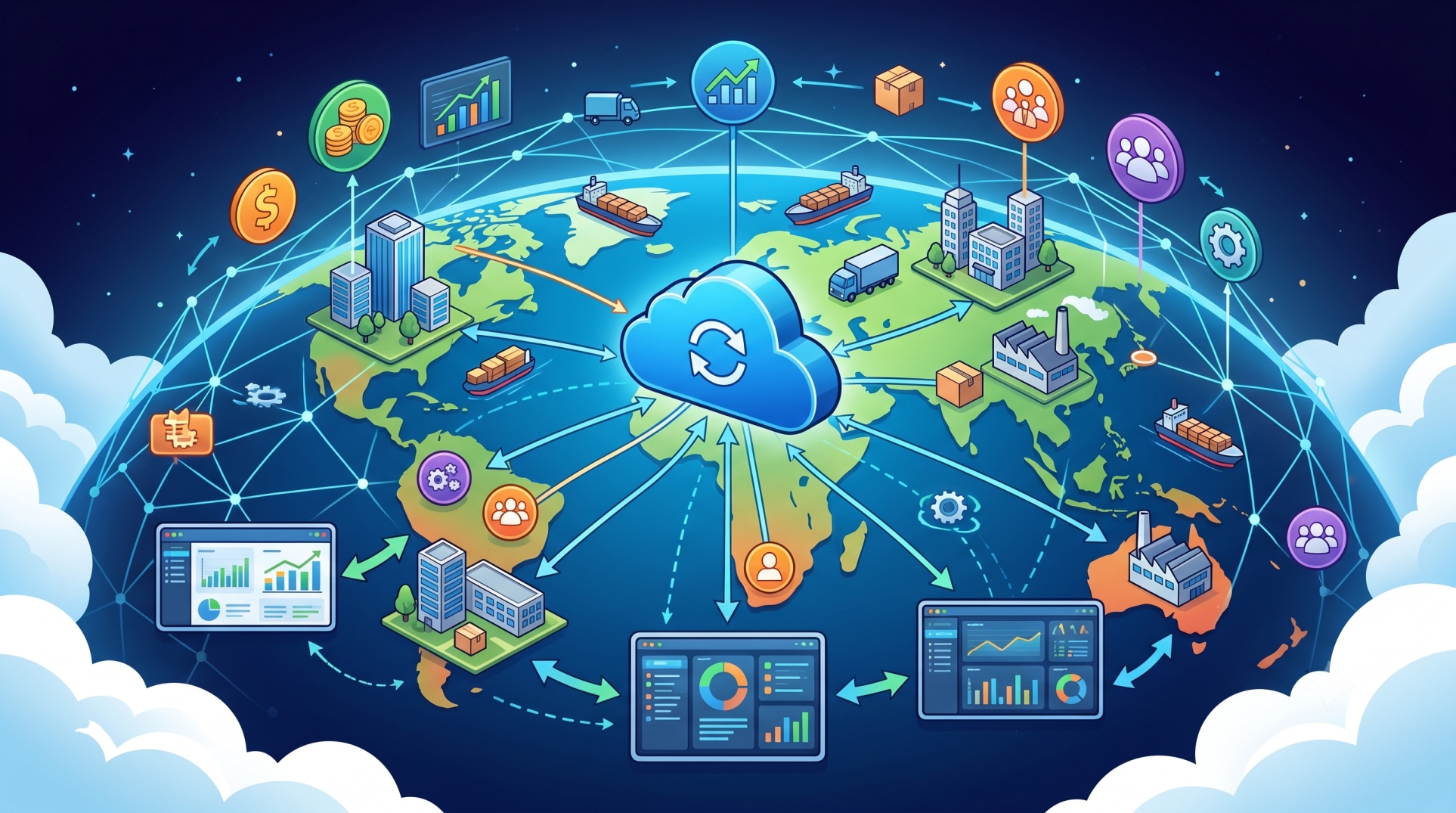
• Increased focus on cloud-native plugin architectures ☁️
Conclusion
ERP plugin architectures are redefining how organizations customize and scale their systems. By separating core functionality from extensions, businesses can innovate faster, minimize risk, and respond more effectively to evolving requirements. A well-structured plugin ecosystem enhances flexibility while ensuring ERP systems remain adaptable and future-ready in a rapidly changing digital environment.
See more blogs
You can all the articles below