Autonomous Workflow Execution in ERP Platforms

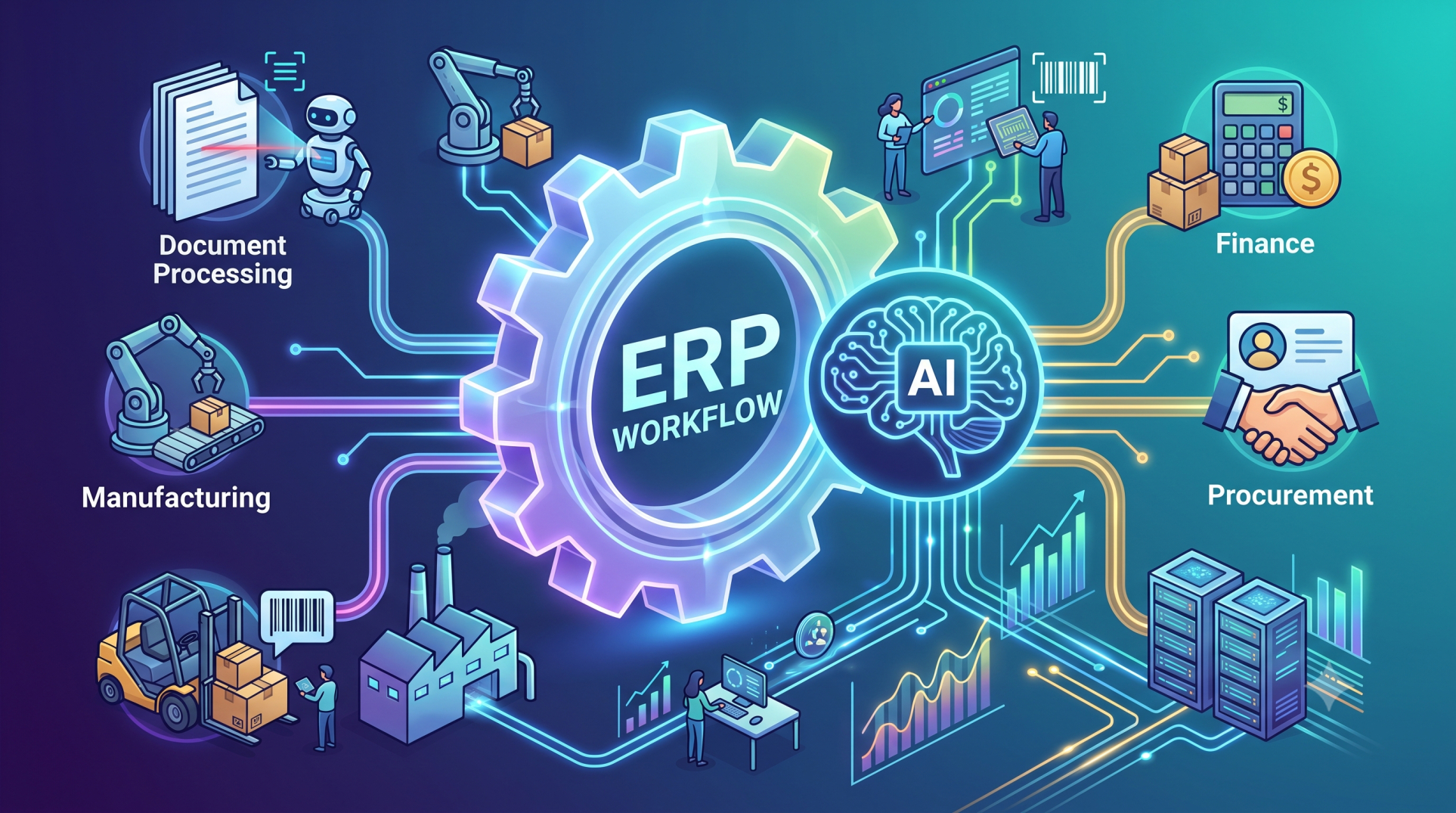
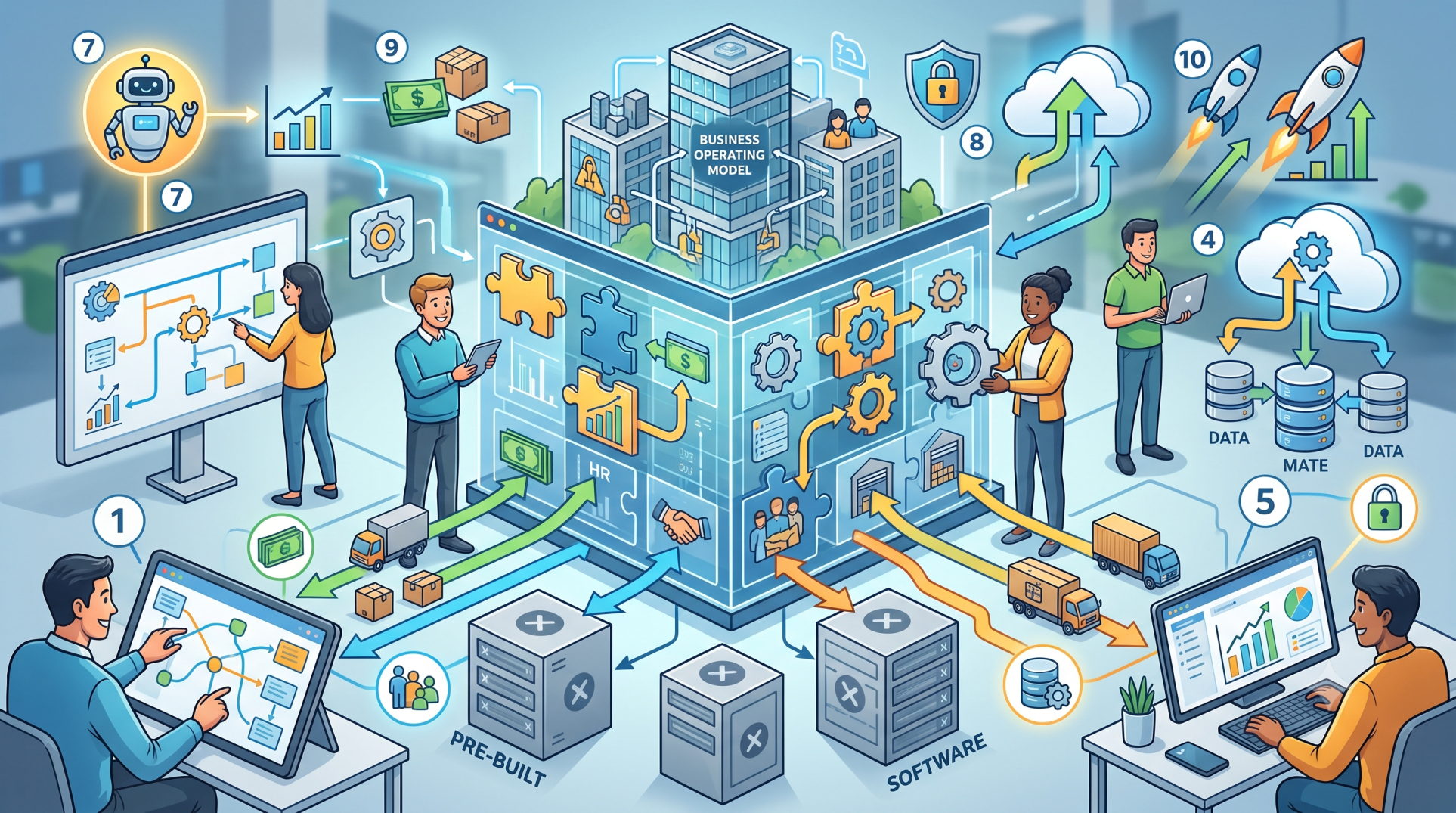
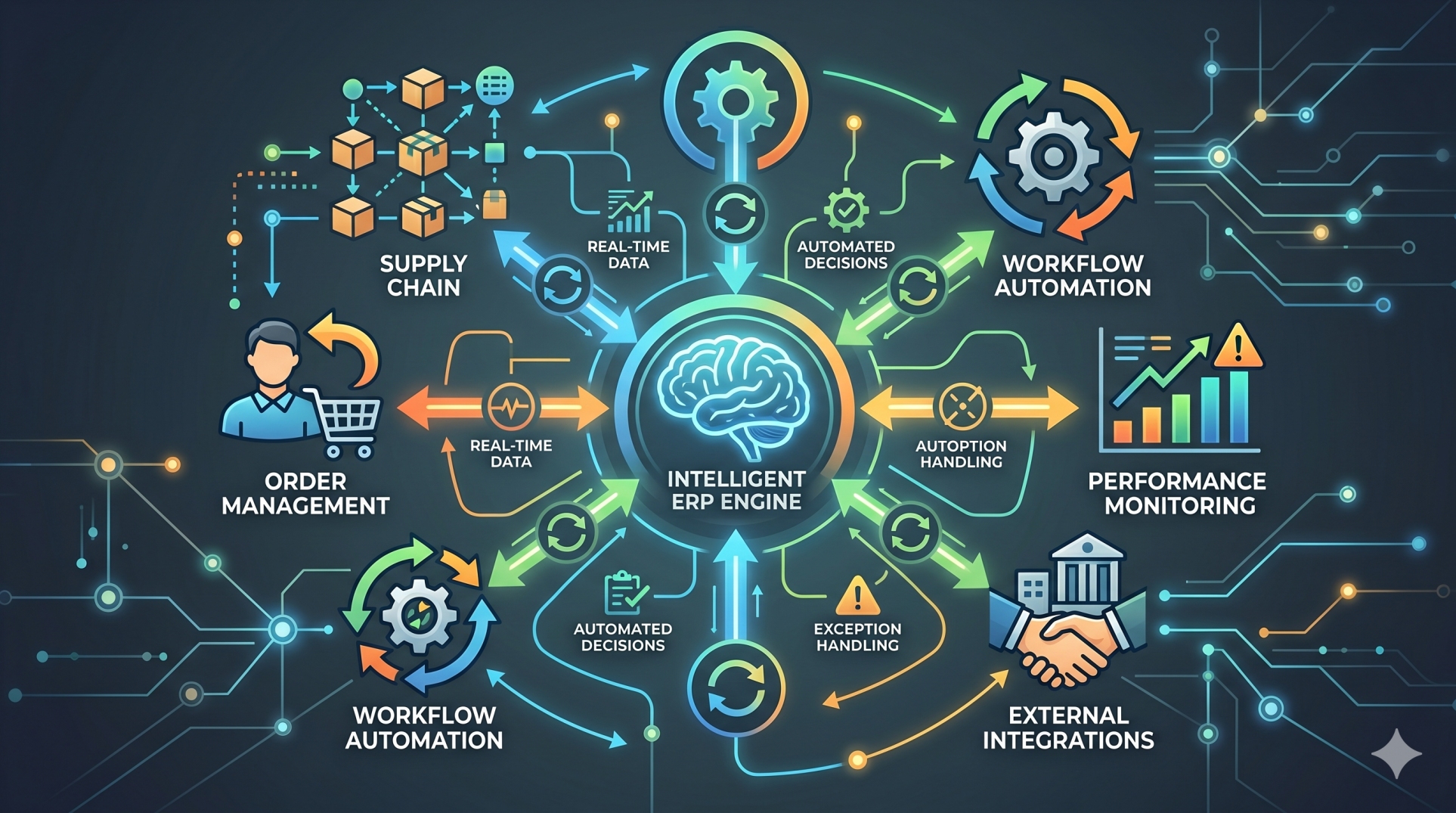
Modern businesses are moving beyond manual operations toward intelligent automation that can respond instantly to changing demands. Autonomous workflow execution in Enterprise Resource Planning (ERP) platforms allows routine processes to run with minimal human intervention while maintaining control, accuracy, and visibility. By combining automation, AI, and real-time data, ERP systems can streamline operations, reduce delays, and improve enterprise-wide efficiency.
Step 1: Understanding Autonomous Workflow Execution 🤖
• Autonomous workflows perform tasks automatically based on predefined logic 🤖
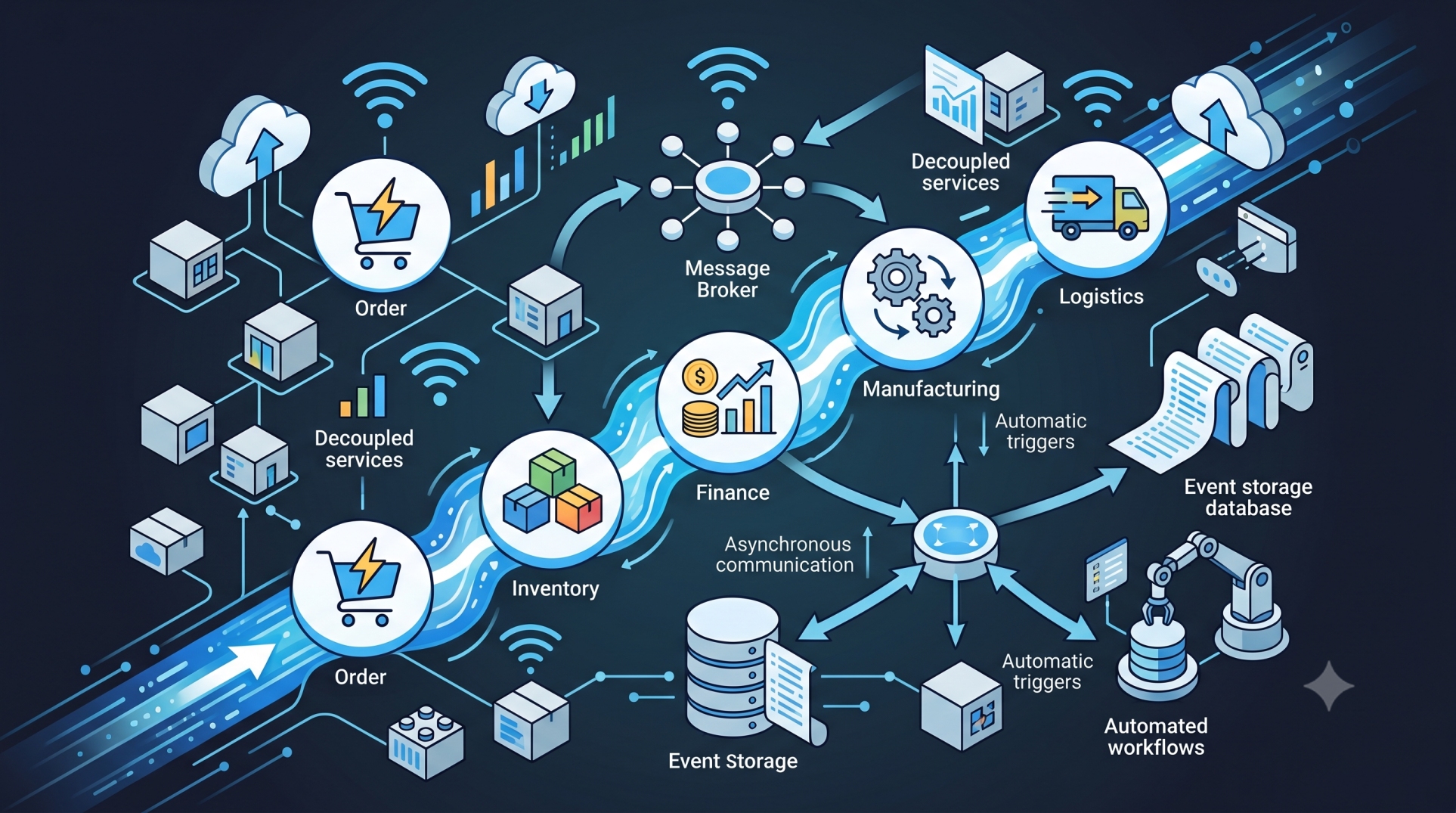
• ERP systems can trigger actions without waiting for manual approvals ⚡
• Routine activities become faster, more consistent, and error-free ✅
• Employees can focus on higher-value strategic work 🎯
• Automation creates a more responsive operational environment 🚀
Step 2: Automating Finance Operations 💰
• Process invoices automatically through predefined approval chains 📄
• Trigger payment schedules based on due dates and conditions 💳
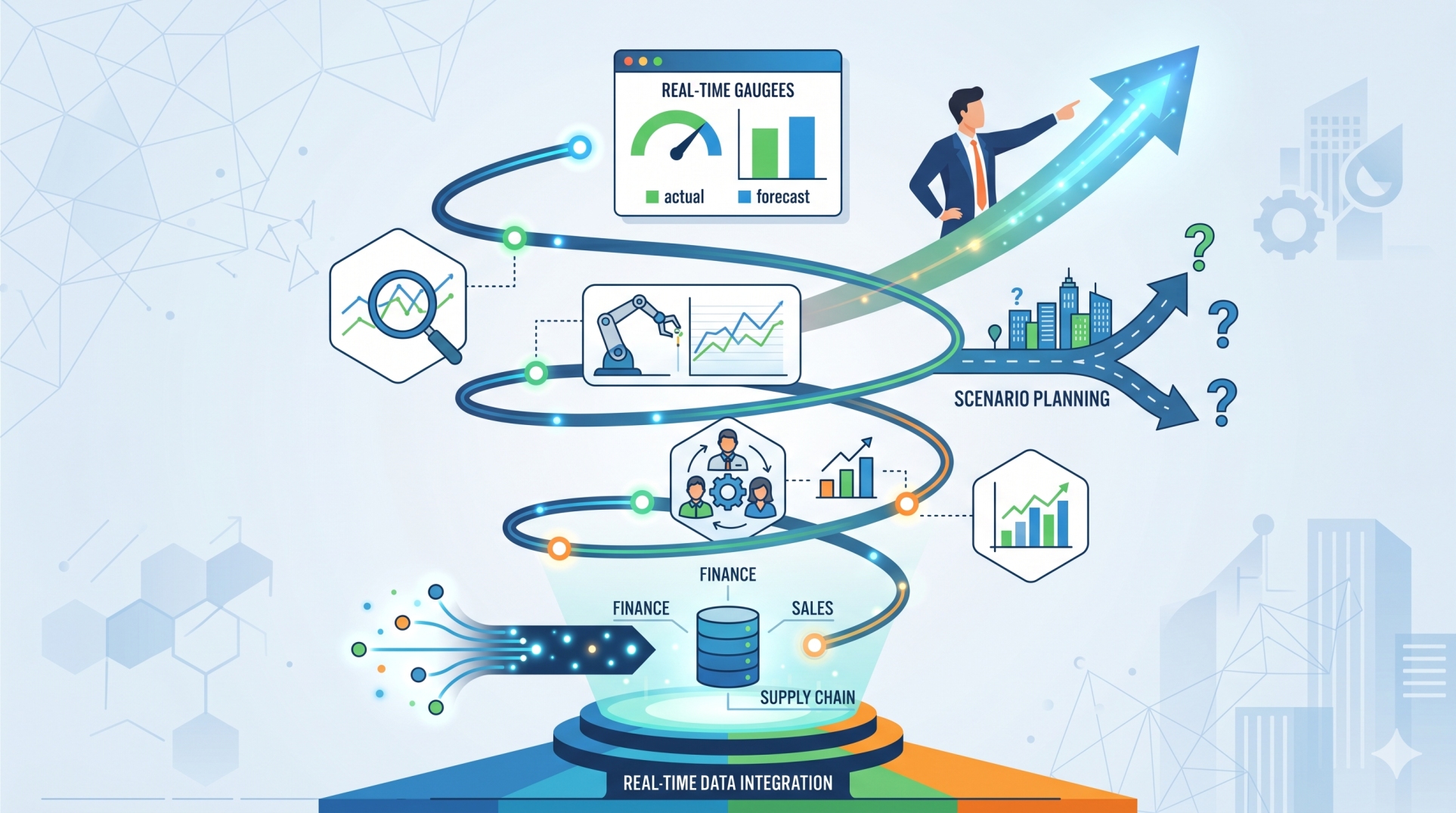
• Reconcile transactions using real-time financial data 📊
• Generate recurring reports without manual preparation 📈
• Reduce delays and human errors in finance workflows 🔍
Step 3: Streamlining Procurement Processes 🛒
• Create purchase requests automatically when stock reaches thresholds 📦
• Route approvals based on budget levels or vendor categories 🔄
• Generate purchase orders instantly after approvals 📝
• Monitor supplier delivery timelines proactively 🚚
• Improve procurement speed and consistency ⚙️
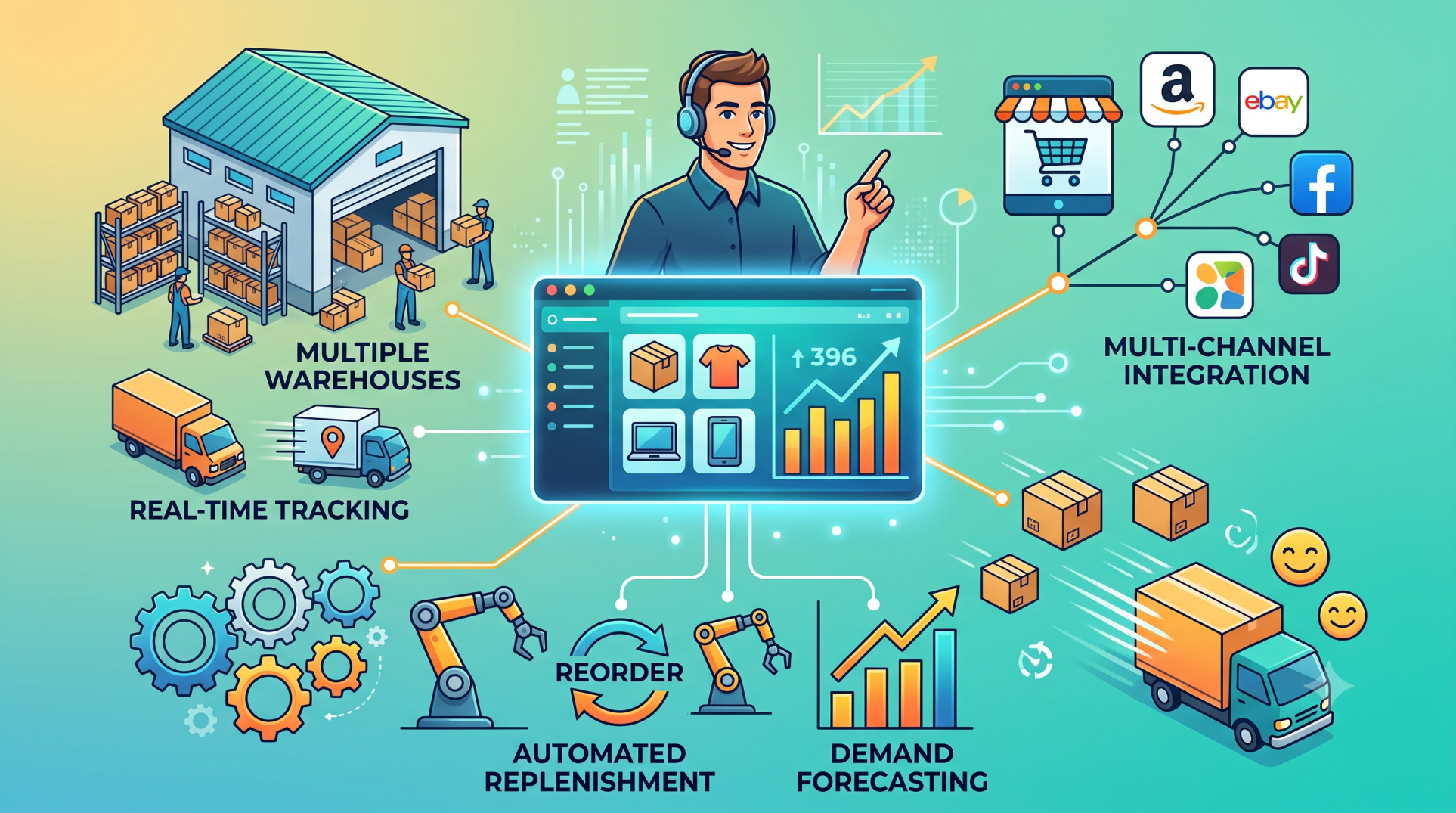
Step 4: Optimizing Inventory Management 📦
• Trigger replenishment workflows based on live inventory levels 📊
• Adjust stock transfers automatically across warehouses 🏭
• Detect shortages and initiate corrective actions quickly ⚡
• Reduce overstocking and stockout risks ⚖️
• Improve inventory accuracy across locations 🎯
Step 5: Intelligent HR Workflow Automation 👥
• Automate onboarding steps for new employees 🧾
• Route leave approvals based on policy rules 📅
• Trigger payroll updates from attendance records ⏱️
• Send reminders for reviews and compliance tasks 🔔
• Reduce administrative workload for HR teams 🤝
Step 6: Real-Time Decision-Based Actions 🧠
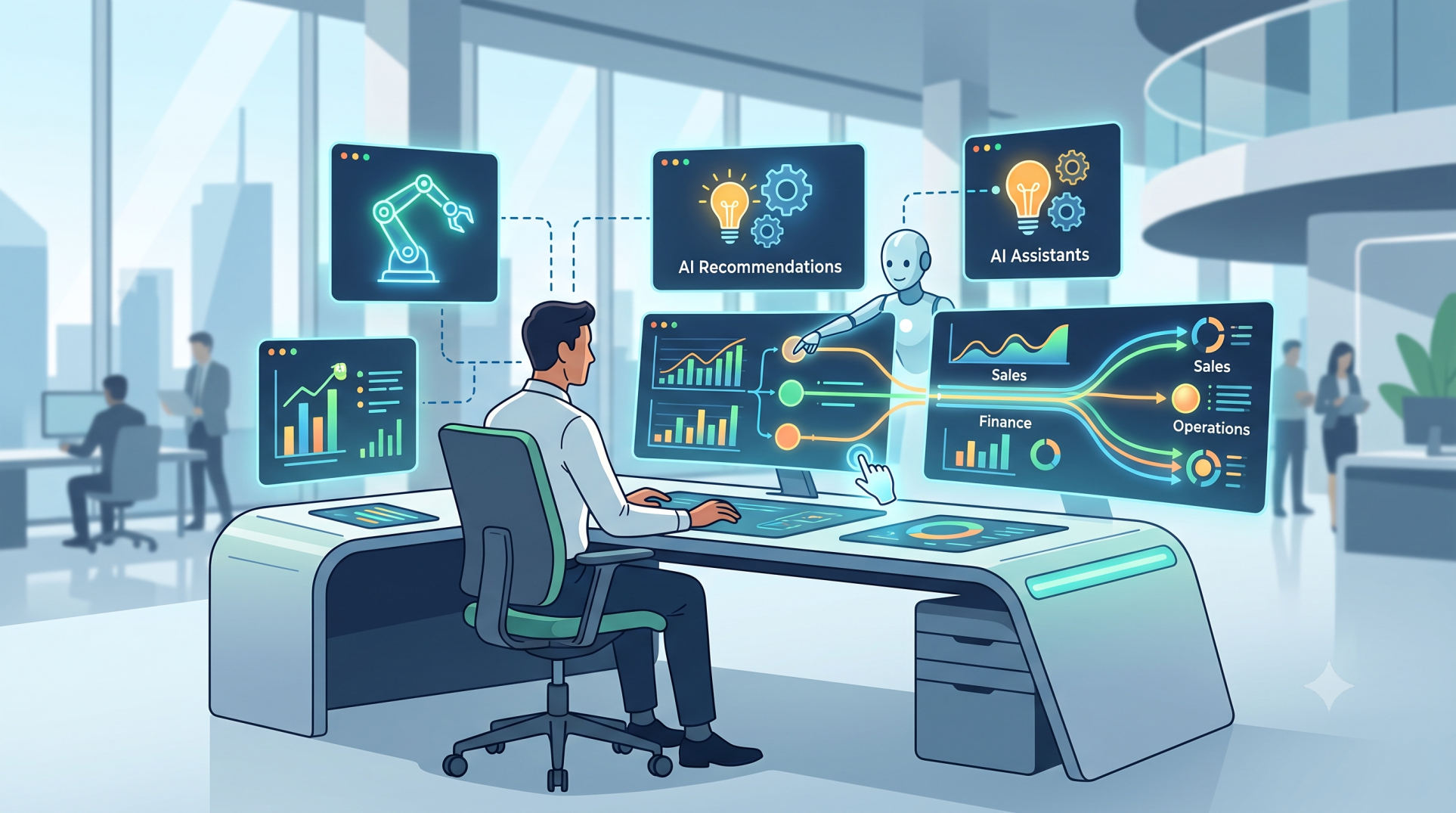
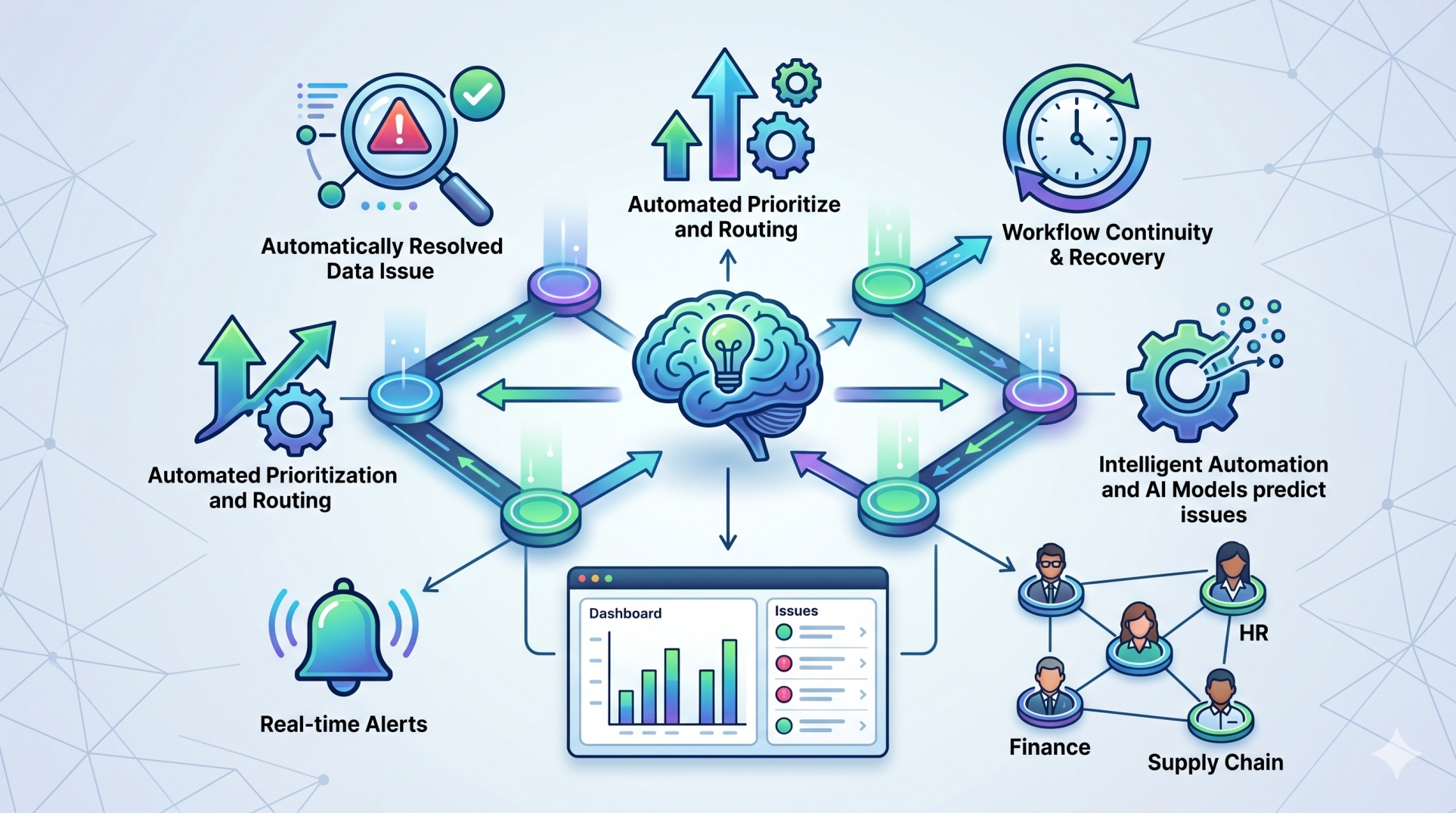
• Use AI to recommend or trigger next best actions 🤖
• Escalate urgent issues automatically to the right teams 🚨
• Detect anomalies and launch response workflows instantly 🔍
• Adjust priorities based on operational conditions 📈
• Improve speed and quality of decisions ⚡
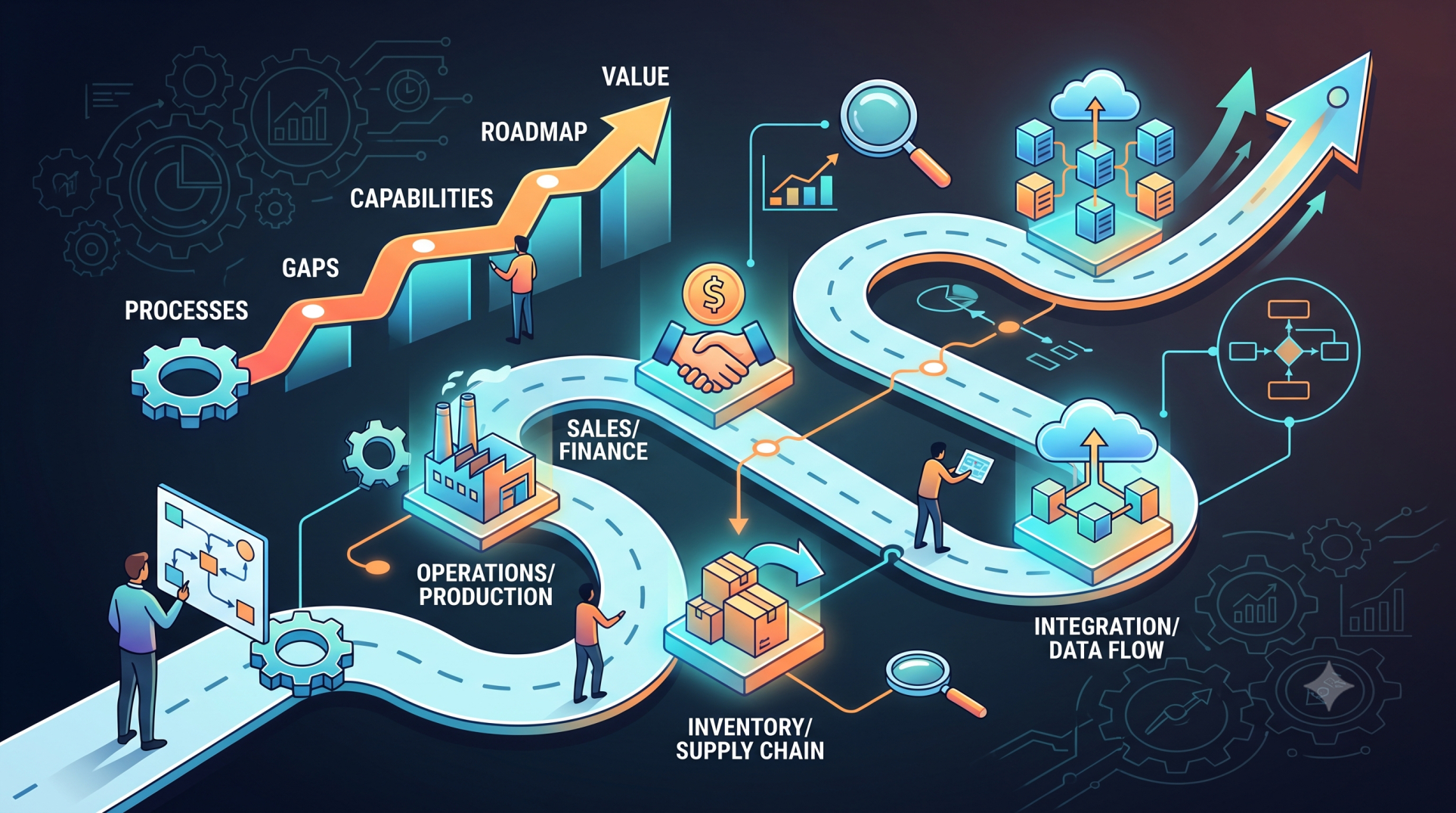
Step 7: Cross-Department Workflow Coordination 🔗
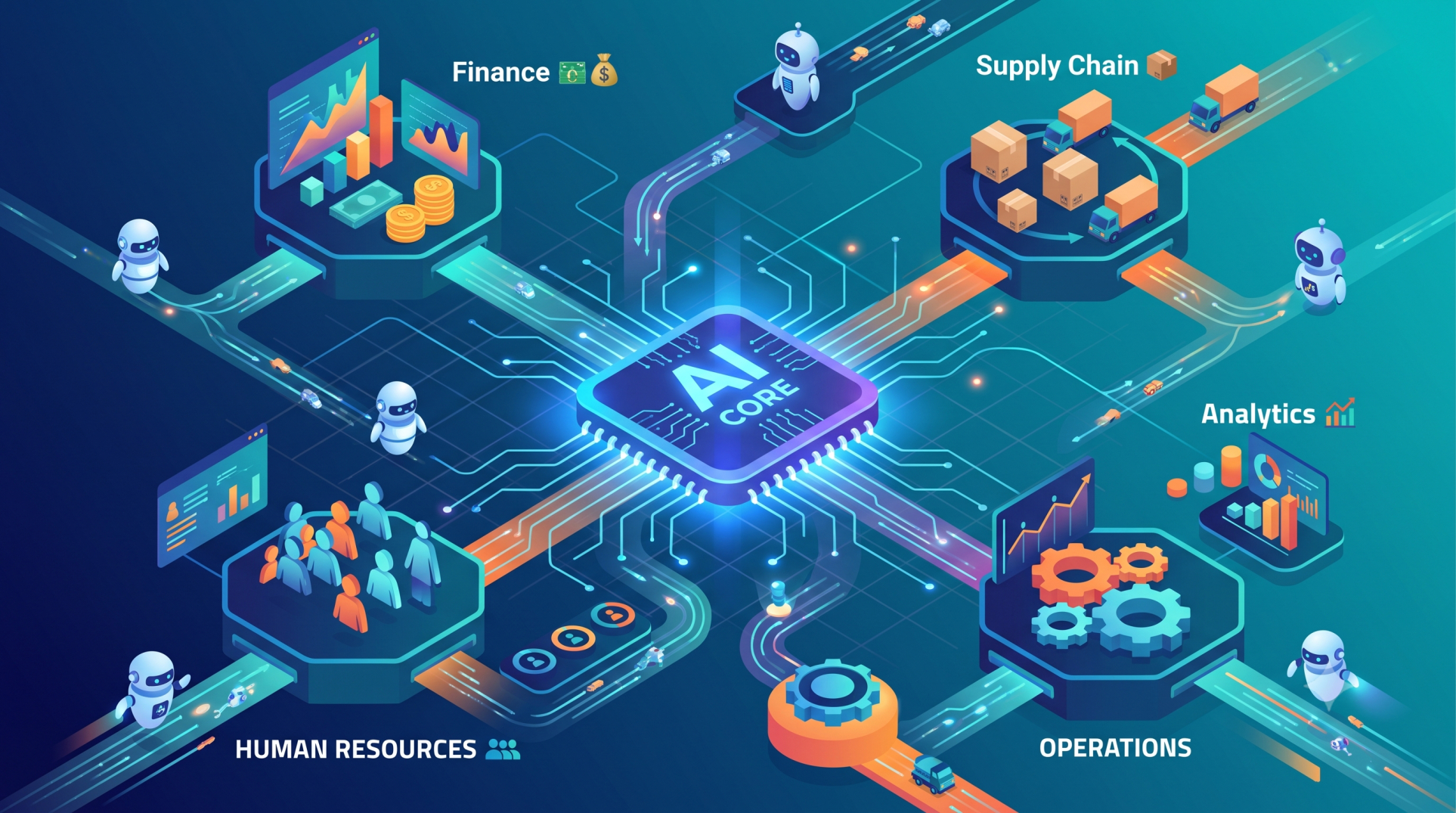
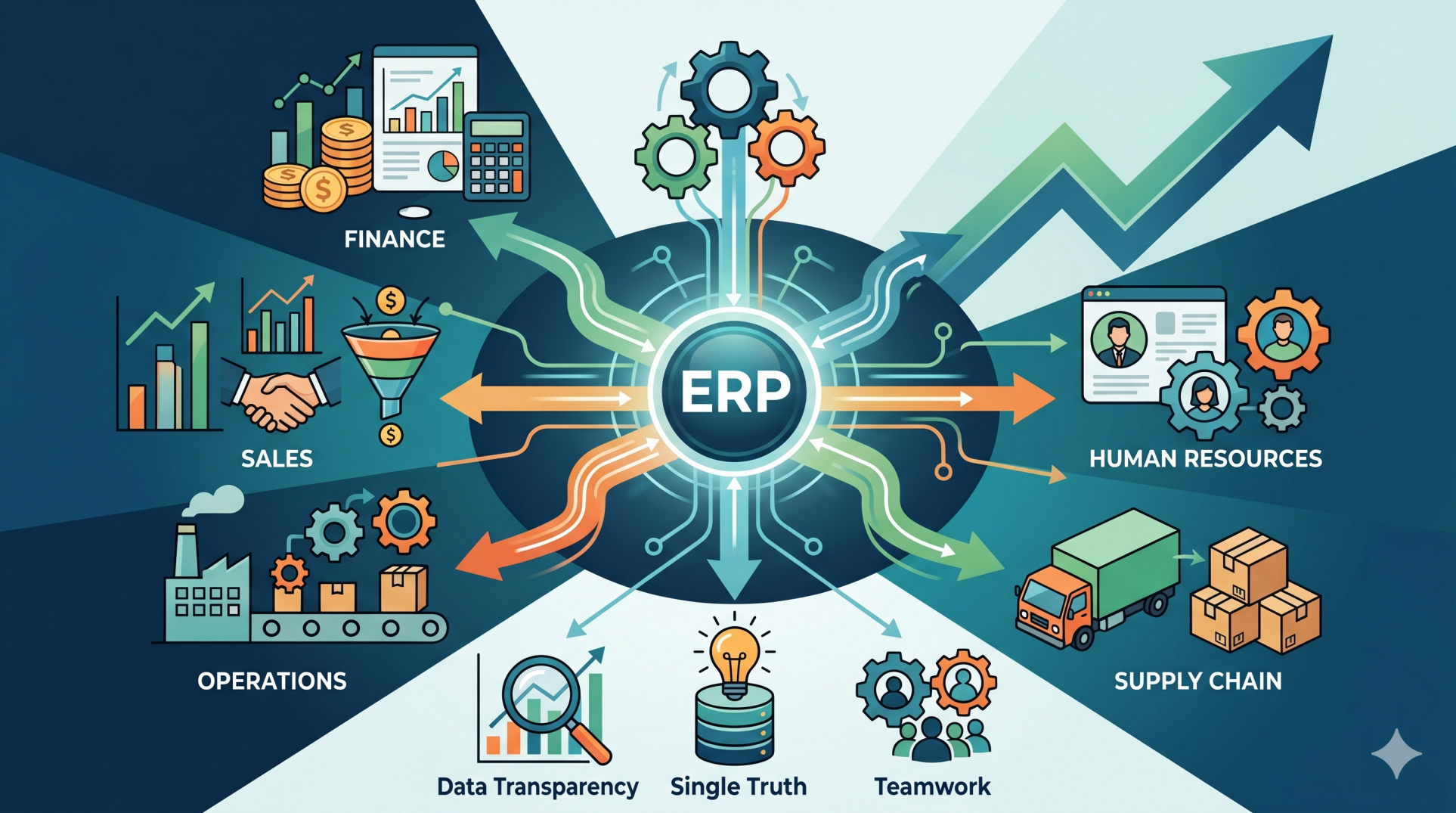
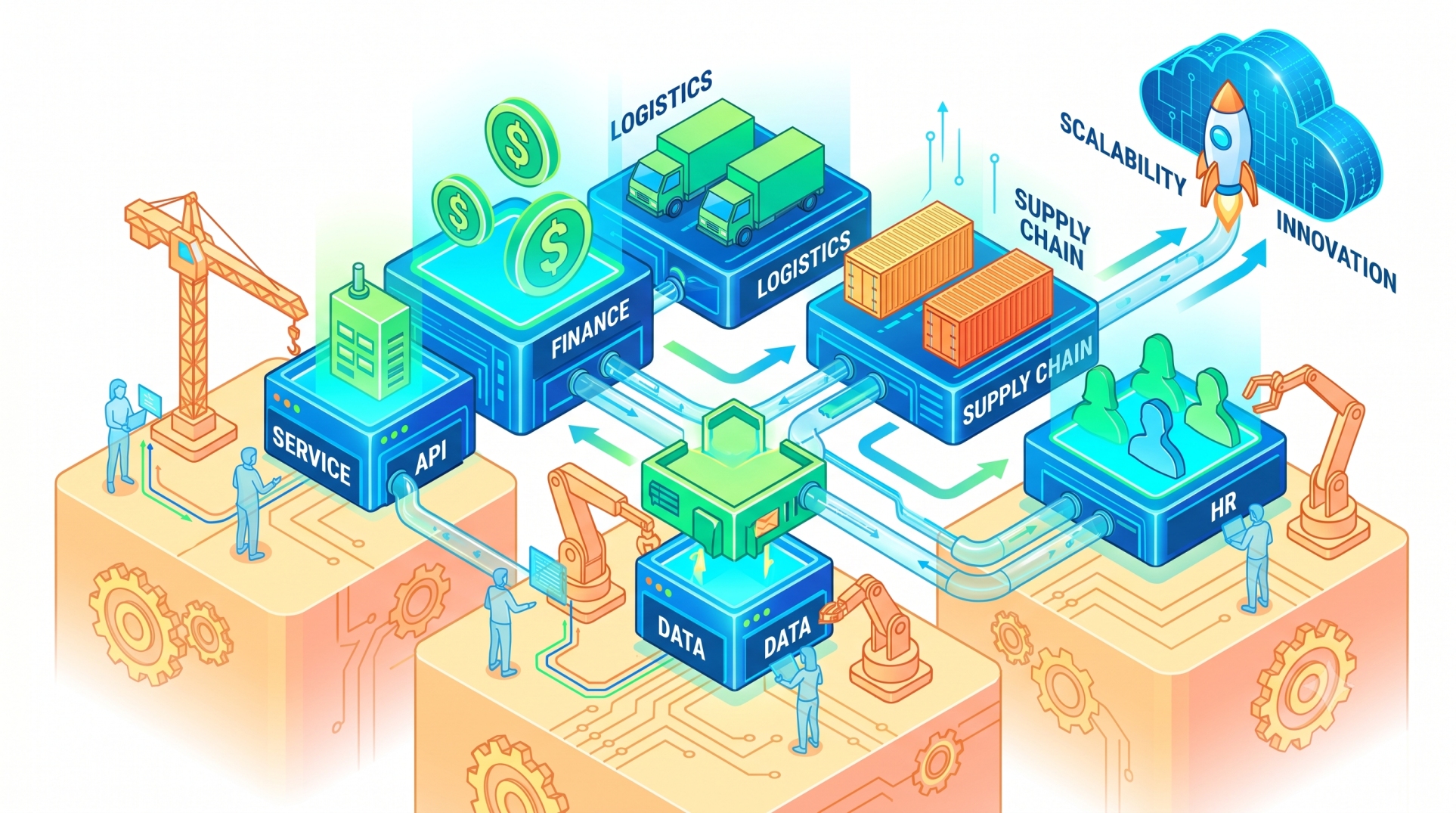
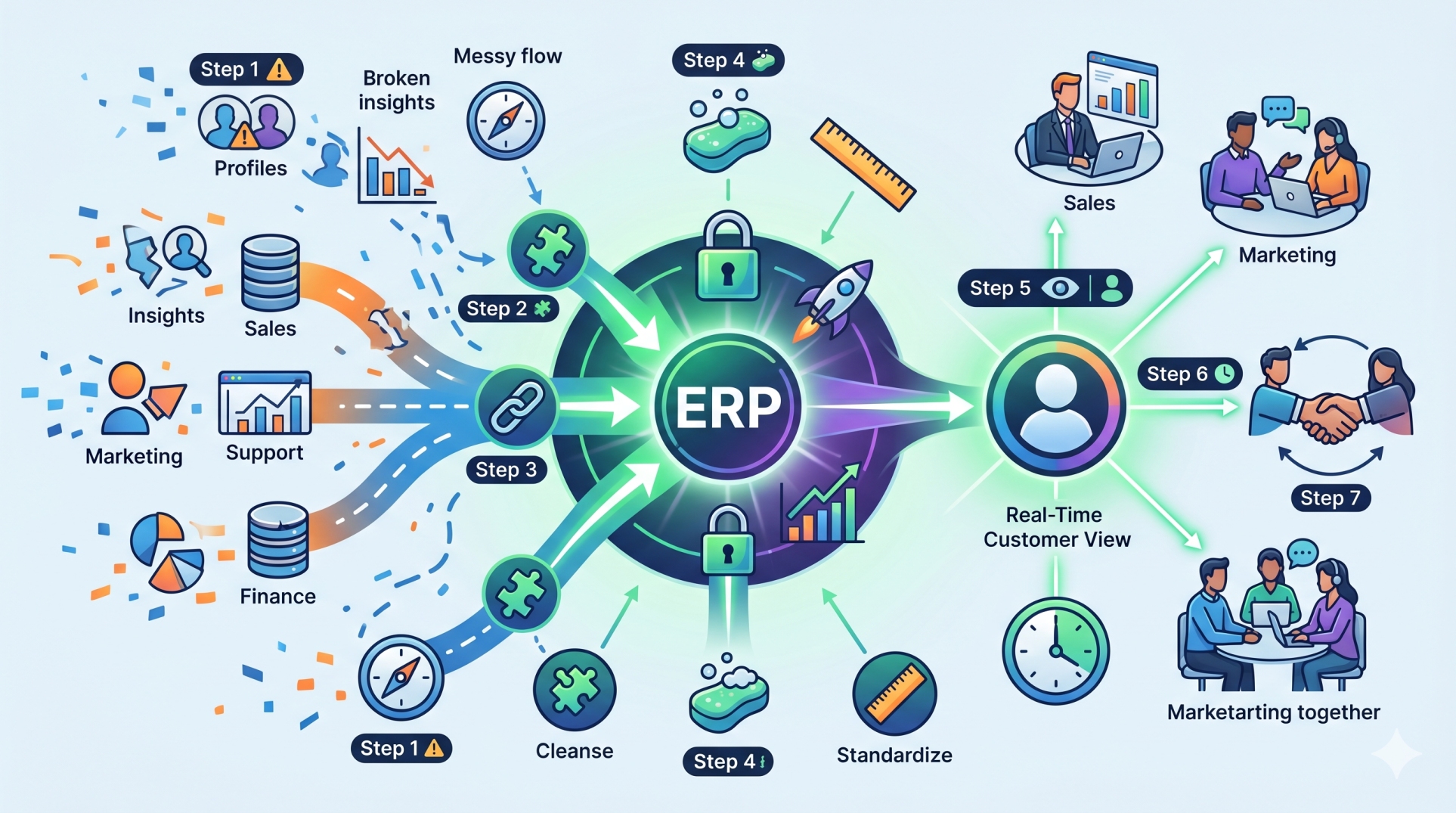
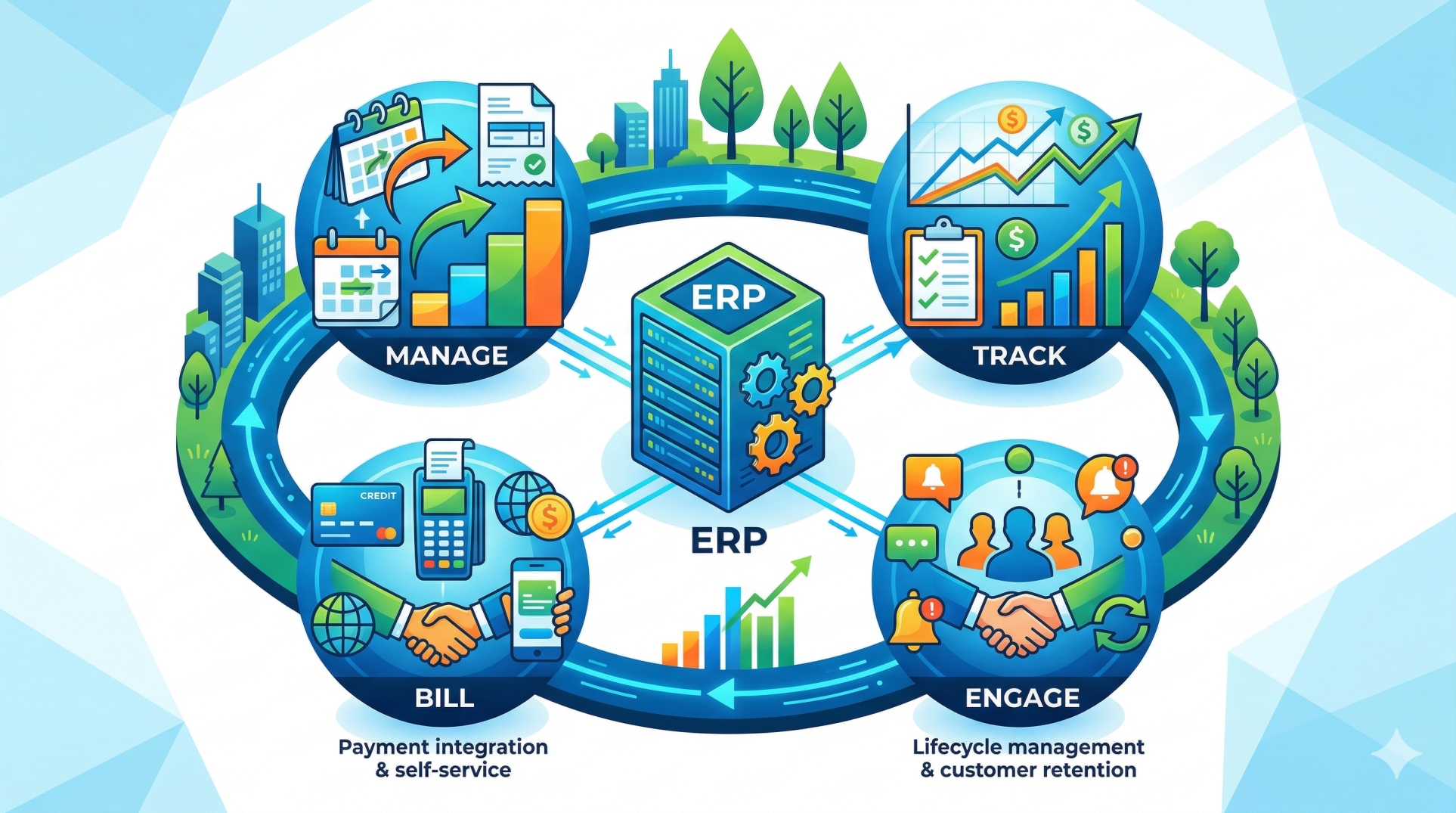
• Connect finance, HR, sales, and operations workflows seamlessly 🔄
• Share real-time data between departments automatically 📂
• Eliminate delays caused by disconnected systems 🚫
• Improve collaboration across teams 🤝
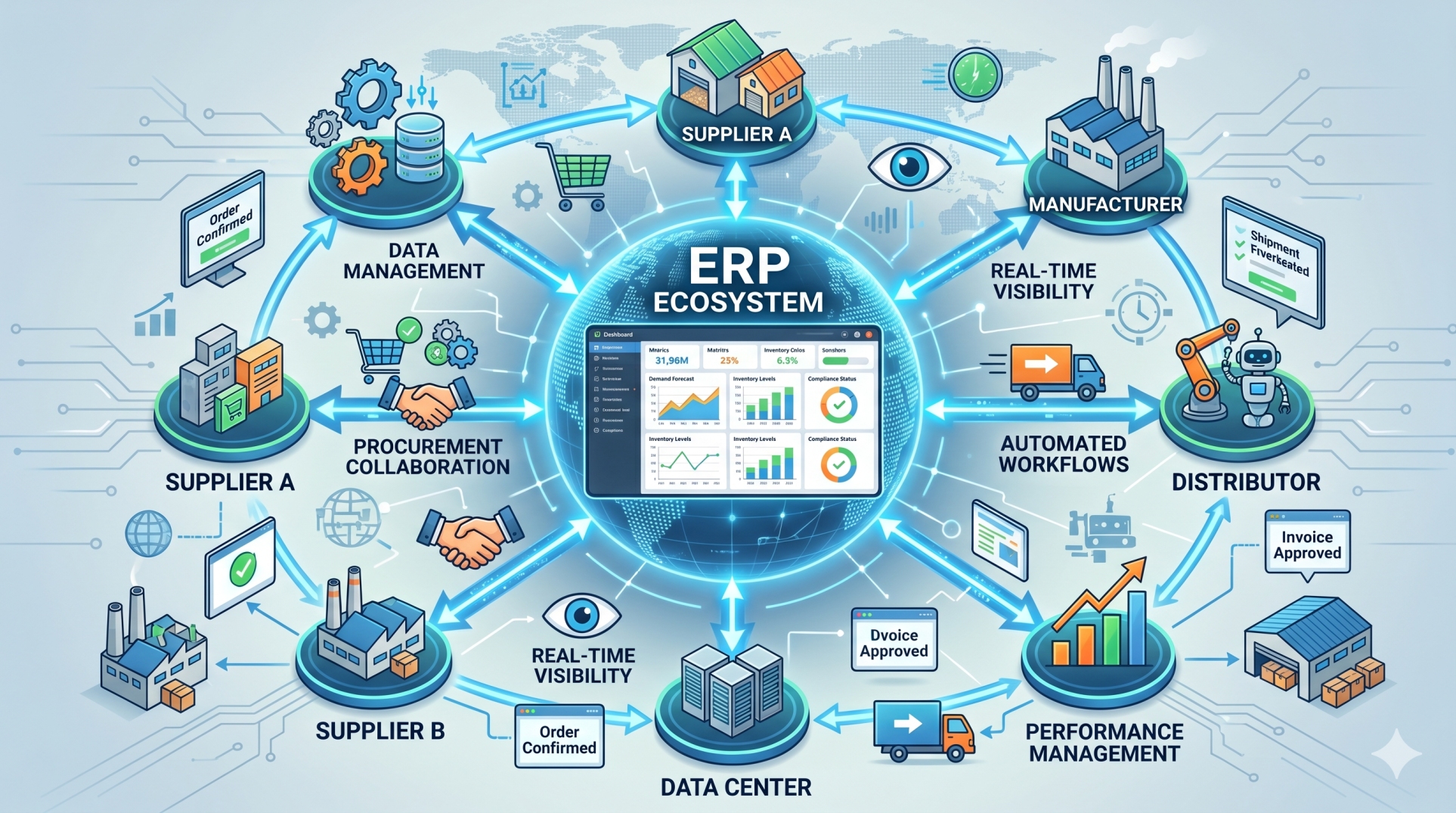
• Enable end-to-end process visibility 👁️
Step 8: Key Automation Priorities 📊
• Faster execution with reduced manual effort ⚡
• Consistent workflows with fewer errors ✅
• Real-time visibility into business processes 👁️
• Scalable automation across departments 🚀
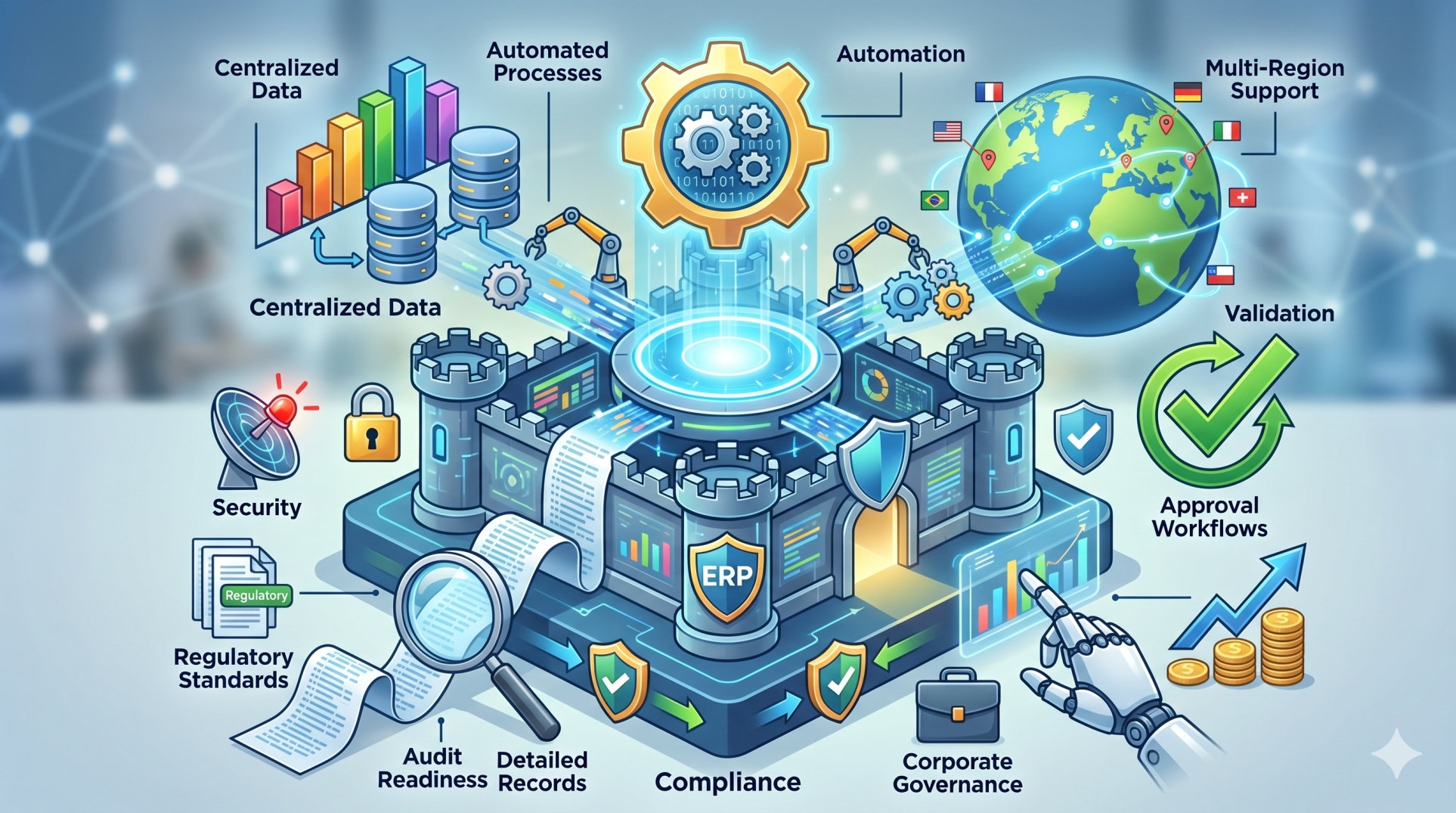
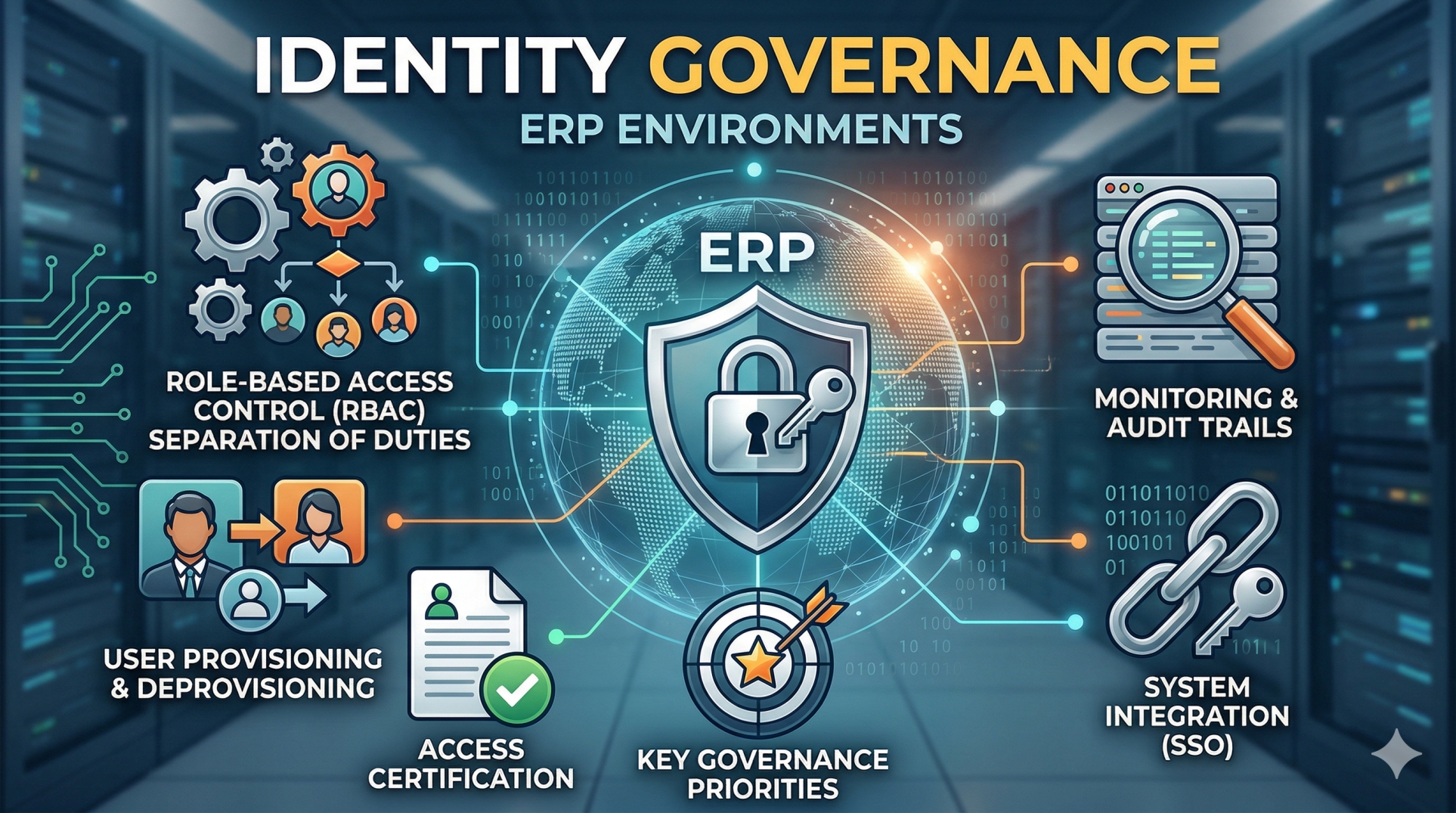
Step 9: Governance and Control 🔐
• Maintain approval rules for sensitive transactions 🔐
• Keep audit trails for all automated actions 📝
• Define escalation paths when exceptions occur 🚨
• Monitor workflow performance continuously 📊
• Balance automation with human oversight ⚖️
Step 10: Building a Self-Optimizing ERP Environment 🚀
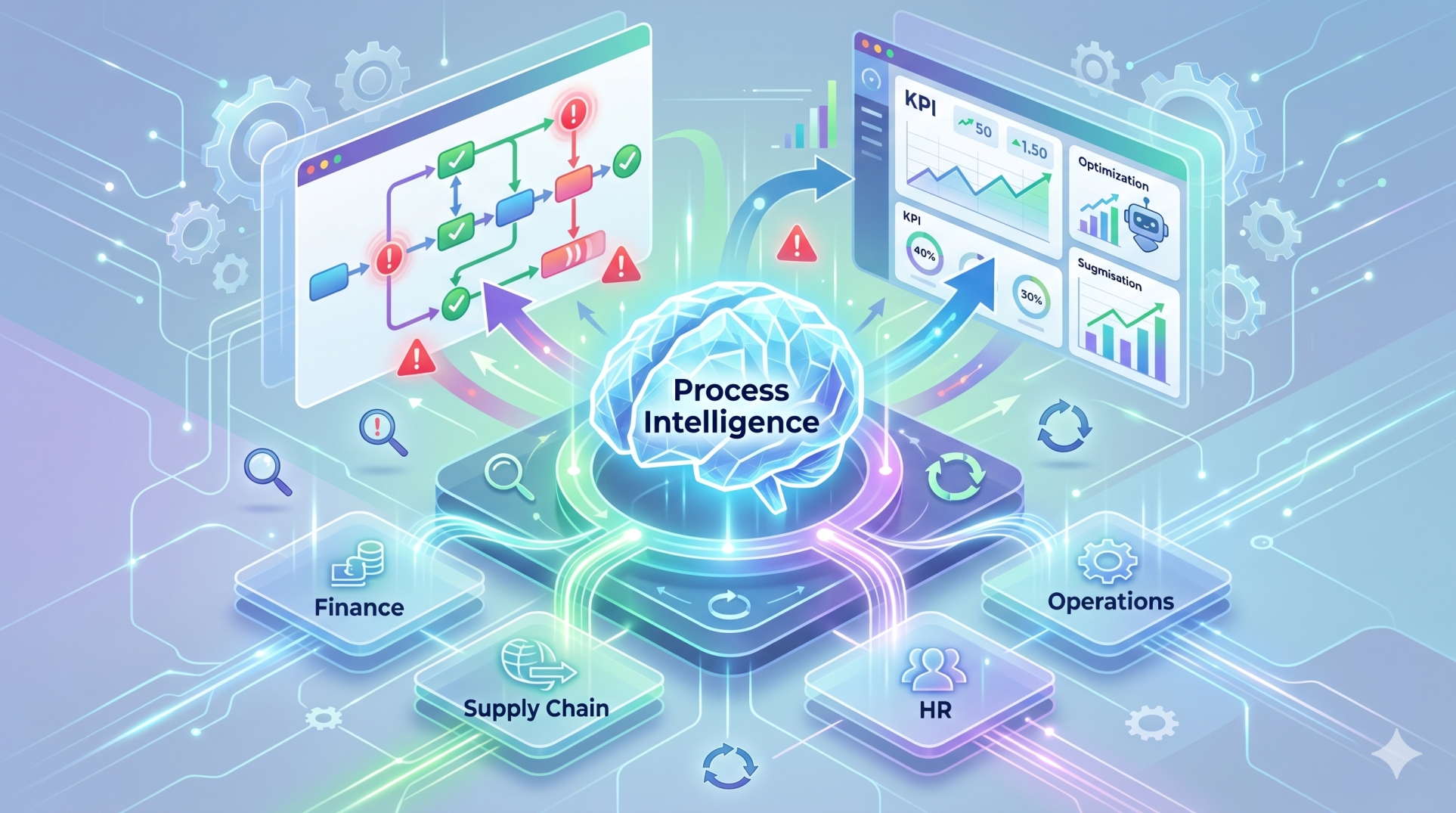
• Continuously refine workflows using performance data 📈
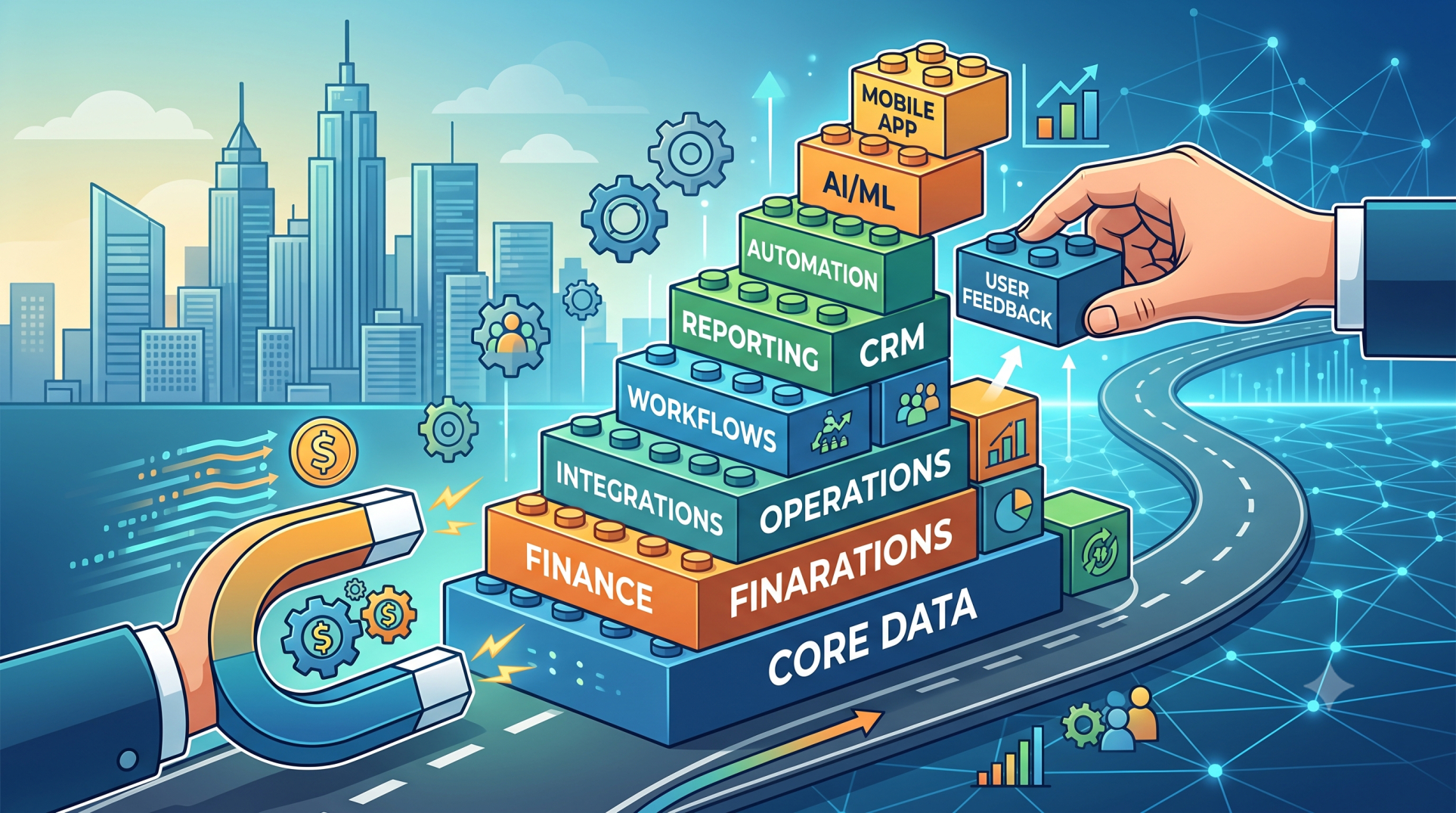
• Expand automation into new departments gradually 🌍
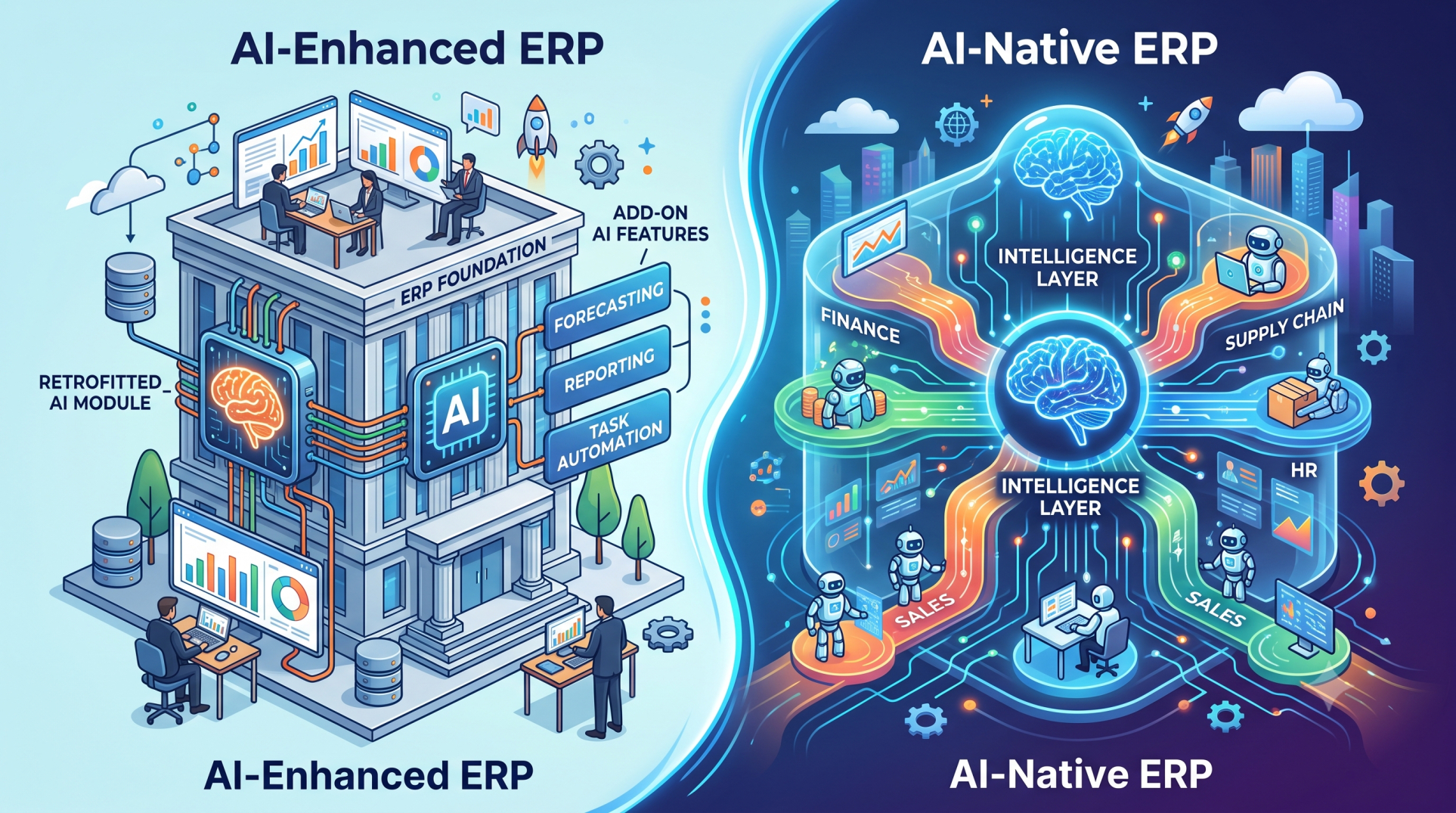
• Integrate AI for predictive workflow execution 🤖
• Adapt workflows to changing business conditions 🔄
• Build a future-ready intelligent ERP ecosystem 🏗️
Conclusion
Autonomous workflow execution in ERP platforms is transforming how organizations operate by reducing manual tasks, accelerating decisions, and improving consistency. With the right combination of automation, governance, and intelligence, businesses can create faster and more adaptive operations. A modern ERP system powered by autonomous workflows becomes a foundation for long-term growth, efficiency, and innovation.
See more blogs
You can all the articles below