Custom Workflow Engines Inside ERP Platforms
Custom Workflow Engines Inside ERP Platforms
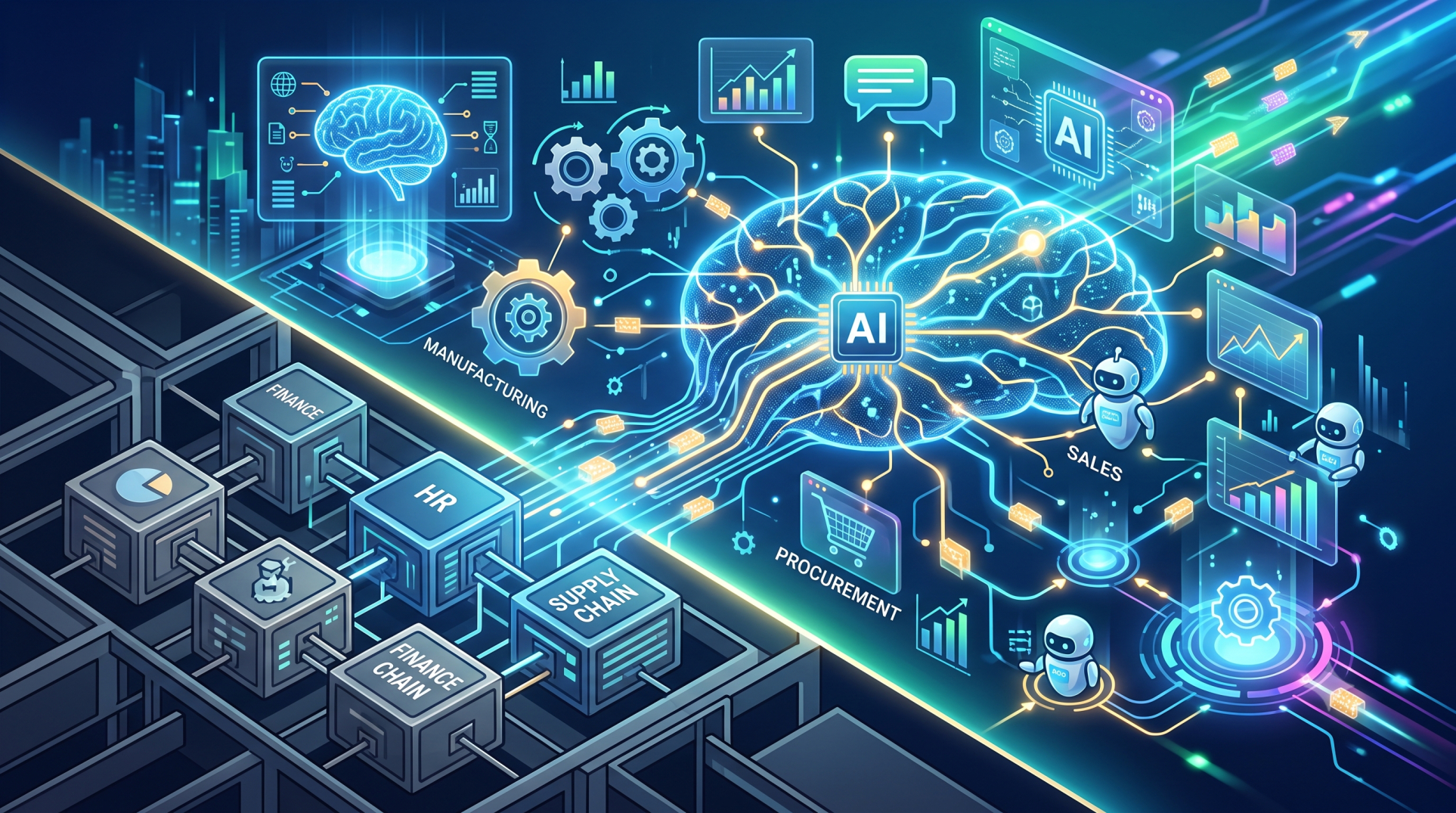
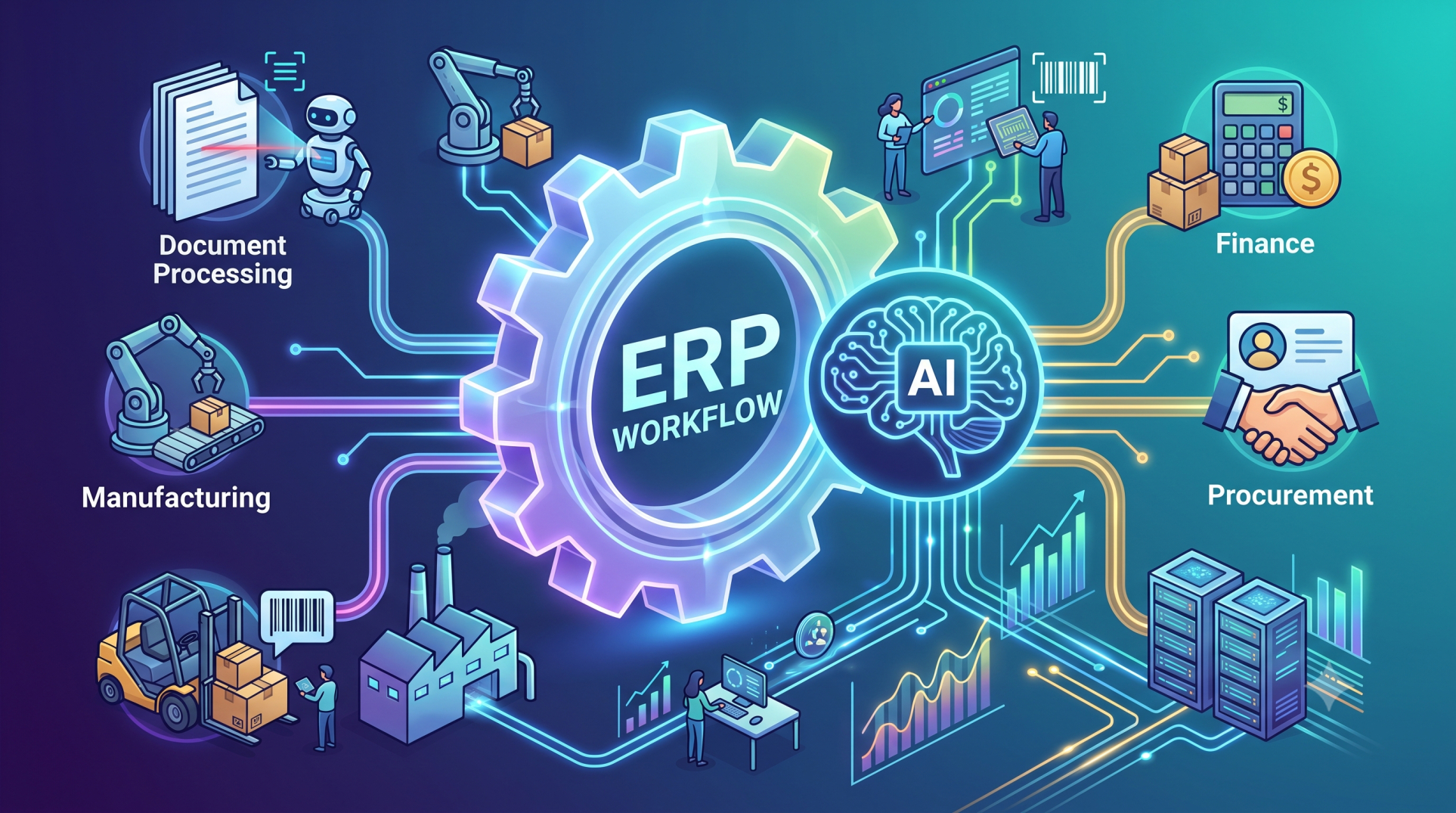
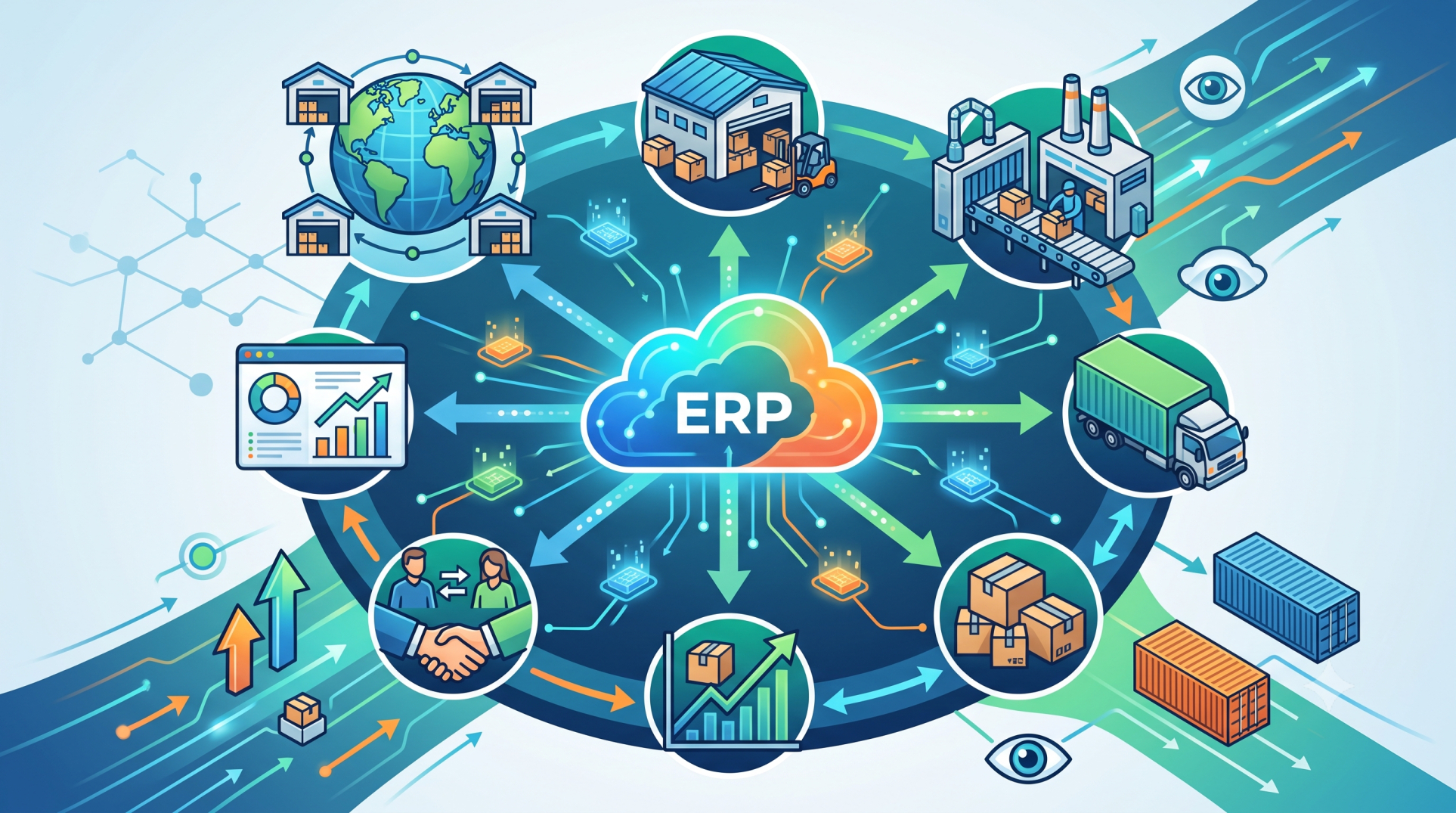
Modern ERP systems are no longer limited to static processes and predefined logic. Businesses today require dynamic, adaptable workflows that reflect real-world operations. Custom workflow engines embedded within ERP platforms provide this flexibility—allowing organizations to design, automate, and optimize processes without altering core system functionality.
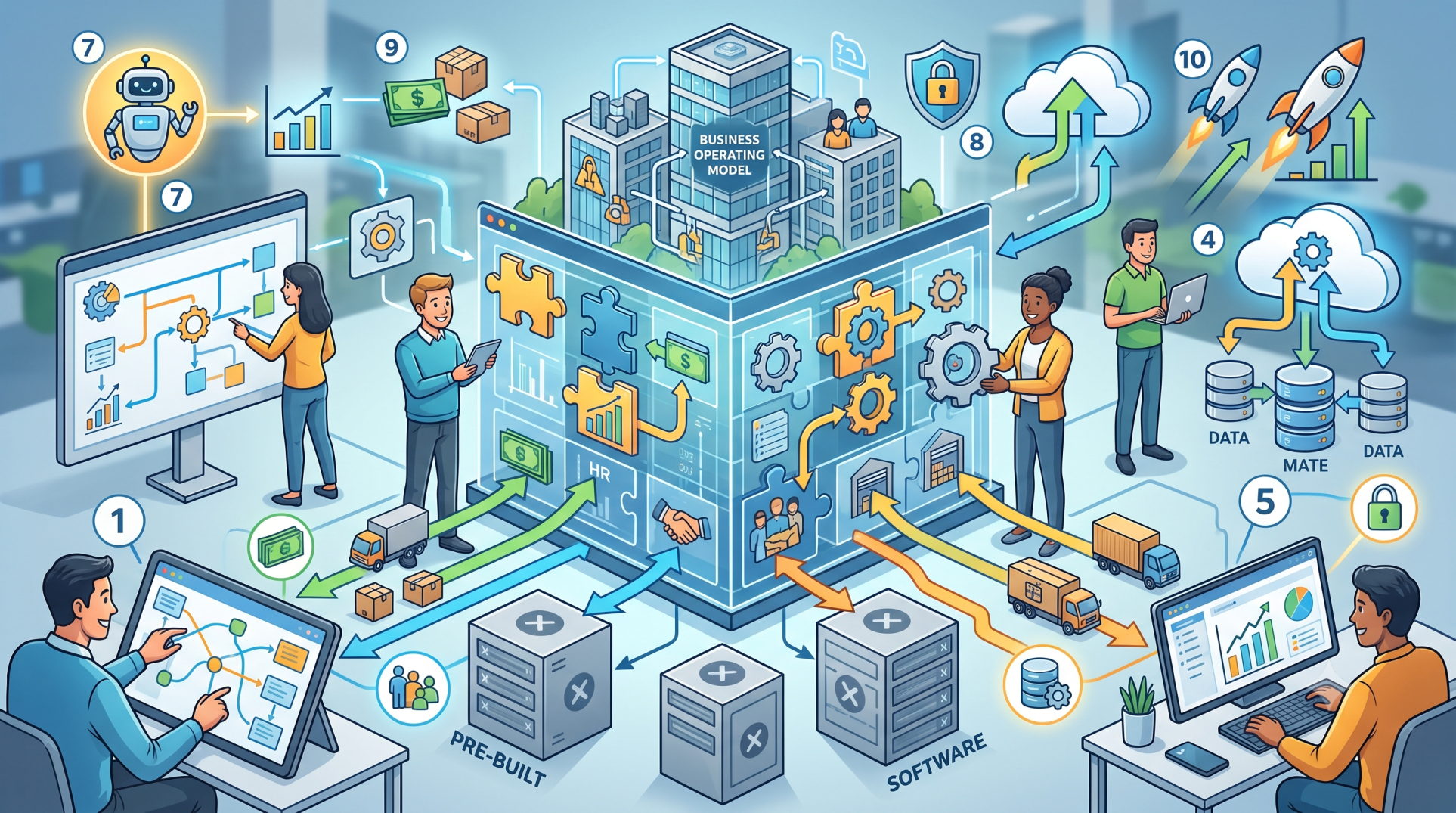
Step 1: What Is a Custom Workflow Engine ⚙️🔄
• A workflow engine defines how tasks, approvals, and data flow across an ERP system 📊➡️
• Custom engines allow businesses to design workflows tailored to their operations 🏢🛠️
• They automate repetitive processes and reduce manual intervention 🤖📉
• Enable rule-based execution of business logic and decision-making 📋⚡
• Act as the backbone of process automation within ERP platforms 🔗🏗️
Step 2: Why ERP Systems Need Custom Workflows 📈🏢
• Standard ERP workflows often fail to match unique business requirements ❌📊
• Custom workflows enable process flexibility across departments 🔄🏬
• Improve efficiency by eliminating bottlenecks and delays ⚡🚫
• Support compliance with industry-specific regulations 🛡️📋
• Enhance collaboration between teams through structured task flows 🤝🔗
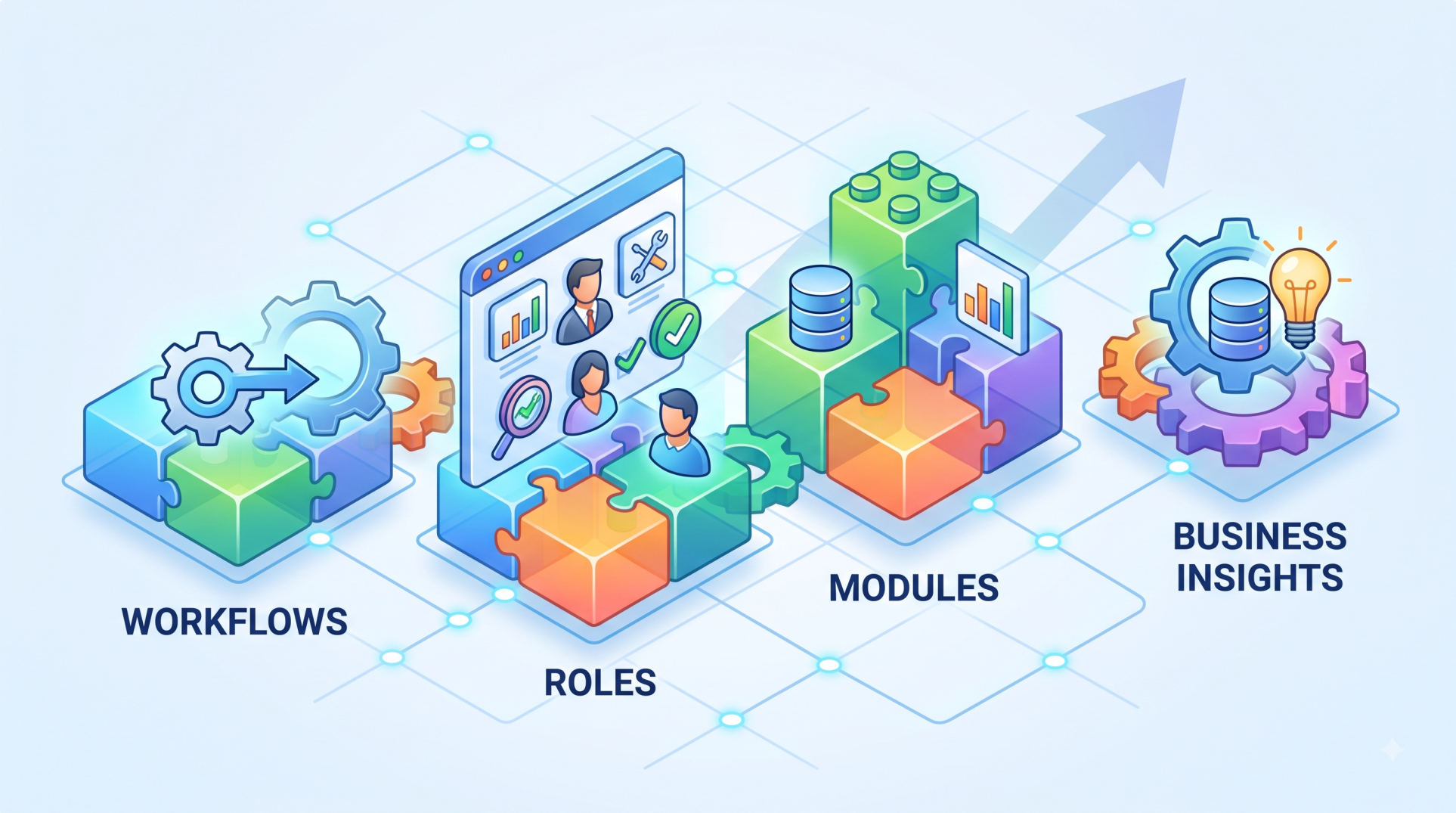
Step 3: Core Components of a Workflow Engine 🧩⚙️
• Workflow designer for creating and visualizing processes 🎨📊
• Rule engine to define conditions, triggers, and logic 📋⚡
• Task manager to assign, track, and complete activities ✅📌
• Event listeners that respond to system or user actions 🔔📥
• Execution engine that runs workflows in real time ⏱️🔄
Step 4: Workflow Design and Modeling 🎯📐
• Use visual drag-and-drop interfaces to design workflows 🧩🖱️
• Define sequential, parallel, and conditional process flows 🔀➡️
• Map business processes into structured digital workflows 📊📋
• Enable easy modifications without deep technical changes 🔧📉
• Support versioning and testing before deployment 🧪✔️
Step 5: Rule-Based Automation and Decision Logic 📋🤖
• Define conditions using if/then logic for automation ⚙️➡️
• Trigger workflows based on events such as approvals or data updates 🔔📊
• Automate approvals, escalations, and notifications 📩⚡
• Integrate business rules with ERP data for smarter decisions 🧠📚
• Reduce human errors and ensure consistent execution ✔️📉
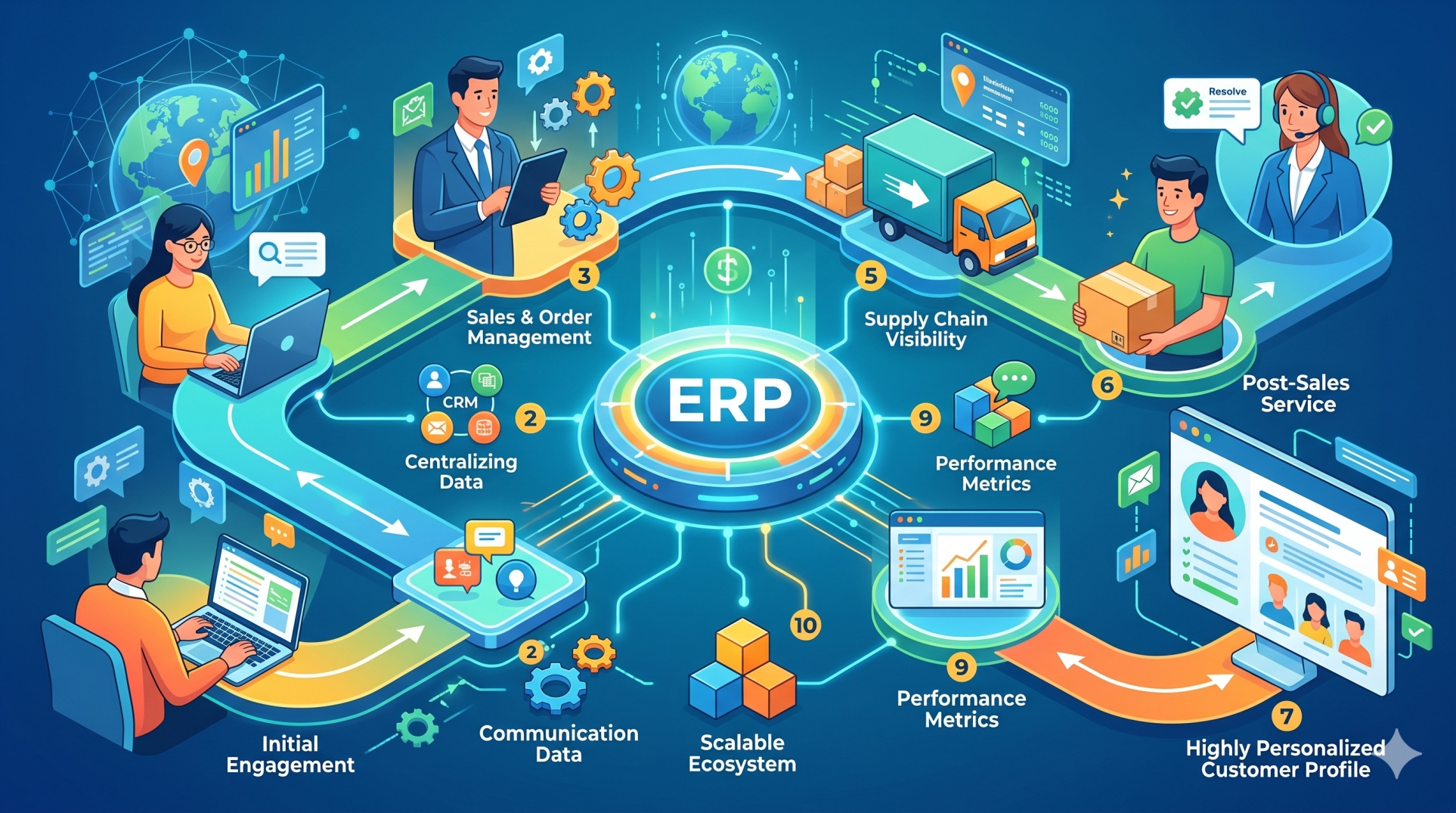
Step 6: Integration with ERP Modules 🔗🏗️
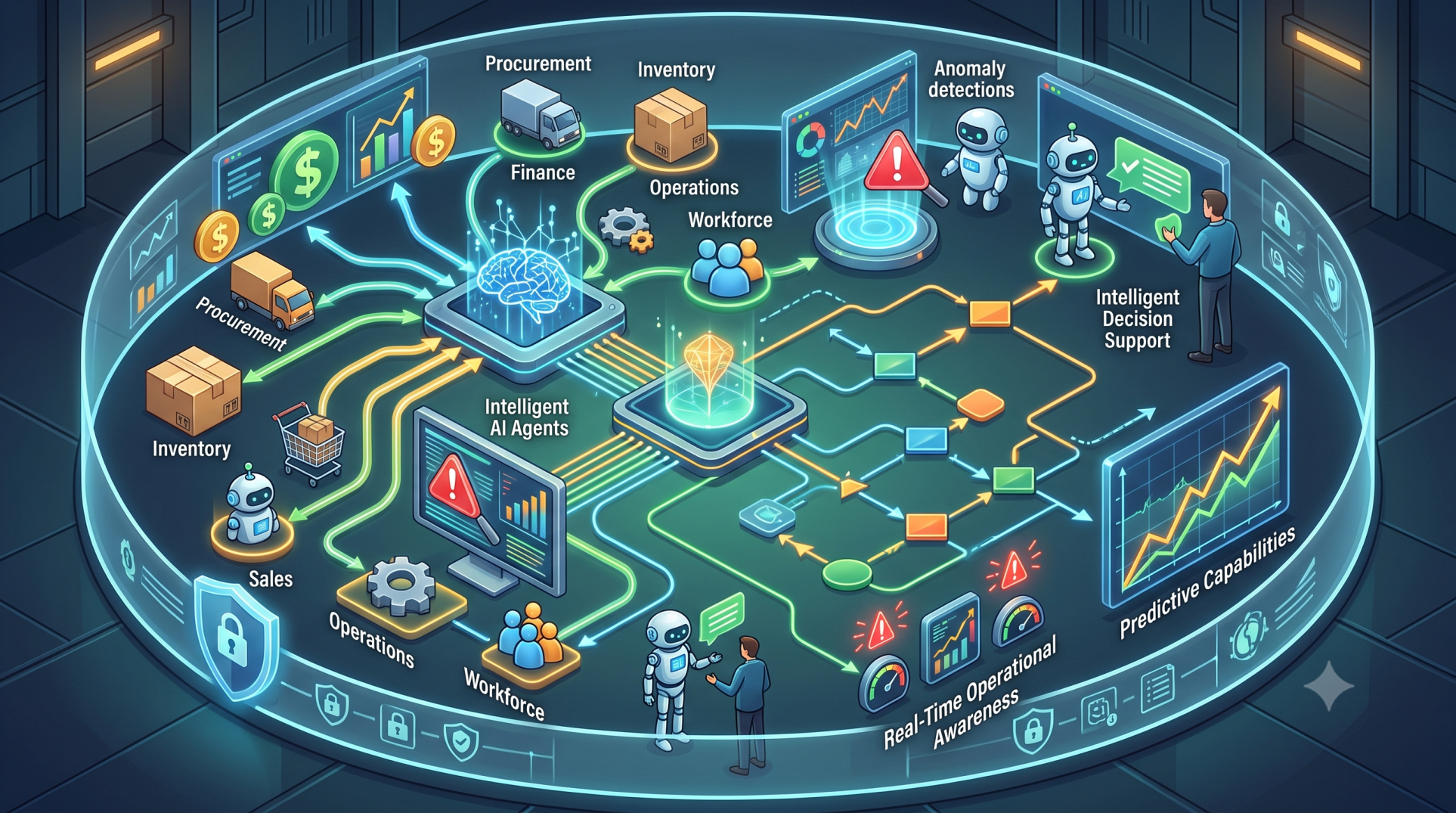
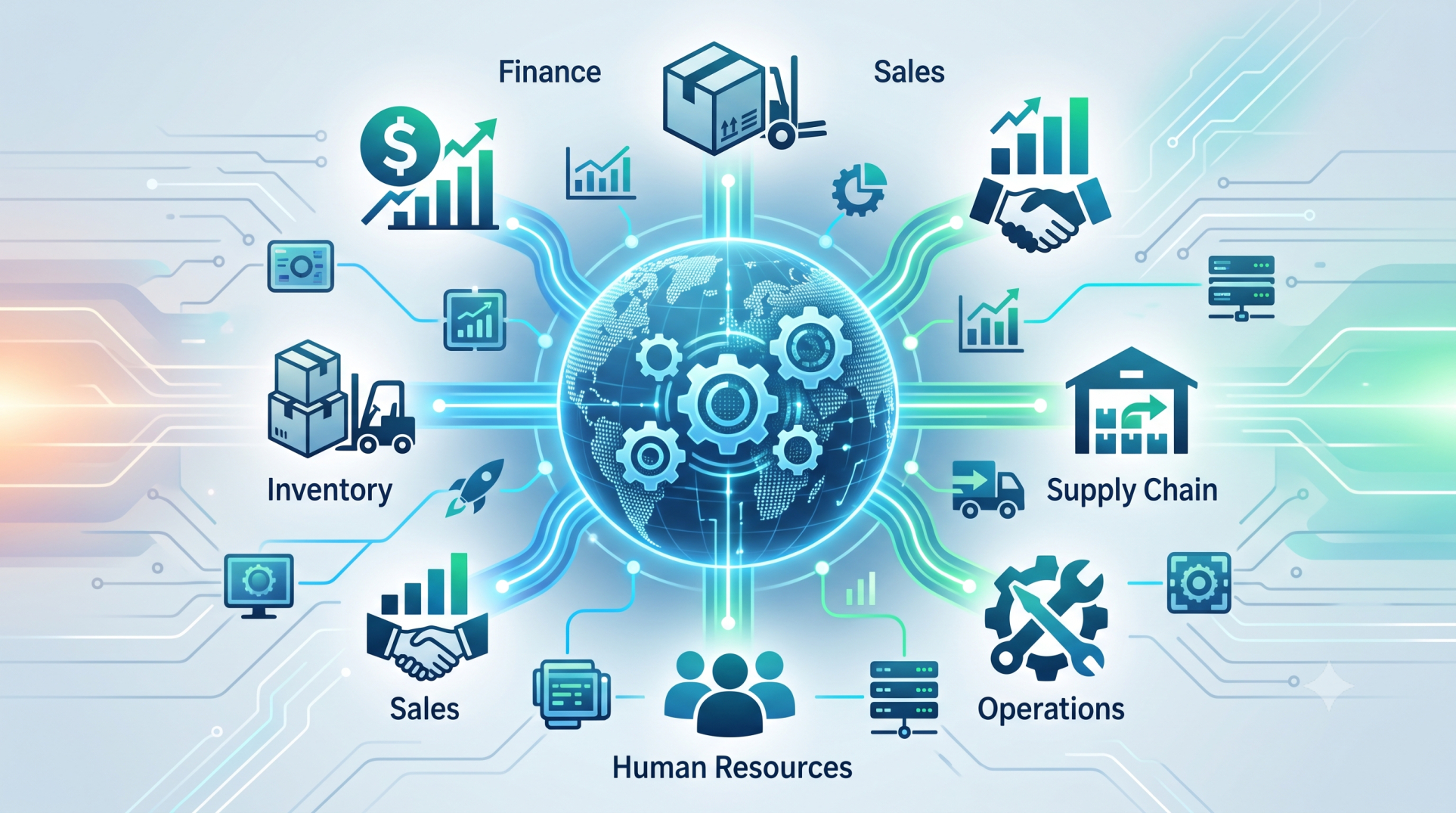
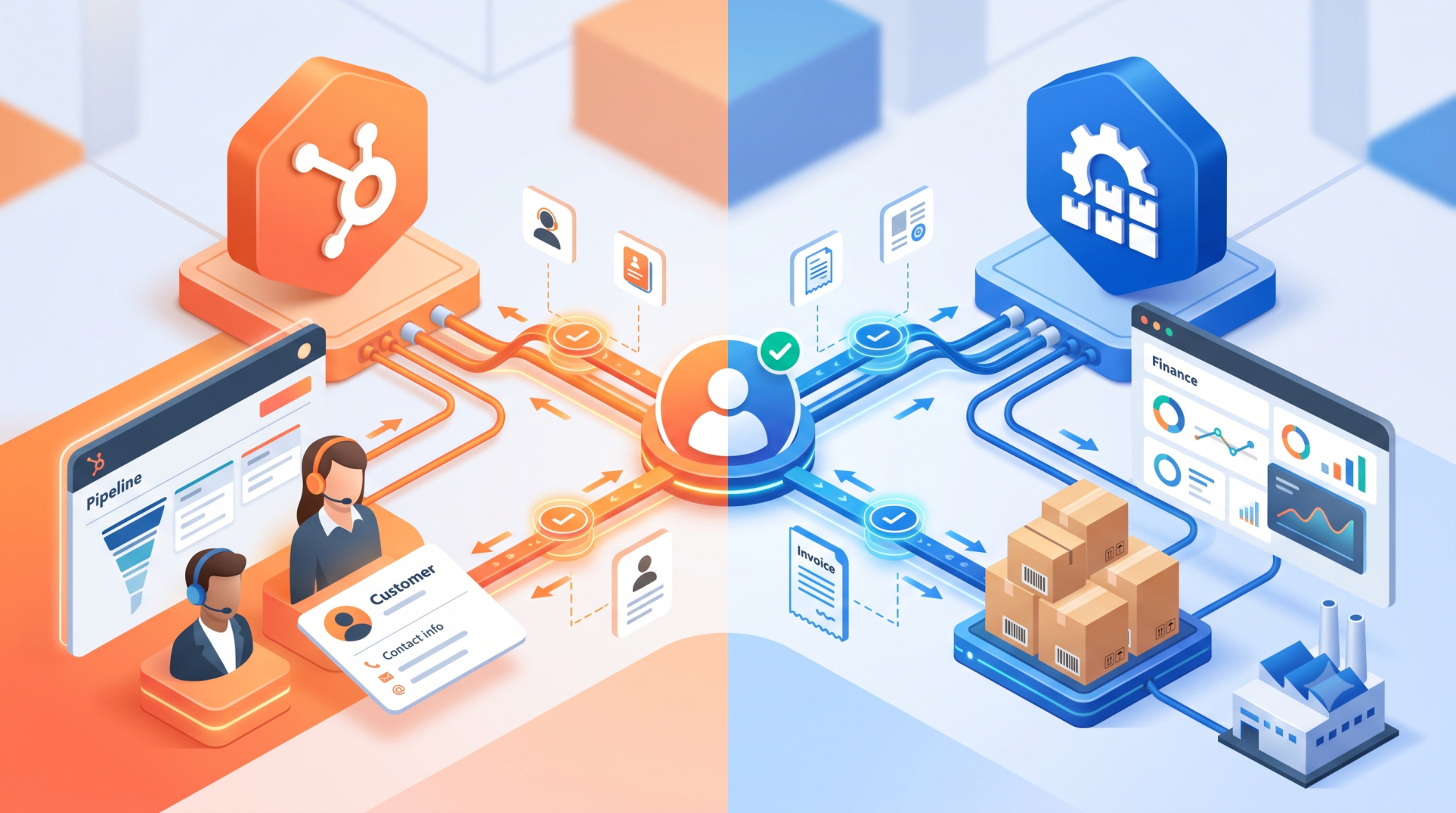
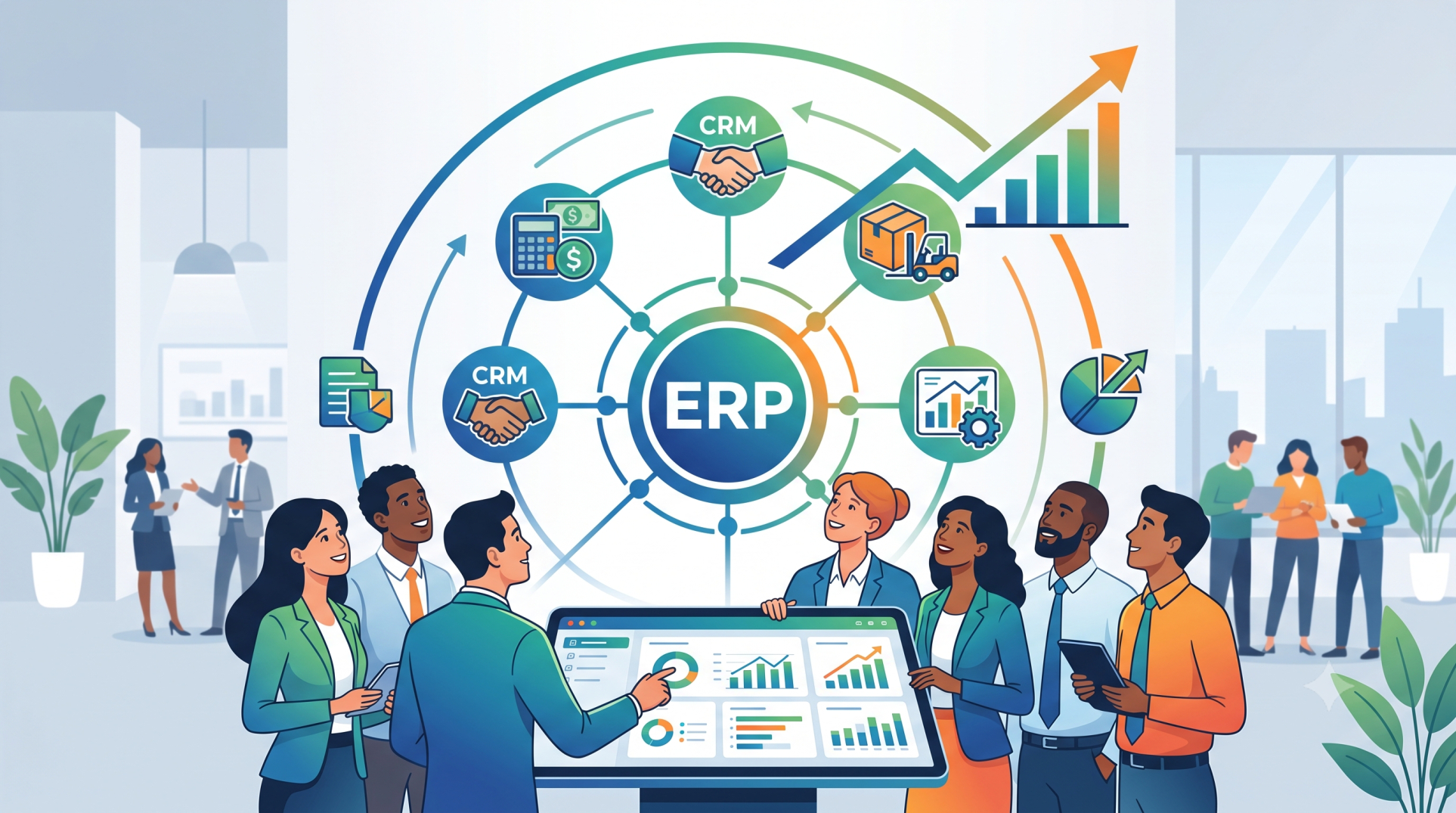
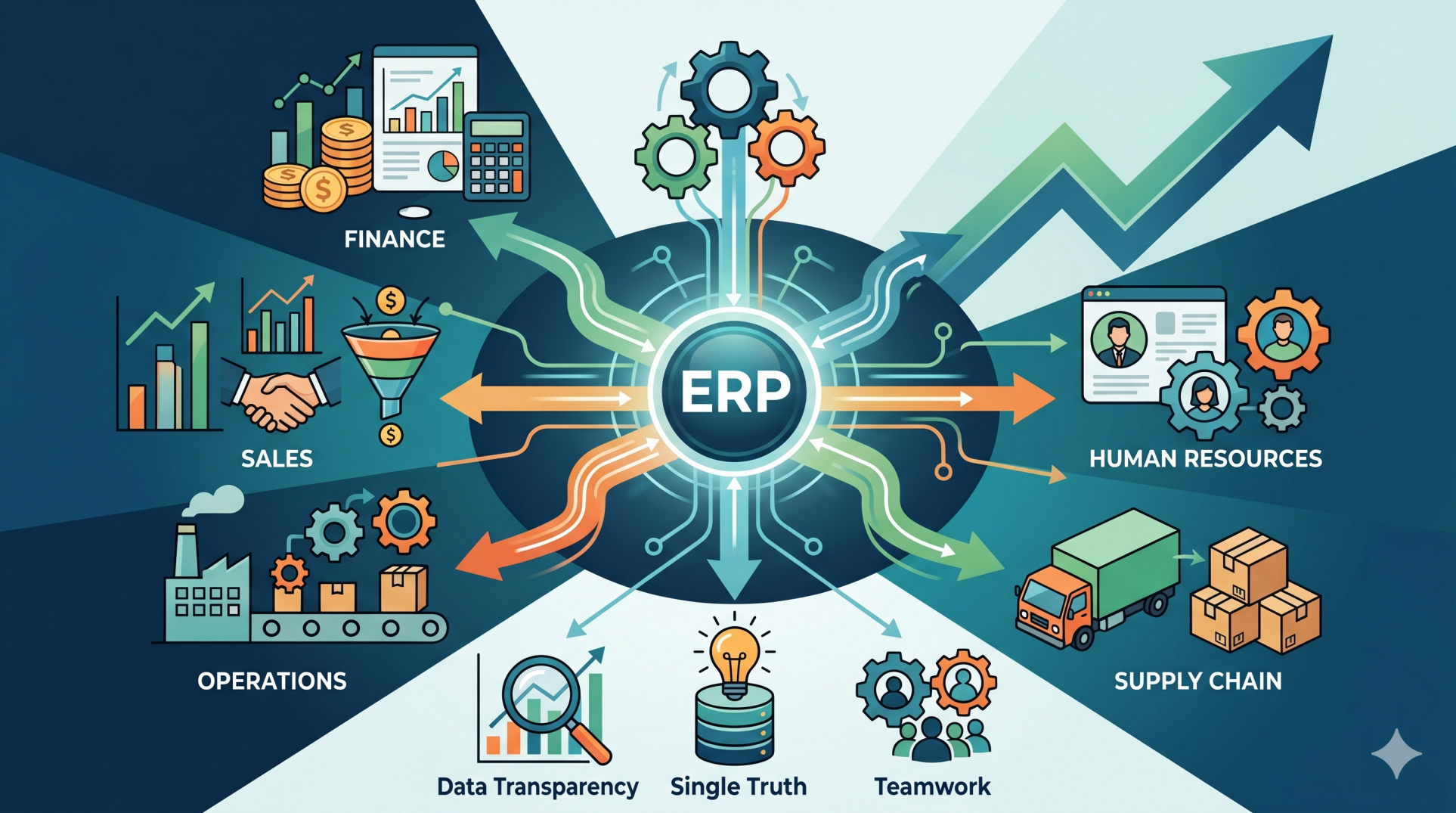
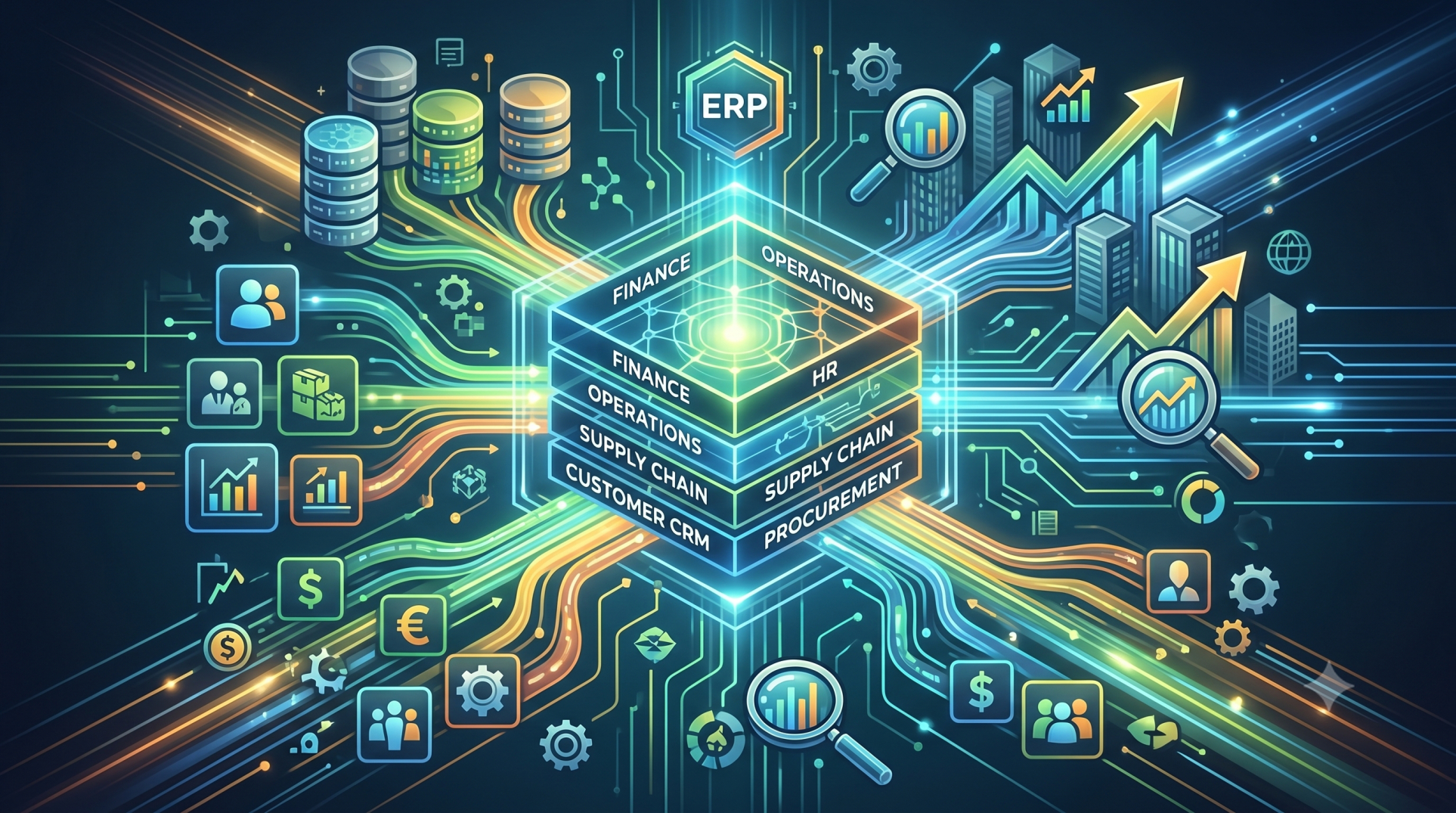
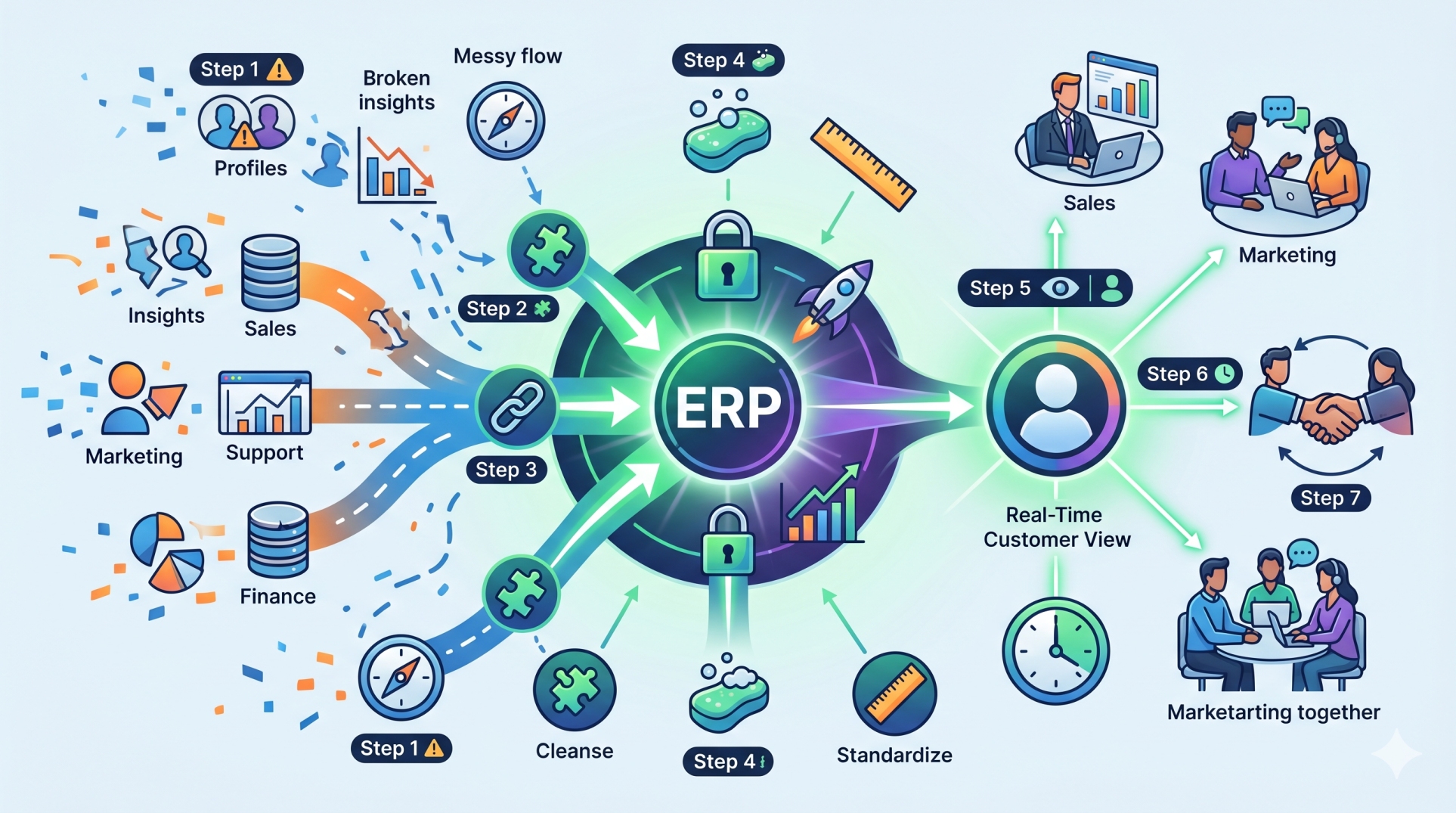
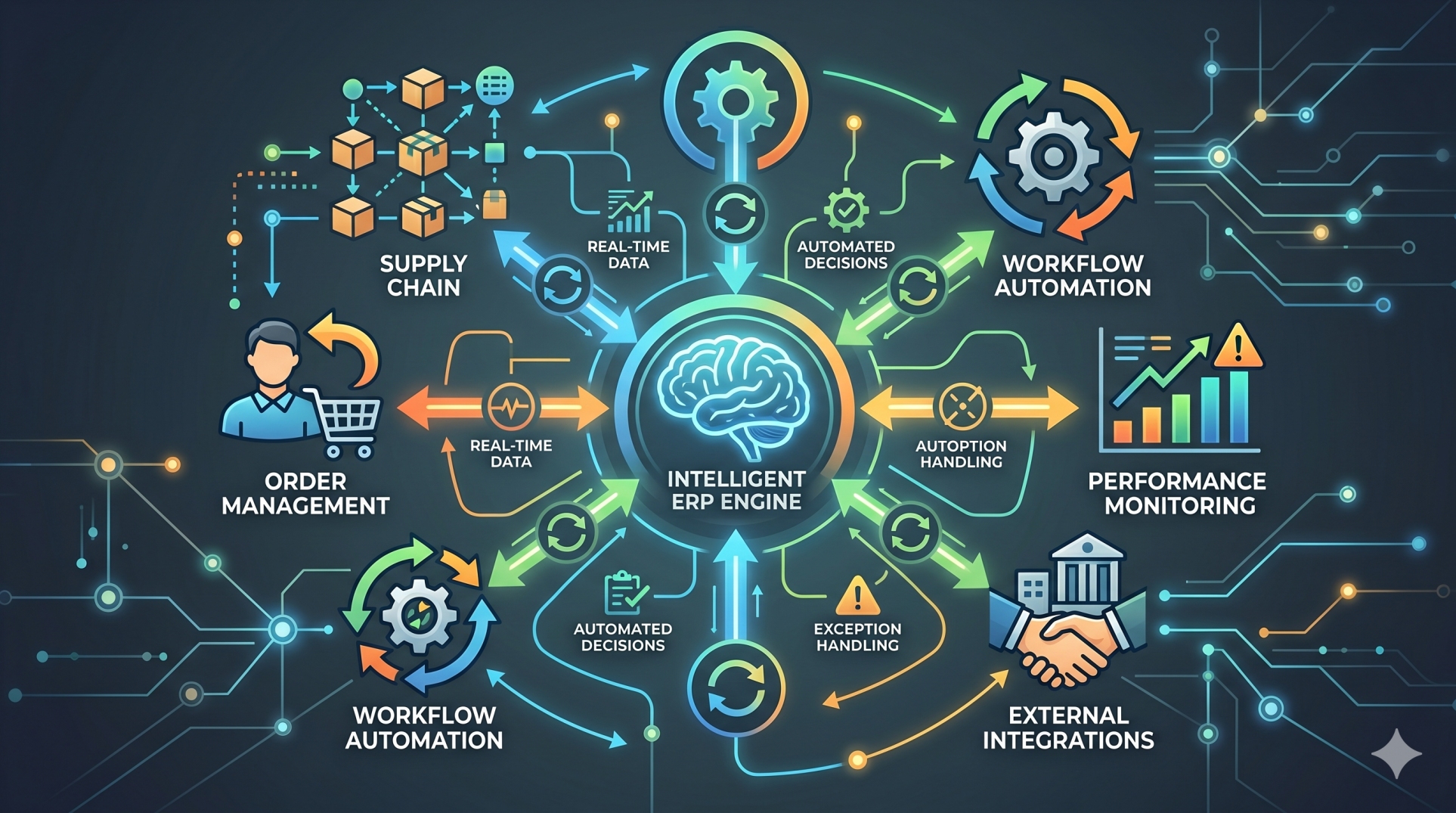
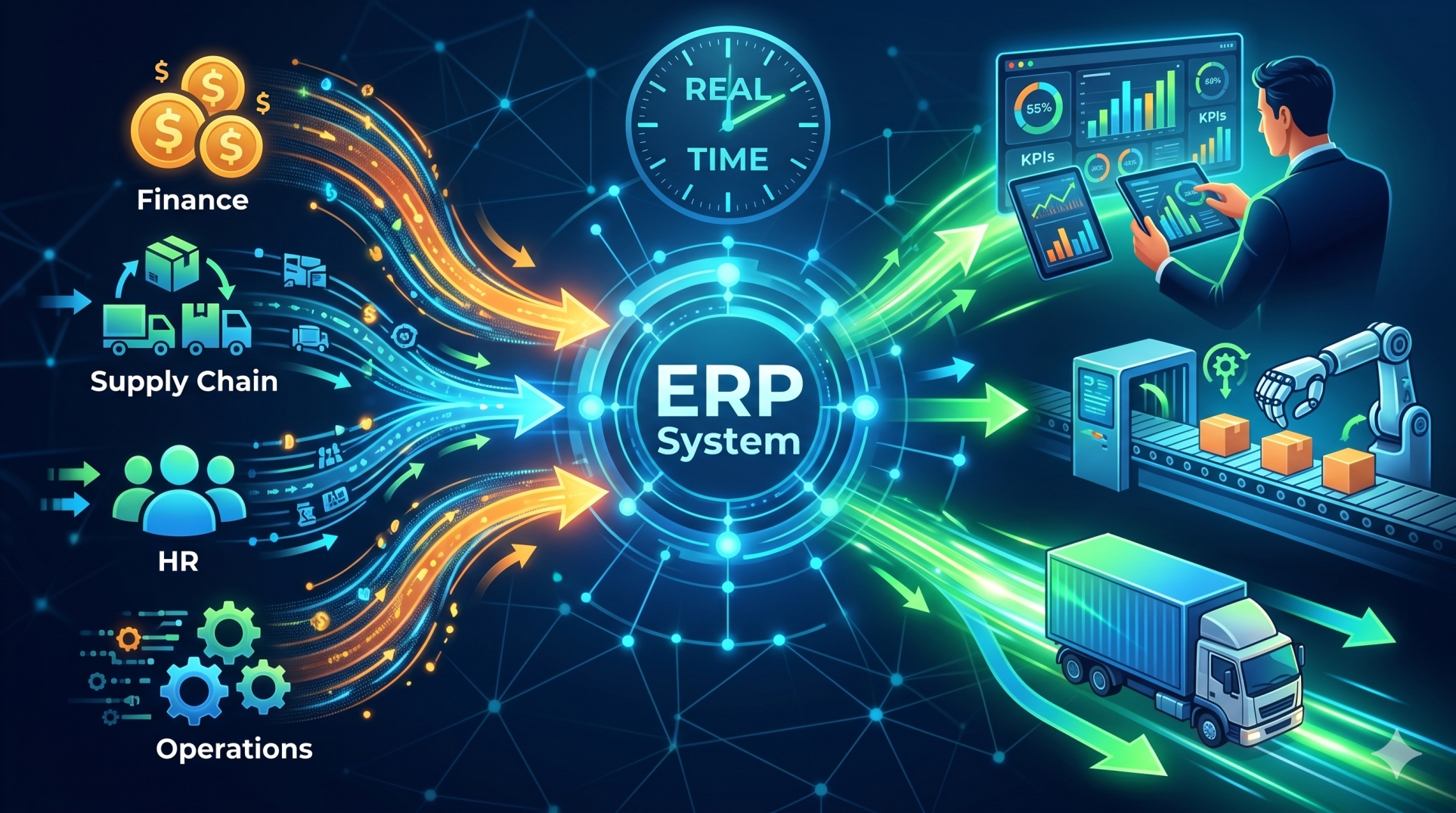
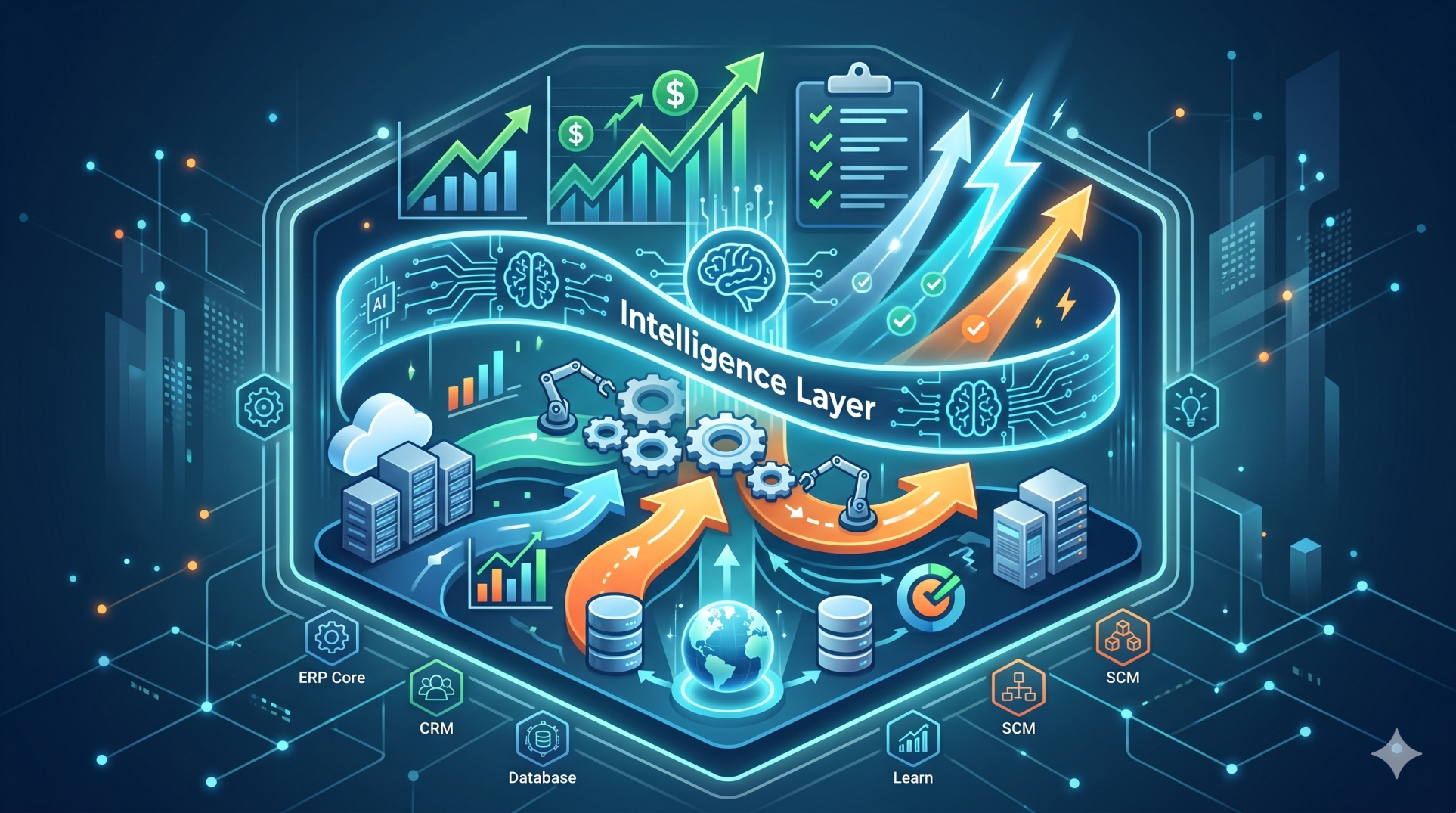
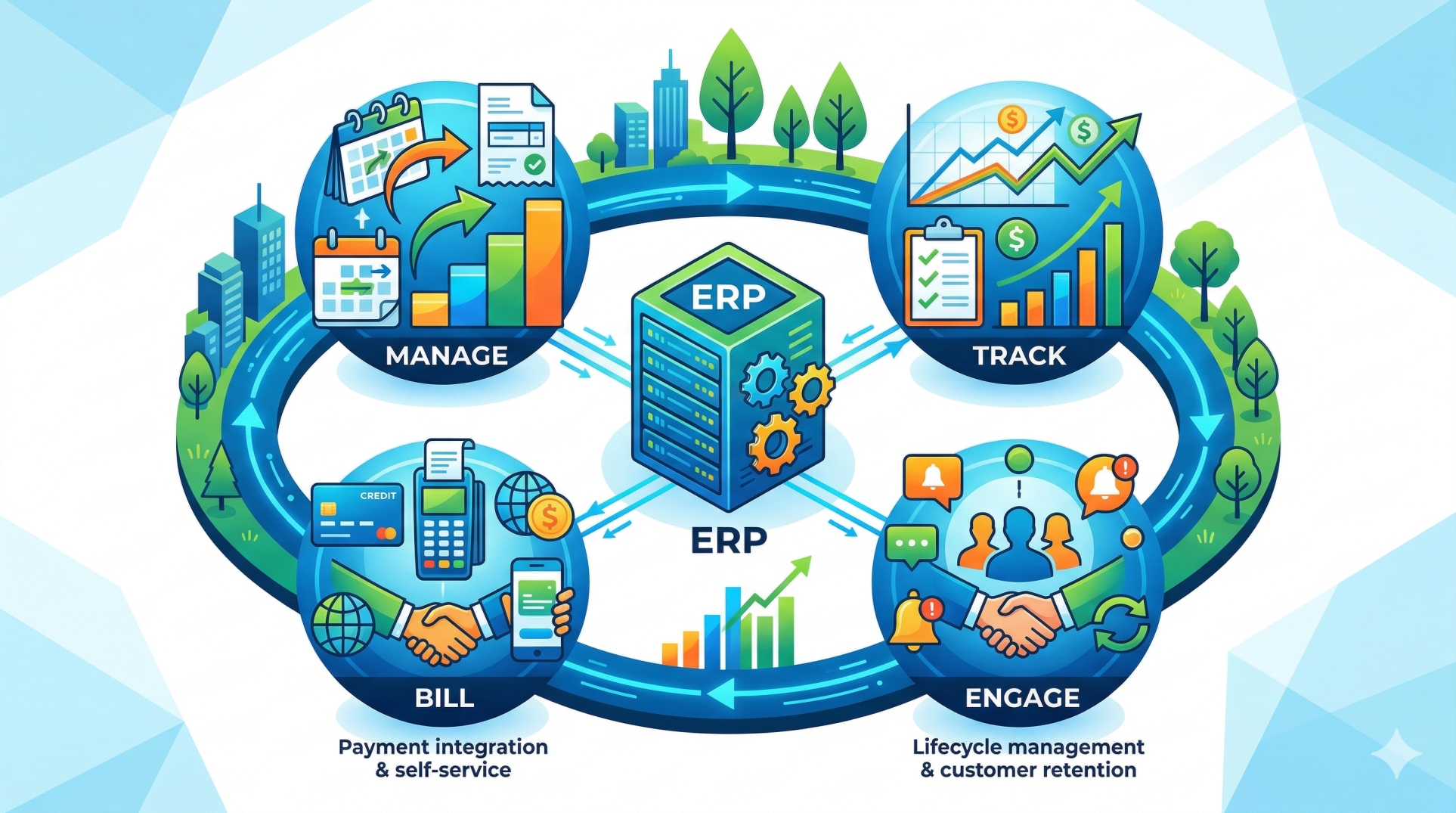
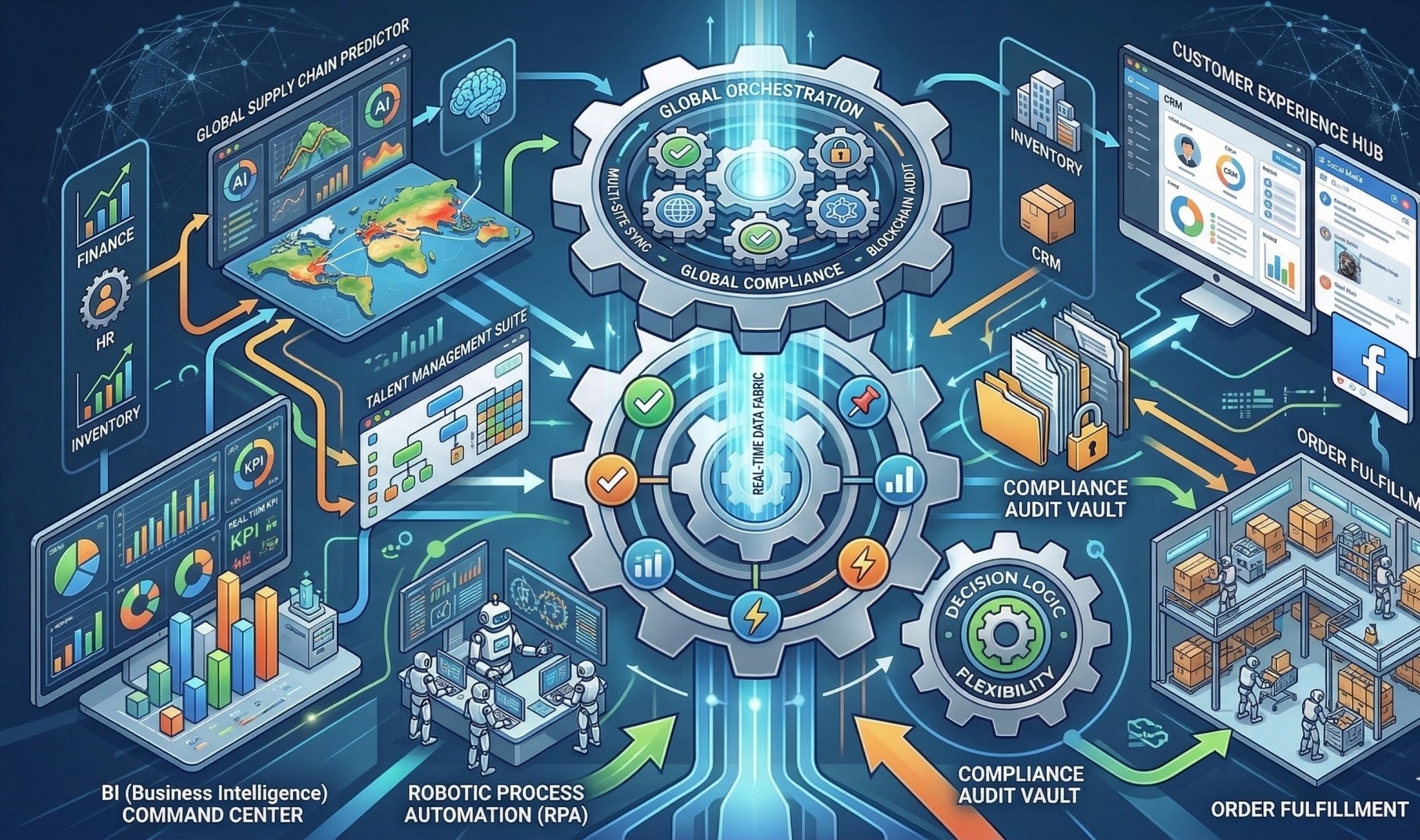
• Connect workflows across finance, HR, inventory, and CRM modules 📊🏢
• Enable cross-functional automation and data sharing 🔄📦
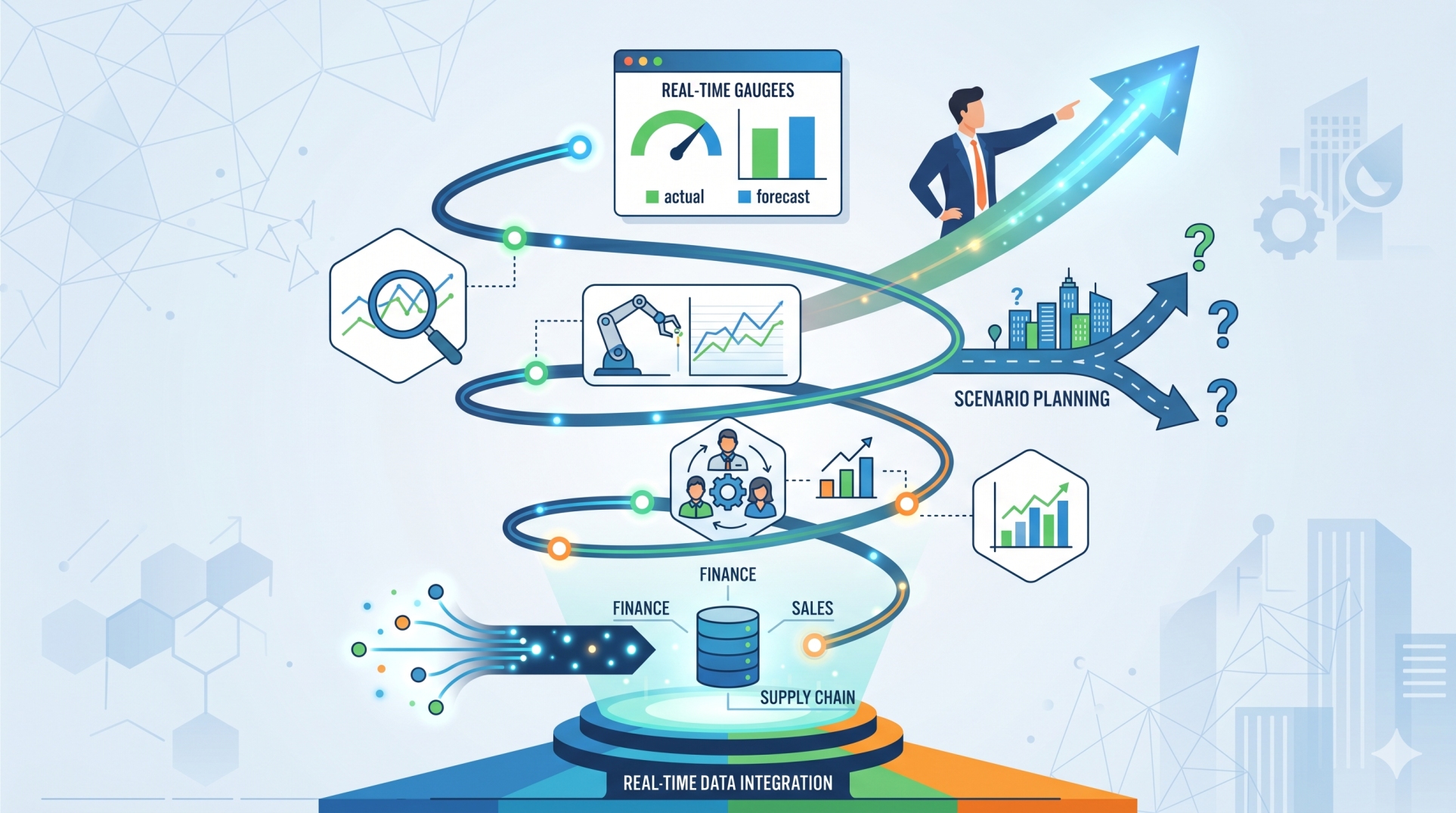
• Synchronize workflows with ERP transactions in real time ⏱️📥
• Support end-to-end business process orchestration 🎯🔗
• Improve visibility across departments and operations 👁️📊
Step 7: Event-Driven Workflow Execution ⚡🔔
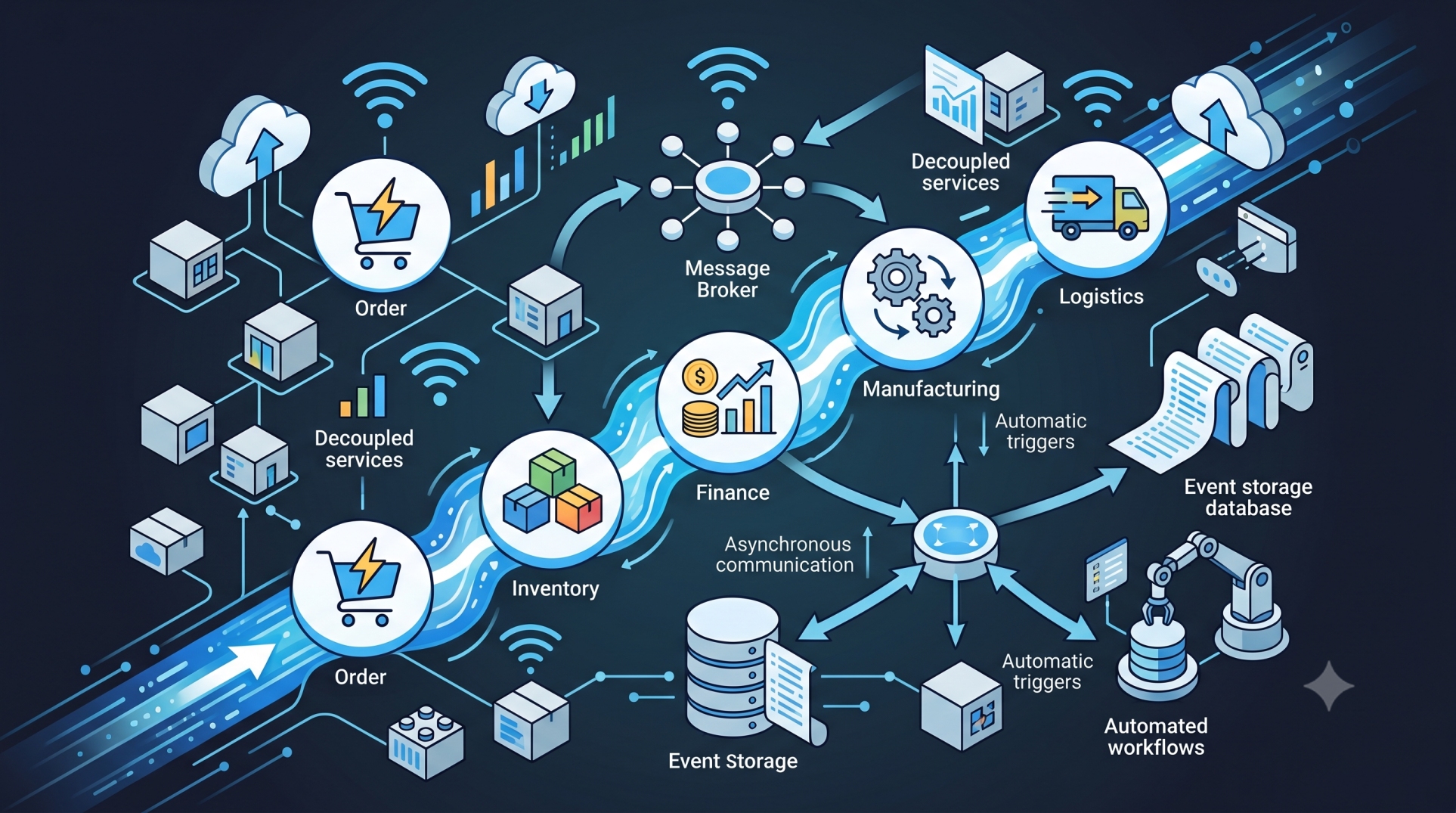
• Trigger workflows based on system events or external inputs 🔔🌐
• Respond instantly to changes in data or user actions ⏱️📊
• Enable reactive and adaptive process execution 🤖🔄
• Support asynchronous processing for scalability 📈⚙️
• Improve system responsiveness and operational agility 🚀📉
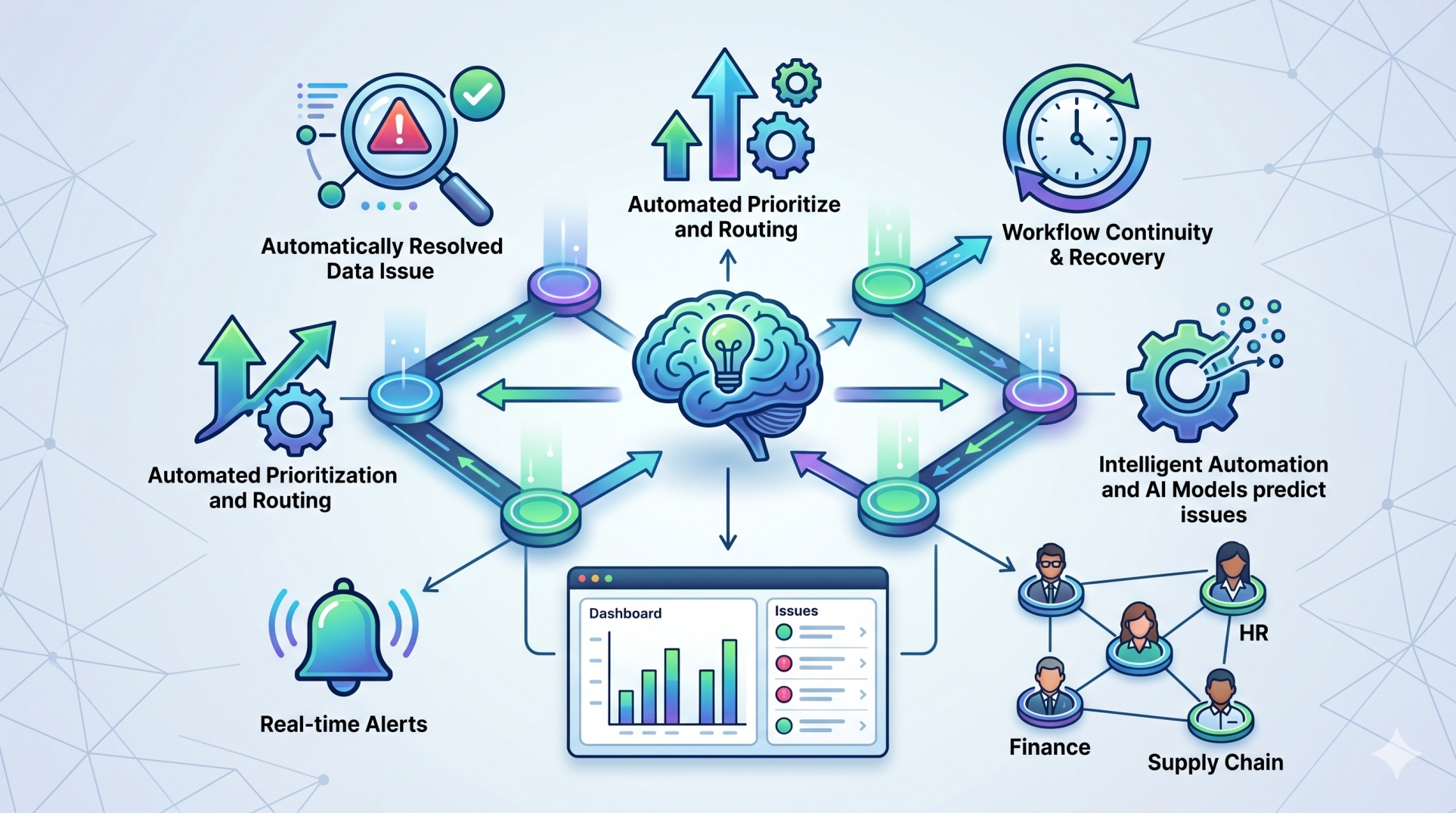
Step 8: Monitoring and Analytics 📊📈
• Track workflow performance and execution metrics 📊⏱️
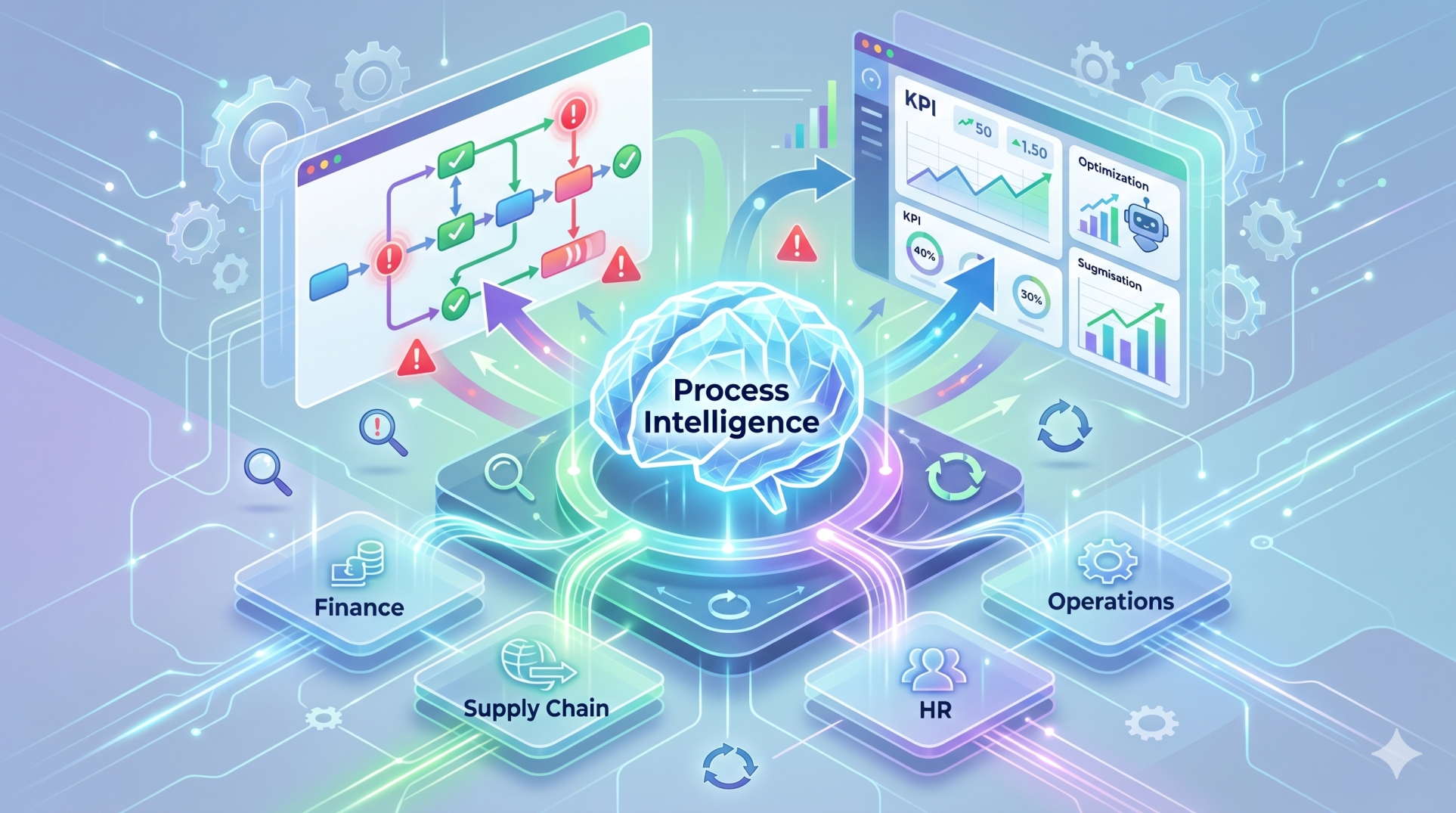
• Identify bottlenecks and inefficiencies in processes 🚨📉
• Provide dashboards for real-time monitoring 👁️📊
• Enable data-driven optimization of workflows 📈🔍
• Support audit trails and process transparency 📋✔️
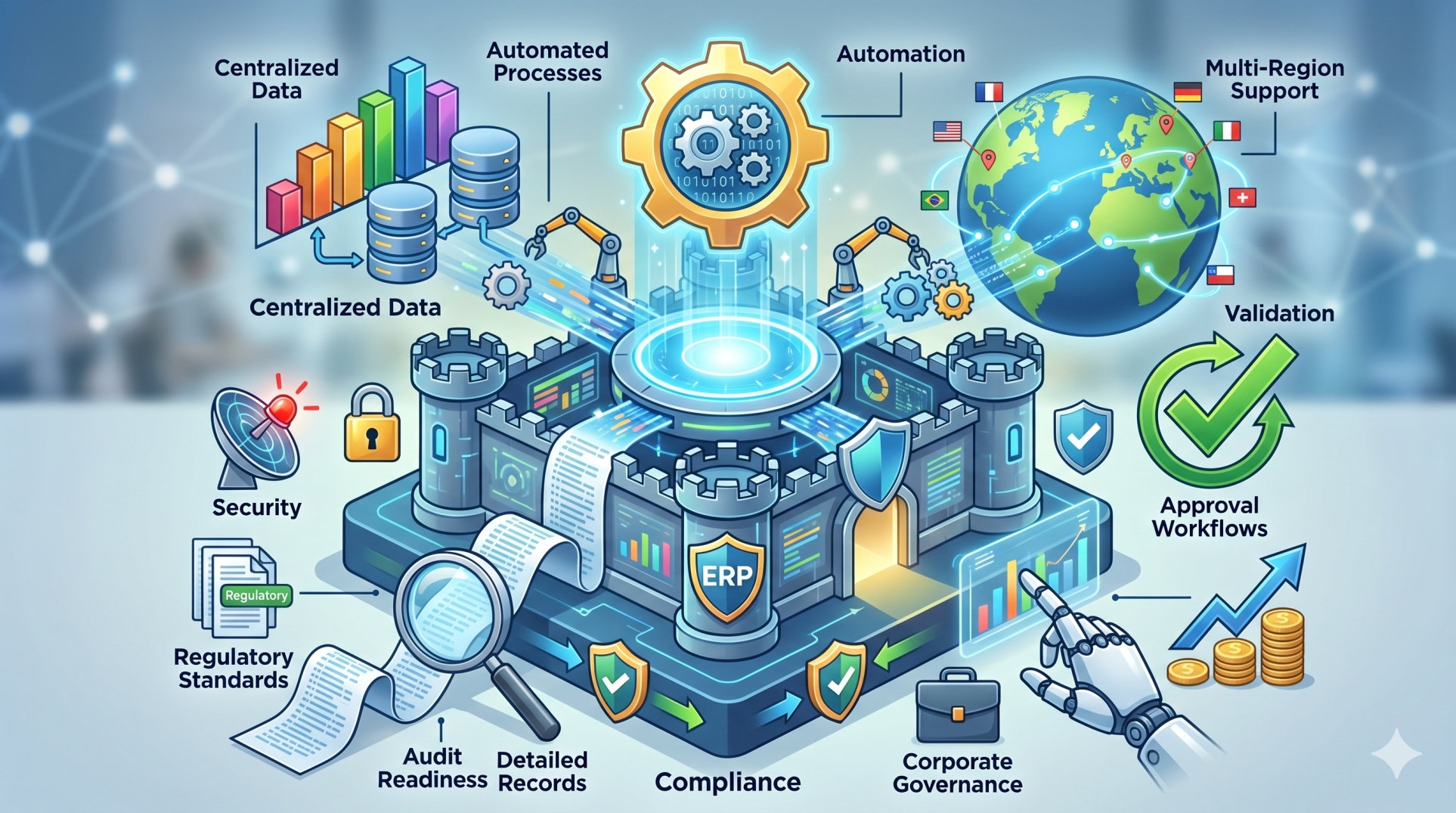
Step 9: Security and Governance 🛡️🔐
• Enforce role-based access control within workflows 👤🔒
• Ensure compliance with organizational policies and regulations 📋⚖️
• Maintain audit logs for tracking workflow changes 🧾📊
• Protect sensitive data during workflow execution 🔐📄
• Enable controlled deployment and version management 🏗️✔️
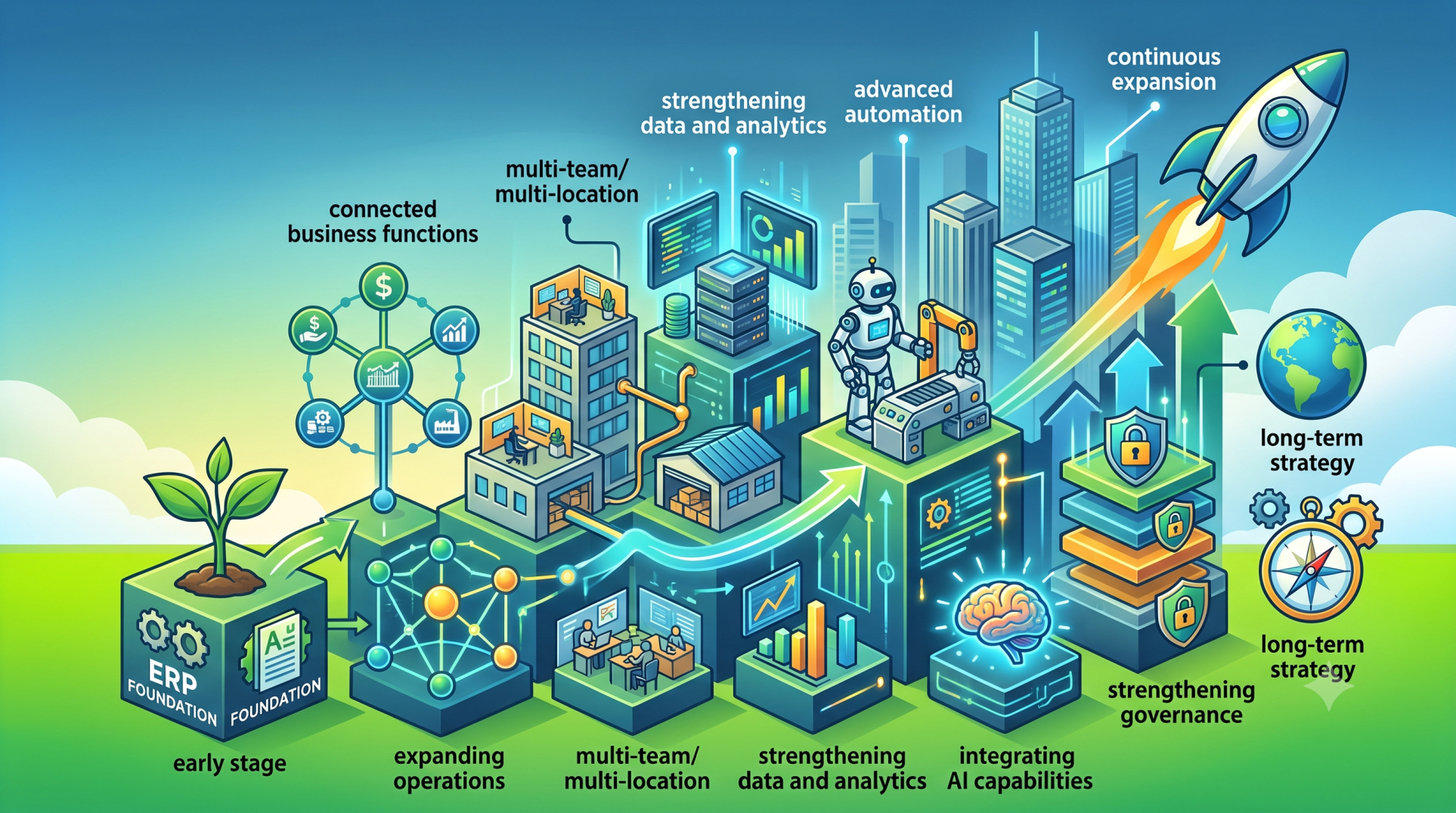
Step 10: Building Scalable Workflow Architectures 🚀🏗️
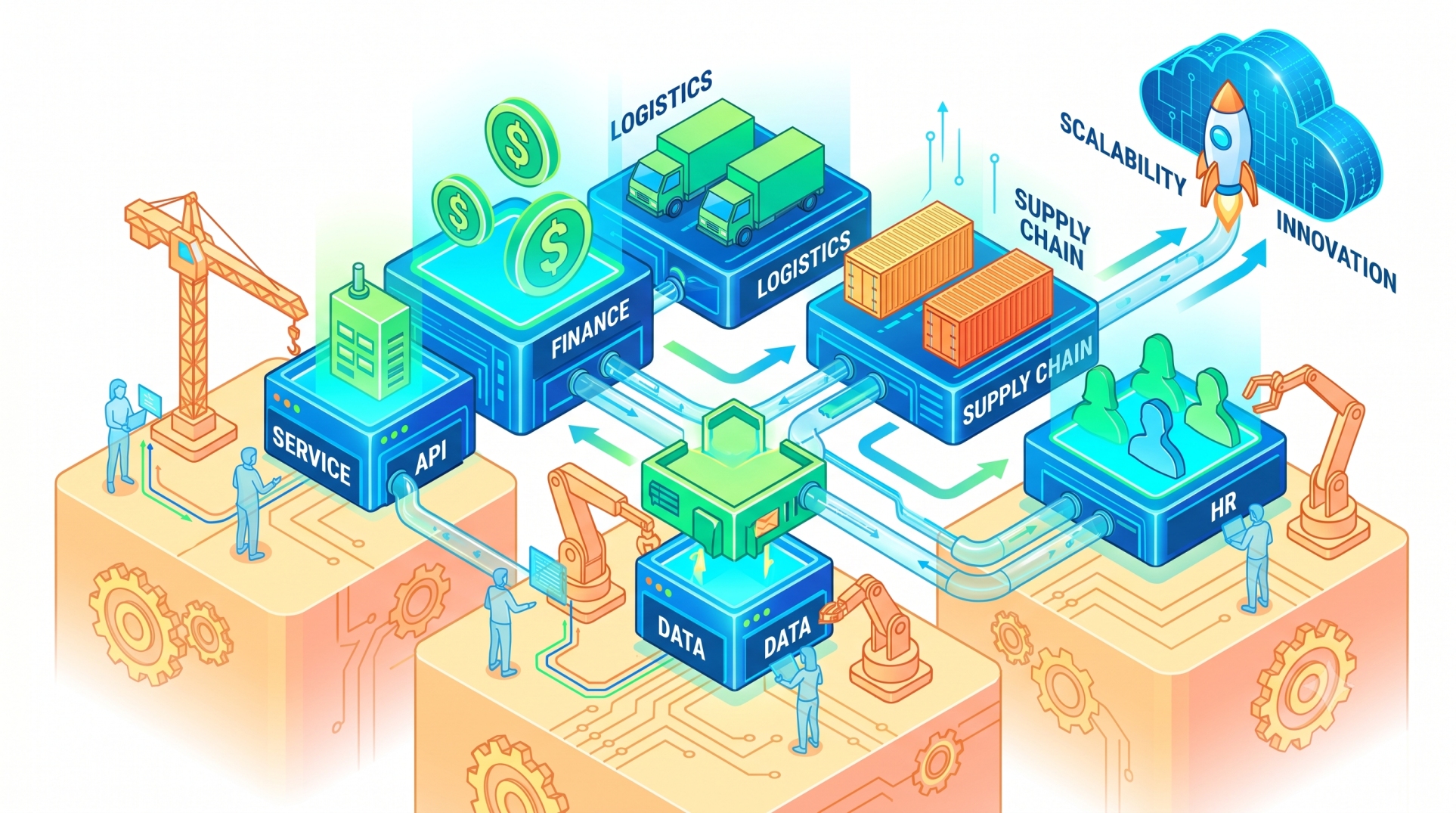
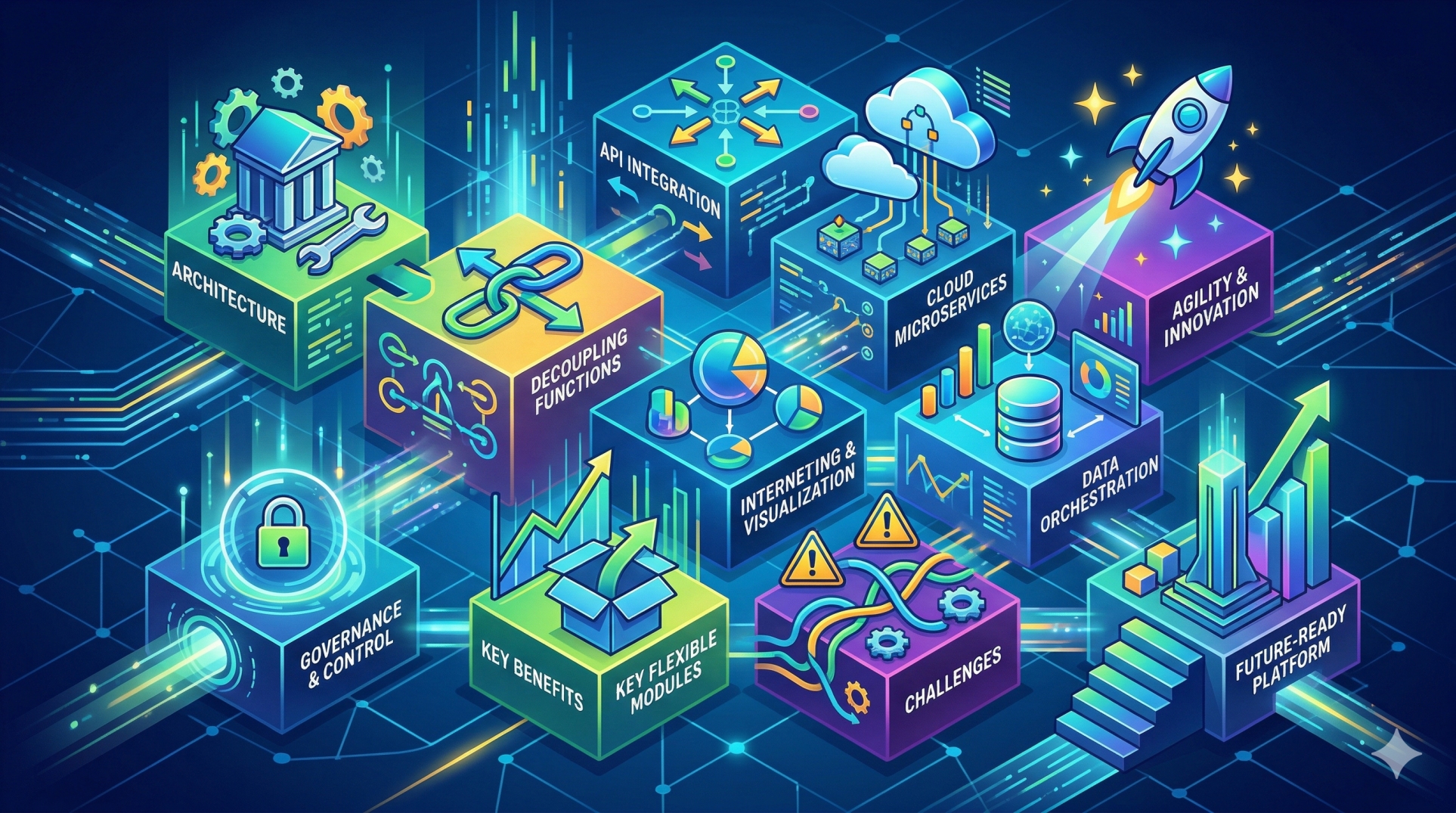
• Design modular workflow engines that scale with business growth 📈🏢
• Support high-volume transactions and concurrent workflows ⚡📊
• Optimize performance for low latency execution ⏱️🔄
• Enable integration with external systems and APIs 🌐🔗
• Future-proof ERP systems with flexible and extensible architectures 🔧🔮
Conclusion
Custom workflow engines are transforming ERP platforms into dynamic, process-driven systems. By enabling tailored automation, real-time execution, and cross-functional integration, these engines empower organizations to streamline operations and adapt quickly to changing business needs. As enterprises continue to evolve, workflow flexibility will become a key driver of ERP success.
See more blogs
You can all the articles below