Custom ERP Feature Selection: Building What You Need
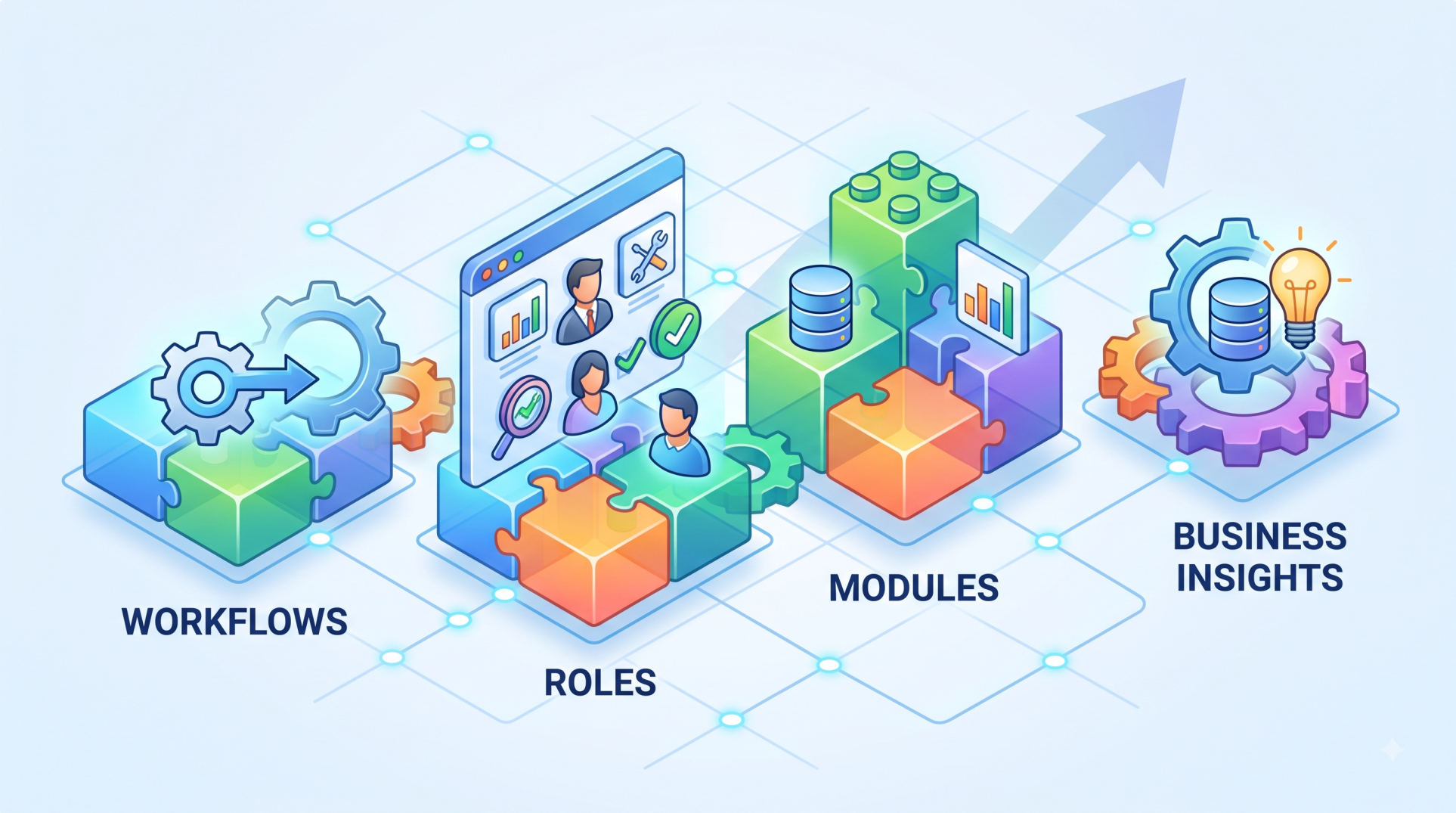
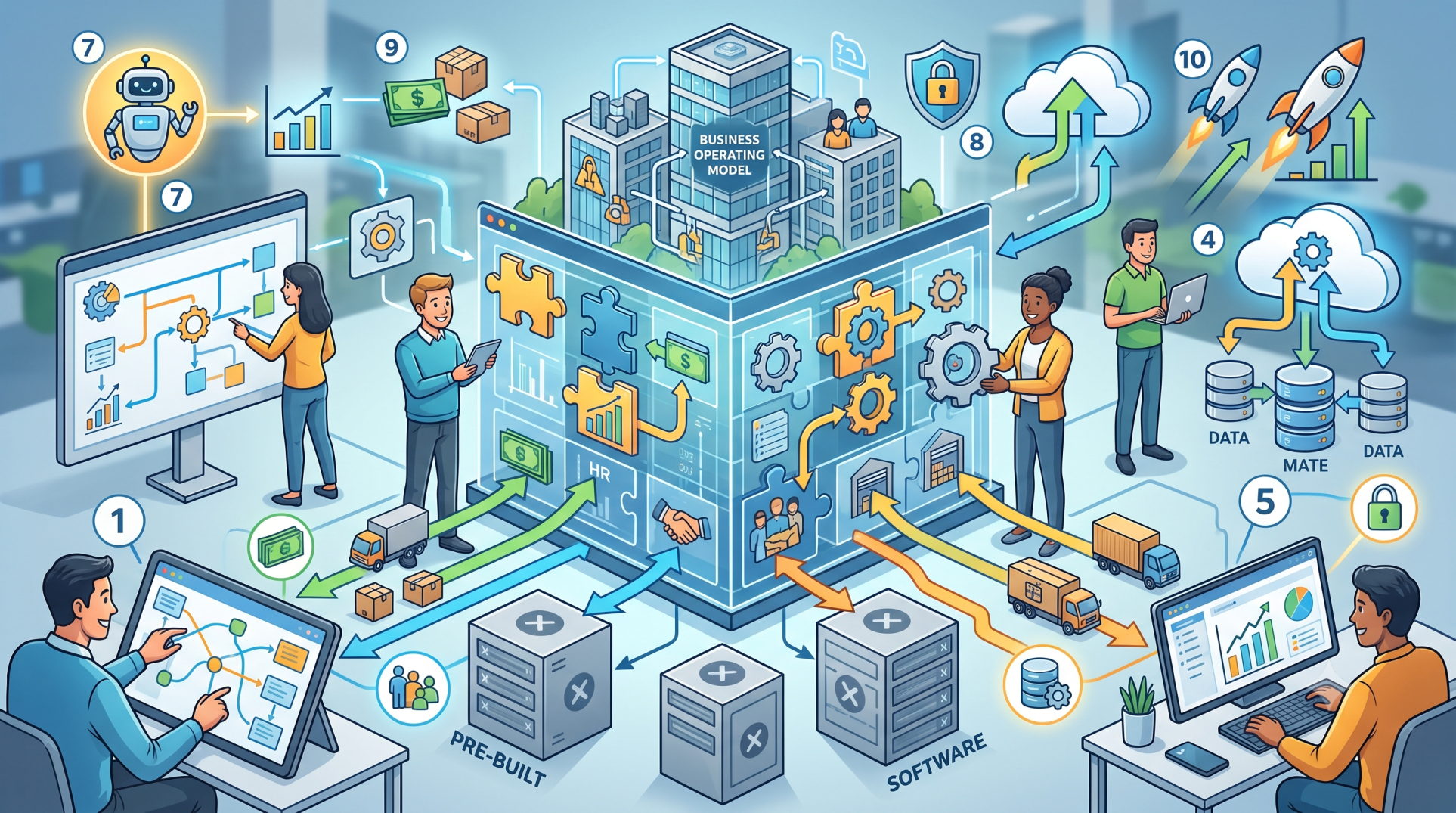
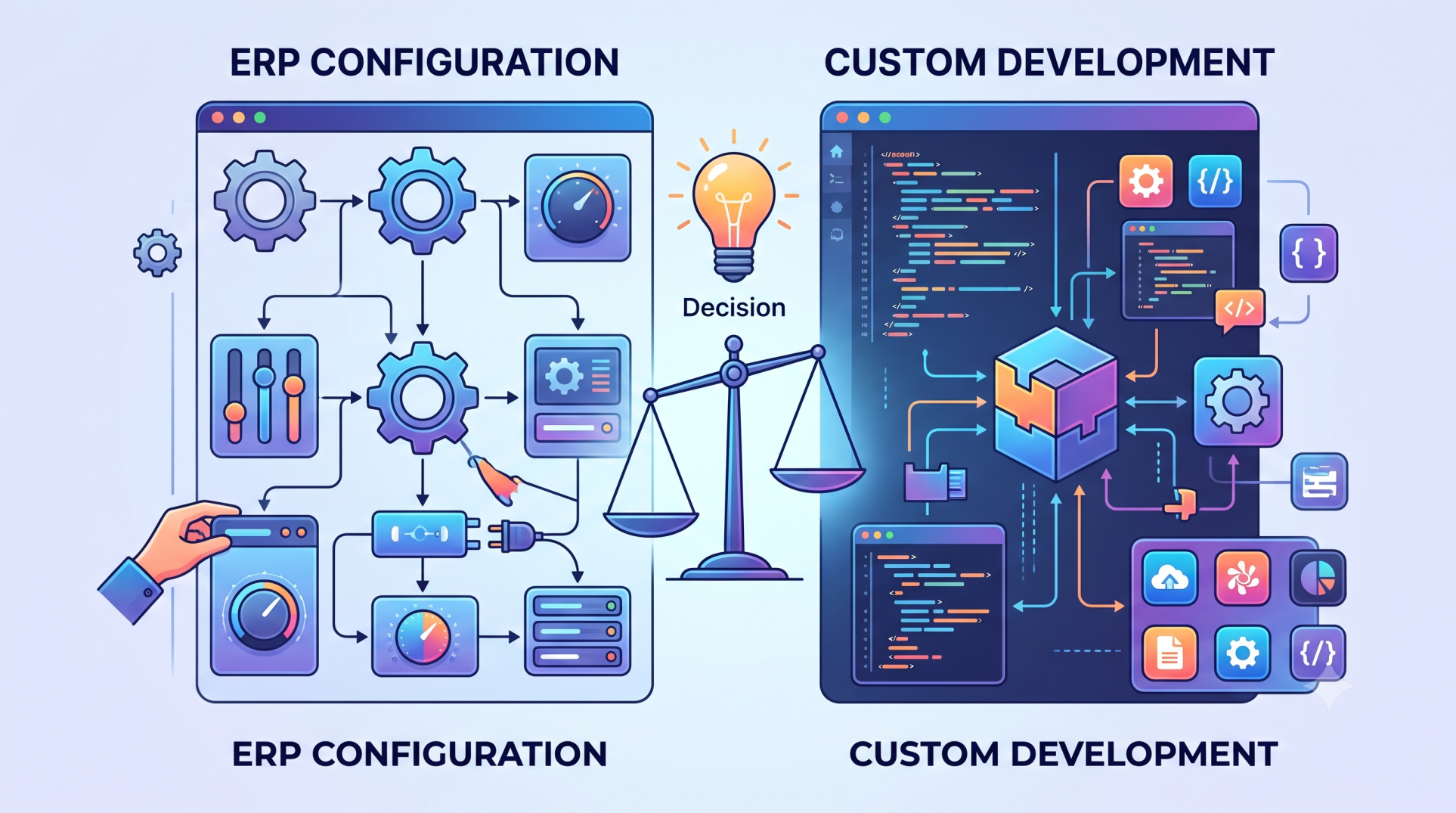
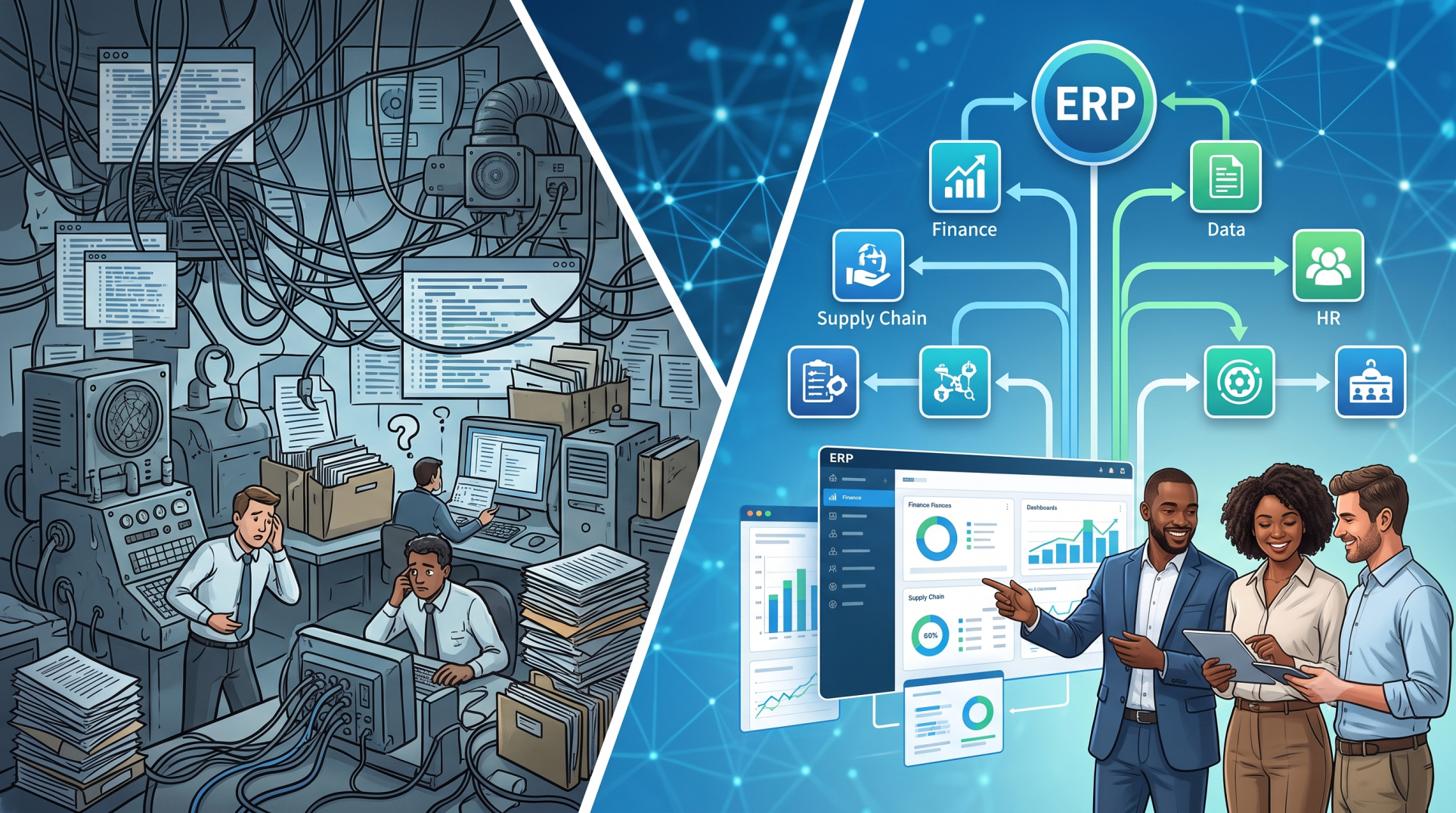
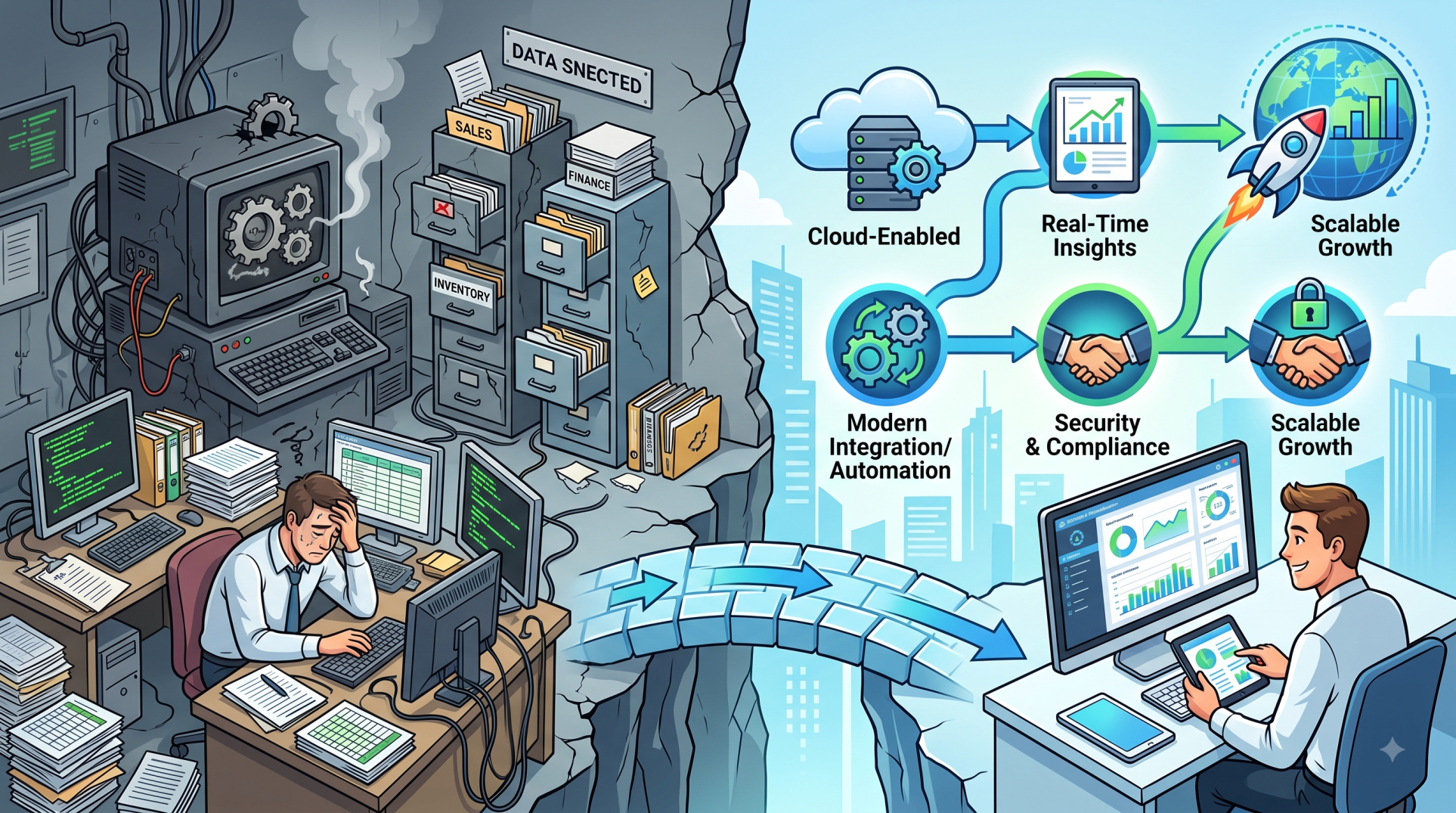
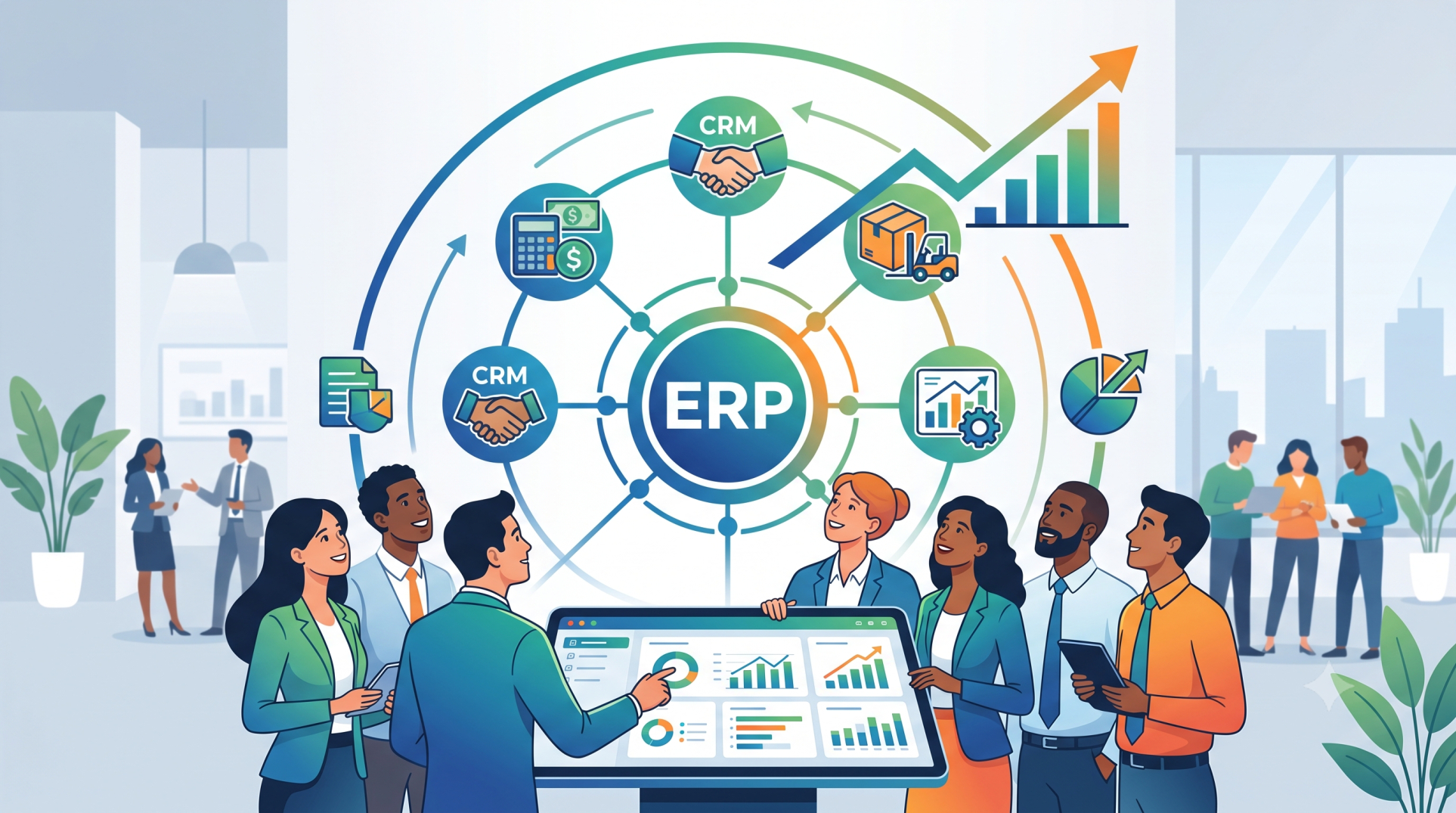
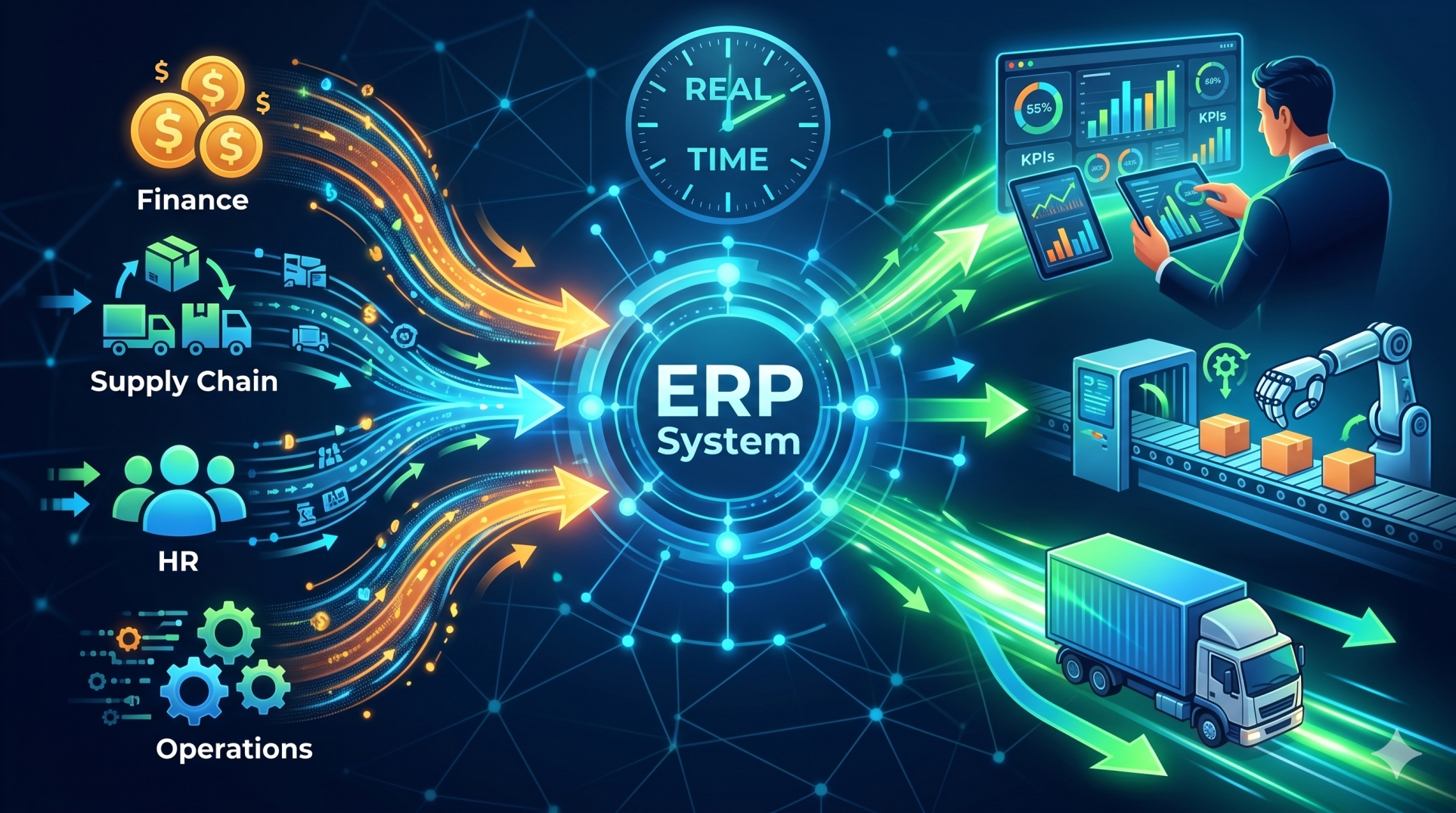
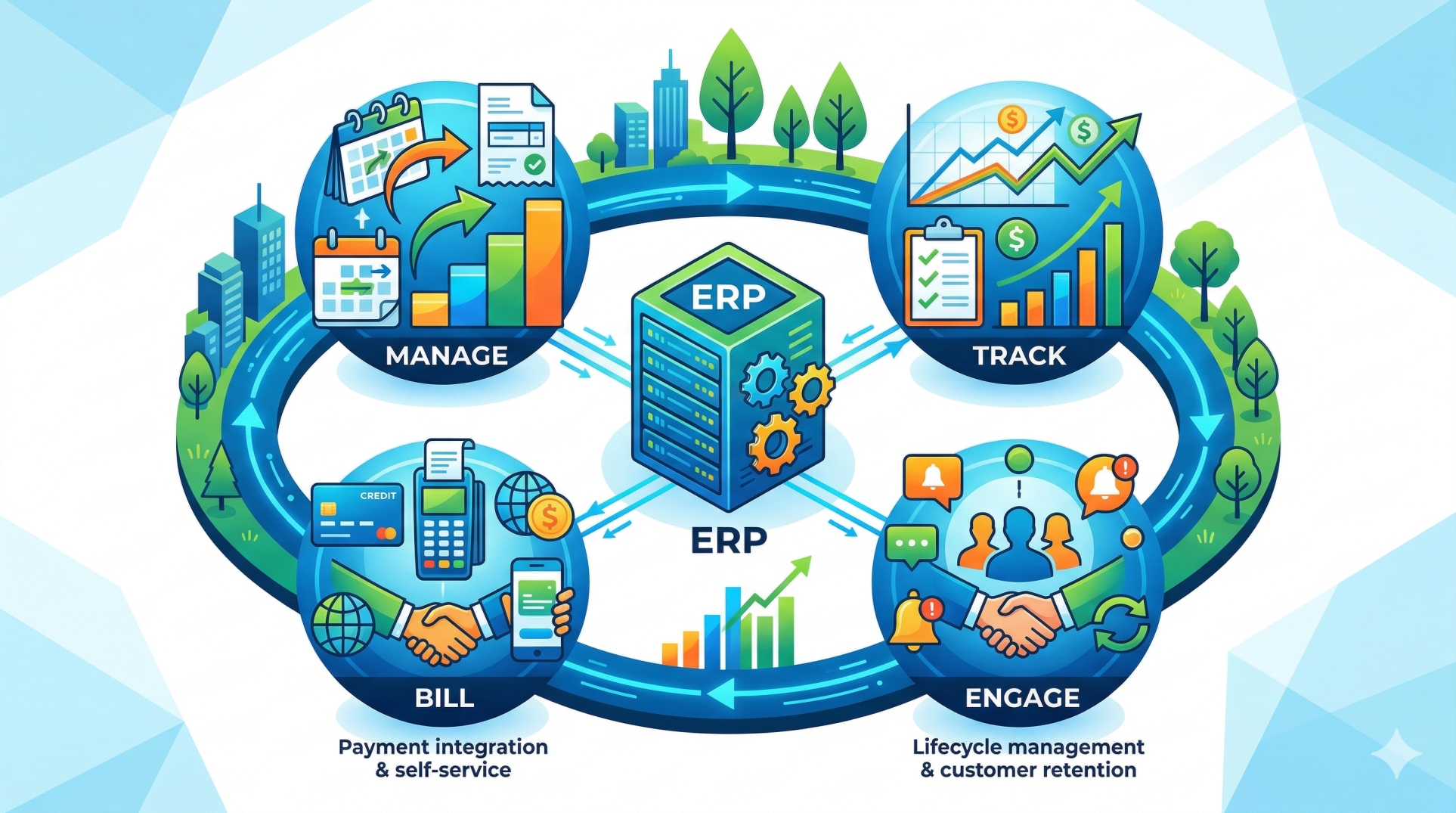
Every organization operates differently, which makes a one-size-fits-all ERP system difficult to adapt to unique business requirements. Custom ERP solutions provide a more focused approach by allowing organizations to select and develop the features they actually need. Instead of investing in unnecessary functionality, businesses can create an ERP environment that aligns closely with their workflows, operational priorities, and long-term goals.
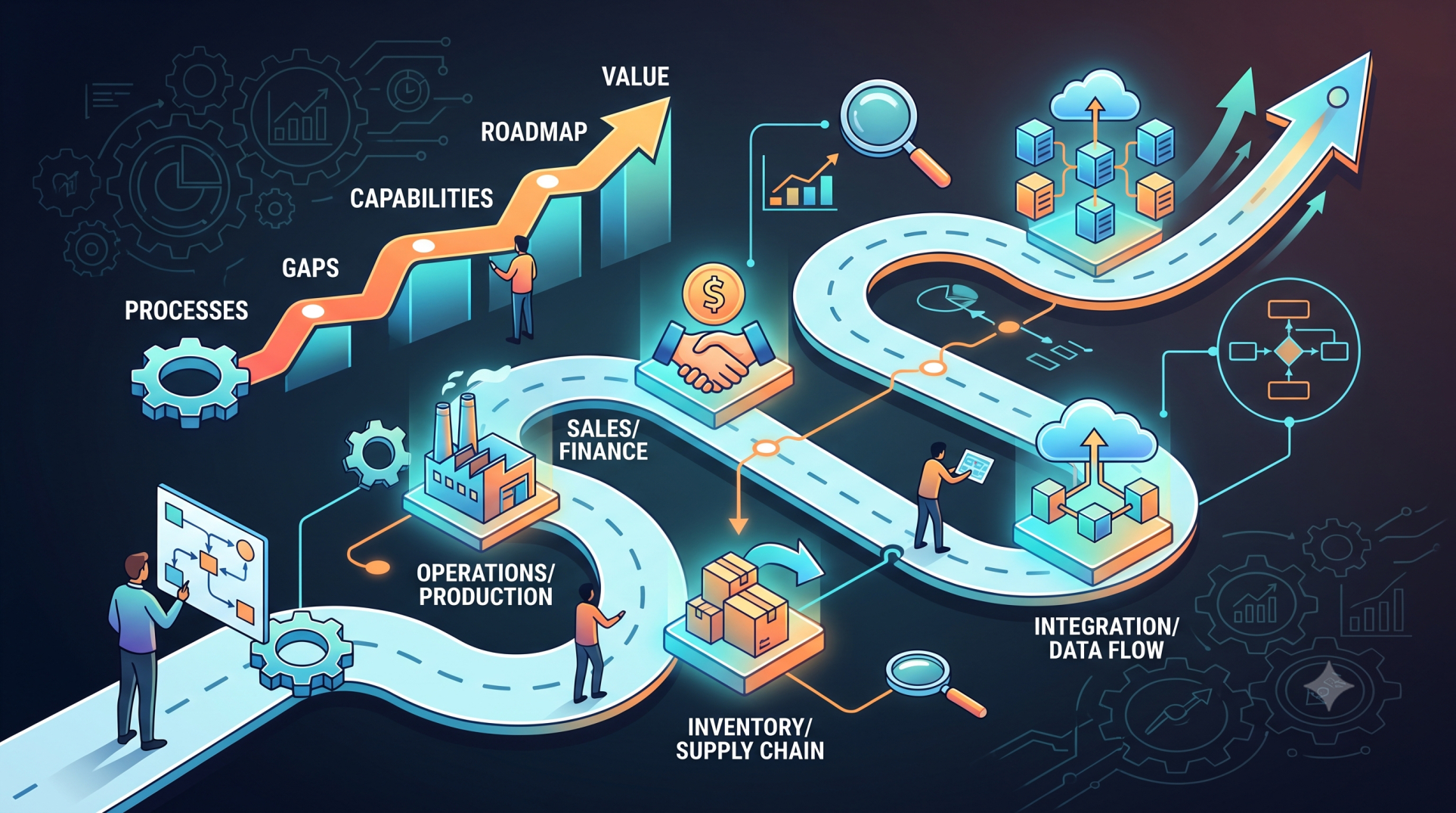
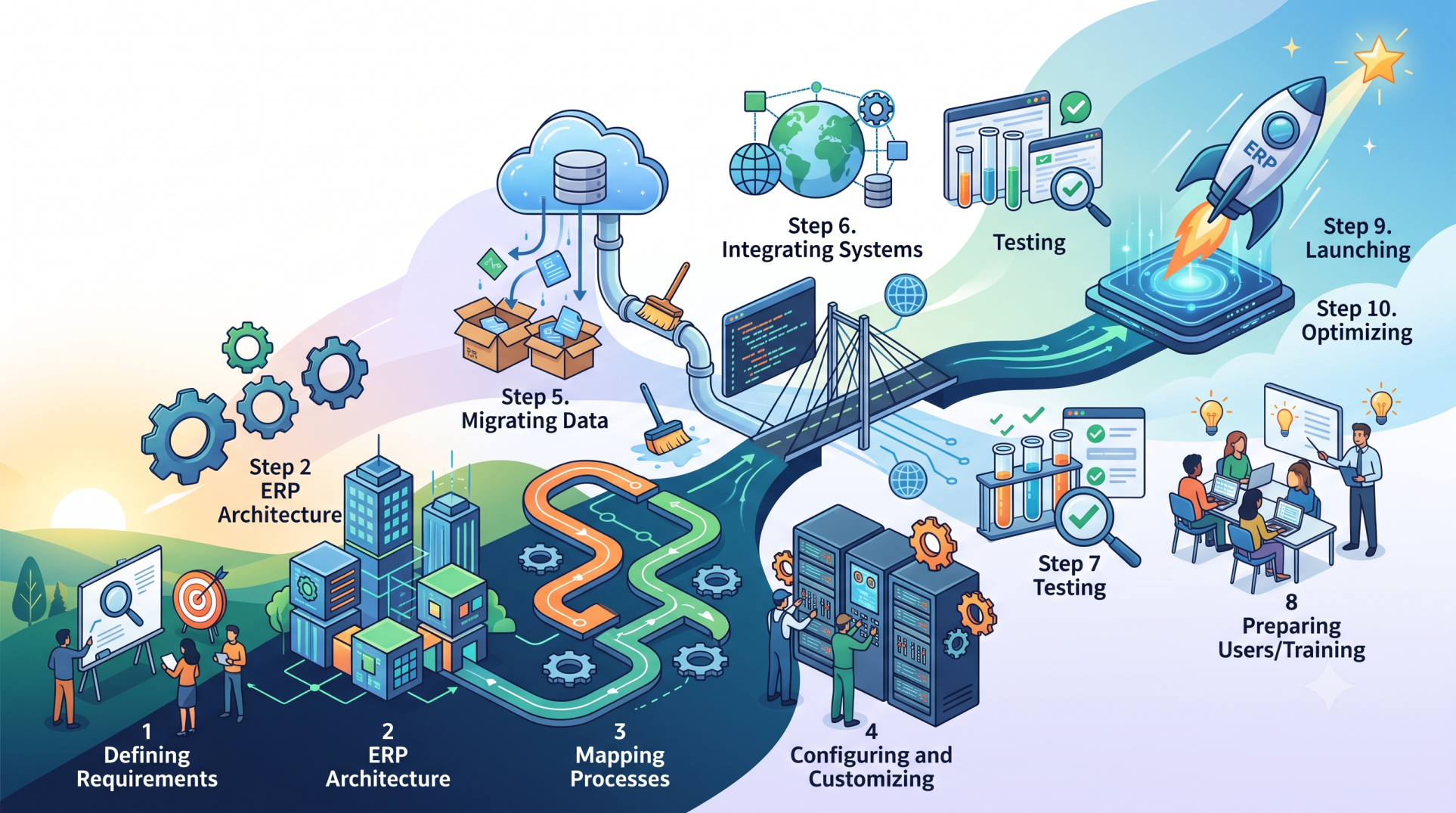
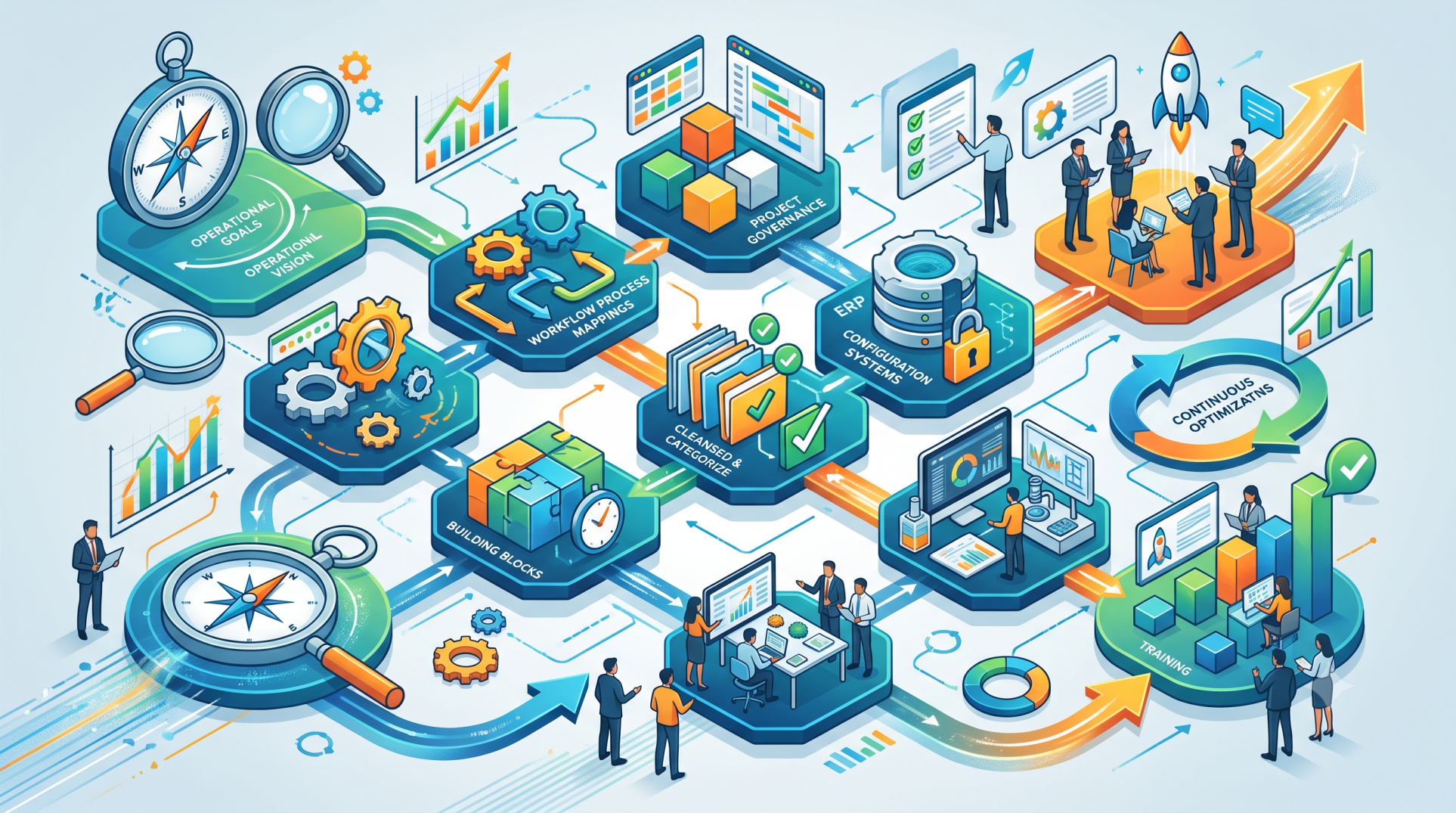
Step 1: Identifying Core Business Requirements 🎯
• Analyze existing business processes before selecting ERP features
• Identify operational challenges and recurring inefficiencies
• Determine which departments require ERP support
• Separate essential capabilities from optional enhancements
• Align ERP functionality with measurable business objectives
Step 2: Selecting Essential ERP Modules 🧩
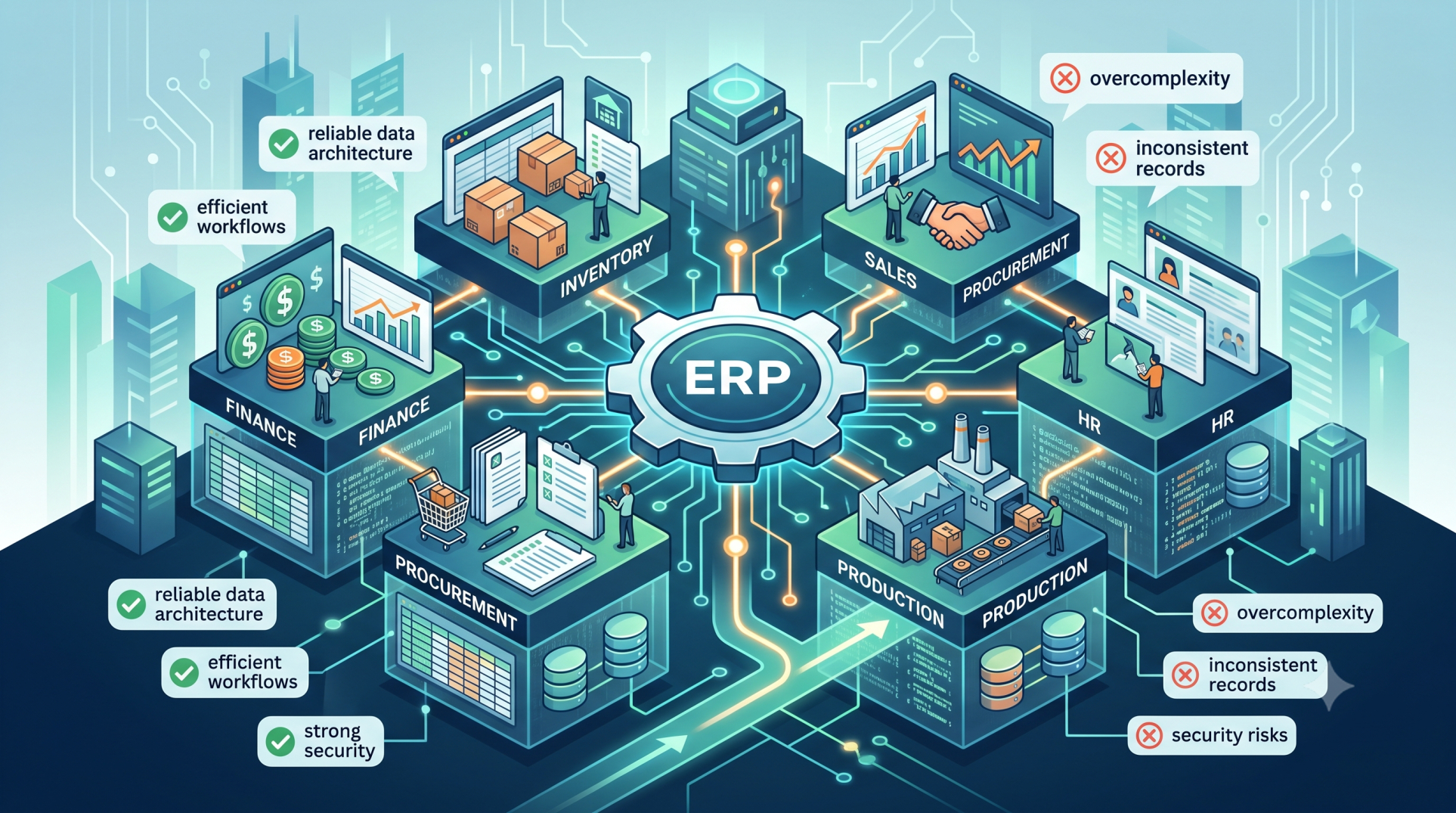
• Choose modules based on actual operational requirements
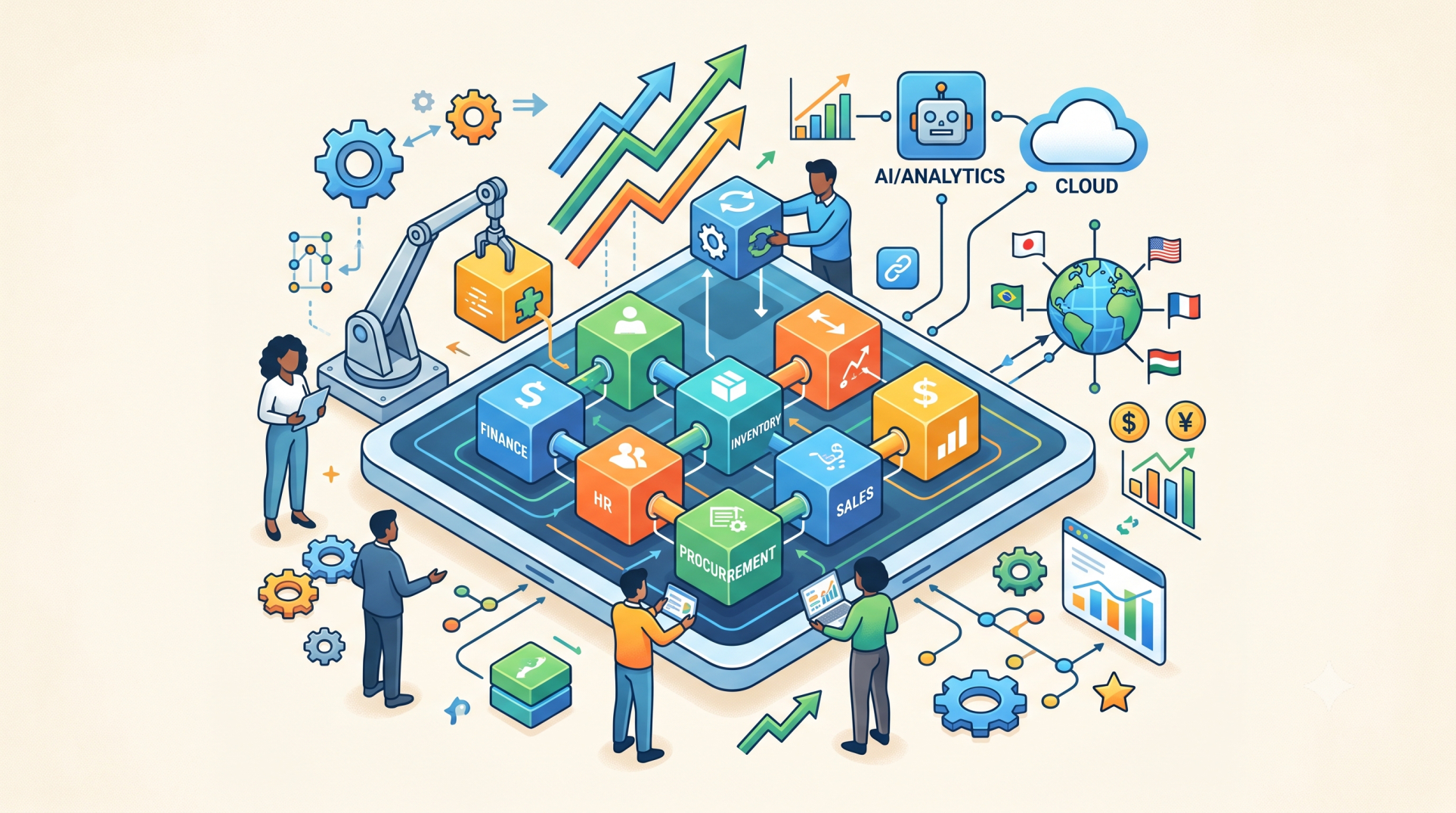
• Consider finance, inventory, procurement, production, HR, and sales needs
• Avoid adding features that provide little practical value
• Ensure selected modules can communicate with one another
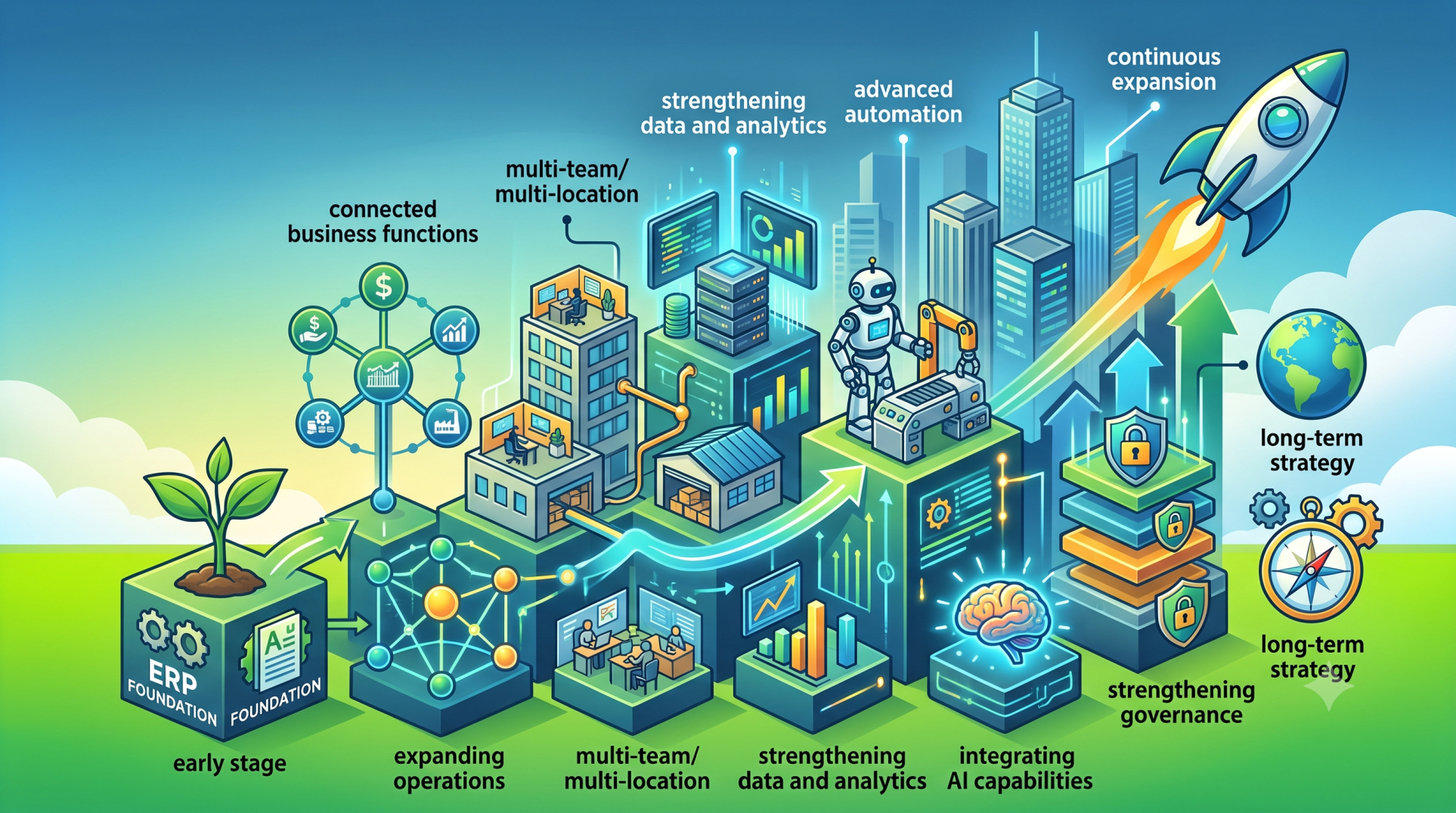
• Build a foundation that can expand as the organization grows
Step 3: Customizing Business Workflows ⚙️
• Configure workflows around existing organizational processes
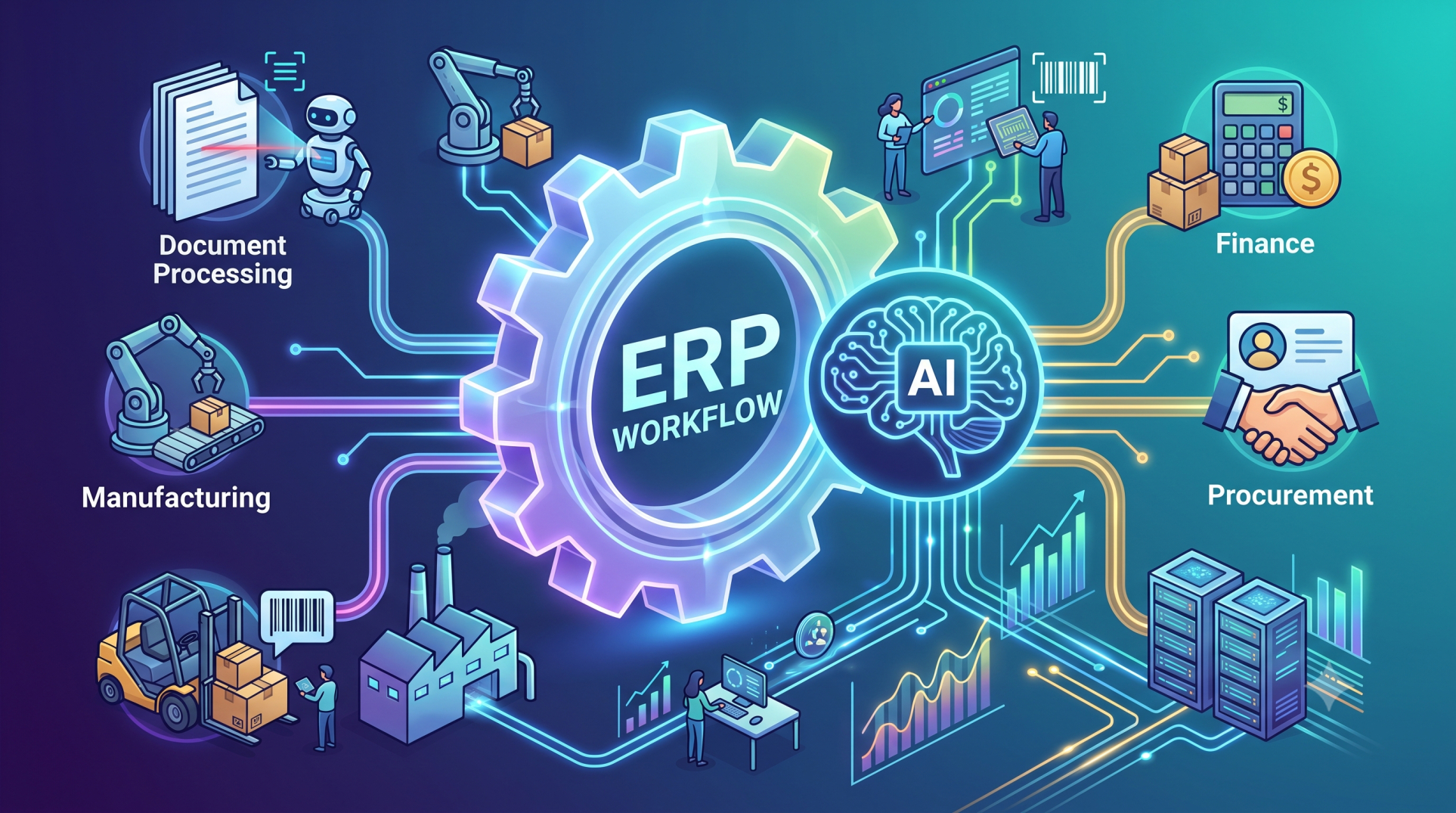
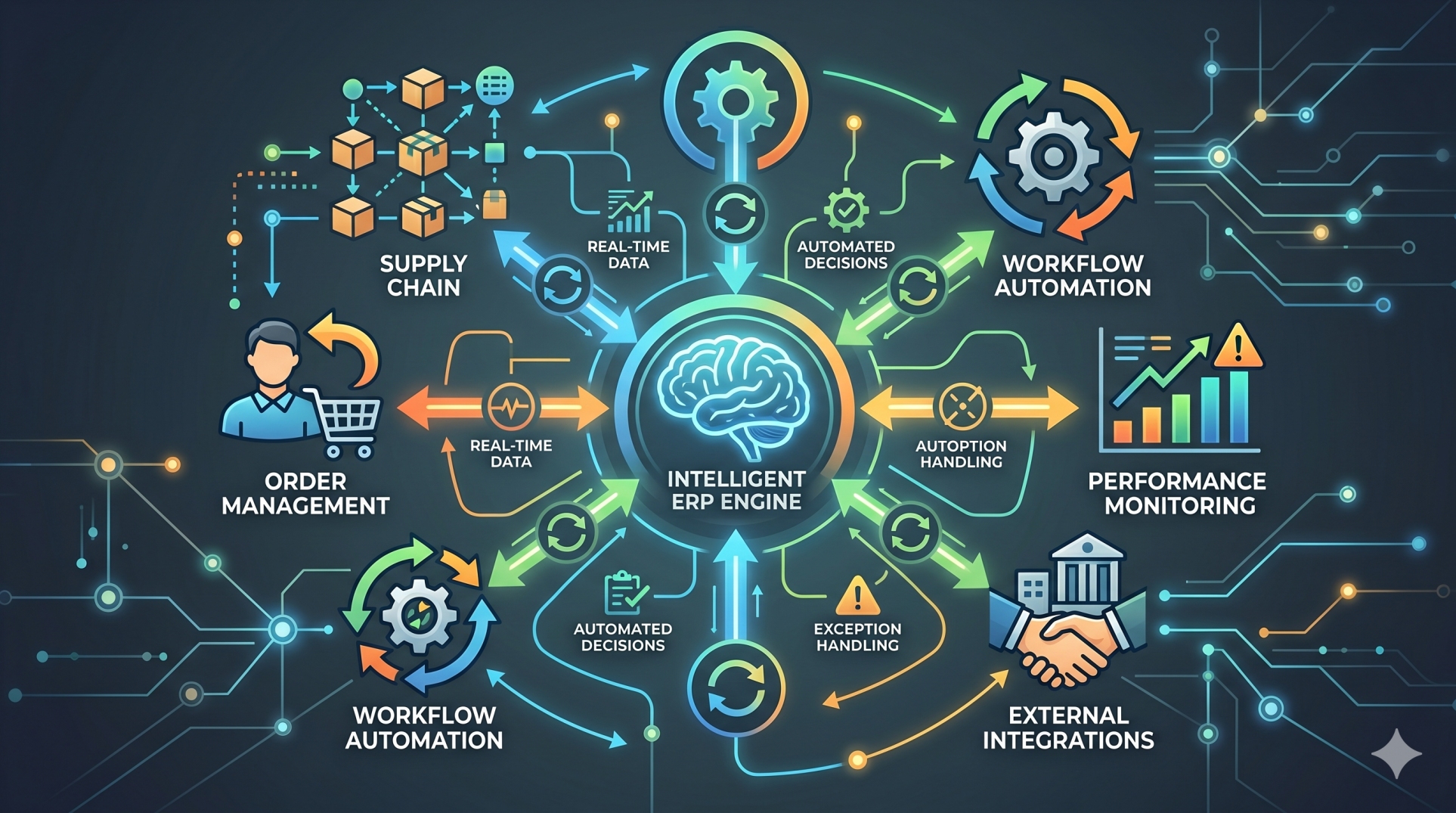
• Automate approvals, notifications, and repetitive activities
• Adapt processes to specific industry requirements
• Reduce unnecessary manual intervention
• Create workflows that improve productivity without adding complexity
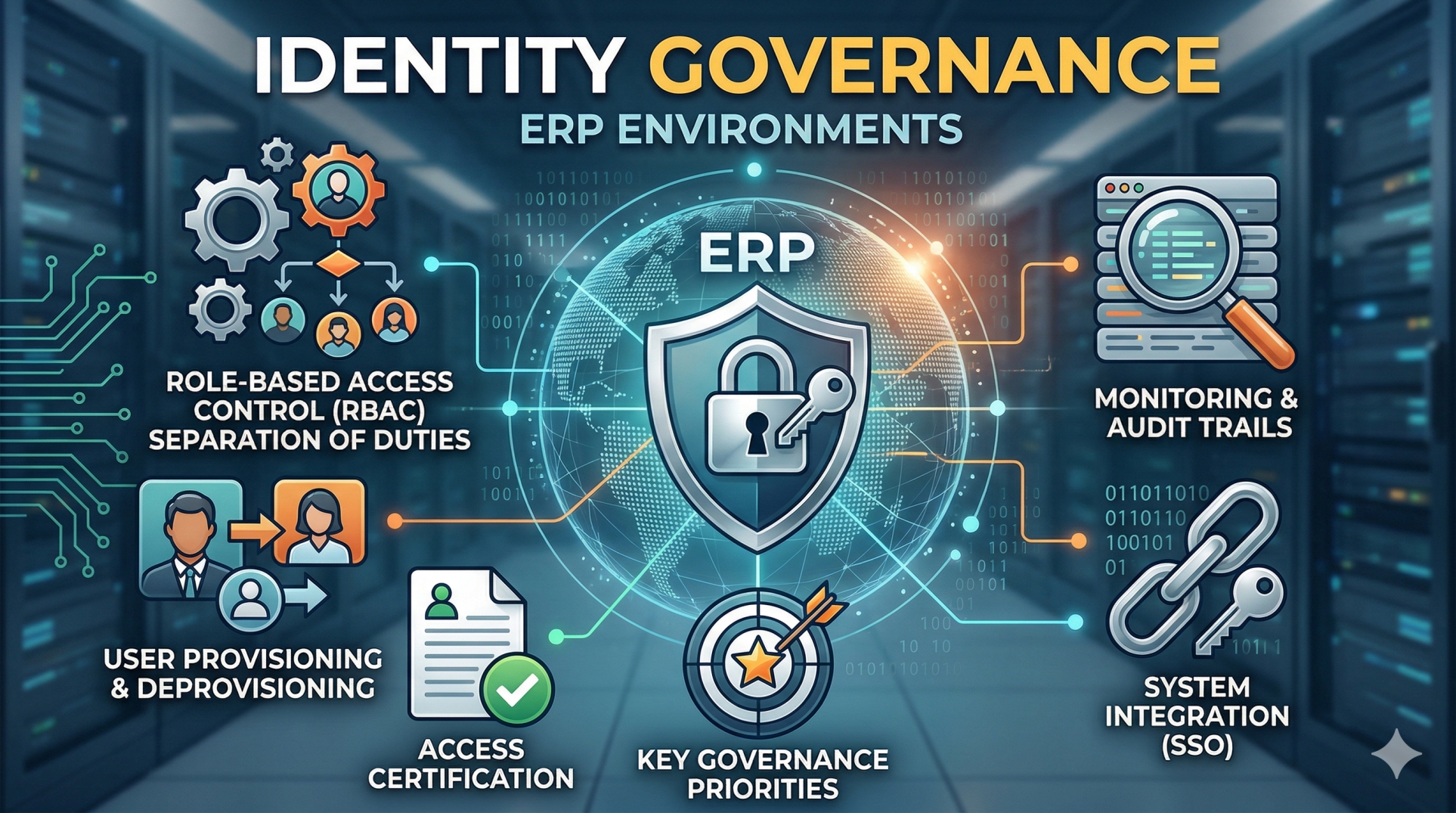
Step 4: Designing Role-Specific Experiences 👥
• Provide employees with access to the information they actually need
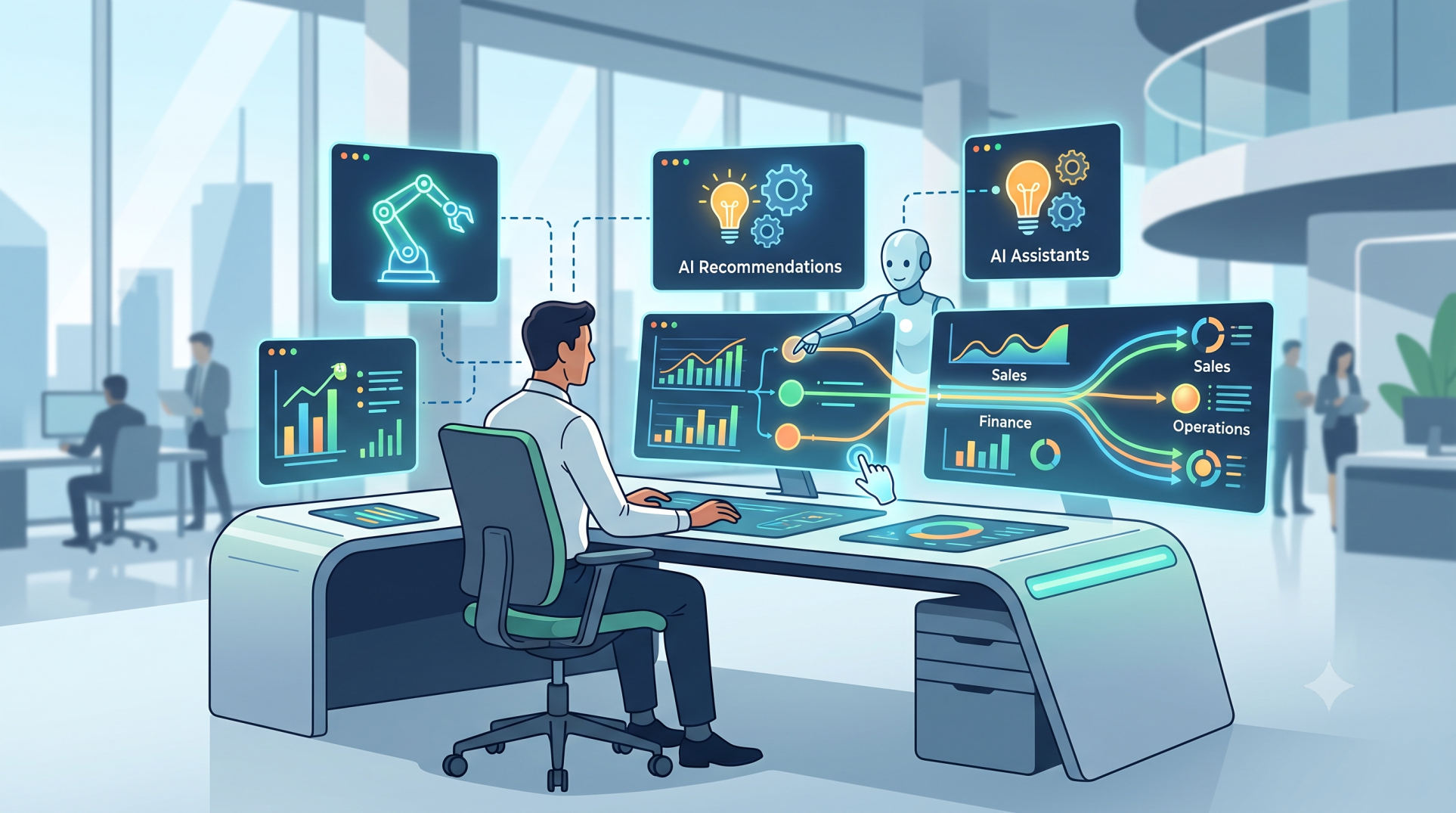
• Create dashboards tailored to different responsibilities
• Apply role-based permissions across ERP functions 🔐
• Simplify interfaces for operational teams
• Improve productivity through focused user experiences
Step 5: Connecting ERP with Existing Systems 🔗
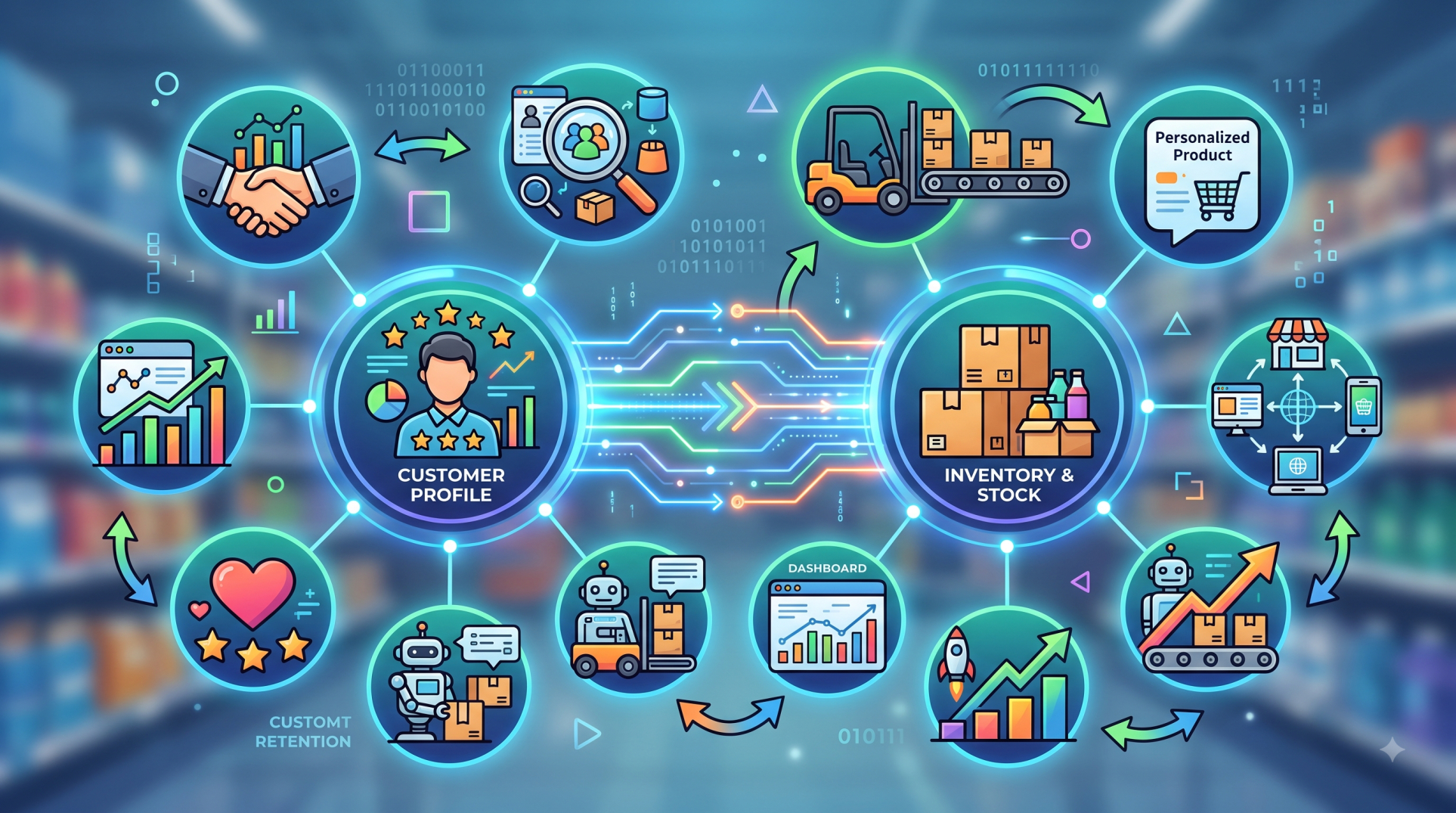
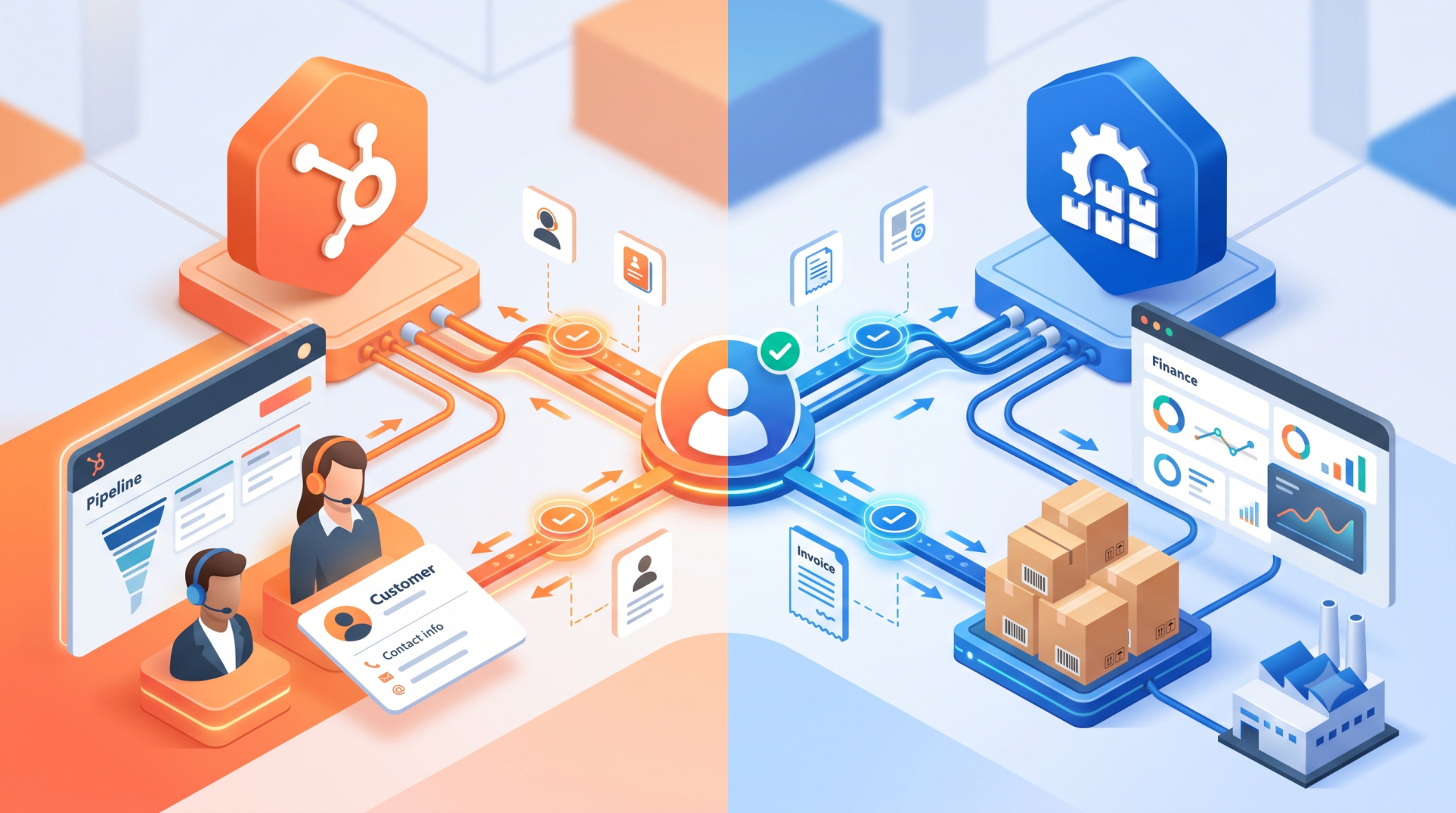
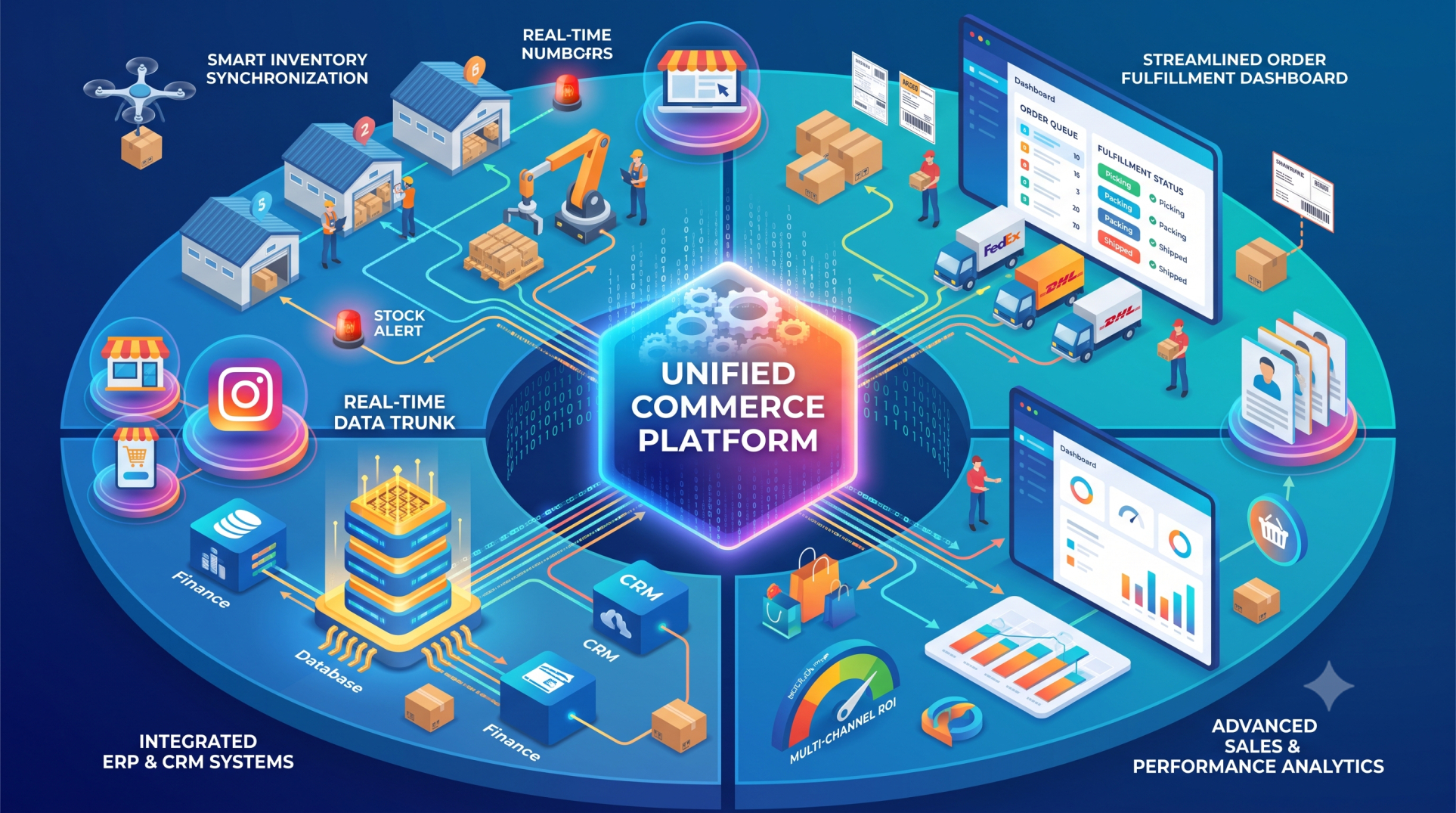
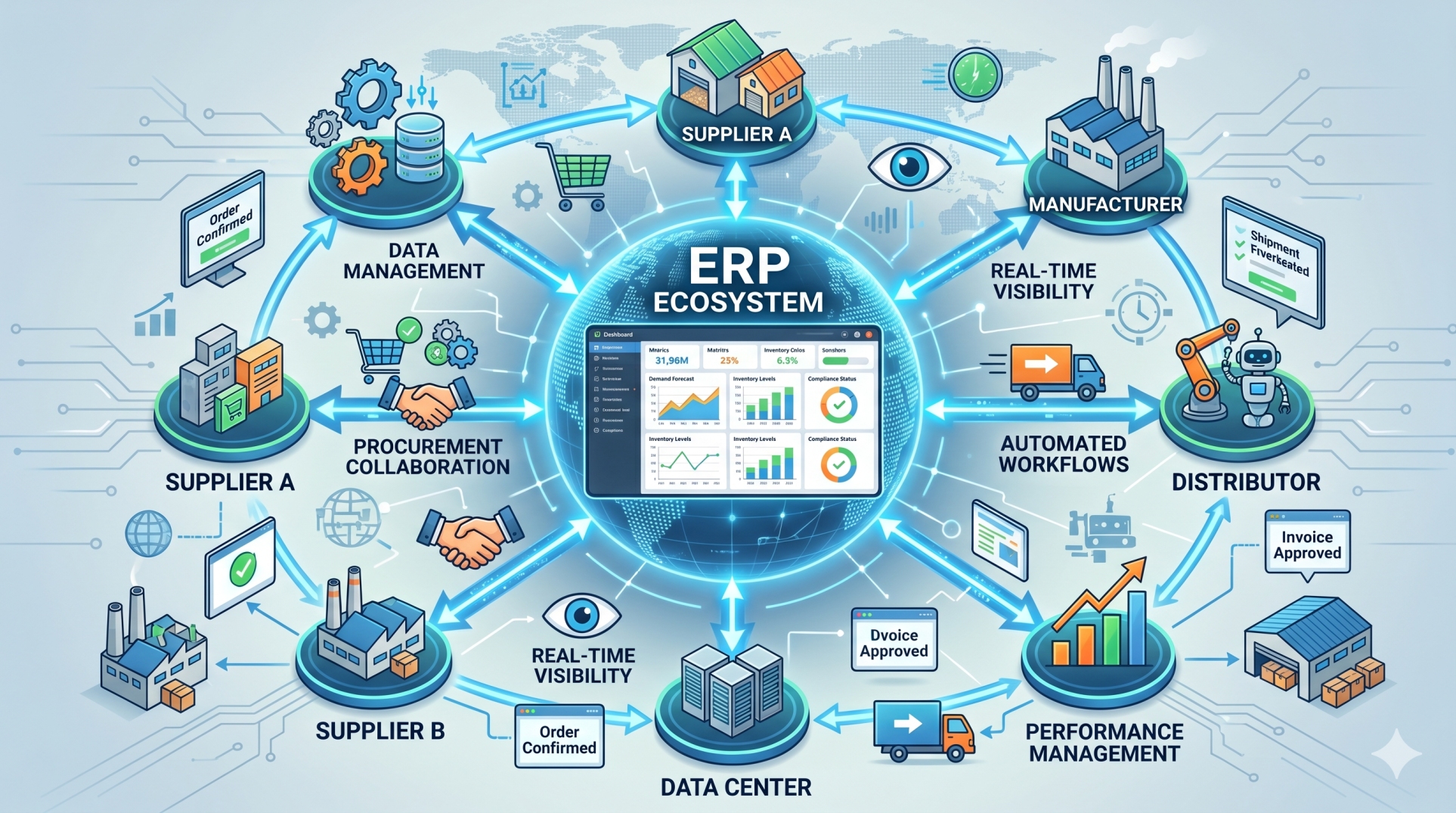
• Integrate CRM, accounting, payroll, supply chain, and other business platforms
• Connect external applications through APIs
• Synchronize information across systems in real time
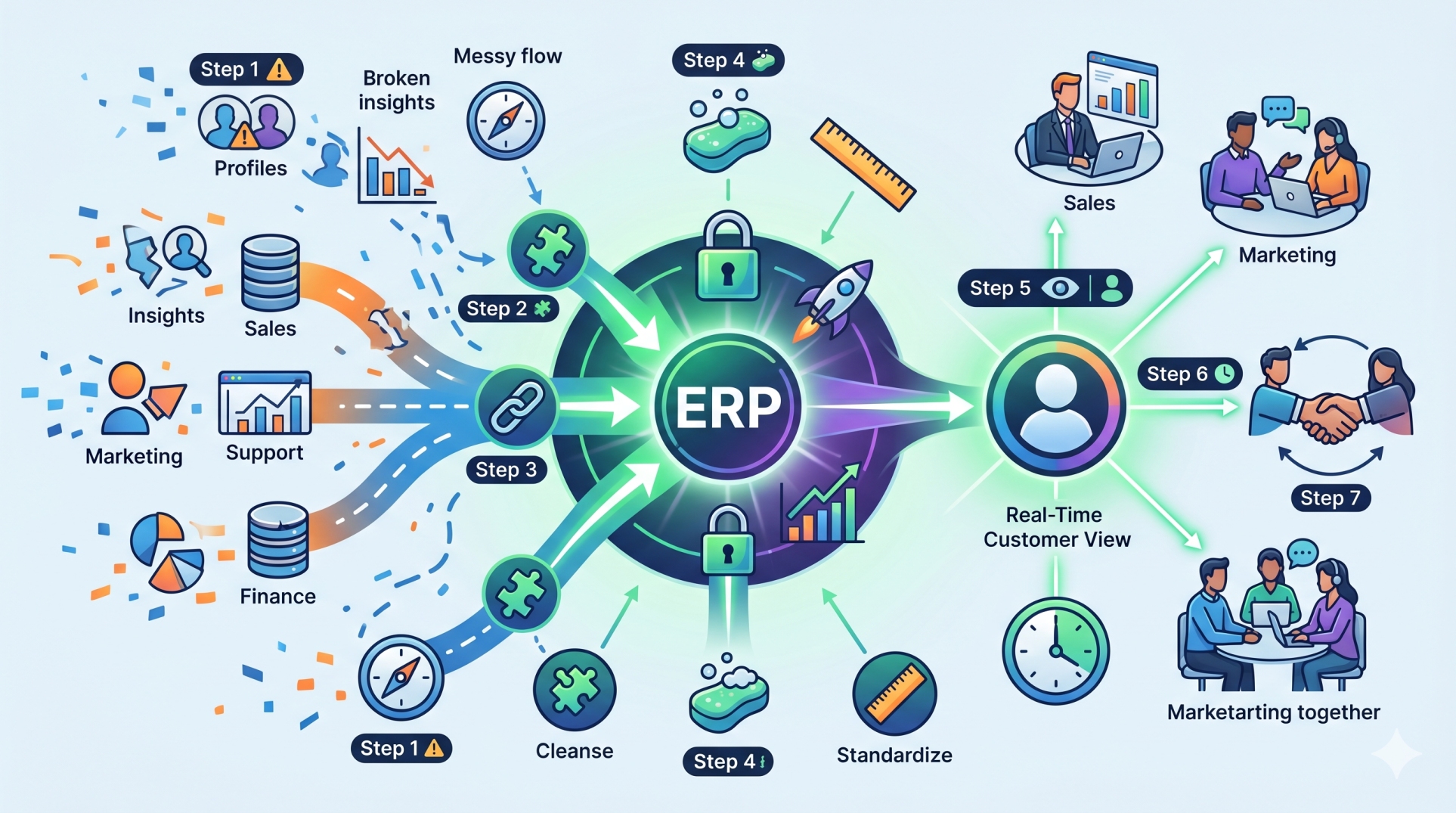
• Reduce duplicate data entry and disconnected workflows
• Create a unified technology ecosystem
Step 6: Building Data and Reporting Capabilities 📊
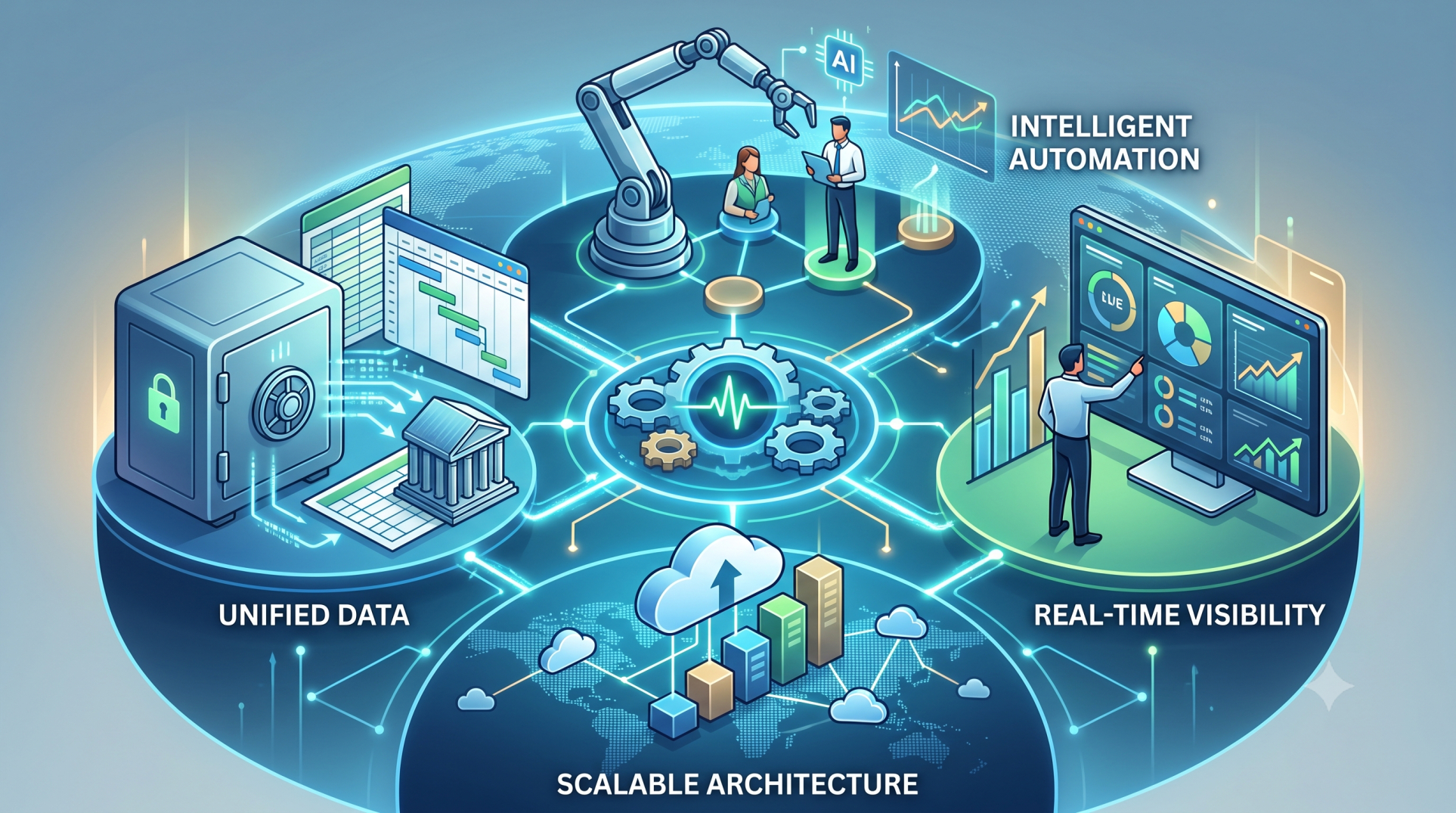
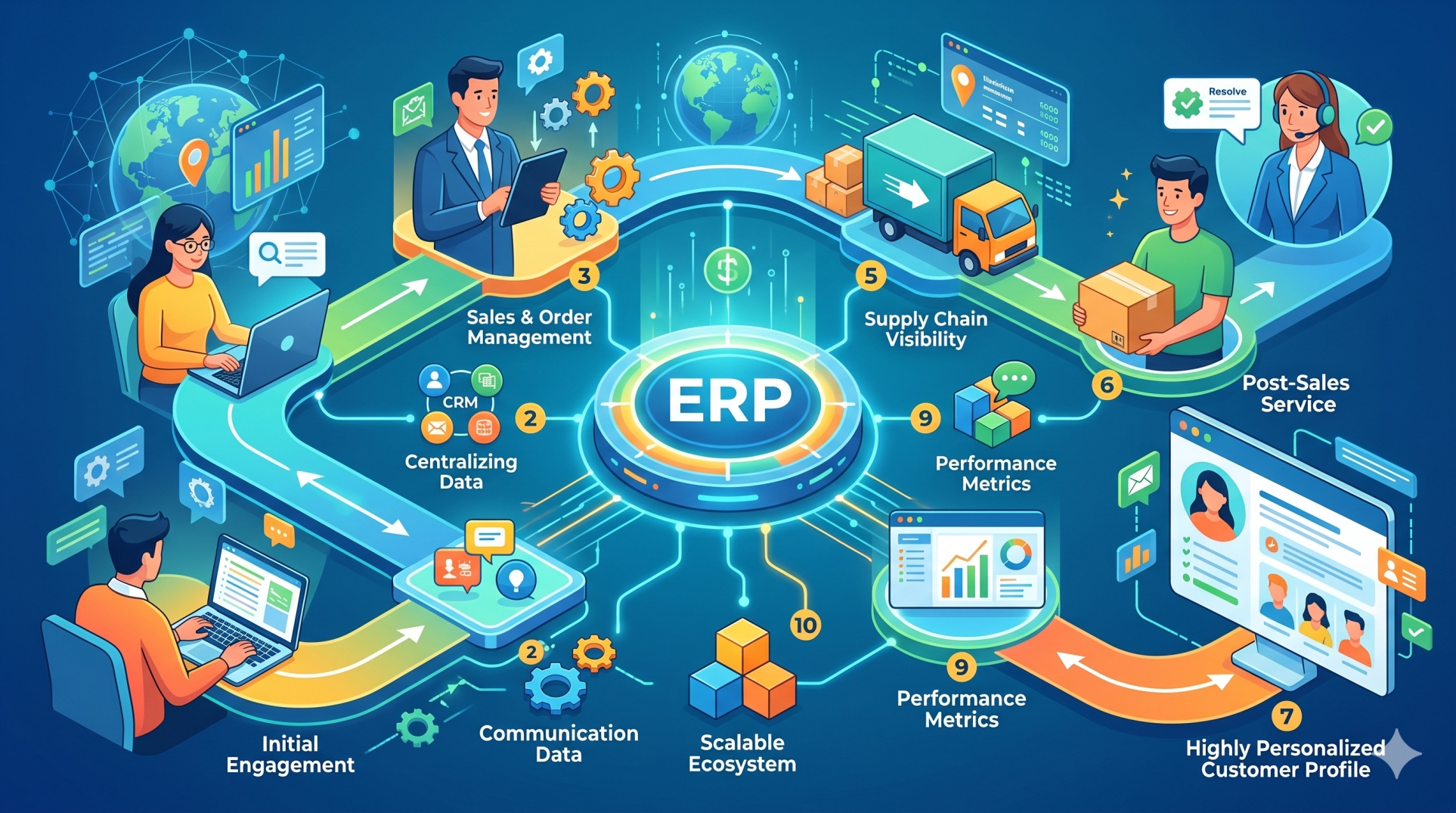
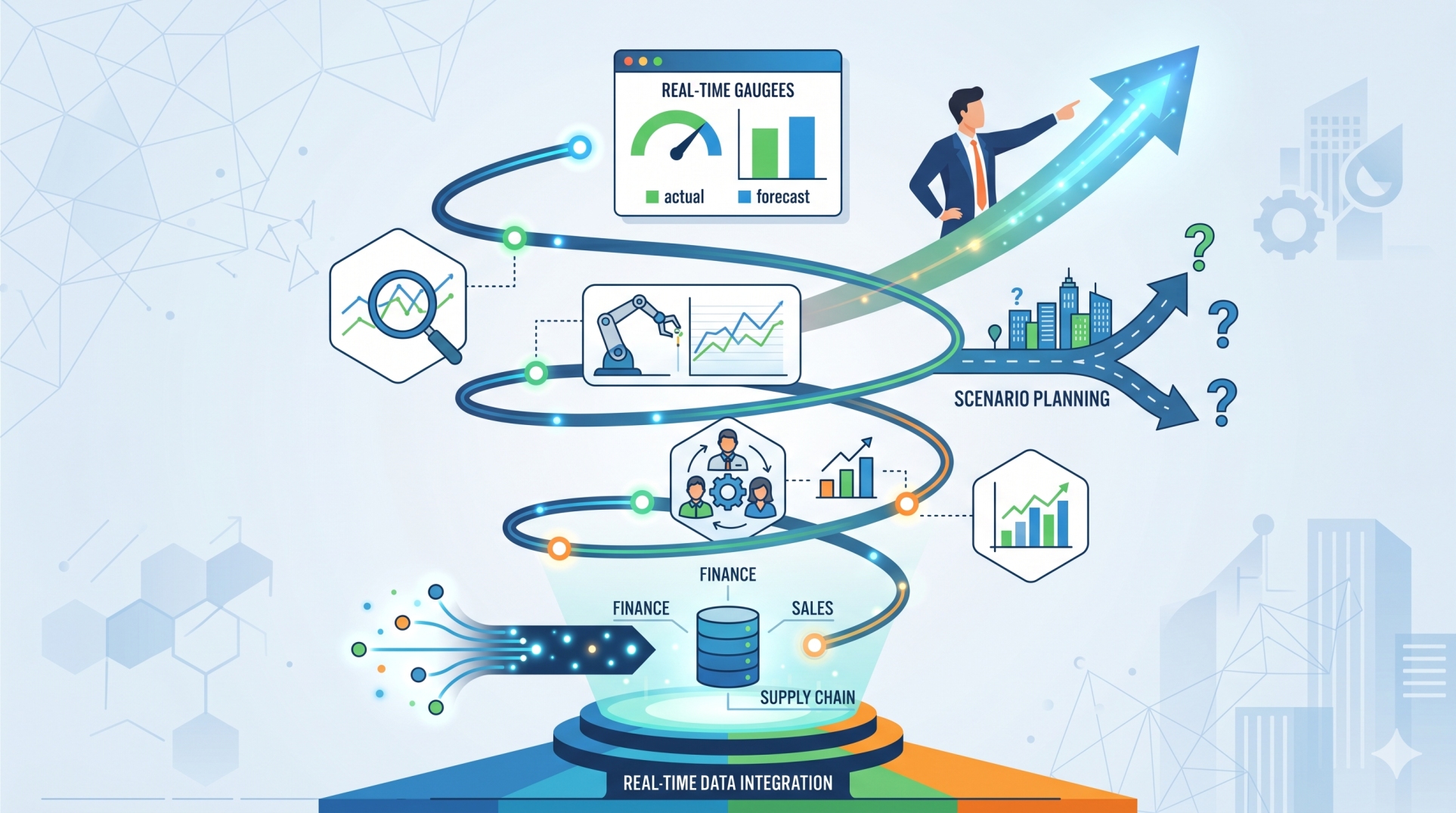
• Centralize important business information within the ERP environment
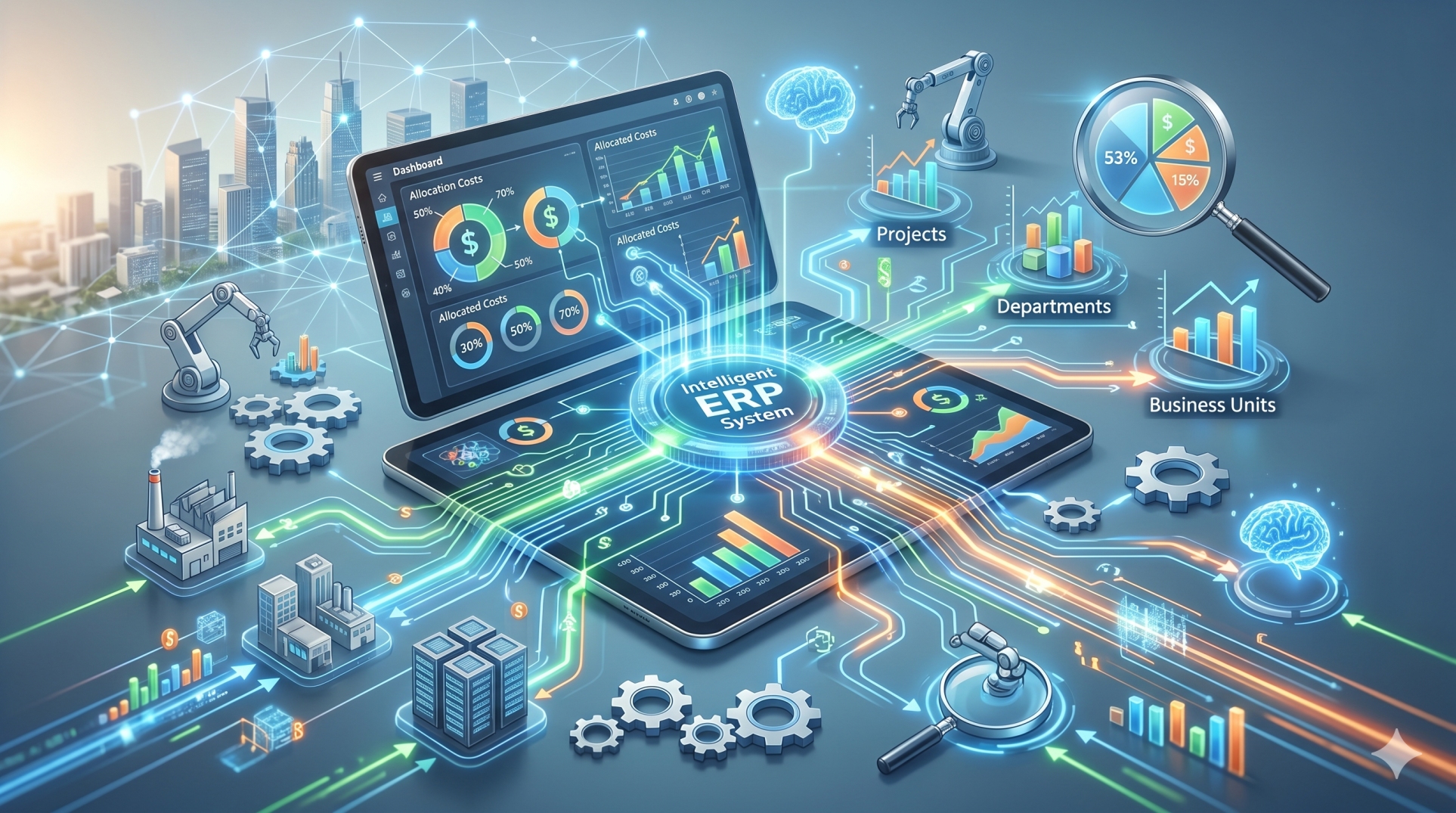
• Create dashboards for operational and management reporting
• Track key performance indicators across departments
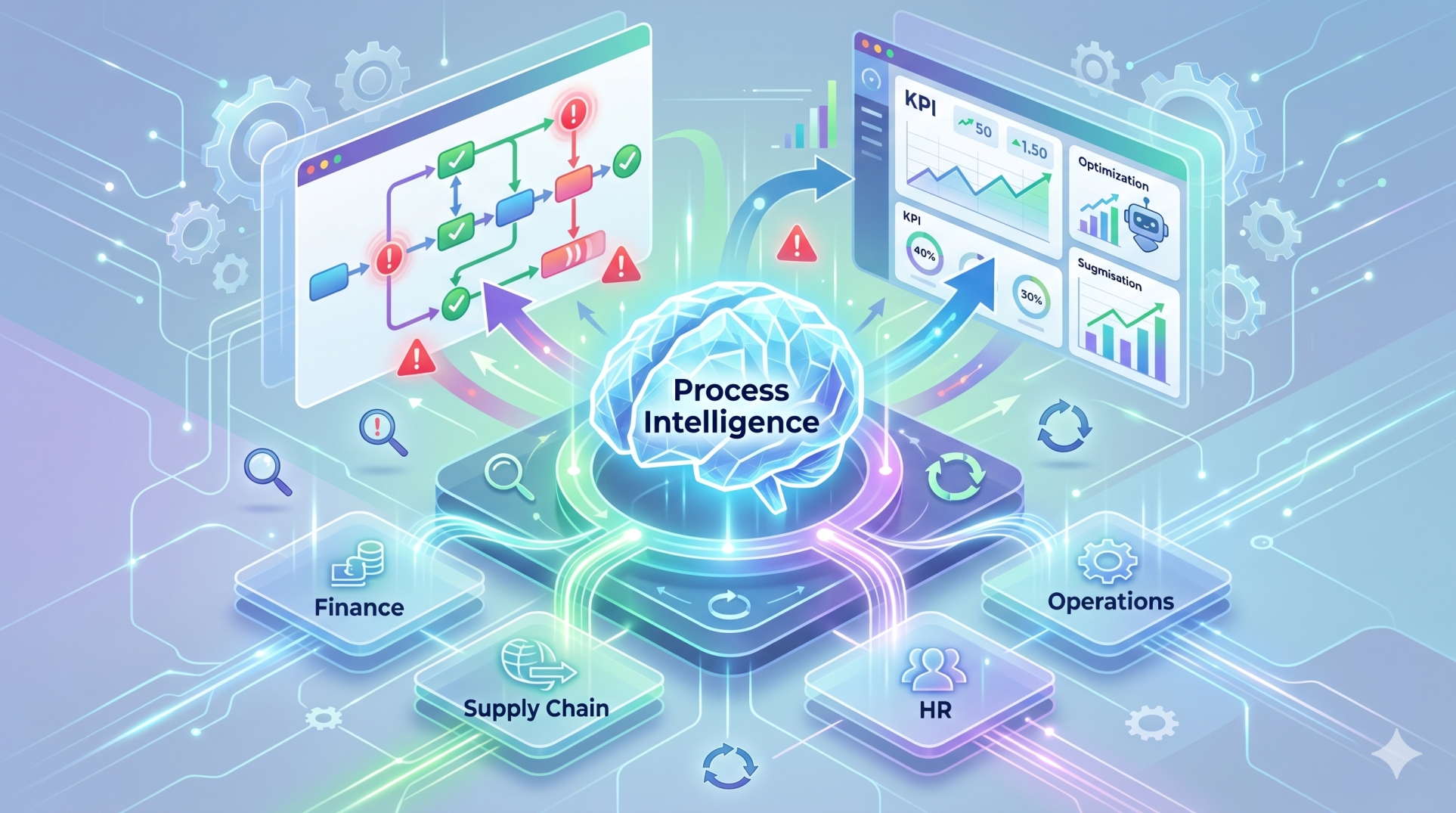
• Enable faster access to actionable business insights
• Support better decisions through accurate and timely data
Step 7: Planning for Scalability 🚀
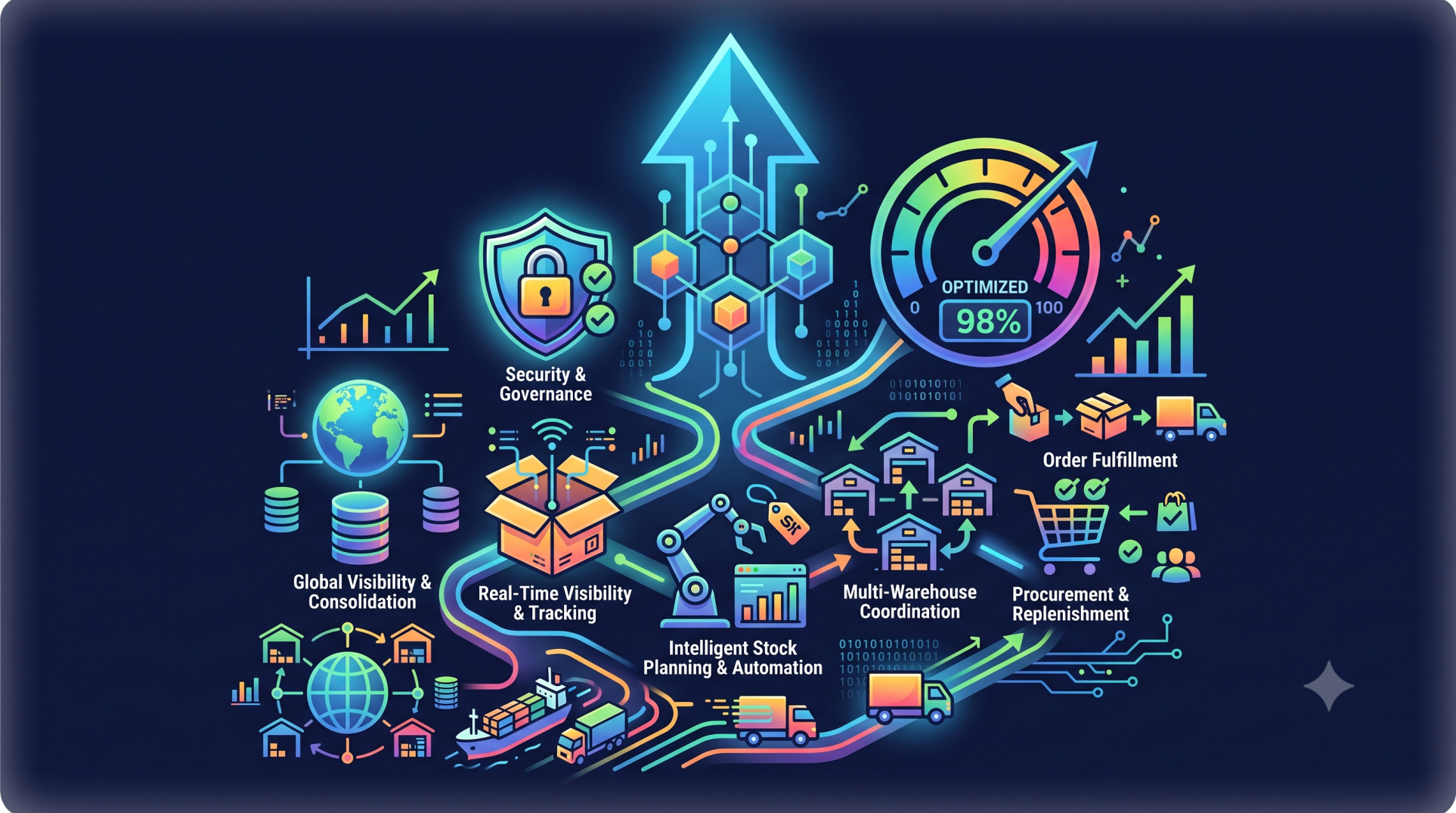
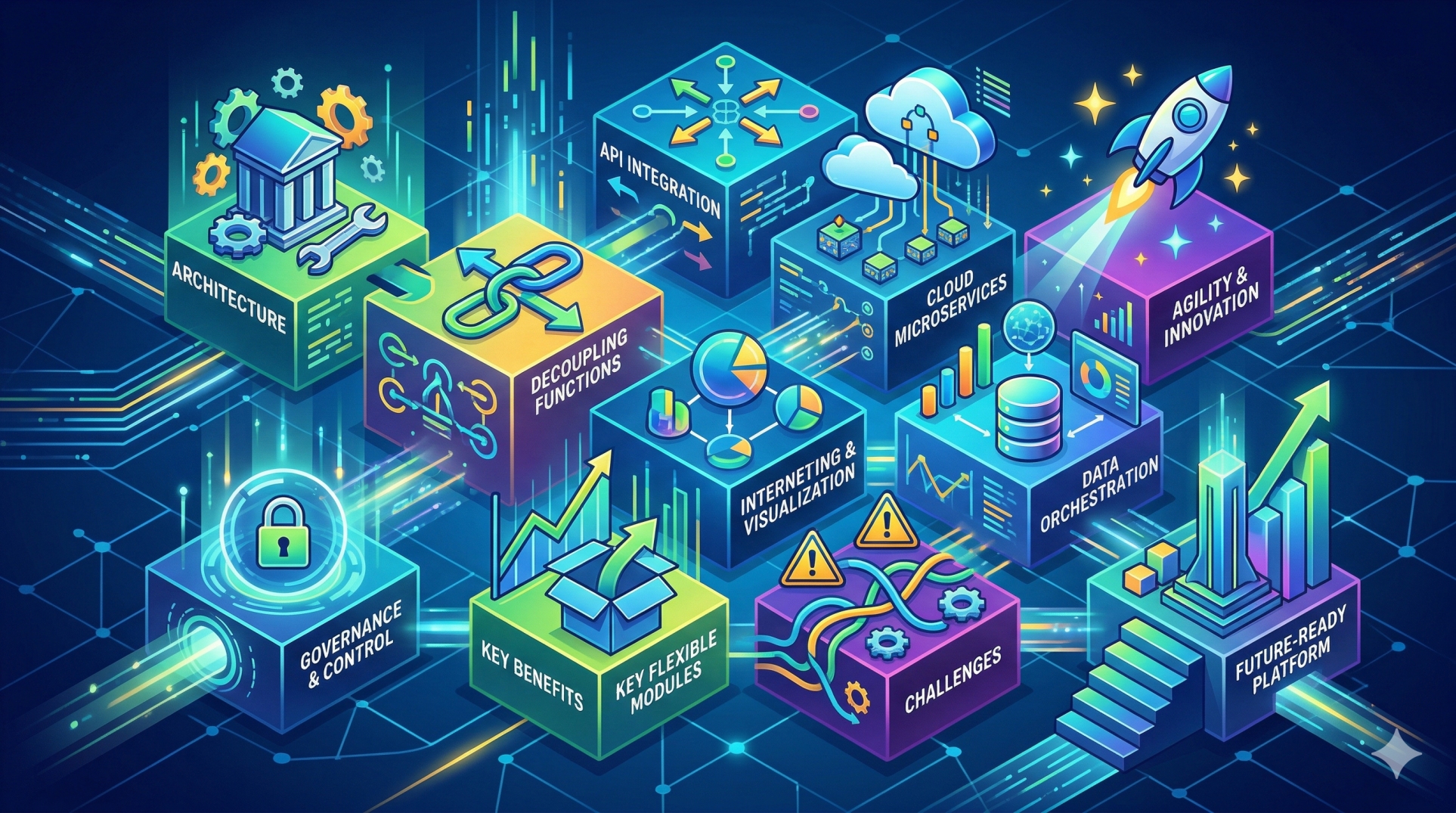
• Select features that can support future business expansion
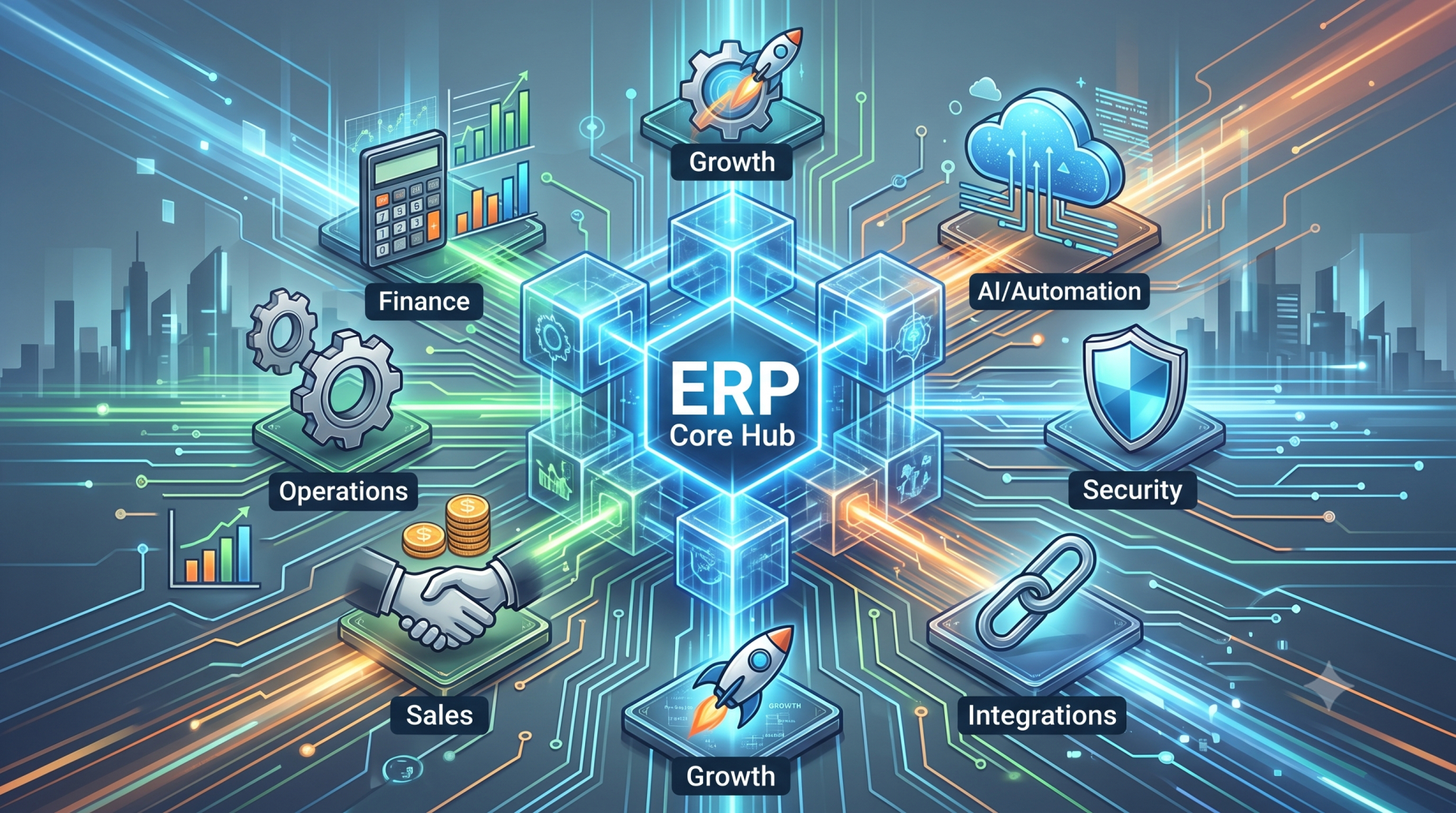
• Design architecture that allows new modules to be added easily
• Support additional users, locations, and business units
• Prepare for increasing transaction and data volumes
• Avoid architectural decisions that limit future flexibility
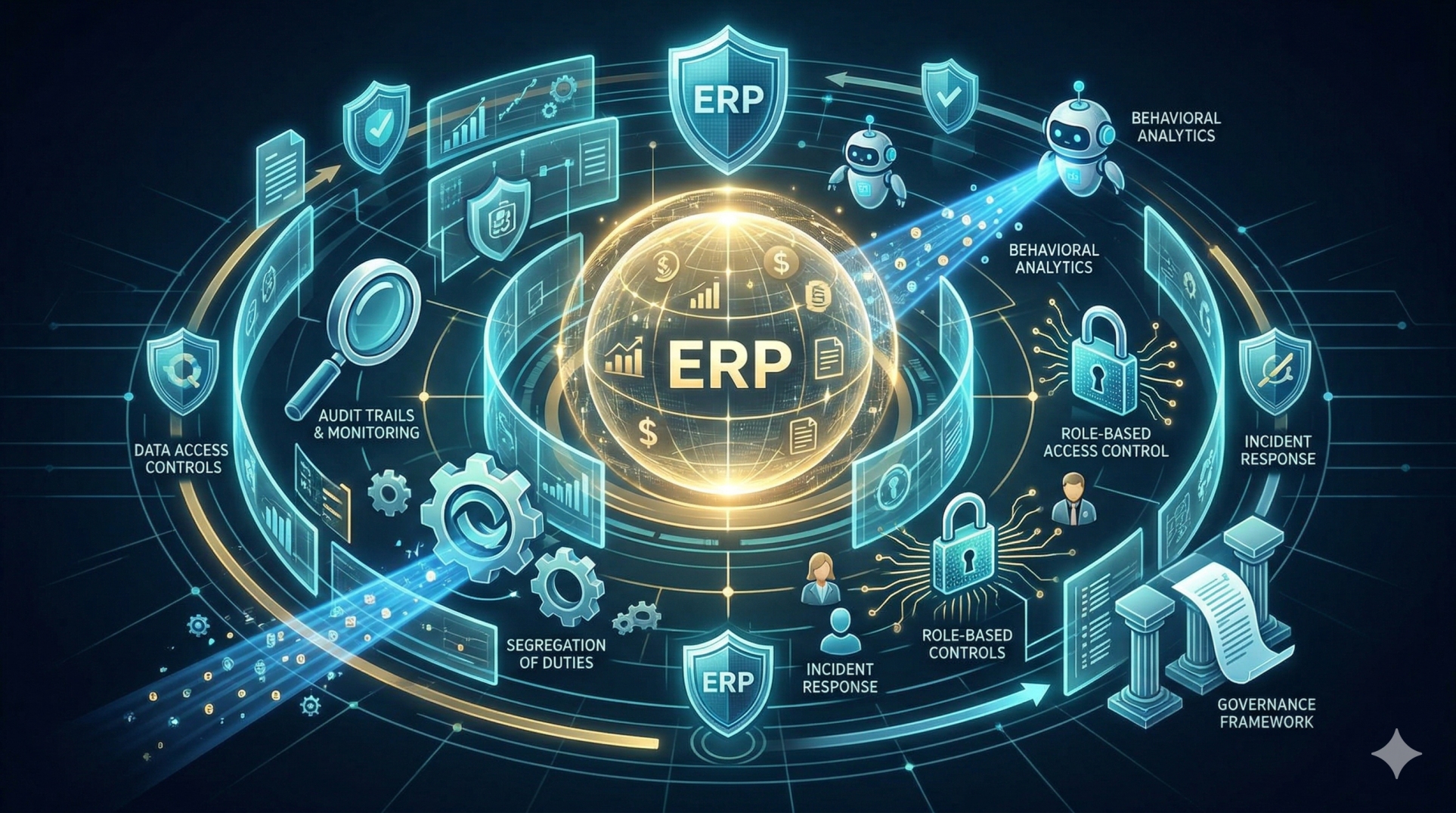
Step 8: Prioritizing Security and Governance 🛡️
• Define access permissions according to employee roles
• Protect sensitive financial and operational information
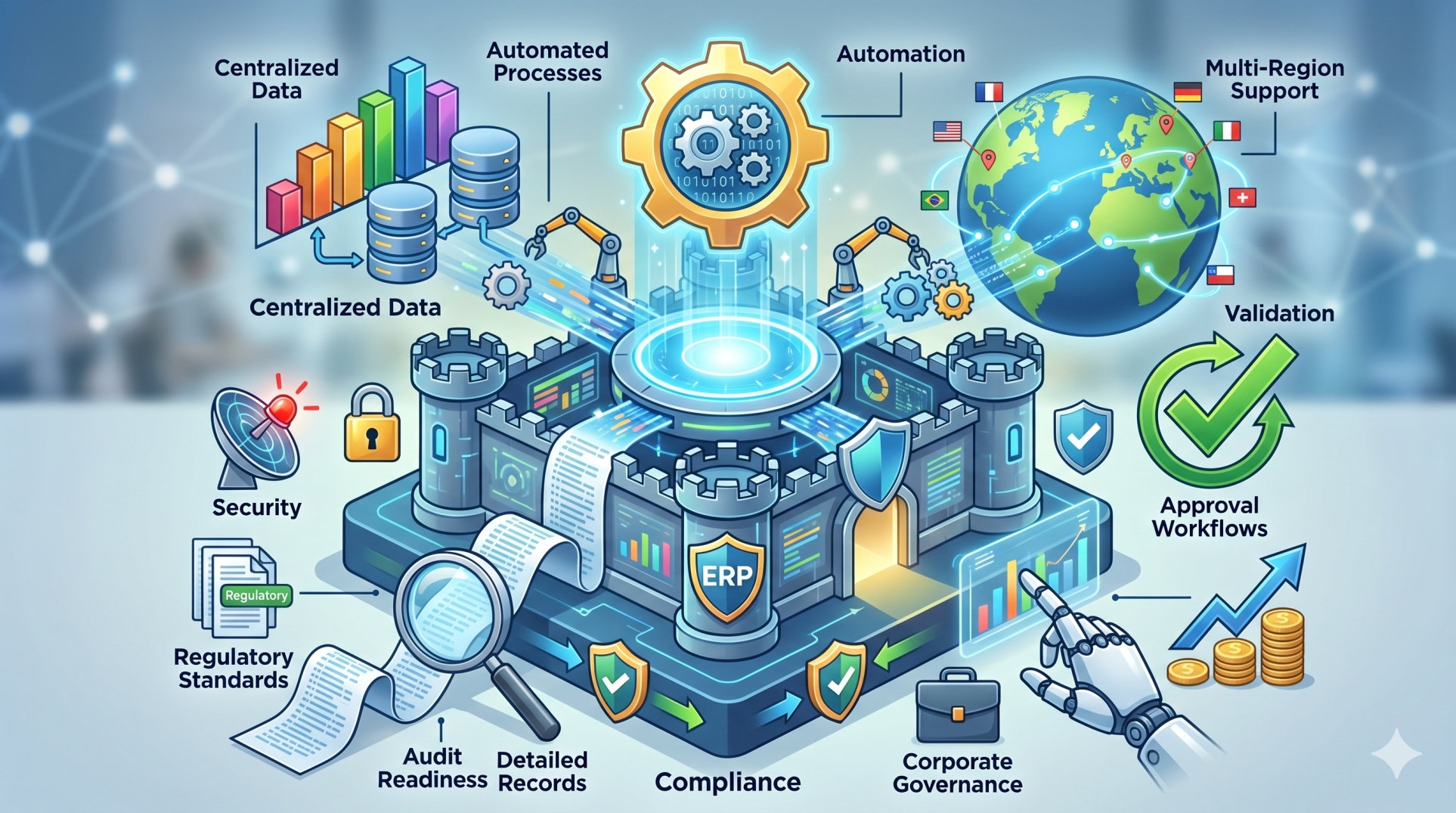
• Maintain activity logs and audit trails
• Establish controls for critical business processes
• Incorporate security into the ERP architecture from the beginning
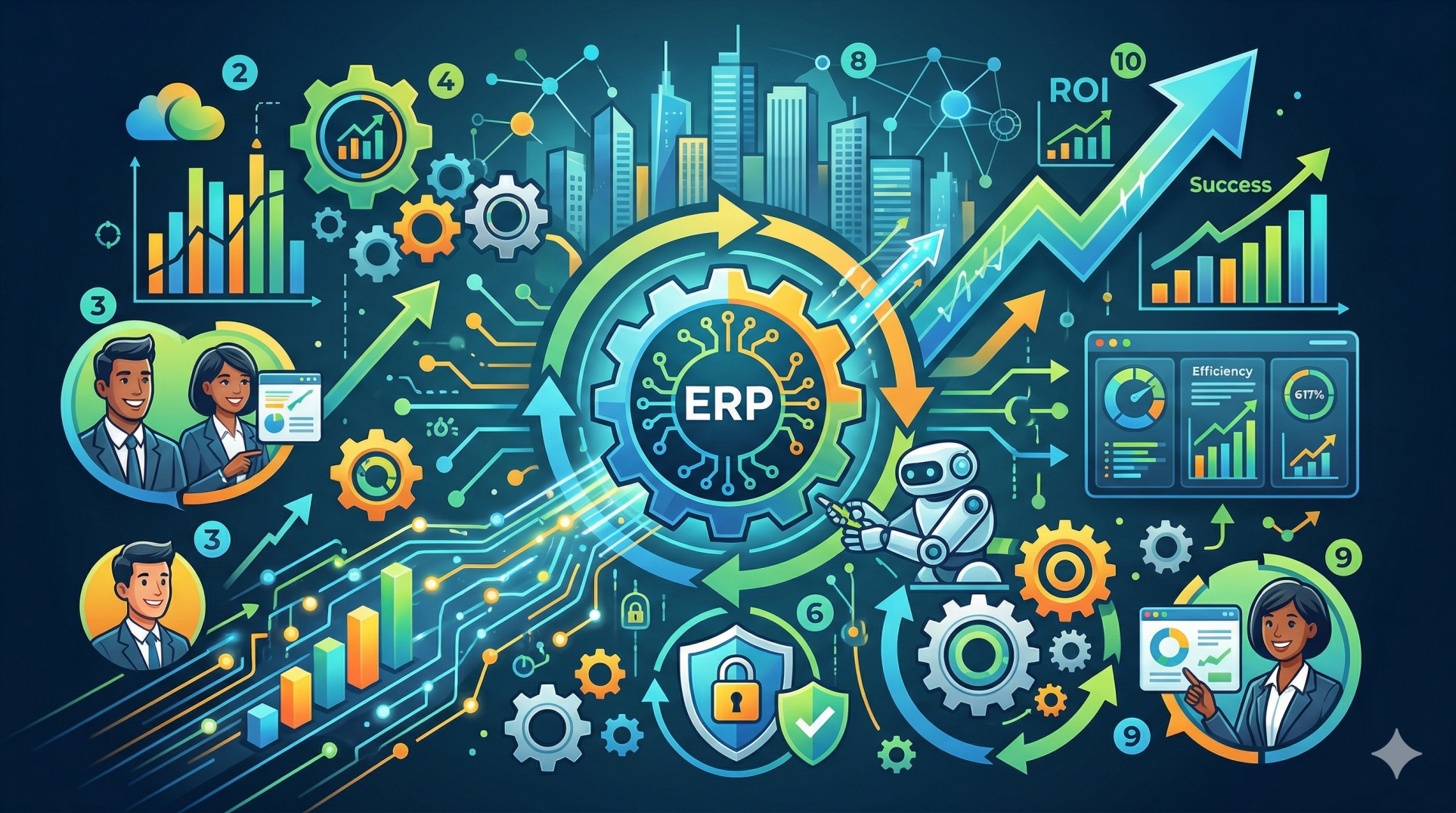
Step 9: Evaluating Cost and Business Value 💰
• Compare development costs against expected operational benefits
• Prioritize features that directly address business challenges
• Reduce spending on unnecessary functionality
• Measure potential improvements in productivity and efficiency
• Treat ERP customization as a long-term business investment
Step 10: Creating a Flexible ERP Roadmap 🌟
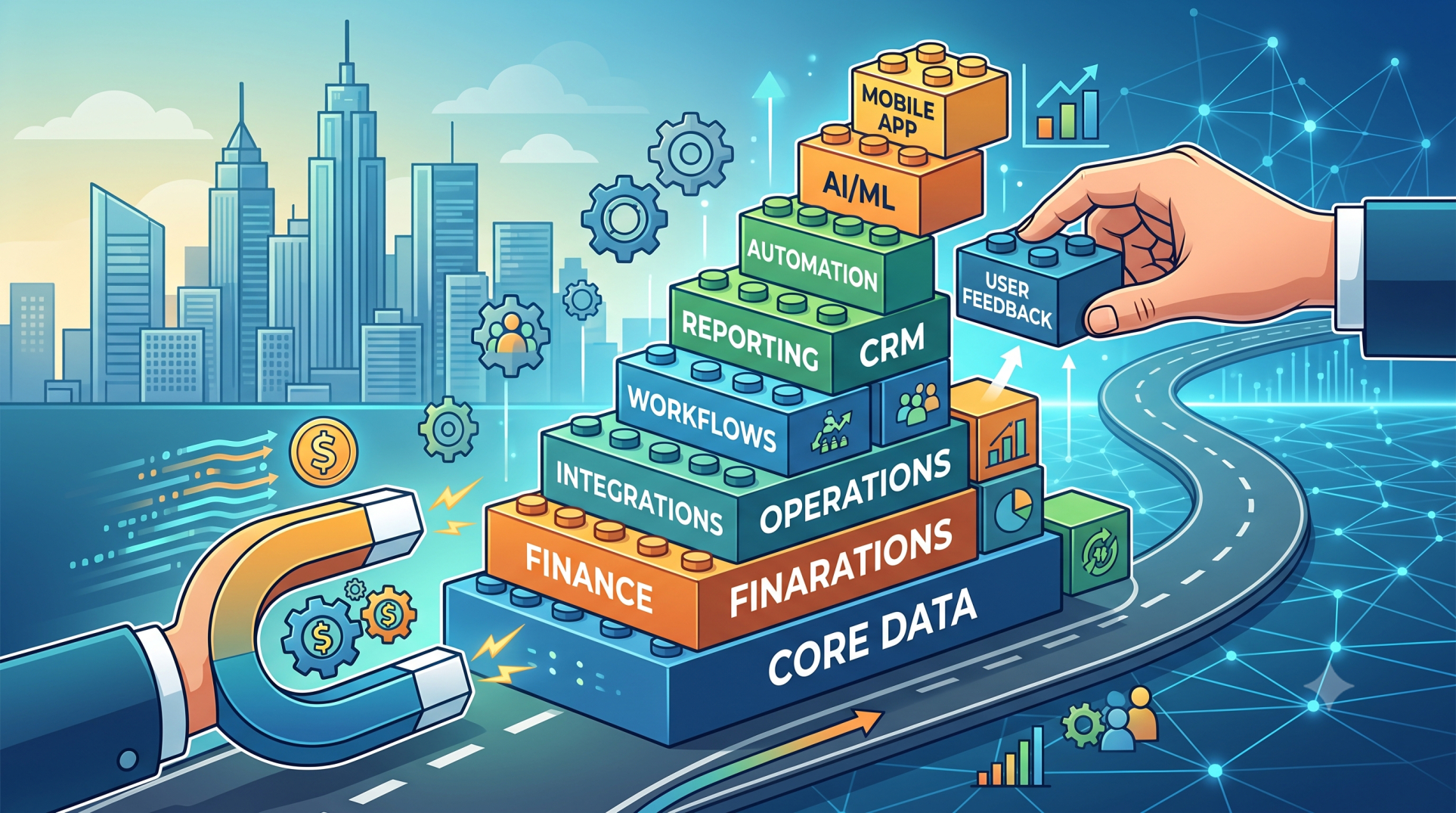
• Begin with high-priority capabilities and expand progressively
• Introduce additional functionality as business requirements evolve
• Continuously evaluate system performance and user feedback
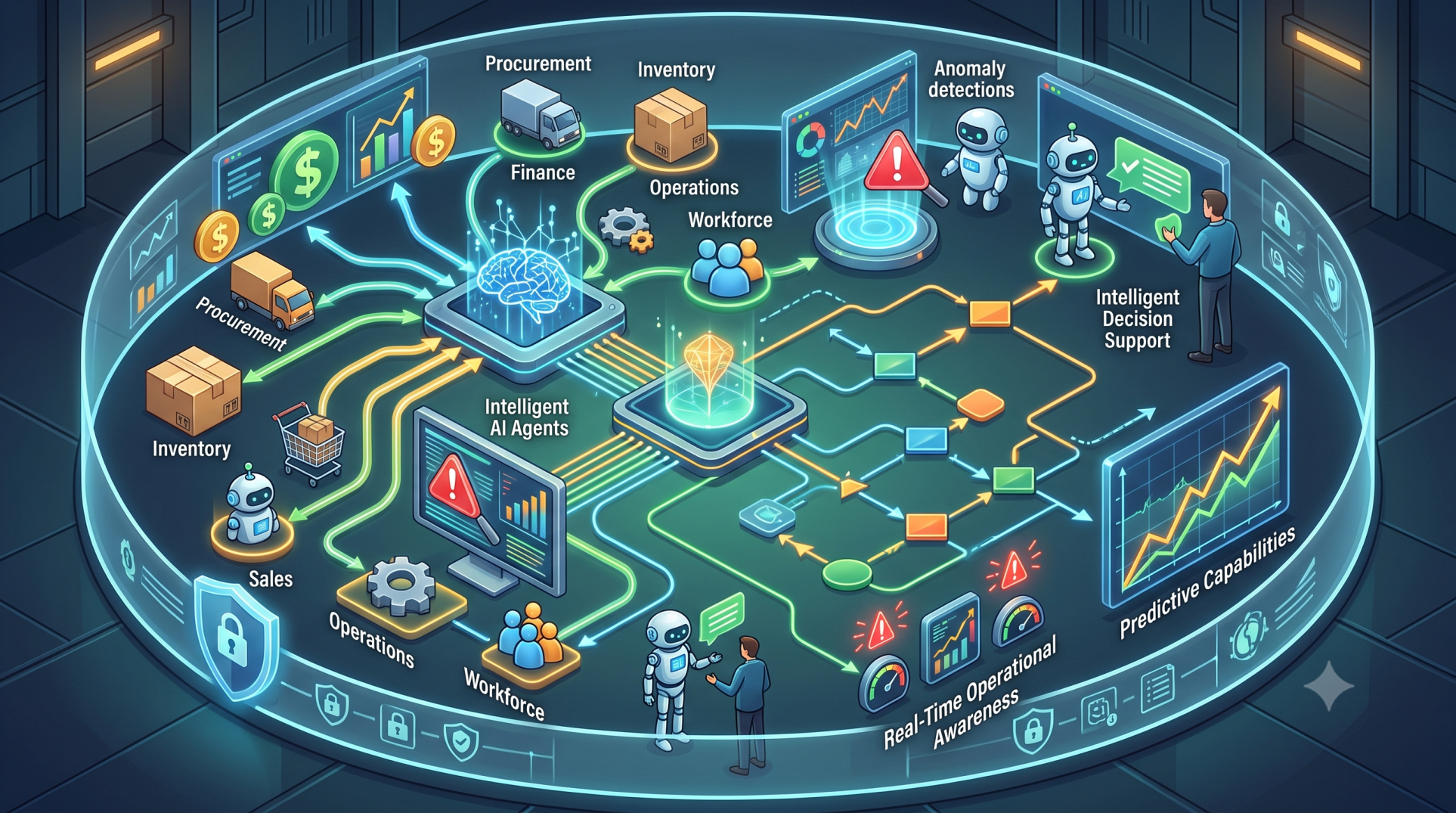
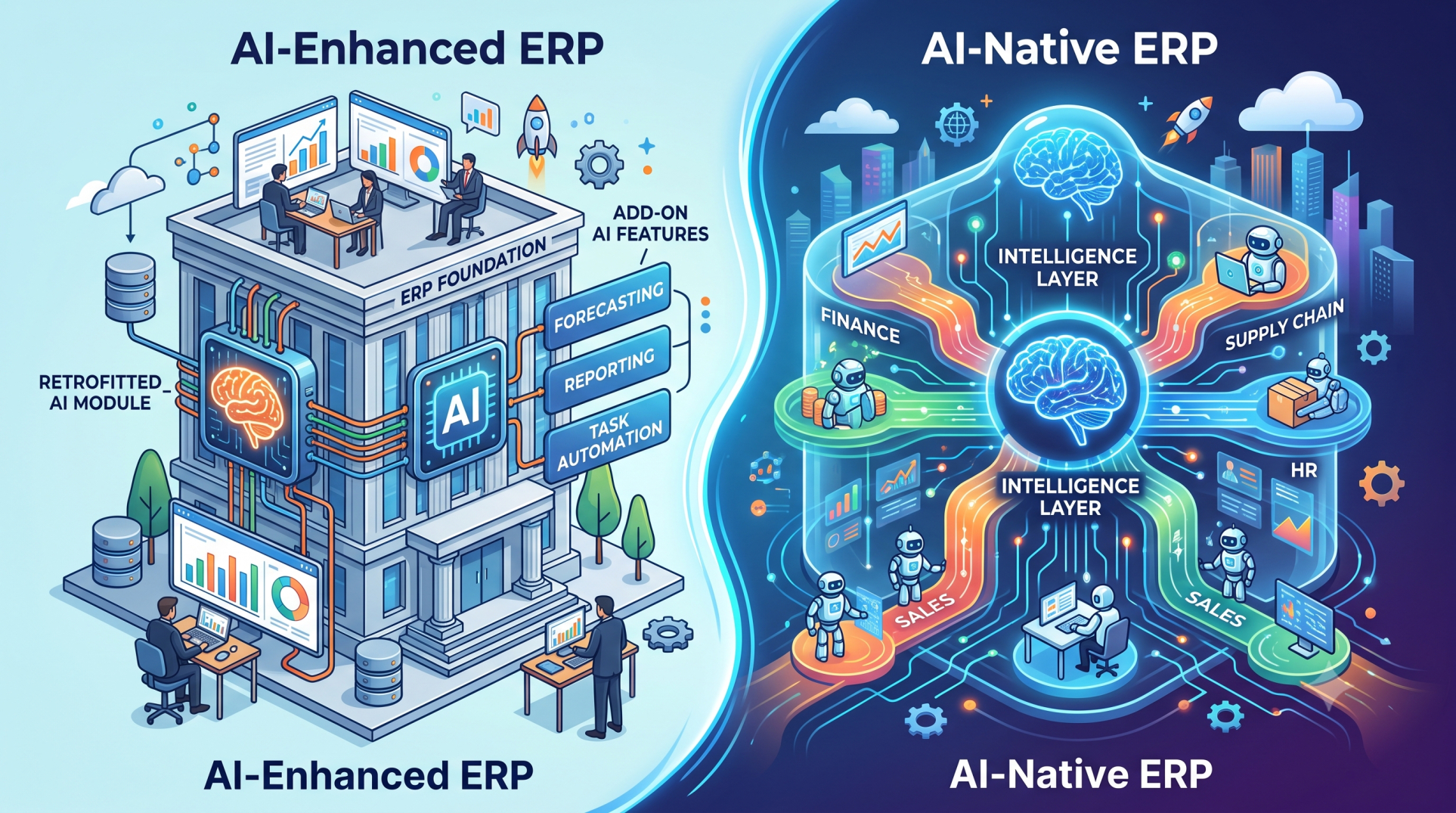
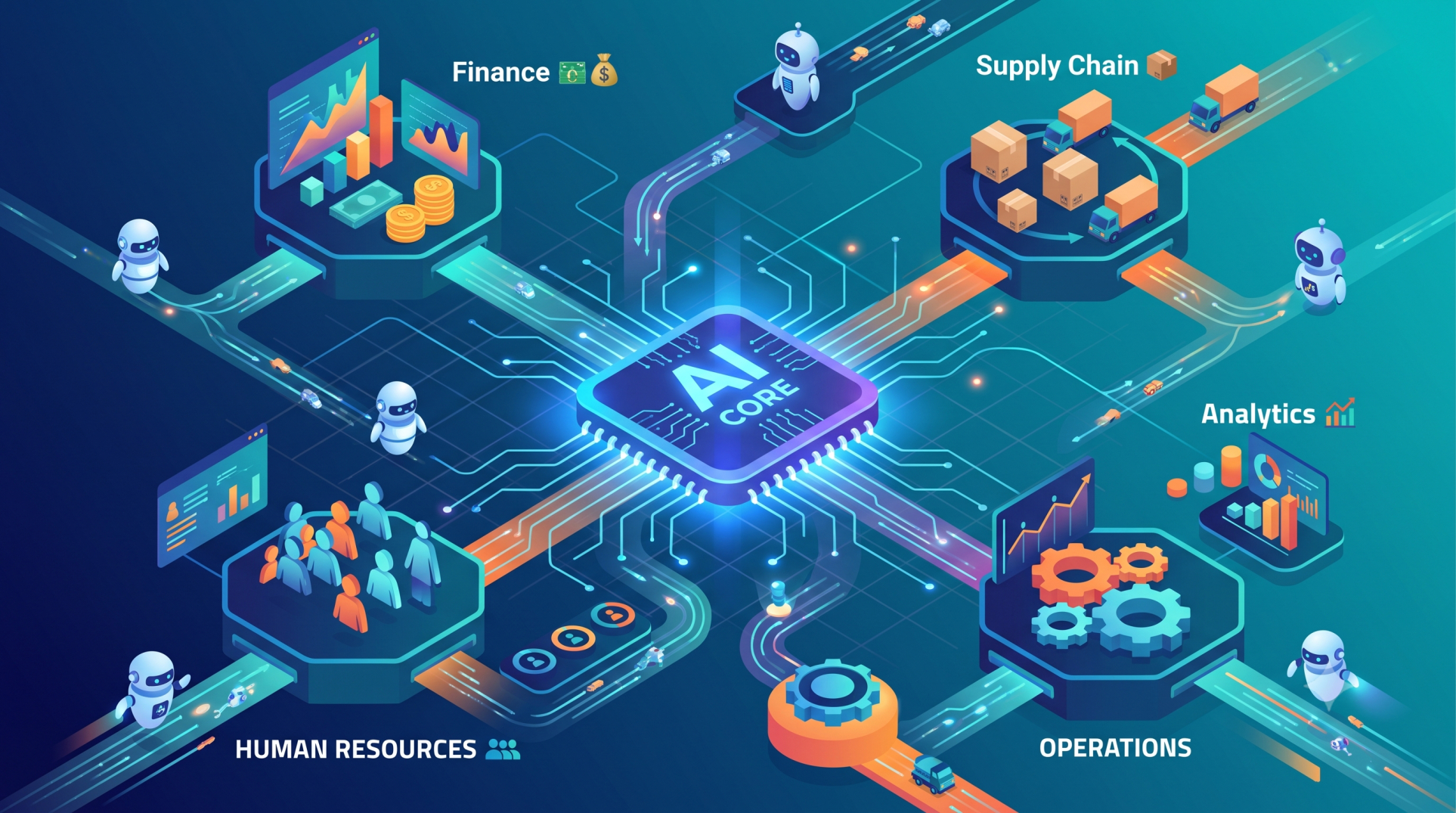
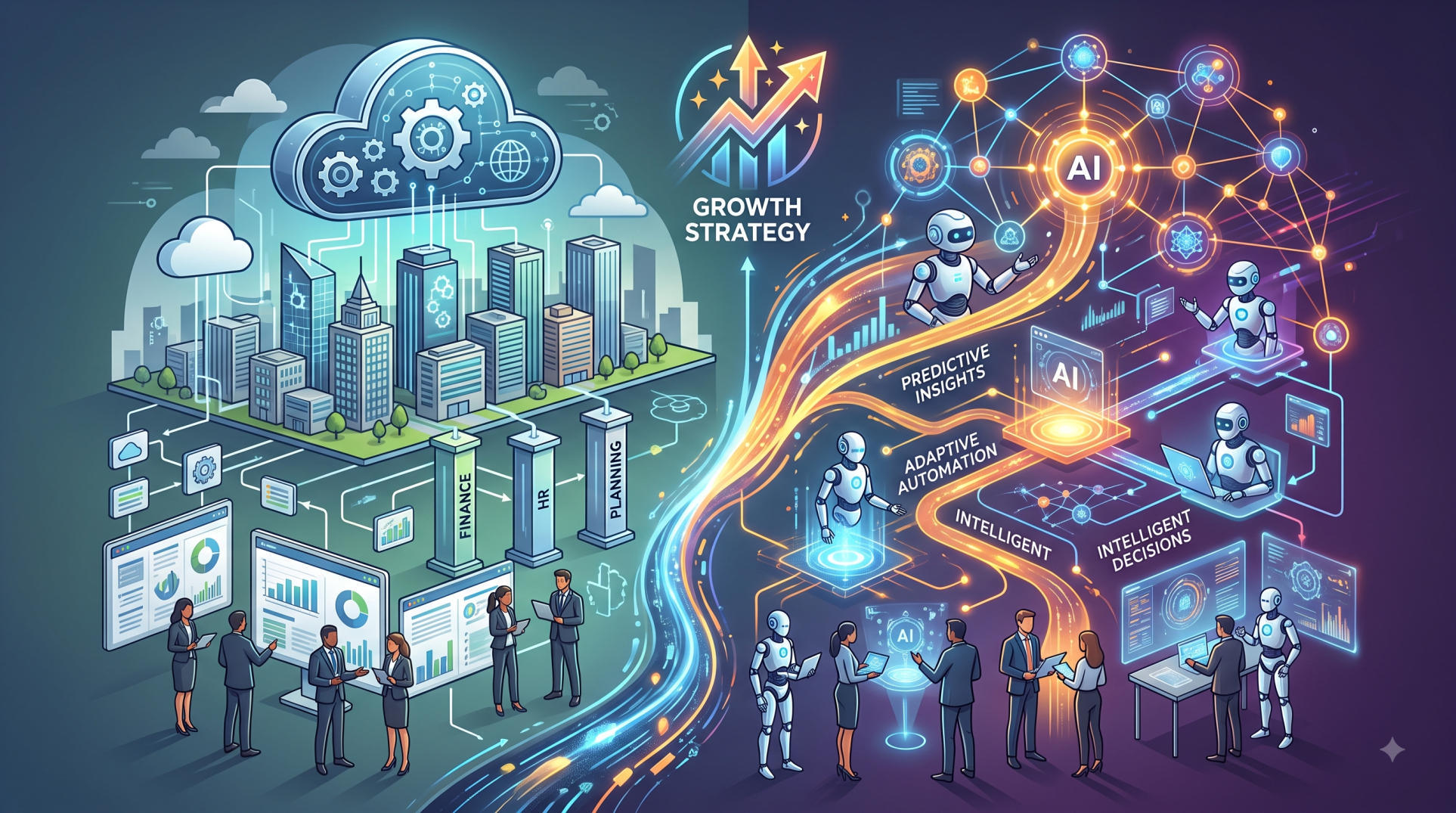
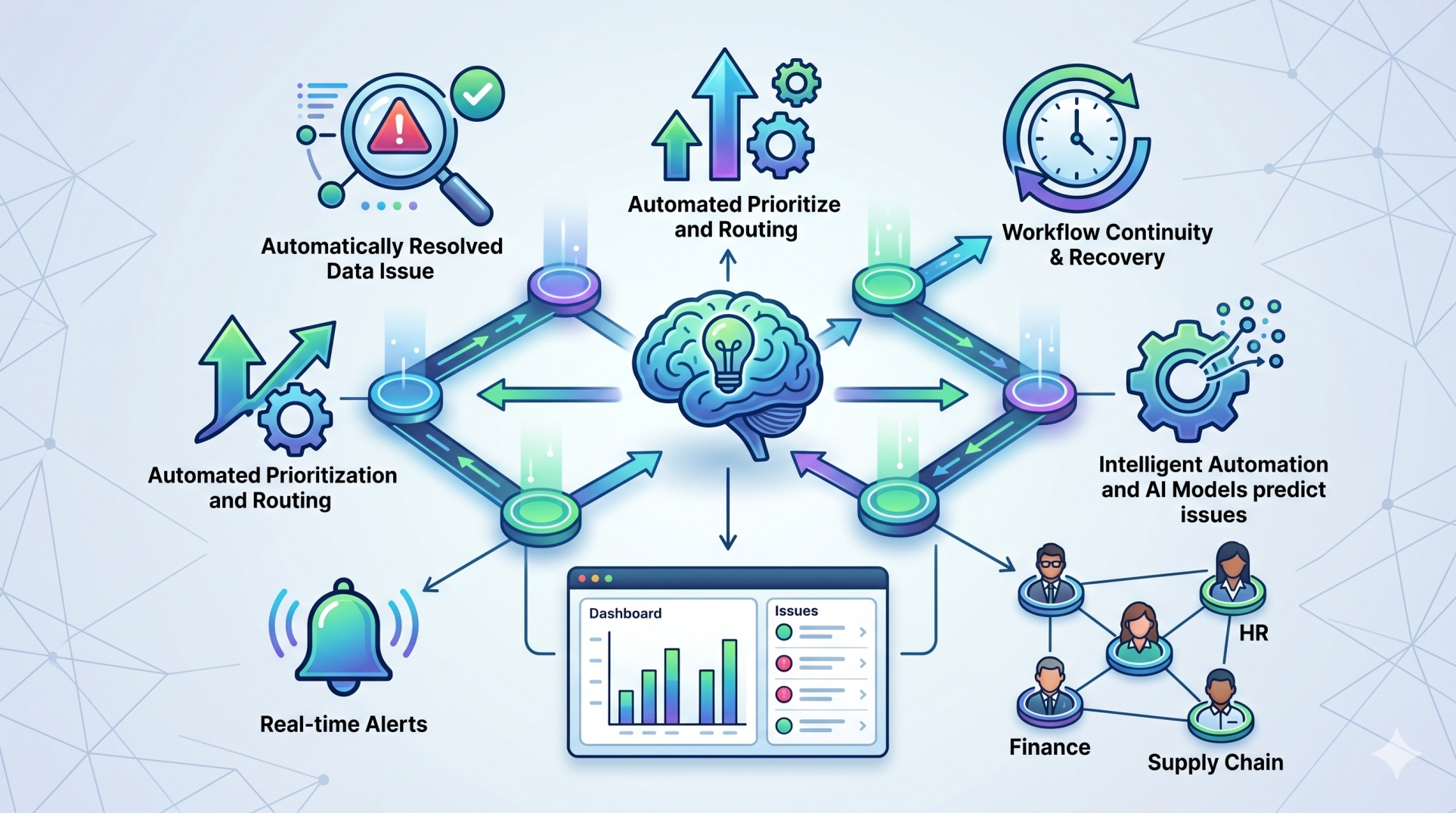
• Integrate automation and AI capabilities where they provide measurable value 🤖
• Maintain a long-term roadmap for ERP improvement and innovation
Conclusion
Custom ERP feature selection is about building a system around the organization rather than forcing the organization to adapt to a rigid platform. By identifying essential requirements, prioritizing valuable capabilities, and designing flexible workflows, businesses can create ERP environments that are efficient, scalable, and easier to manage. A carefully planned custom ERP approach delivers the functionality organizations need today while providing the flexibility to support tomorrow's growth.
See more blogs
You can all the articles below