Customizable ERP for Small Business: Building Your Own Business Suite

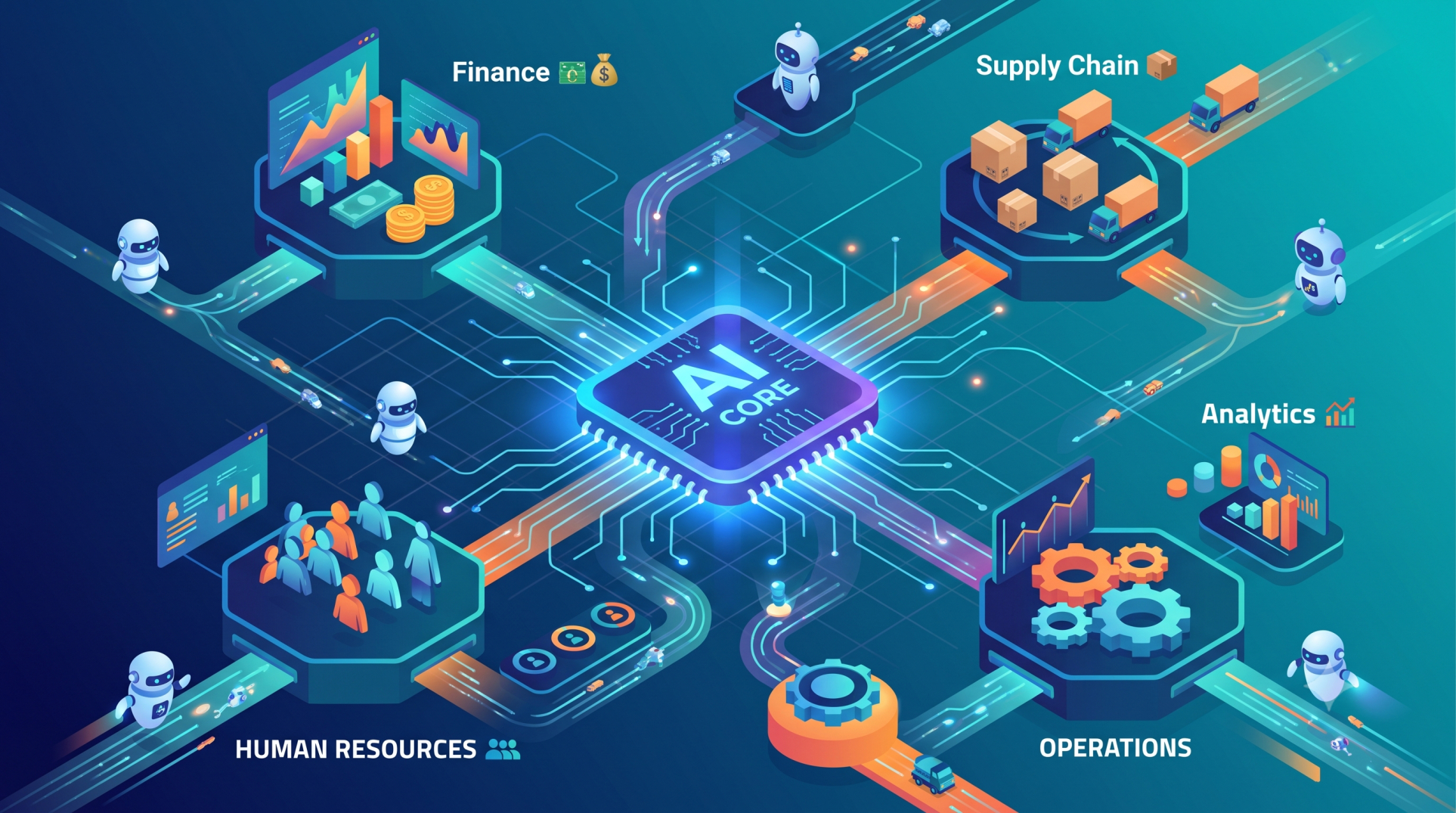
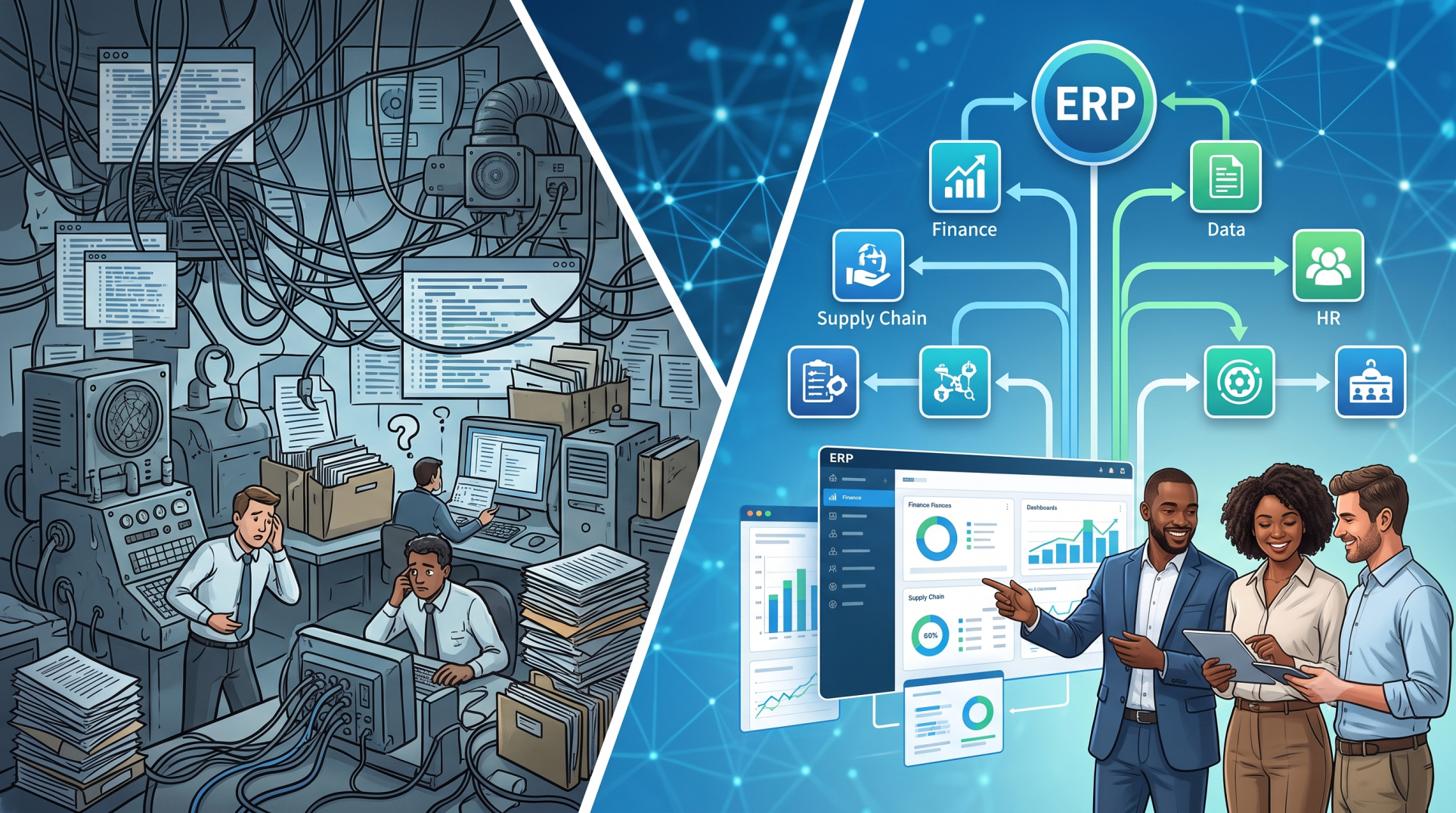
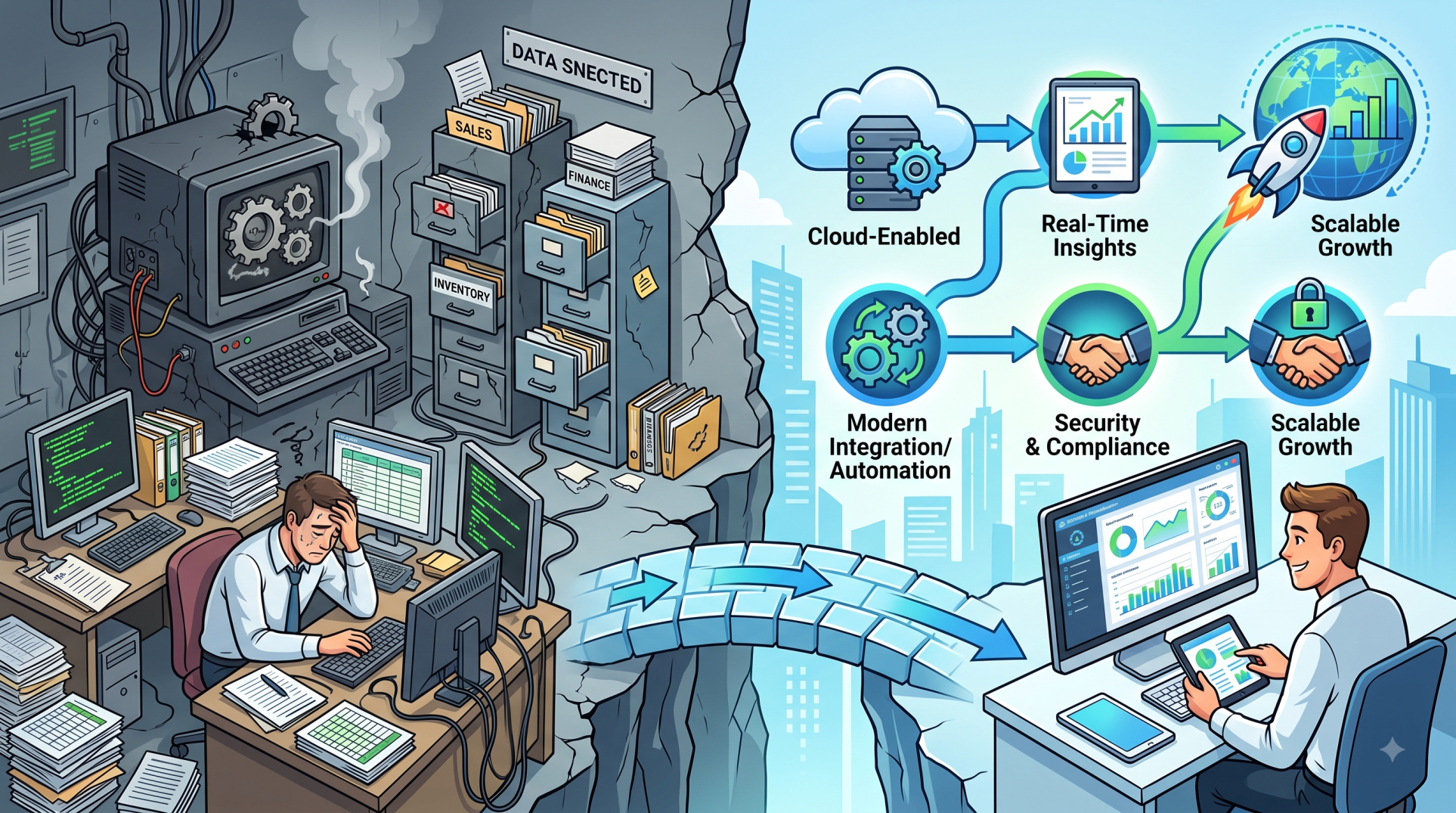
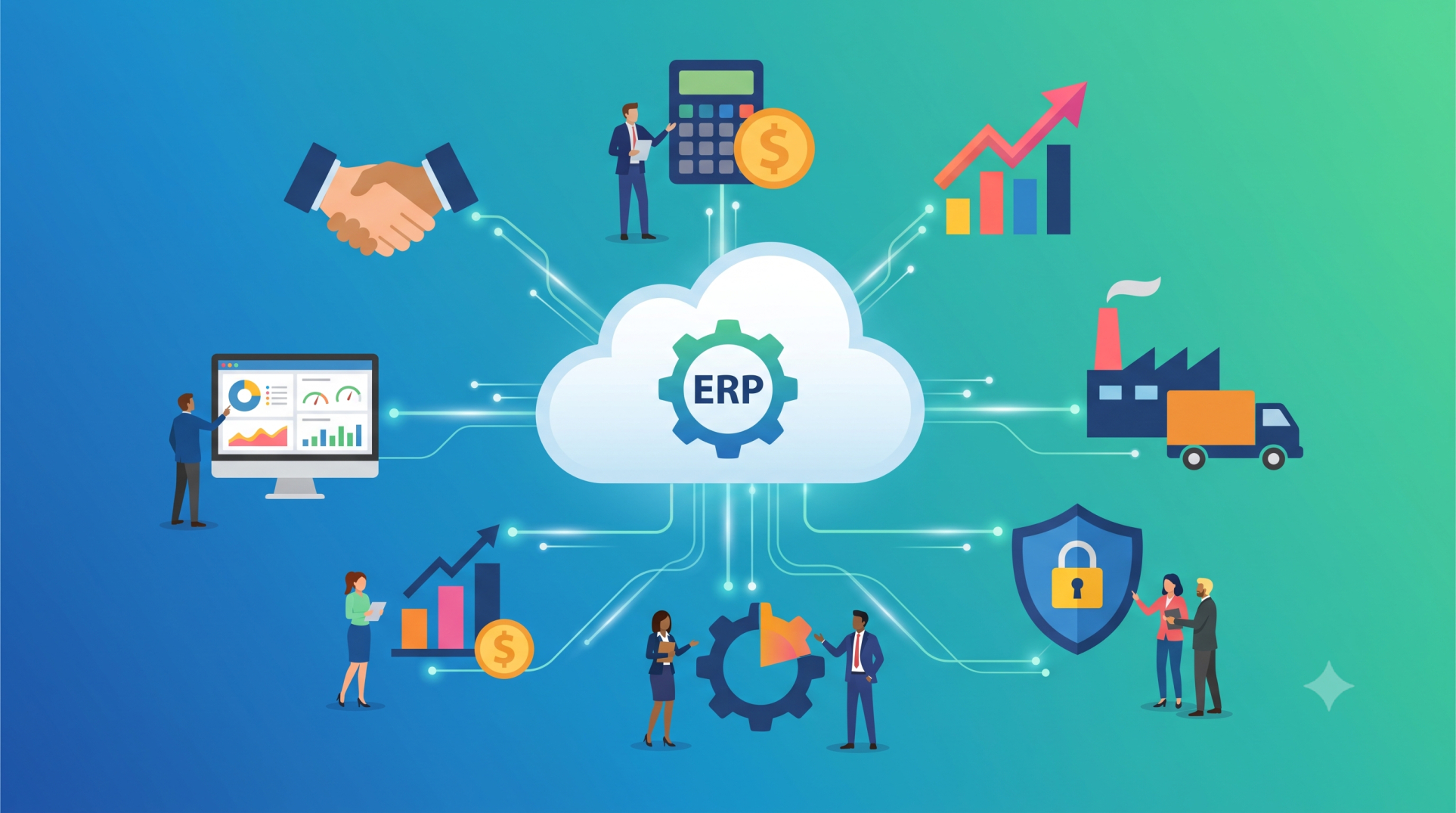
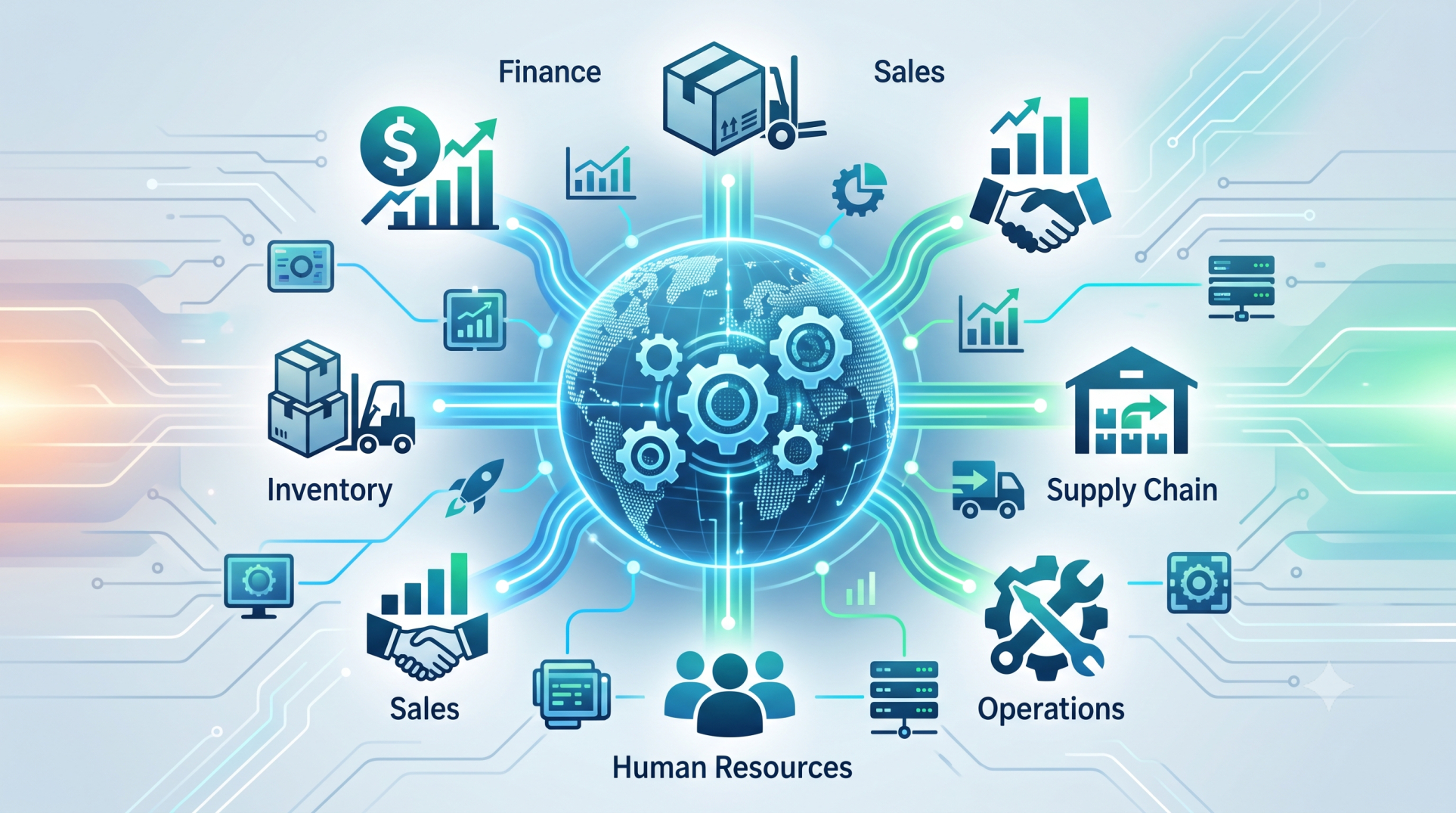
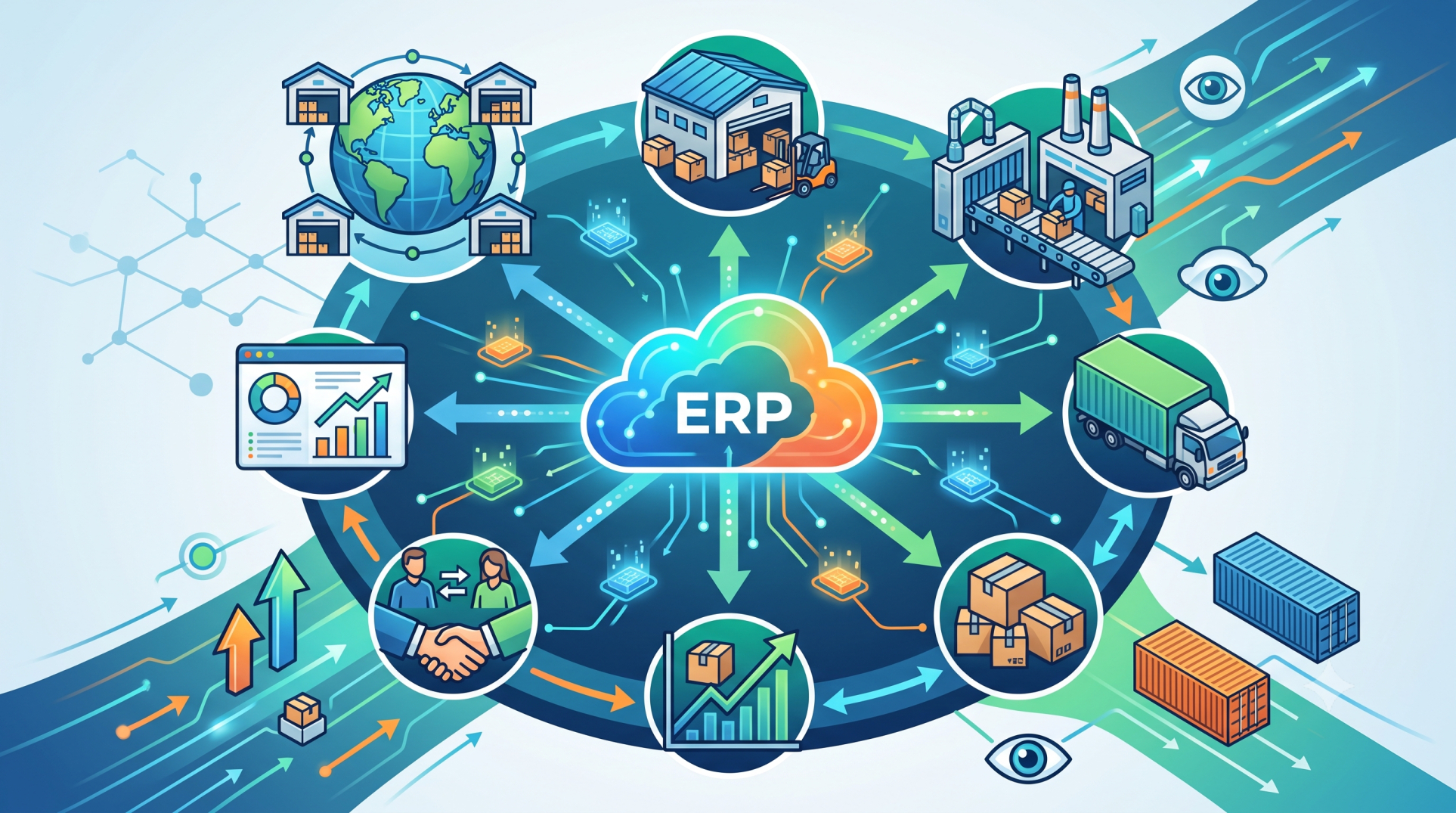
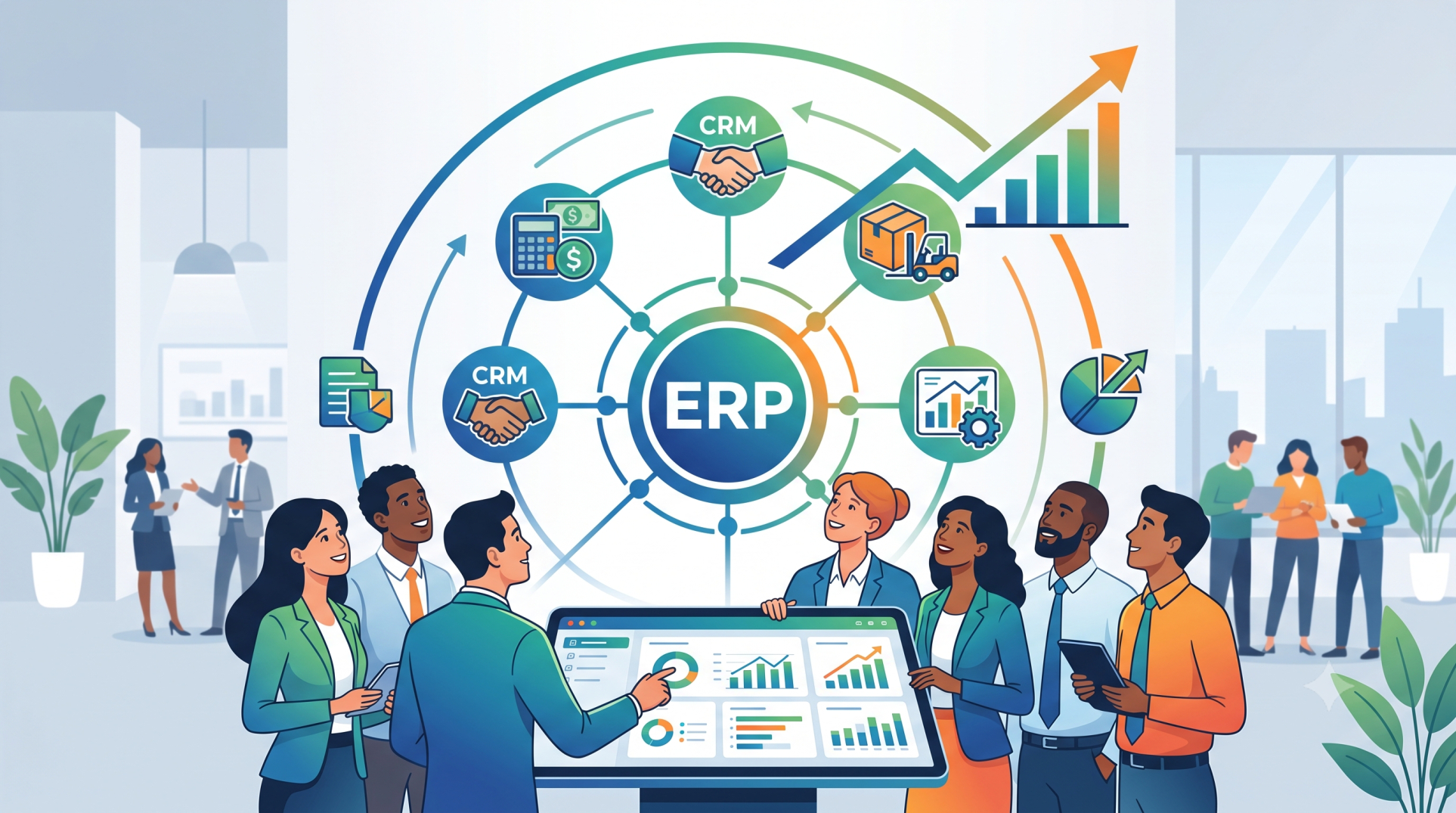
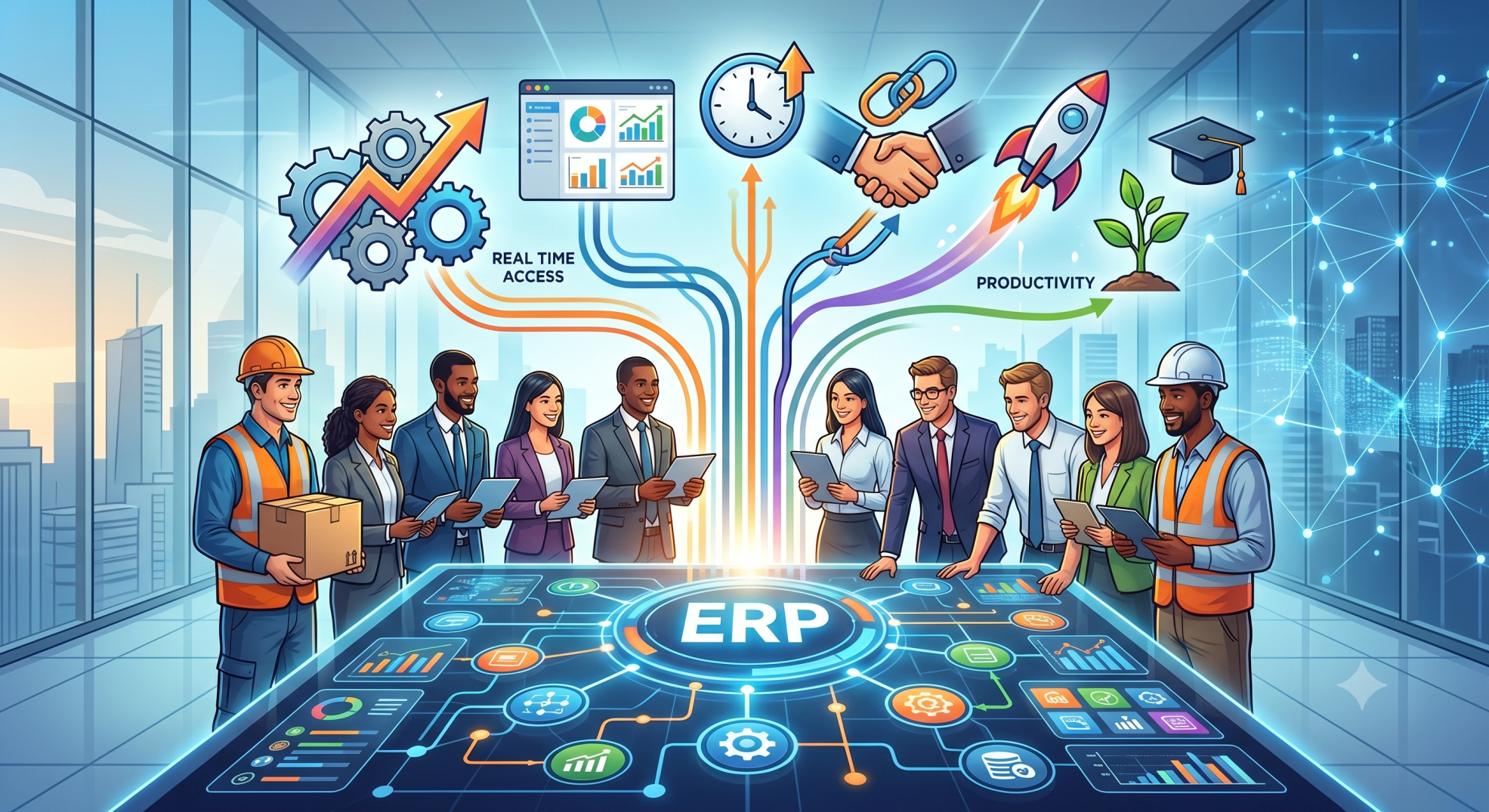
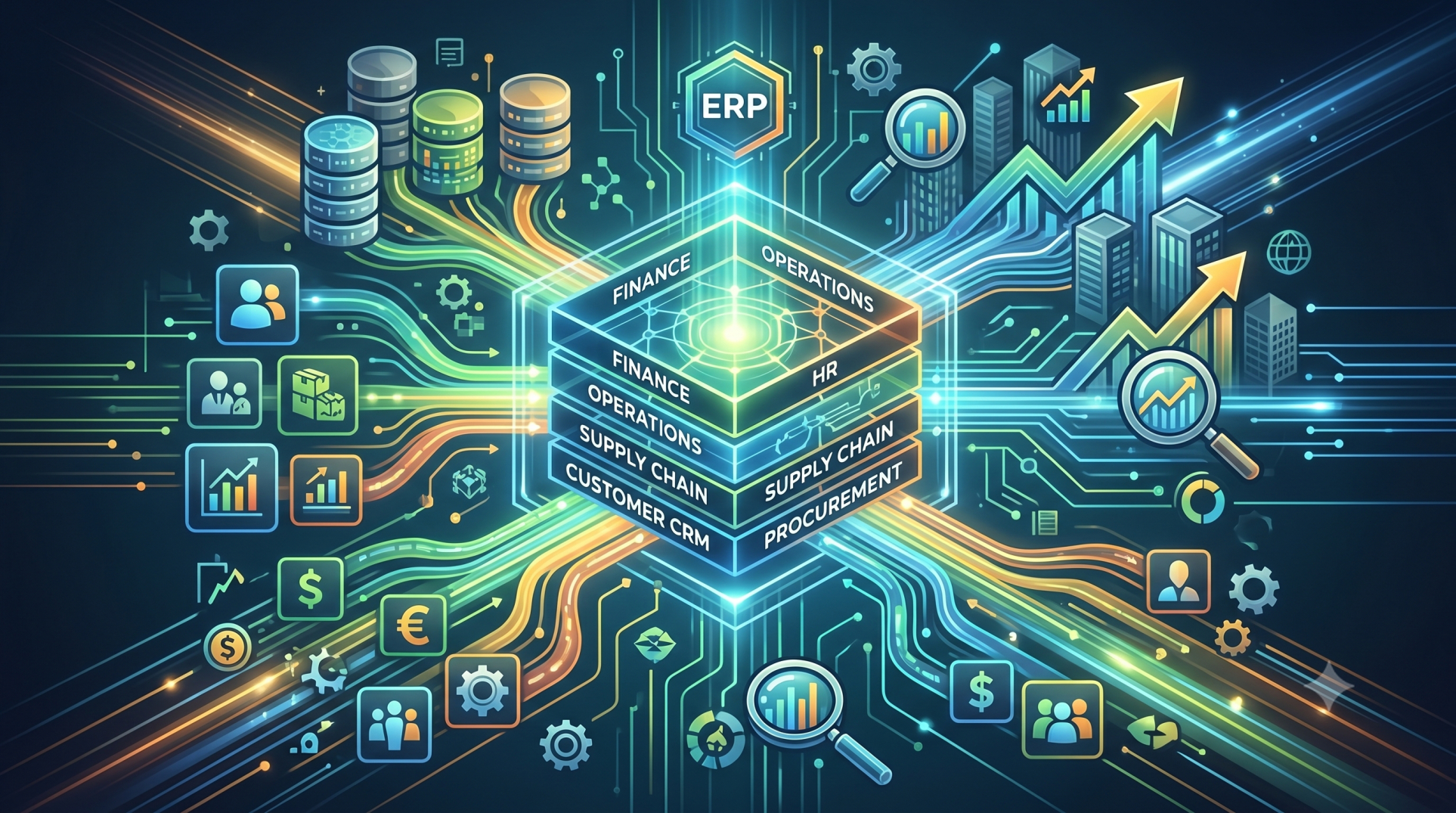
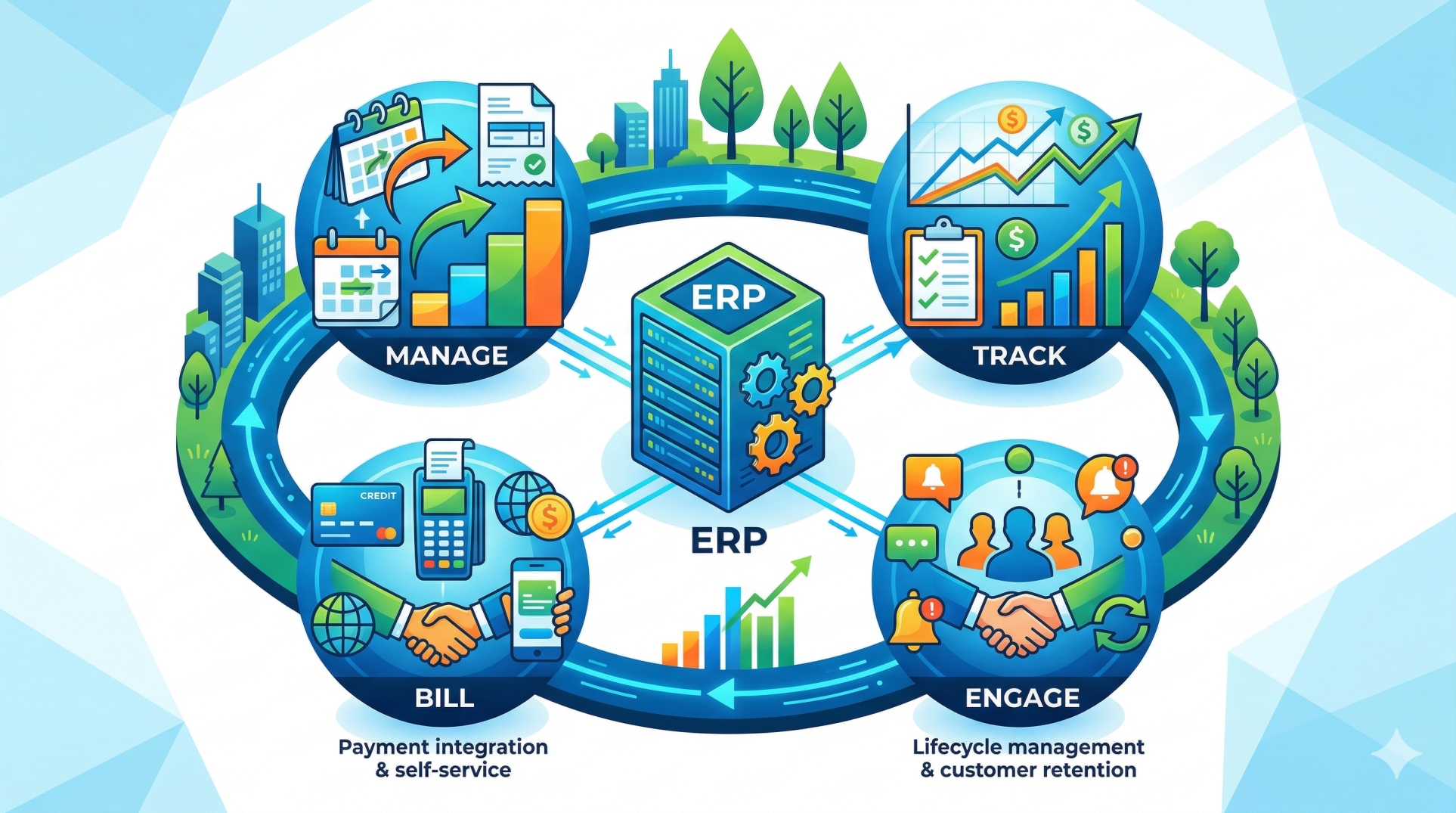
Small businesses often outgrow standalone software as operations become more complex. Managing accounting, inventory, sales, purchasing, customer relationships, and employee information across multiple applications can create inefficiencies and data inconsistencies. A customizable ERP allows businesses to build a unified solution tailored to their unique workflows, enabling better coordination, improved productivity, and long-term scalability without unnecessary complexity.
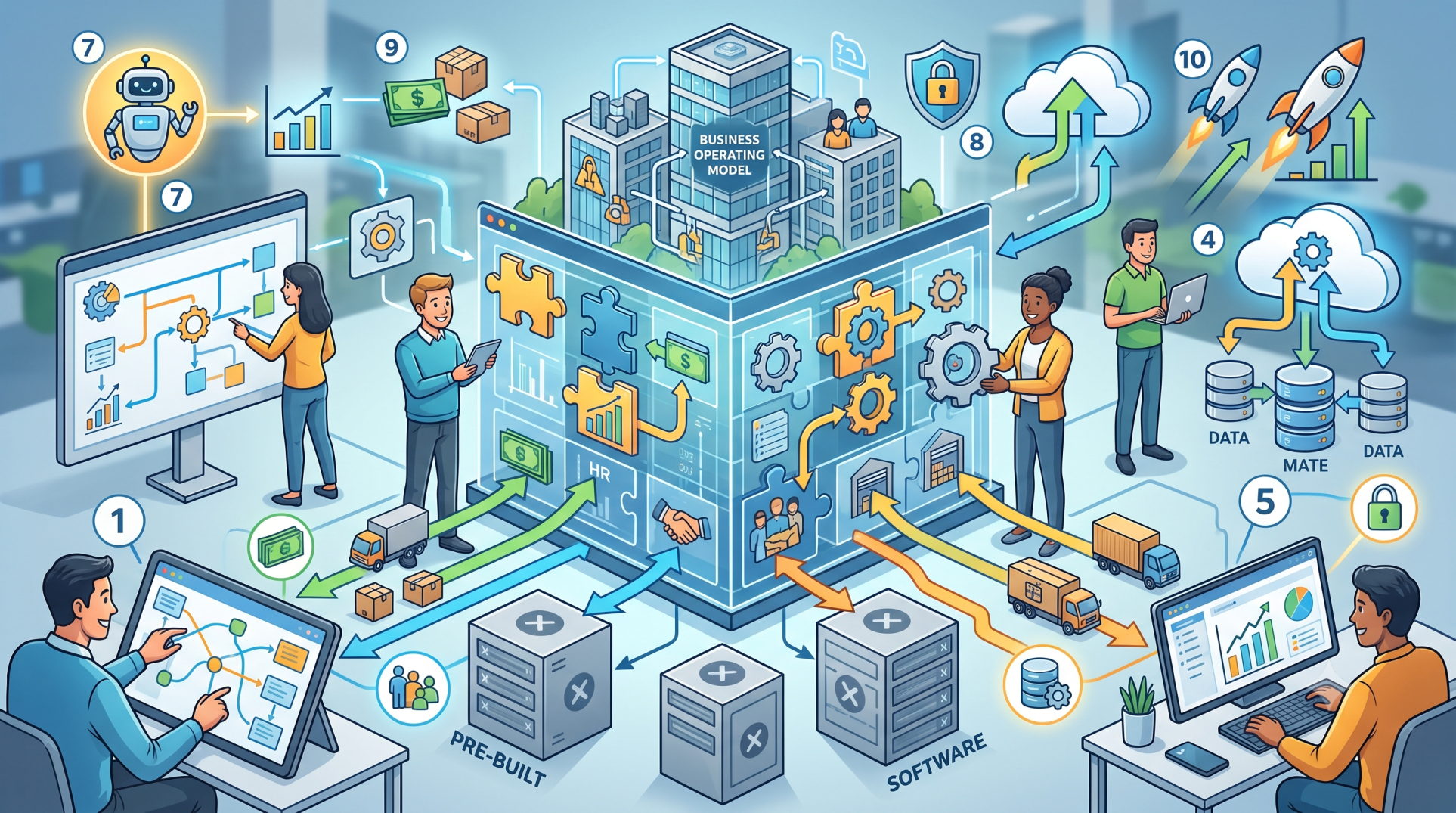
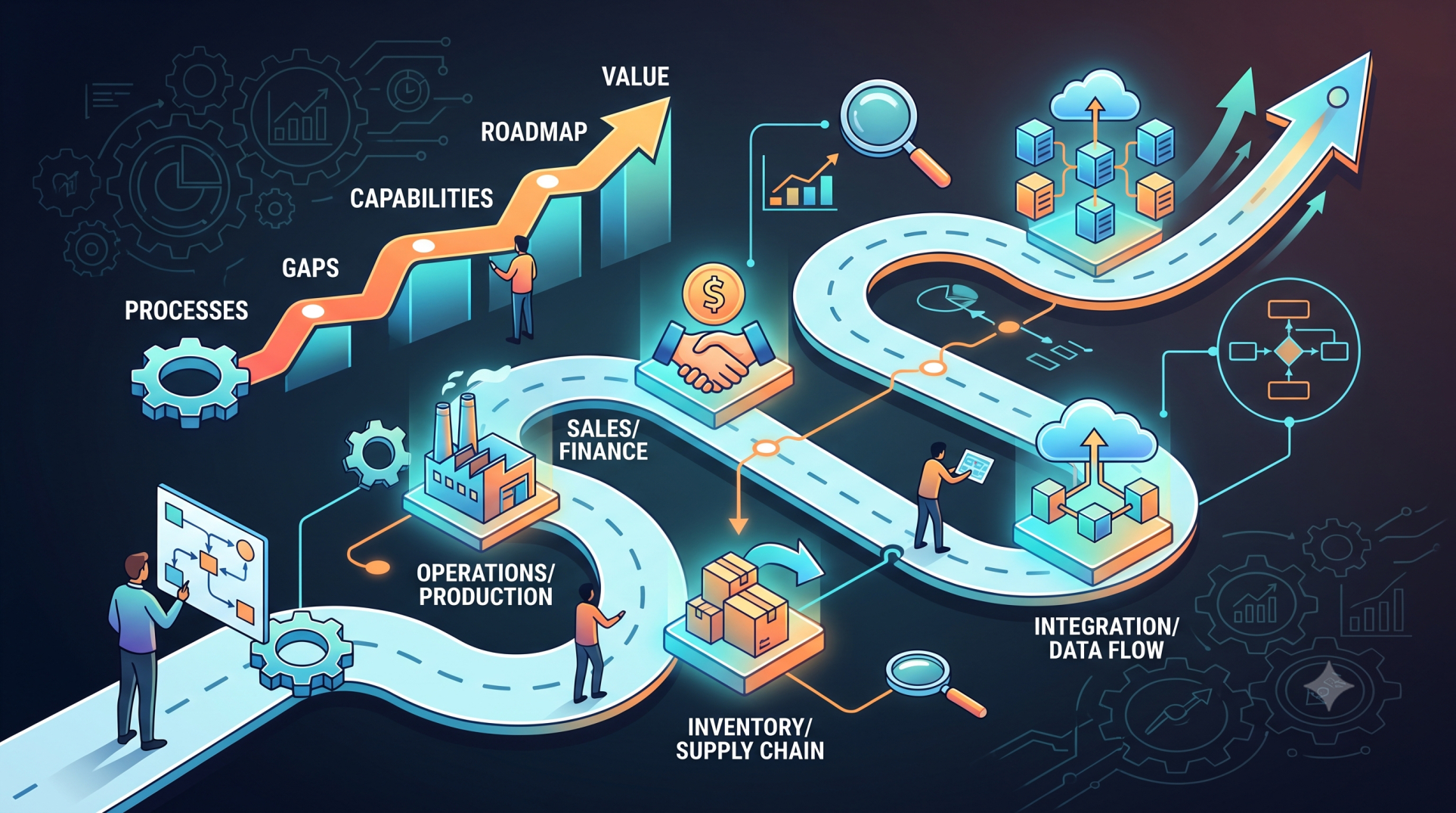
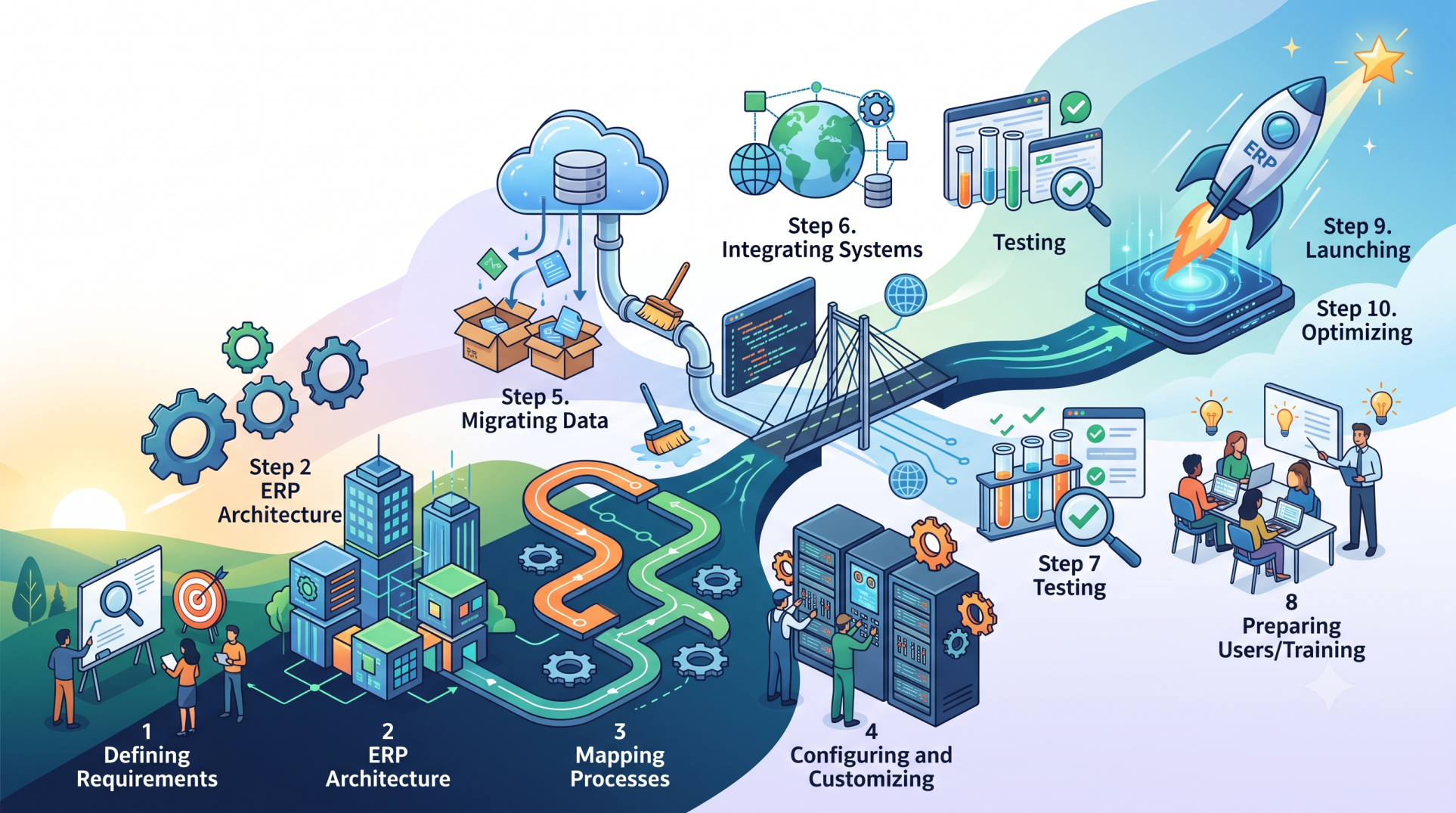
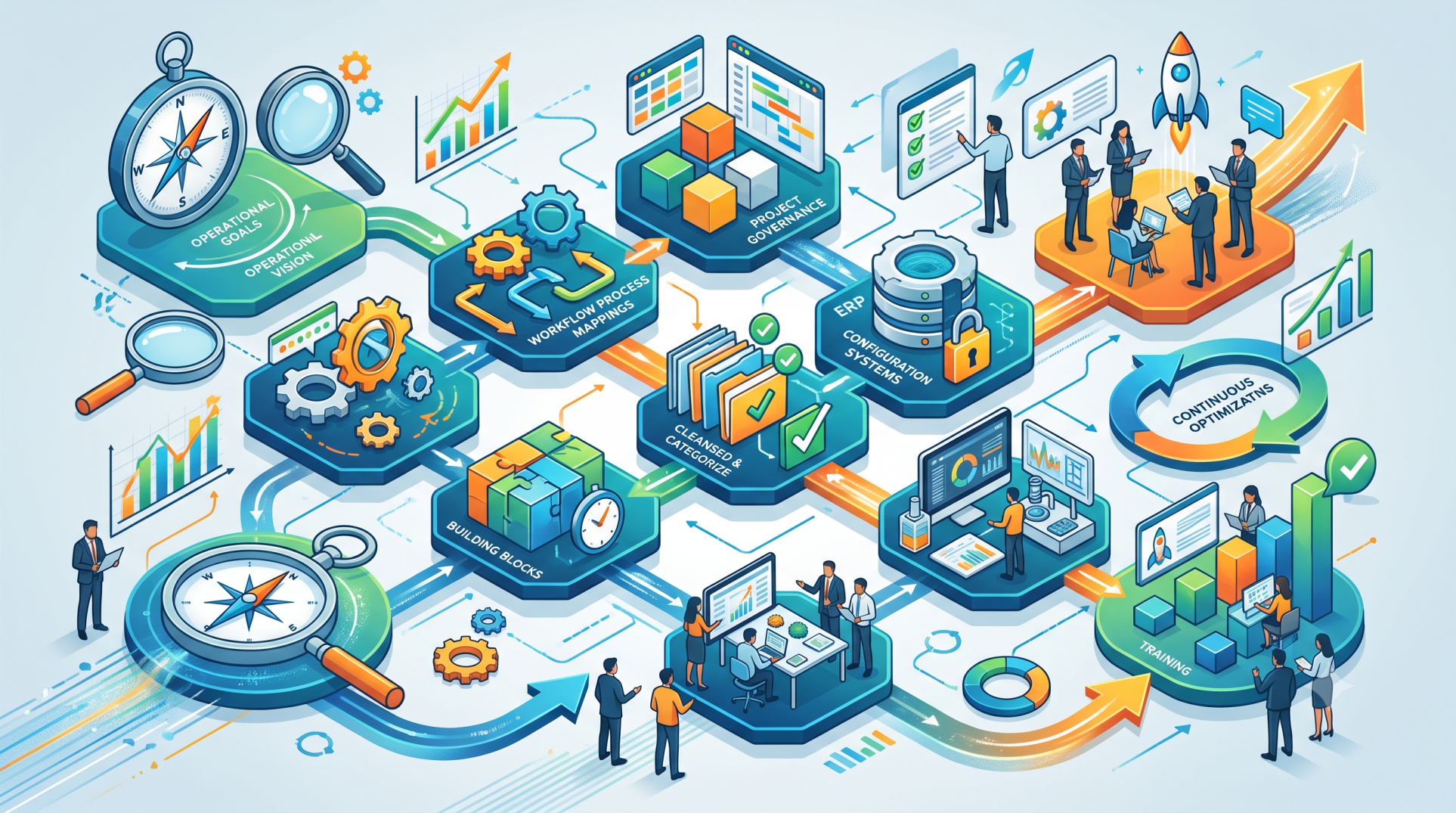
Step 1: Identifying Core Business Requirements 🎯
• Evaluate daily operational challenges across departments 📋
• Identify processes that would benefit from automation ⚙️
• Determine which business functions need centralized management 🏢
• Prioritize features based on current and future needs 📈
• Establish clear objectives for ERP implementation ✅
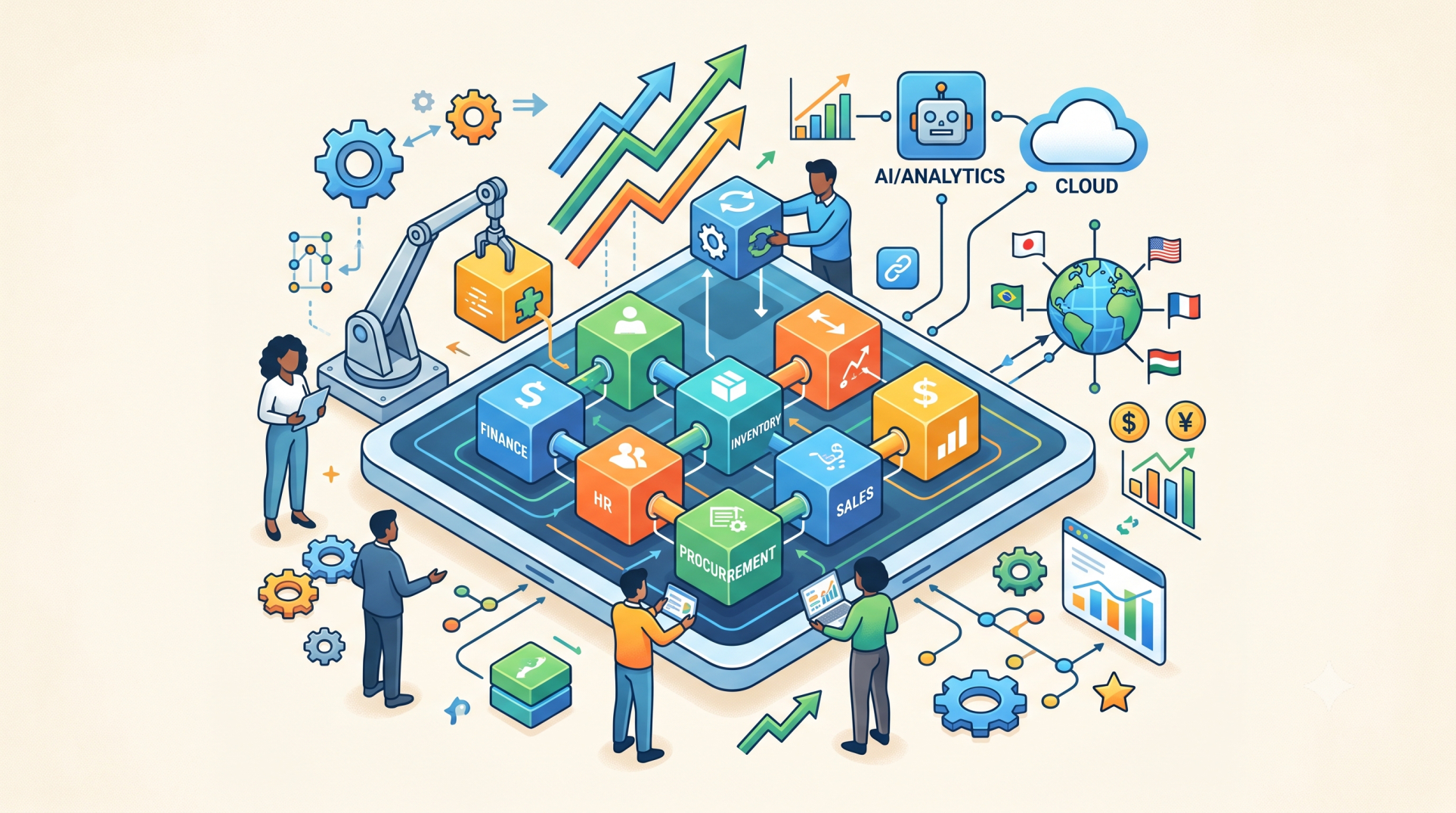
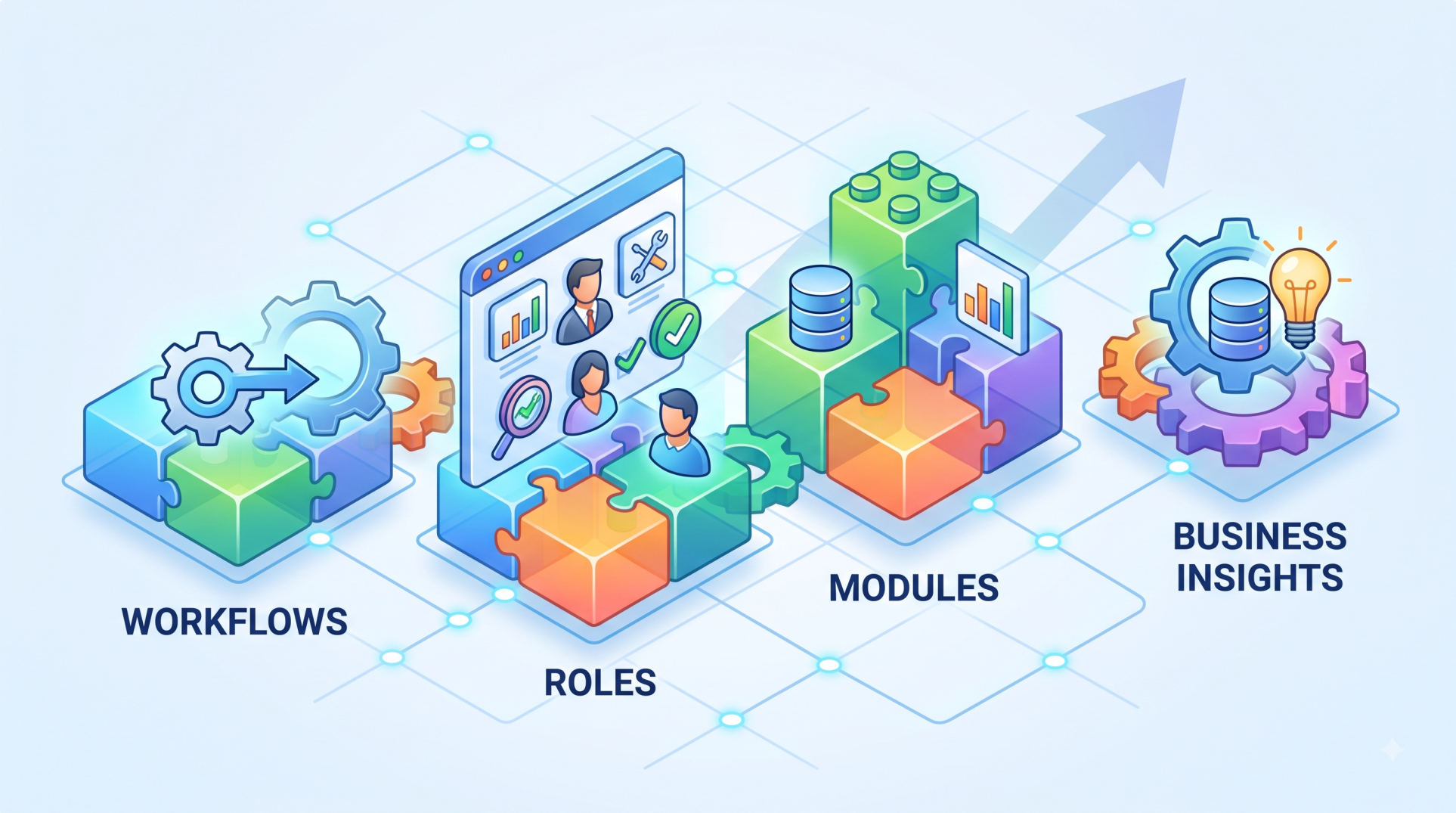
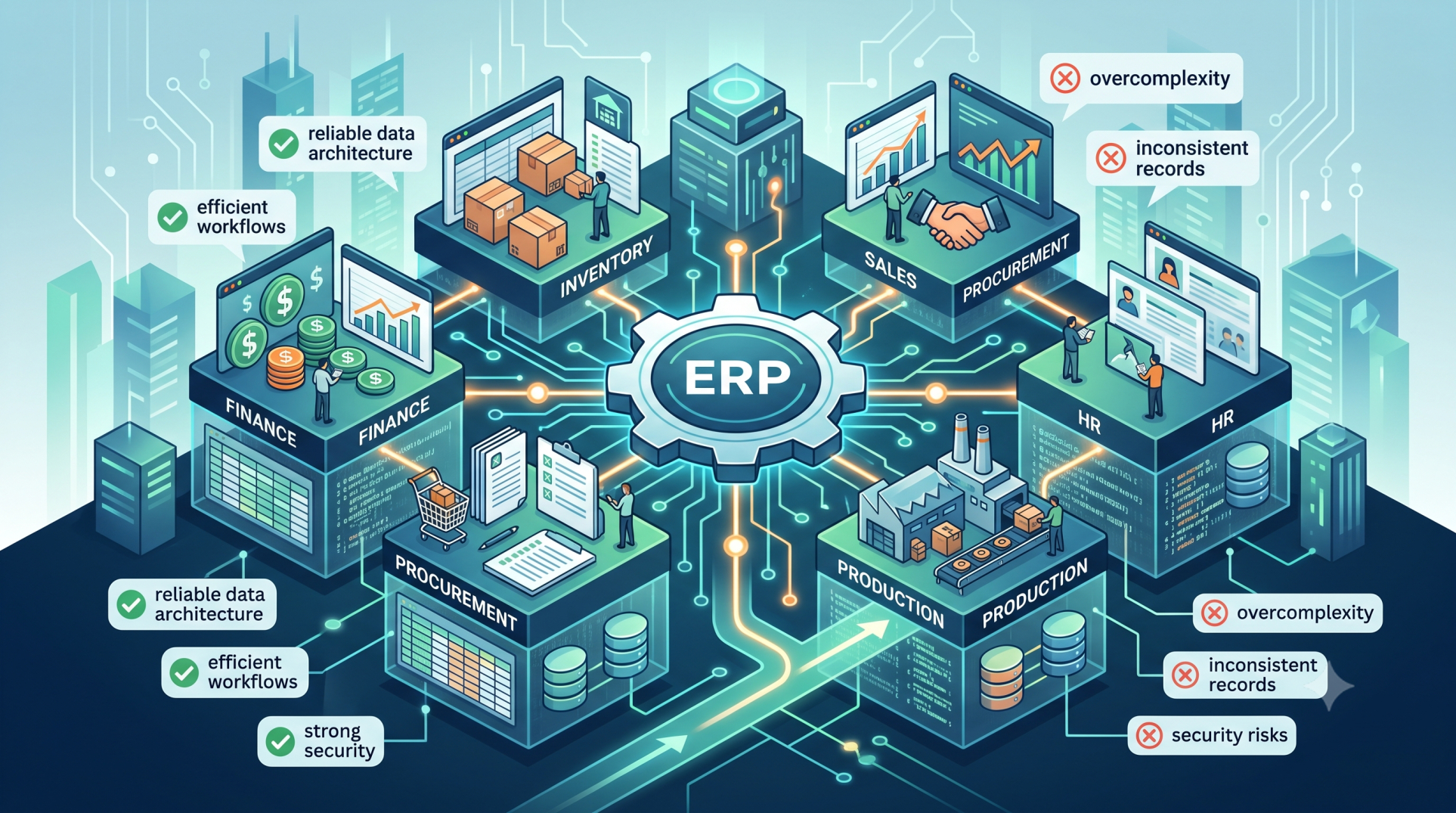
Step 2: Selecting Essential ERP Modules 🧩
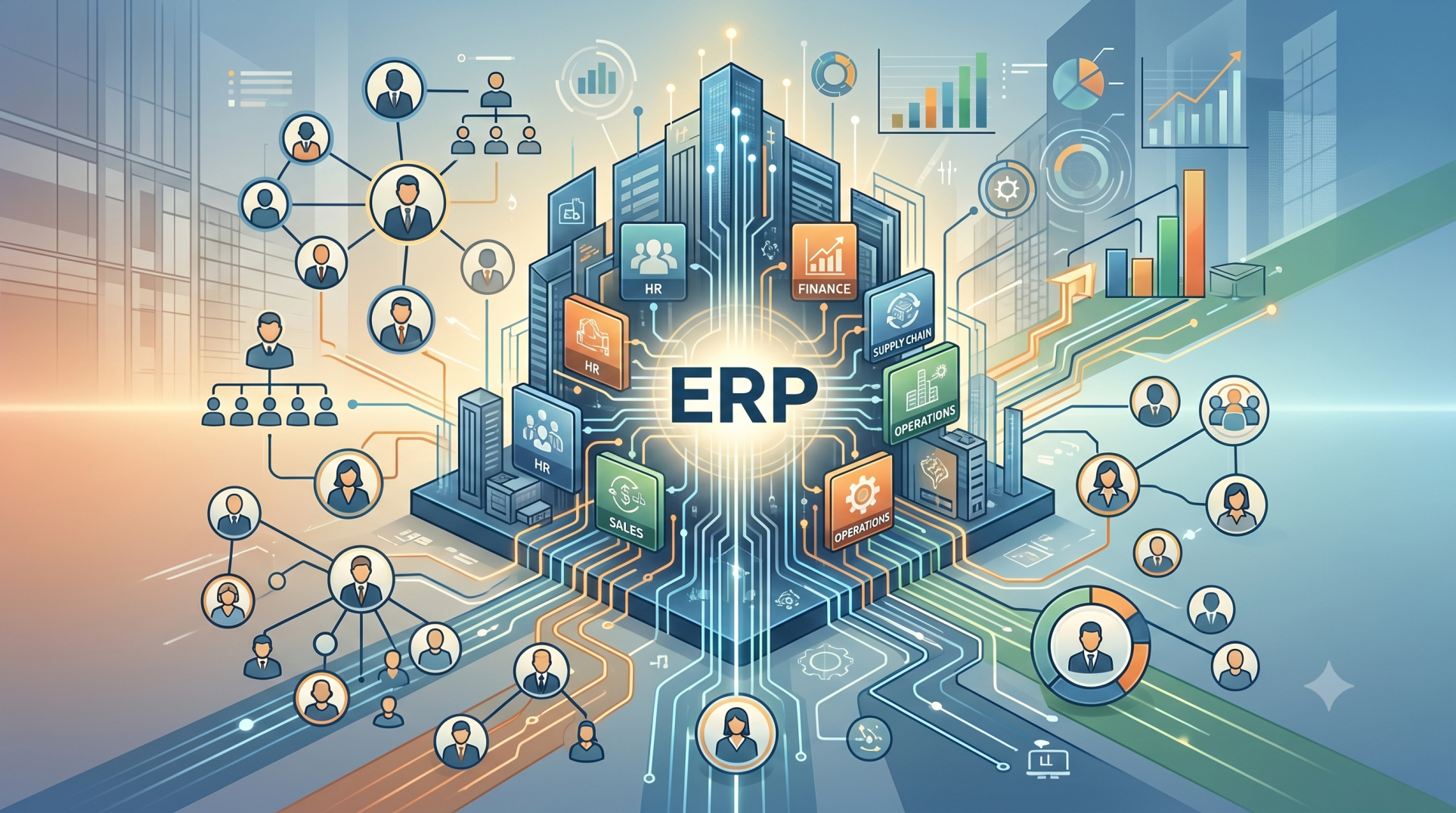
• Choose accounting and financial management capabilities 💰
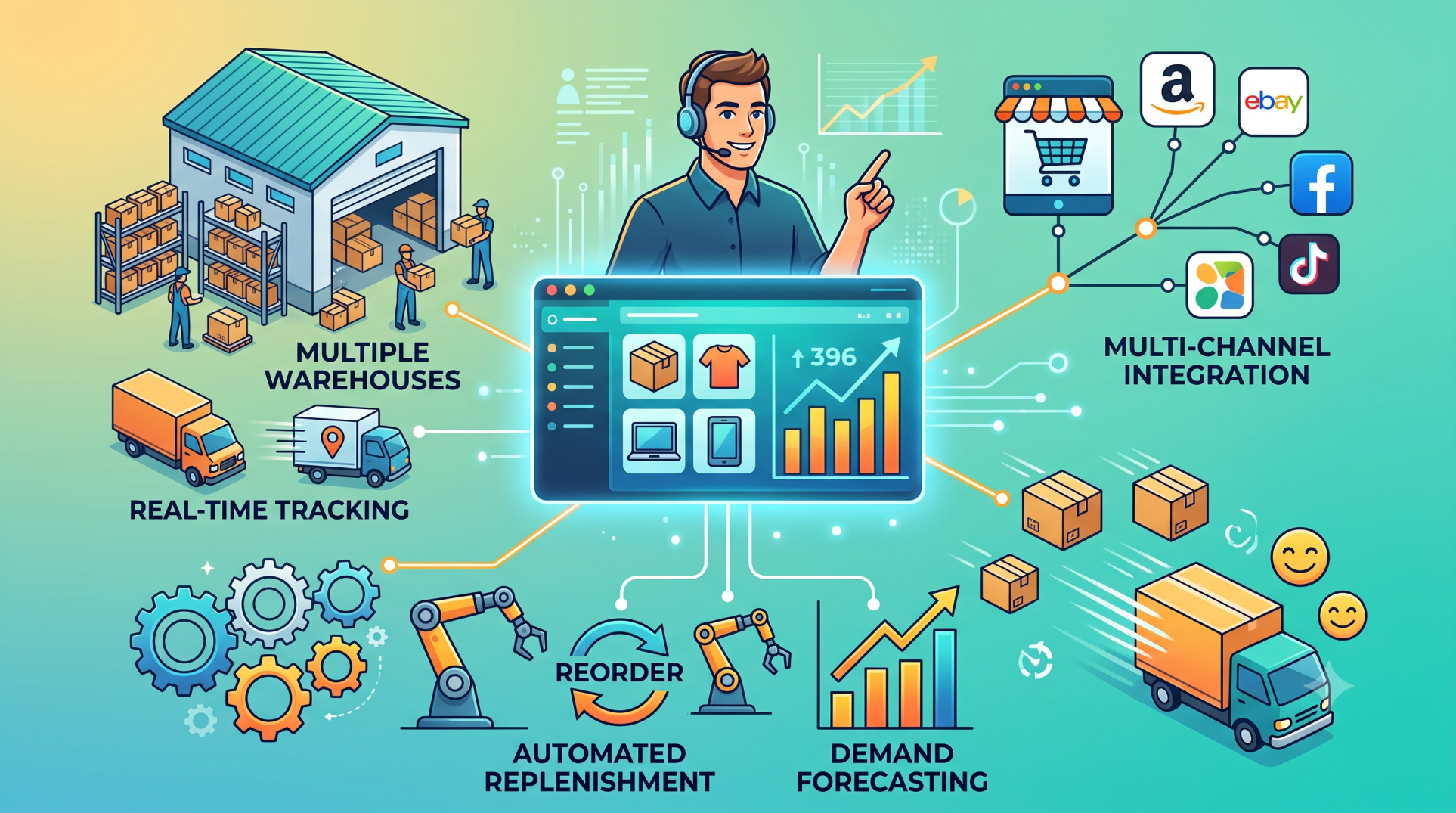
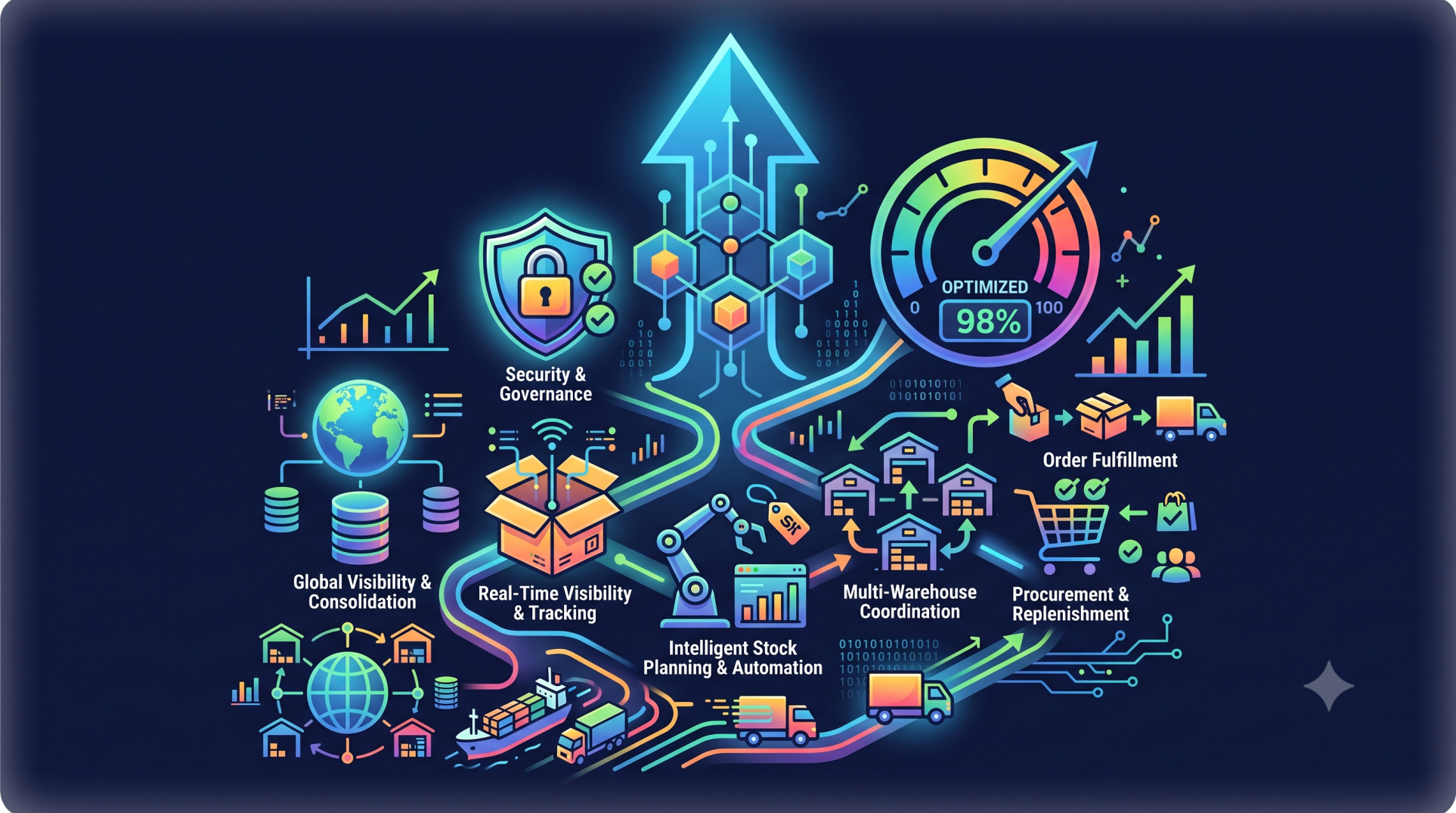
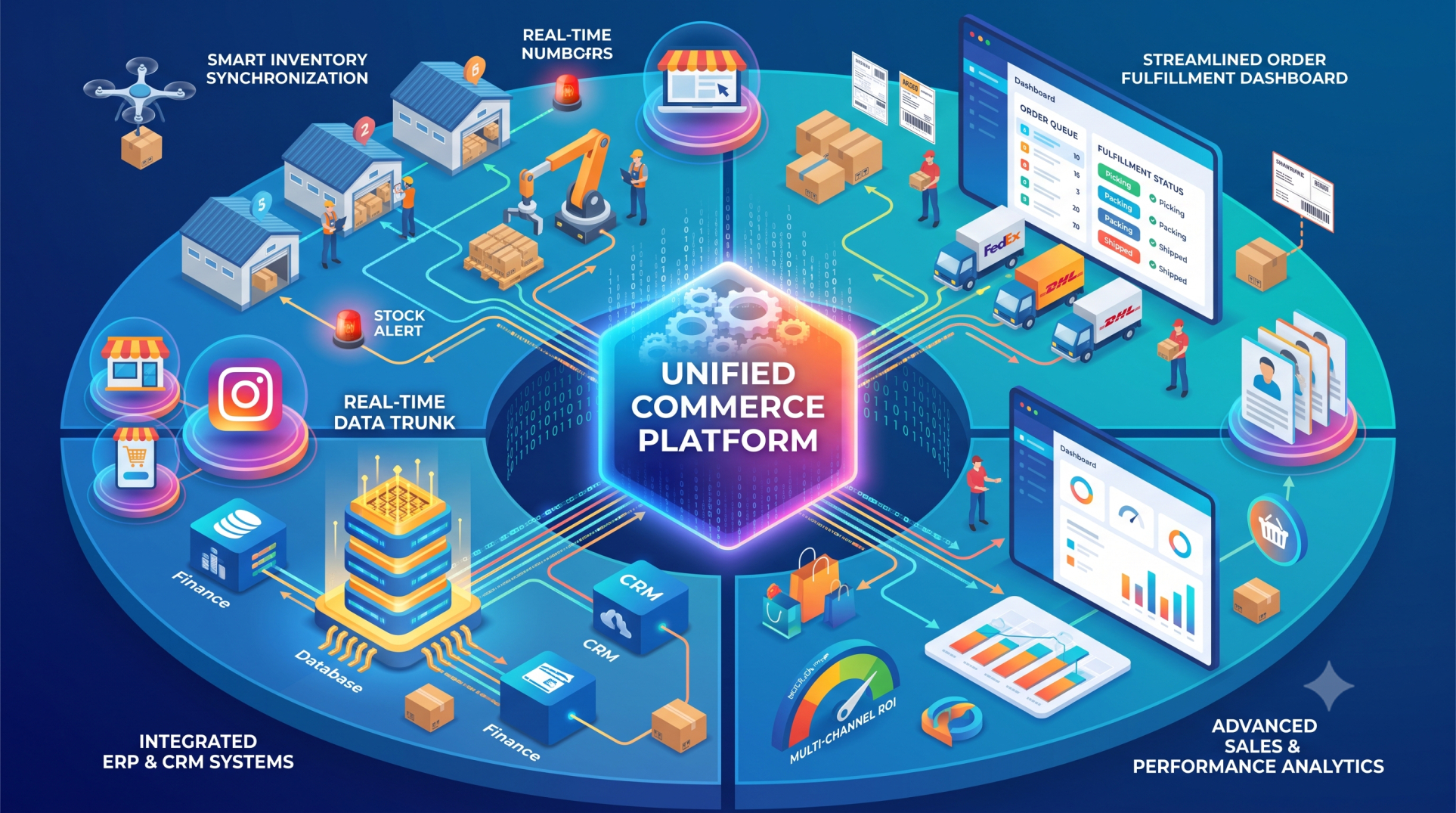
• Include inventory and warehouse management features 📦
• Add sales, purchasing, and customer management tools 🤝
• Incorporate employee and payroll management where required 👥
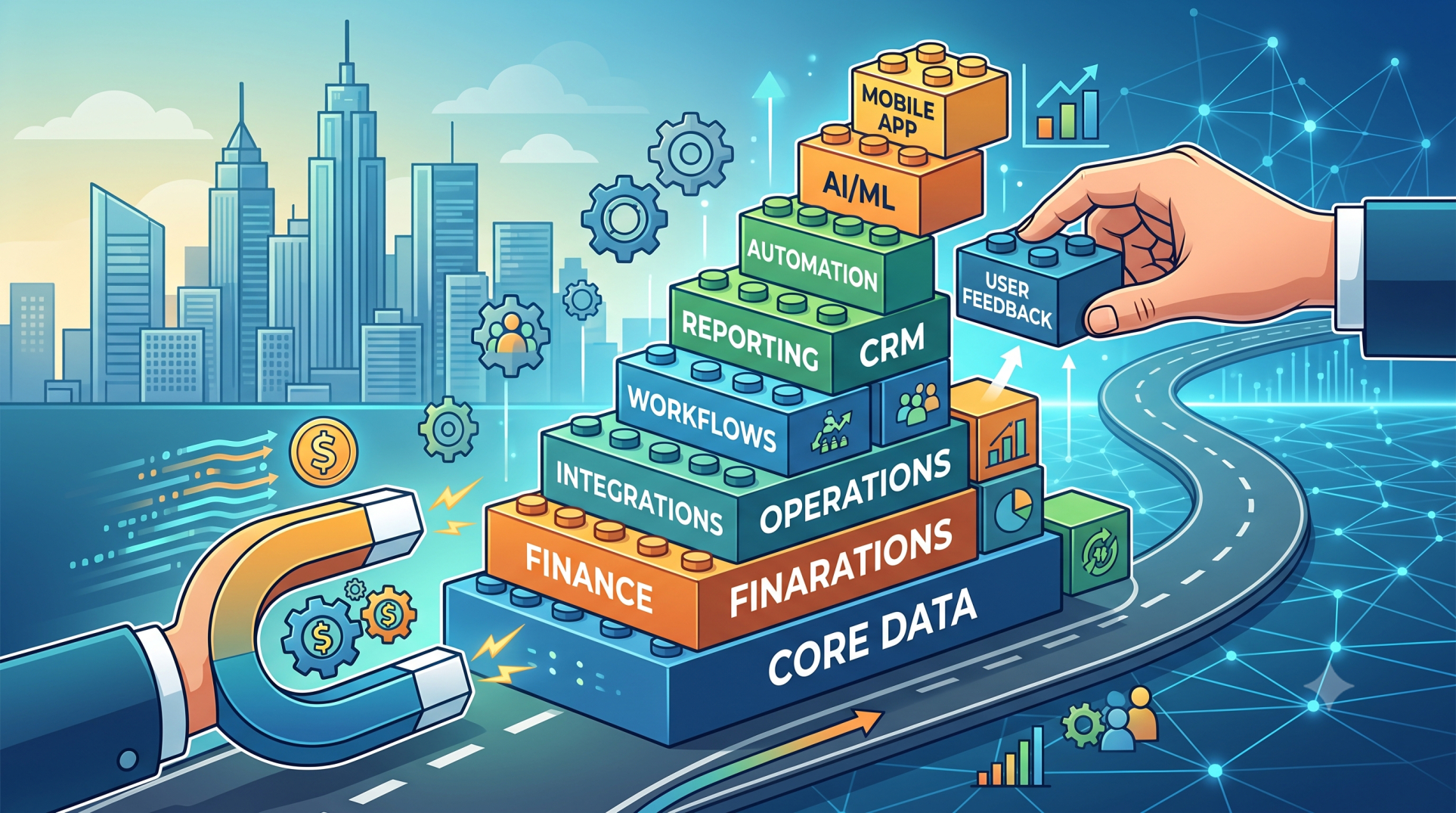
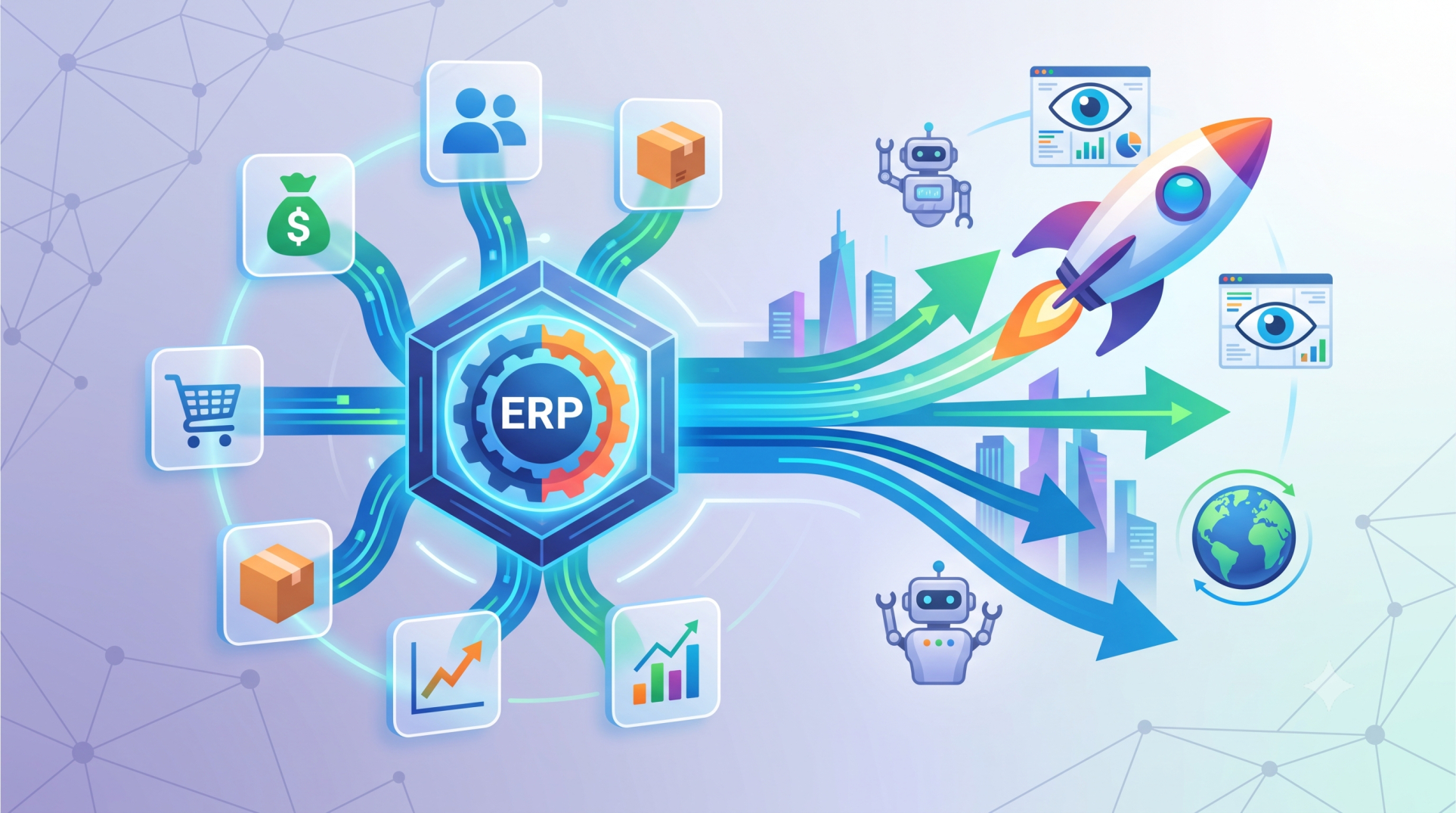
• Expand functionality as business operations evolve 🚀
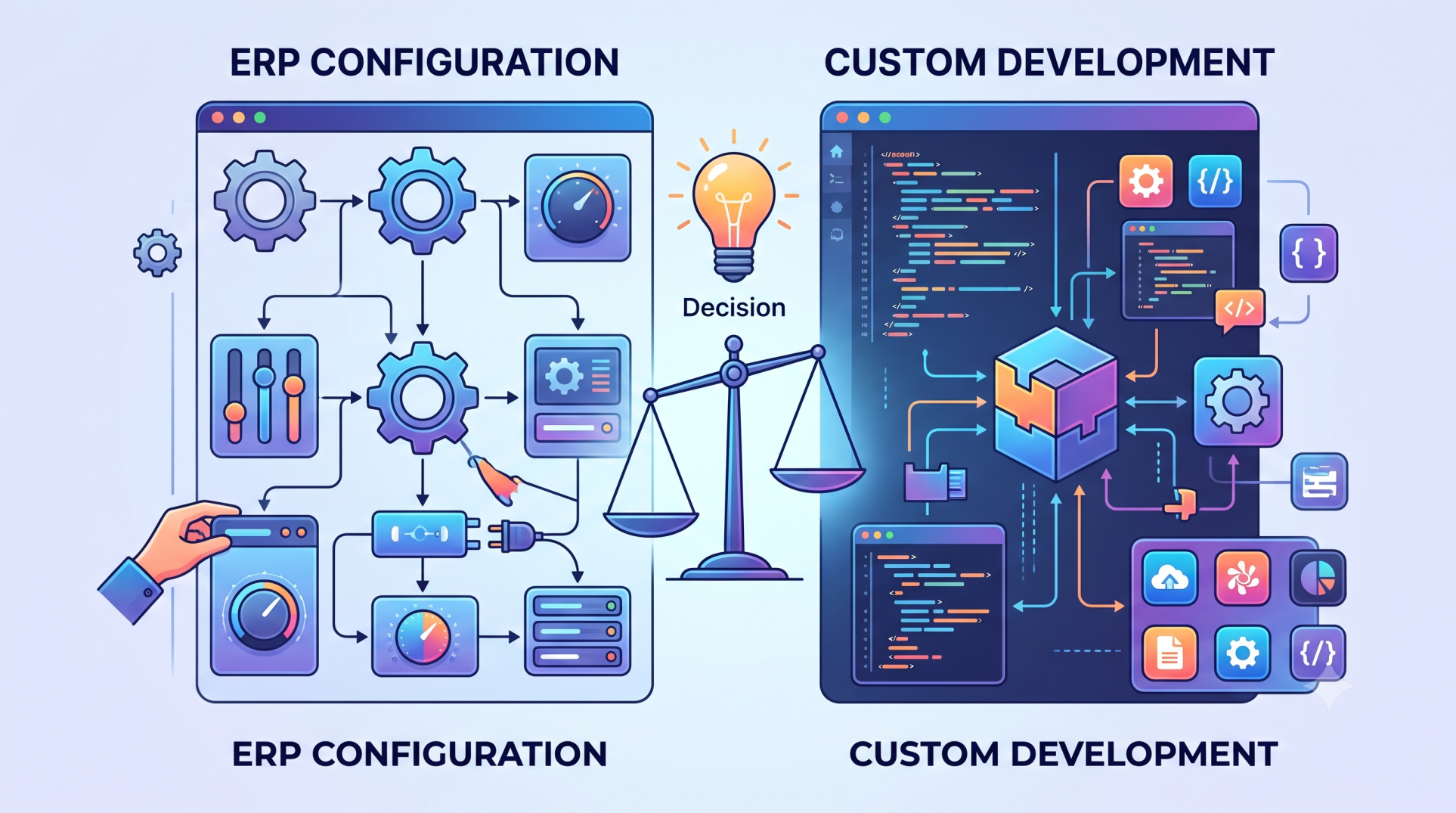
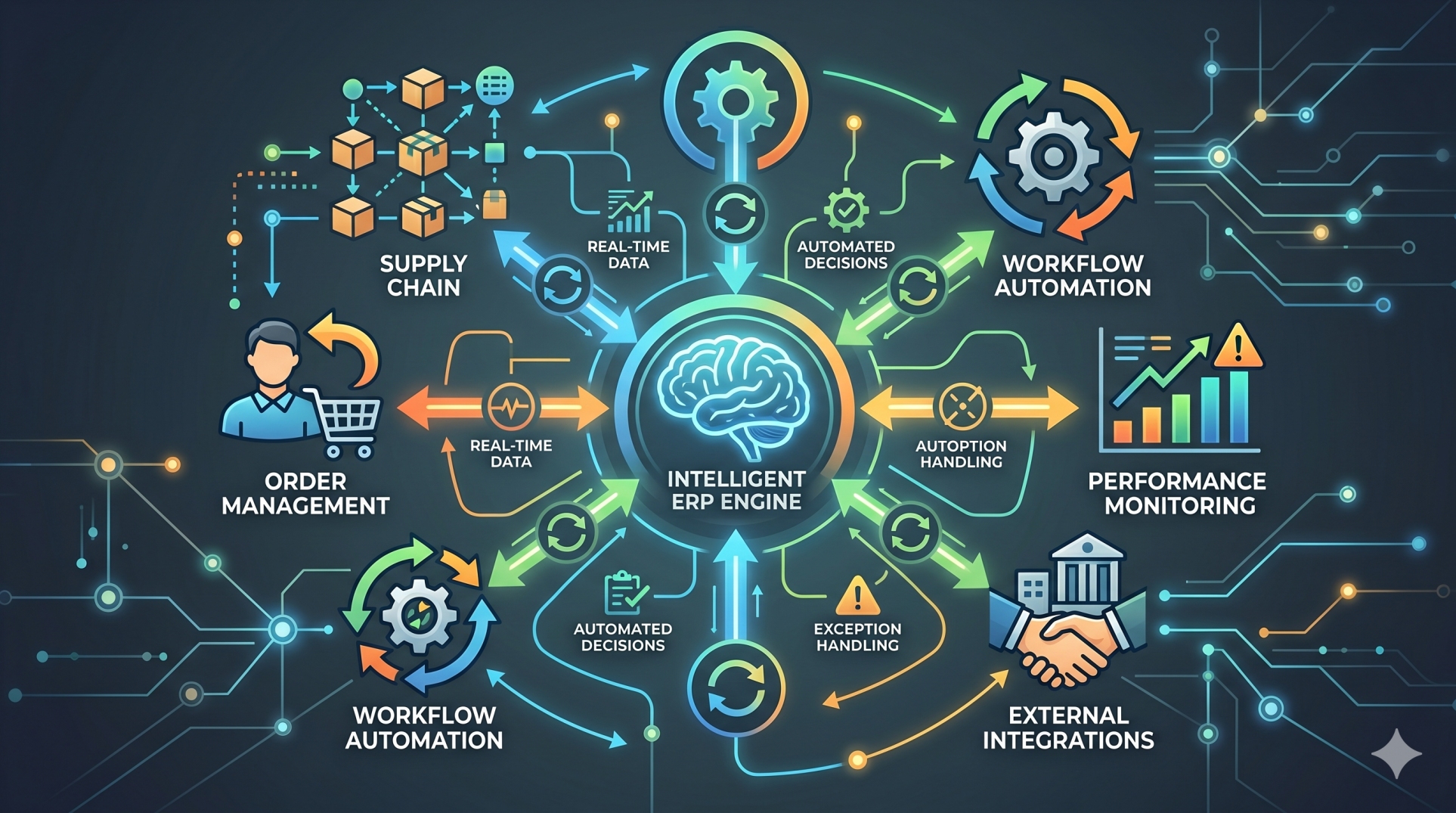
Step 3: Customizing Business Workflows ⚙️
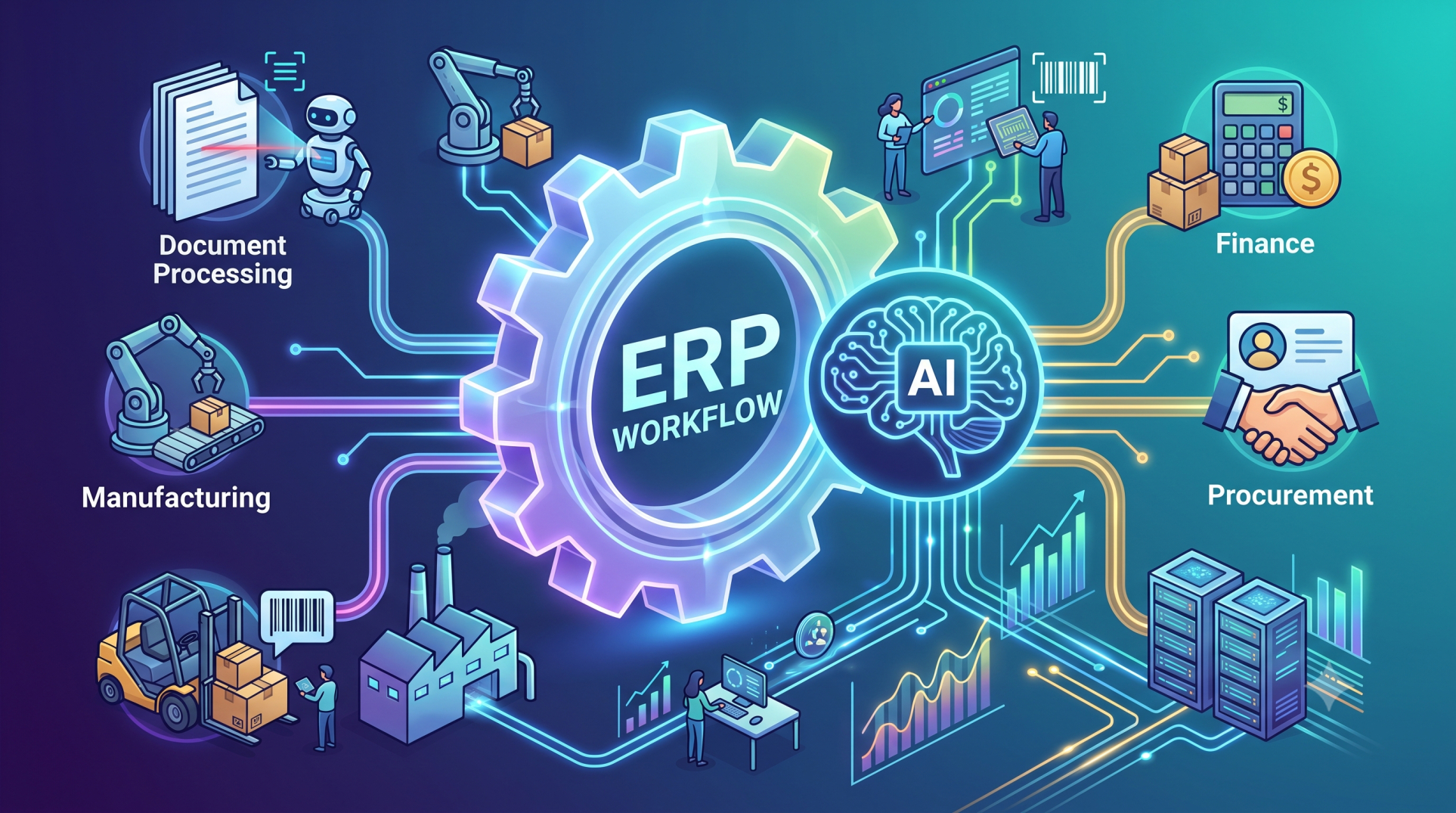
• Configure workflows to match existing business processes 🔄
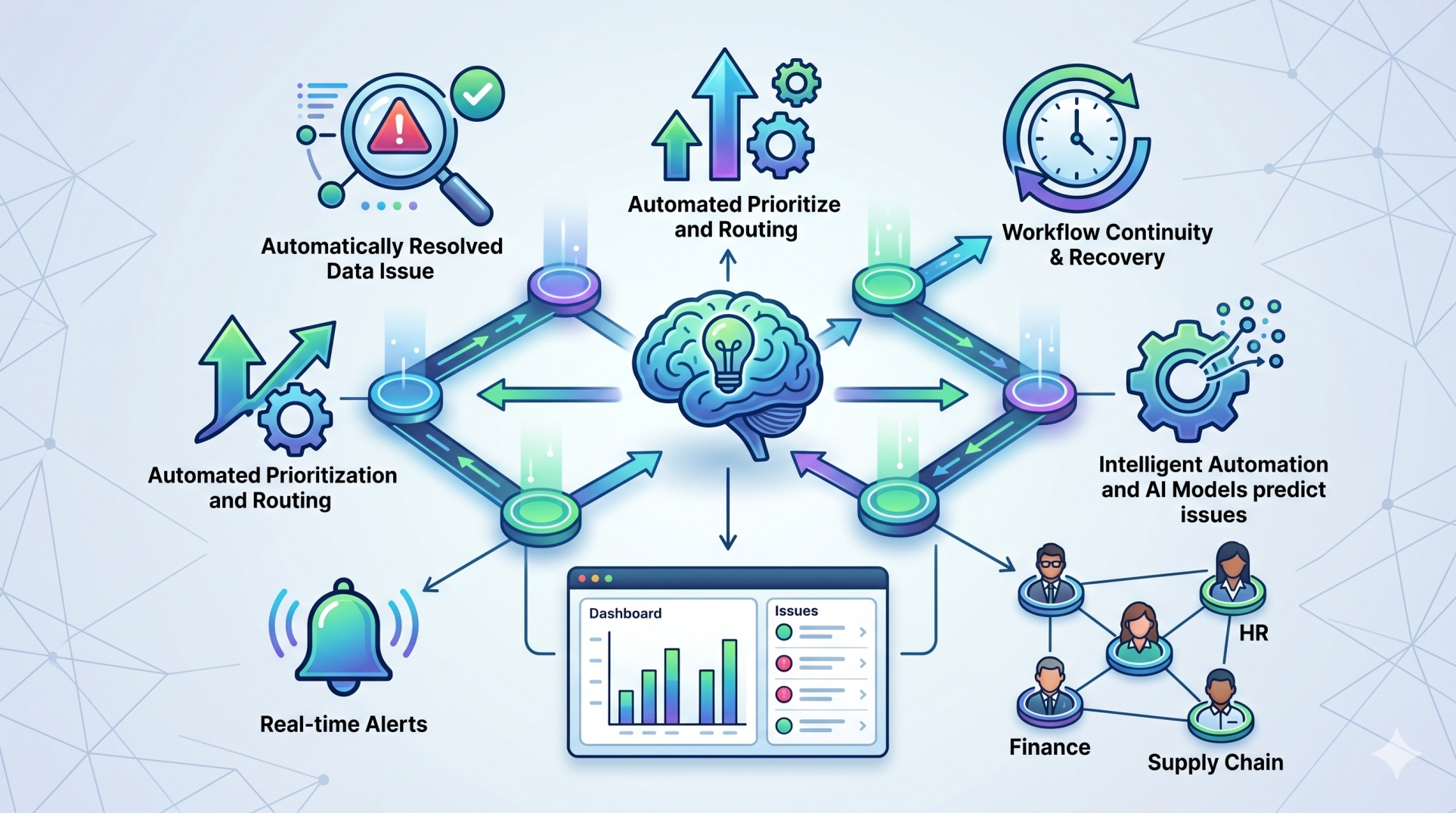
• Automate approvals and routine operational tasks 🤖
• Create custom forms, fields, and reports 📄
• Standardize processes across teams for consistency 📊
• Reduce manual effort through intelligent automation ⏱️
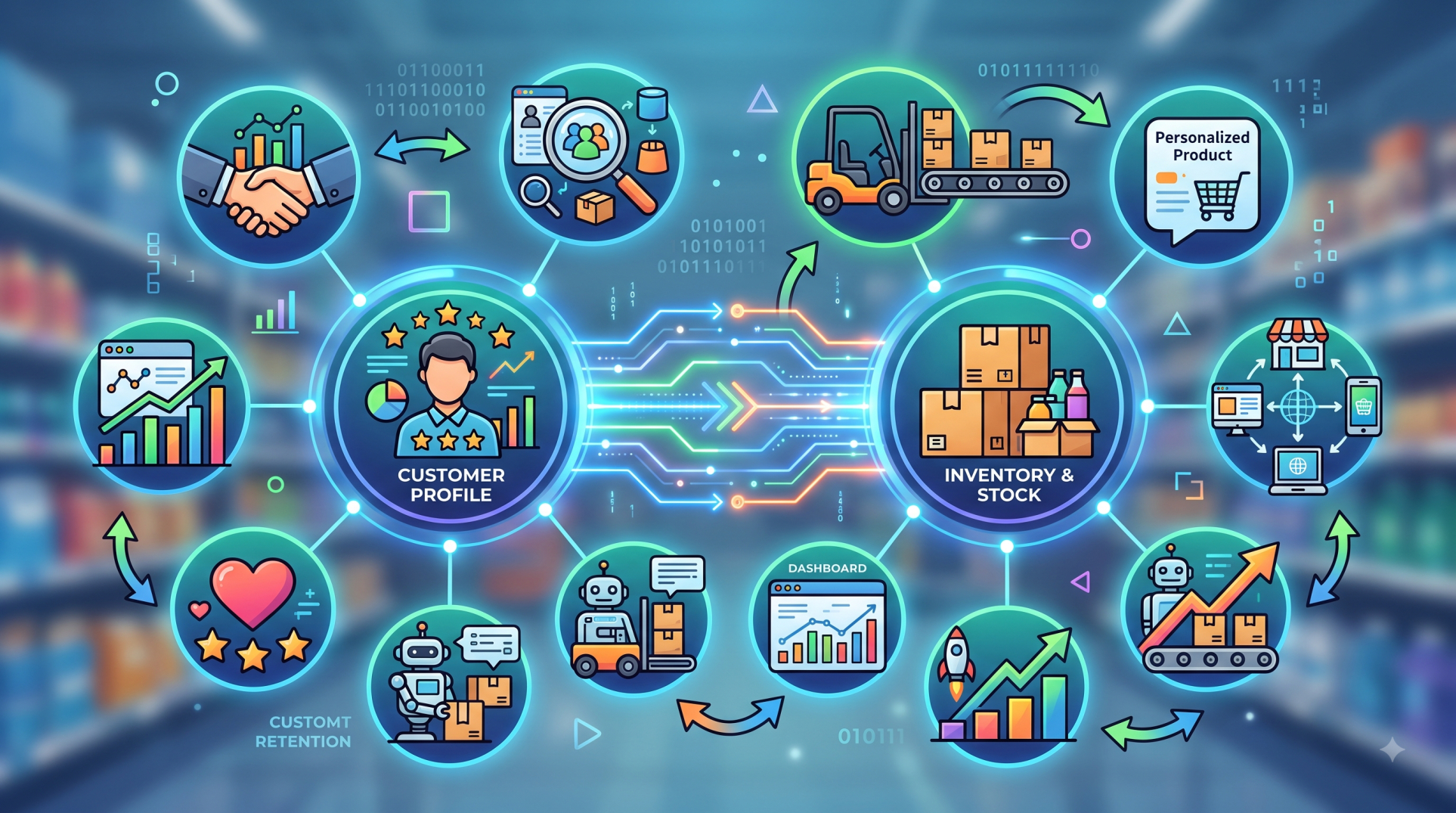
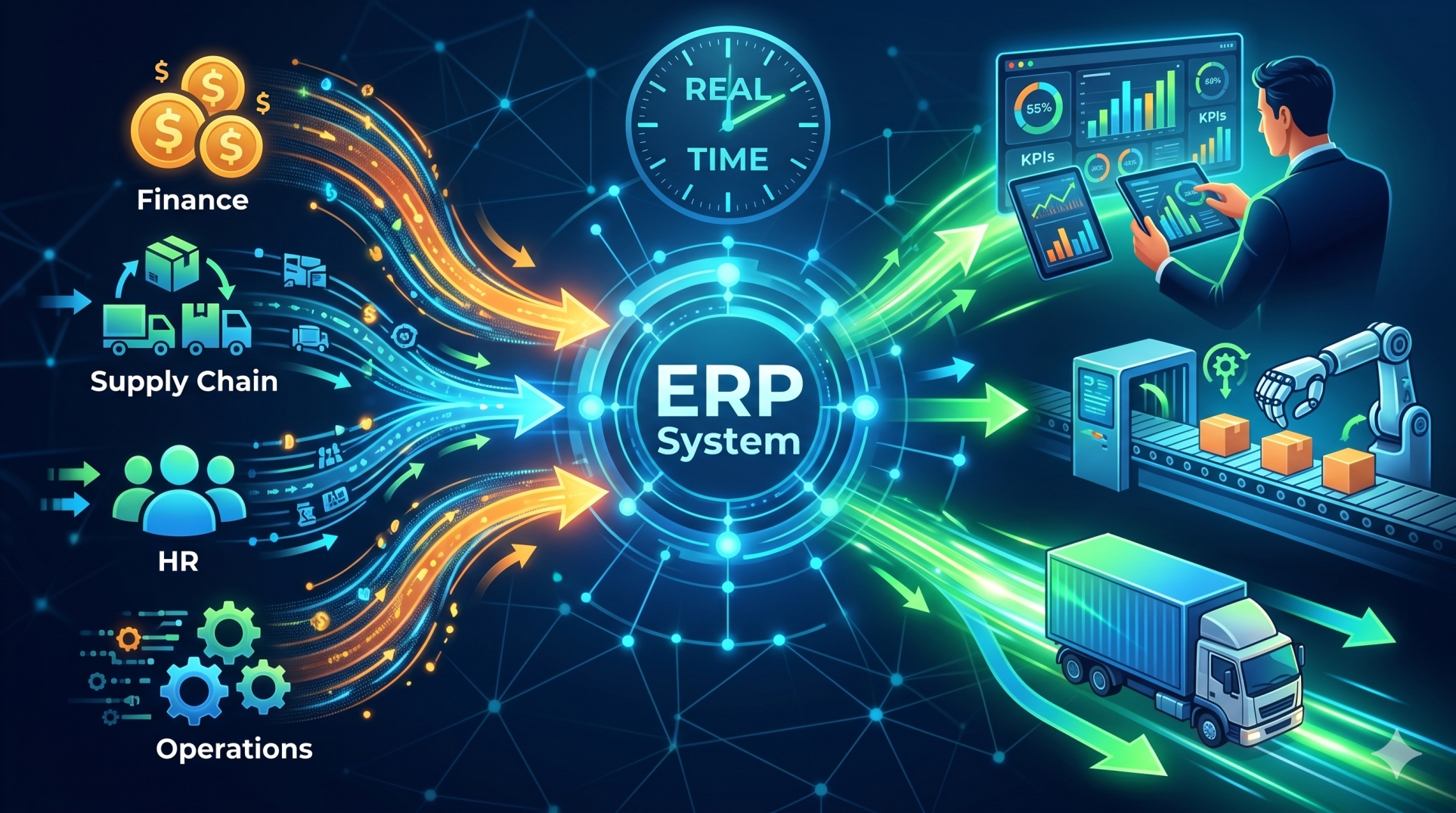
Step 4: Centralizing Business Data 📊
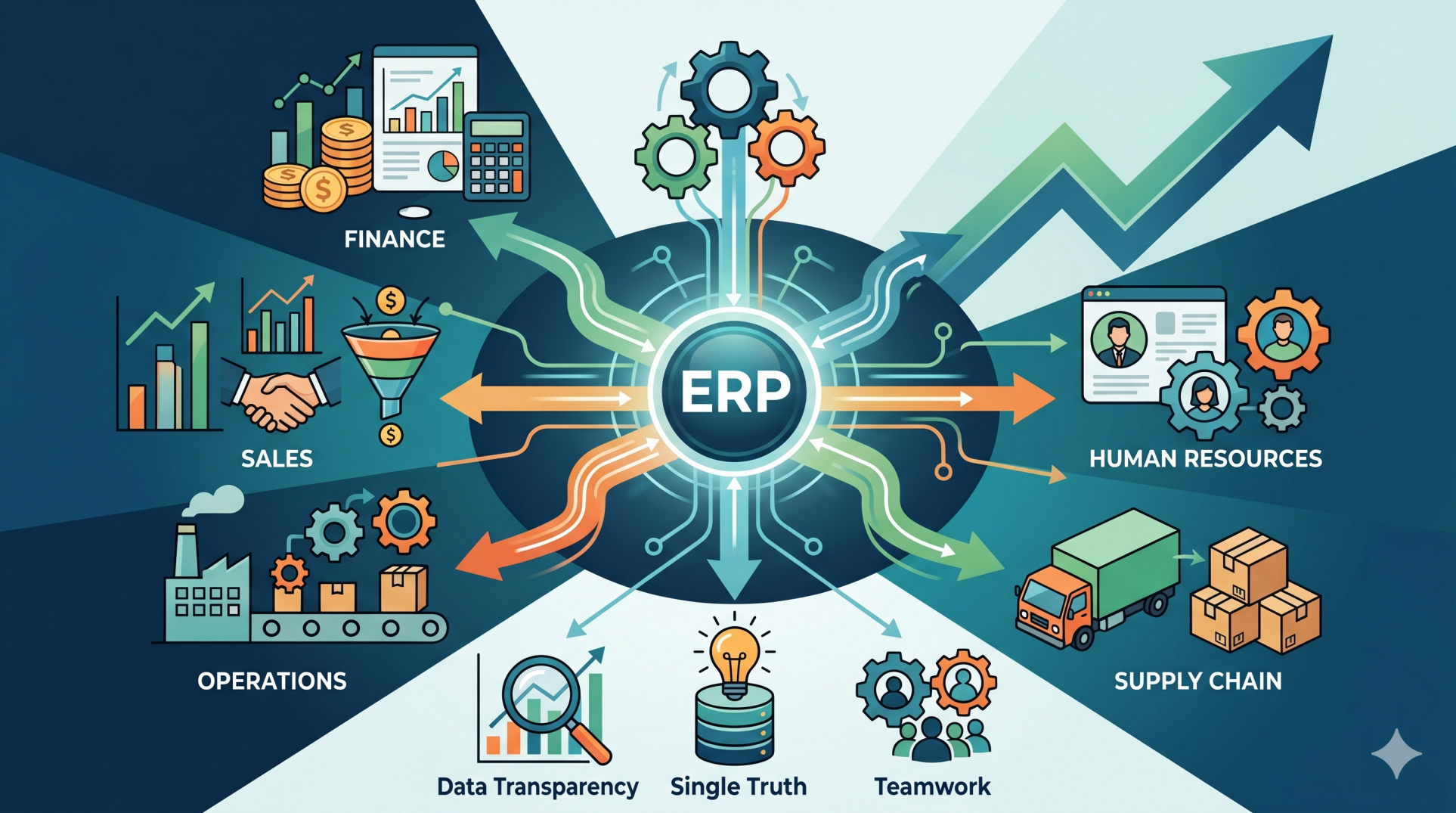
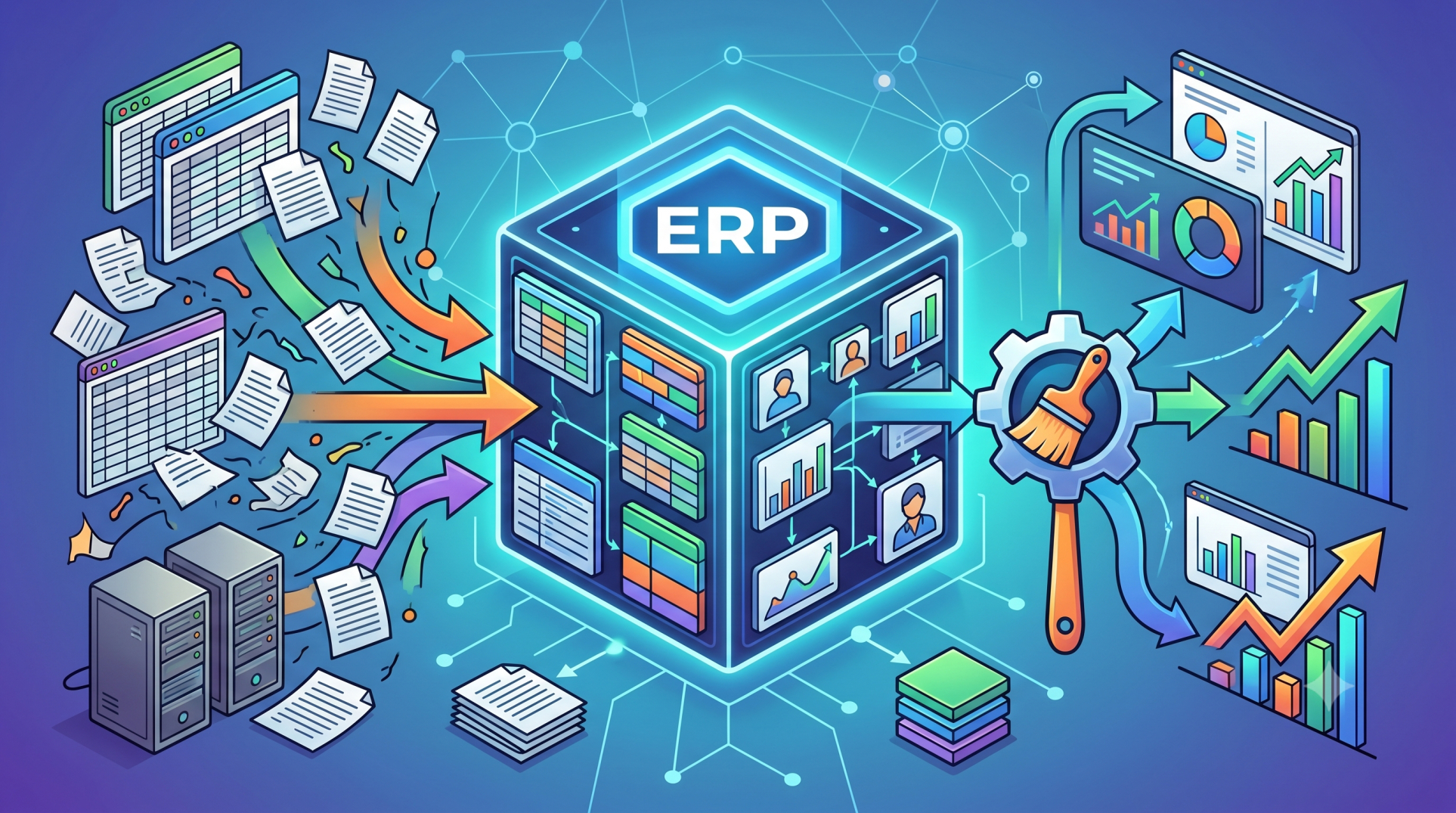
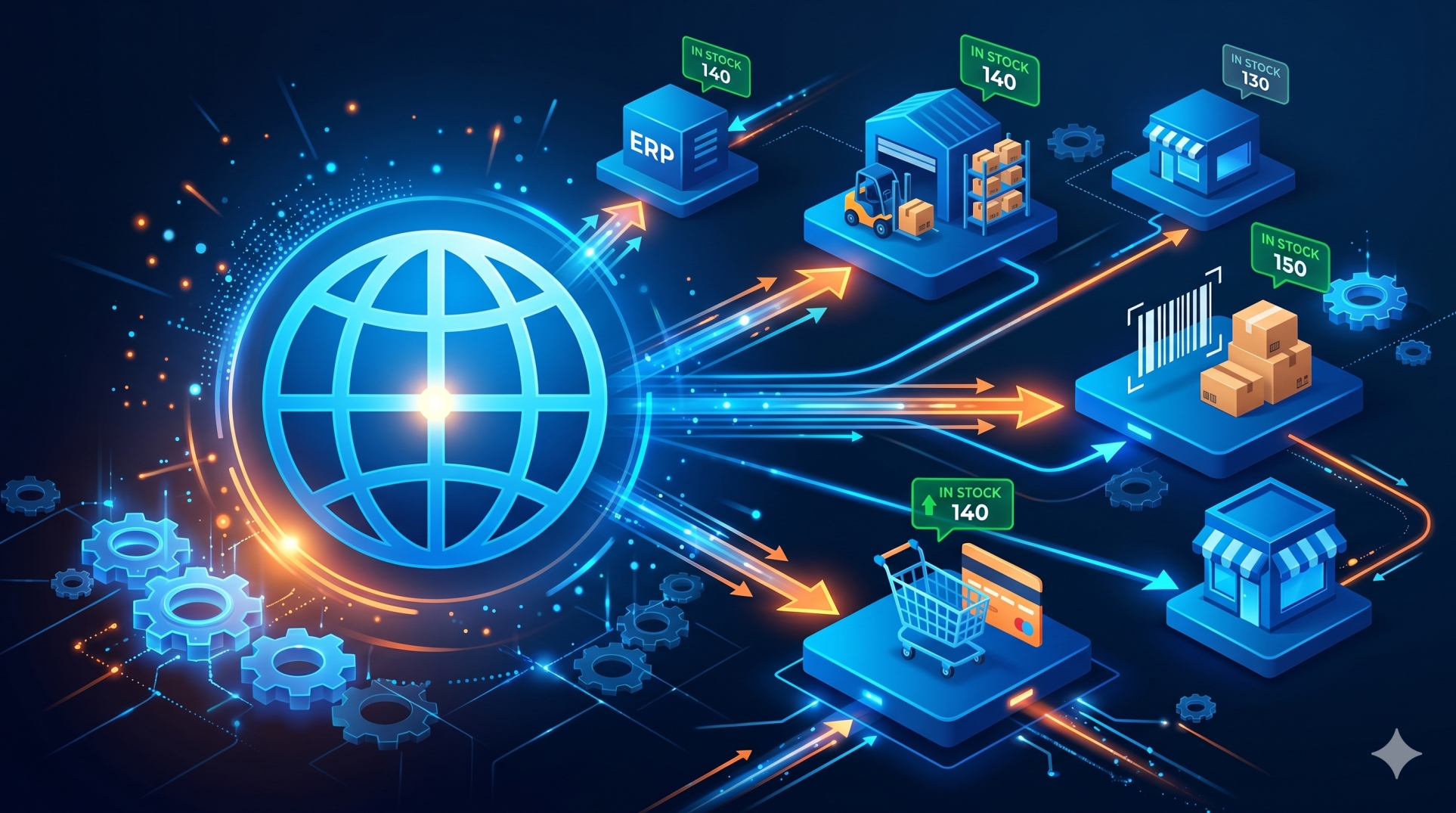
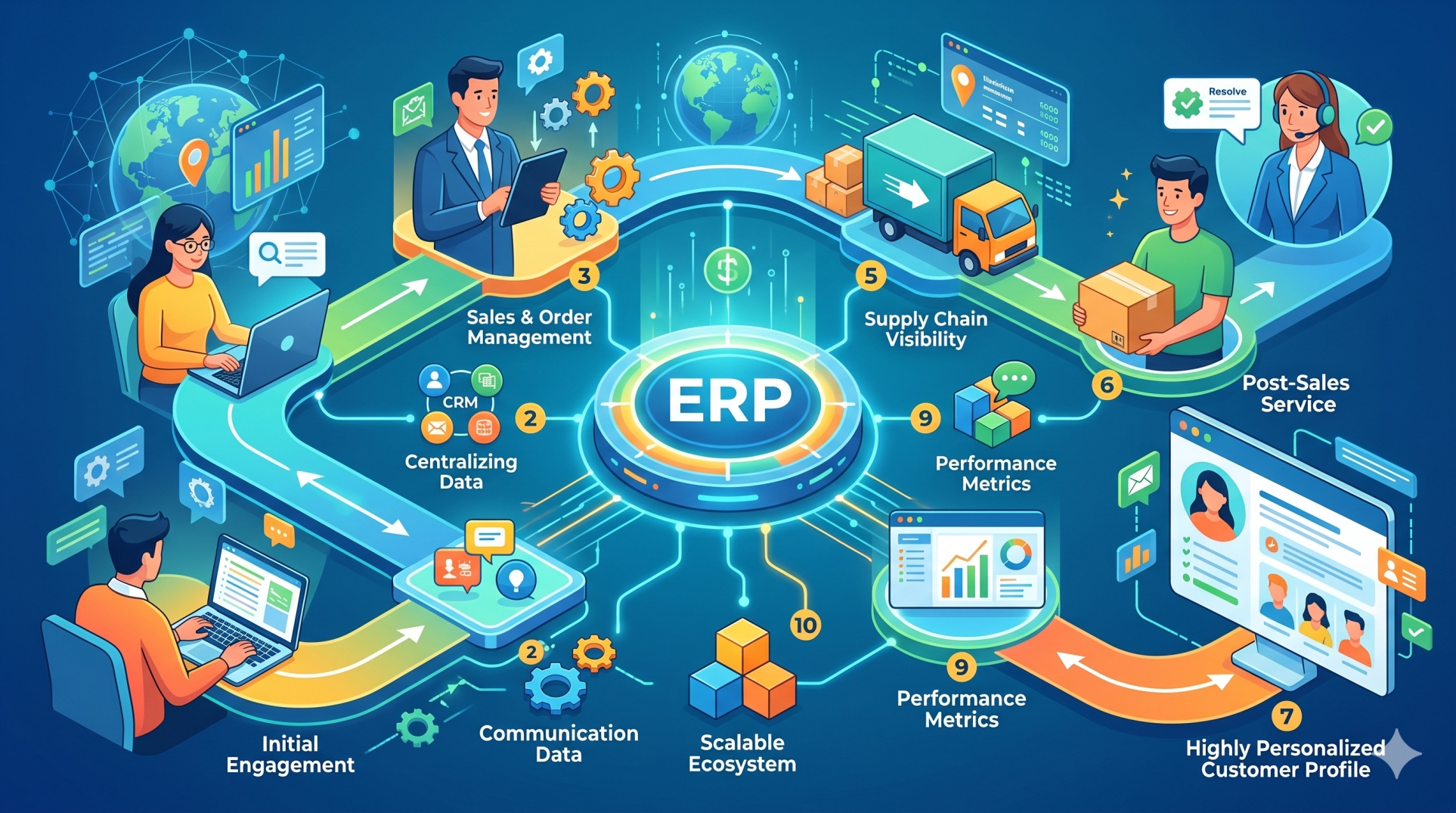
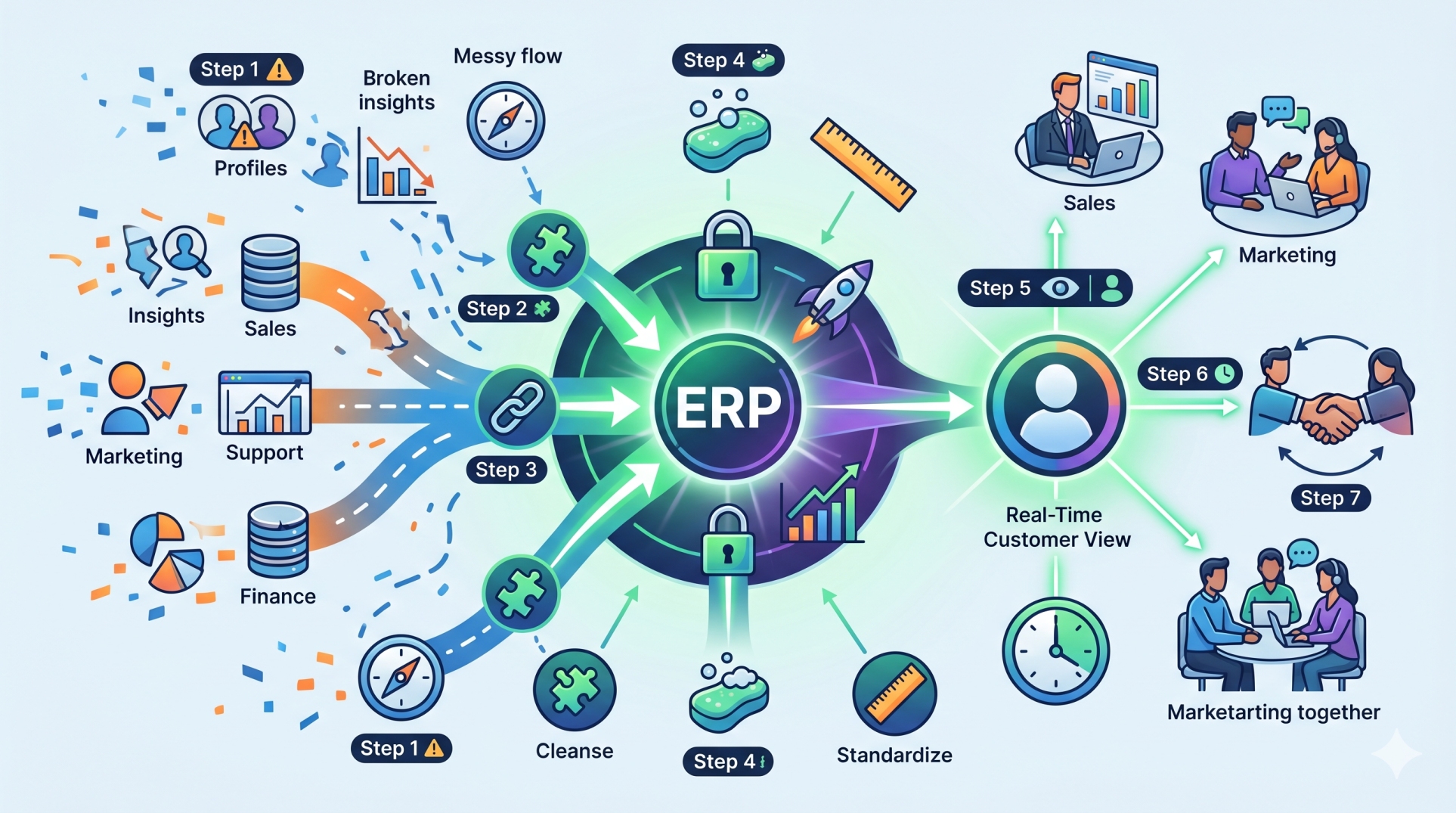
• Consolidate information into a single platform 🗂️
• Eliminate duplicate records across departments 🚫
• Maintain accurate and up-to-date business data ✅
• Improve visibility into operational performance 👀
• Support informed decision-making with reliable information 💡
Step 5: Improving Team Collaboration 🤝
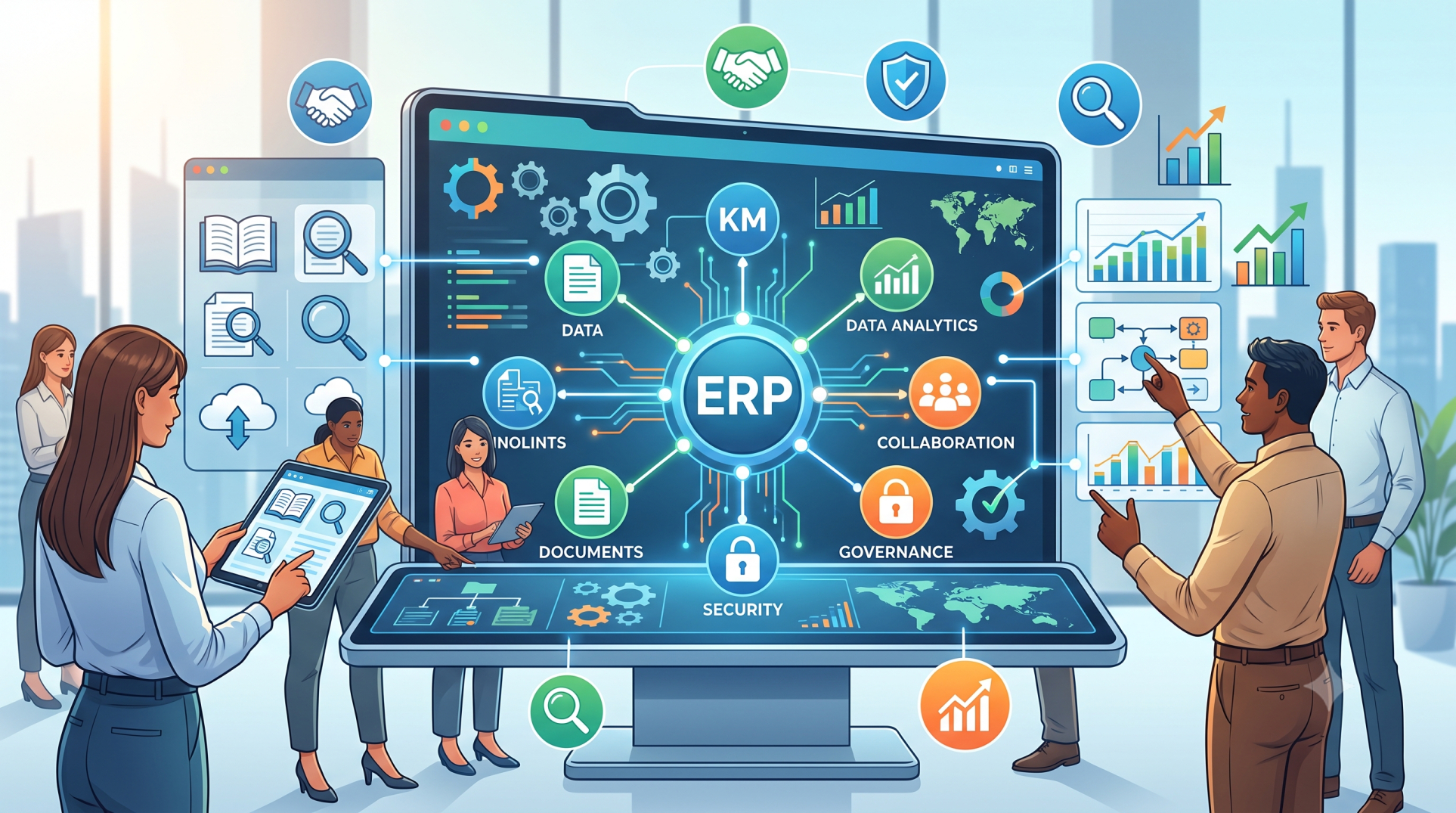
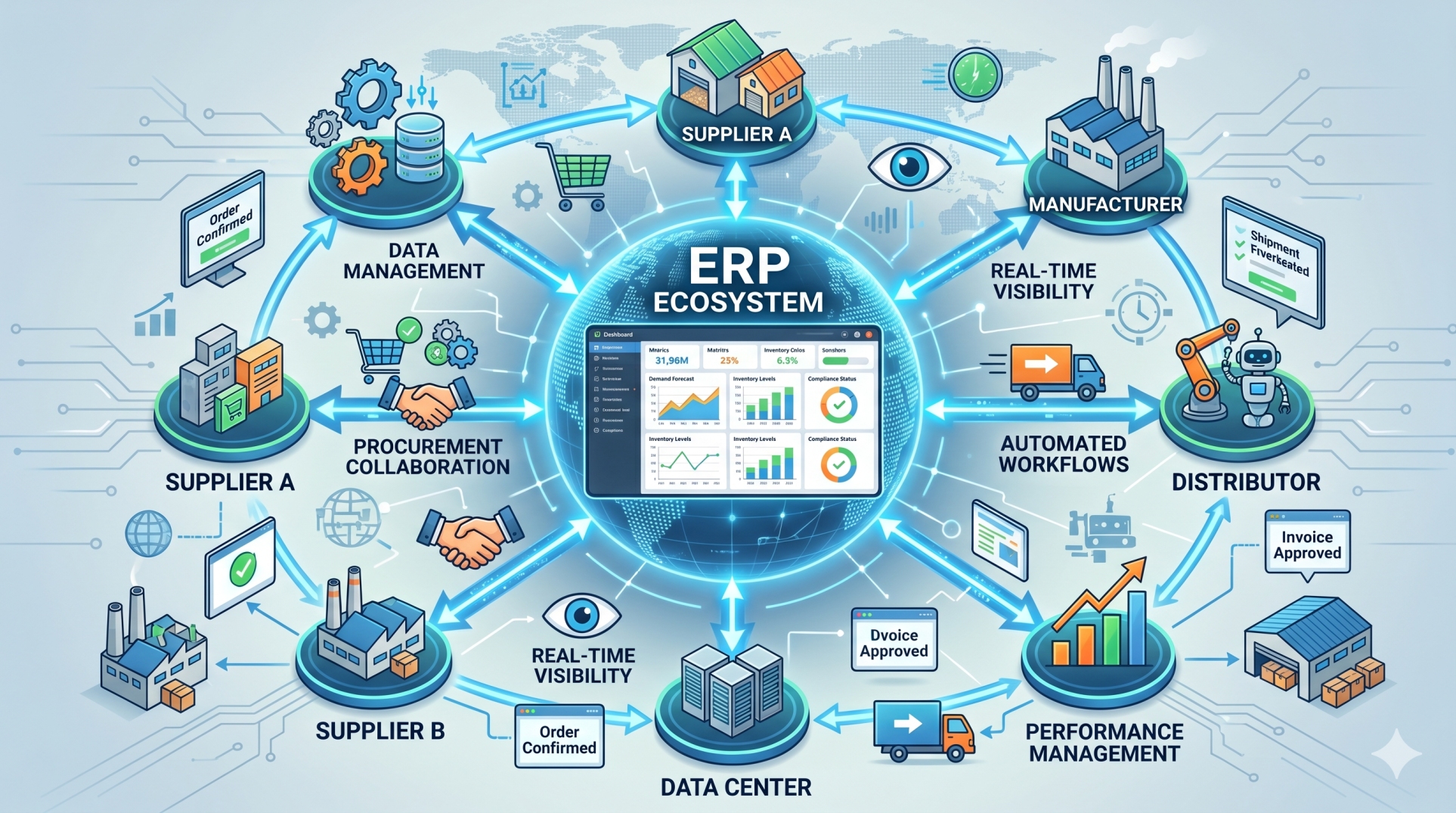
• Enable departments to share information in real time 📡
• Reduce communication gaps between business functions 💬
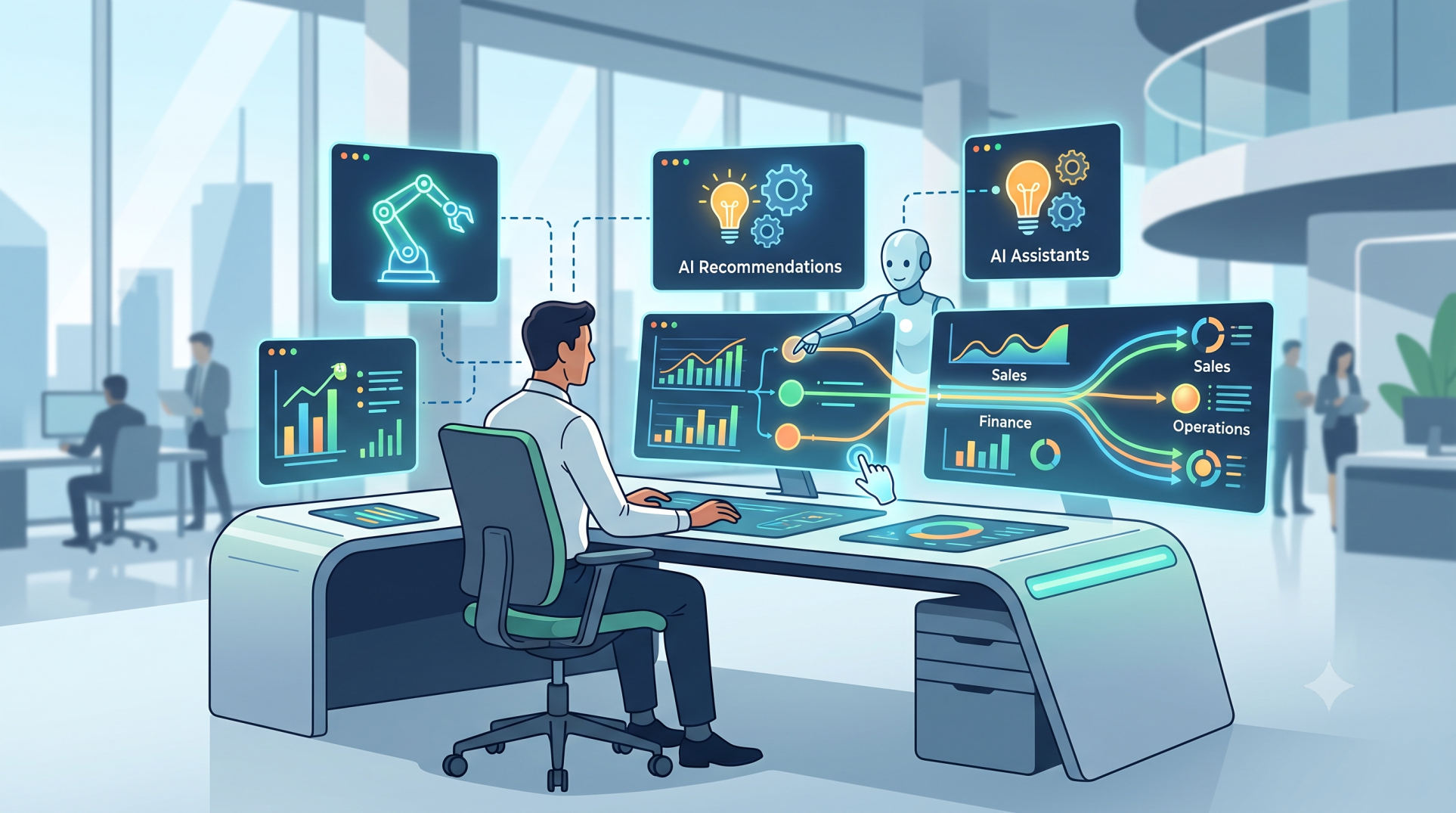
• Coordinate activities using centralized dashboards 🖥️
• Improve task visibility and accountability 📋
• Strengthen collaboration across the organization 🌐
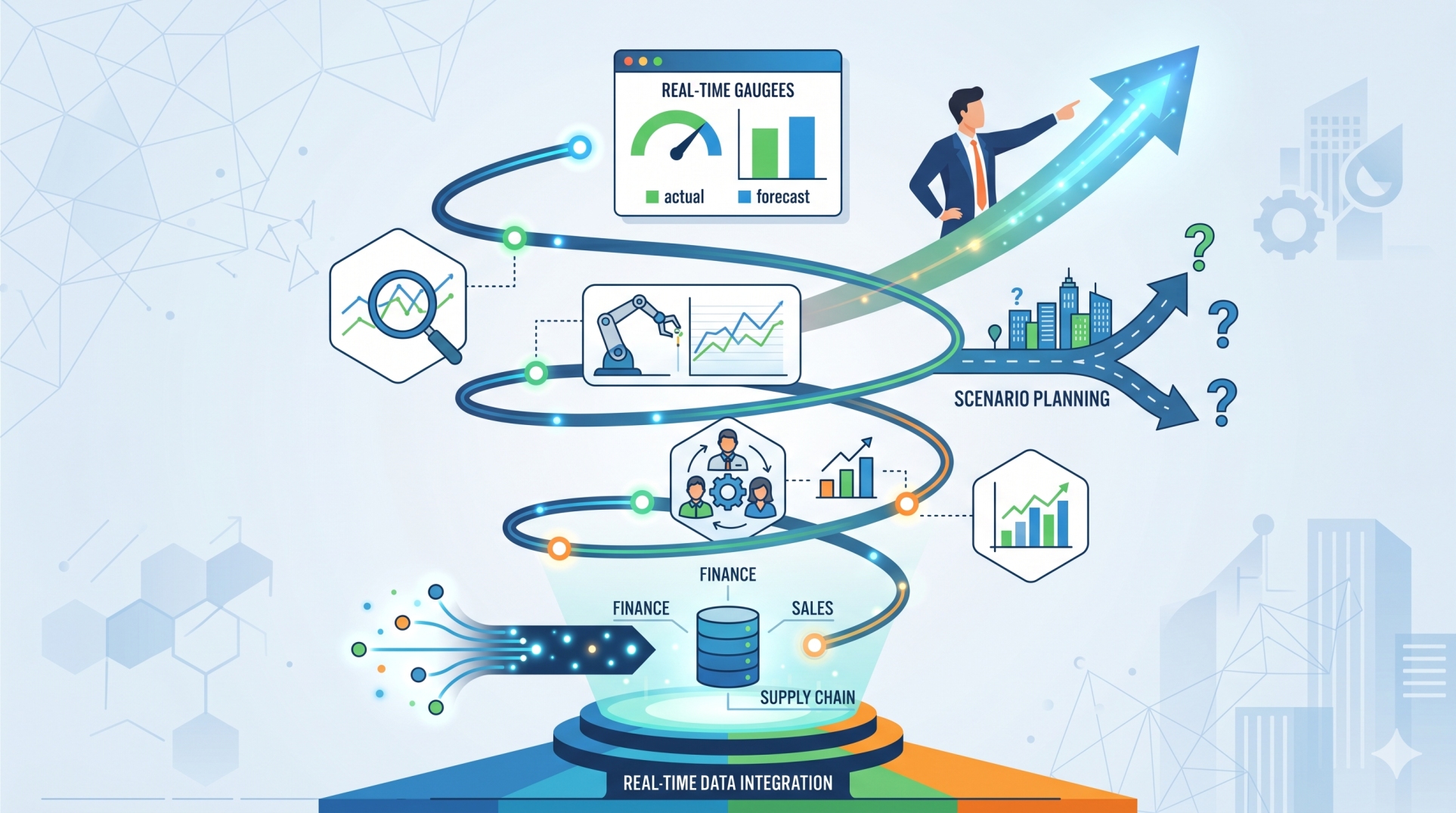
Step 6: Enhancing Reporting and Insights 📈
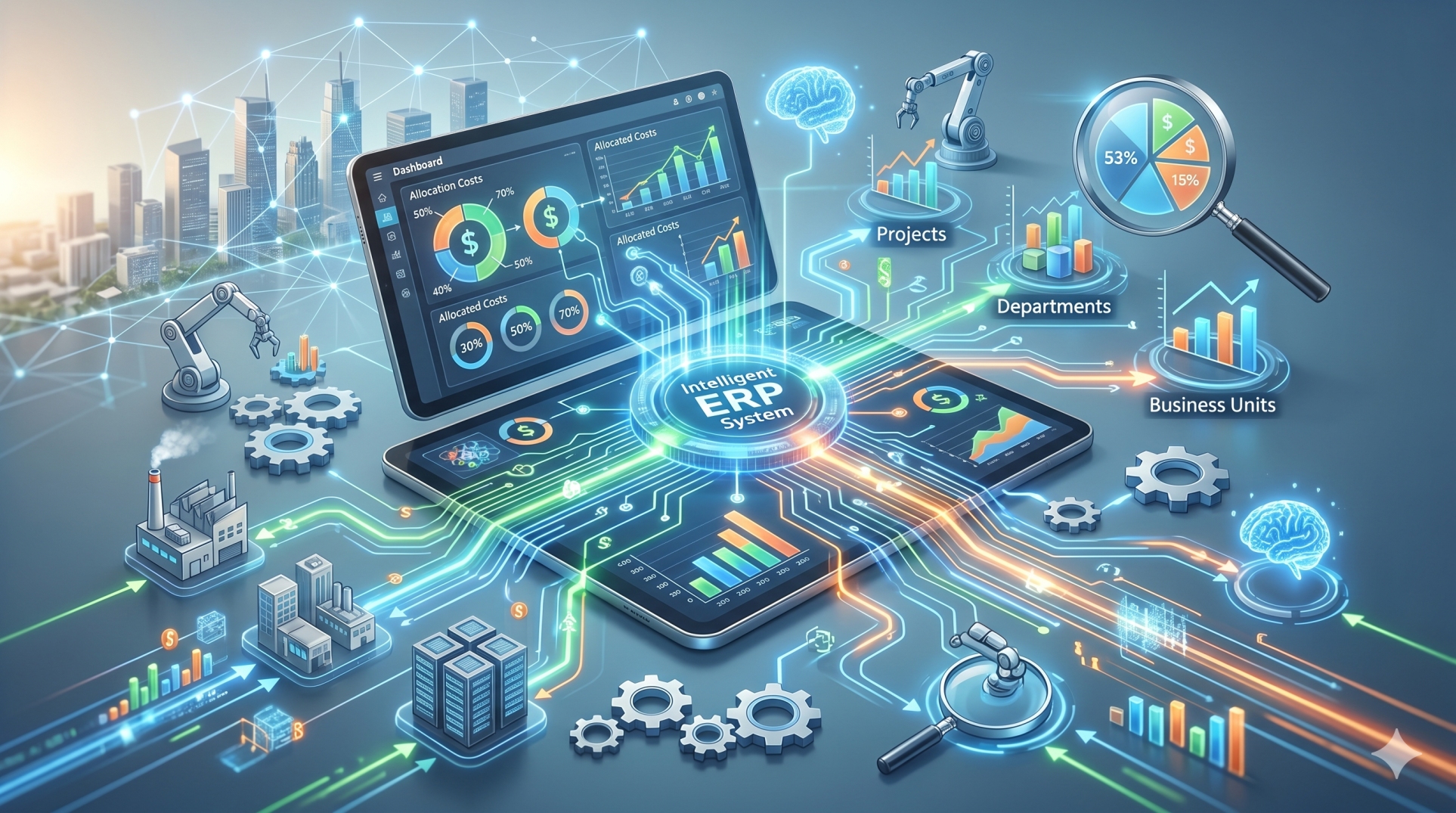
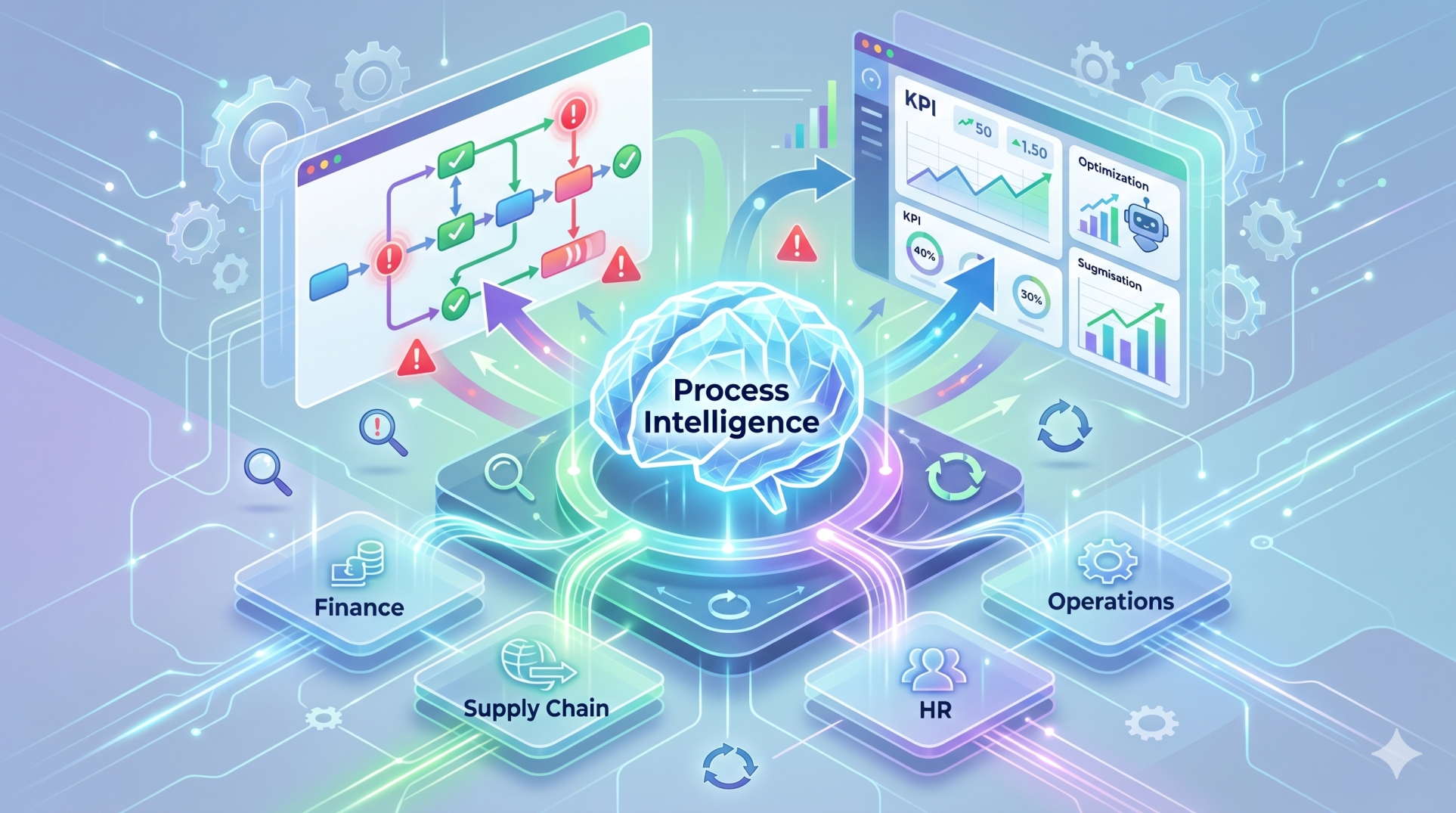
• Monitor business performance through interactive dashboards 📊
• Generate financial, operational, and sales reports 📑
• Track key performance indicators continuously 🎯
• Identify trends that support strategic planning 🔍
• Enable faster, data-driven business decisions 🧠
Step 7: Strengthening Security and Access Control 🔐
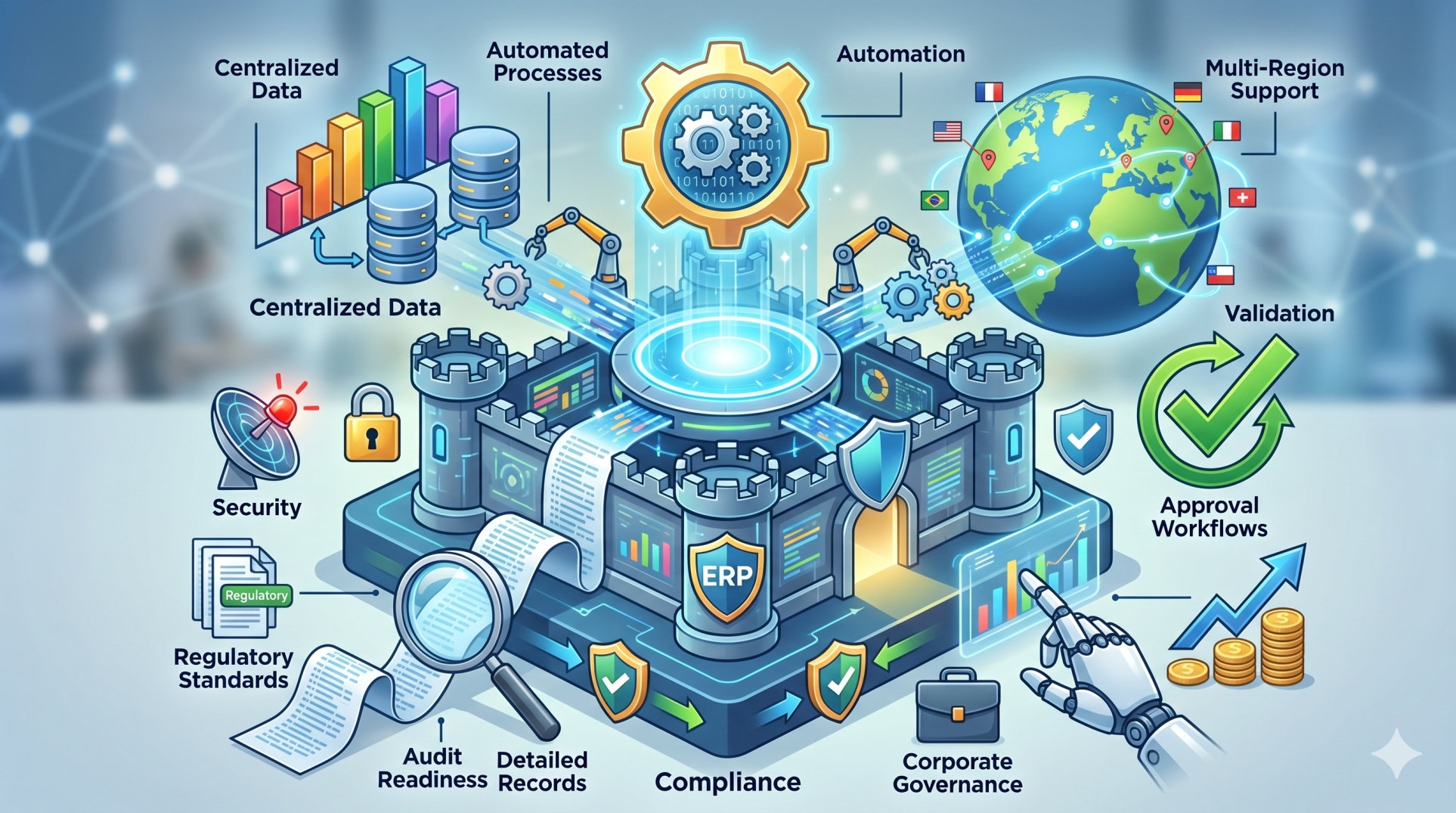
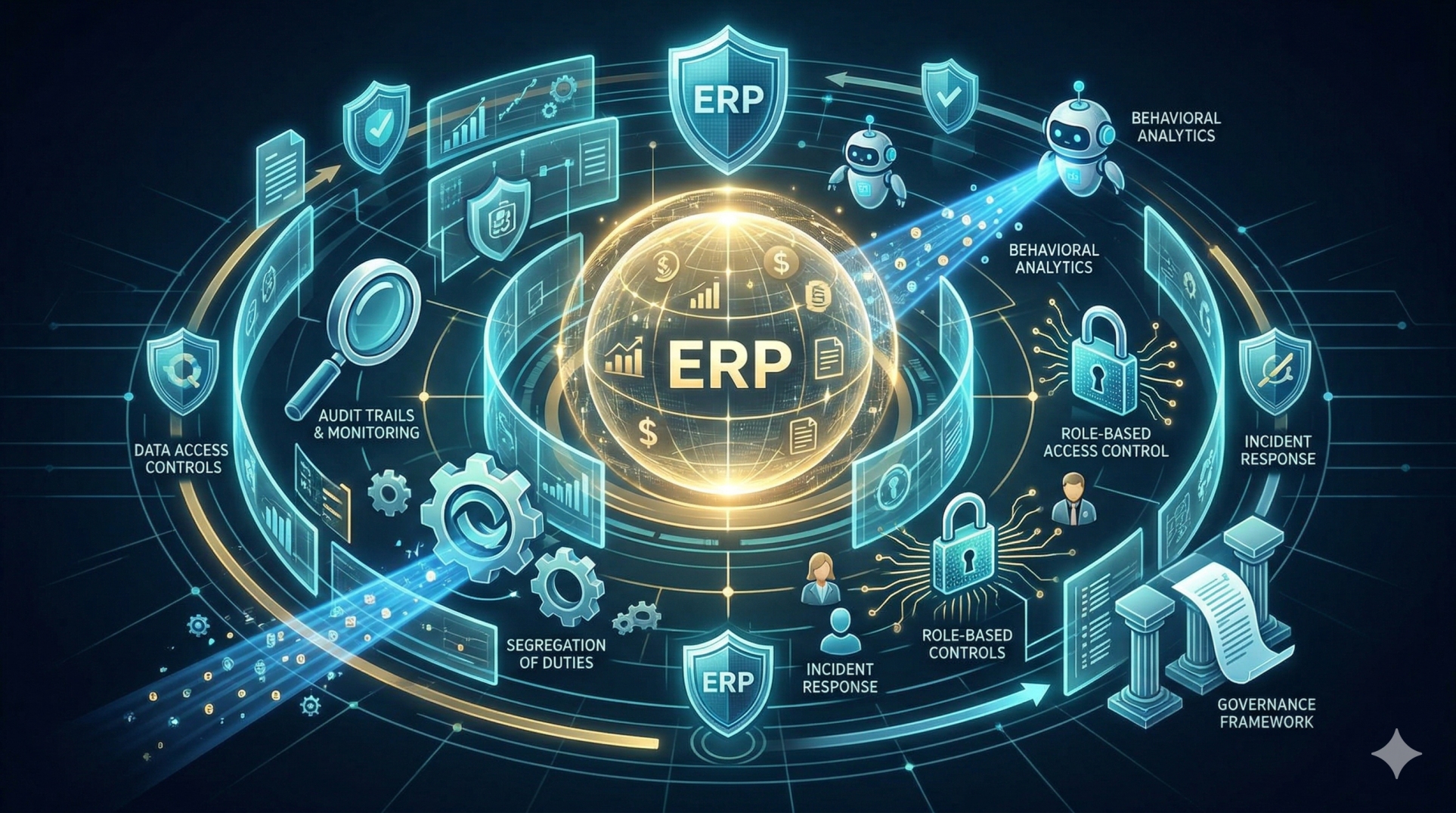
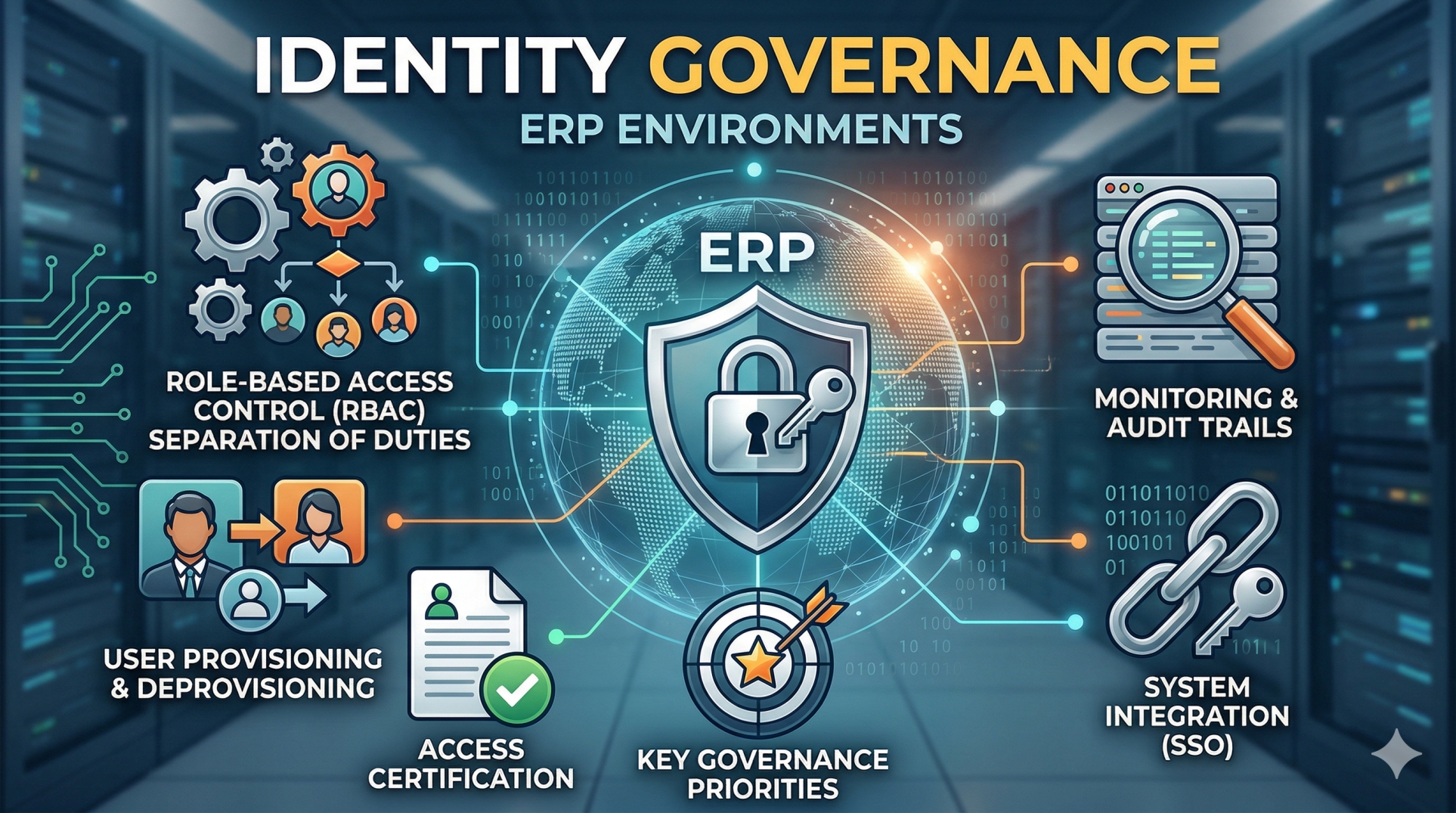
• Assign role-based permissions for employees 👥
• Protect sensitive business information 🛡️
• Maintain audit logs for operational transparency 📝
• Control access to critical financial and operational data 🚪
• Support secure collaboration across departments ✅
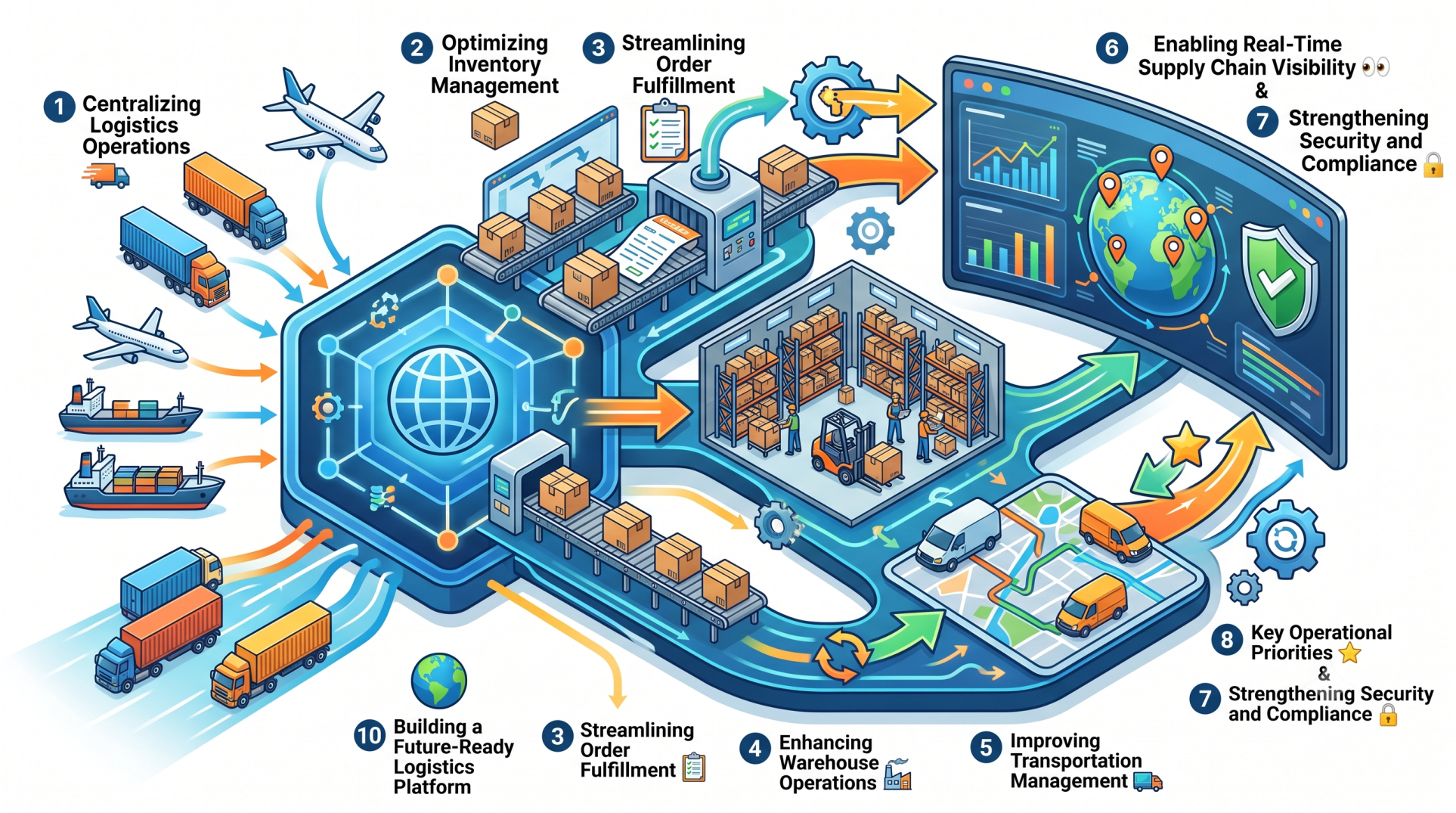
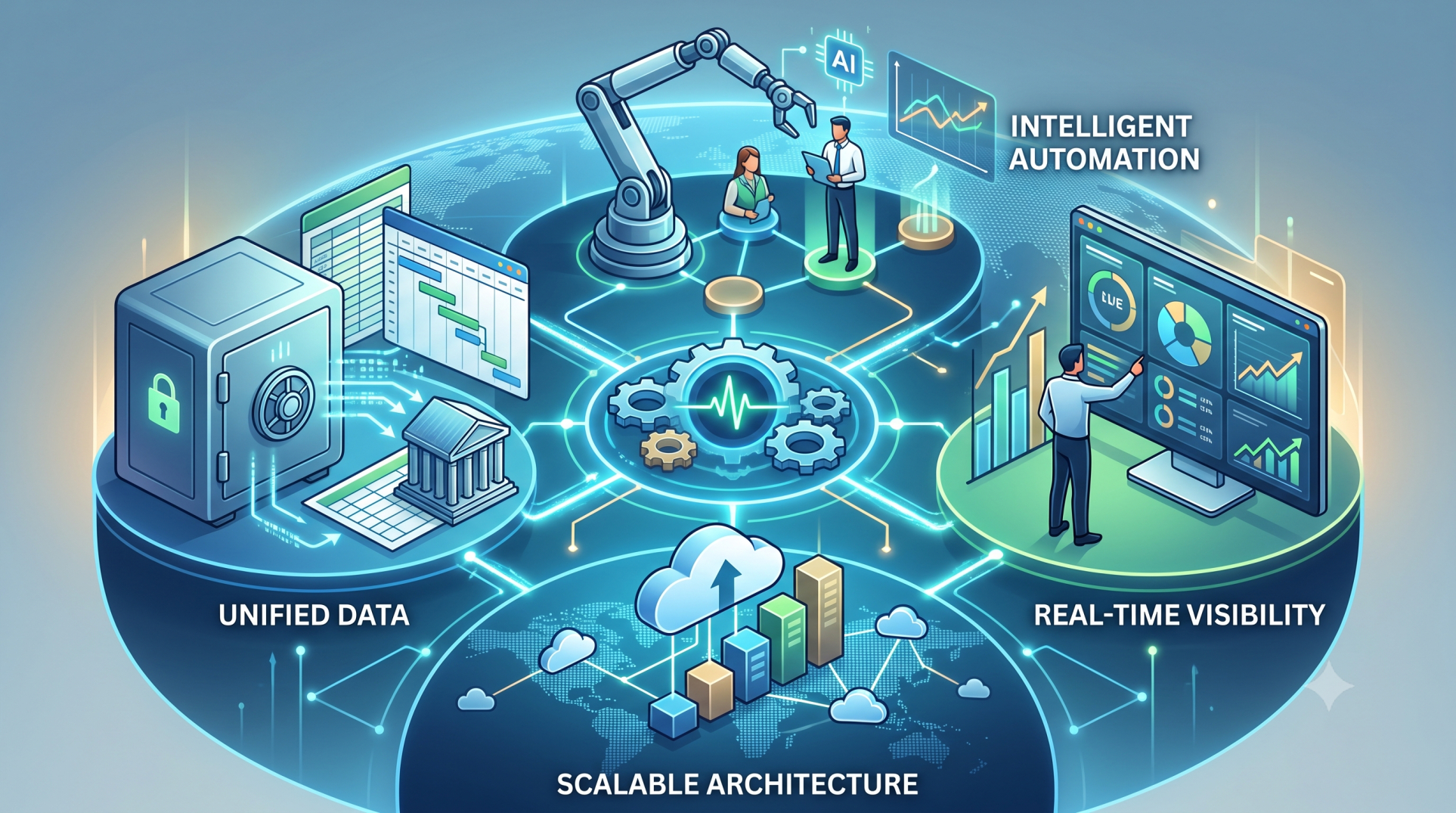
Step 8: Key ERP Customization Priorities ⭐
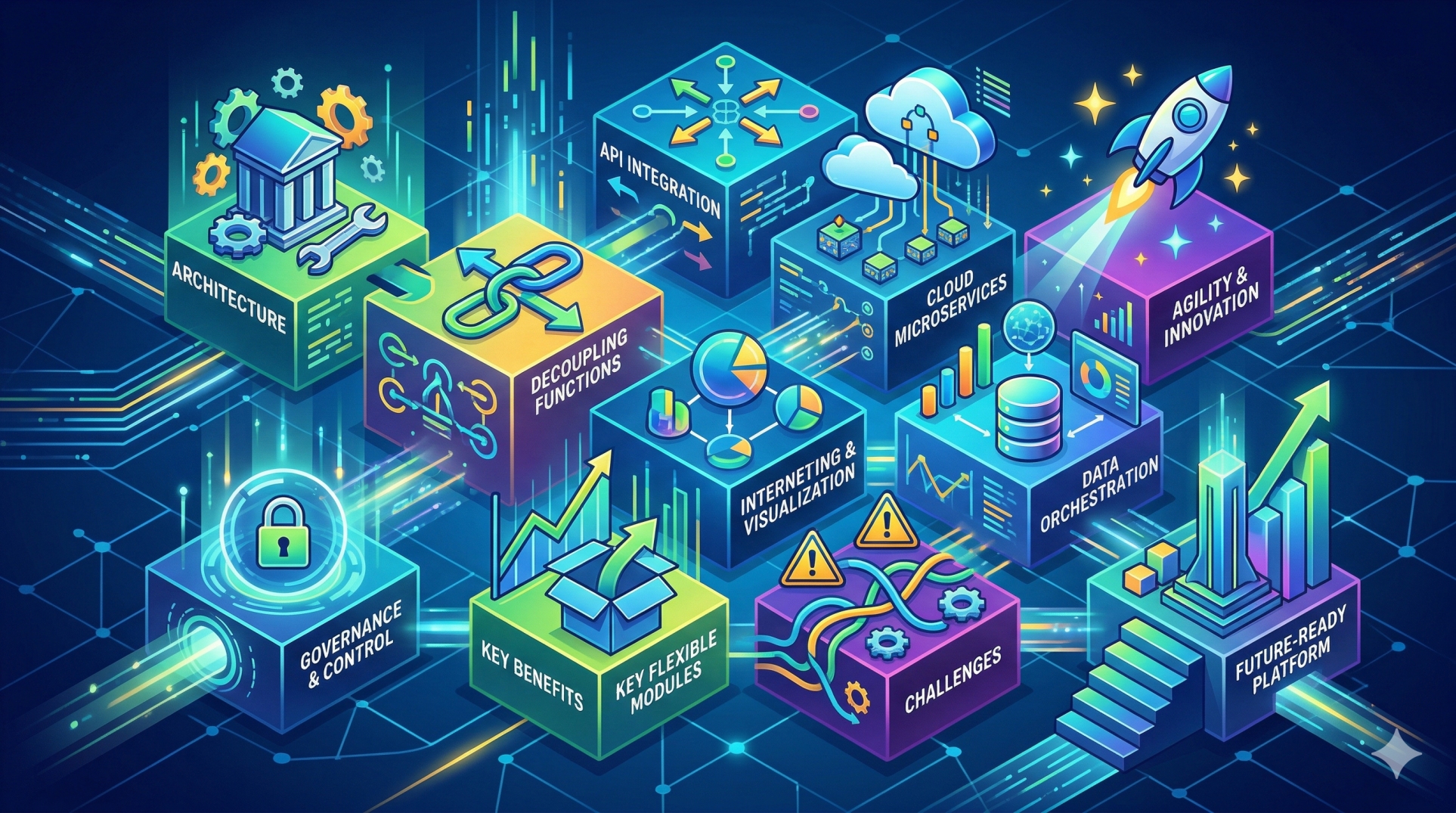
• Flexible modules that match business requirements 🧩
• Automated workflows that improve efficiency ⚡
• Centralized data with real-time visibility 📊
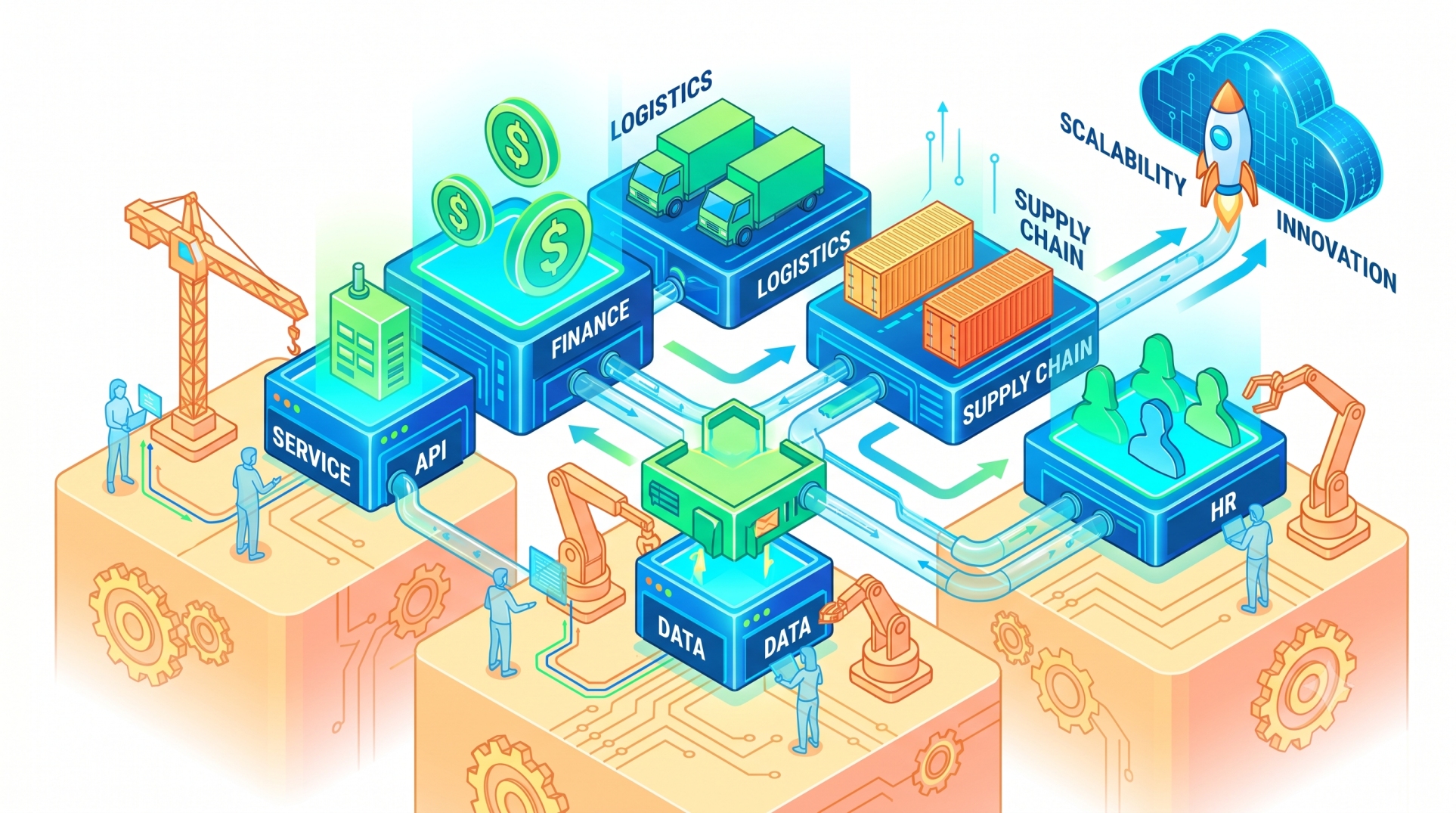
• Scalable architecture that grows with the business 🌱
Step 9: Supporting Business Growth 📈
• Add new users and departments without disrupting operations 👨💼
• Integrate additional business functions as needed 🔗
• Adapt workflows to changing operational requirements 🔄
• Expand reporting capabilities for growing organizations 📋
• Maintain operational consistency during business expansion 🚀
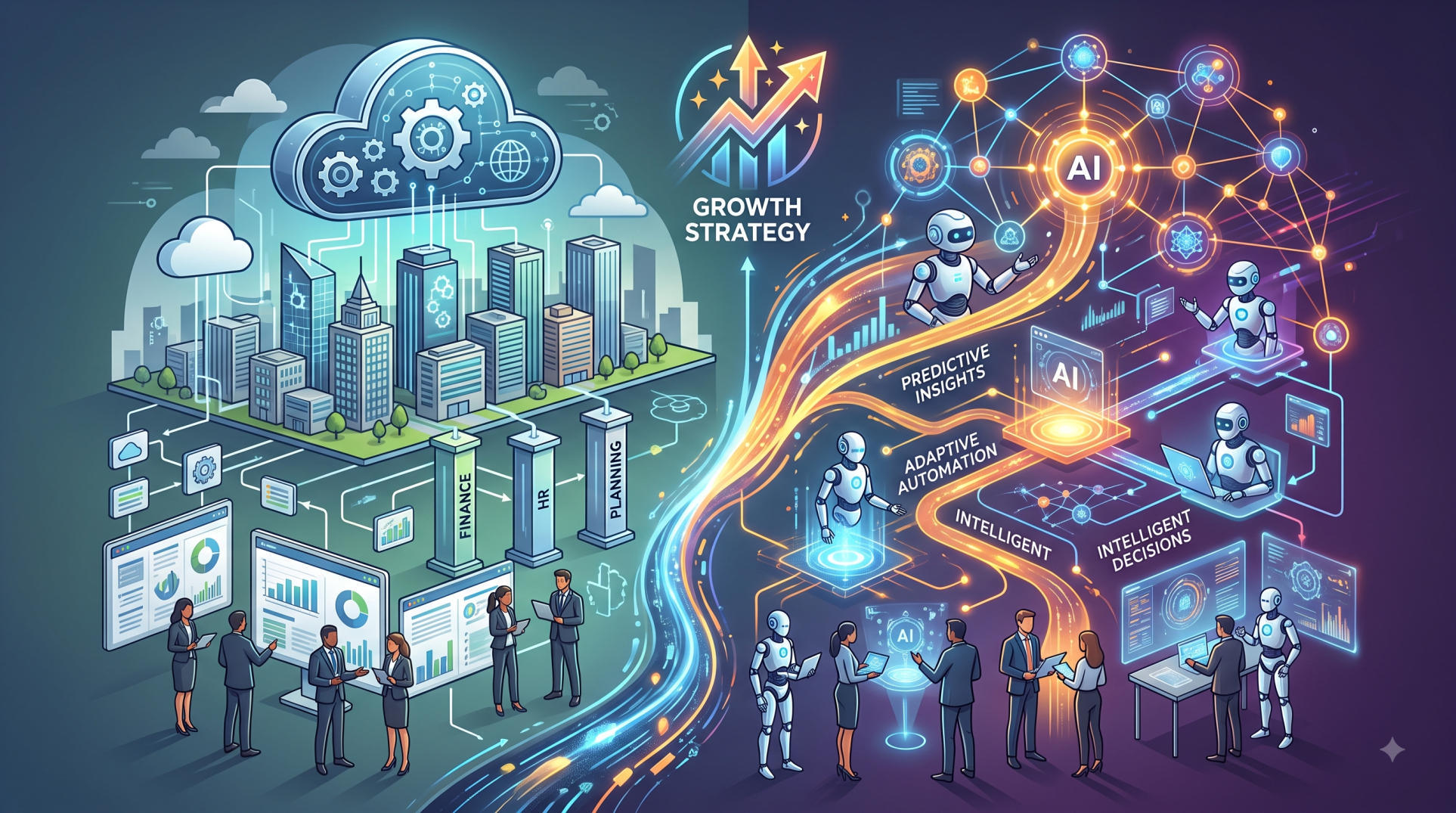
Step 10: Building a Future-Ready ERP Solution 🌟
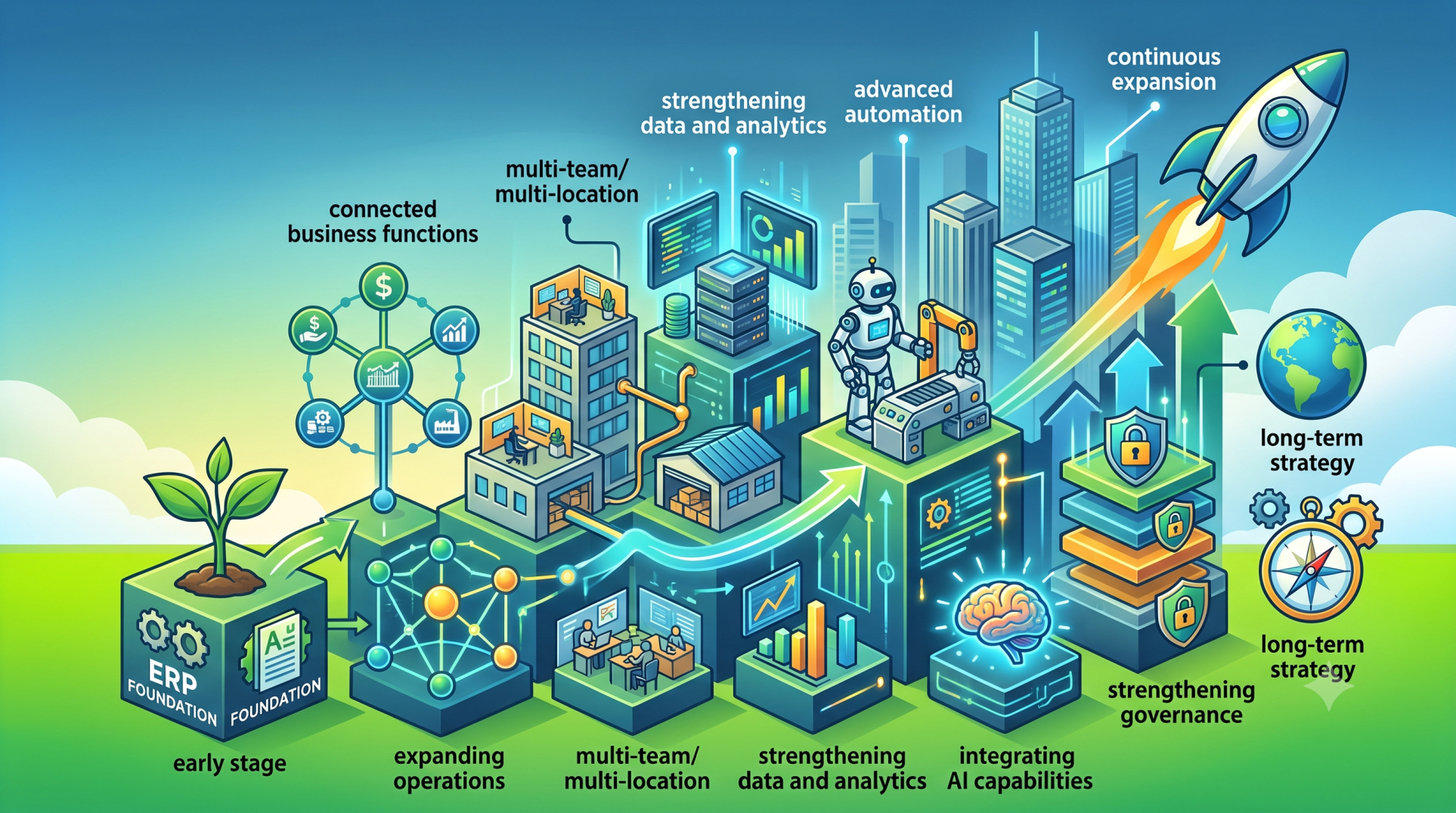
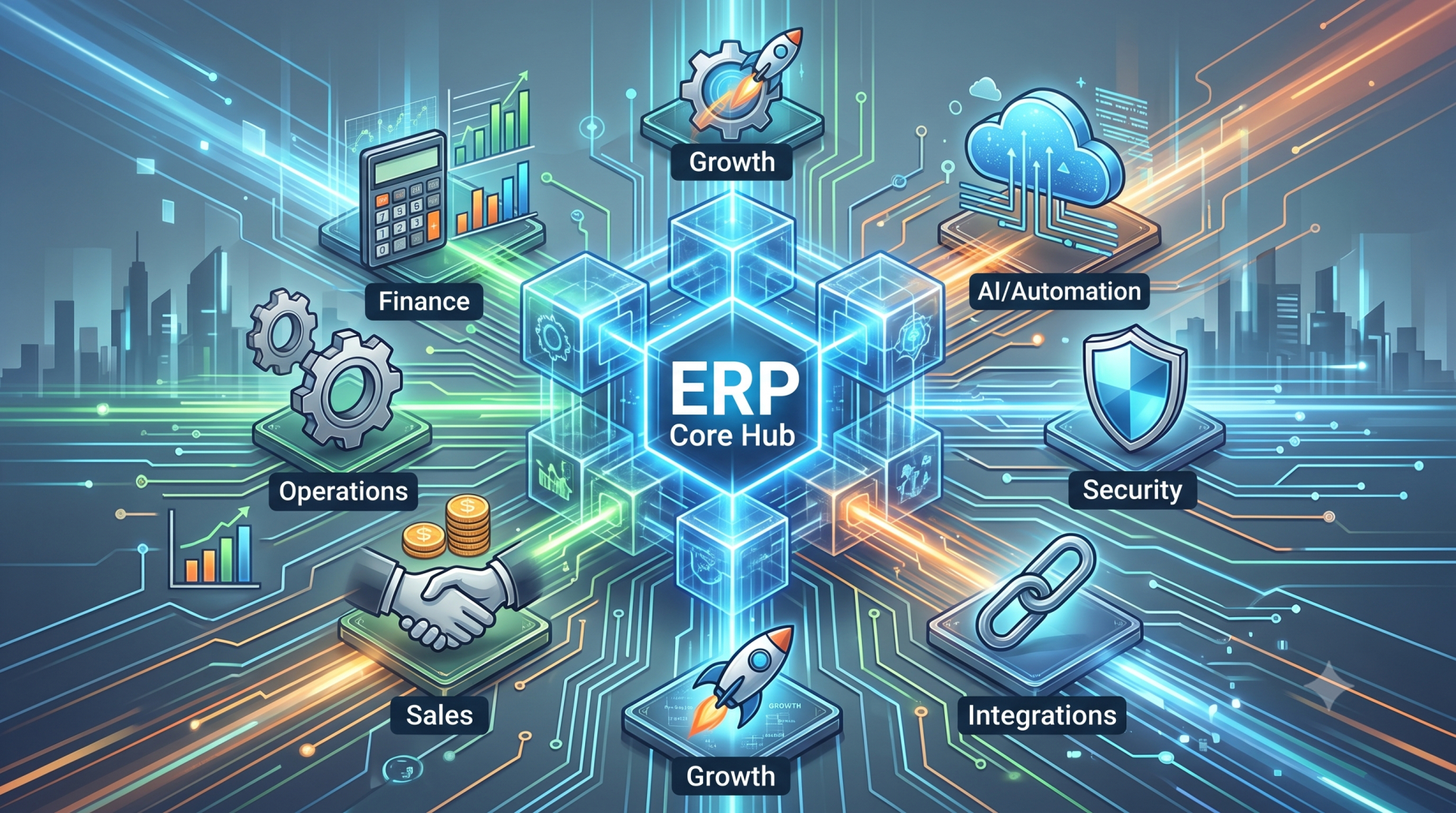
• Design a modular ERP platform for long-term flexibility 🏗️
• Support cloud-based access for distributed teams ☁️
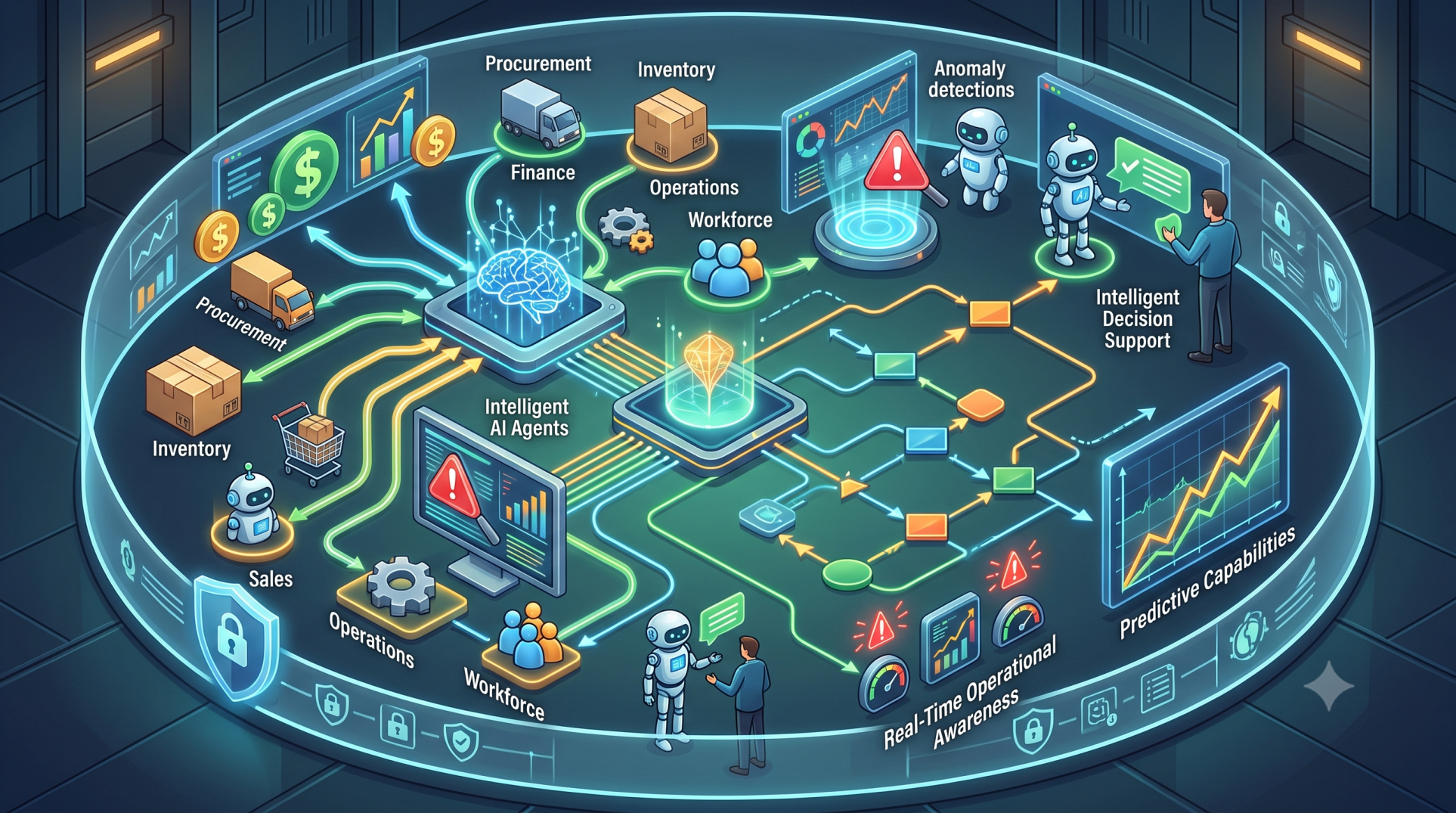
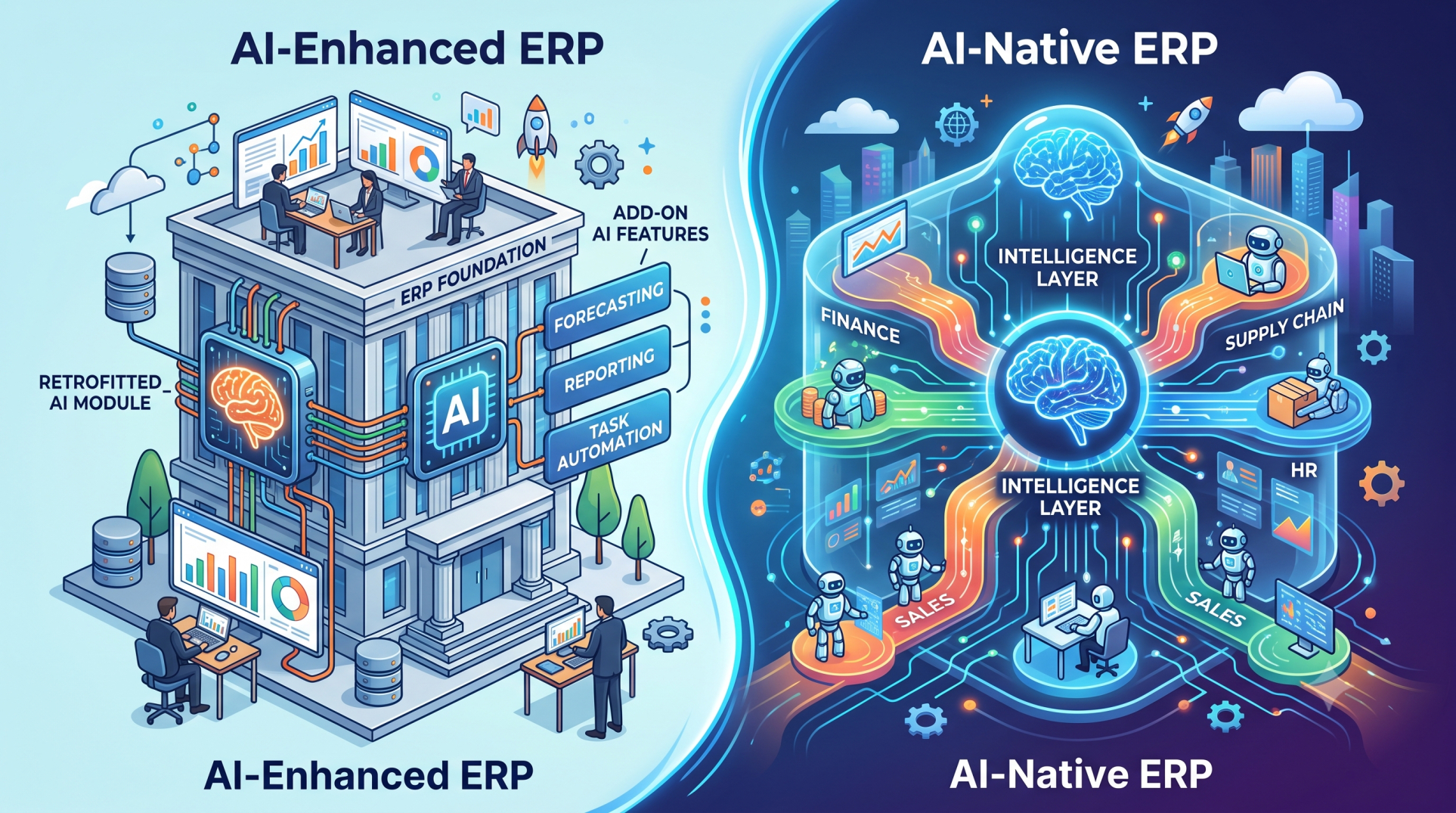
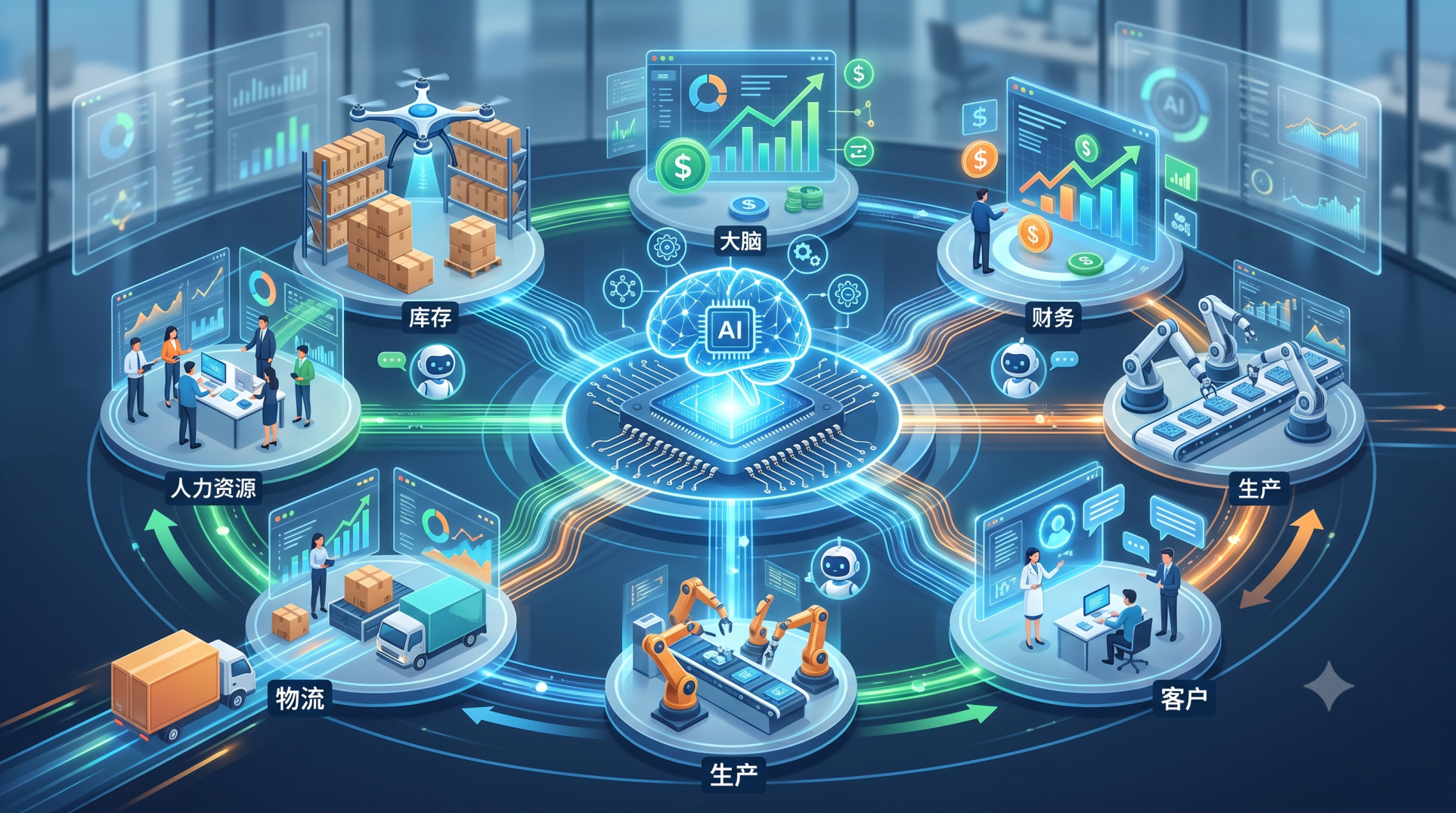
• Integrate automation, analytics, and AI capabilities 🤖
• Simplify software maintenance through scalable architecture 🔧
• Continuously optimize the ERP system as the business evolves 📈
Conclusion
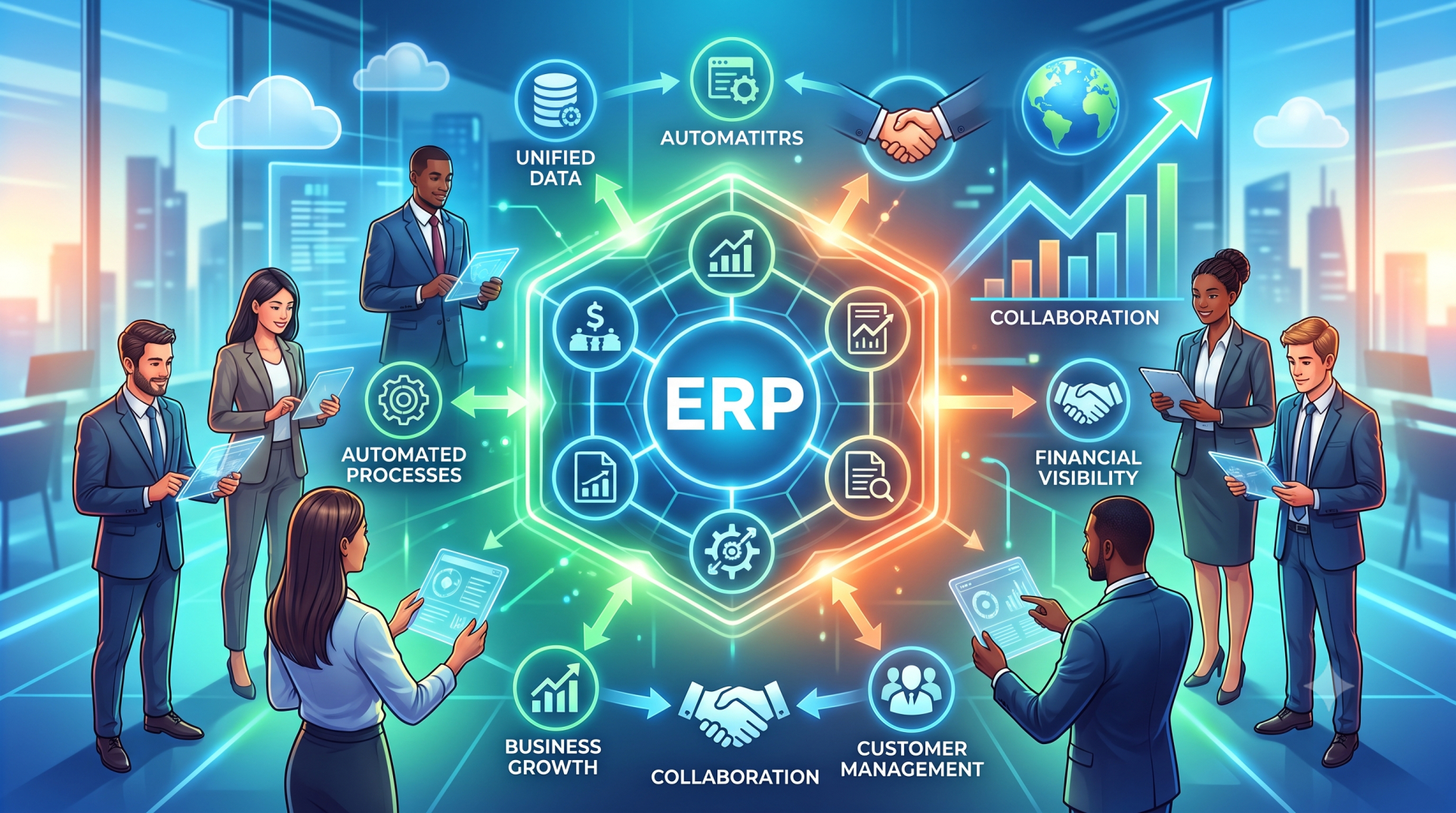
A customizable ERP empowers small businesses to build a business management suite that aligns with their unique operations instead of forcing them into rigid workflows. By centralizing data, automating routine processes, and enabling seamless collaboration, organizations can improve efficiency while remaining flexible enough to support future growth. A well-designed ERP becomes more than a software platform—it serves as the operational foundation that helps small businesses scale with confidence.
See more blogs
You can all the articles below