How to Identify Hidden Requirements Before Building a Custom ERP

Building a custom ERP system requires more than collecting a list of requested features. Many of the most important requirements are not explicitly documented. They may exist within manual processes, employee workarounds, approval practices, reporting habits, or dependencies between departments. Identifying these hidden requirements before development begins helps organizations avoid costly redesigns, workflow gaps, and adoption problems. A structured discovery process can reveal how the business actually operates and ensure the ERP is designed around real operational needs.
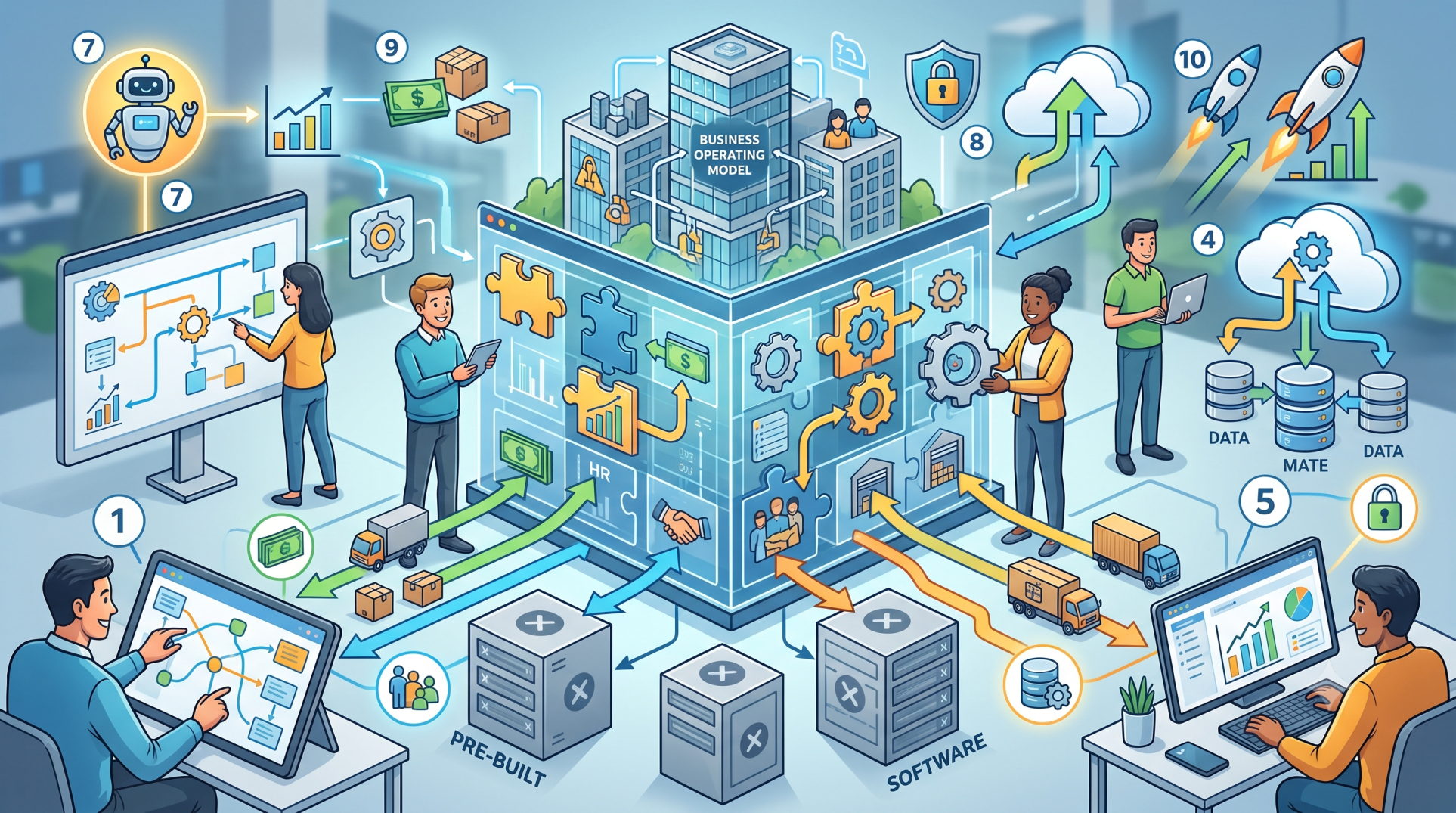
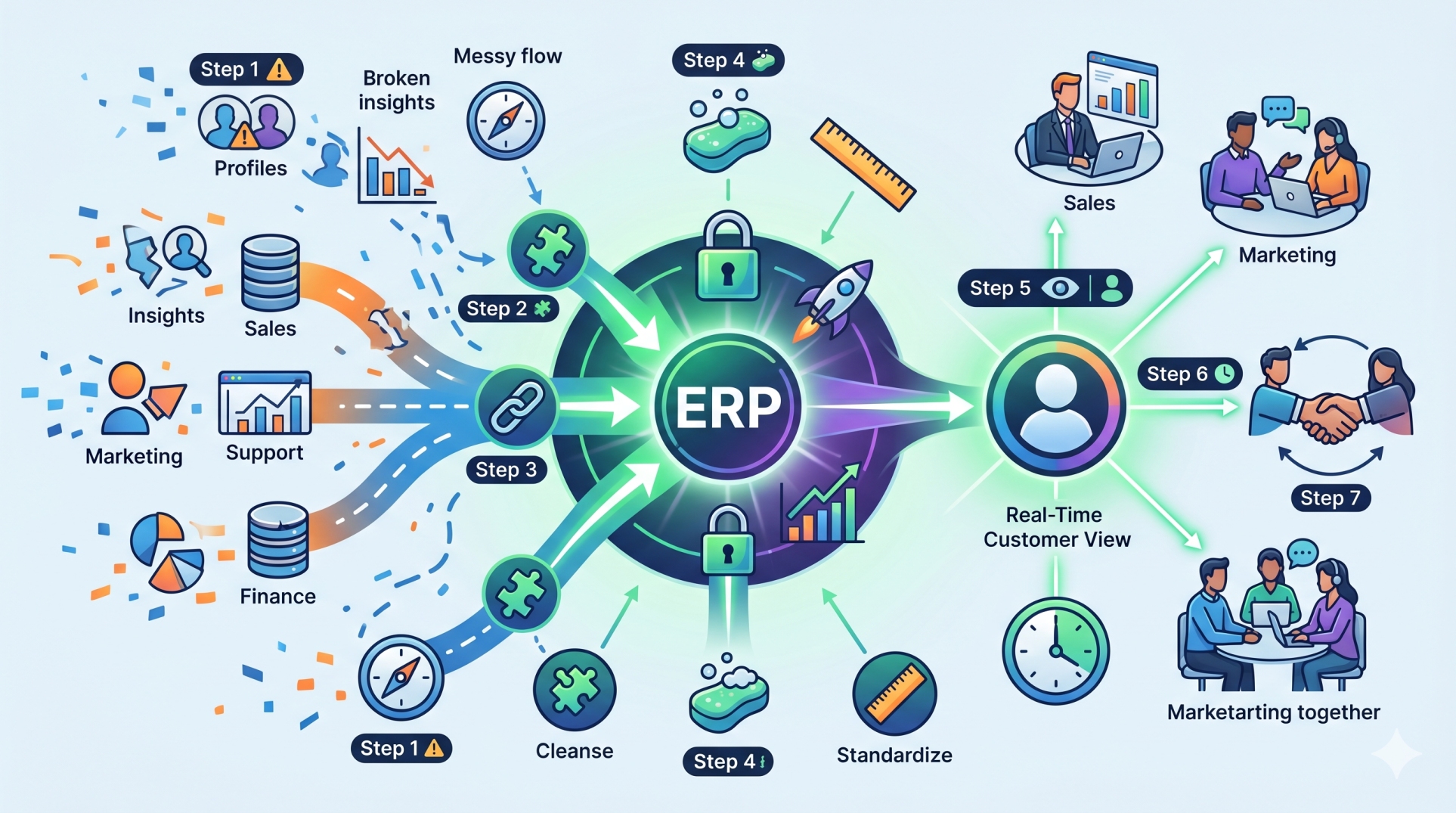
Step 1: Map Existing Business Processes 🗺️
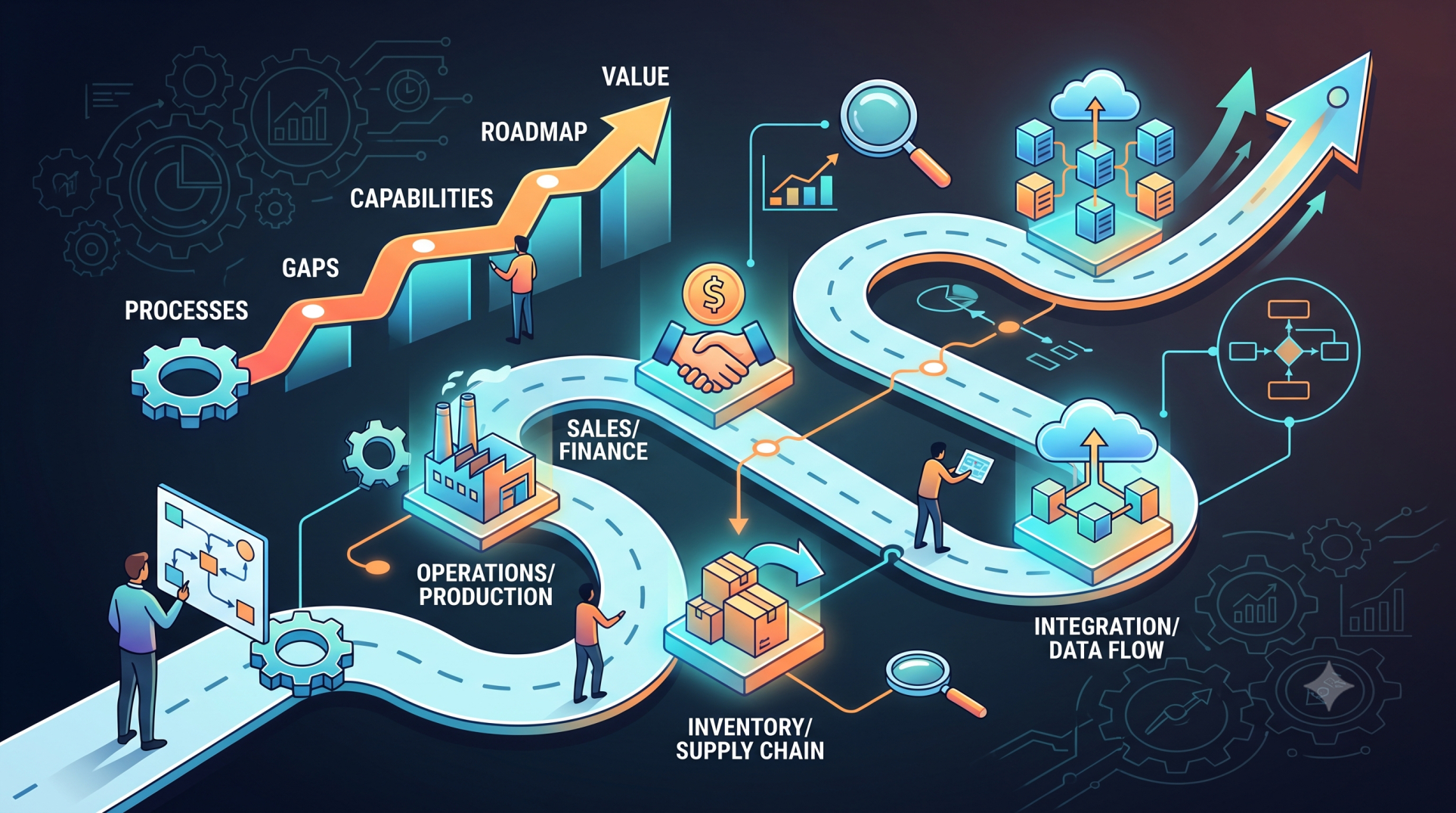
• Document how work currently moves between departments
• Identify manual steps, approvals, and repetitive activities
• Record inputs, outputs, dependencies, and decision points
• Compare documented procedures with actual employee workflows
• Highlight processes that rely on spreadsheets, email, or informal communication
Step 2: Interview Different Stakeholders 👥
• Speak with executives, managers, administrators, and frontline employees
• Ask users how they complete tasks rather than only what features they want
• Identify department-specific requirements and expectations
• Capture frustrations, workarounds, and recurring operational challenges
• Compare requirements across teams to uncover conflicting needs
Step 3: Discover Informal Workarounds 🔍
• Look for processes employees have created outside existing software
• Identify spreadsheets used to supplement business applications
• Examine manual calculations and duplicated data entry
• Understand why users bypass existing workflows
• Determine which workarounds should become formal ERP capabilities
Step 4: Analyze Data Dependencies 🔗
• Identify where critical business information originates
• Map how data moves between departments and applications
• Determine which systems need to exchange information with the ERP
• Identify duplicate, inconsistent, or missing data
• Define ownership and validation rules for important information
Step 5: Examine Approval and Decision Workflows ✅
• Document who approves purchases, payments, requests, and transactions
• Identify conditional approval rules and escalation paths
• Account for different workflows based on departments or transaction values
• Define what happens when an approval is rejected or delayed
• Build flexibility for organizational changes and delegated authority
Step 6: Identify Reporting Requirements 📊
• Ask teams which reports they use to make operational decisions
• Identify reports currently created manually
• Determine required metrics, filters, and reporting frequency
• Separate essential dashboards from occasional analytical requests
• Consider future reporting requirements rather than only current needs
Step 7: Uncover Exception Scenarios ⚠️
• Document what happens when normal workflows fail
• Identify handling procedures for cancellations, returns, shortages, and delays
• Define alternative paths for incomplete or incorrect information
• Determine how urgent transactions should be processed
• Make exception handling part of the ERP design instead of treating it as an afterthought
Step 8: Review Integration Requirements 🔄
• Identify external platforms that must connect with the ERP
• Consider accounting, CRM, payroll, inventory, e-commerce, and operational systems
• Define required data exchange between applications
• Identify synchronization frequency and integration dependencies
• Plan for API, authentication, and data-mapping requirements early
Step 9: Validate Requirements Before Development 🧪
• Convert discovered needs into clearly documented requirements
• Review proposed workflows with actual system users
• Build prototypes or process diagrams for complex requirements
• Prioritize essential capabilities versus future enhancements
• Confirm assumptions before development begins
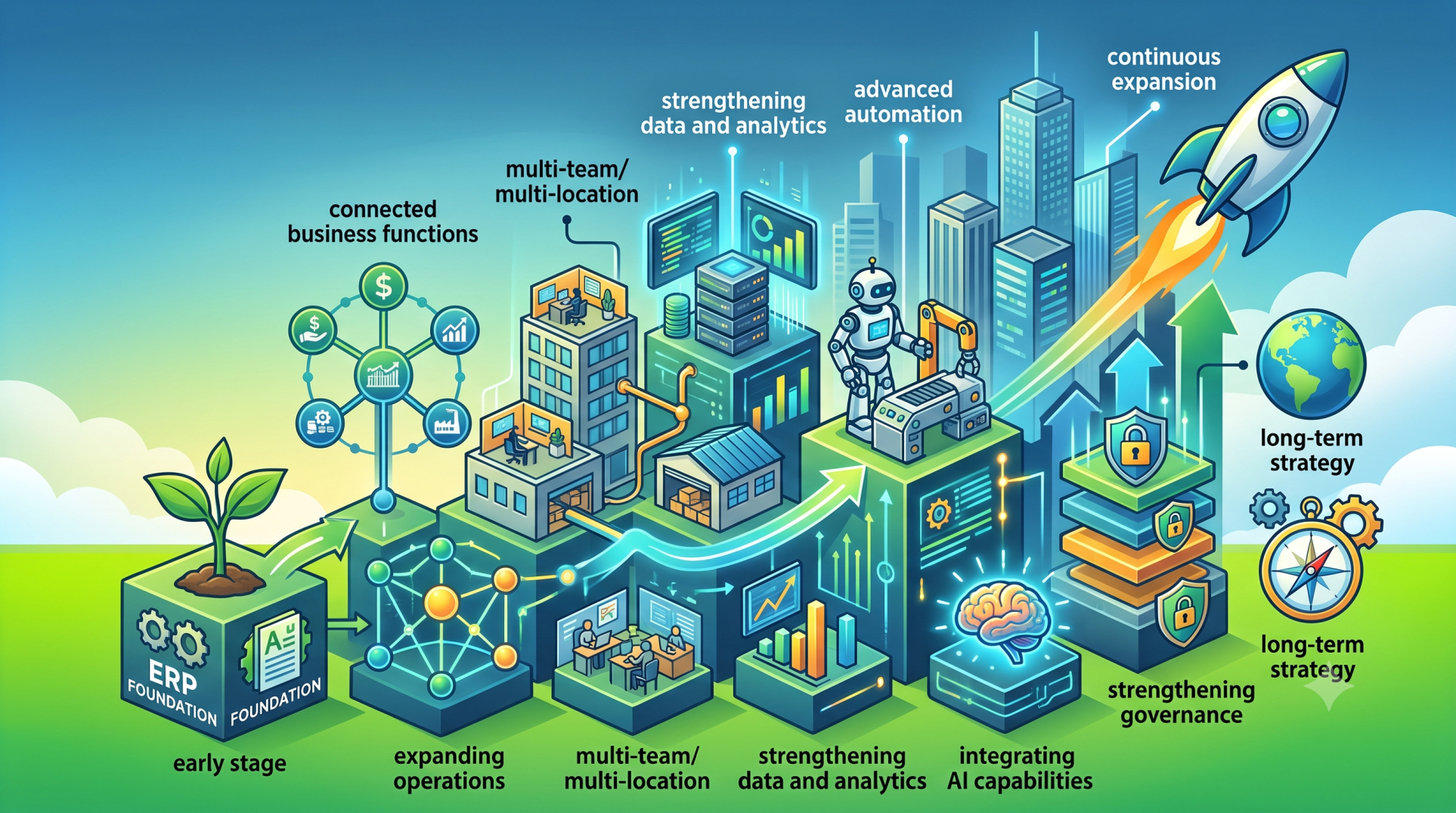
Step 10: Design for Future Business Changes 🚀
• Consider how workflows may change as the organization grows
• Support additional locations, departments, users, and business units
• Avoid rigid processes that require redevelopment for minor changes
• Build configurable workflows and permissions where appropriate
• Create an ERP architecture that can evolve with the business
Key Questions to Ask Before Building 🧠
• What processes are employees managing outside the current systems?
• Where do users repeatedly enter or transfer the same information?
• Which approvals depend on specific people or business conditions?
• What happens when the standard process cannot be followed?
• Which reports require manual preparation today?
• What systems must exchange data with the new ERP?
• Which requirements are essential on day one, and which can come later?
• How could these requirements change as the organization expands?
Conclusion
Hidden requirements can have a significant impact on the success of a custom ERP project. They often emerge from everyday workarounds, departmental dependencies, exception scenarios, reporting practices, and undocumented decision processes. By combining process mapping, stakeholder interviews, data analysis, workflow discovery, and requirement validation, organizations can uncover these needs before development begins. The result is a custom ERP that reflects how the business actually operates—not simply how its processes appear on paper.
See more blogs
You can all the articles below