ERP with QuickBooks Integration: A Finance Game-Changer

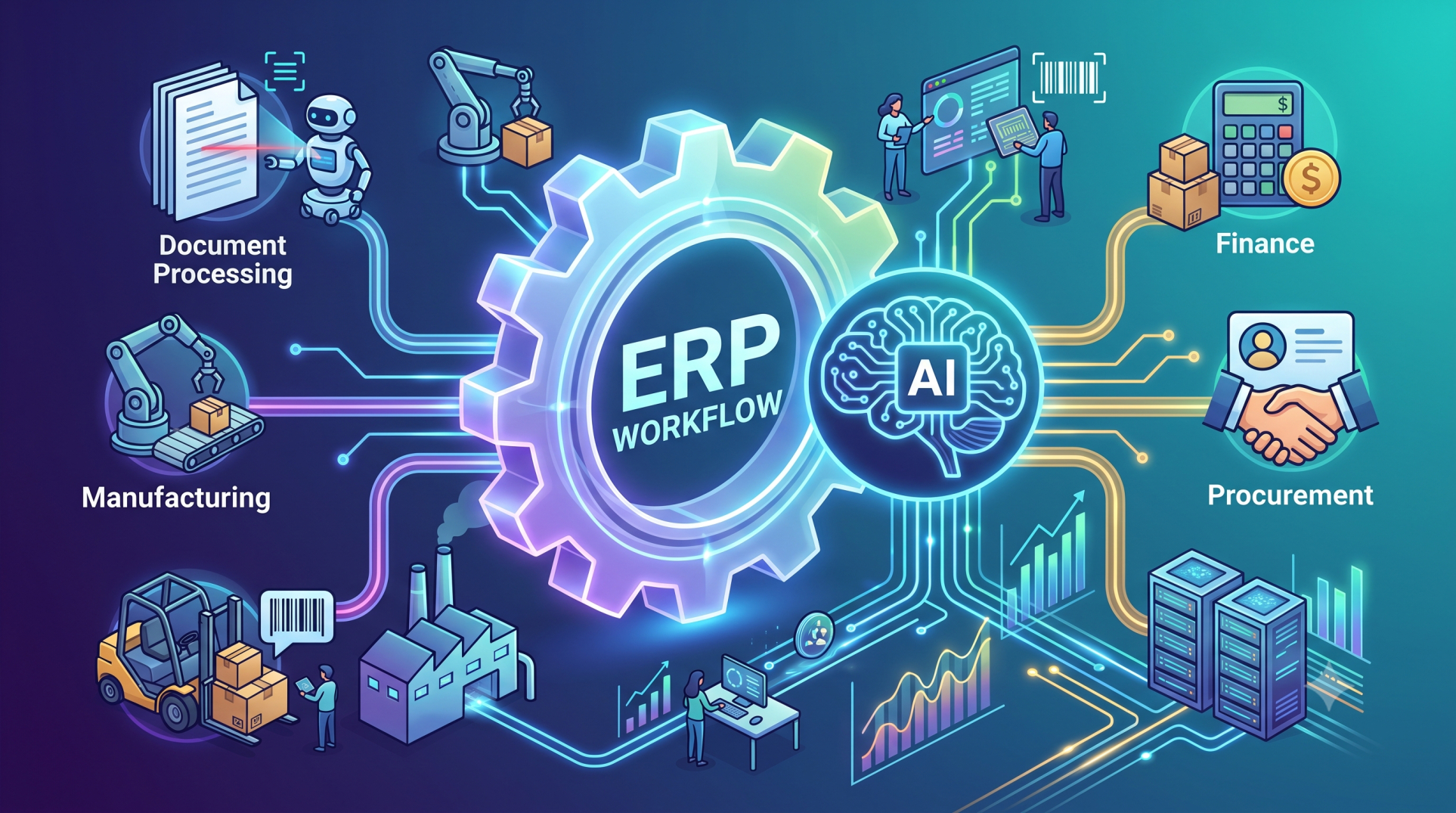
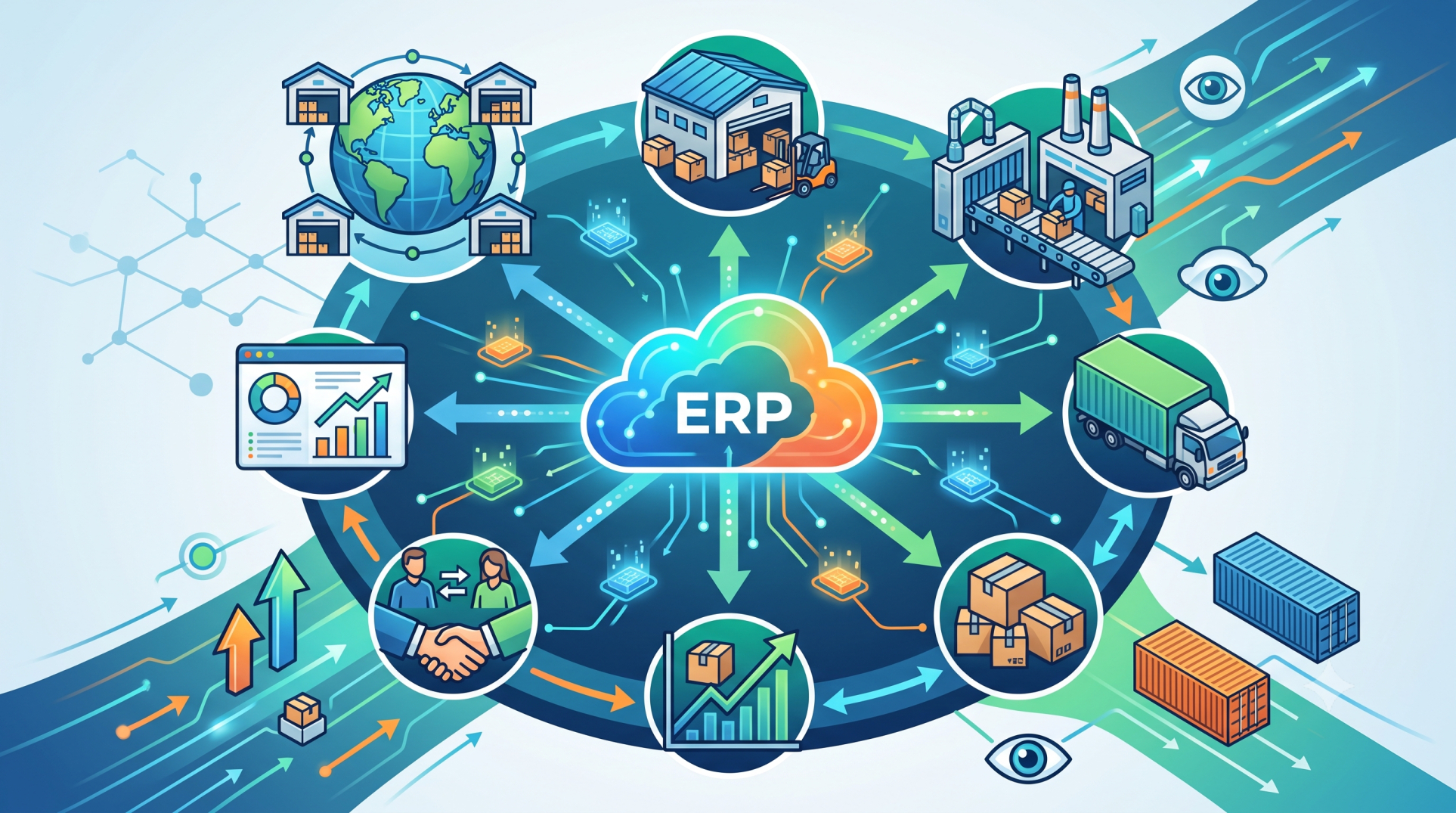
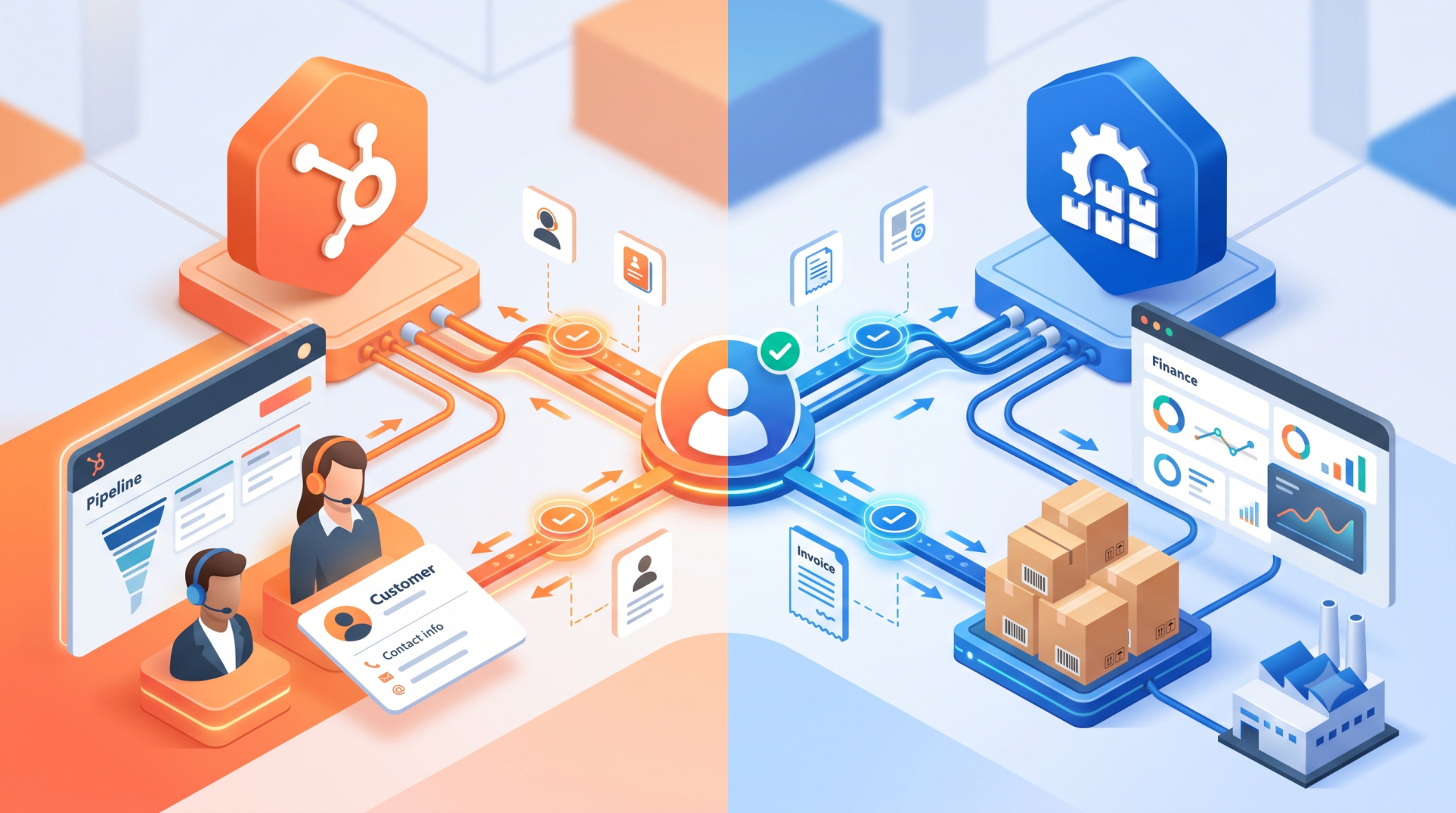
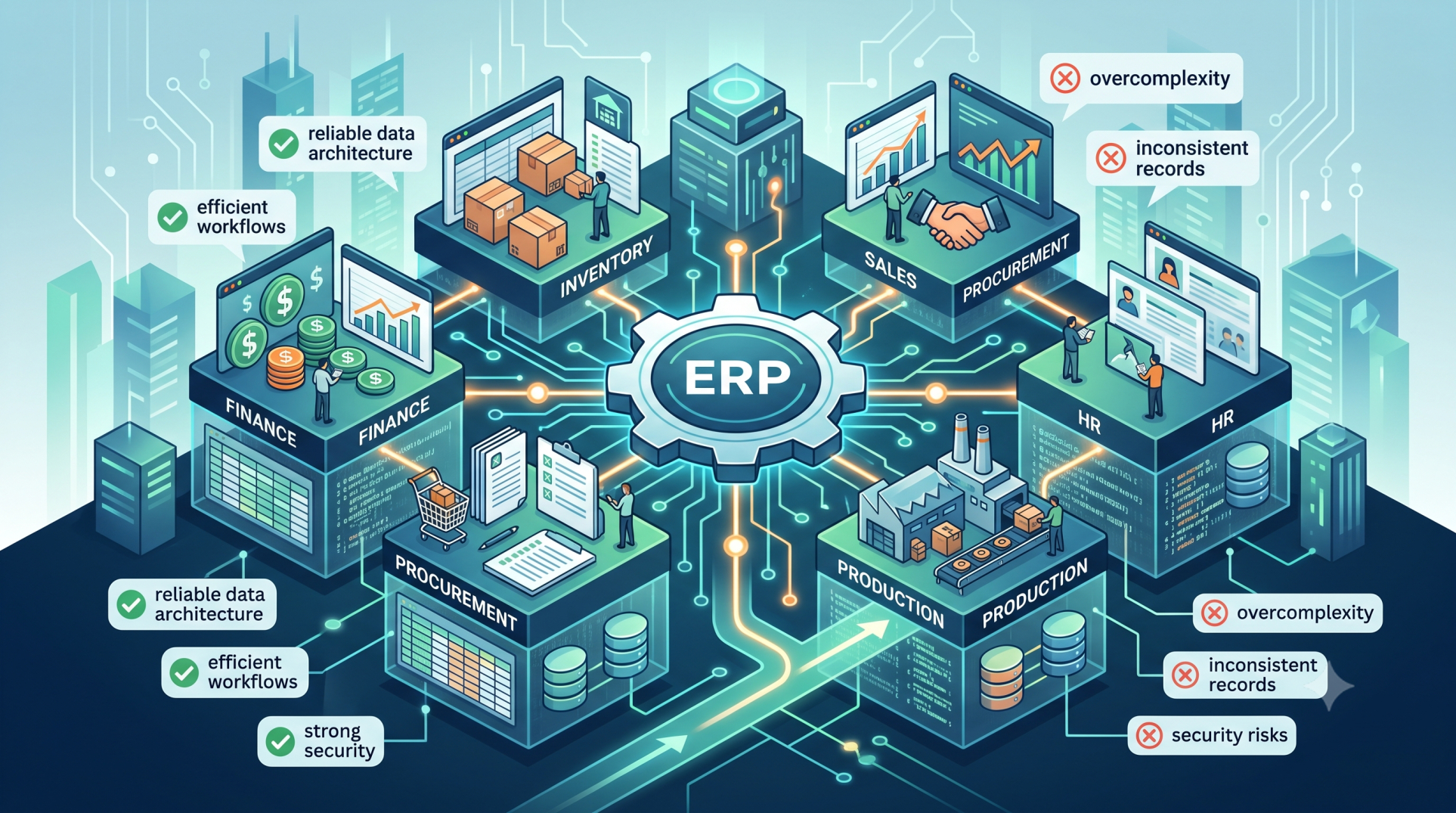
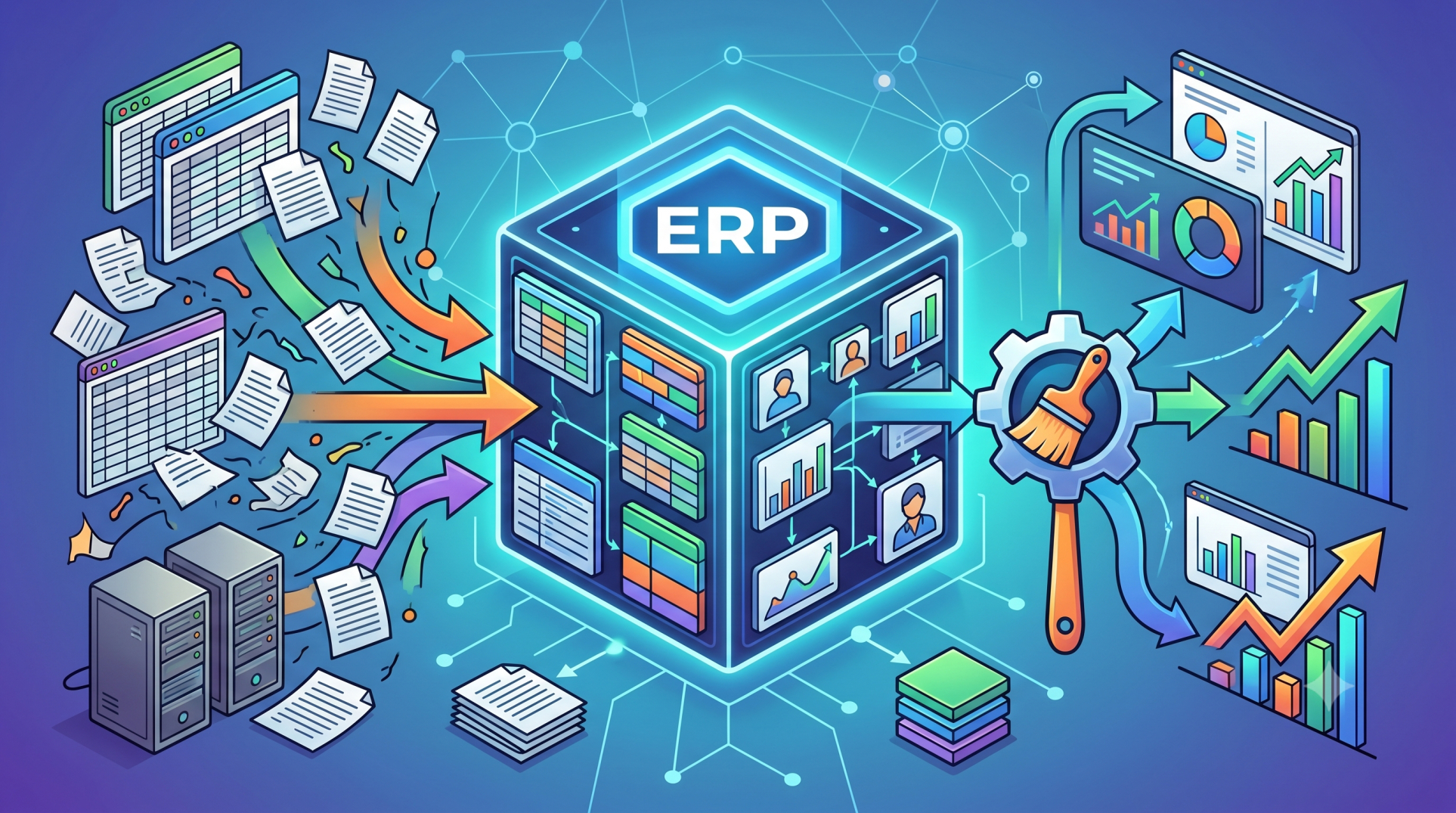
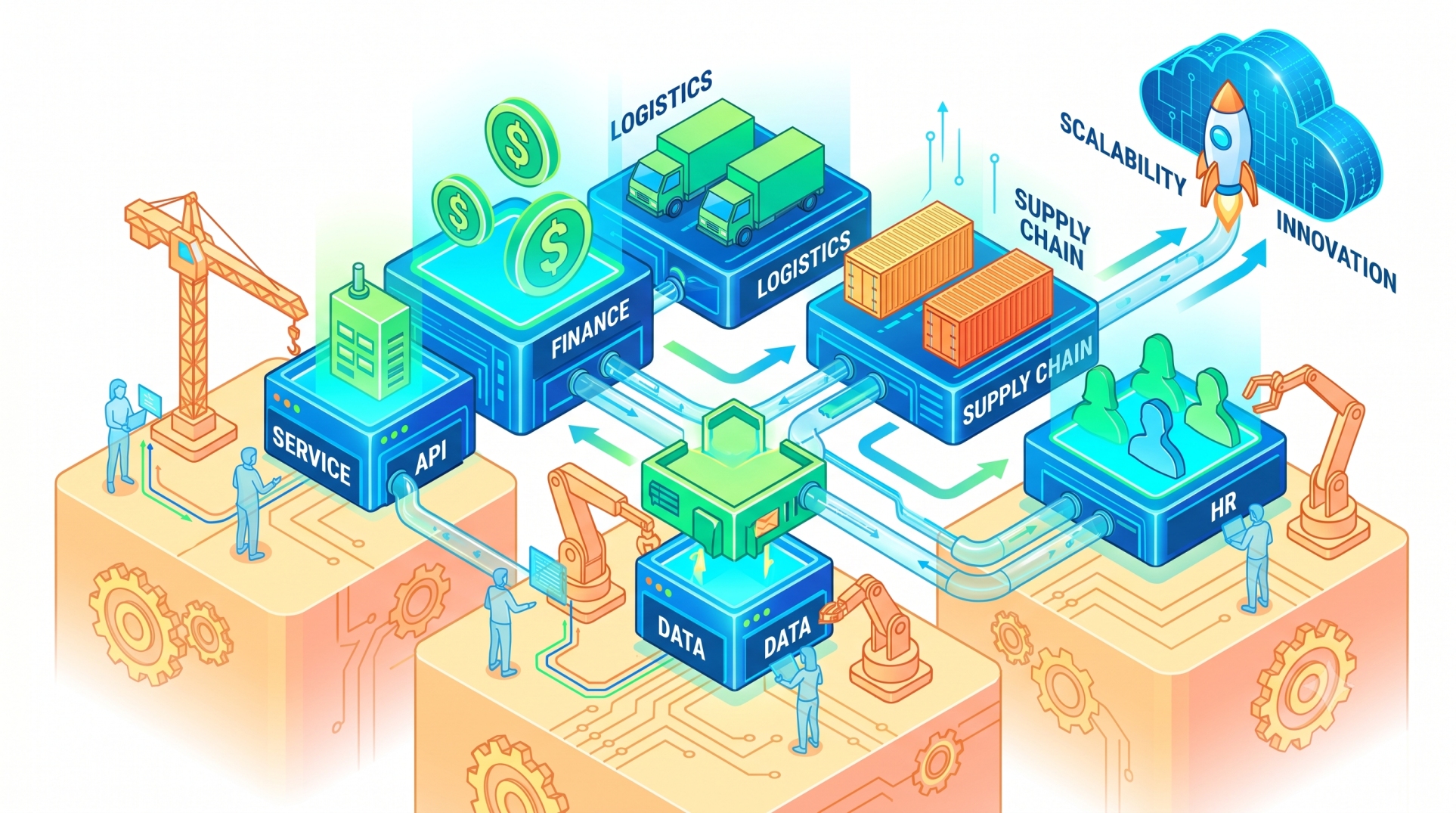
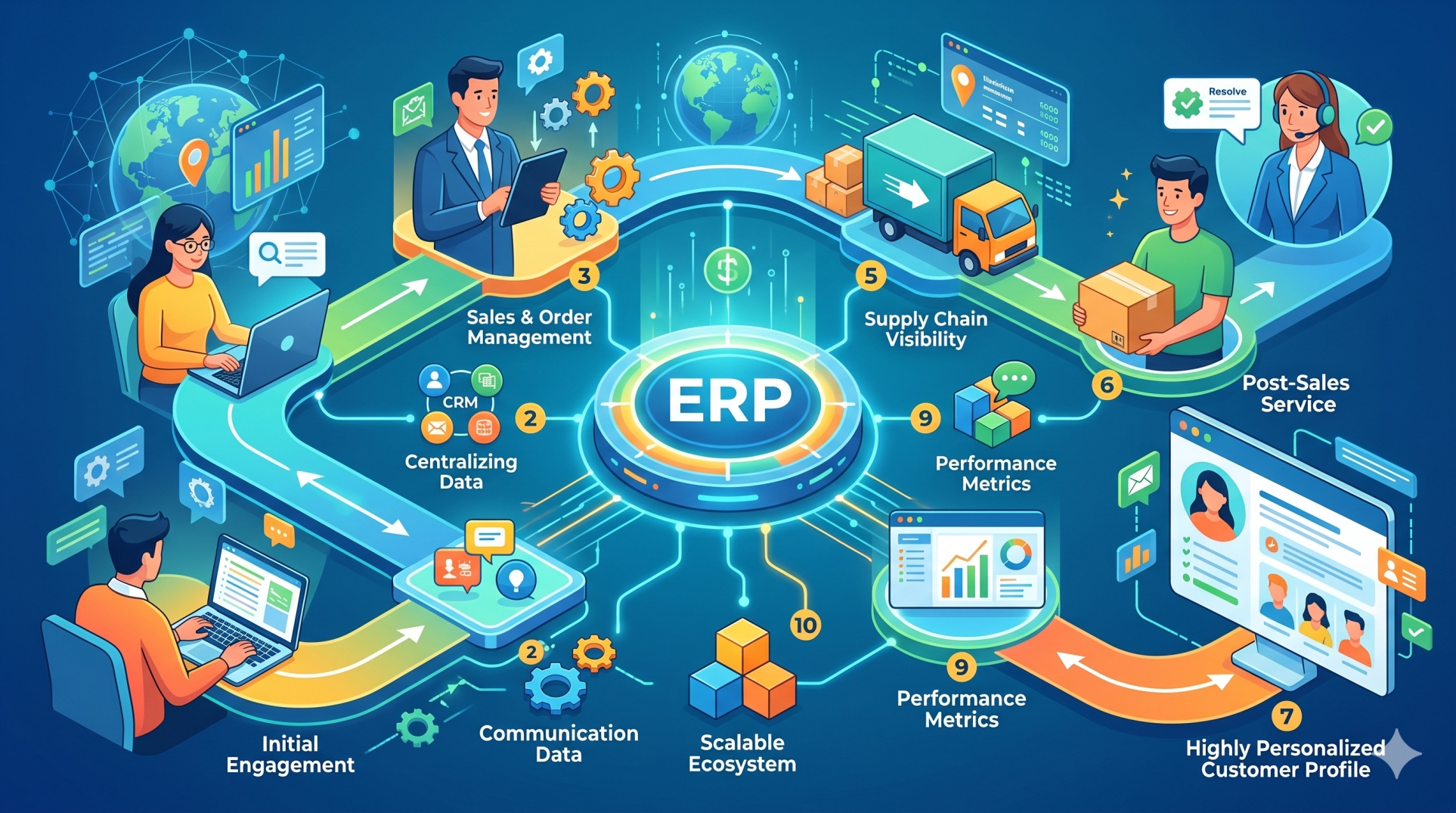
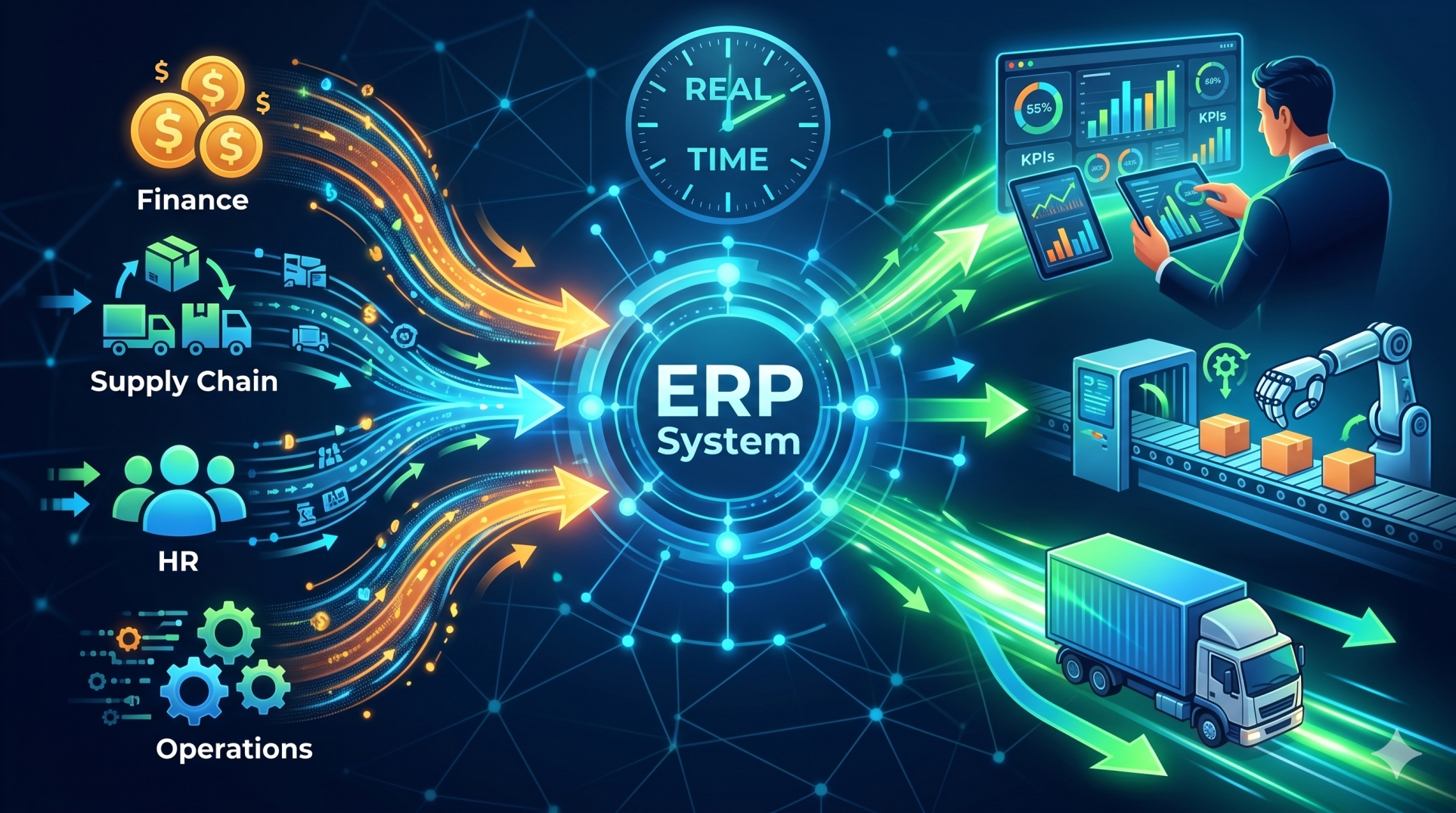
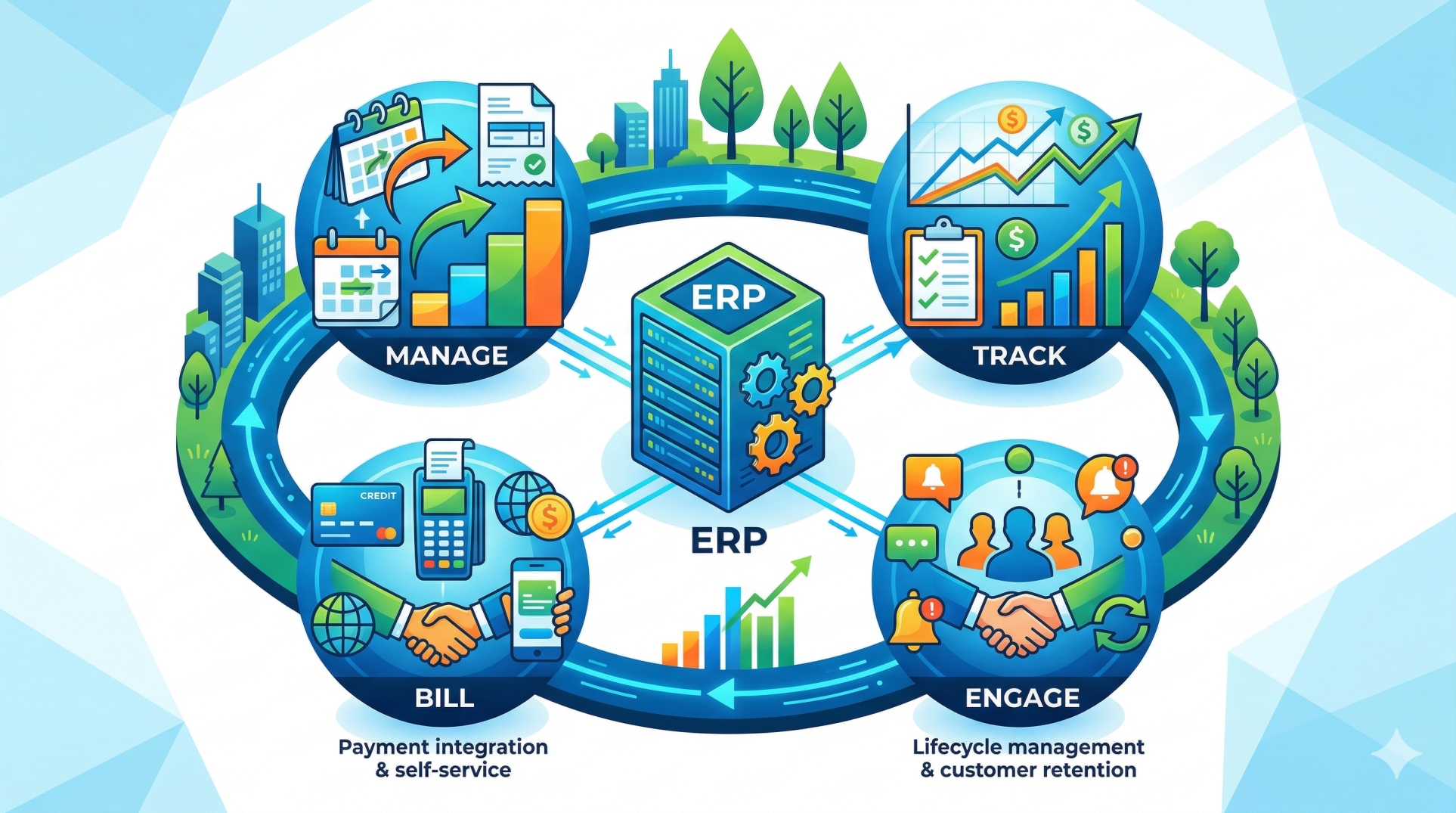
Managing business finances becomes significantly more efficient when Enterprise Resource Planning (ERP) systems integrate seamlessly with QuickBooks. Rather than maintaining separate financial and operational platforms, organizations can synchronize accounting, inventory, procurement, sales, and reporting into a unified workflow. ERP with QuickBooks integration reduces manual data entry, improves financial accuracy, and provides real-time visibility into business performance, enabling faster and more informed decision-making.
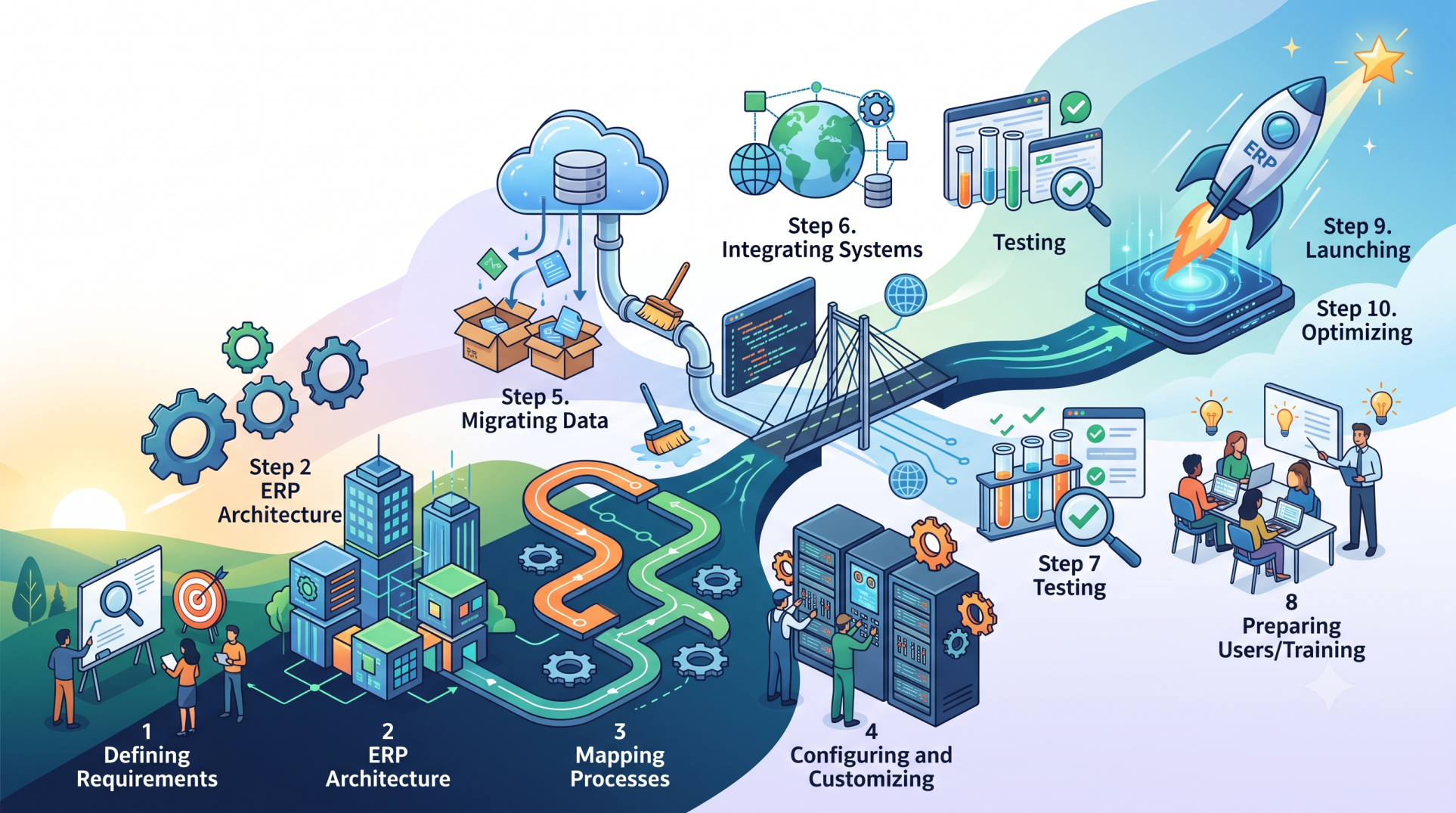
Step 1: Understanding ERP and QuickBooks Integration 🔗
• Connect ERP operations directly with QuickBooks accounting data 📊
• Synchronize financial and operational information automatically 🔄
• Eliminate duplicate data entry across systems ✍️
• Improve collaboration between finance and business teams 🤝
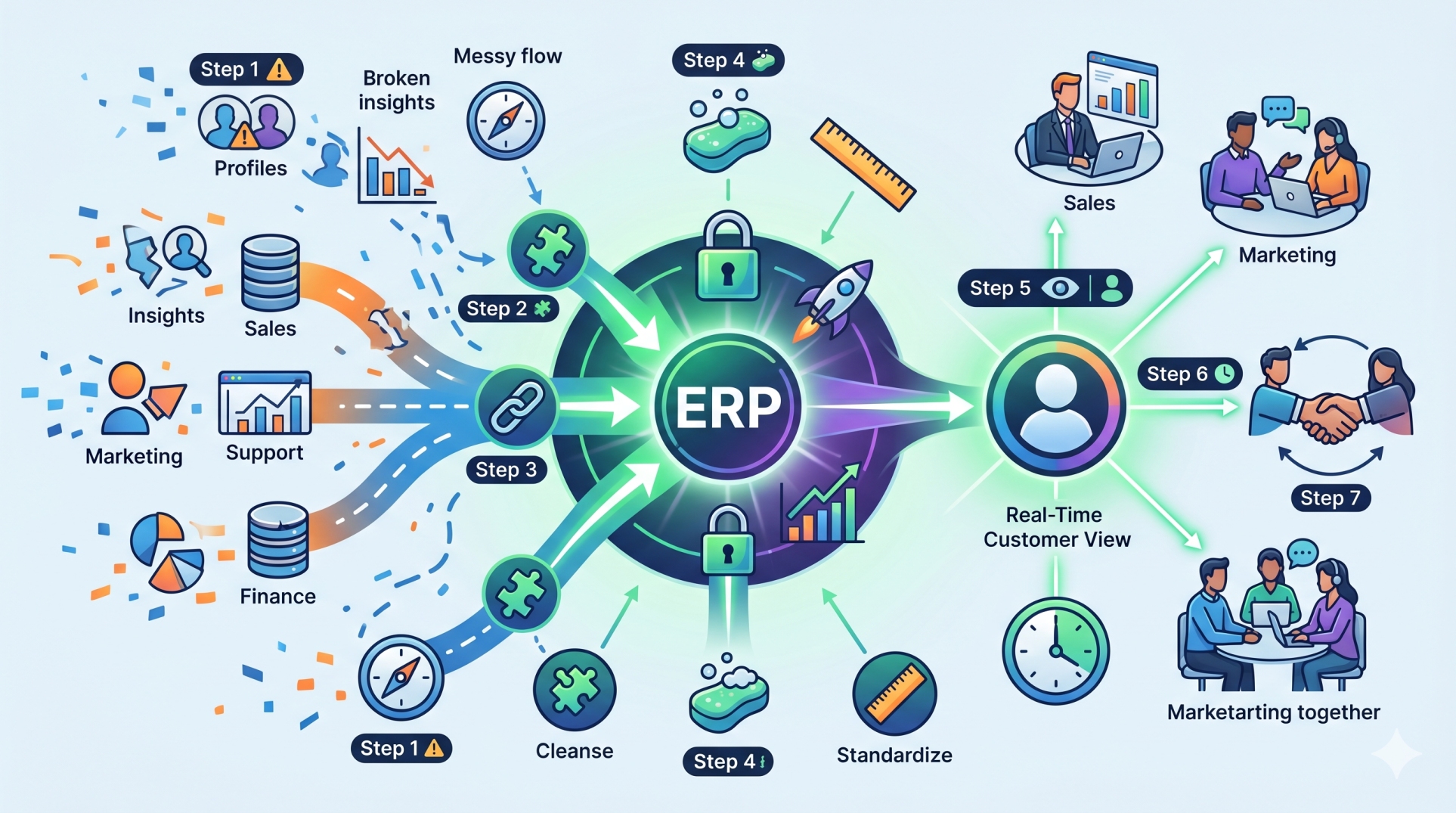
• Create a single, reliable source of financial information 📁
Step 2: Automating Financial Data Synchronization ⚙️
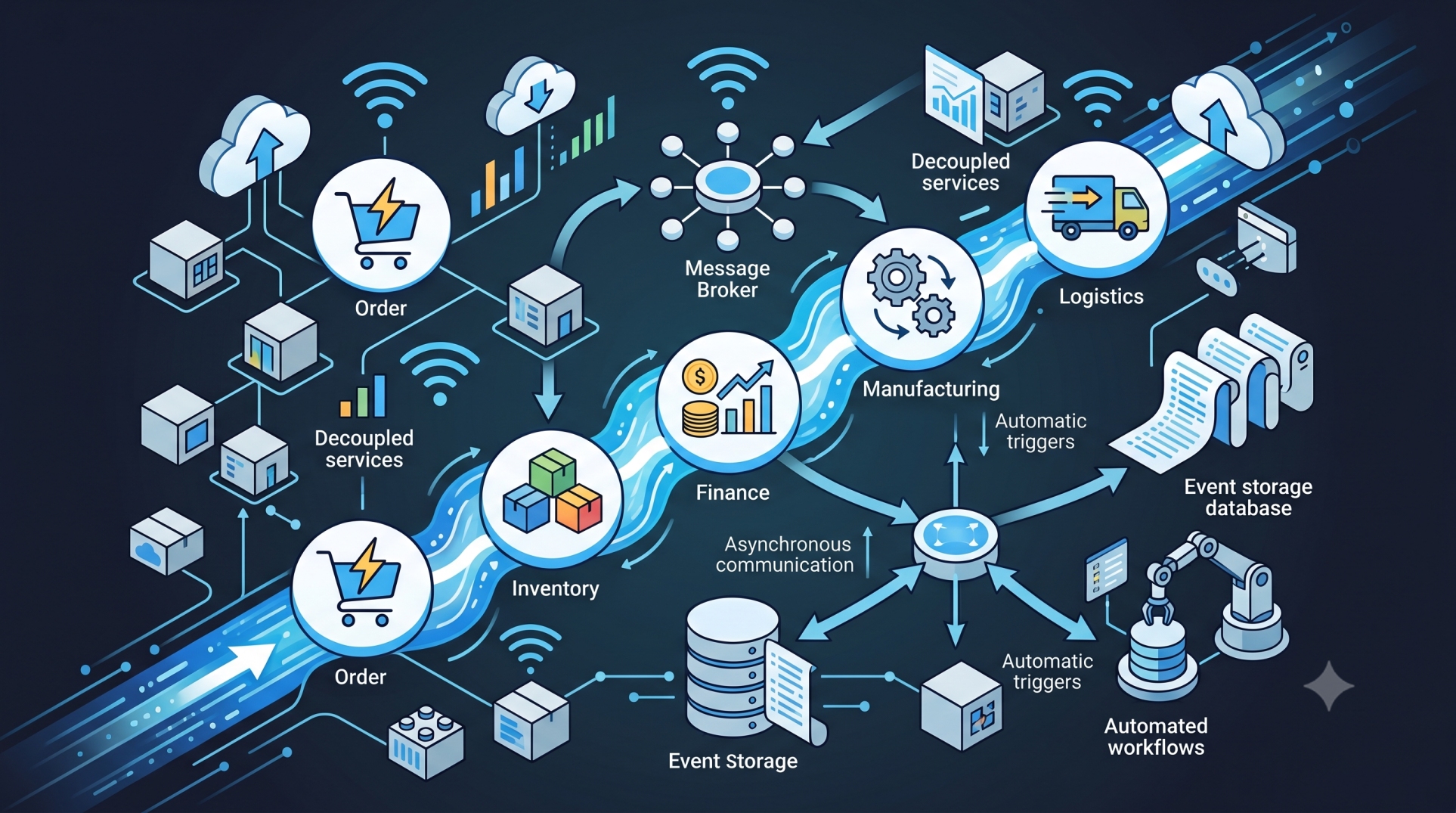
• Sync invoices, payments, and journal entries automatically 💳
• Update customer and vendor records in real time 👥
• Transfer purchase and sales transactions without manual effort 📄
• Maintain consistent financial records across platforms ✅
• Reduce administrative workload through automation 🚀
Step 3: Streamlining Accounts Payable and Receivable 💰
• Track outstanding invoices with greater accuracy 📋
• Automate payment processing and reconciliation 🔄
• Monitor receivables and improve cash collection 💵
• Simplify vendor payment management 🏢
• Maintain healthy cash flow through timely financial updates 📈
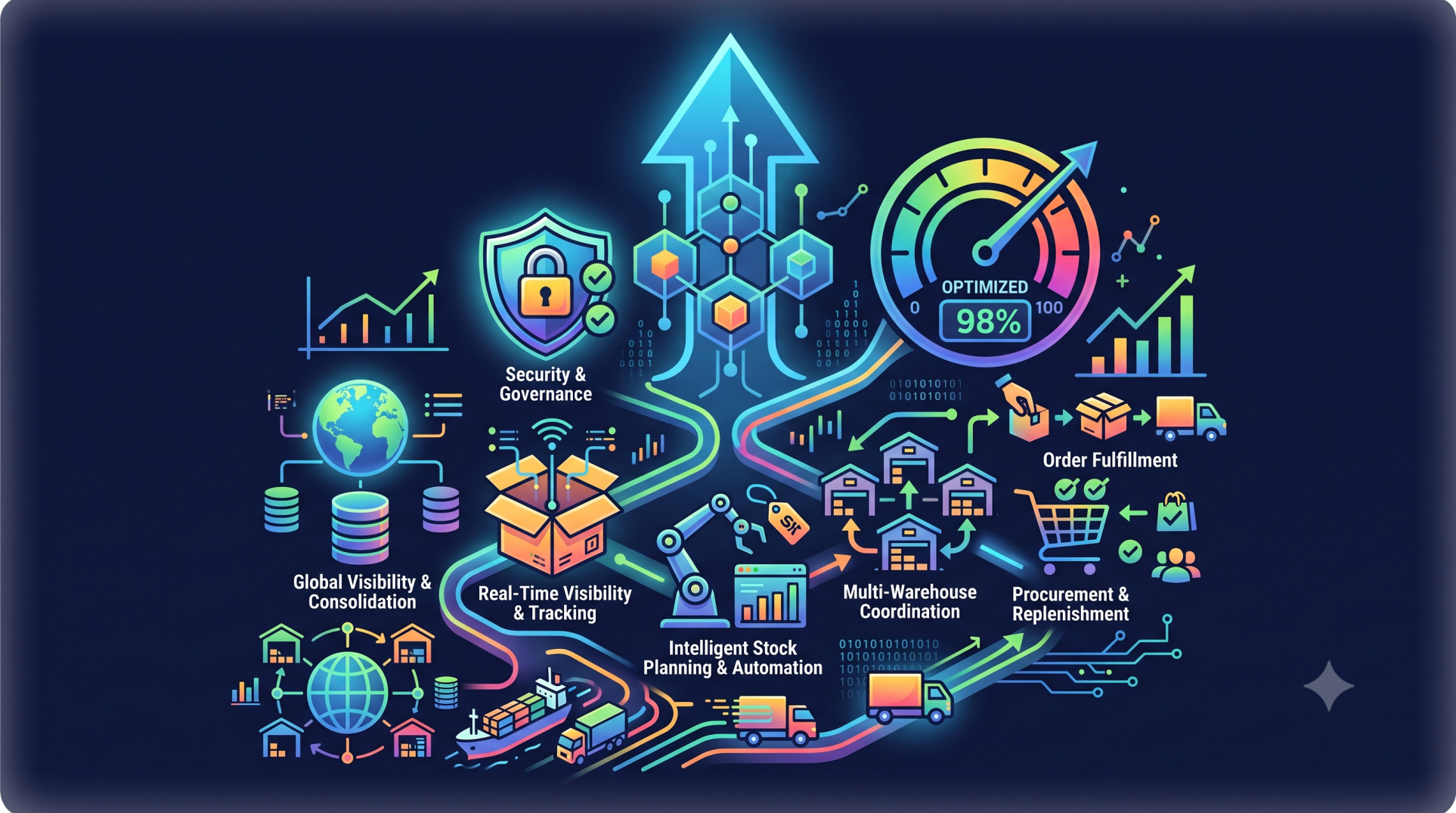
Step 4: Improving Inventory and Financial Alignment 📦
• Synchronize inventory movements with accounting records 📊
• Update inventory valuations automatically 🔄
• Track product costs and purchasing expenses accurately 💲
• Reduce inventory discrepancies through integrated workflows ✔️
• Improve stock visibility for better planning 📍
Step 5: Enhancing Financial Reporting 📈
• Generate accurate financial reports using synchronized data 📑
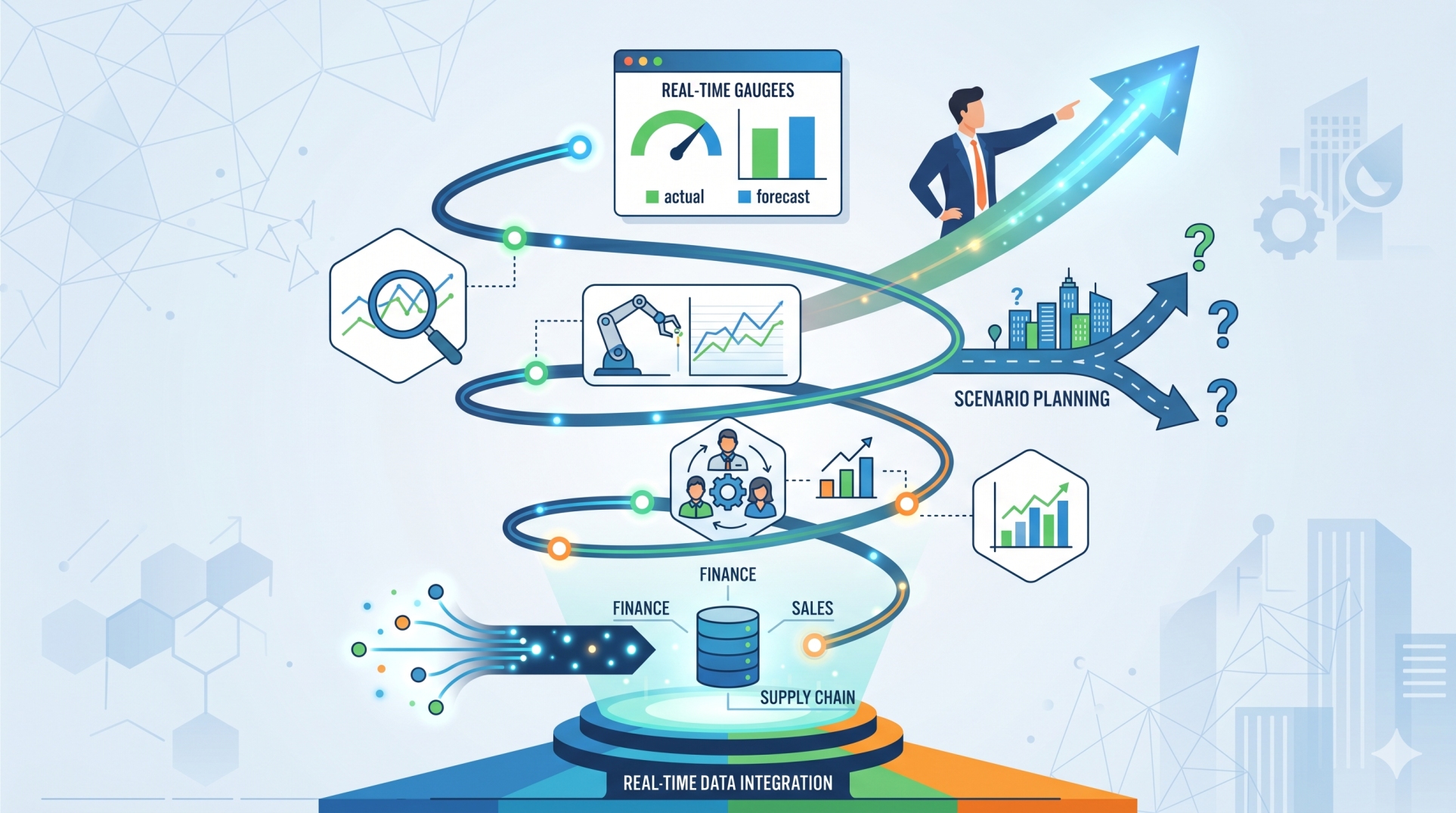
• Monitor revenue, expenses, and profitability in real time 💹
• Create customized dashboards for business insights 🖥️
• Improve budgeting and financial forecasting 📊
• Support strategic planning with reliable information 🧠
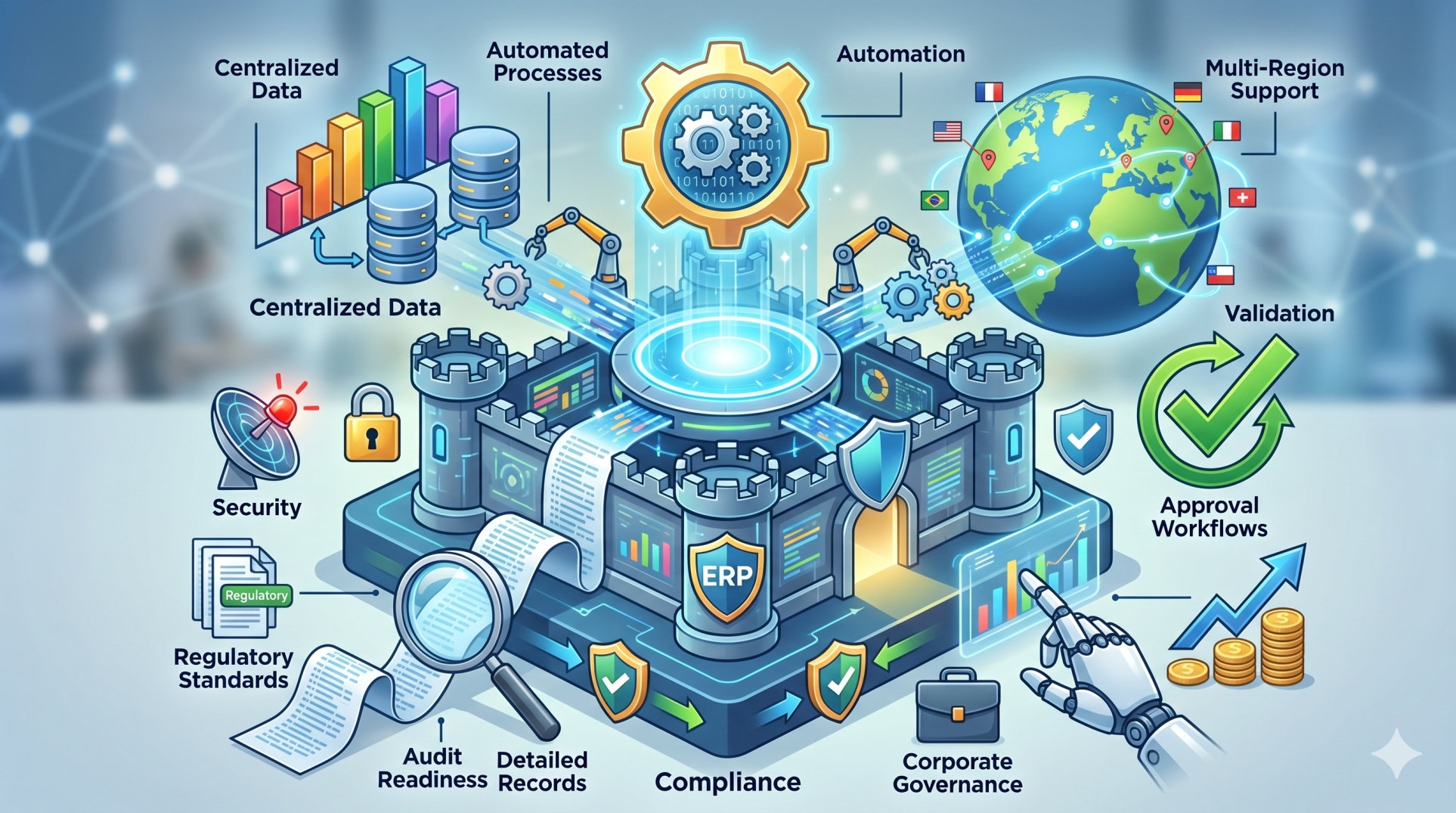
Step 6: Strengthening Compliance and Audit Readiness 🛡️
• Maintain detailed audit trails for financial transactions 🧾
• Standardize accounting processes across the organization 📋
• Improve record accuracy with automated synchronization ✔️
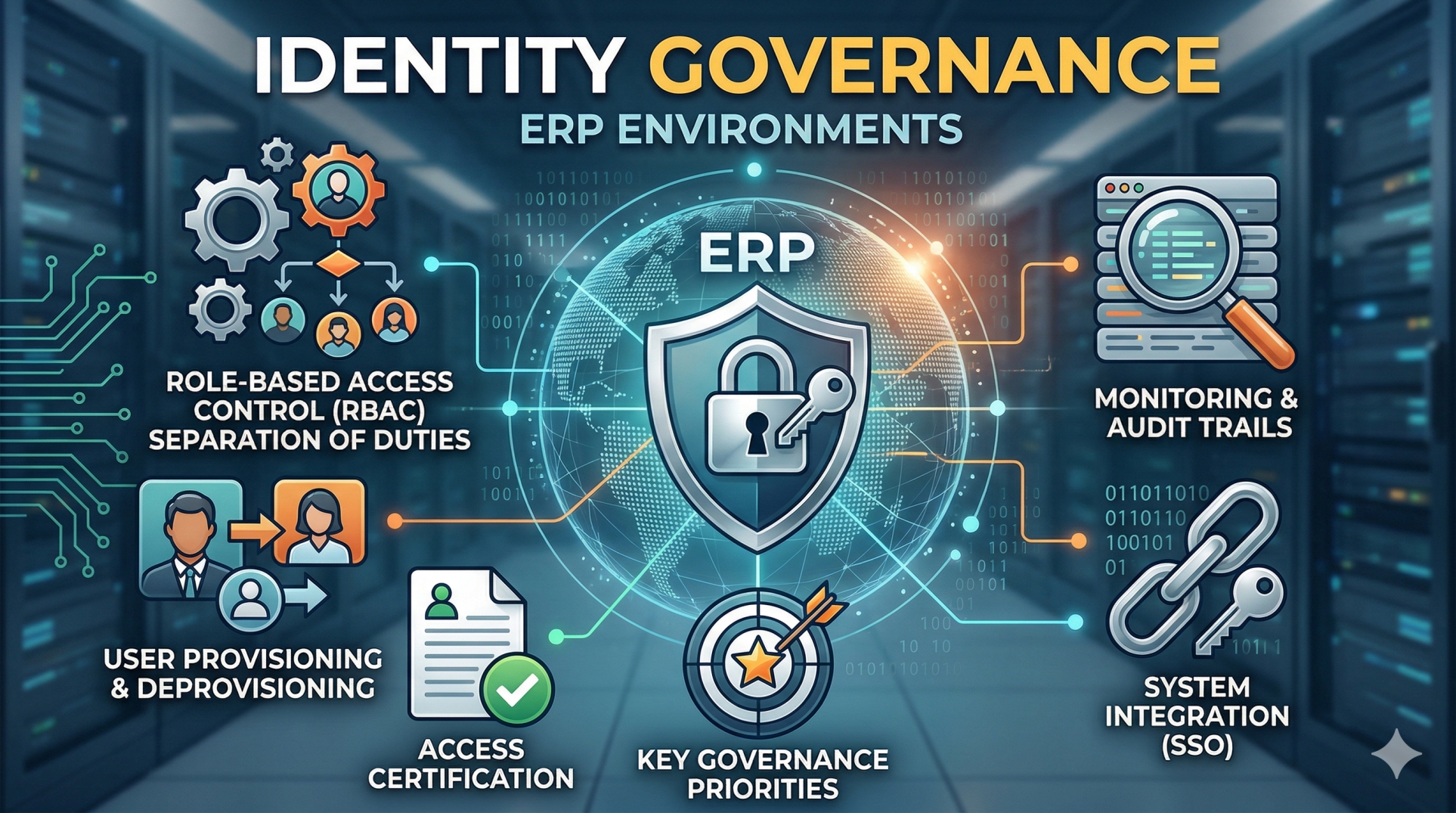
• Secure financial data using role-based permissions 🔐
• Simplify financial audits through organized documentation 📂
Step 7: Increasing Operational Efficiency ⚡
• Eliminate repetitive accounting tasks 🤖
• Reduce manual errors caused by duplicate entries 🚫
• Accelerate month-end and year-end closing activities 📅
• Improve collaboration between finance and operations 🤝
• Free teams to focus on higher-value business activities 🚀
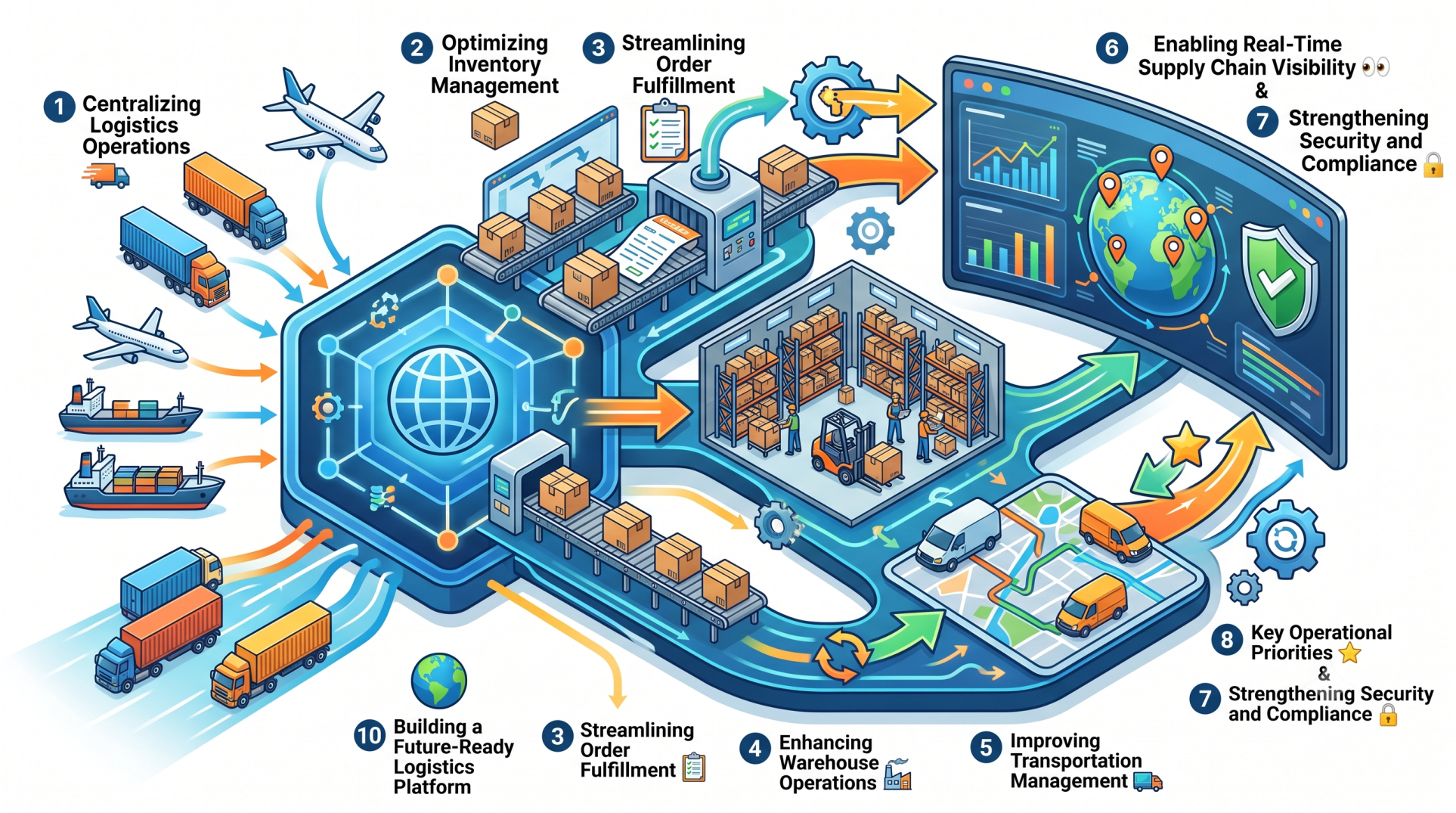
Step 8: Key Integration Priorities ⭐
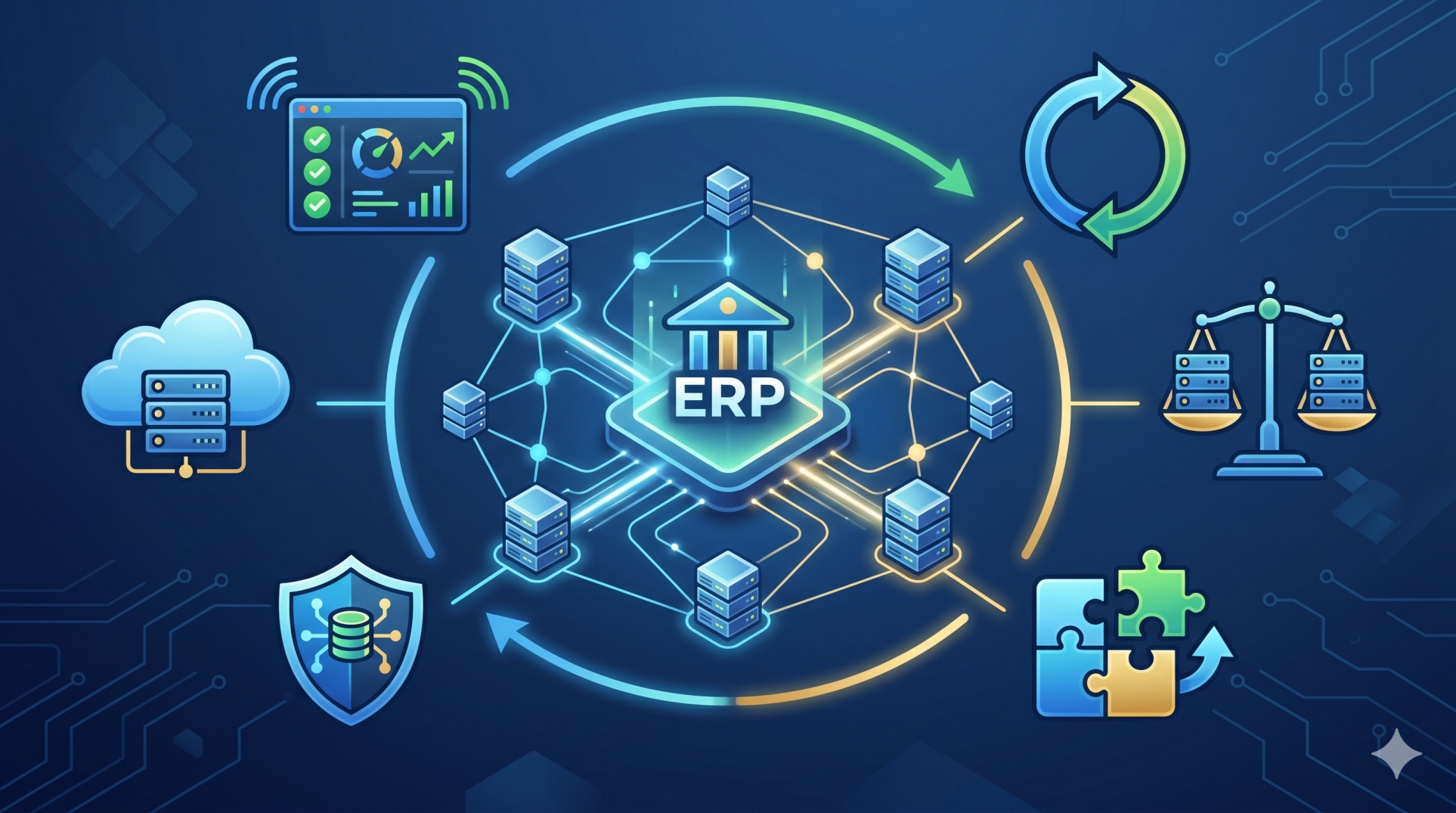
• Reliable synchronization between ERP and QuickBooks 🔗
• Real-time financial visibility across departments 👀
• Automated accounting workflows that improve accuracy ⚙️
• Scalable integration that grows with the business 📈
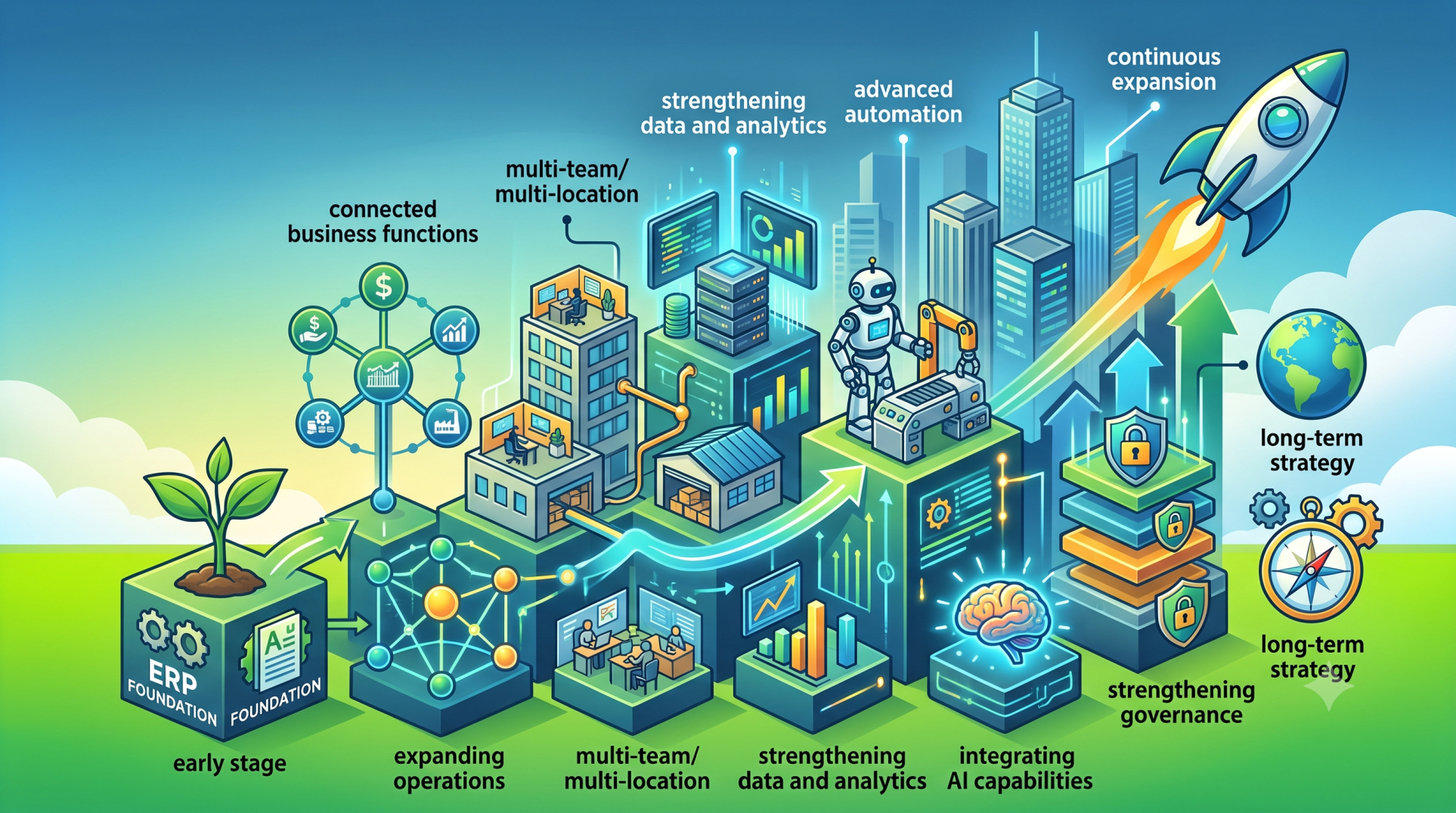
Step 9: Managing Business Growth Effectively 🌱
• Support increasing transaction volumes efficiently 📦
• Integrate additional business processes without disruption 🔄
• Adapt workflows to changing operational requirements 🏢
• Expand financial reporting capabilities as the business grows 📊
• Maintain consistent data quality across all operations ✅
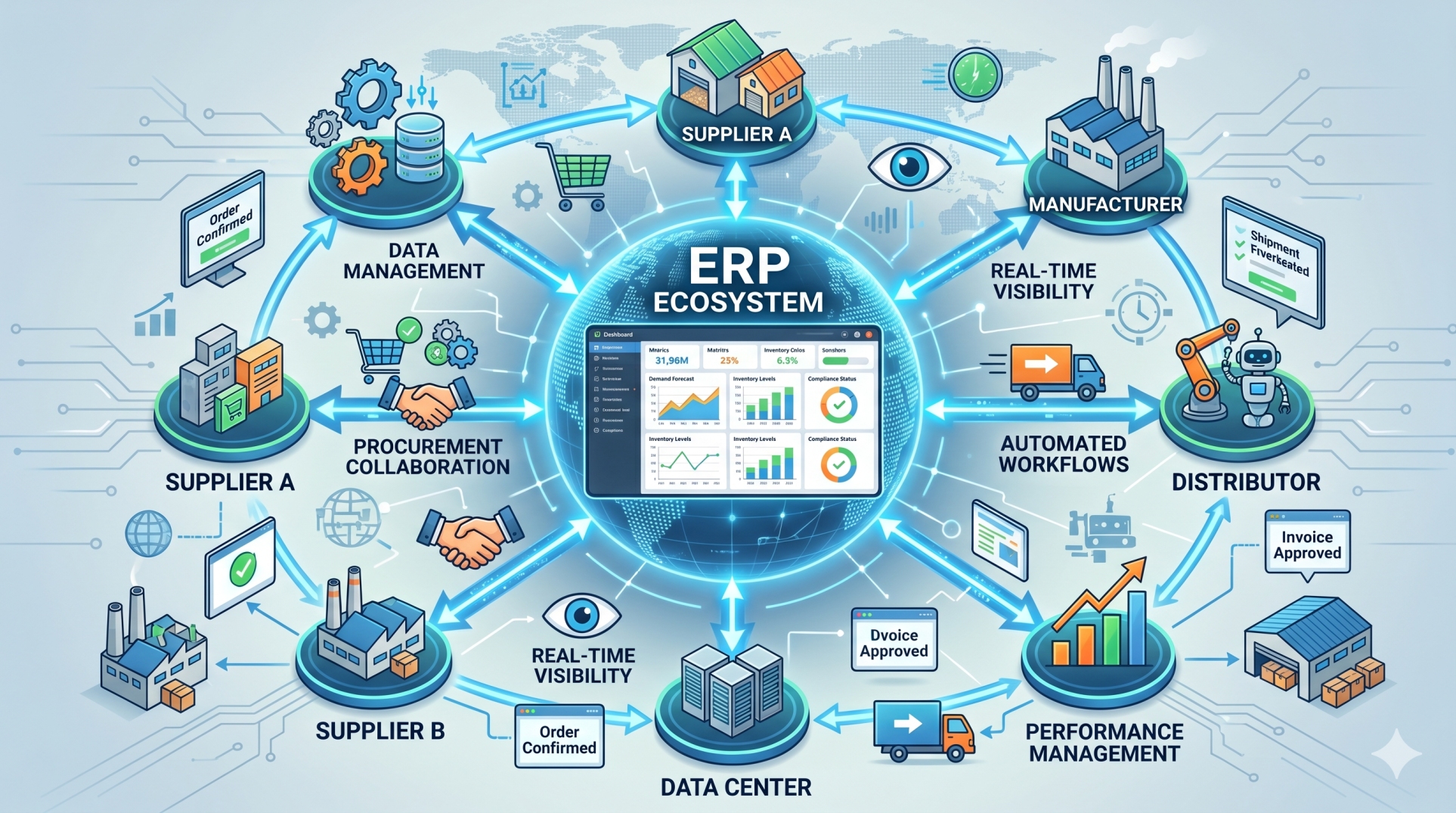
Step 10: Building a Connected Financial Ecosystem 🌍
• Create a unified platform for finance and business operations 🏗️
• Integrate cloud-based applications with minimal complexity ☁️
• Support real-time collaboration across departments 🤝
• Enable data-driven financial decision-making 📈
• Future-proof business operations through scalable integration 🚀
Conclusion
Integrating ERP with QuickBooks transforms financial management by connecting accounting processes with day-to-day business operations. Through automated synchronization, accurate reporting, streamlined workflows, and improved visibility, organizations can reduce manual effort while strengthening financial control. A well-planned ERP and QuickBooks integration provides the flexibility, efficiency, and scalability businesses need to support sustainable growth and long-term operational success.
See more blogs
You can all the articles below