ERP Configuration vs. Custom Development: Making the Right Choice
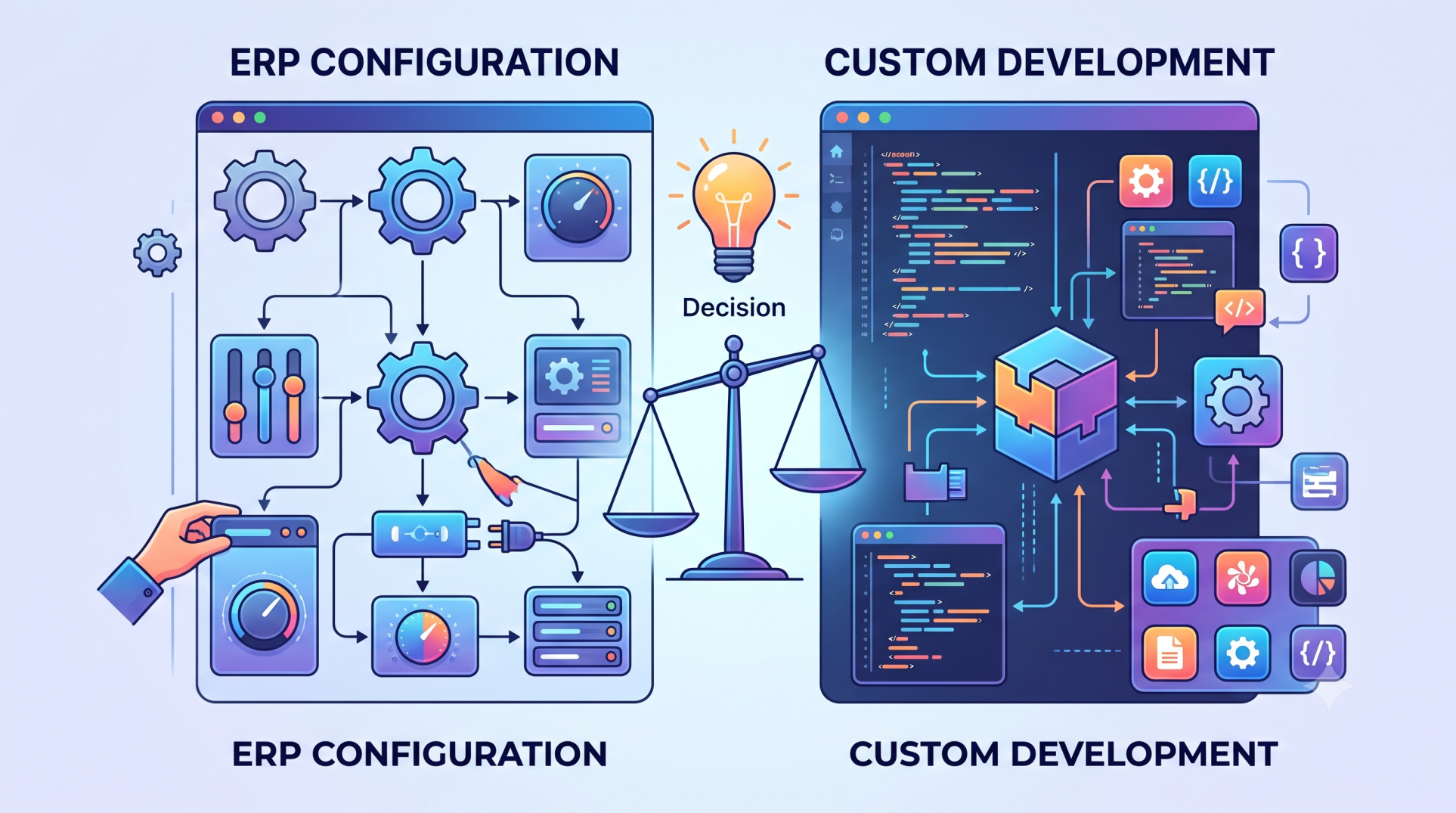
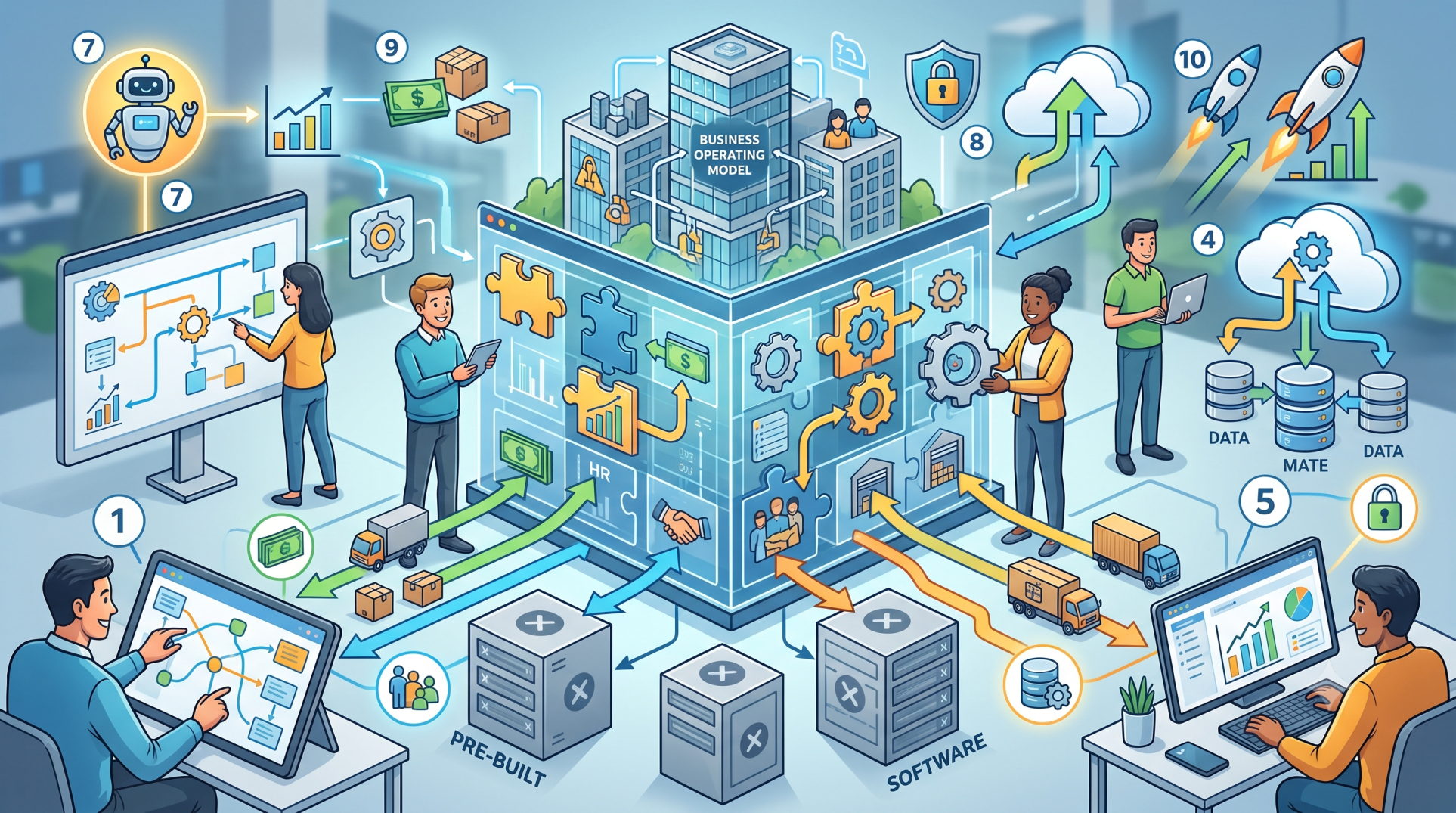
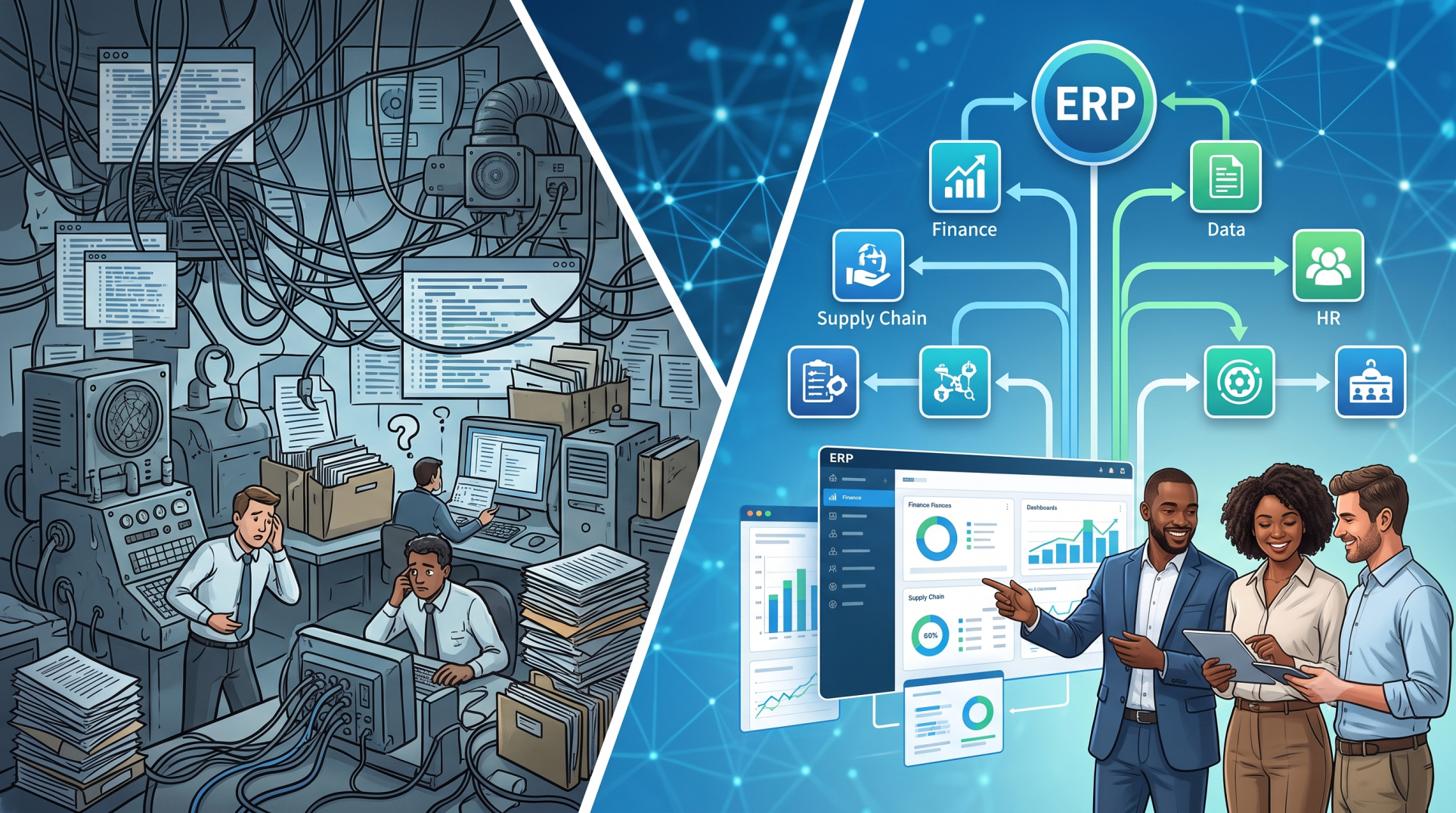
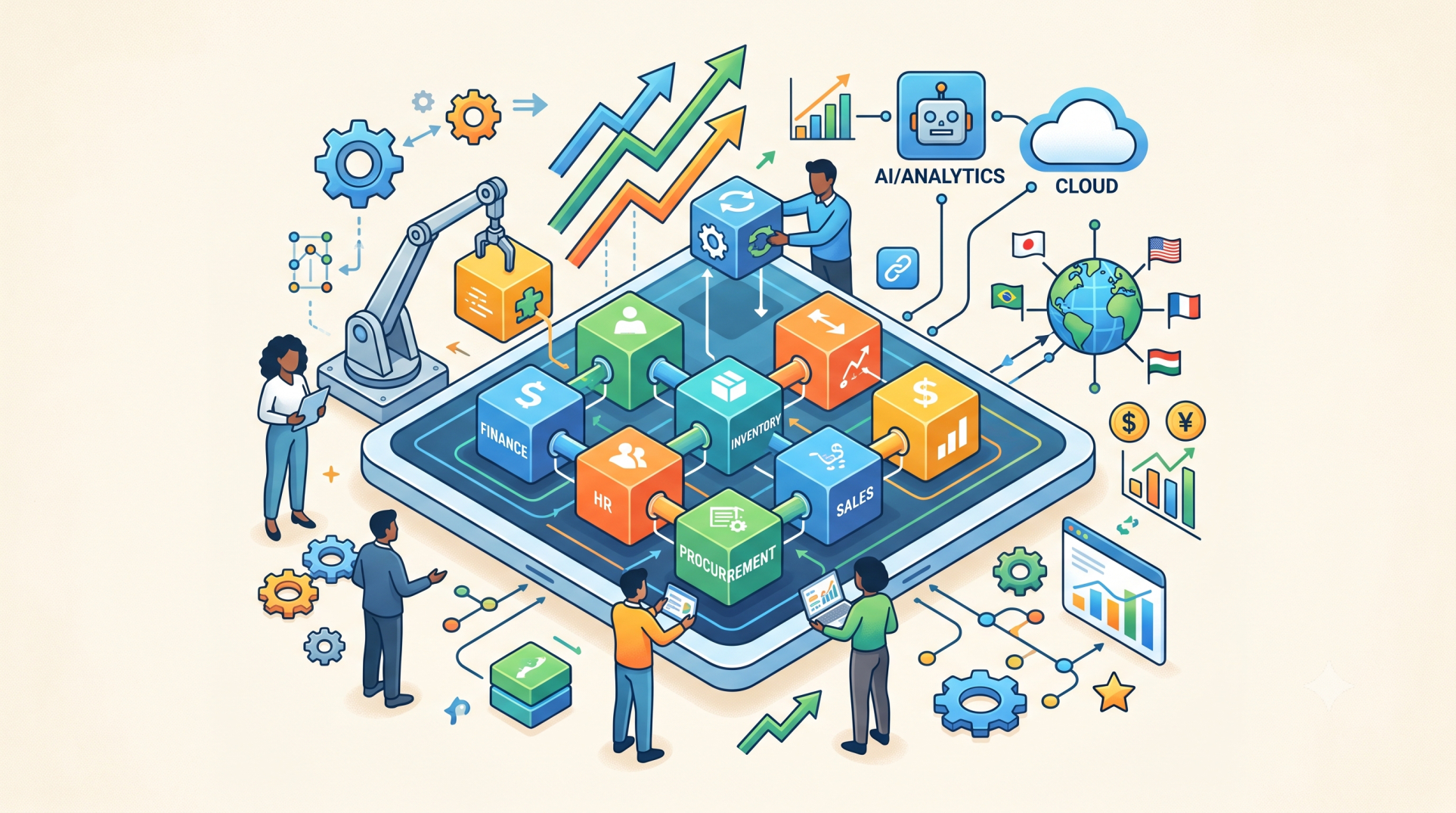
Choosing between ERP configuration and custom development is an important decision for organizations implementing or modernizing enterprise software. While configuration allows businesses to adapt existing ERP capabilities to their processes, custom development creates tailored functionality for requirements that standard features cannot adequately support. Finding the right balance can help organizations control costs, reduce implementation complexity, and build an ERP environment that supports long-term growth.
Step 1: Understanding ERP Configuration ⚙️
• Adapt existing ERP features to align with business requirements
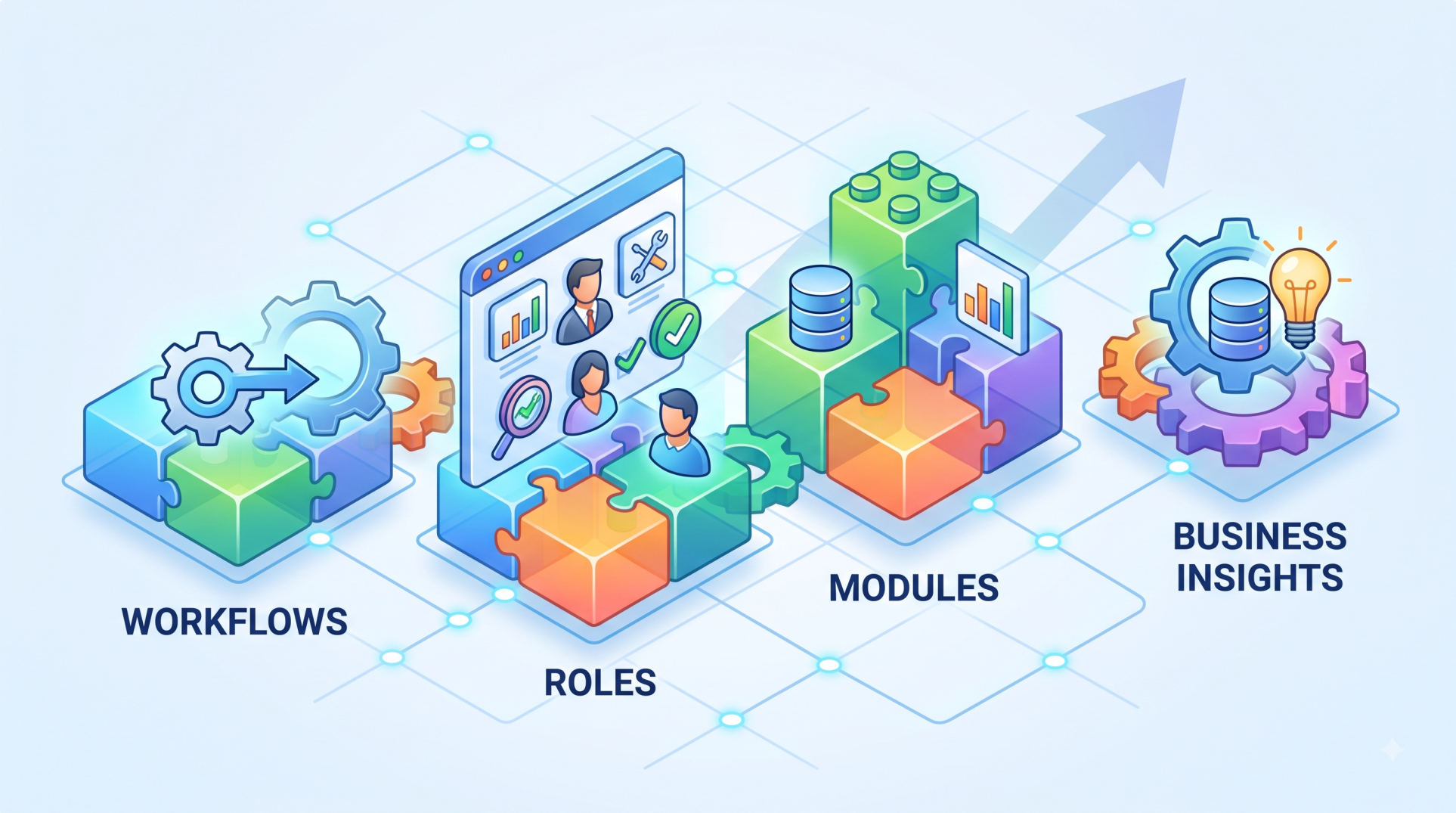
• Modify workflows, fields, forms, roles, and approval processes
• Use built-in tools without changing the underlying application code
• Accelerate implementation by relying on standard platform capabilities
• Reduce long-term maintenance compared with extensive customization
Step 2: Understanding Custom Development 💻
• Build functionality that is not available through standard ERP features
• Create specialized workflows for unique operational requirements
• Develop custom integrations with external business applications 🔗
• Support highly specific reporting, automation, or user experiences
• Extend ERP capabilities when configuration alone is insufficient
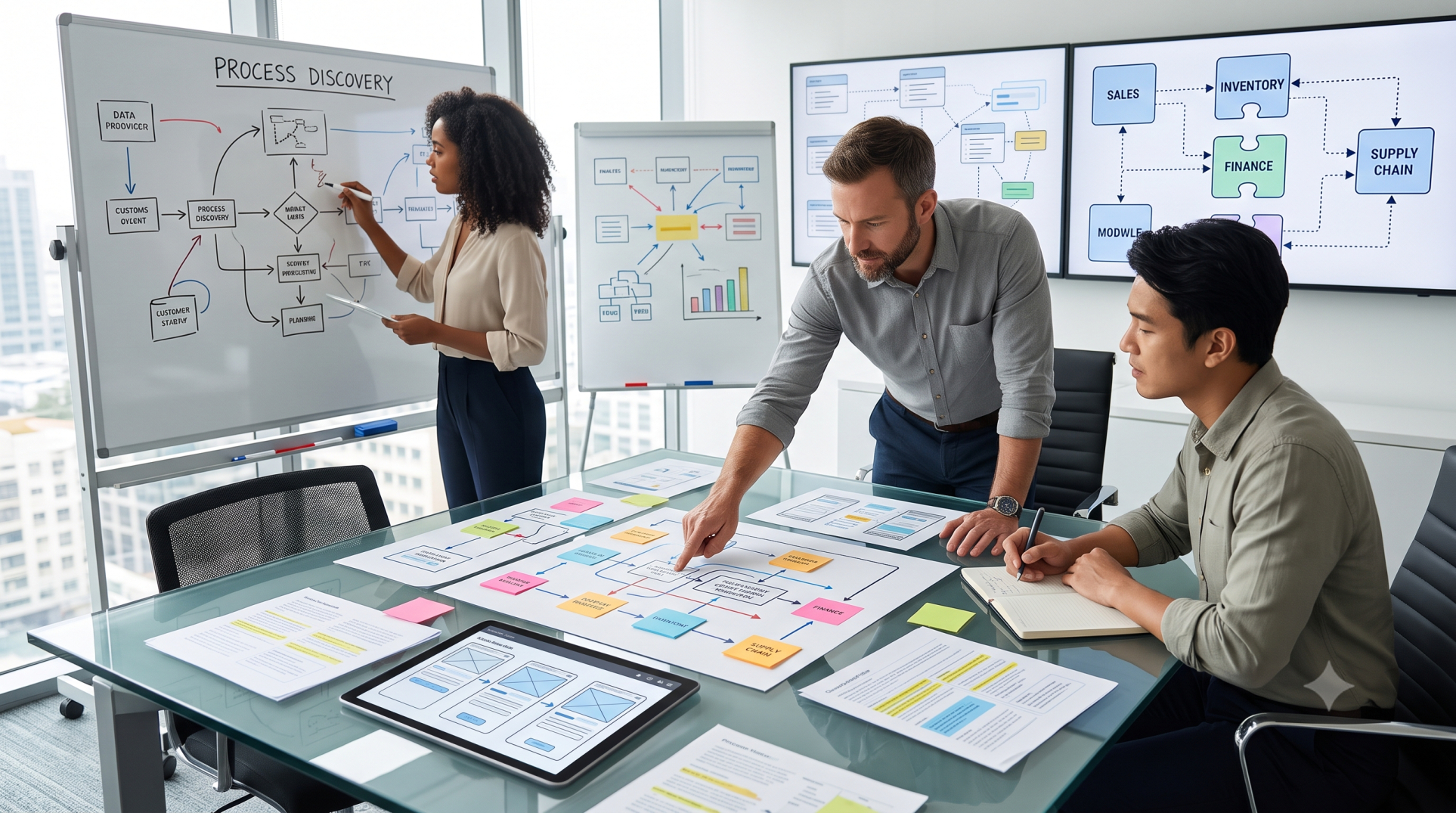
Step 3: Evaluating Business Requirements 🎯
• Identify which requirements can be addressed using existing ERP capabilities
• Separate essential business needs from process preferences
• Determine whether a requirement is unique or common across the industry
• Evaluate the potential business value of custom functionality
• Avoid customization simply to replicate outdated processes
Step 4: Comparing Cost and Implementation Effort 💰
• Configuration typically requires less development effort
• Custom solutions may involve additional design, development, and testing
• Consider implementation costs alongside long-term maintenance expenses
• Evaluate the resources required for upgrades and technical support
• Measure investment against the expected operational benefits
Step 5: Considering Scalability and Flexibility 📈
• Use configuration to create adaptable processes within the ERP framework
• Ensure custom components can support future business growth
• Avoid solutions that create unnecessary technical dependencies
• Design extensions that can evolve as requirements change
• Consider multi-location, multi-company, and expanding workforce needs
Step 6: Assessing Upgrade and Maintenance Impact 🔄
• Standard configurations generally simplify ERP upgrades
• Custom code may require additional testing after platform updates
• Document every customization for future maintenance
• Review custom components periodically to determine whether they remain necessary
• Prioritize upgrade-friendly approaches wherever practical
Step 7: Evaluating Integration Requirements 🔗
• Determine whether existing ERP connectors can meet integration needs
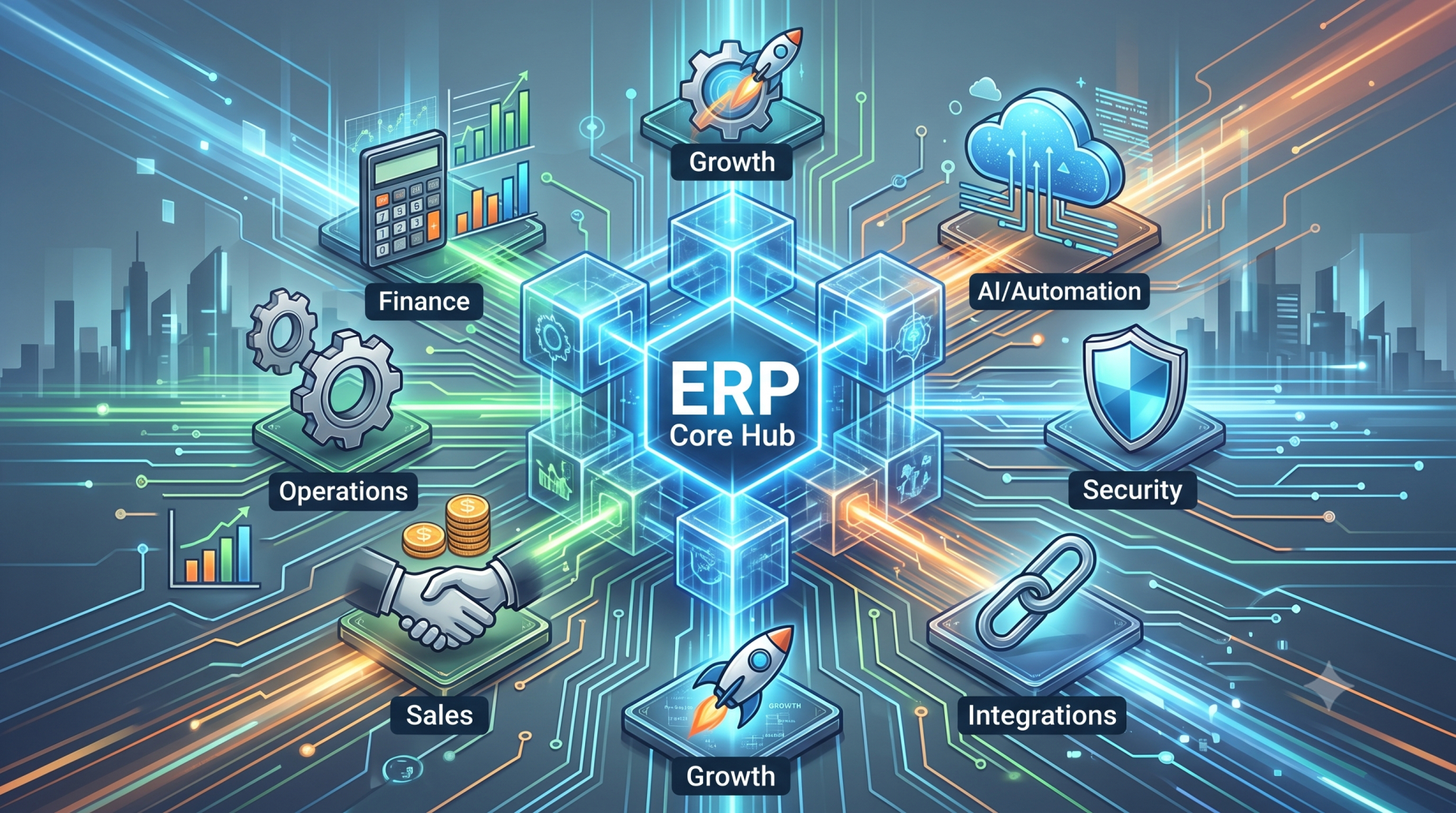
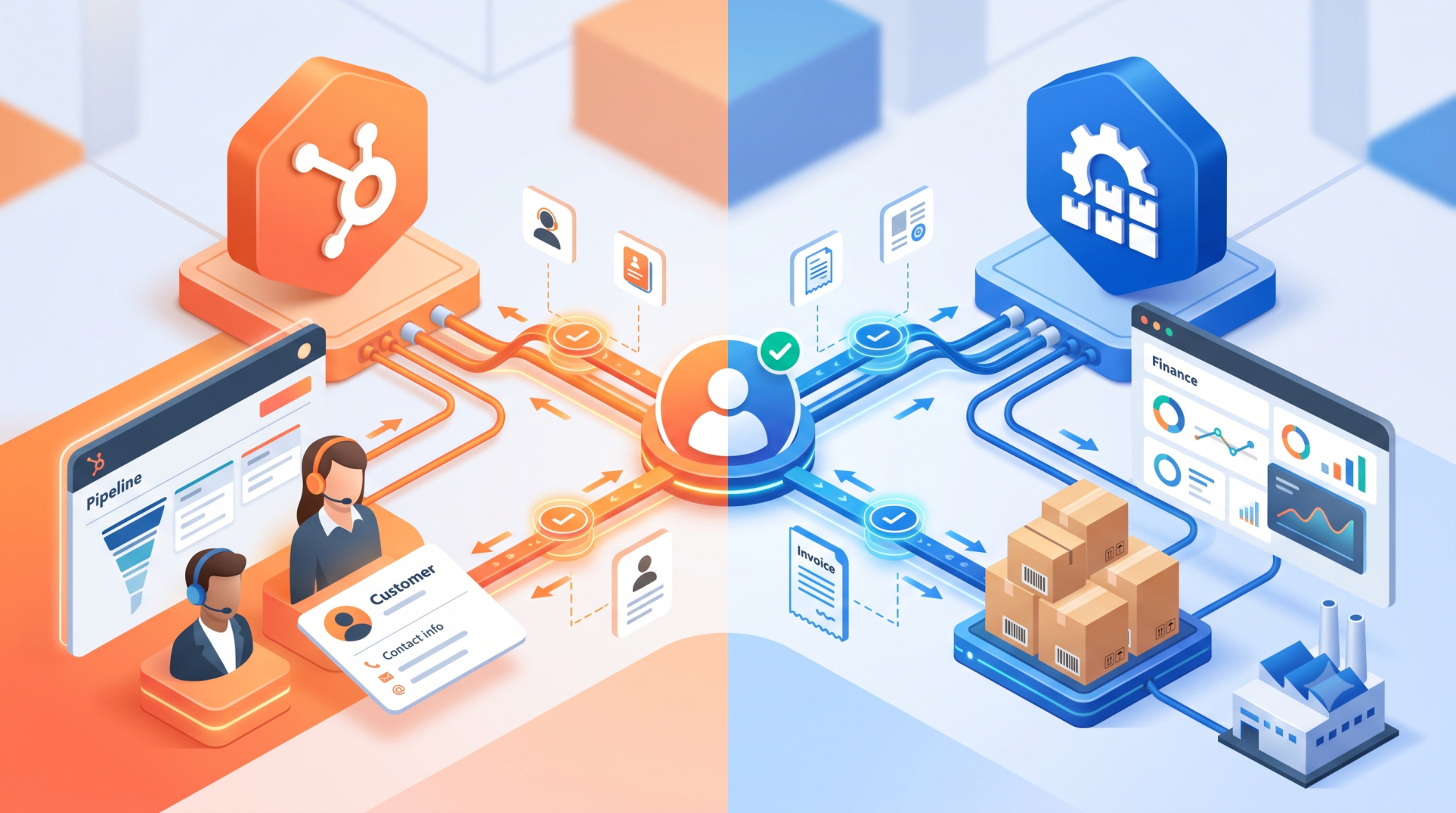
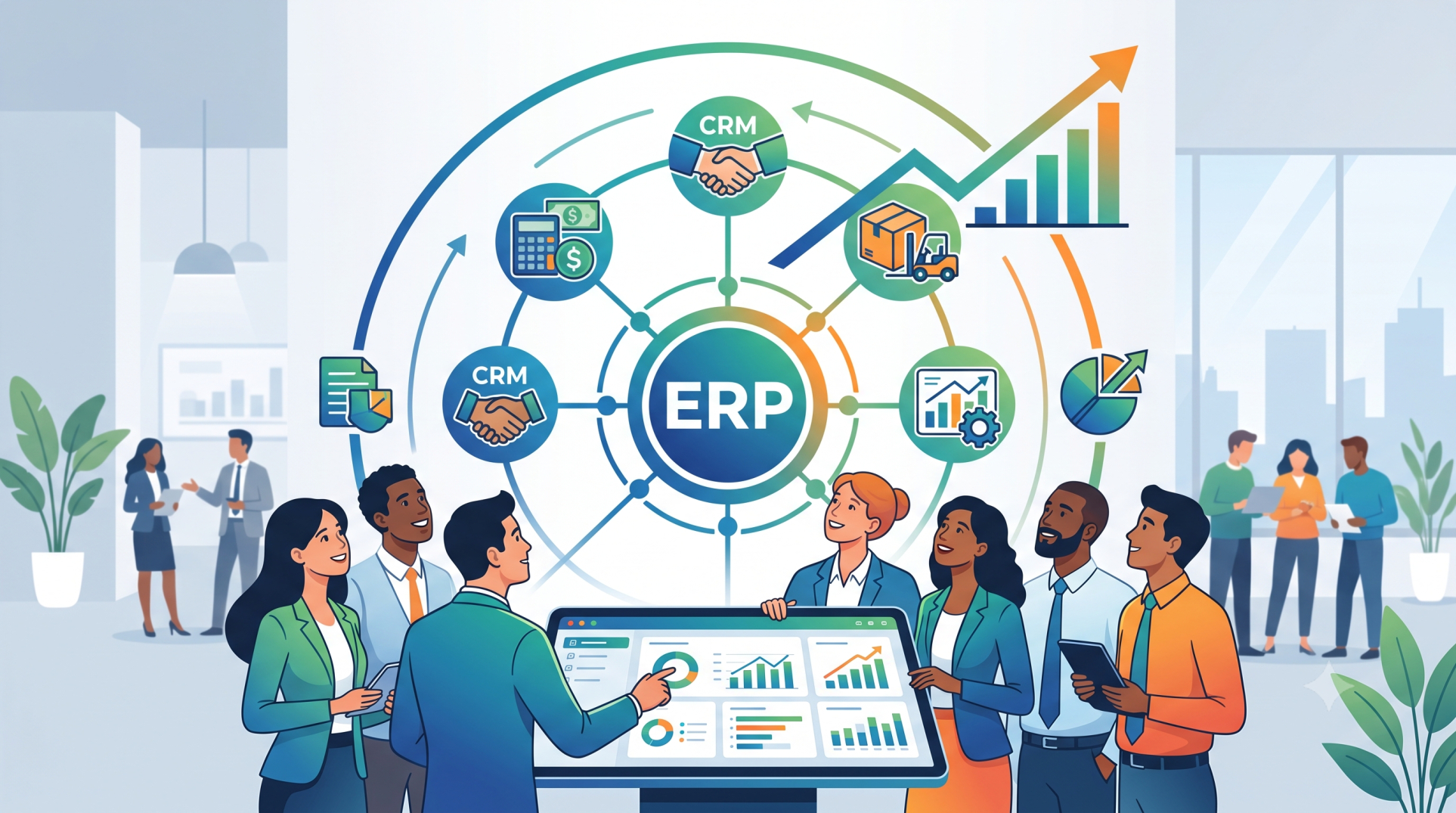
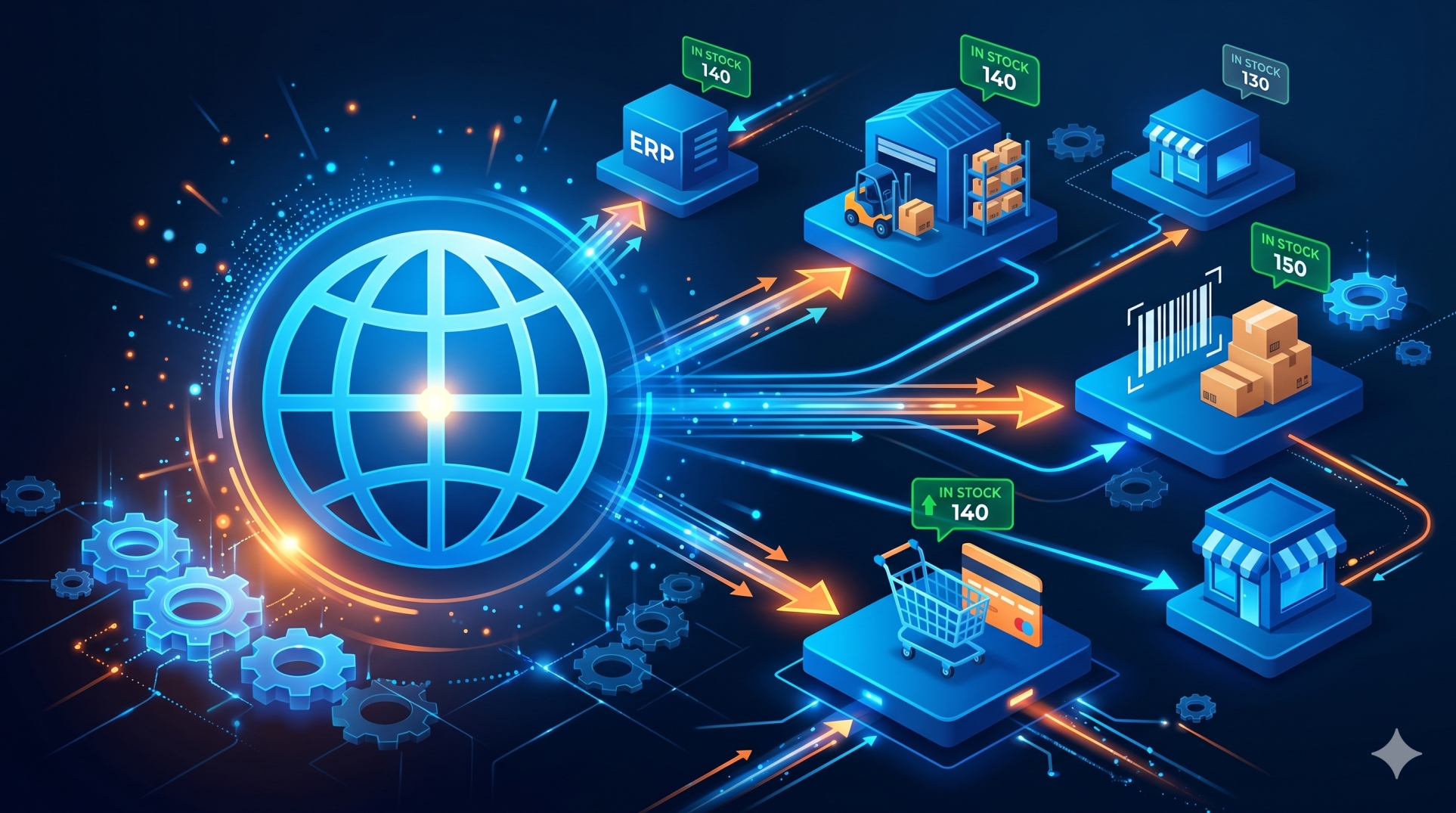
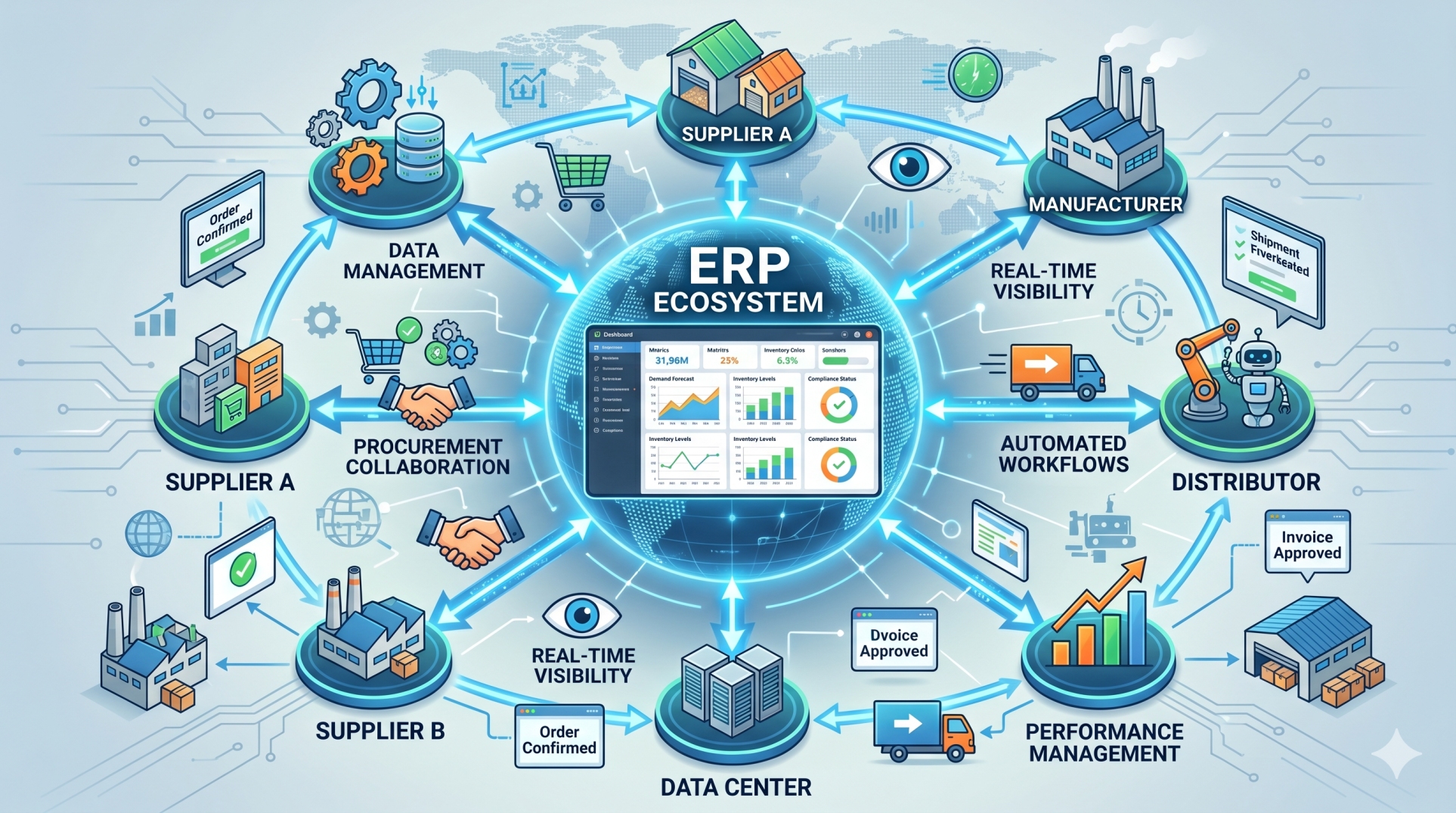
• Connect ERP platforms with CRM, payroll, e-commerce, analytics, and supply chain systems
• Use APIs and integration frameworks for reliable data exchange 📡
• Develop custom integration components when standard connectors are insufficient
• Maintain consistent data across connected business applications
Step 8: Balancing Standardization and Differentiation ⚖️
• Standardize common processes wherever possible
• Reserve customization for capabilities that provide meaningful business value
• Avoid modifying core functionality without a strong business justification
• Preserve proven ERP processes when they meet operational requirements
• Use customization strategically to support genuine competitive advantages
Step 9: Establishing a Decision Framework 🧠
• Start with configuration before considering custom development
• Evaluate business impact, complexity, cost, and risk
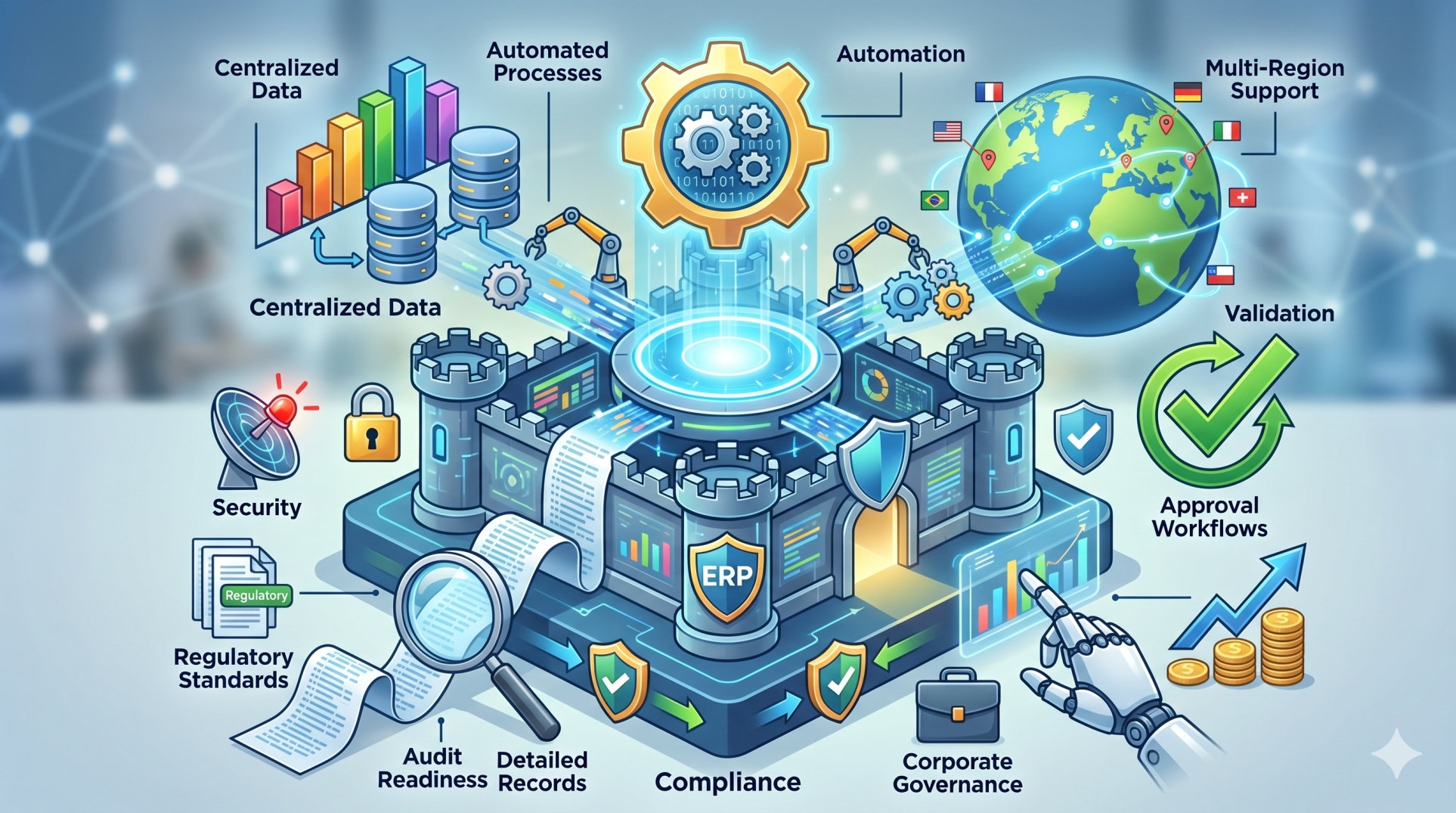
• Consider security, compliance, and performance requirements
• Review the effect on future upgrades and support
• Involve business and technical stakeholders before making major decisions 🤝
Step 10: Building a Sustainable ERP Strategy 🚀
• Maintain a clear inventory of configurations and custom components
• Establish governance for approving new custom development
• Review custom functionality as business processes evolve
• Continuously replace unnecessary customizations with standard capabilities when possible
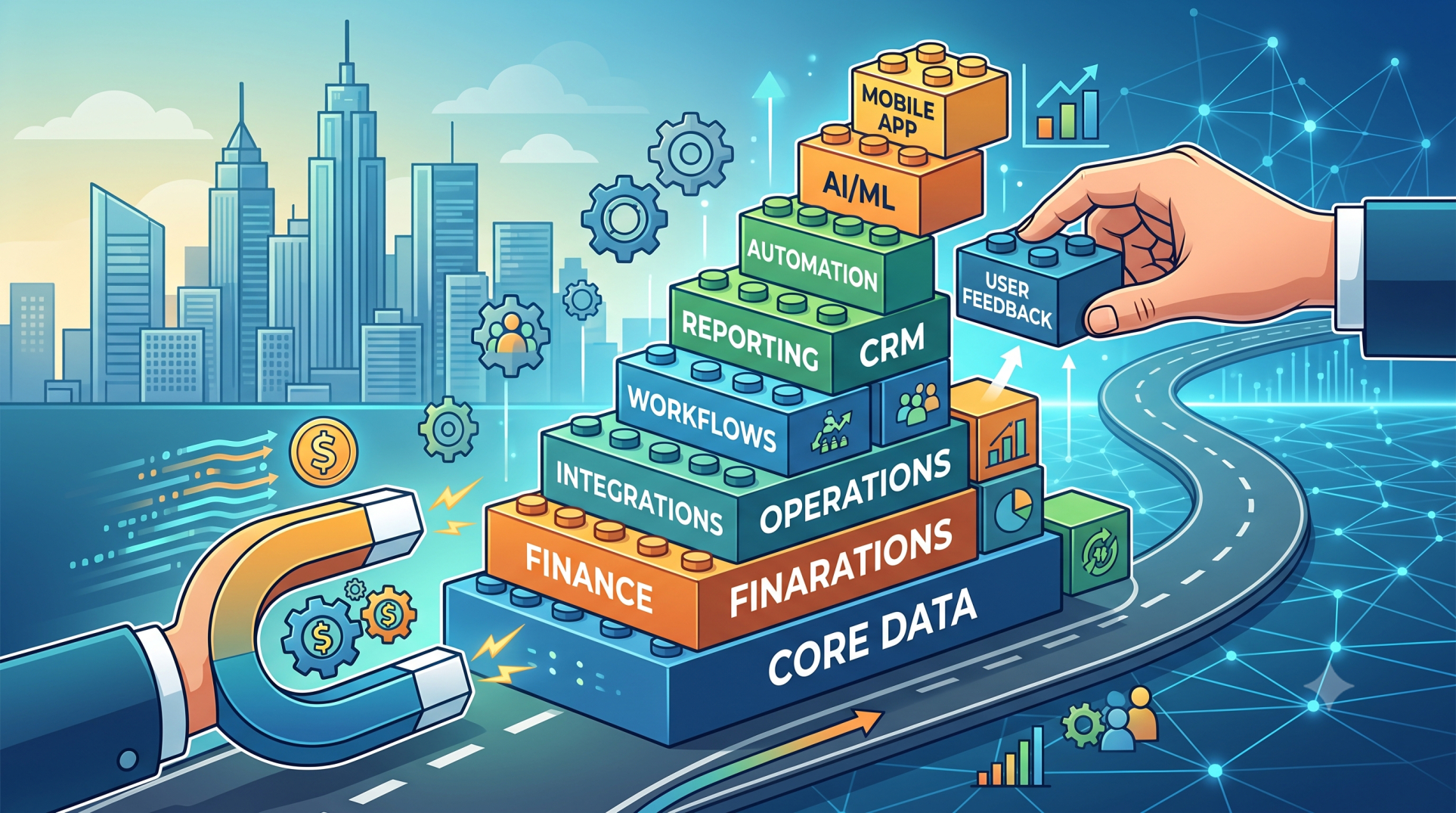
• Build an ERP environment that balances flexibility, maintainability, and business value
Conclusion
ERP configuration and custom development each have an important role in building an effective enterprise system. Configuration is often the preferred starting point because it can provide flexibility while preserving maintainability and upgrade compatibility. Custom development becomes valuable when specialized business requirements cannot be addressed effectively through standard capabilities. The right approach is not to choose configuration or customization exclusively, but to use each strategically. By evaluating business value, implementation effort, scalability, integration needs, and long-term maintenance, organizations can create an ERP environment that supports current operations while remaining adaptable for the future.
See more blogs
You can all the articles below