Connect HubSpot to Your ERP for Better Customer Data
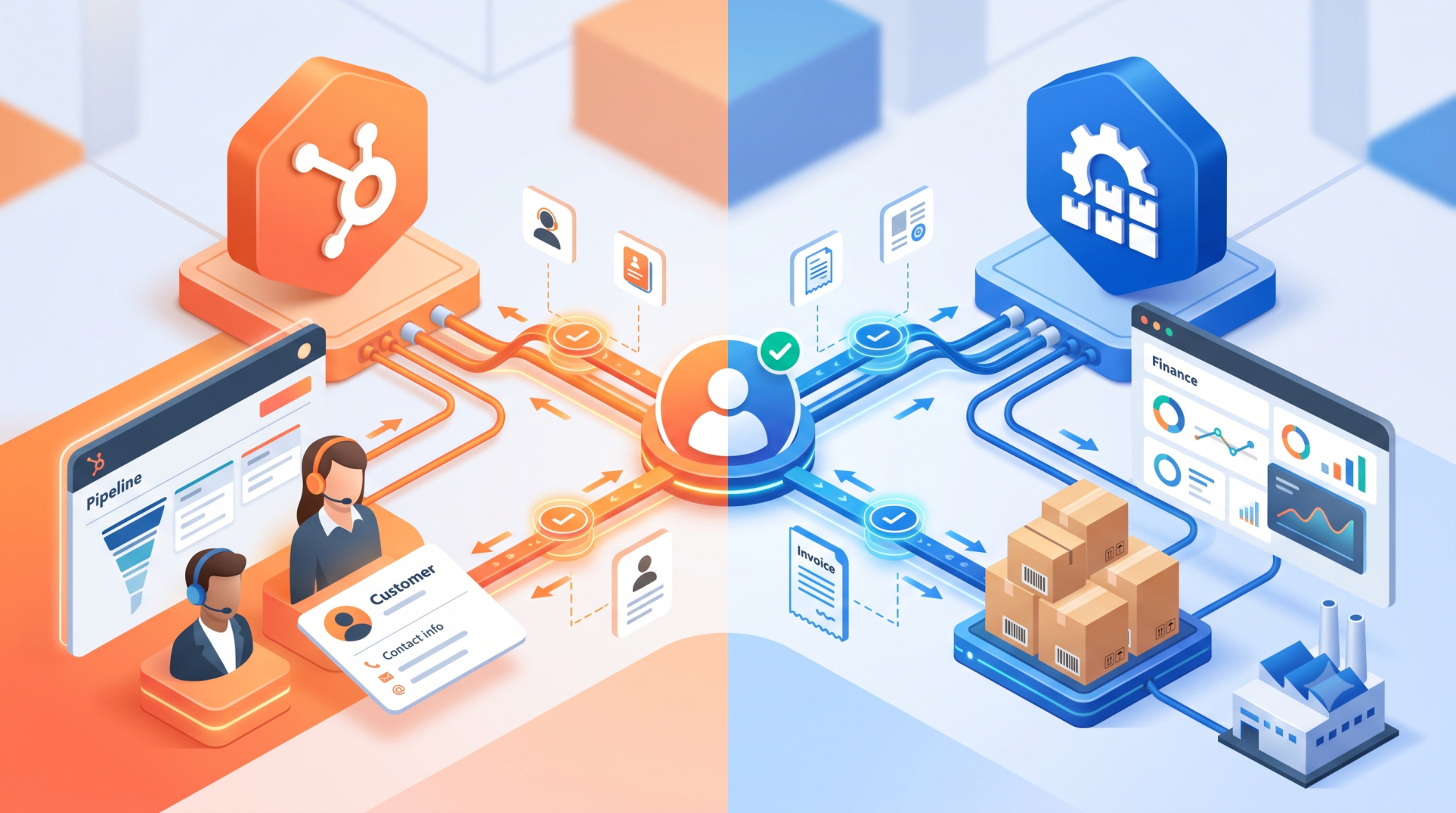
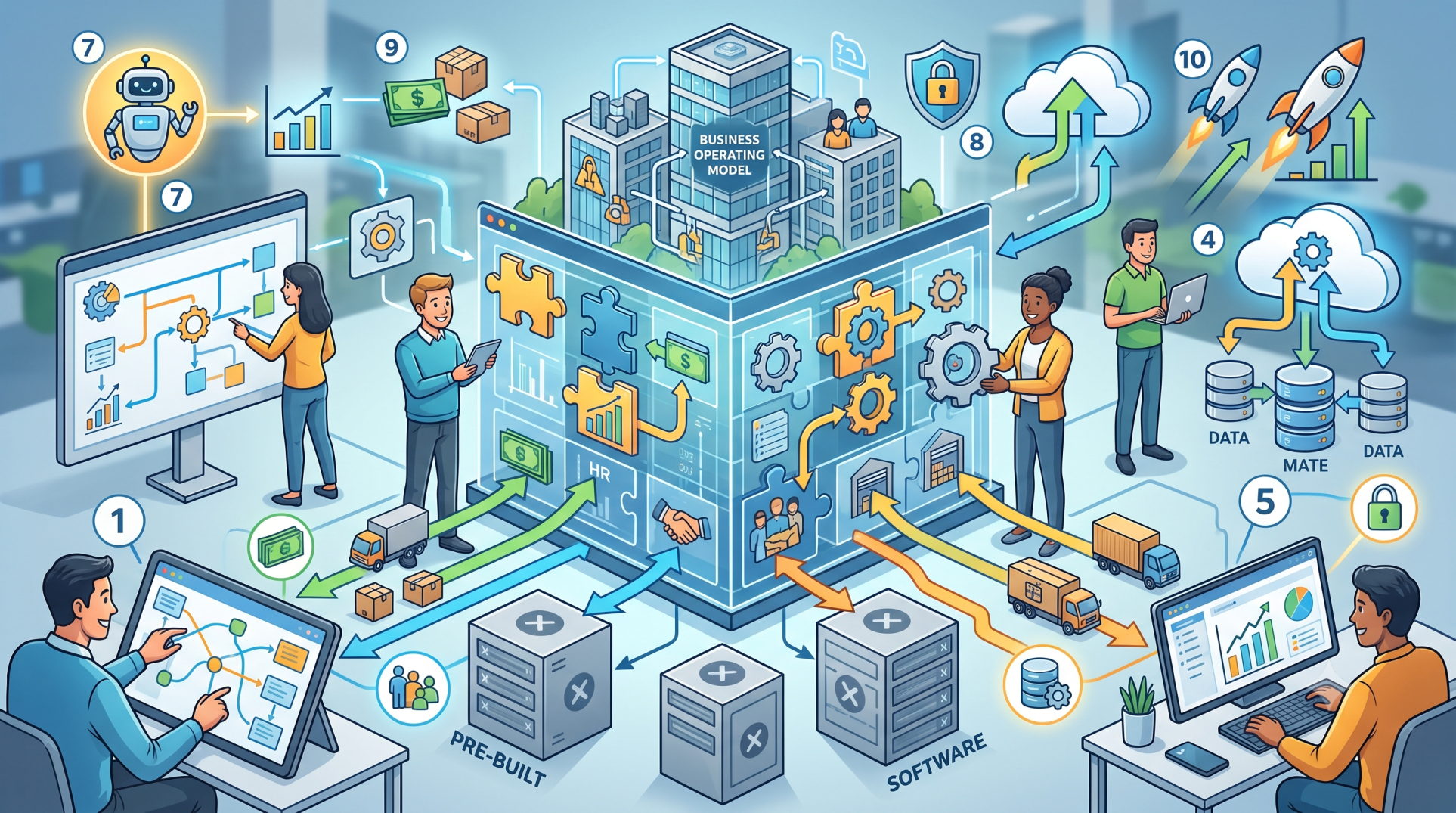
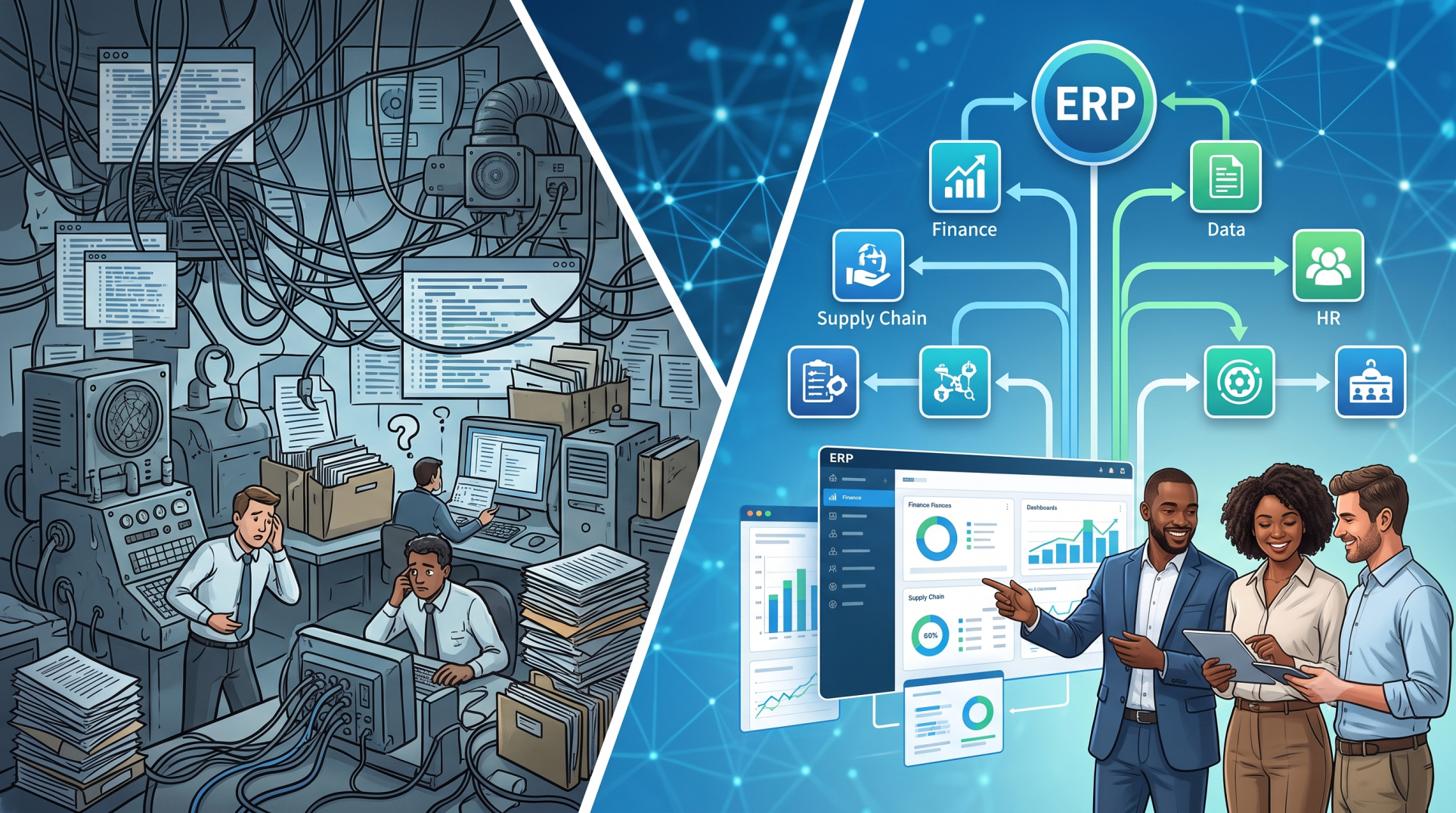
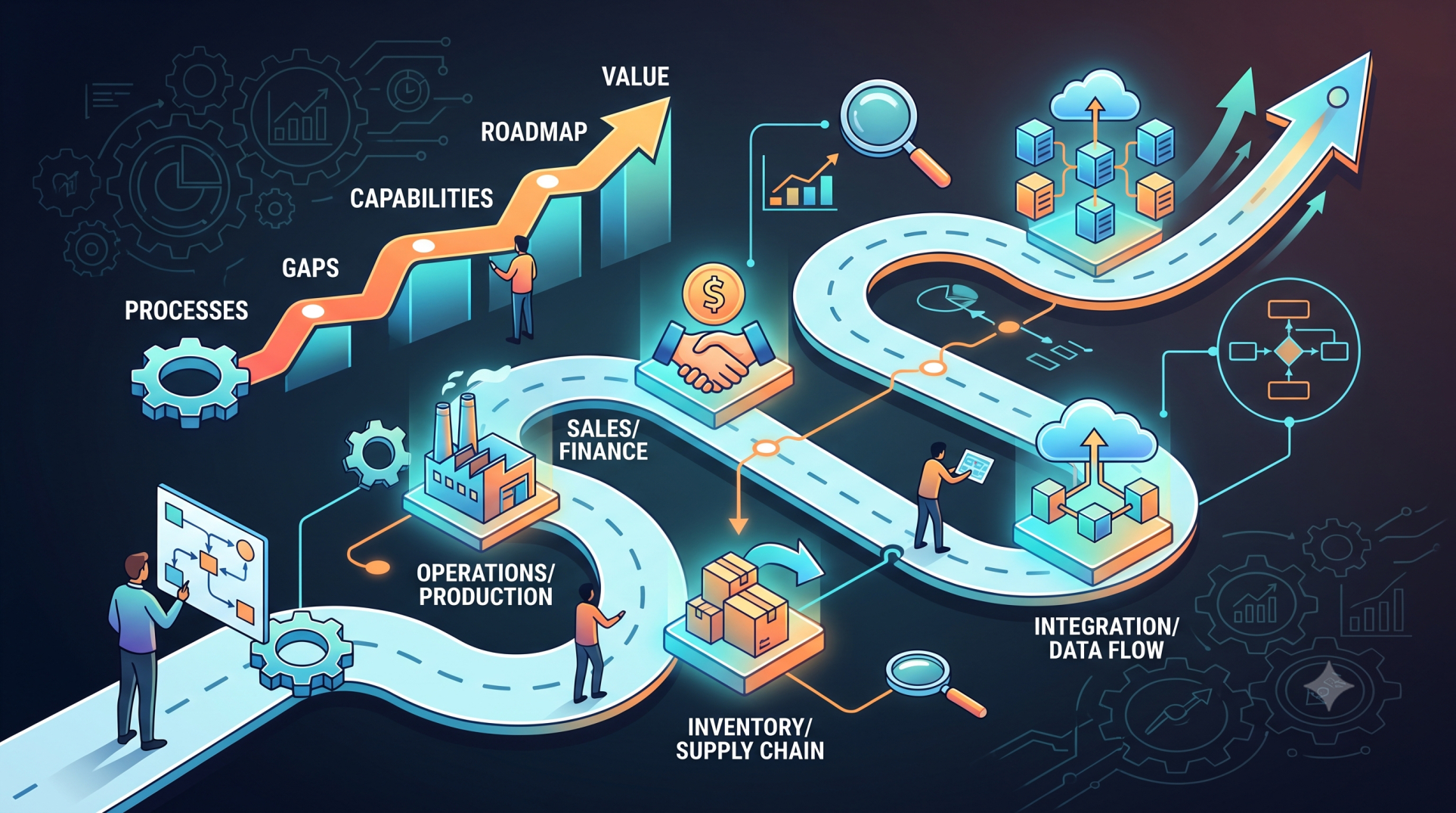
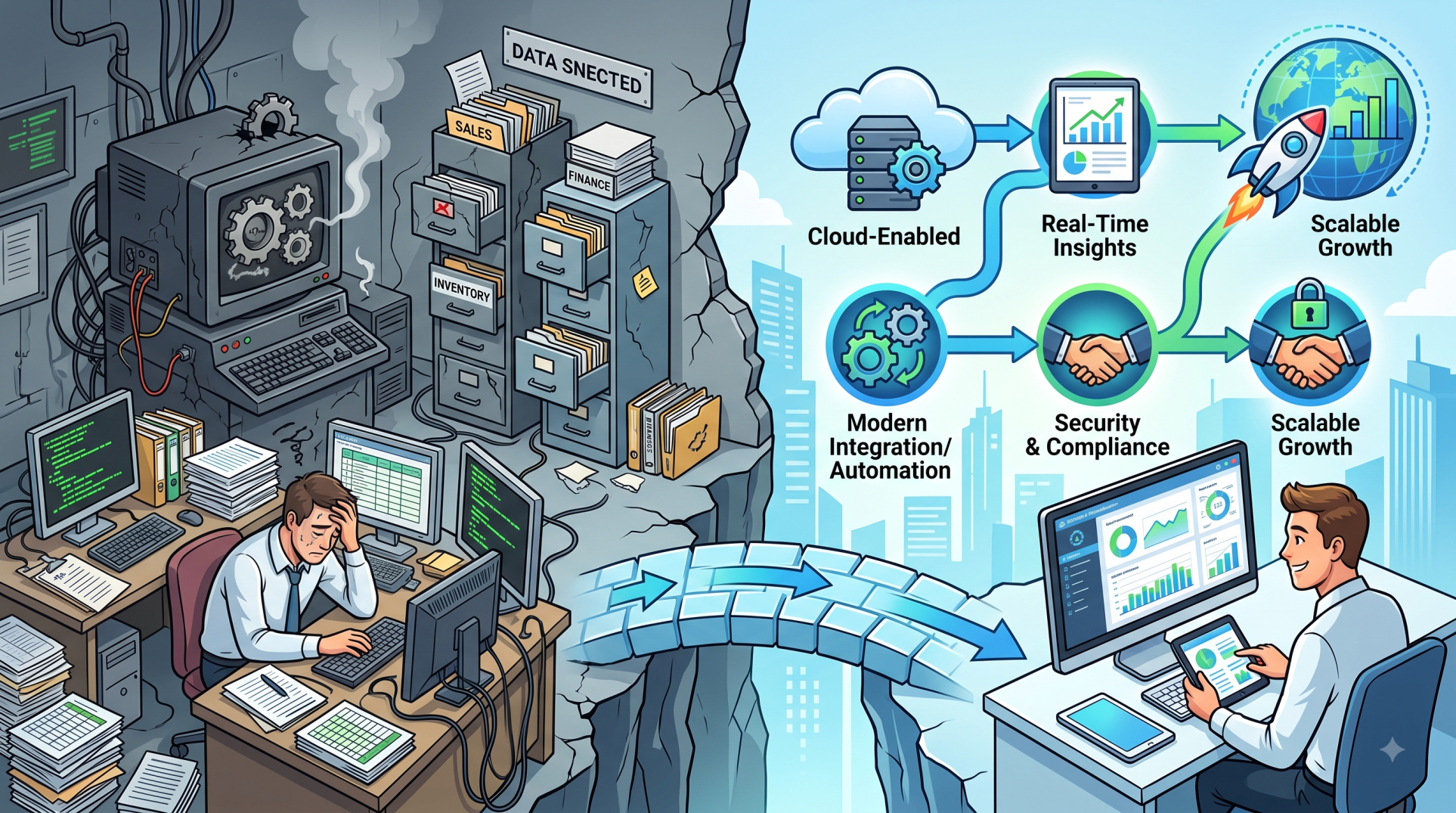
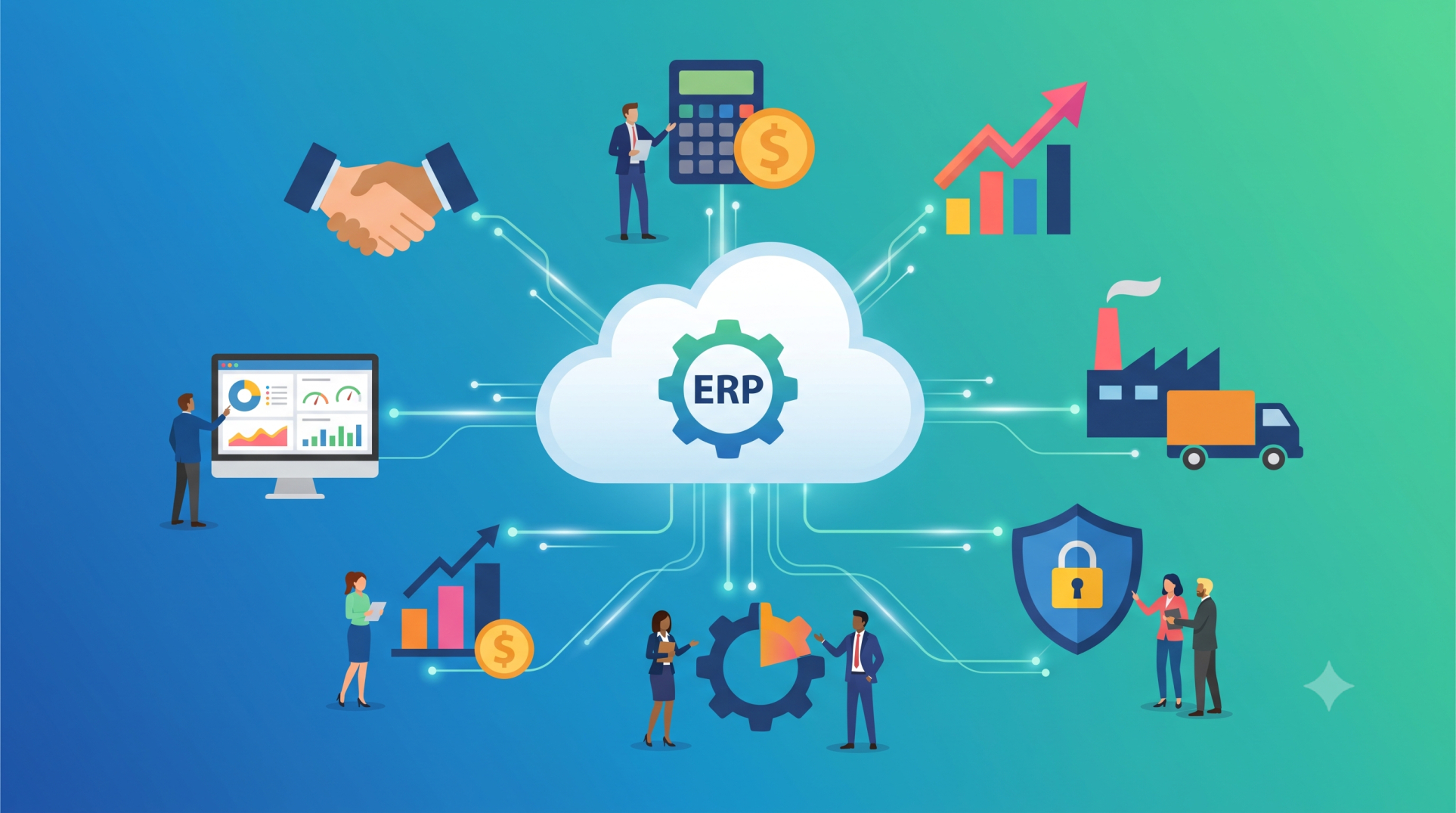
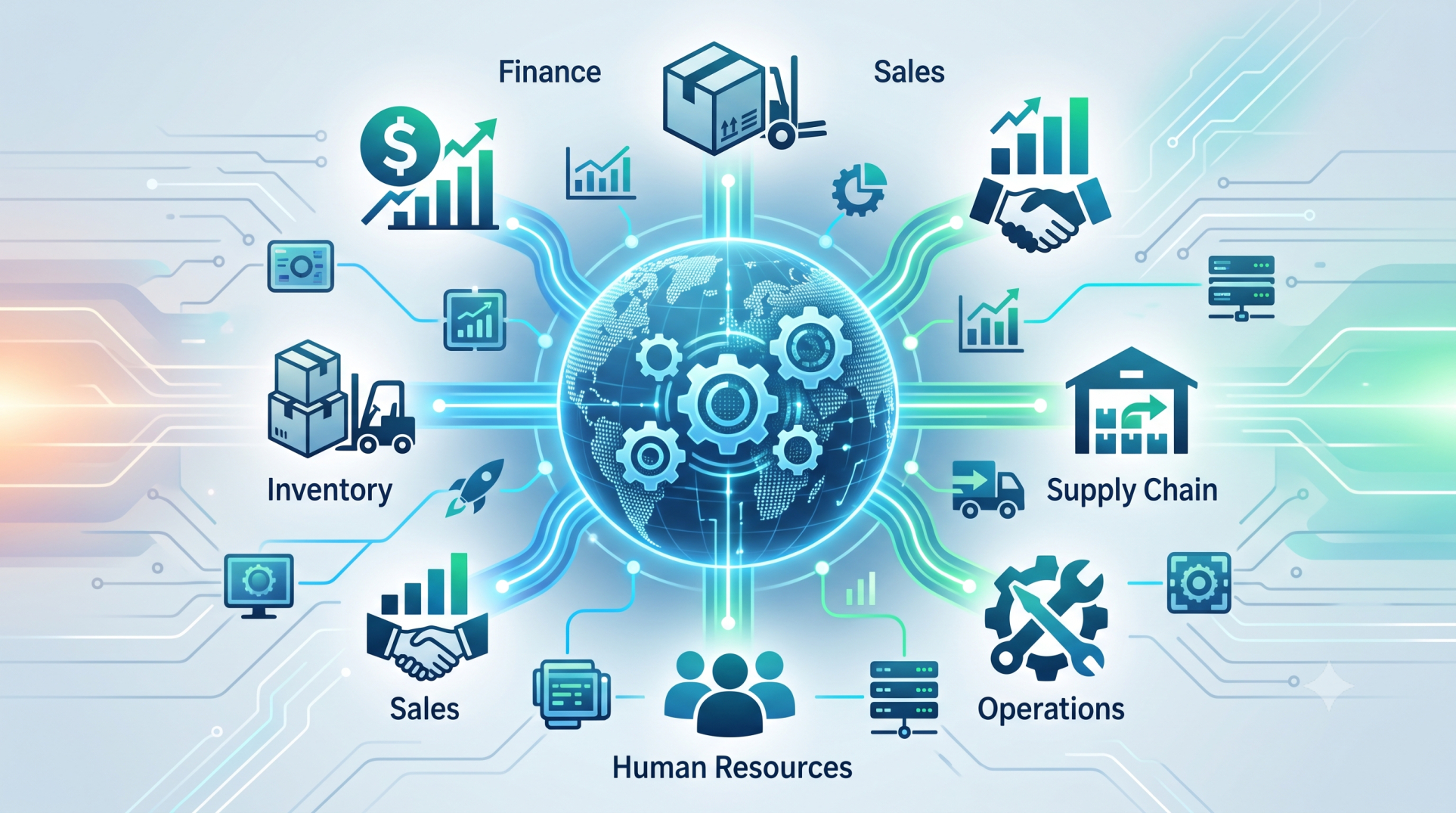
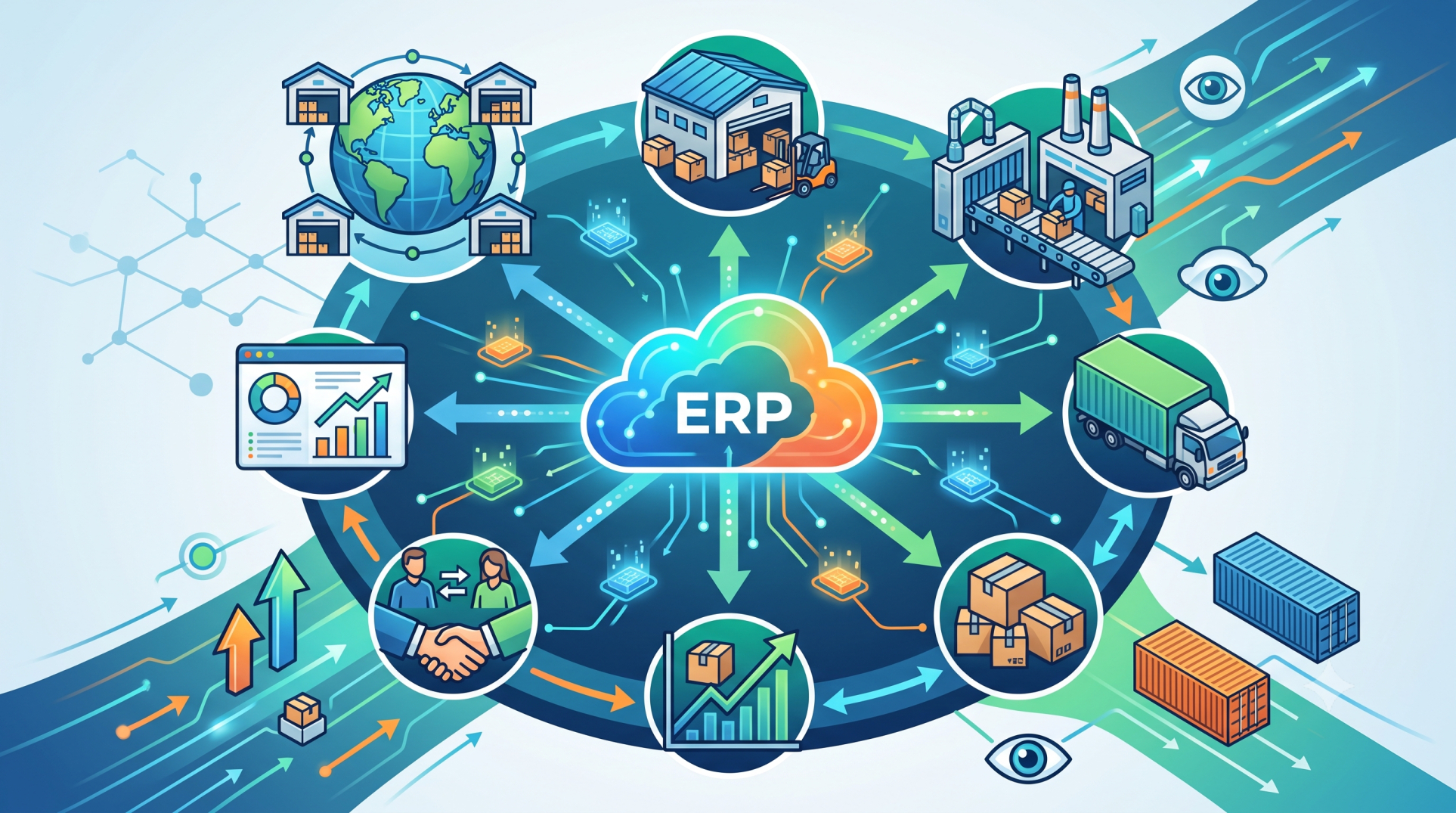
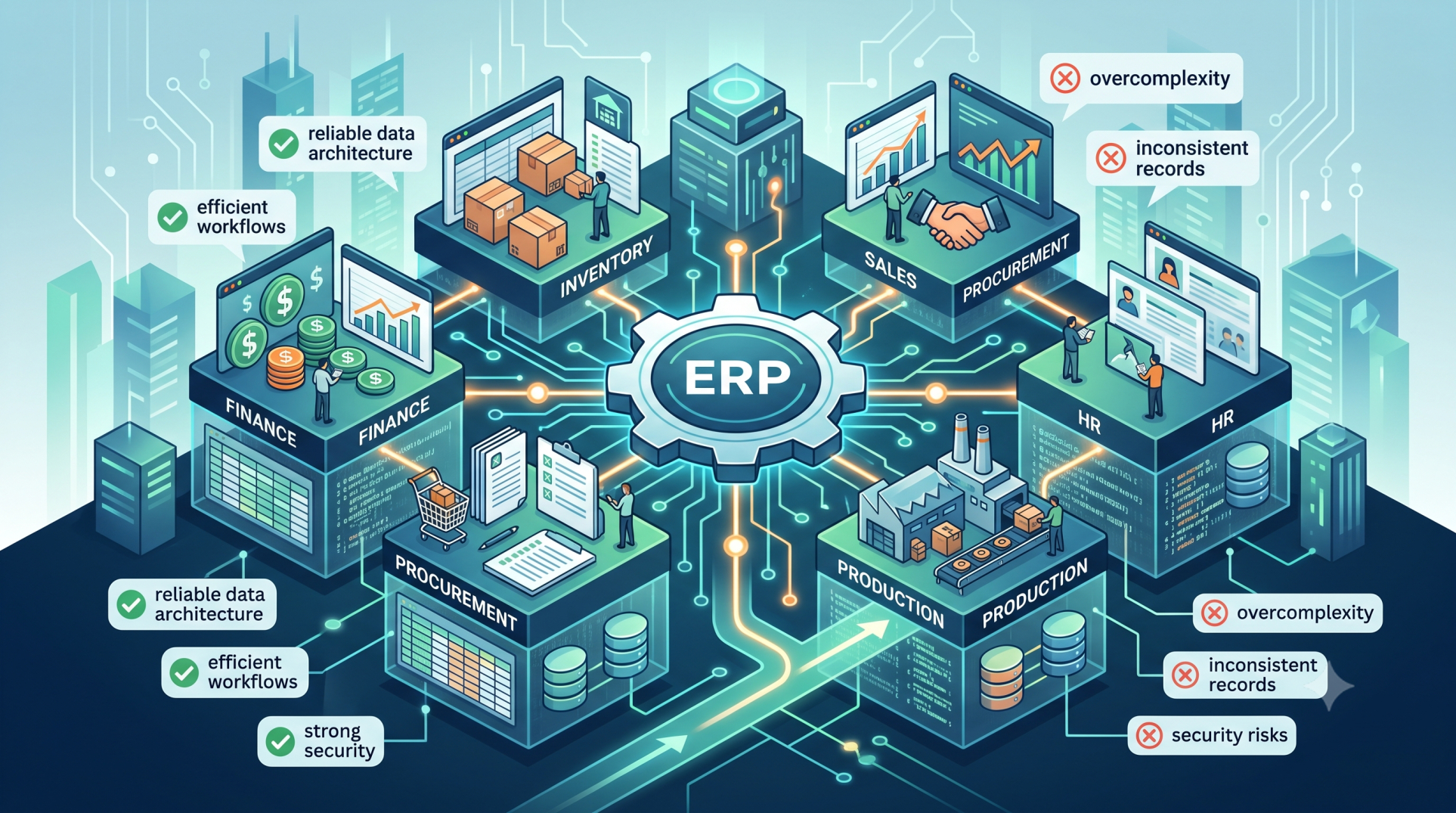
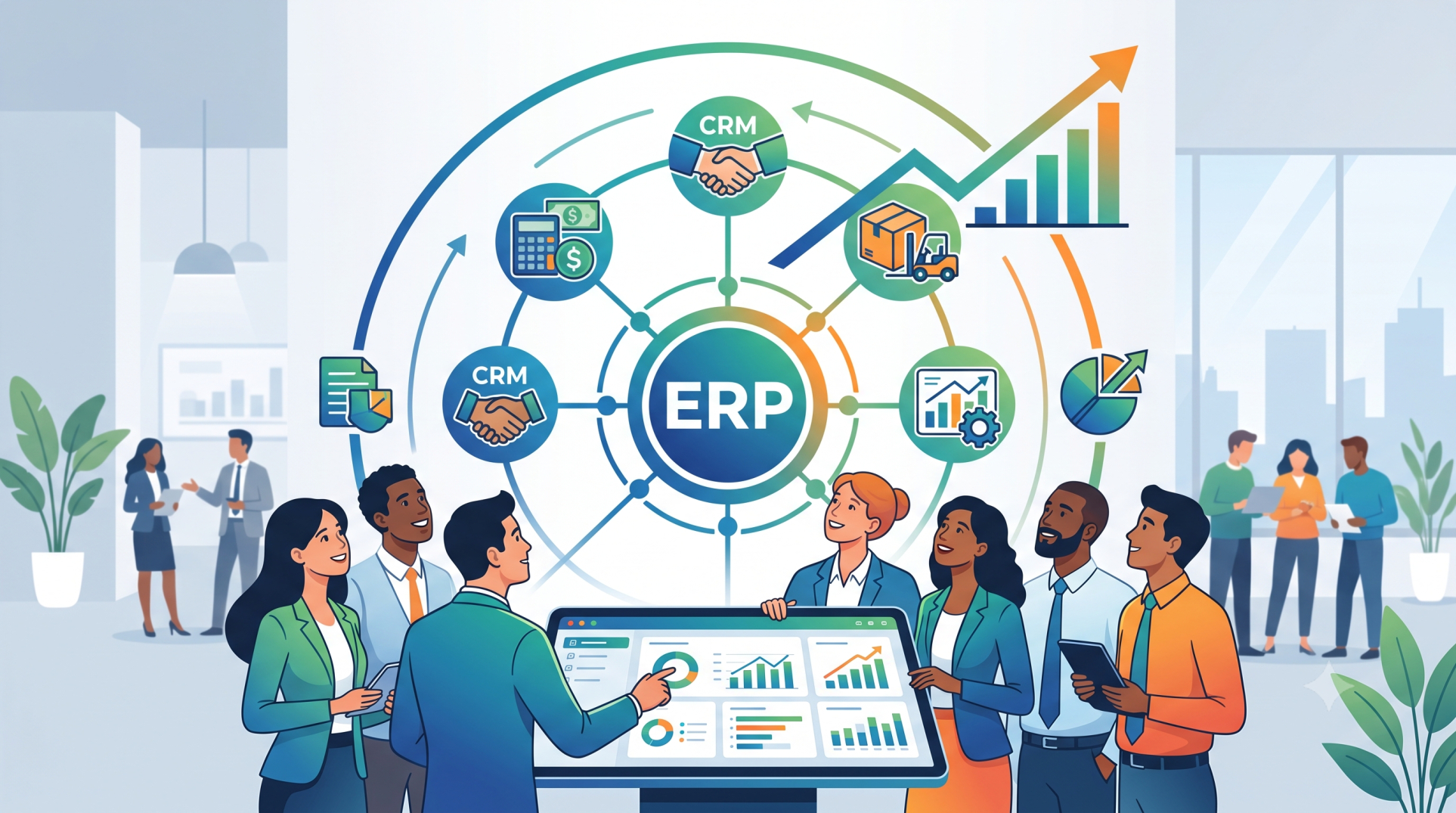
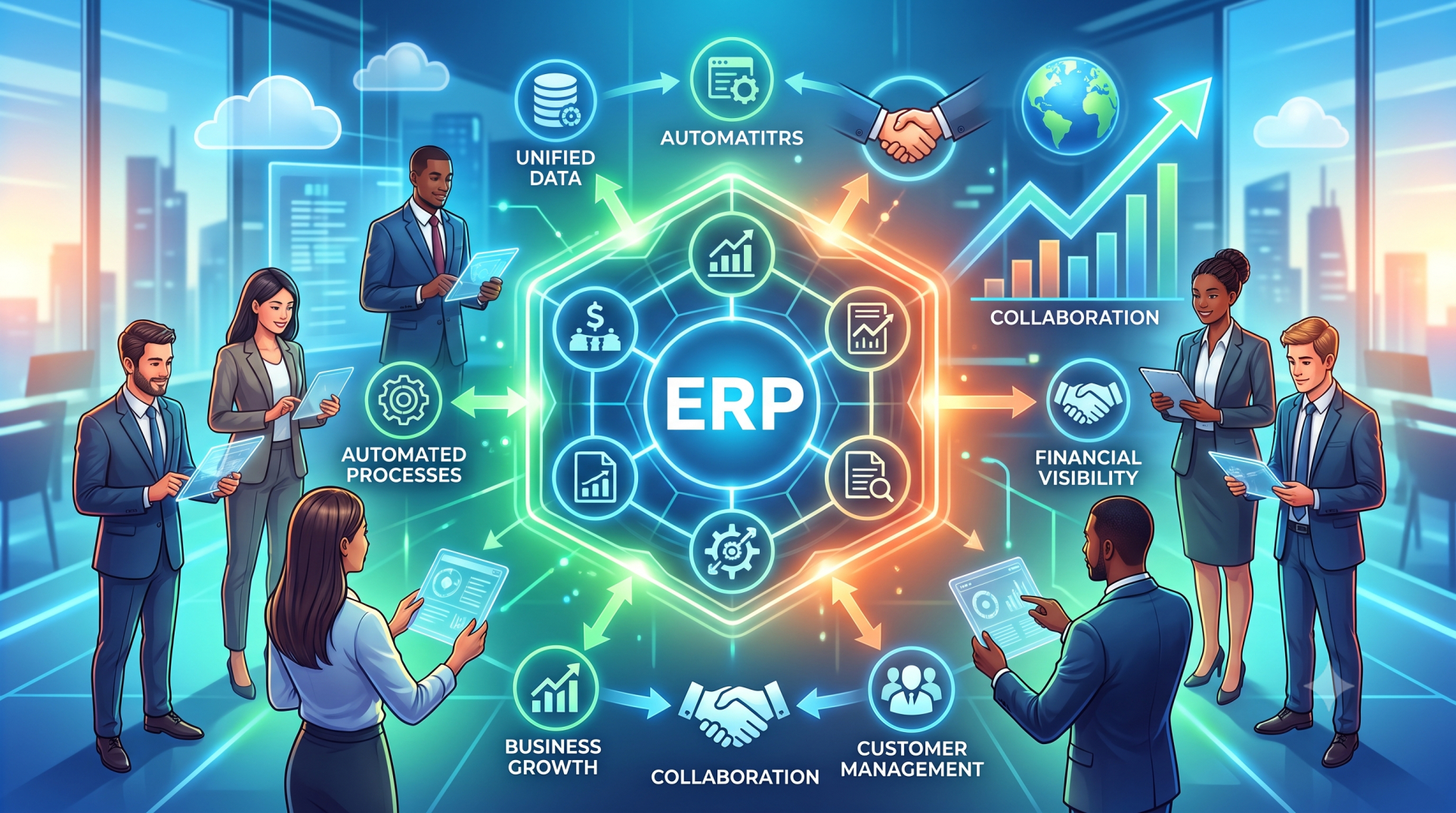
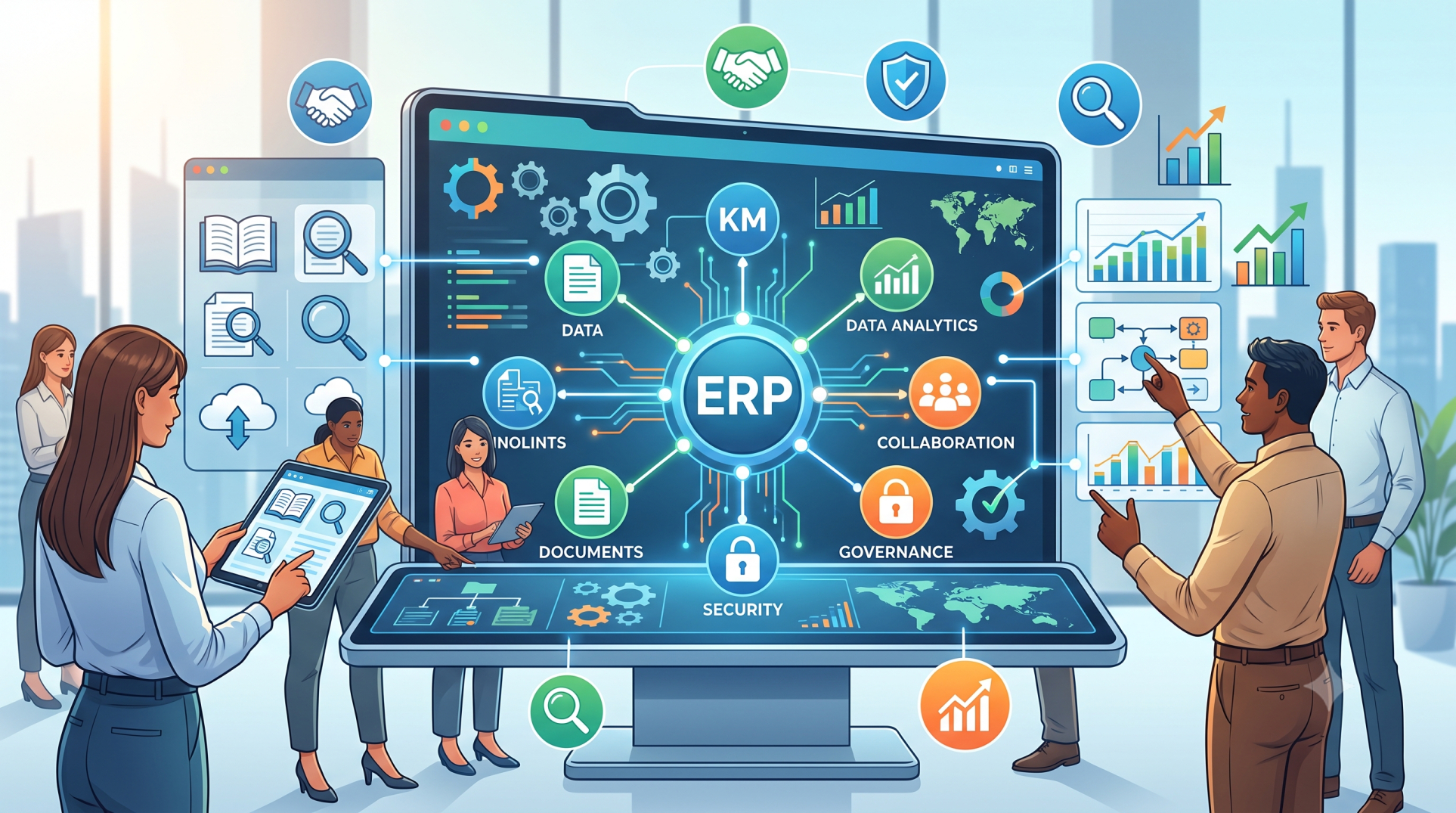
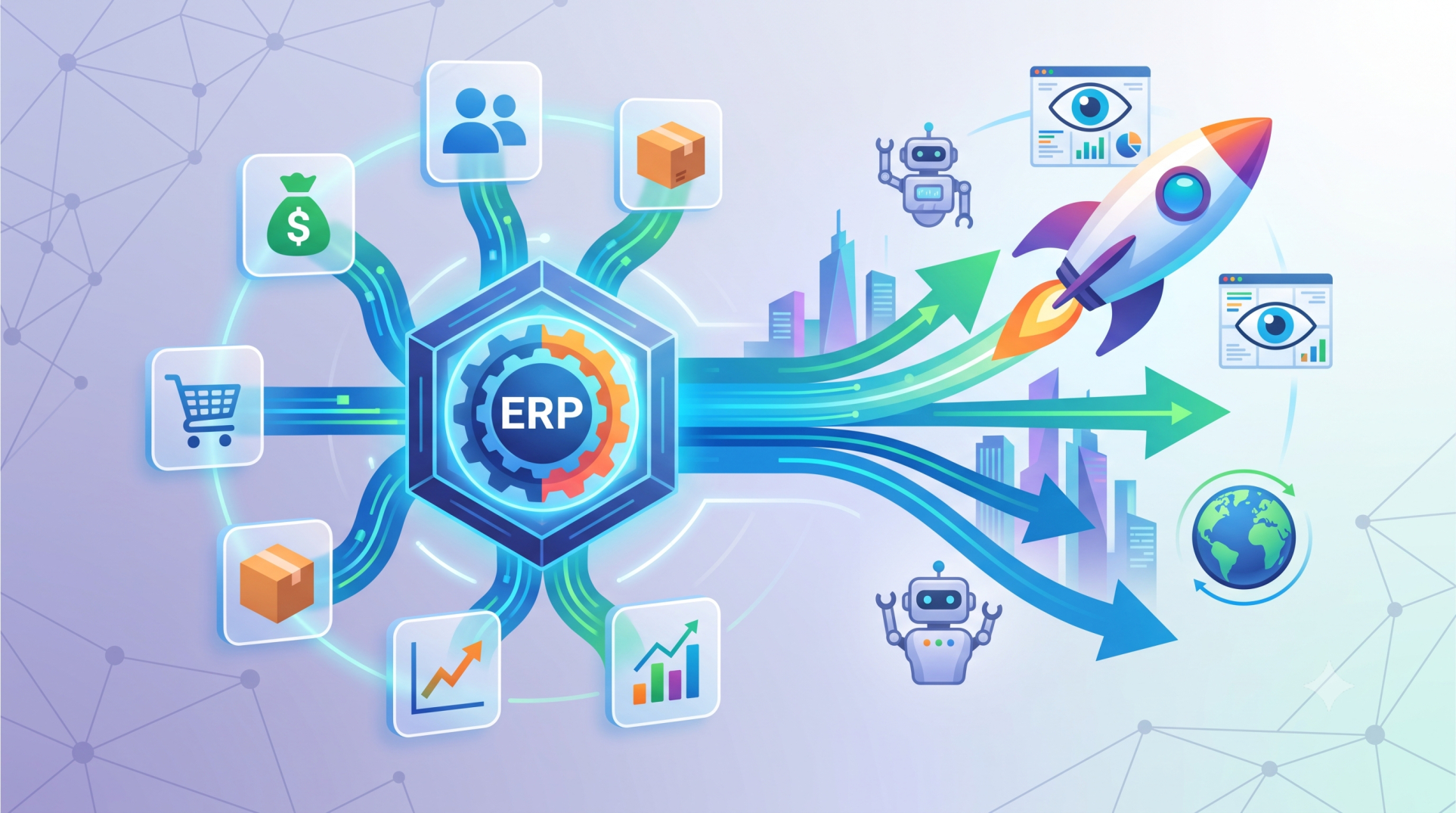
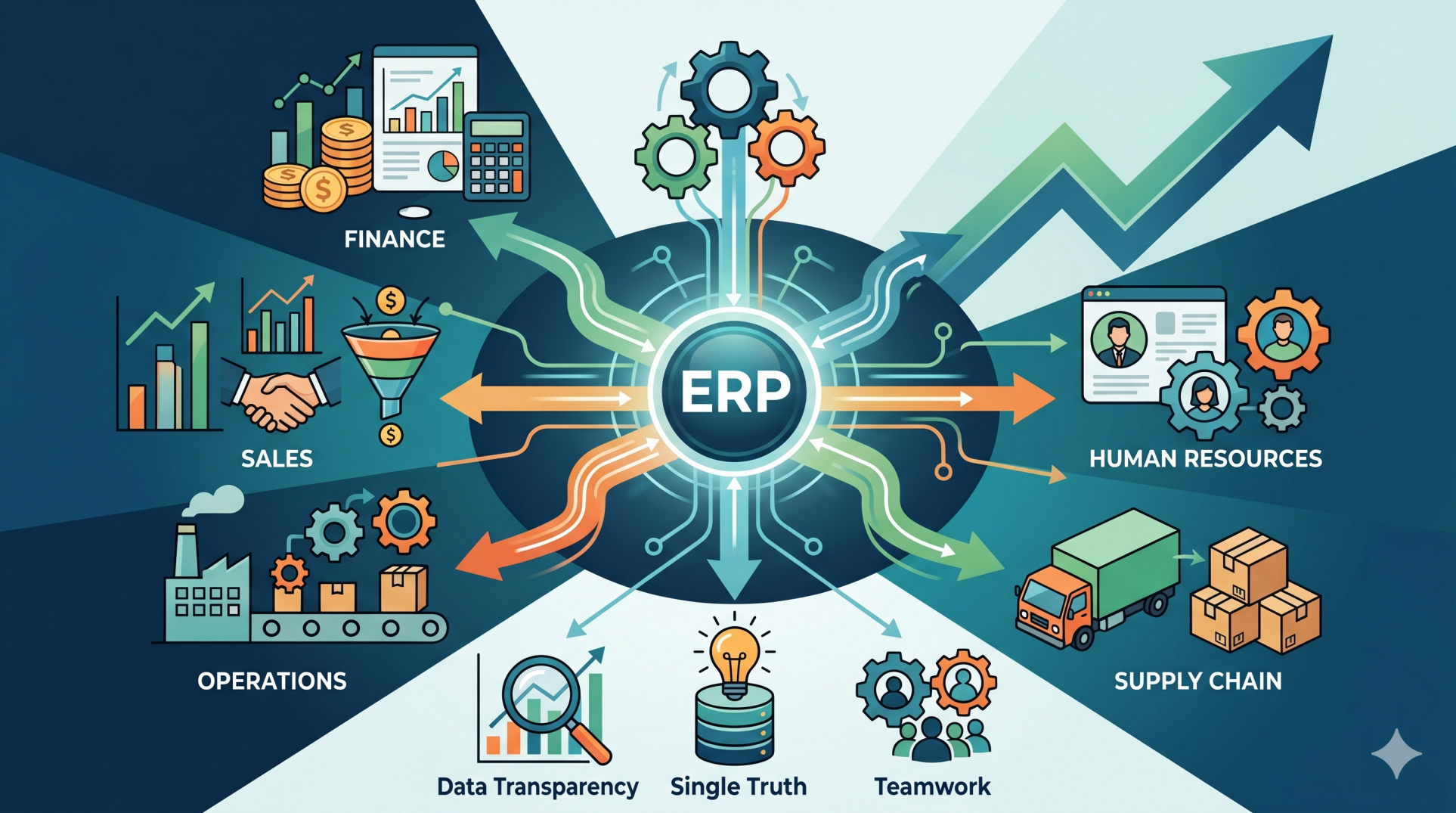
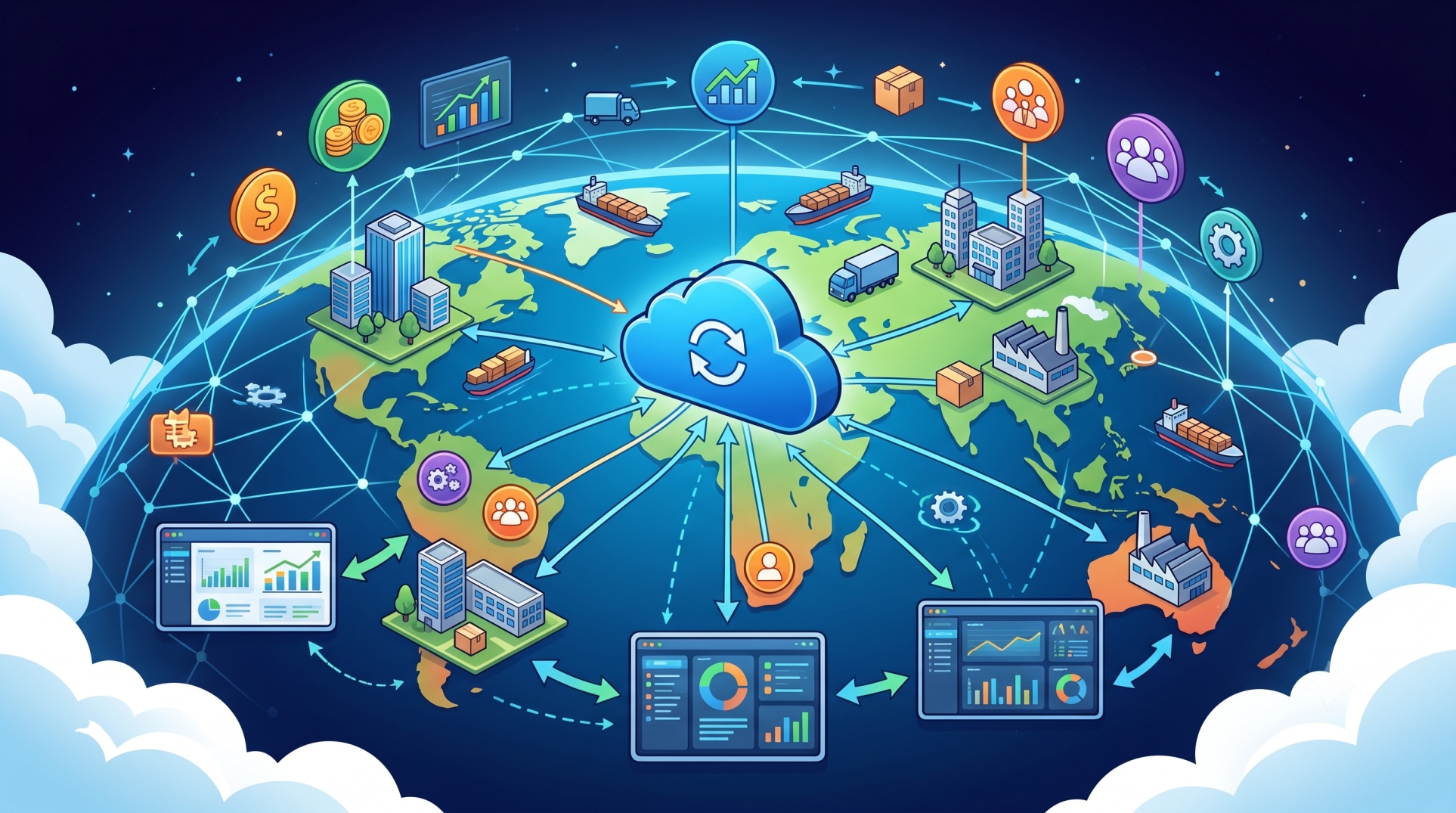
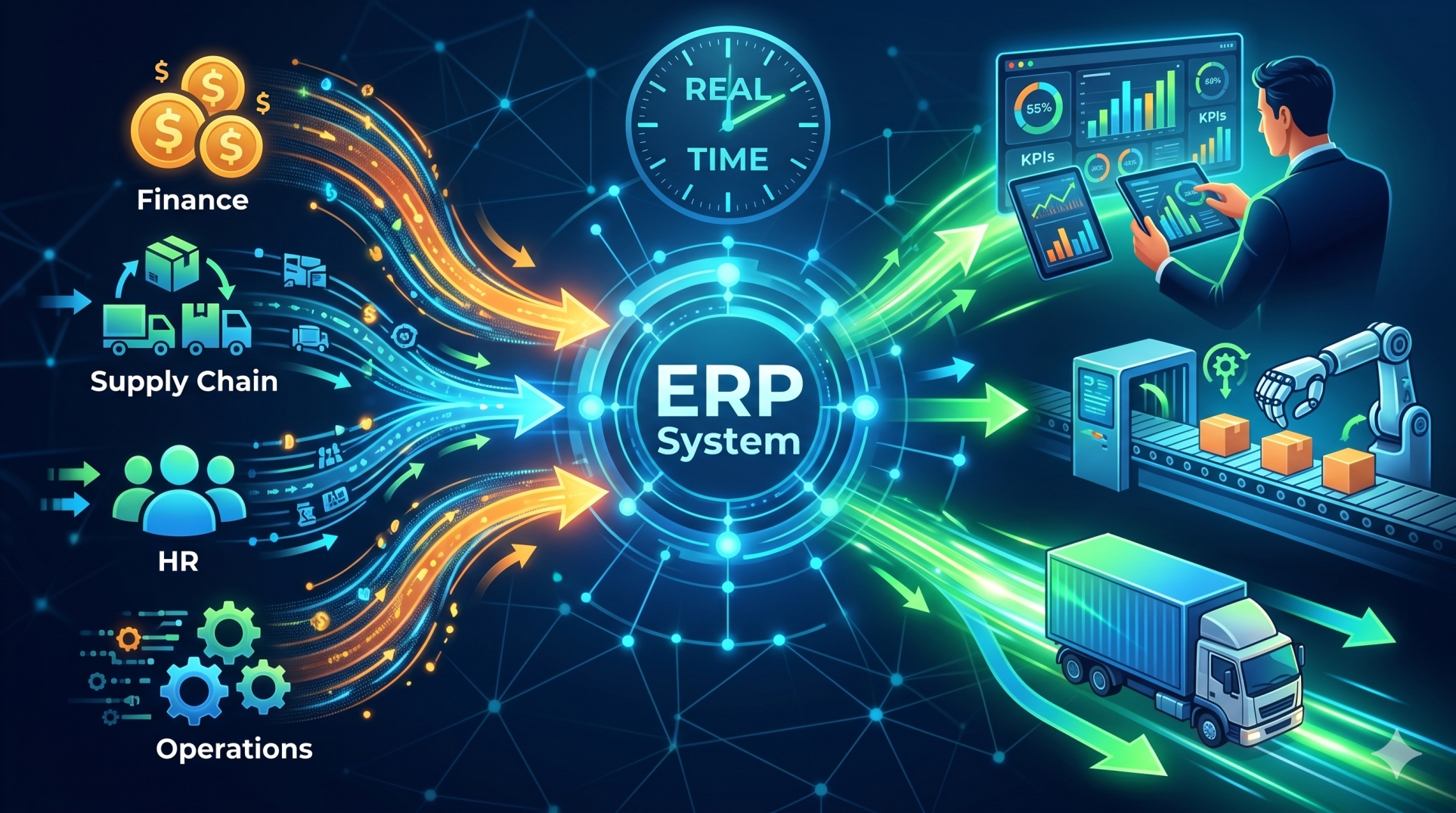
Customer information often exists across multiple business systems. Sales teams may manage leads and customer interactions in HubSpot, while finance, inventory, fulfillment, and operations rely on an Enterprise Resource Planning (ERP) platform. Connecting these systems creates a more consistent flow of information across the organization, helping teams reduce duplicate work, improve data accuracy, and gain a more complete view of customer activity.
Step 1: Understanding CRM and ERP Integration 🔗
• Connect customer-facing CRM activities with internal ERP operations 🏢
• Share relevant information between sales, finance, inventory, and fulfillment teams 🔄
• Reduce isolated data across different business applications 📂
• Improve consistency between customer and operational records ✅
• Establish a connected foundation for cross-functional workflows 🌐
Step 2: Defining the Data to Synchronize 📊
• Identify customer and company records that need to move between systems 👥
• Determine which contact, order, invoice, and account fields should be synchronized 🧾
• Define the source of truth for important data fields 🎯
• Avoid unnecessary synchronization that can create duplicate information 🚫
• Establish clear rules for creating and updating records 📋
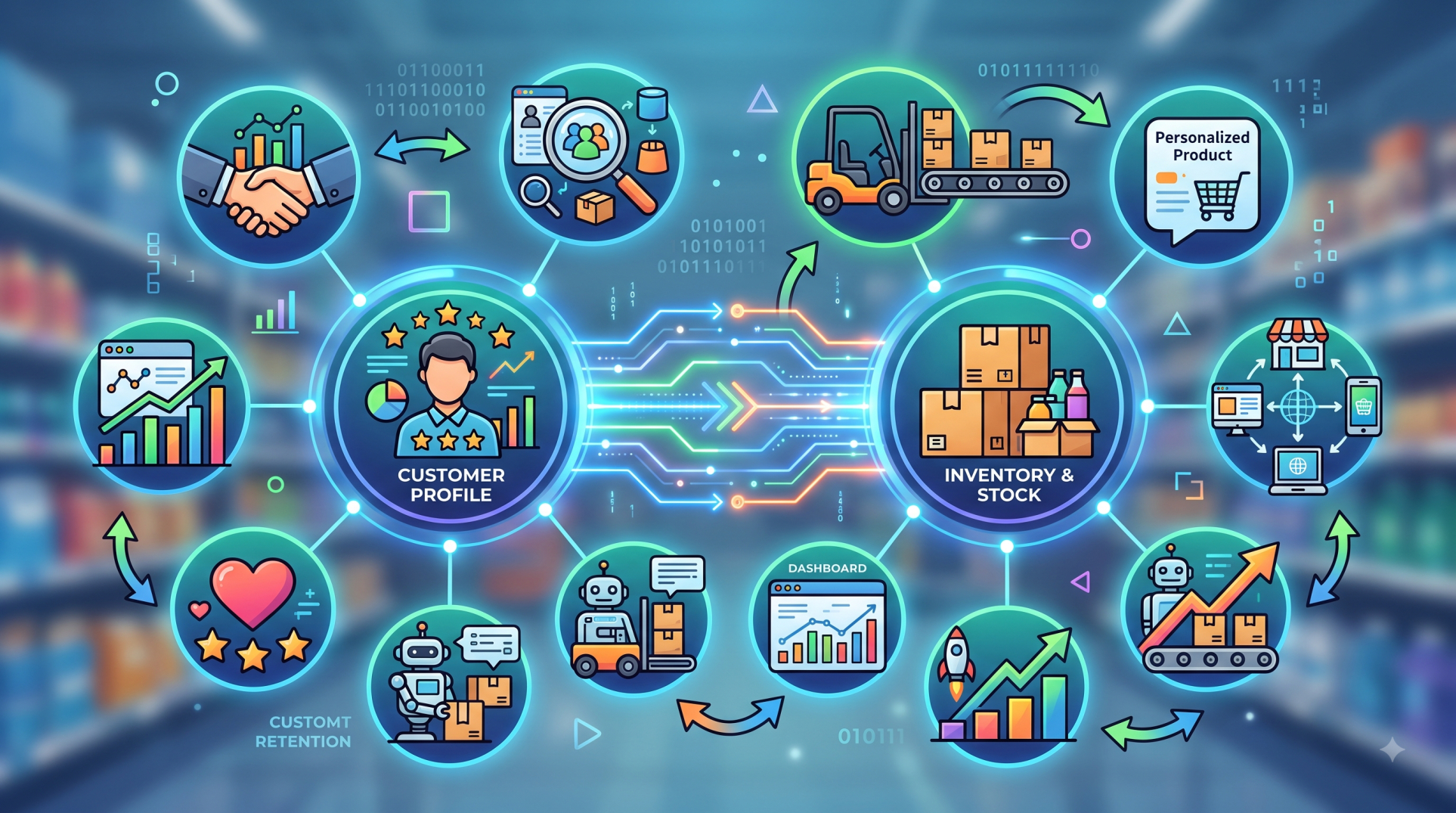
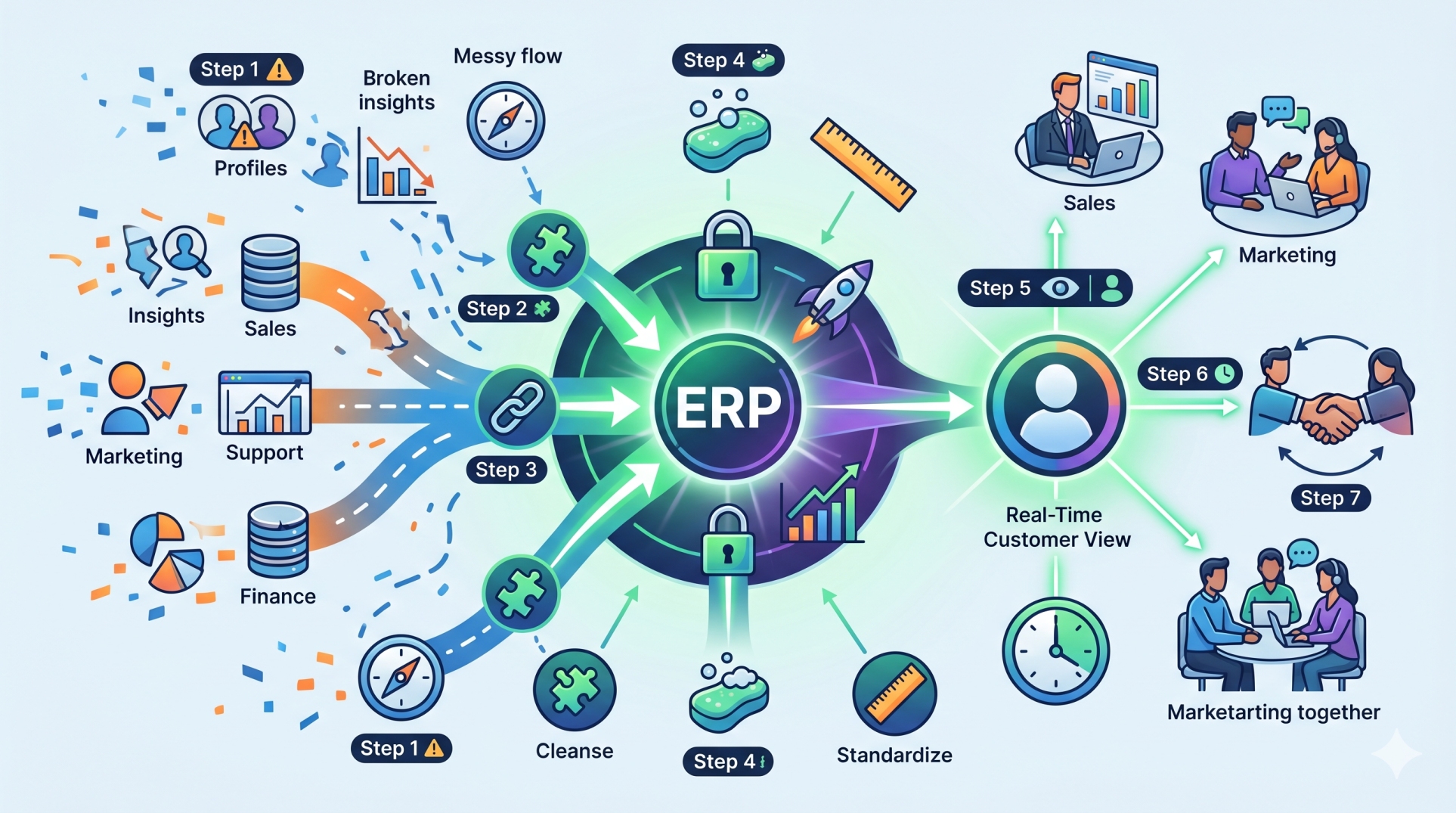
Step 3: Creating Consistent Customer Profiles 👤
• Keep important customer details aligned across CRM and ERP environments 🔄
• Connect sales activity with relevant operational information 🔗
• Reduce inconsistencies caused by repeated manual data entry ⌨️
• Give authorized teams access to dependable customer information 🔐
• Improve visibility across the customer lifecycle 👀
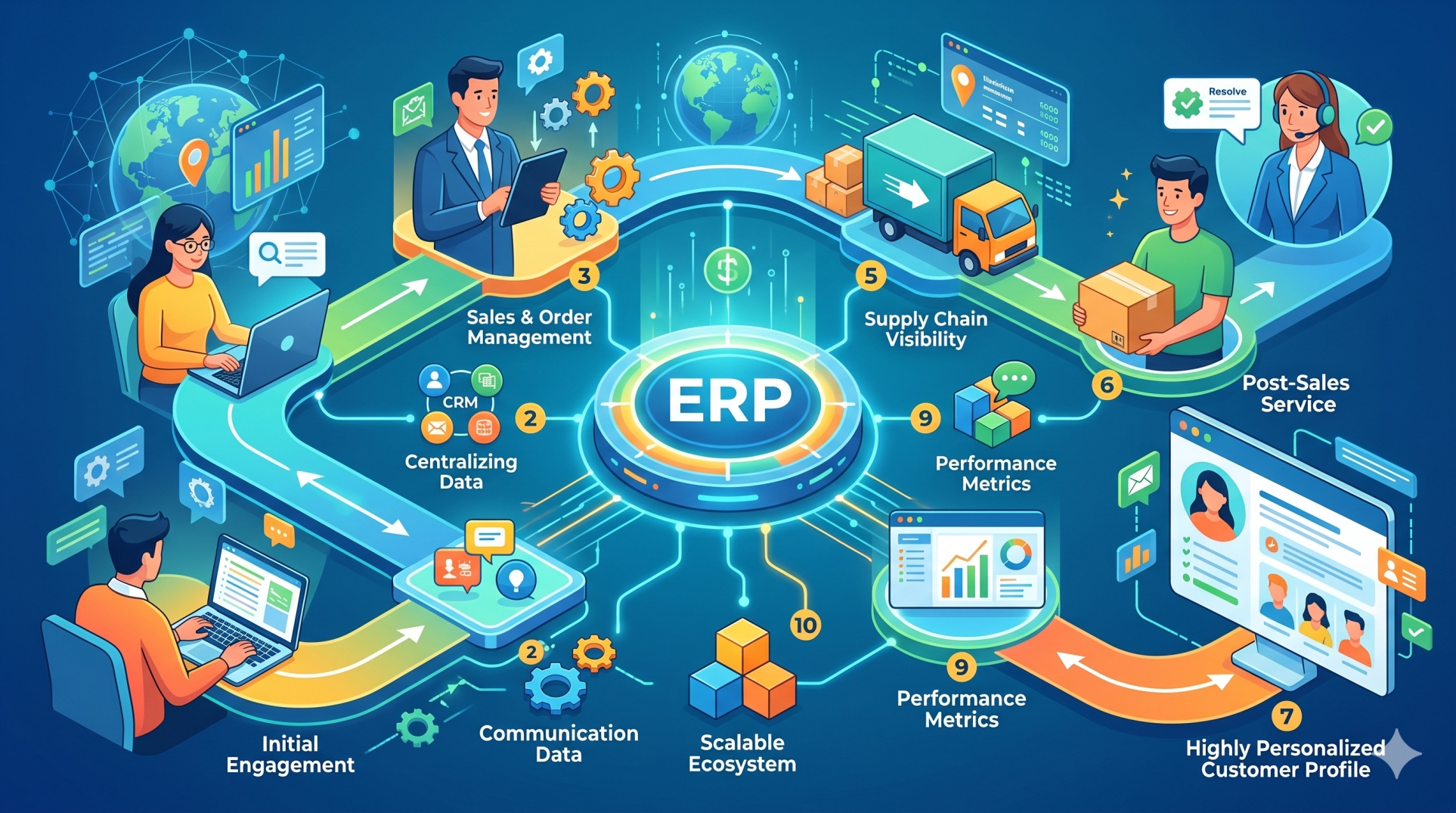
Step 4: Connecting Sales and Order Workflows 🛒
• Transfer qualified customer or deal information into ERP workflows 📥
• Connect sales processes with order creation and fulfillment activities 📦
• Reduce manual handoffs between commercial and operations teams 🤝
• Keep order-related information associated with the correct customer records 🗂️
• Create smoother transitions from opportunity to delivery 🚚
Step 5: Improving Finance Visibility 💰
• Make relevant invoice and payment information available to appropriate teams 🧾
• Help sales teams understand customer account status before follow-ups 🔍
• Connect revenue activity with operational records 📈
• Reduce repeated requests for information between departments 💬
• Support more coordinated customer account management 🤝
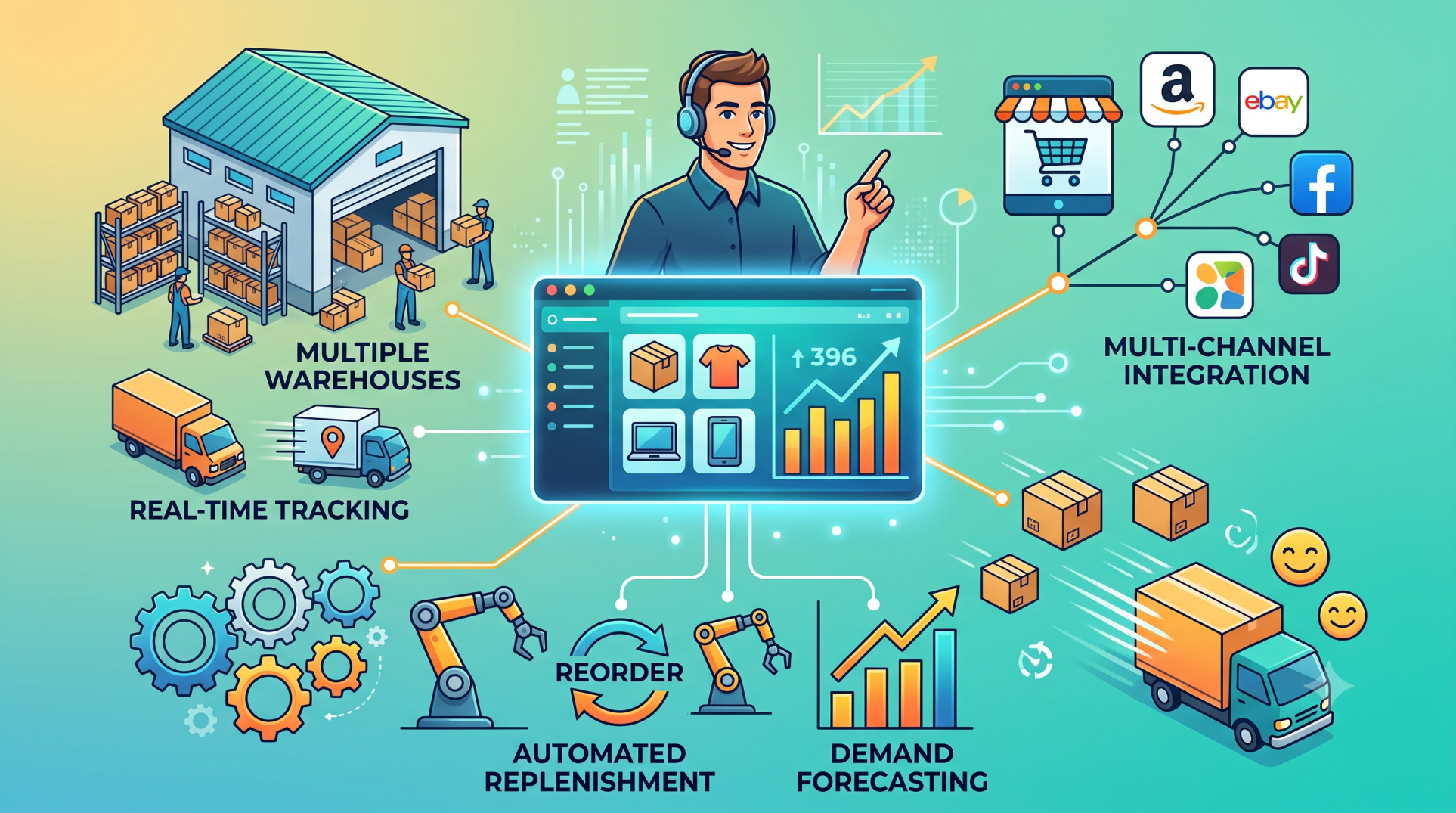
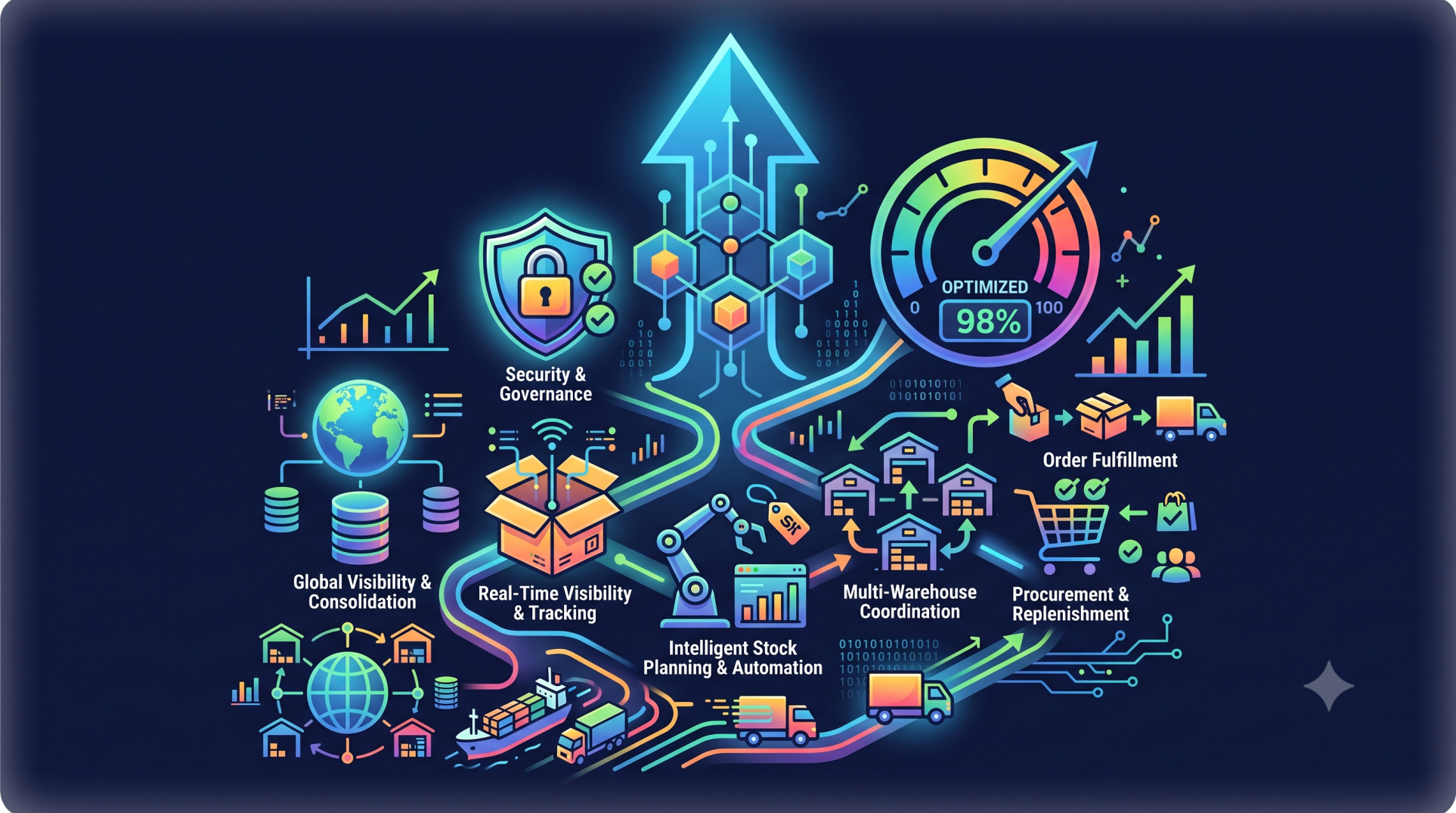
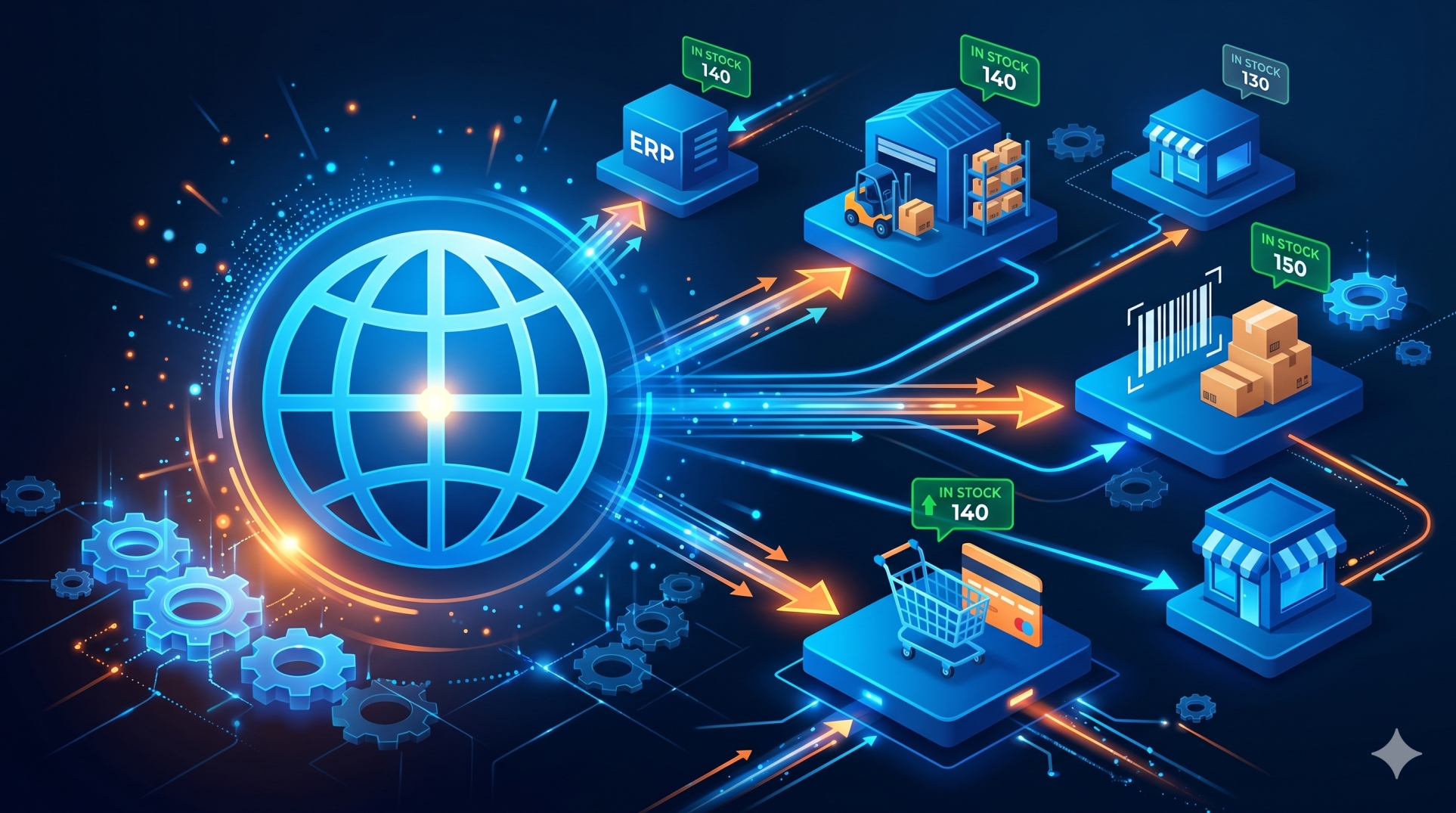
Step 6: Synchronizing Inventory Information 📦
• Connect product availability with customer-facing workflows 🔗
• Give sales teams better visibility into relevant stock information 👀
• Reduce the risk of working from outdated inventory data ⚠️
• Improve coordination between sales, warehouse, and procurement teams 🏭
• Support more informed order and delivery conversations 🚚
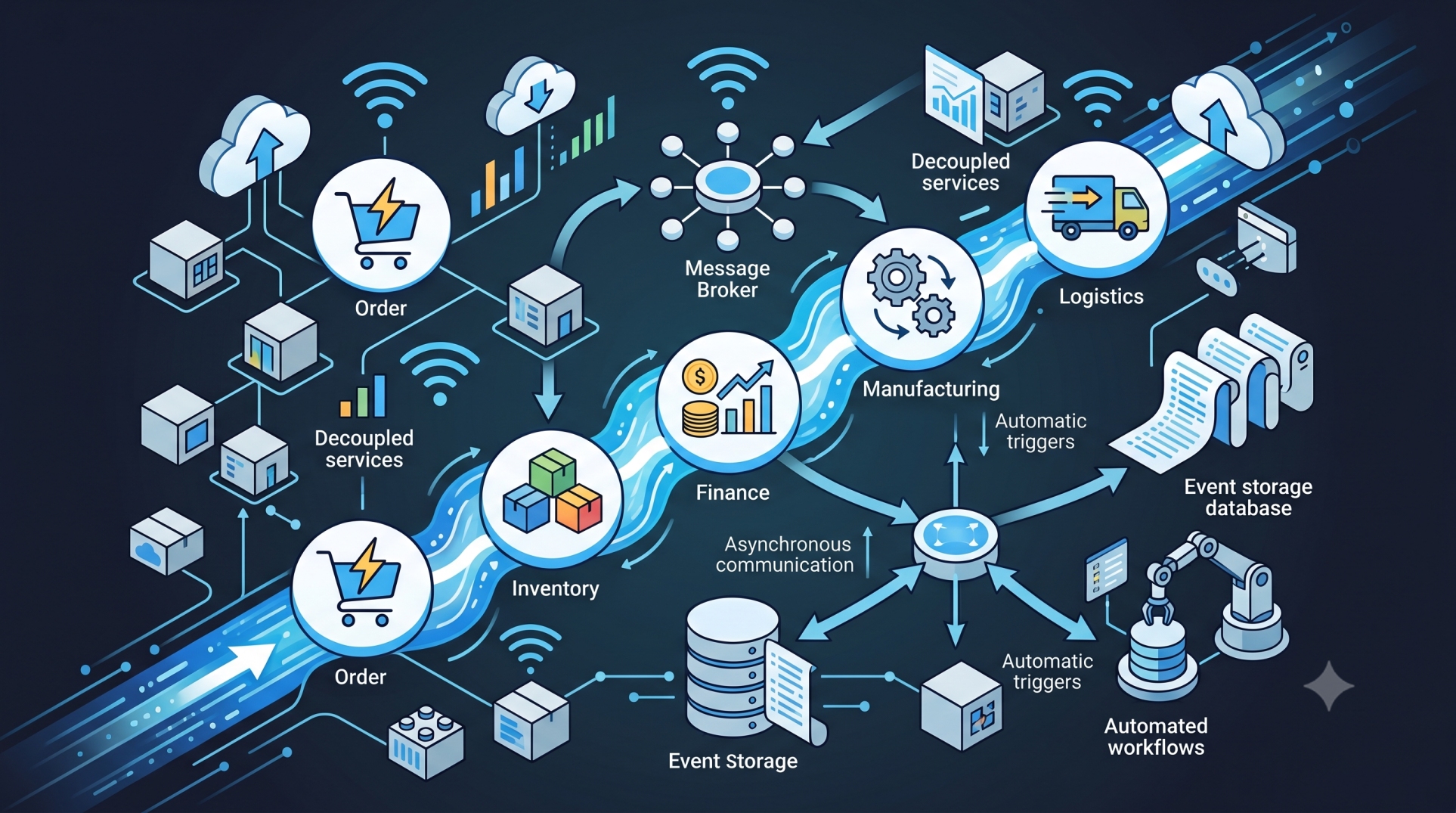
Step 7: Automating Data Exchange ⚙️
• Use APIs, integration services, or middleware to connect systems 🌐
• Trigger updates when important customer or transaction records change ⚡
• Reduce repetitive data entry through automated synchronization 🤖
• Apply validation rules before information enters connected systems ✅
• Monitor integration processes for failures or incomplete transfers 🔍
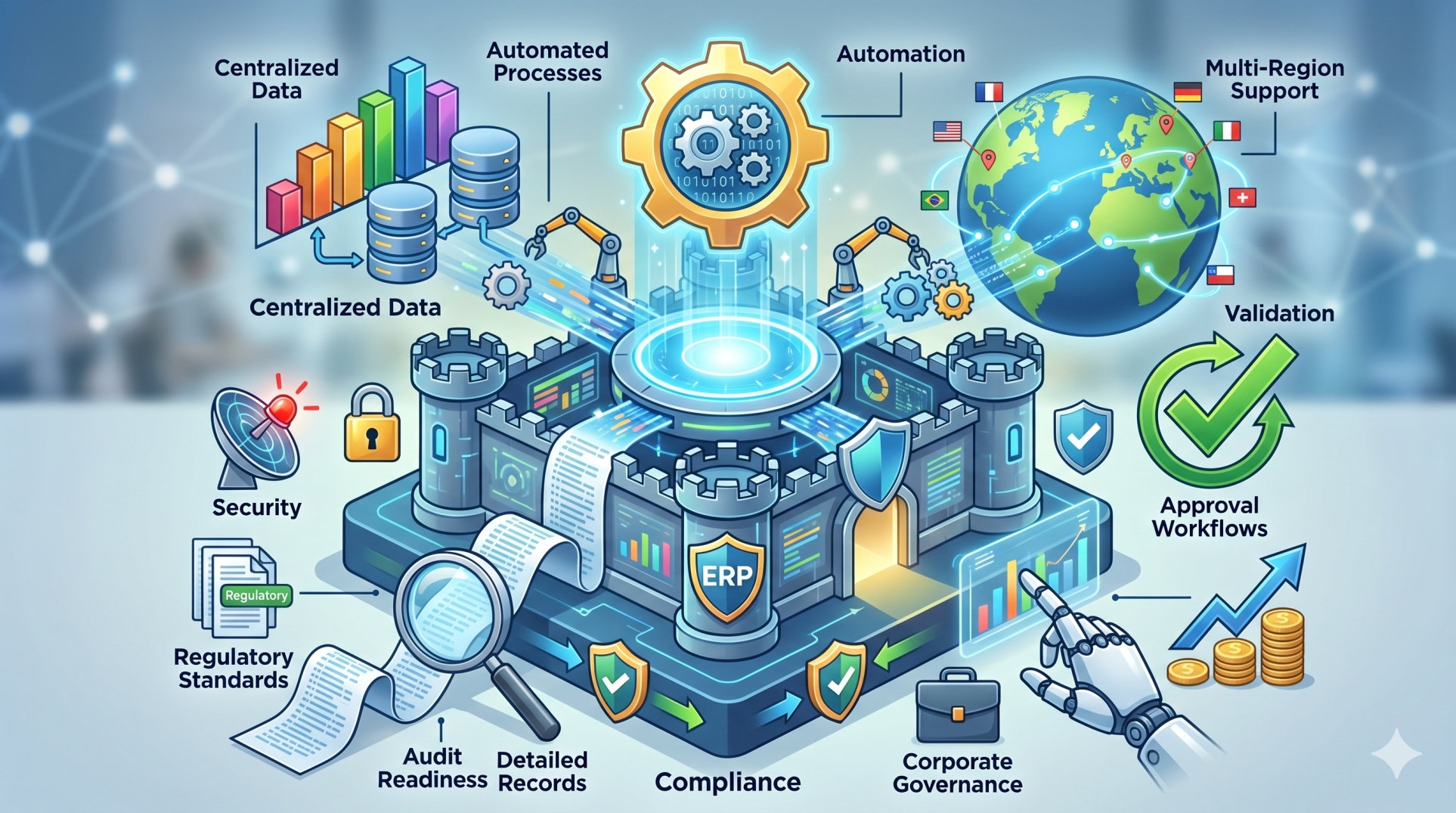
Step 8: Protecting Customer Information 🔐
• Restrict data access according to user roles and responsibilities 👥
• Authenticate system connections using secure integration methods 🛡️
• Limit synchronization to information required by business workflows 📋
• Maintain logs of important integration activities 📝
• Apply organizational privacy, security, and governance requirements ⚖️
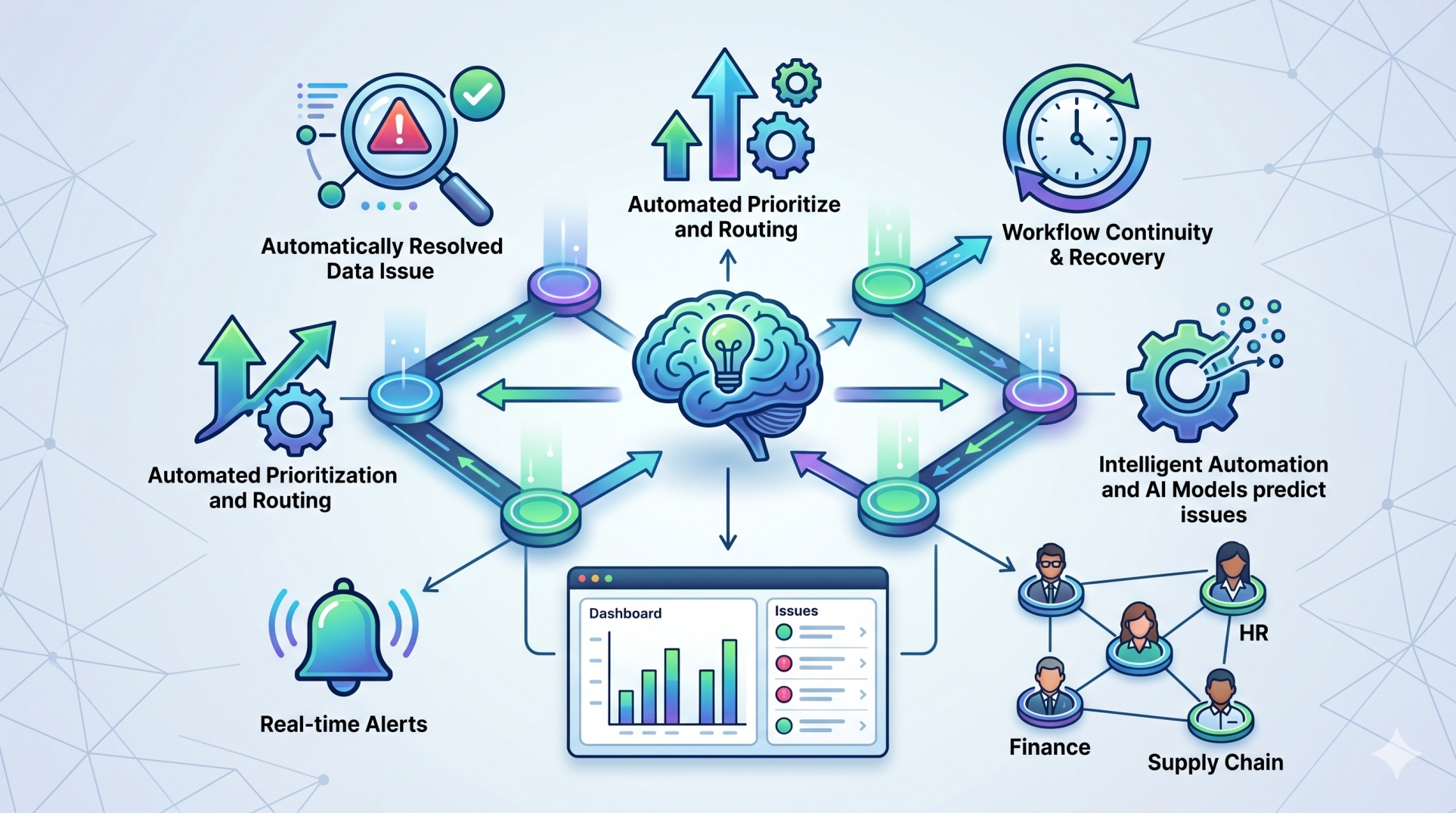
Step 9: Monitoring Data Quality 🔎
• Detect duplicate or incomplete customer records 📂
• Identify synchronization errors before they spread between systems 🚨
• Review field mappings as business processes change 🔄
• Establish processes for resolving conflicting information 🛠️
• Regularly evaluate integration accuracy and reliability 📊
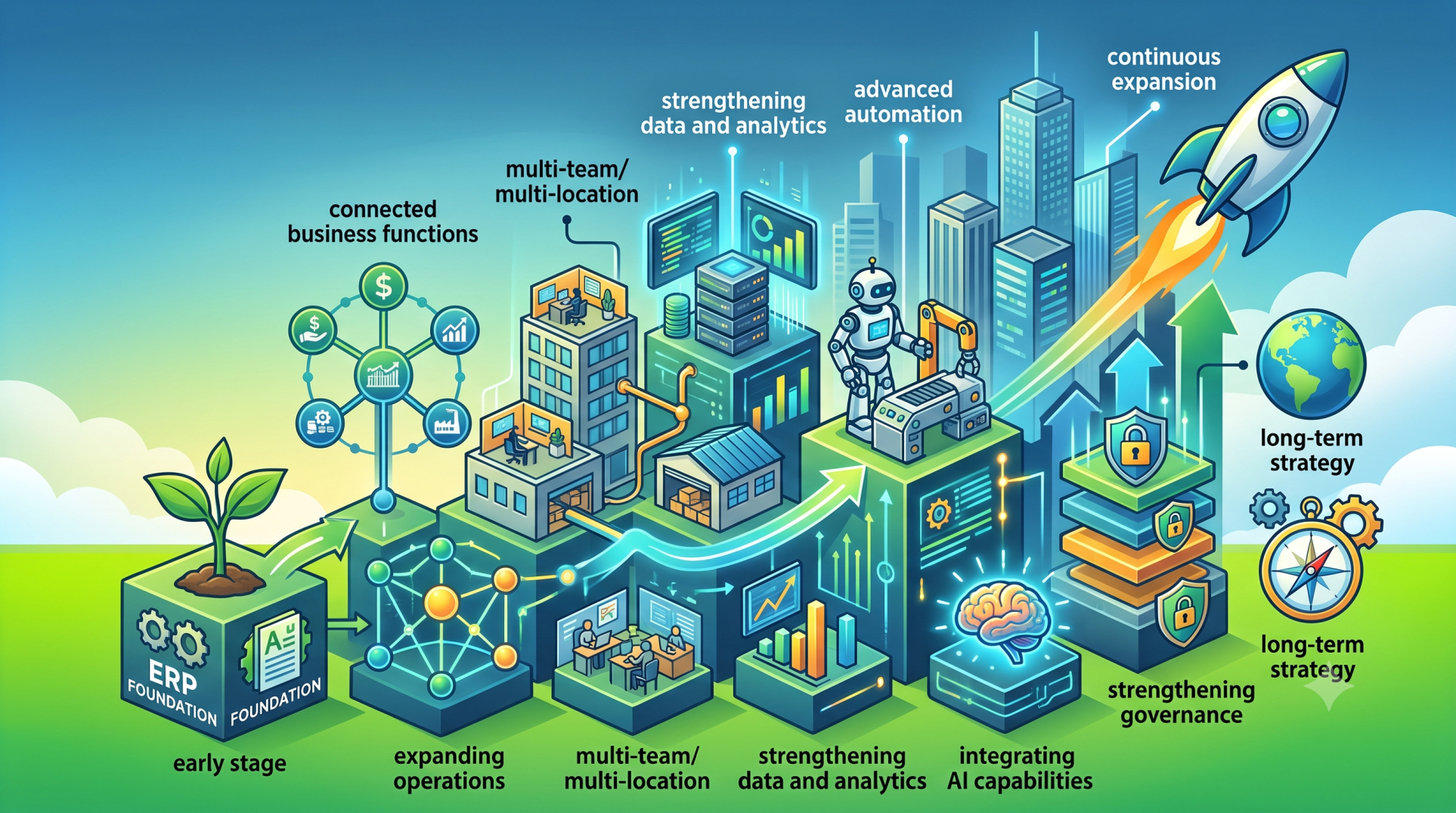
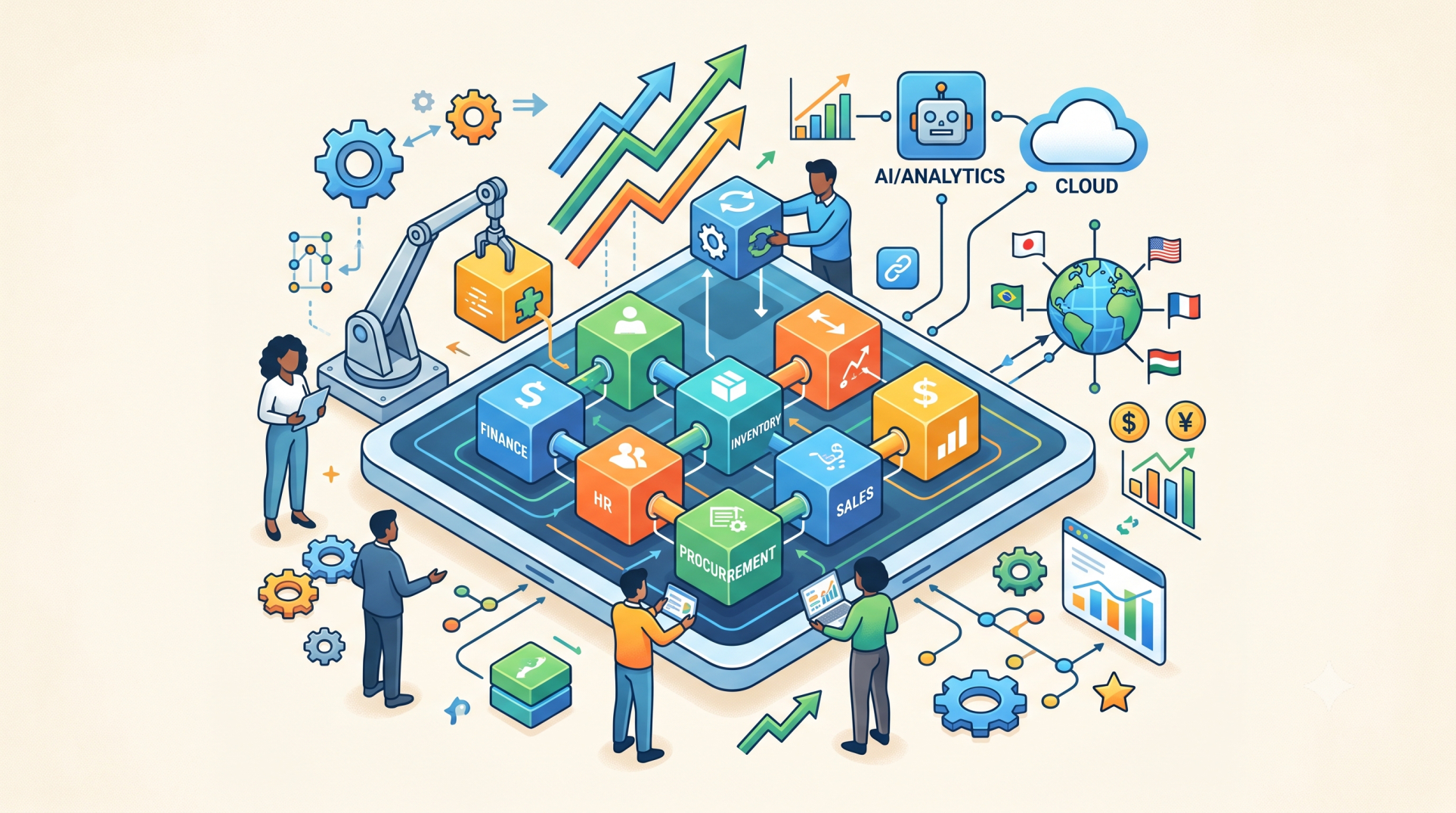
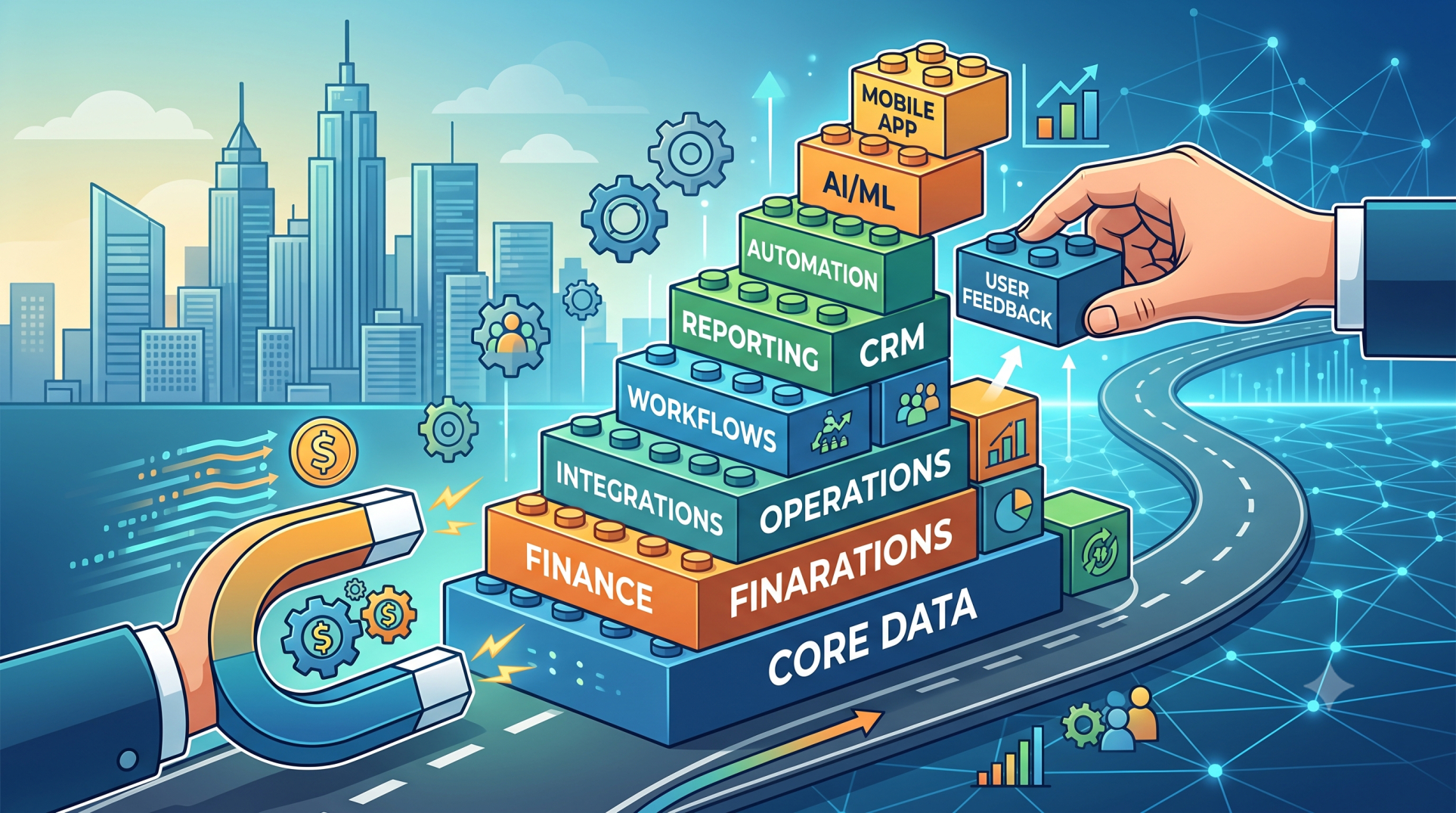
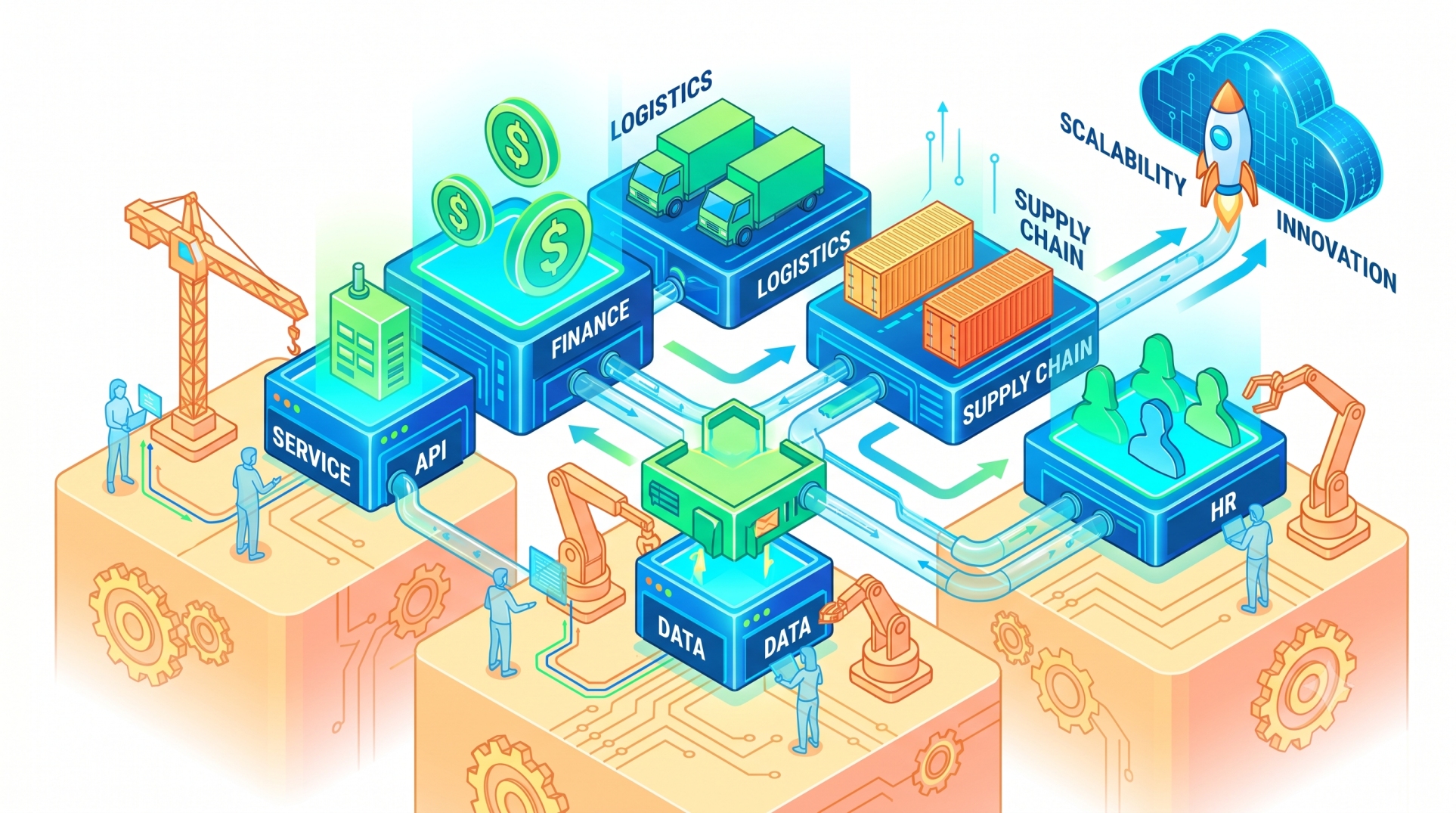
Step 10: Building a Scalable CRM–ERP Connection 🚀
• Design integrations that can support growing transaction volumes 📈
• Make it easier to introduce additional fields and workflows over time 🧩
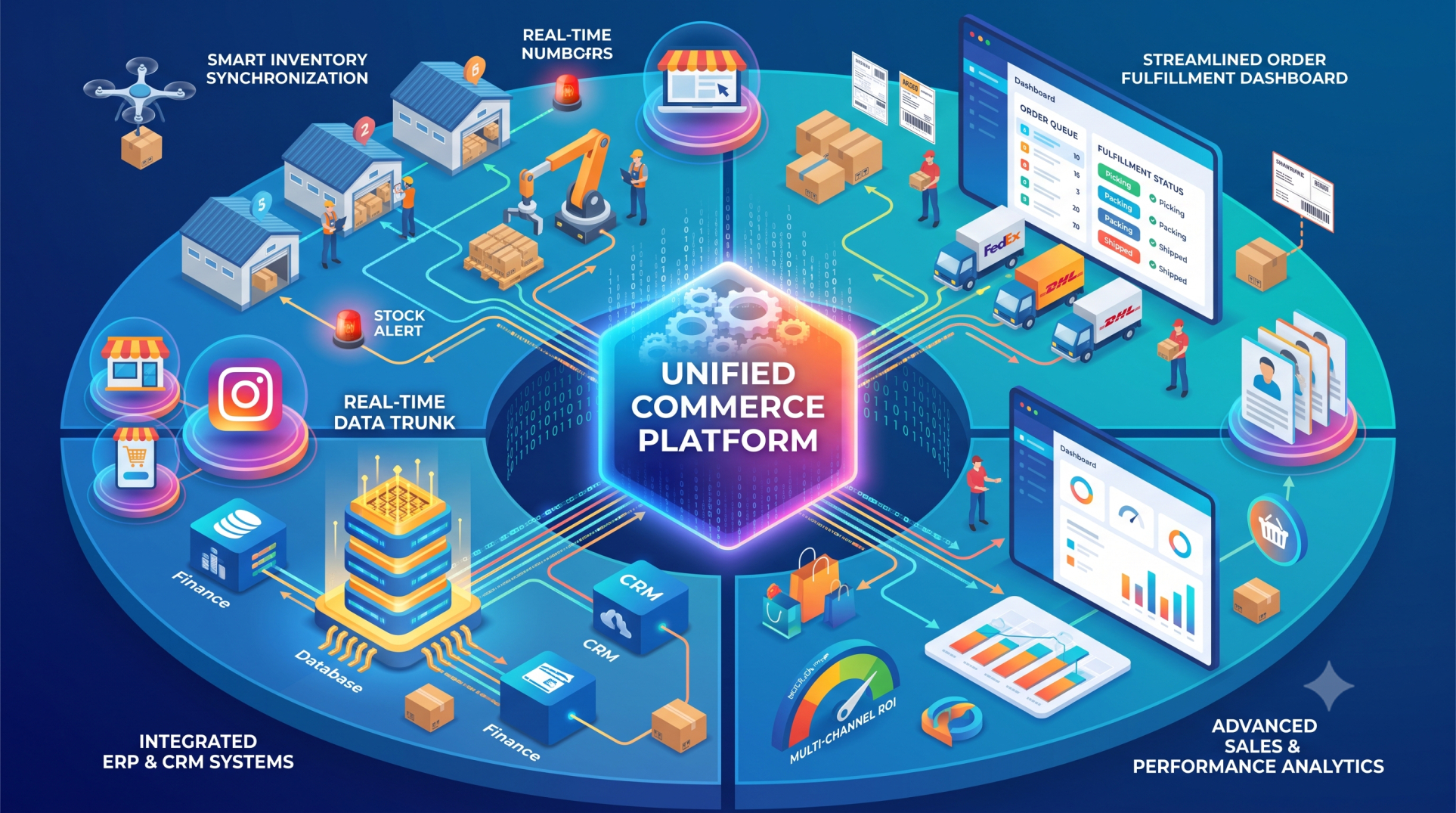
• Prepare for connections with e-commerce, support, and analytics platforms 🌐
• Document integration logic to simplify future maintenance 📘
• Continuously refine workflows as organizational requirements evolve ⚙️
Conclusion
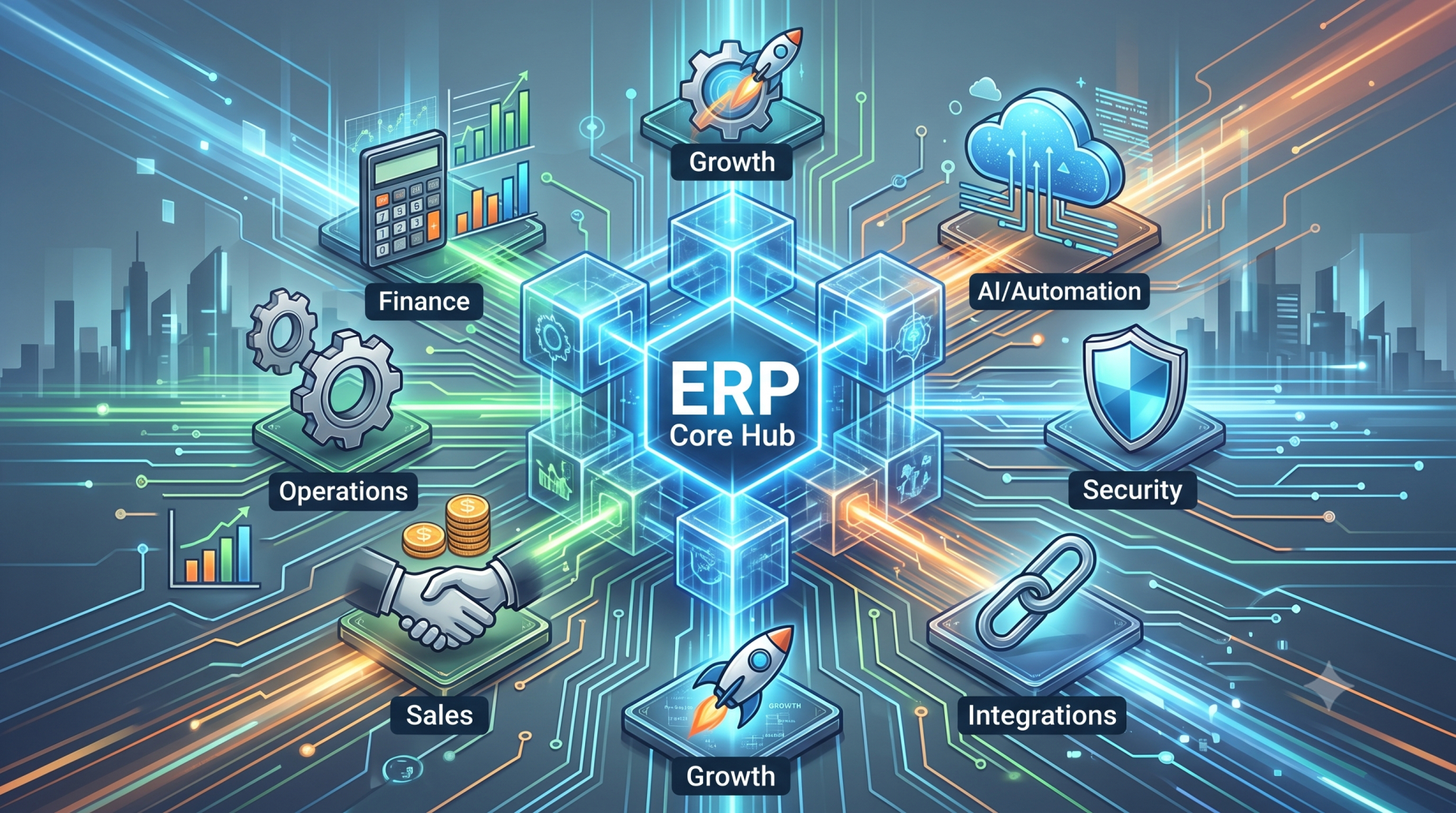
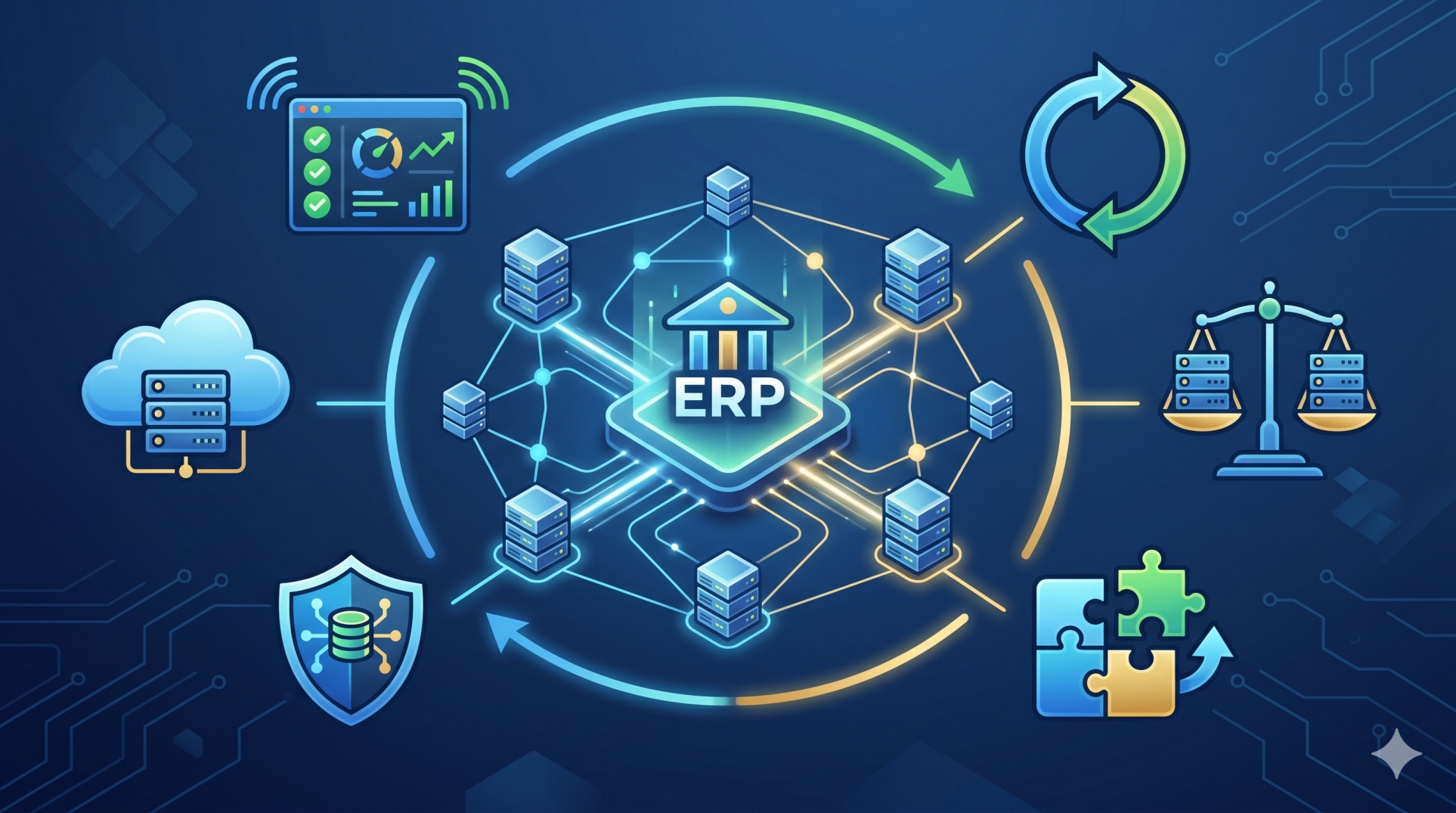
Connecting HubSpot with an ERP system can create a more coordinated customer data environment across sales, finance, inventory, and operations. Instead of relying on disconnected records and repeated manual updates, organizations can establish controlled data flows that keep relevant information available where it is needed.
A carefully designed CRM–ERP integration can improve data consistency, simplify cross-department workflows, and provide teams with broader visibility into customer activity. With secure synchronization, clear data ownership, and ongoing monitoring, the integration can also provide a scalable foundation for more connected business operations.
See more blogs
You can all the articles below