ERP System Design and Testing: Avoiding Common Pitfalls
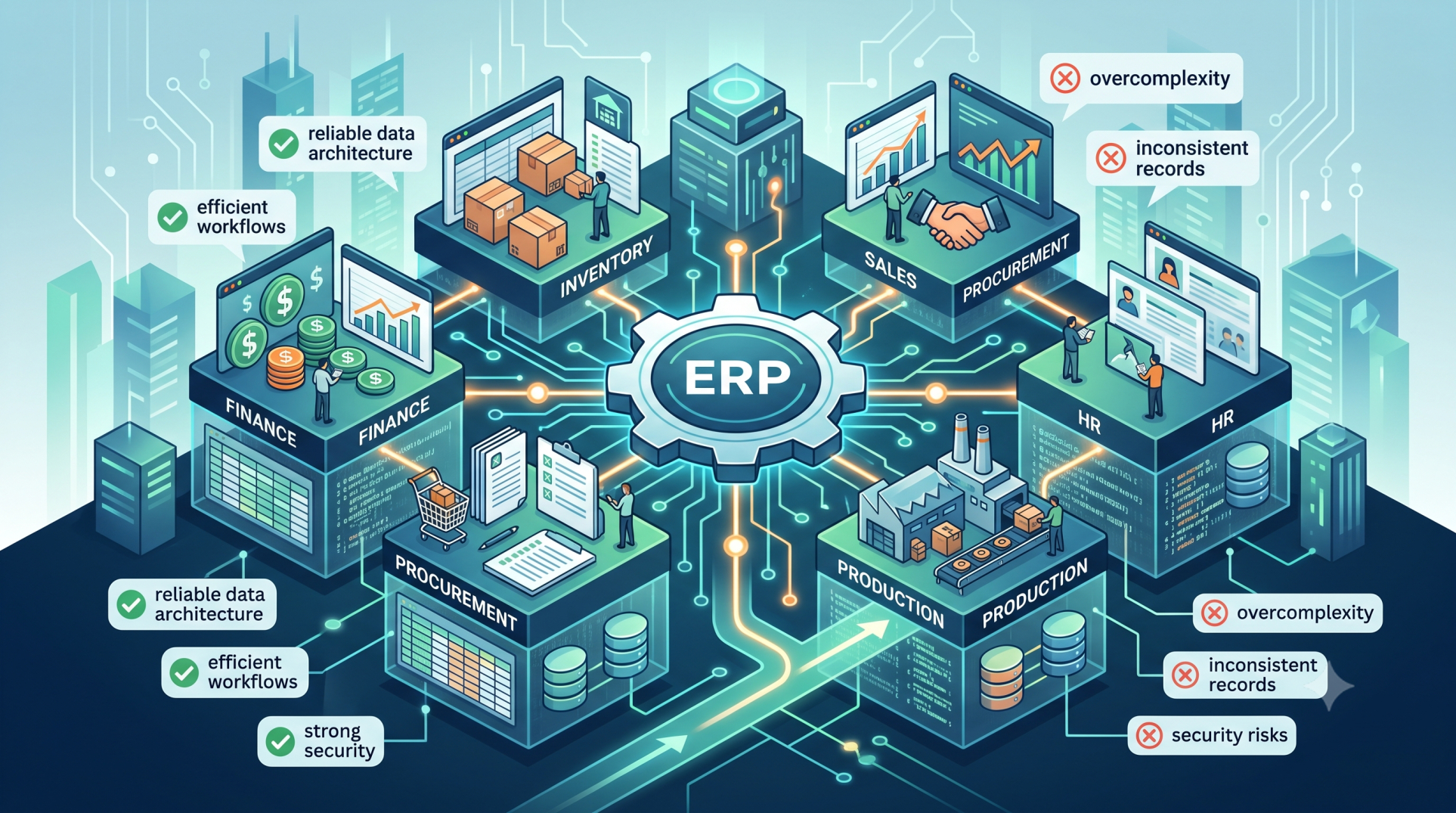
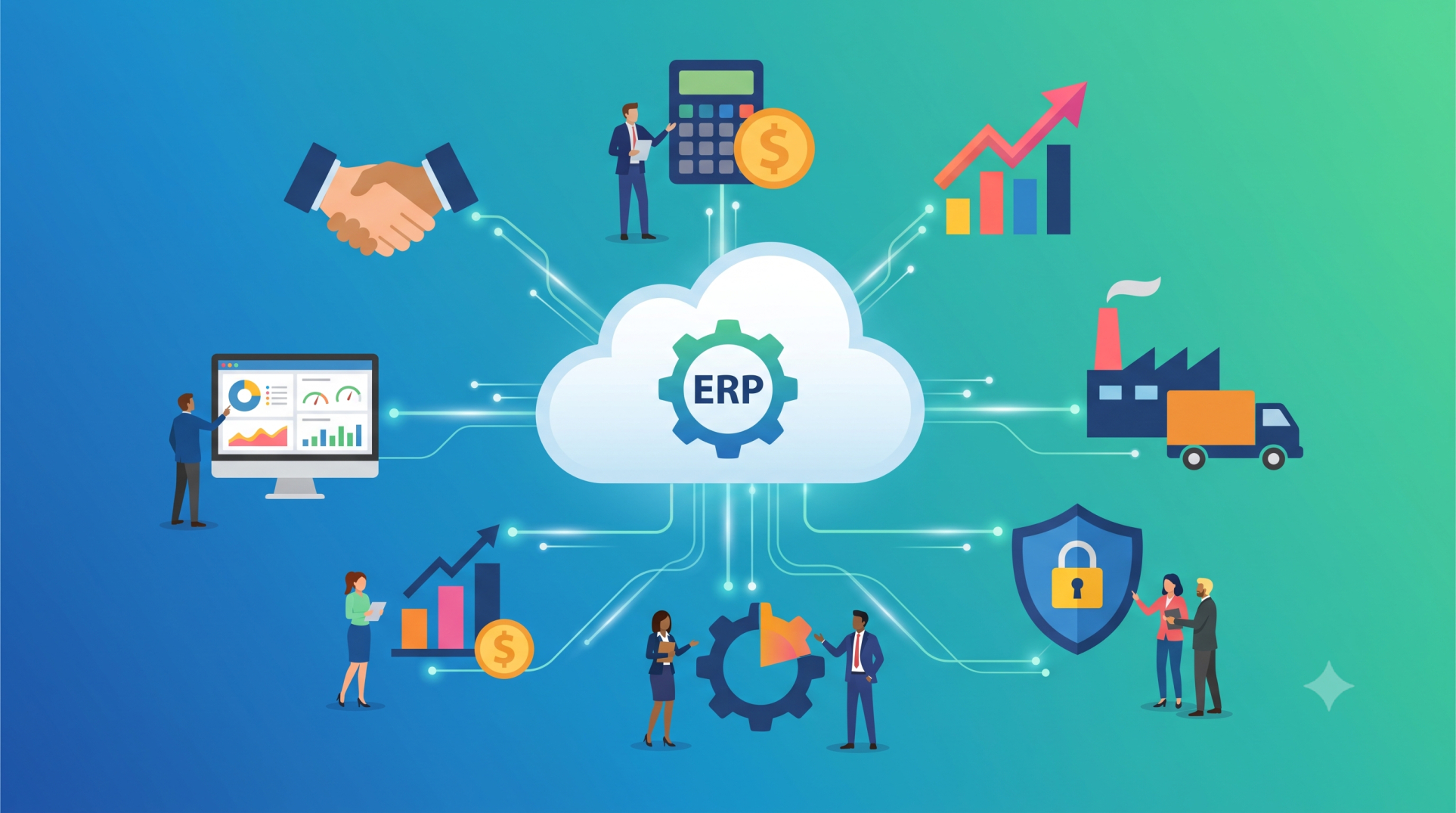
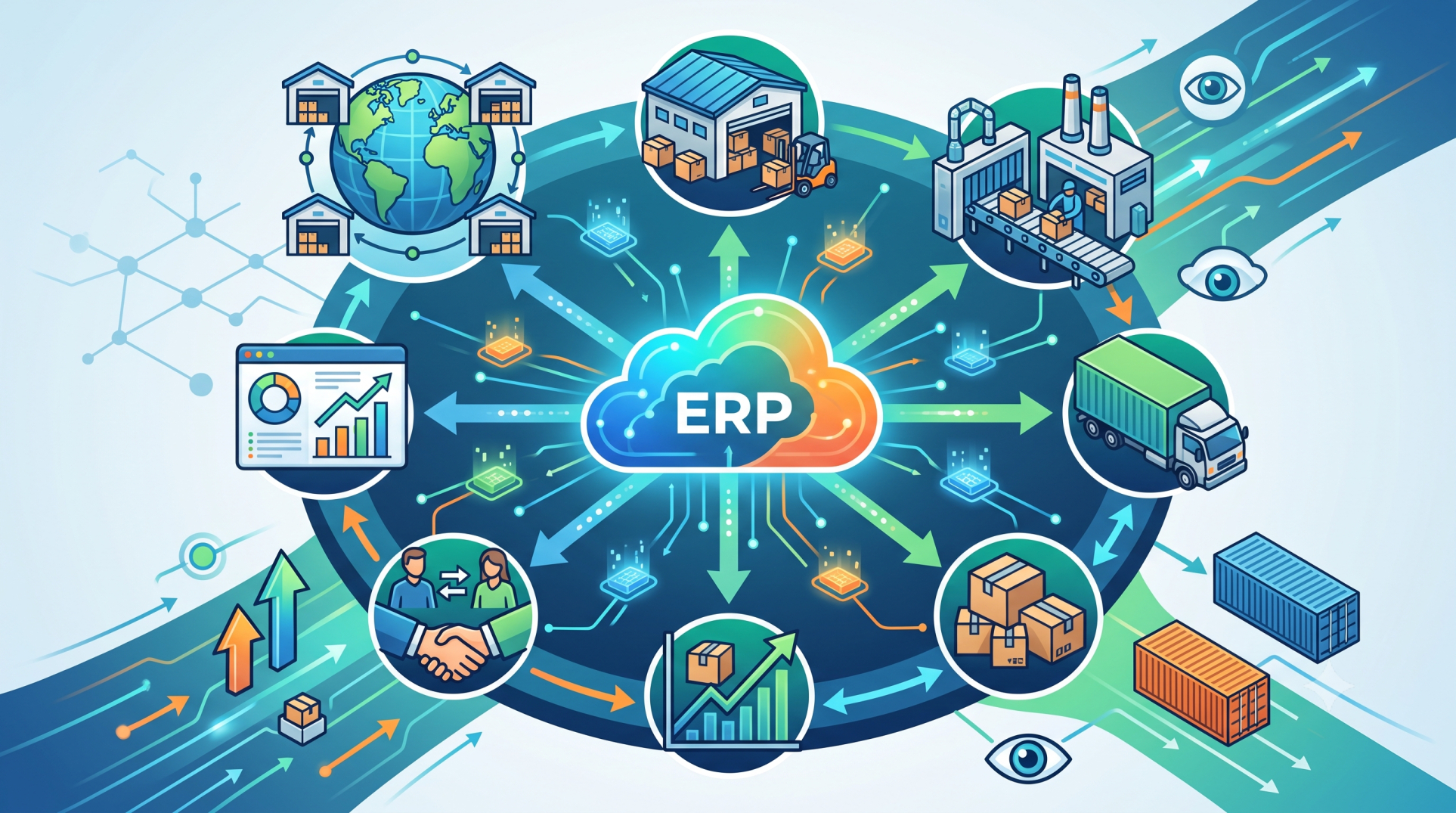
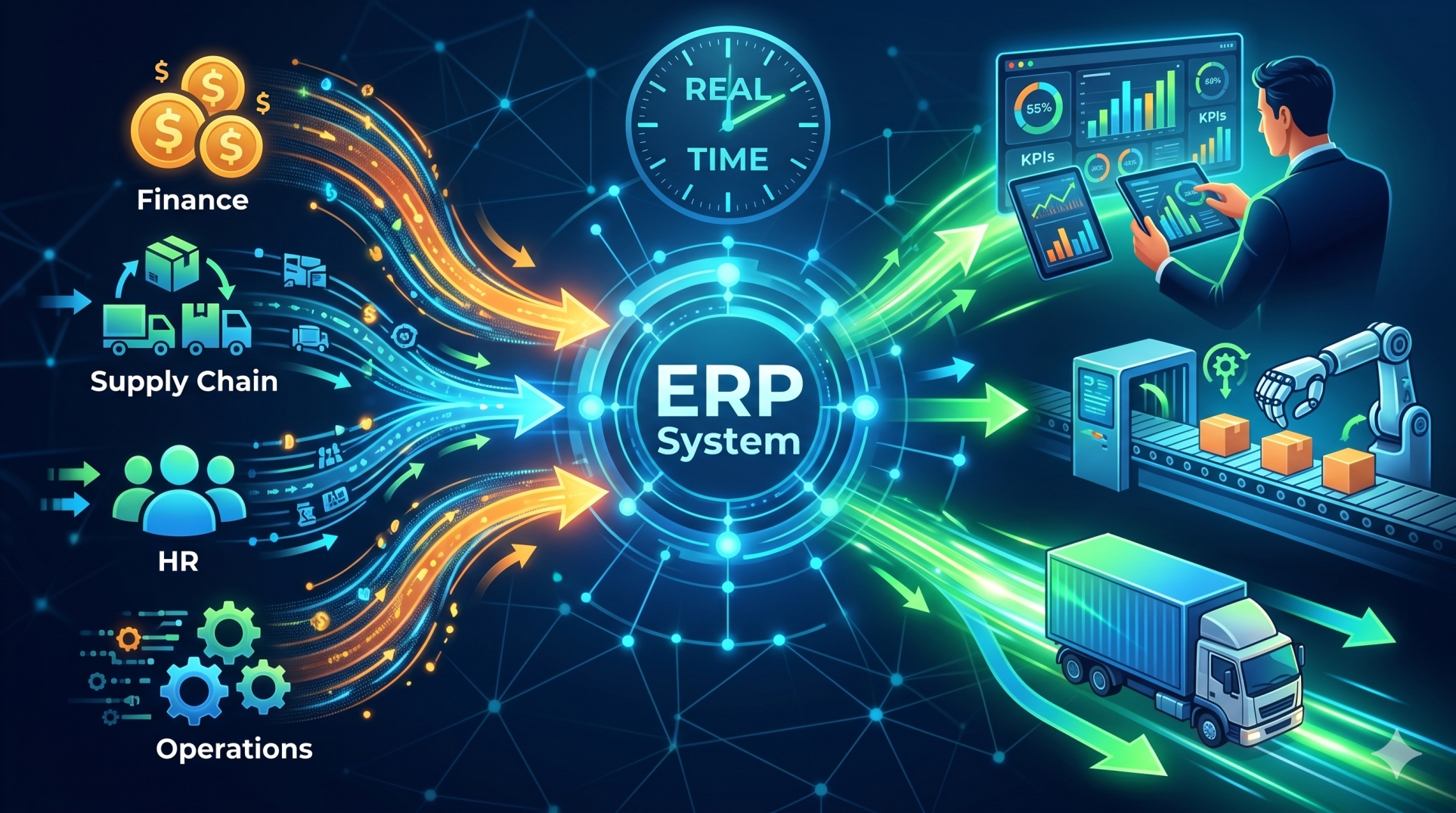
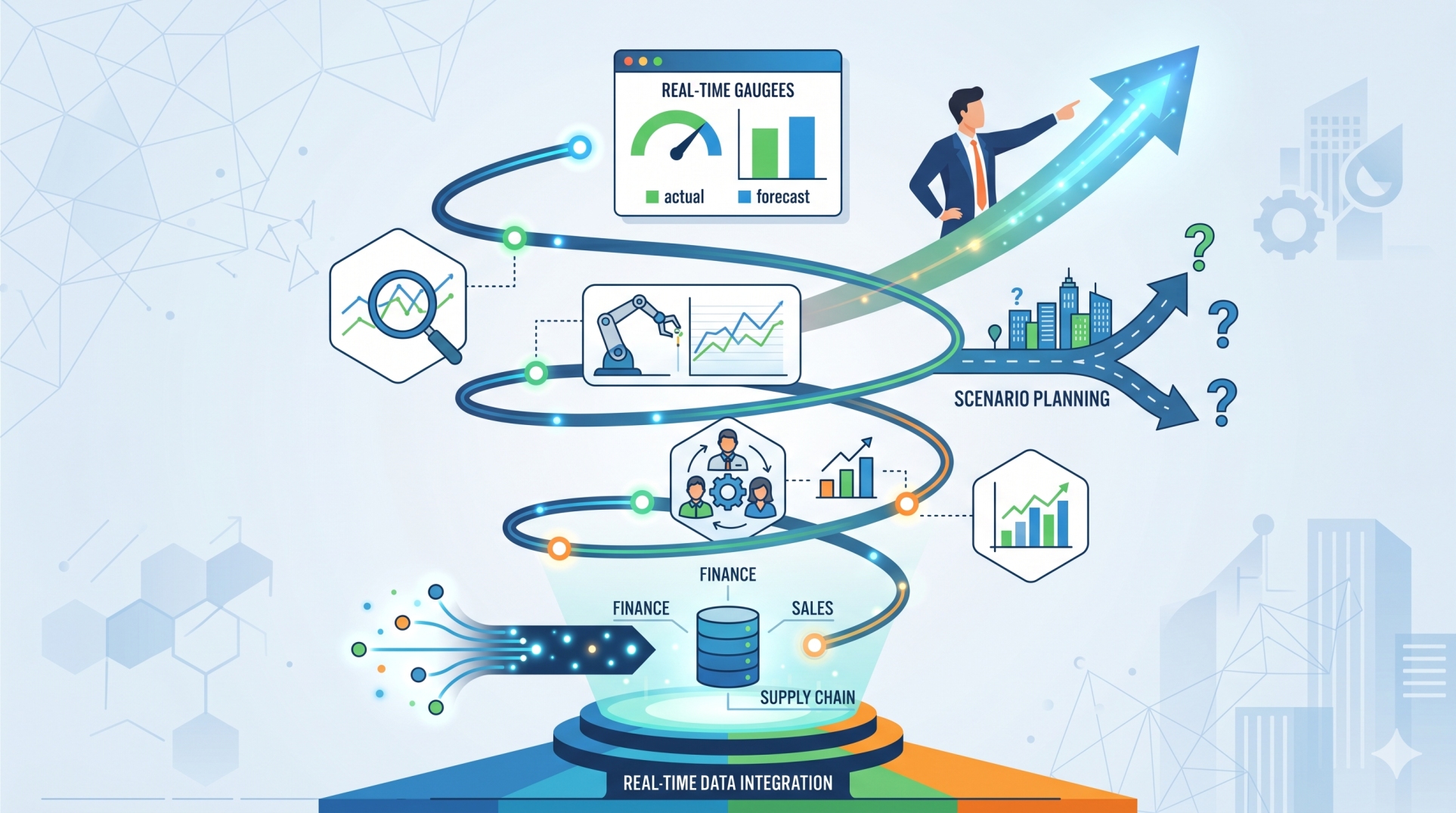
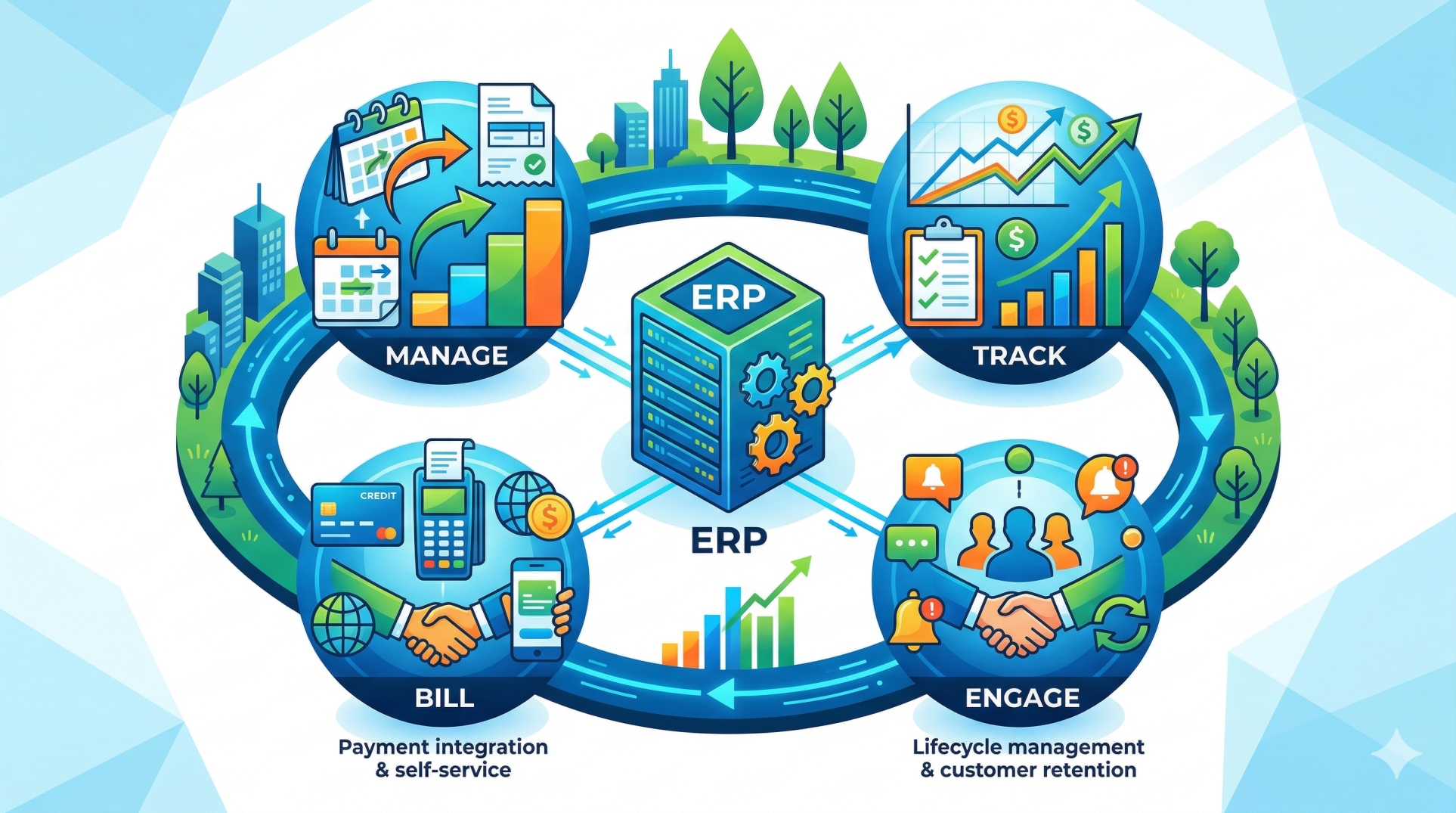
Designing and testing an Enterprise Resource Planning (ERP) system requires careful coordination across technology, business processes, data, and users. Because ERP platforms often connect finance, inventory, procurement, sales, production, human resources, and other critical functions, even small design mistakes can create problems across multiple departments. A structured approach to architecture, integration, testing, and deployment helps organizations reduce risk and build ERP systems that remain reliable as business requirements evolve.
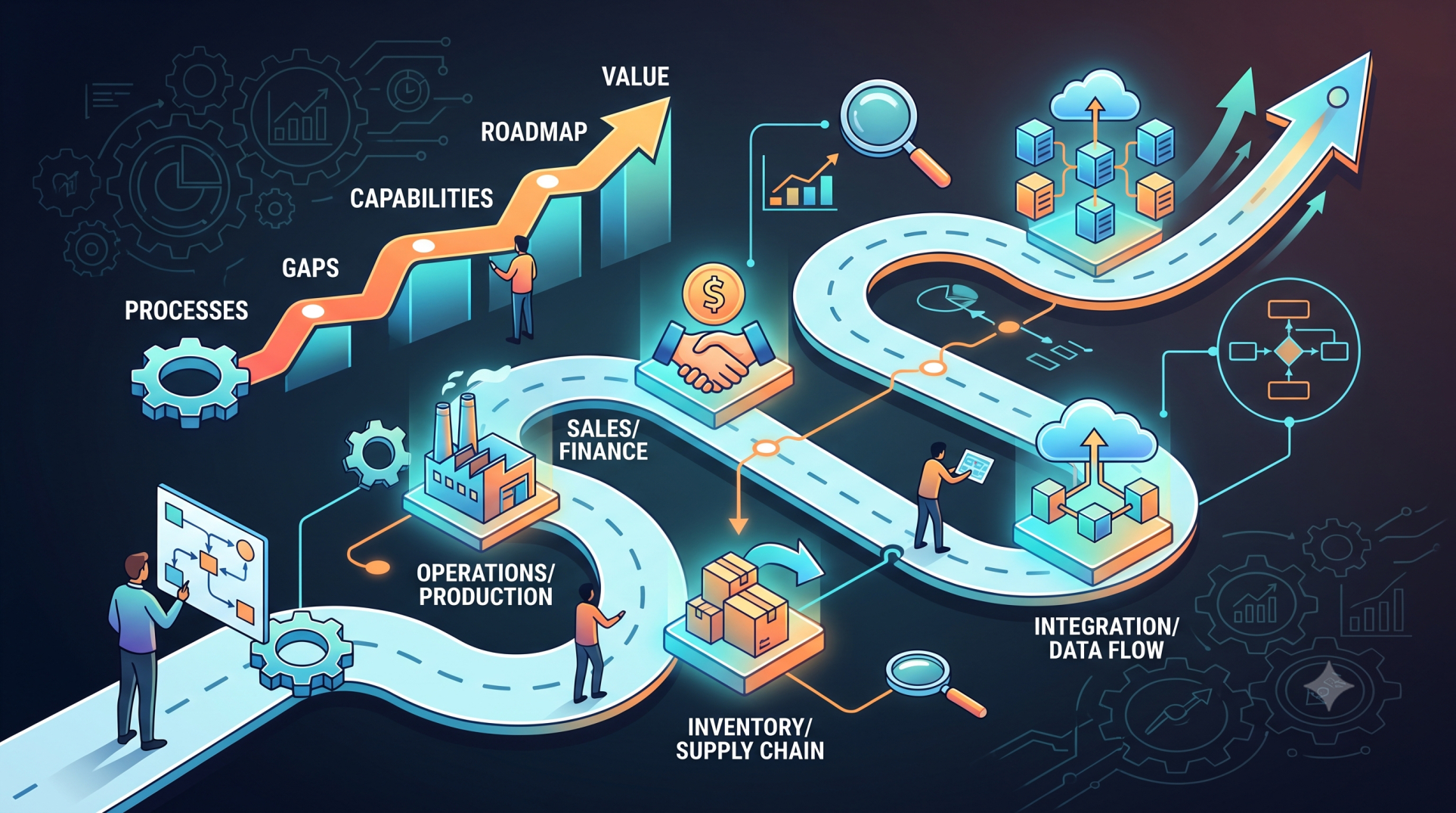
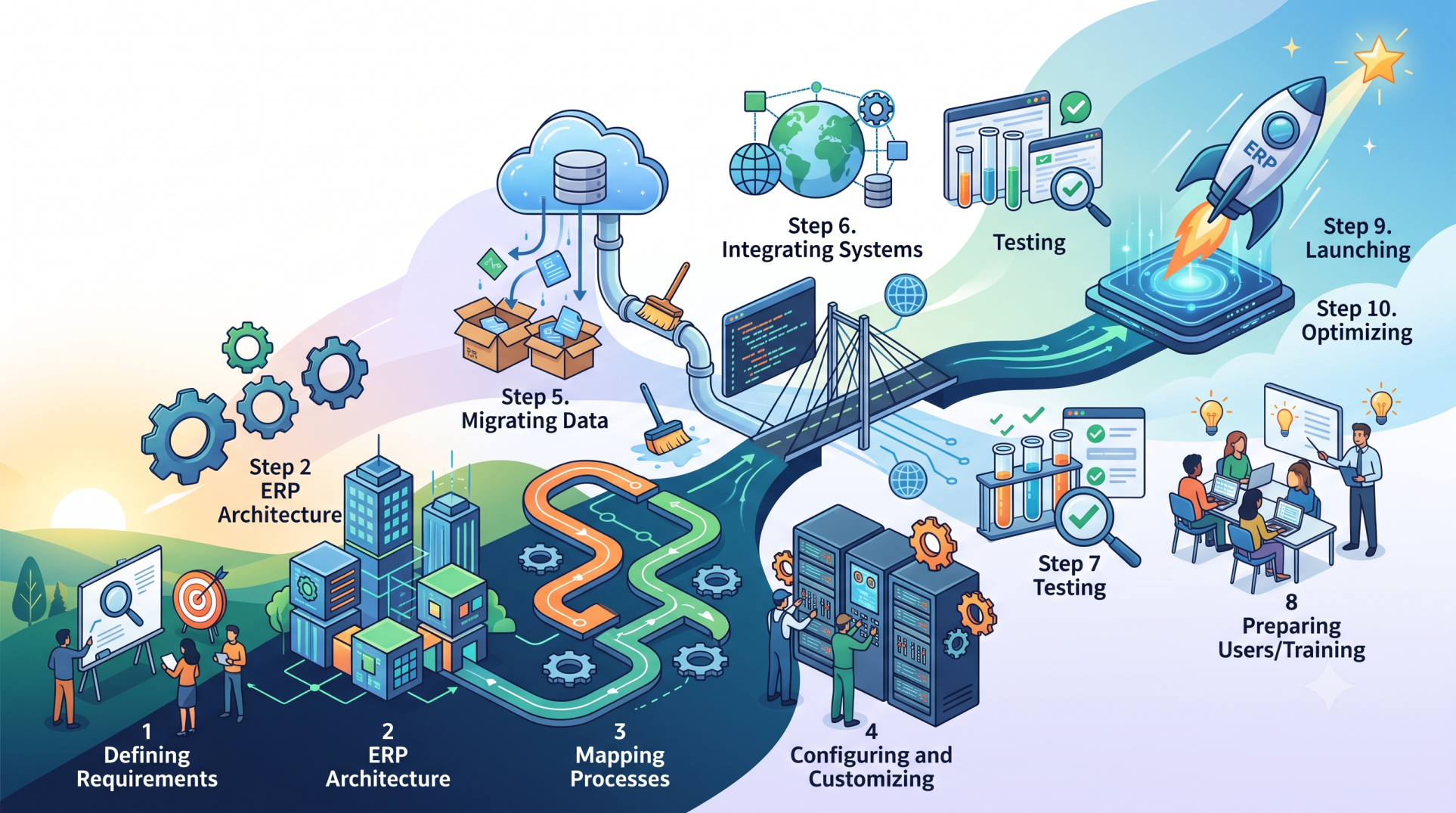
Step 1: Defining Requirements Before Development 🎯
• Gather requirements from every department that will use the ERP system 📝
• Document existing workflows before introducing automation 🔍
• Separate essential requirements from optional features 📋
• Define measurable business and operational objectives 📊
• Avoid beginning development with incomplete or unclear specifications ⚠️
Step 2: Avoiding Overcomplicated System Design 🏗️
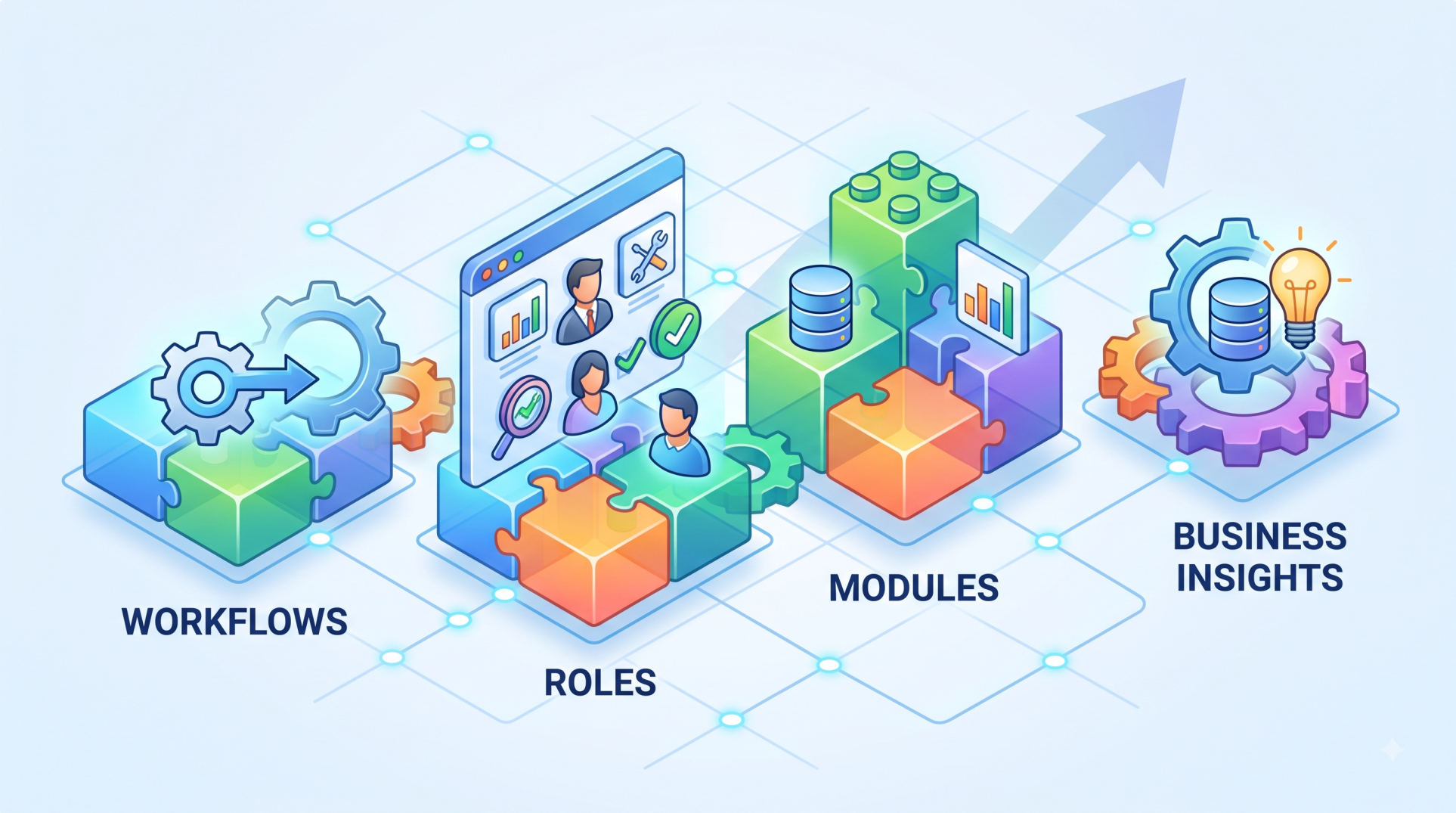
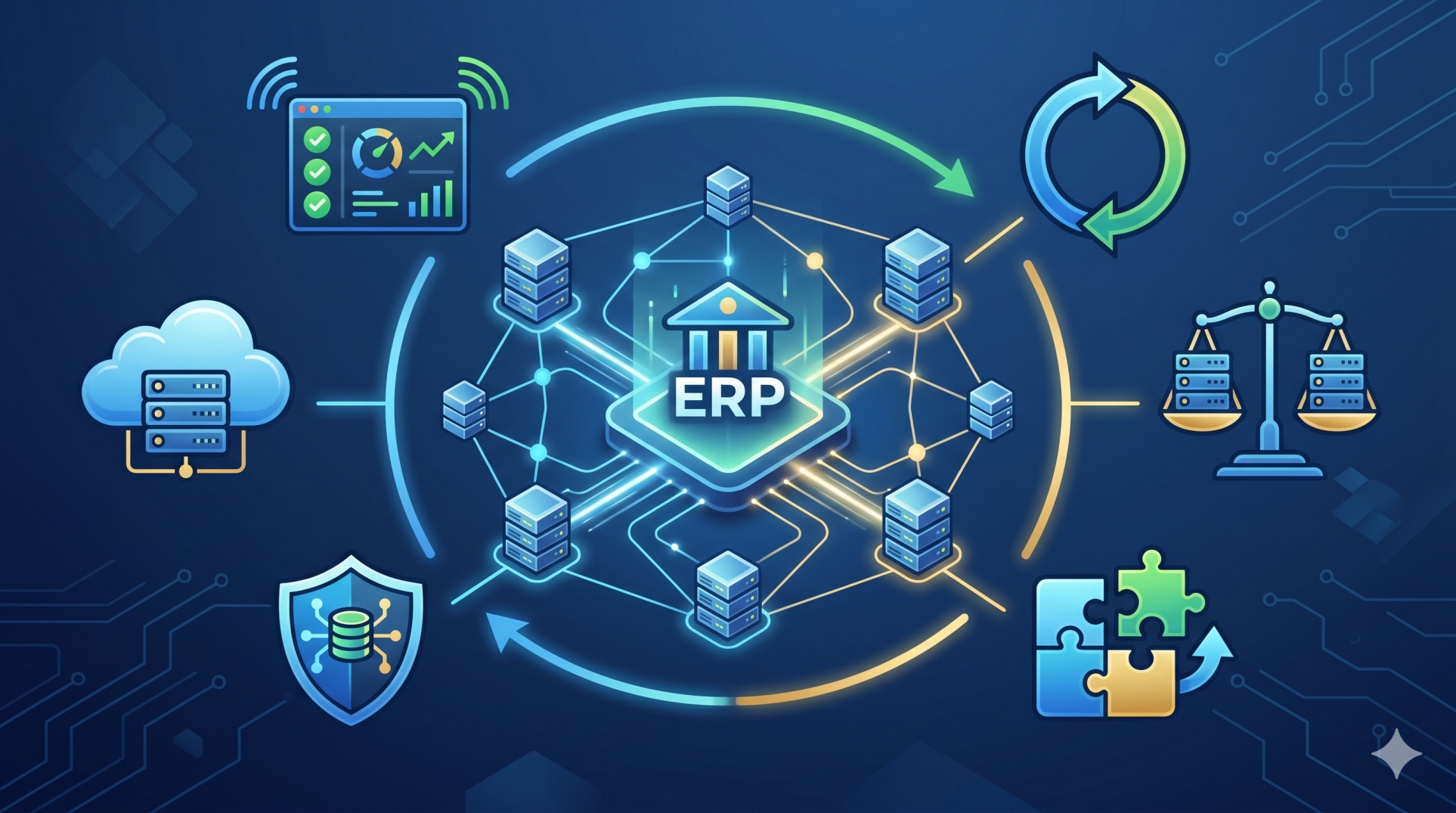
• Keep ERP architecture modular and manageable 🧩
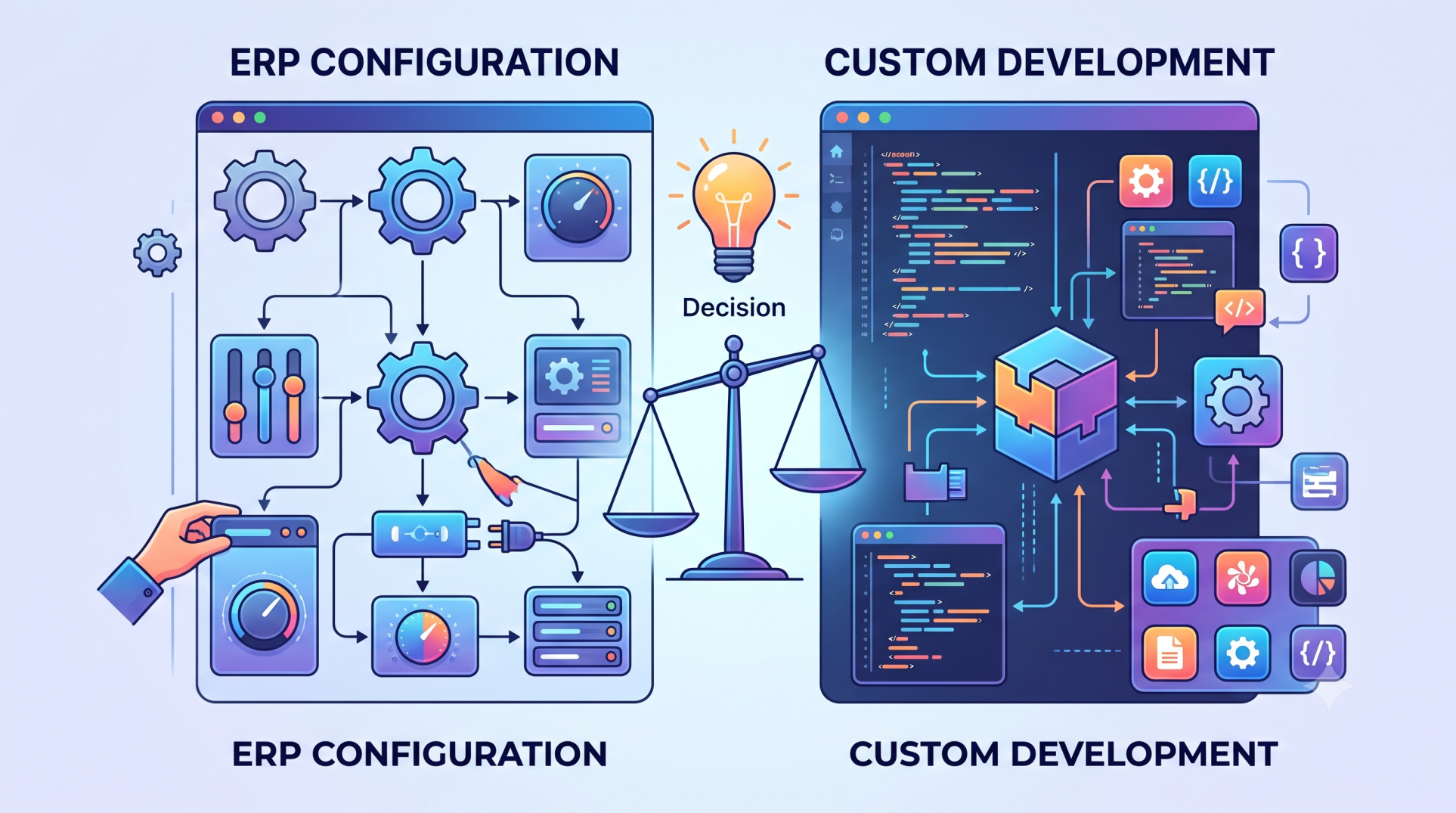
• Avoid unnecessary customization when standard functionality is sufficient ⚙️
• Design components around clearly defined business responsibilities 🎯
• Reduce dependencies that make future changes difficult 🔗
• Maintain flexibility for expansion and process evolution 🚀
Step 3: Building a Reliable Data Architecture 🗄️
• Establish consistent data structures across ERP modules 📂
• Define validation rules for important business information ✅
• Prevent duplicate, incomplete, and inconsistent records 🚫
• Create clear relationships between customers, suppliers, products, and transactions 🔗
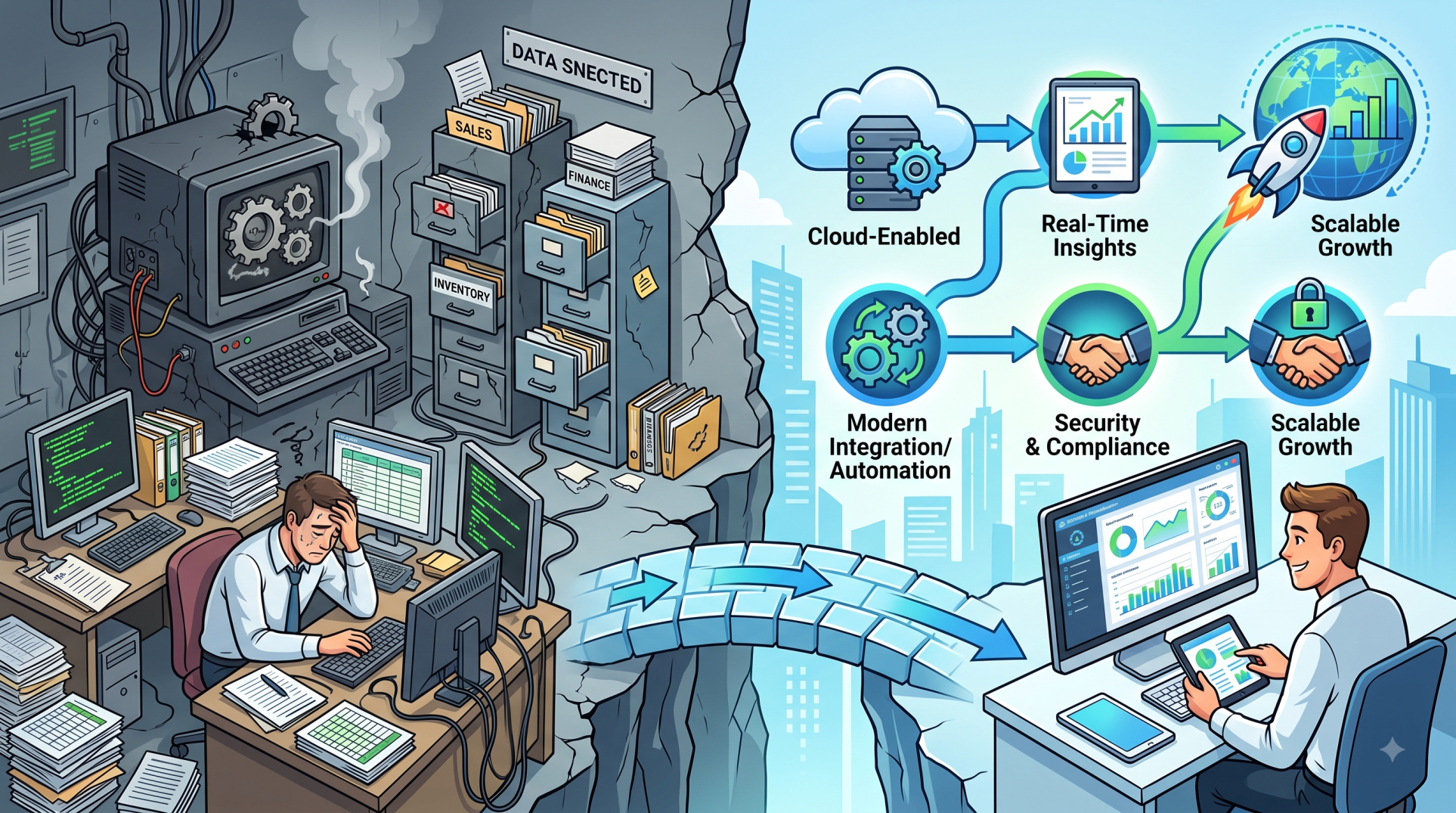
• Plan data migration carefully when replacing legacy systems 🔄
Step 4: Designing Integrations Carefully 🔌
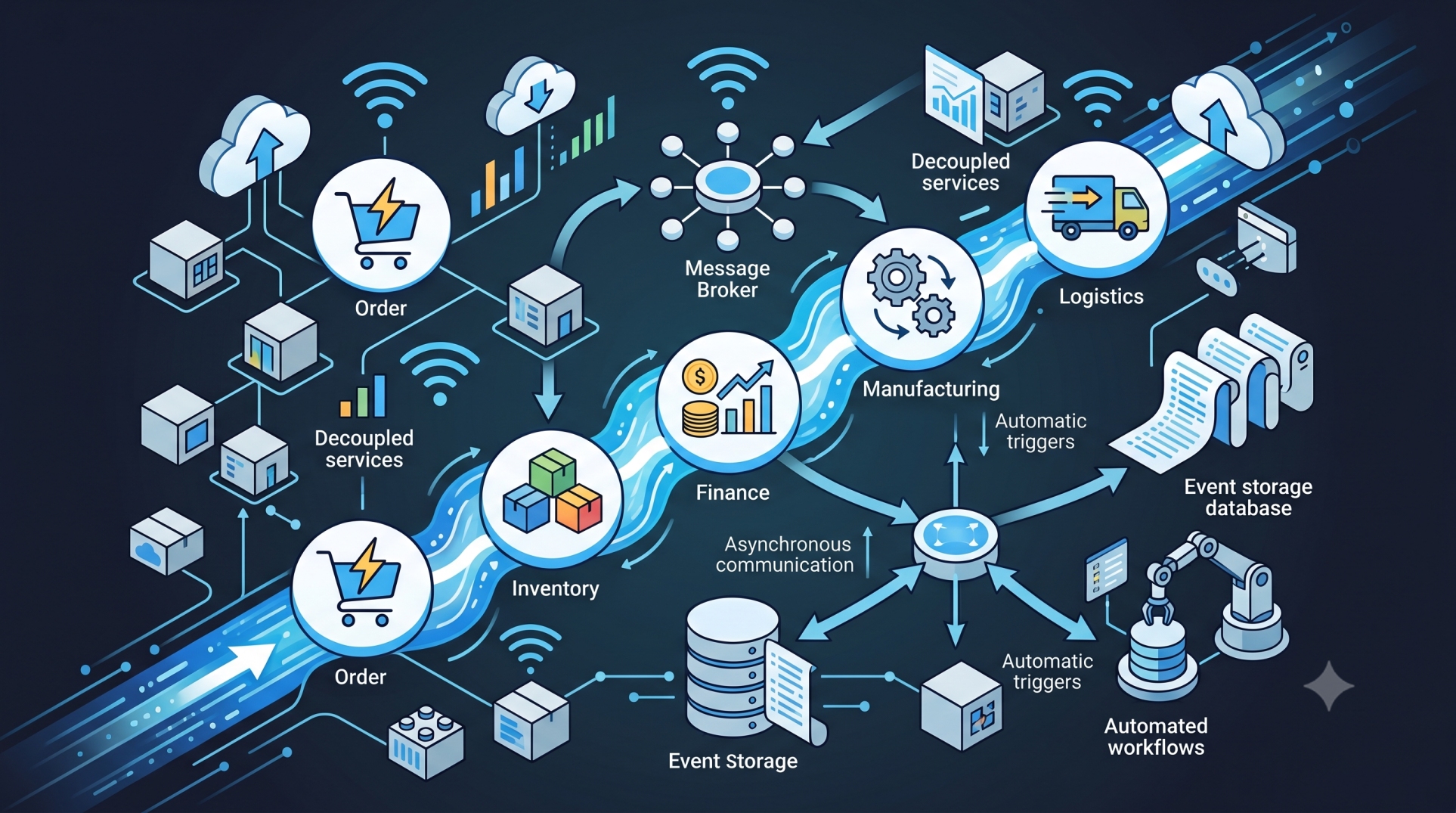
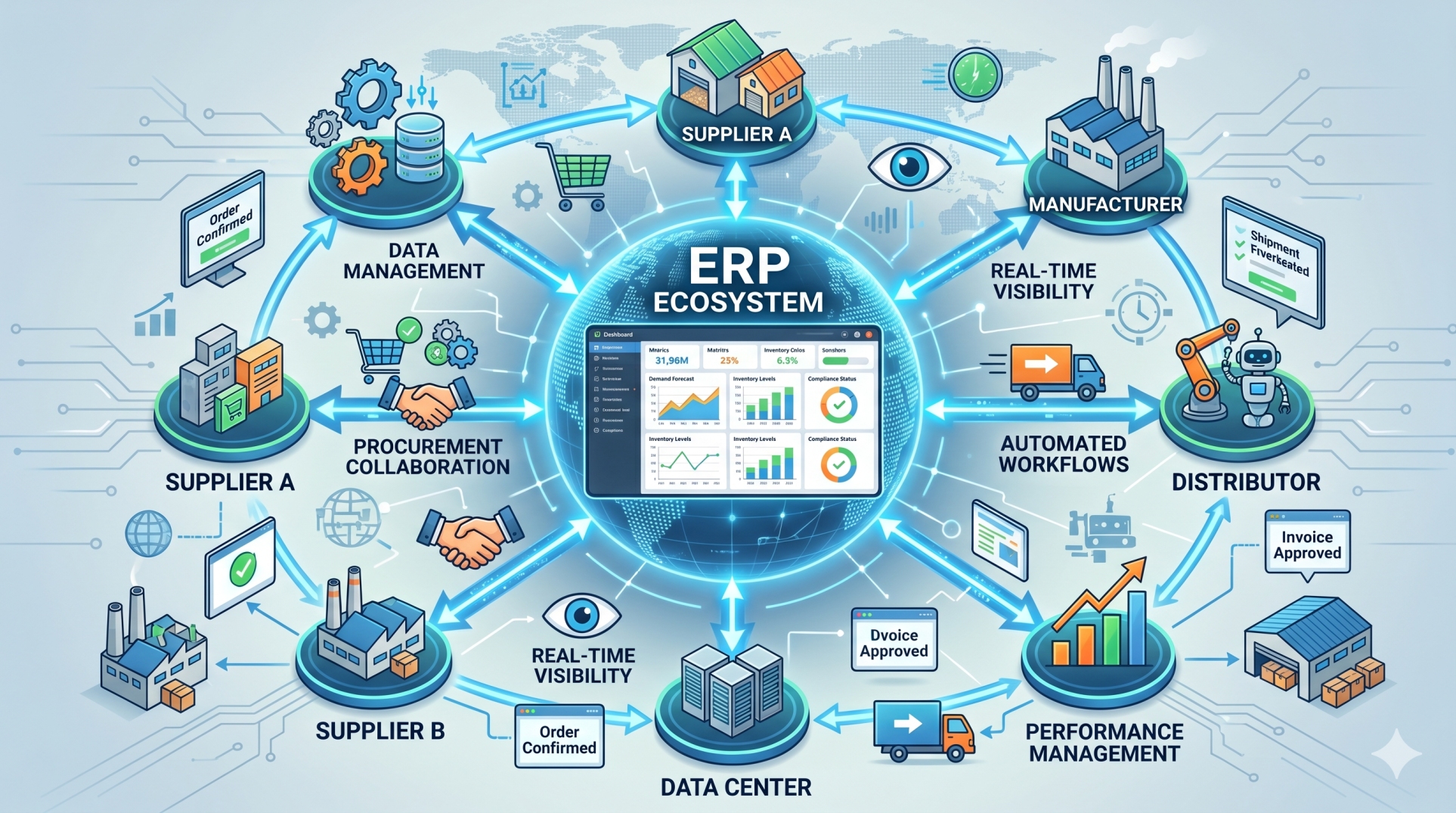
• Identify every external application that must exchange information with the ERP 🌐
• Define reliable APIs and integration interfaces ⚙️
• Implement error handling for failed transactions 🚨
• Monitor synchronization between connected platforms 🔍
• Avoid integrations that create unnecessary system dependencies 🛡️
Step 5: Testing Complete Business Workflows 🧪
• Test end-to-end processes instead of individual features alone 🔄
• Validate workflows across finance, sales, inventory, procurement, and operations 📊
• Confirm that information transfers correctly between modules 🔗
• Test approval rules, calculations, notifications, and exceptions ✅
• Include realistic business scenarios in testing environments 🏢
Step 6: Testing for Real-World Exceptions ⚠️
• Test incorrect, missing, and duplicate data scenarios 🔎
• Simulate cancelled or modified transactions 🔄
• Verify system behaviour when integrations become unavailable 🌐
• Test unusual workflow combinations and operational exceptions 🧩
• Confirm that users receive useful error messages when problems occur 📢
Step 7: Evaluating Performance and Scalability 🚀
• Test the ERP under realistic transaction volumes 📈
• Measure response times for frequently used processes ⏱️
• Identify database and application bottlenecks 🔍
• Simulate periods of high user activity 👥
• Confirm that infrastructure can support future business growth 🏗️
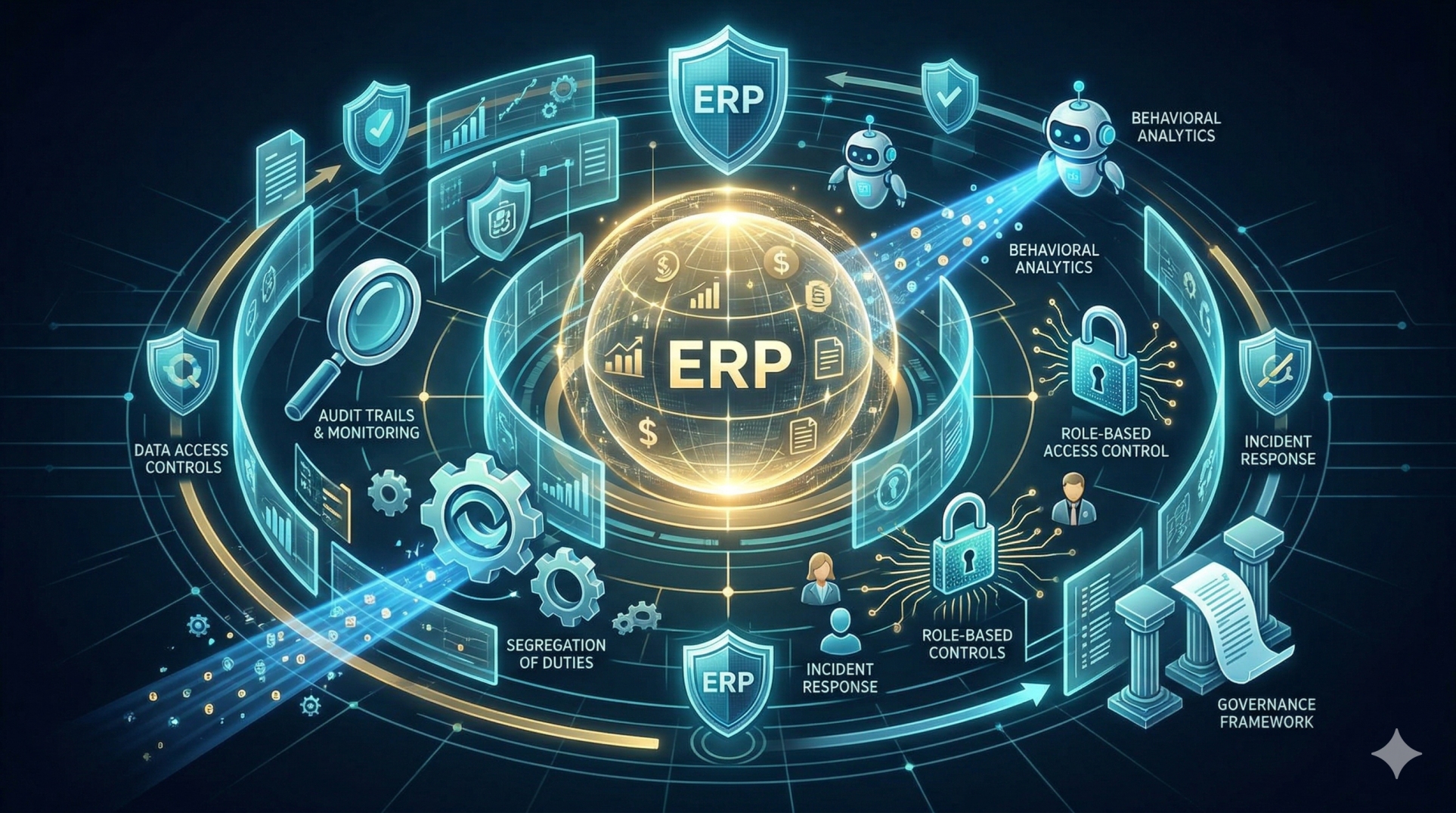
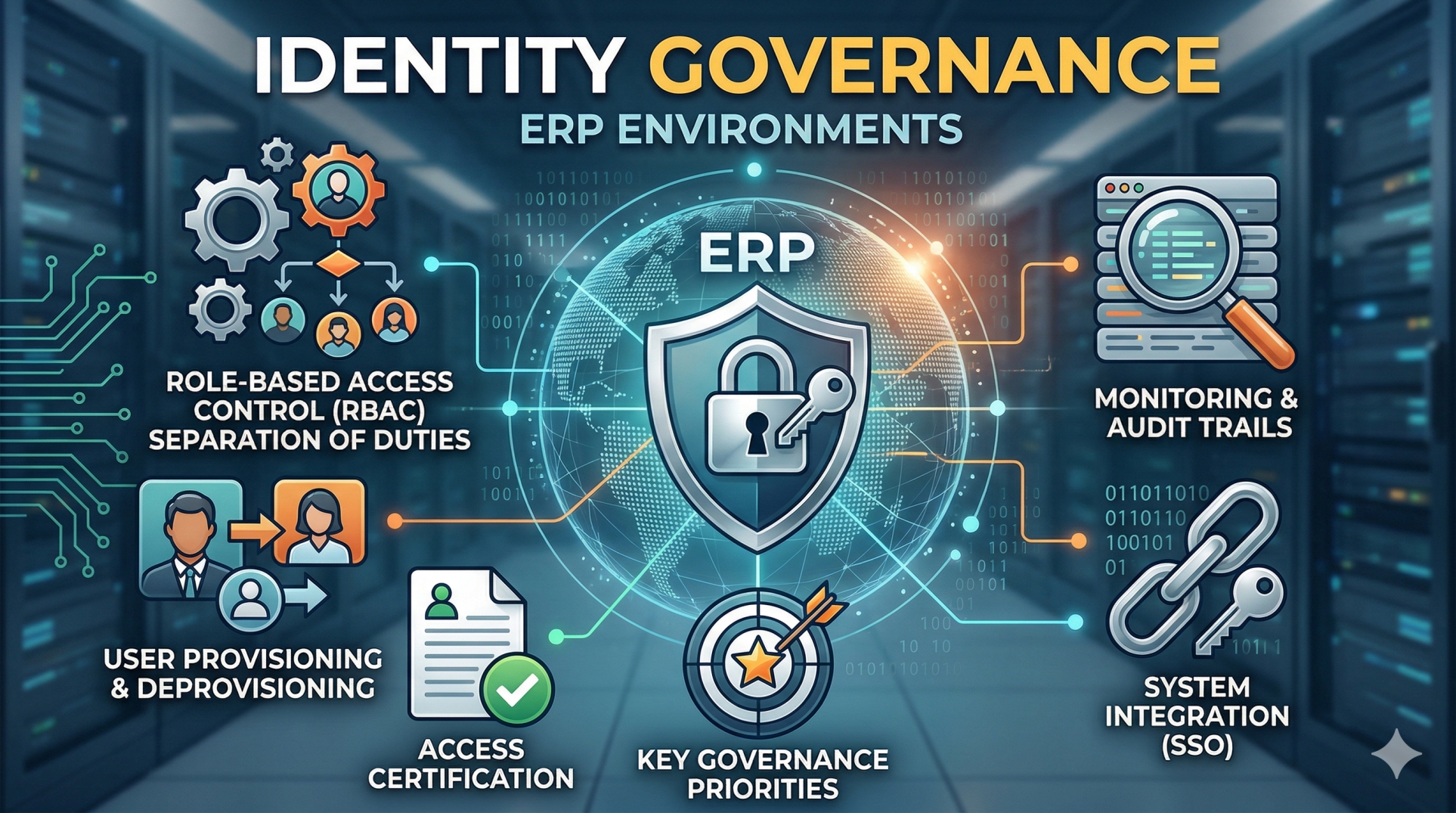
Step 8: Strengthening Security and Access Controls 🔐
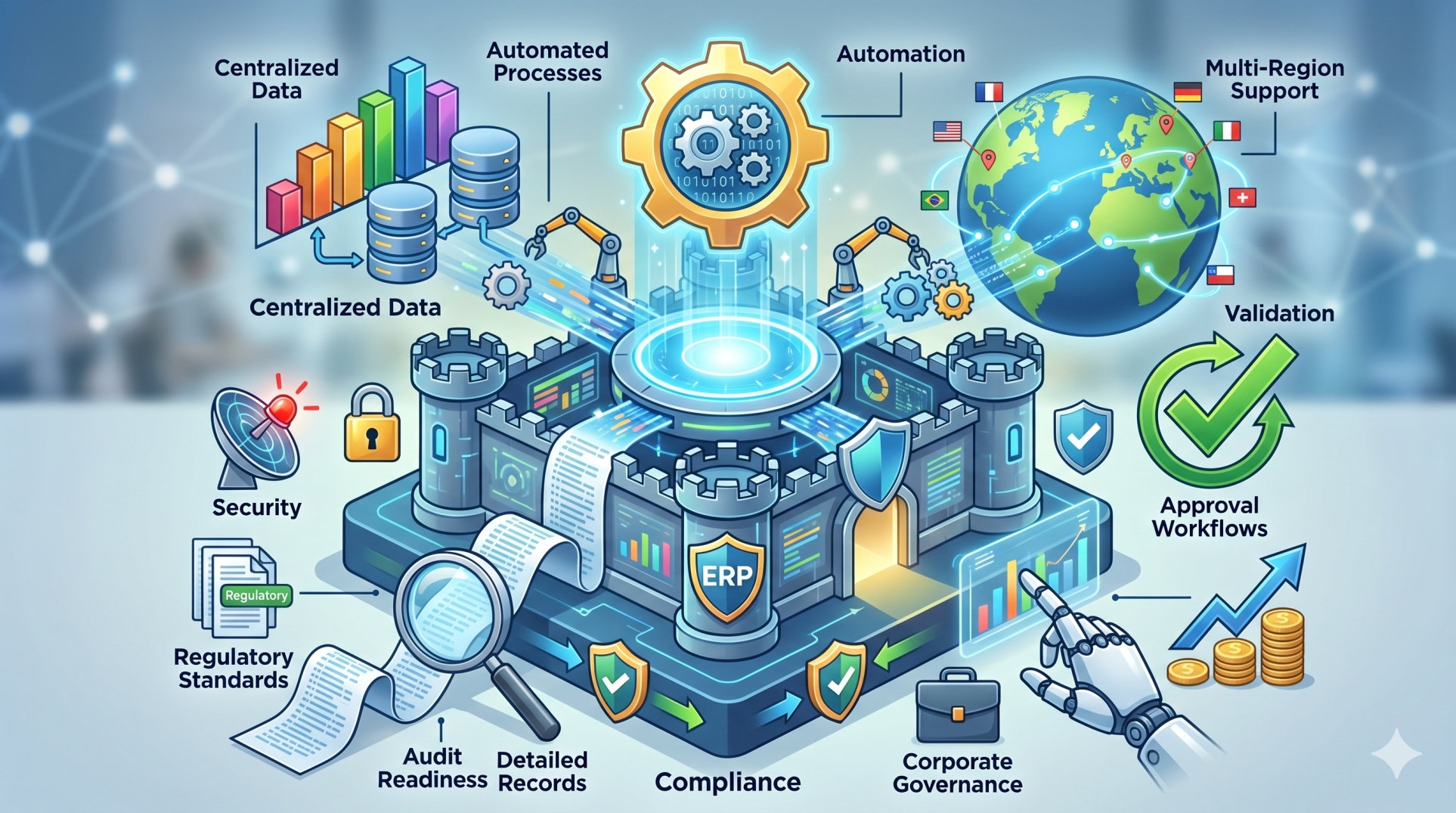
• Apply role-based permissions according to job responsibilities 👤
• Restrict access to sensitive financial and operational information 🛡️
• Test authentication and authorization controls thoroughly 🔑
• Maintain activity logs for important system actions 📜
• Regularly review permissions as employee responsibilities change 🔄
Step 9: Conducting User Acceptance Testing 👥
• Involve employees who perform real business processes 🤝
• Validate whether workflows reflect actual operational requirements 📋
• Collect feedback on usability and process efficiency 💬
• Resolve critical issues before production deployment 🛠️
• Confirm that users understand redesigned workflows 🎓
Step 10: Preventing Deployment and Maintenance Problems 🛠️
• Use controlled deployment procedures instead of making untested production changes 🚦
• Maintain separate development, testing, and production environments 🖥️
• Prepare backup and recovery procedures before major releases 💾
• Monitor system health after updates and integrations 📡
• Maintain documentation for configurations, workflows, and custom functionality 📚
Common ERP Pitfalls to Avoid 🚫
• Developing without clearly documented business requirements
• Excessive customization that increases long-term complexity
• Poor-quality or inconsistent master data
• Testing individual modules without validating cross-functional workflows
• Ignoring performance until the system reaches production
• Giving users excessive or inappropriate access permissions
• Migrating legacy data without sufficient validation
• Launching major changes without user acceptance testing
• Failing to prepare recovery plans for deployment problems
• Treating ERP implementation as a one-time project instead of an evolving business platform
Conclusion 🌟
Successful ERP development depends on more than implementing features. Organizations must consider architecture, data quality, integrations, security, performance, user workflows, and testing as interconnected parts of the same system.
By identifying common design and testing pitfalls early, businesses can reduce deployment risks, improve system reliability, and create ERP platforms that support daily operations effectively. A modular architecture, comprehensive testing strategy, and continuous improvement process provide a stronger foundation for building scalable and adaptable ERP environments.
See more blogs
You can all the articles below